lock FORD FOCUS 2003 1.G User Guide
[x] Cancel search | Manufacturer: FORD, Model Year: 2003, Model line: FOCUS, Model: FORD FOCUS 2003 1.GPages: 216, PDF Size: 4.15 MB
Page 40 of 216
VOR
1. Park the vehicle on a level surface approximately 7.6 meters (25 feet)
from the vertical wall or the screen directly in front of it.
2. Measure the height of the headlamp bulb center from the ground and
mark a 2.5 meters (8 foot) horizontal reference line on the vertical wall
or screen at this height. (A piece of masking tape works well.)
3. Turn on the low beam headlamps to illuminate the wall or screen and
open the hood.
4. On the wall or screen you will observe an area of high intensity light.
The top of the high intensity area should touch the horizontal reference
line. If not, the beam will need to be adjusted.
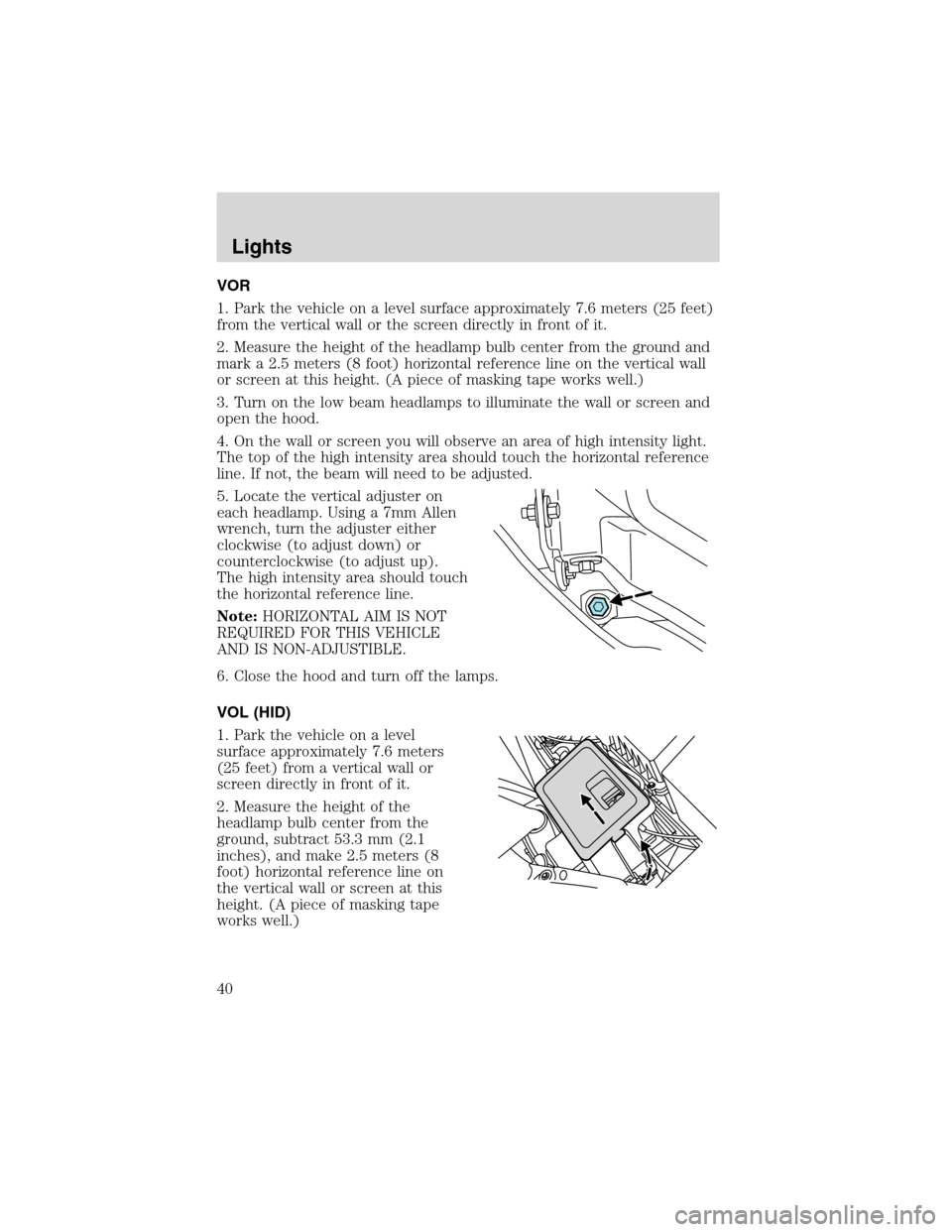
5. Locate the vertical adjuster on
each headlamp. Using a 7mm Allen
wrench, turn the adjuster either
clockwise (to adjust down) or
counterclockwise (to adjust up).
The high intensity area should touch
the horizontal reference line.
Note:HORIZONTAL AIM IS NOT
REQUIRED FOR THIS VEHICLE
AND IS NON-ADJUSTIBLE.
6. Close the hood and turn off the lamps.
VOL (HID)
1. Park the vehicle on a level
surface approximately 7.6 meters
(25 feet) from a vertical wall or
screen directly in front of it.
2. Measure the height of the
headlamp bulb center from the
ground, subtract 53.3 mm (2.1
inches), and make 2.5 meters (8
foot) horizontal reference line on
the vertical wall or screen at this
height. (A piece of masking tape
works well.)
Lights
40
Page 41 of 216
3. Open the hood.
4. Remove the battery cover.
5. Remove the headlamp bulb cover by releasing the four snap hooks
(two top and two bottom).
Note:On the left headlamp, pull the bulb cover approximately 1 inch
rearward and then slide it out until the vertical aiming adjuster is
accessible.
6. Turn on the low beam to illuminate the wall or screen. On the wall or
screen you will observe an area of high intensity light. If the left side of
each light pattern is not at the reference line, the beam needs to be
adjusted.
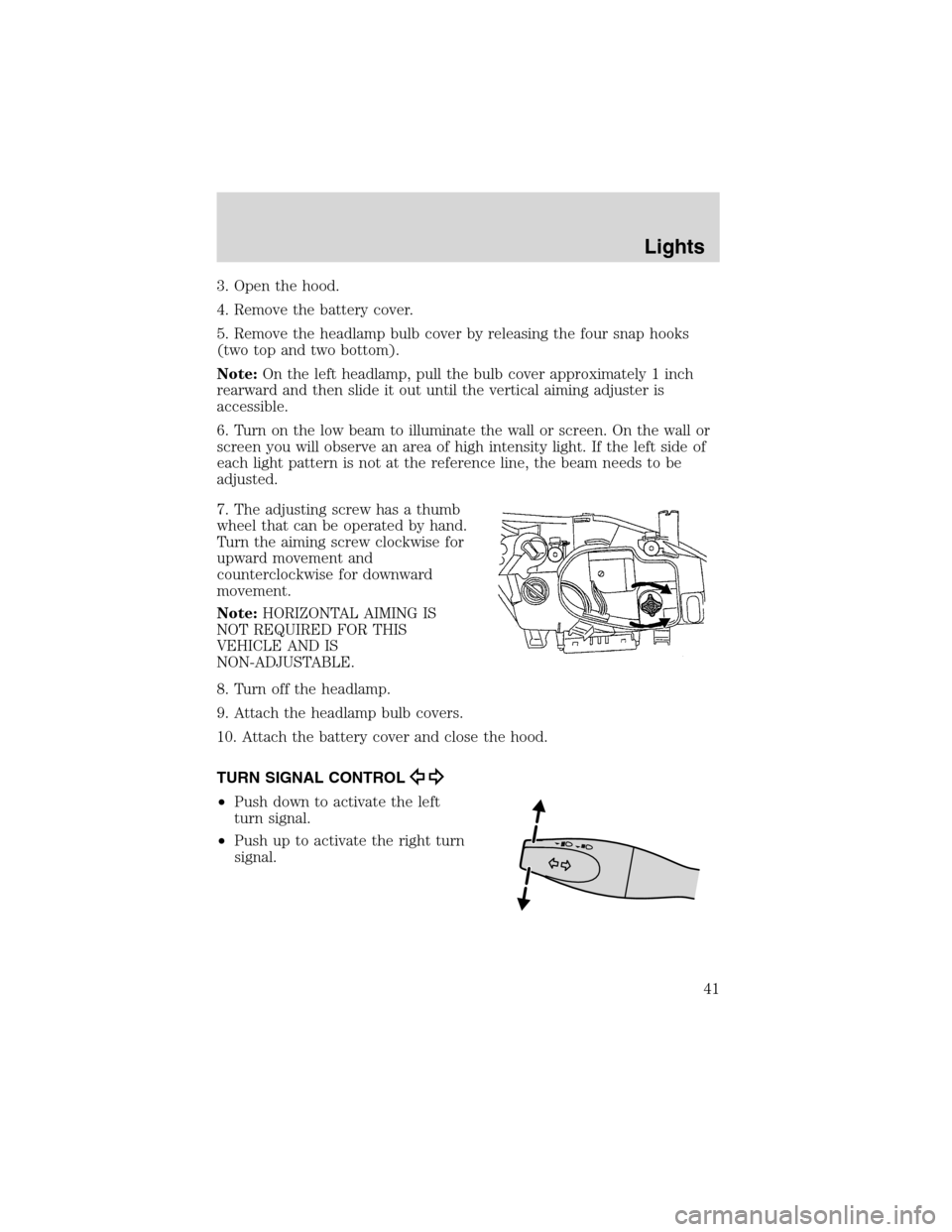
7. The adjusting screw has a thumb
wheel that can be operated by hand.
Turn the aiming screw clockwise for
upward movement and
counterclockwise for downward
movement.
Note:HORIZONTAL AIMING IS
NOT REQUIRED FOR THIS
VEHICLE AND IS
NON-ADJUSTABLE.
8. Turn off the headlamp.
9. Attach the headlamp bulb covers.
10. Attach the battery cover and close the hood.
TURN SIGNAL CONTROL
•Push down to activate the left
turn signal.
•Push up to activate the right turn
signal.
Lights
41
Page 45 of 216
Replacing grill-mounted front parking lamp/turn signal bulbs
1. Make sure the headlamp control
is in the OFF position and open the
hood.
2. Remove the cover panel at the
front of the engine compartment.
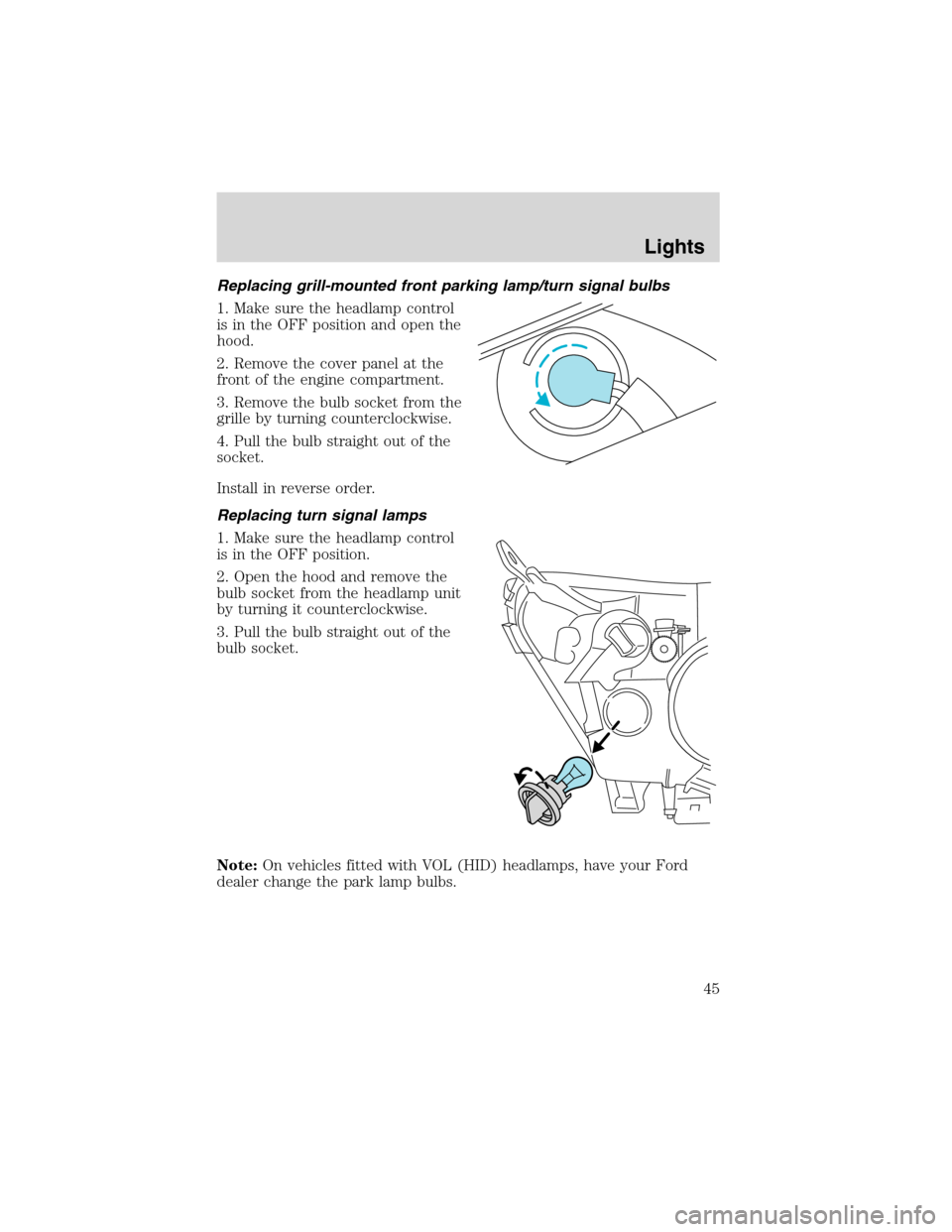
3. Remove the bulb socket from the
grille by turning counterclockwise.
4. Pull the bulb straight out of the
socket.
Install in reverse order.
Replacing turn signal lamps
1. Make sure the headlamp control
is in the OFF position.
2. Open the hood and remove the
bulb socket from the headlamp unit
by turning it counterclockwise.
3. Pull the bulb straight out of the
bulb socket.
Note:On vehicles fitted with VOL (HID) headlamps, have your Ford
dealer change the park lamp bulbs.
Lights
45
Page 46 of 216
Replacing tail/brake/backup lights and turn signal bulbs (coupe)
1. Make sure the headlamp control
is in the OFF position and then
open the hatchback.
2. From inside the luggage
compartment remove the wing nut
of the rear light assembly cover.
3. Using a Phillips screw driver
remove the screw. The lamp is still
retained by a spring loaded clip.
Remove by gently pulling out the
light housing.
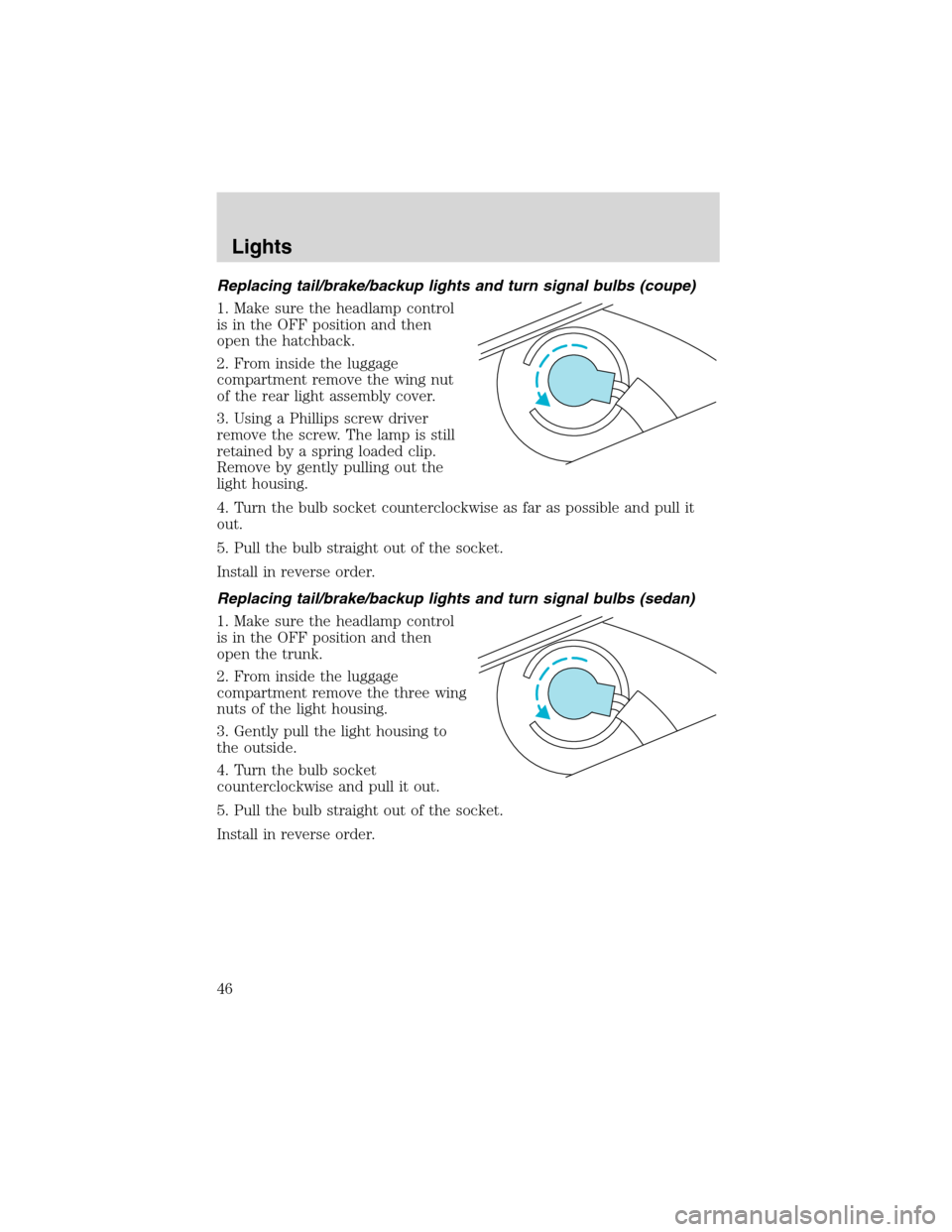
4. Turn the bulb socket counterclockwise as far as possible and pull it
out.
5. Pull the bulb straight out of the socket.
Install in reverse order.
Replacing tail/brake/backup lights and turn signal bulbs (sedan)
1. Make sure the headlamp control
is in the OFF position and then
open the trunk.
2. From inside the luggage
compartment remove the three wing
nuts of the light housing.
3. Gently pull the light housing to
the outside.
4. Turn the bulb socket
counterclockwise and pull it out.
5. Pull the bulb straight out of the socket.
Install in reverse order.
Lights
46
Page 47 of 216
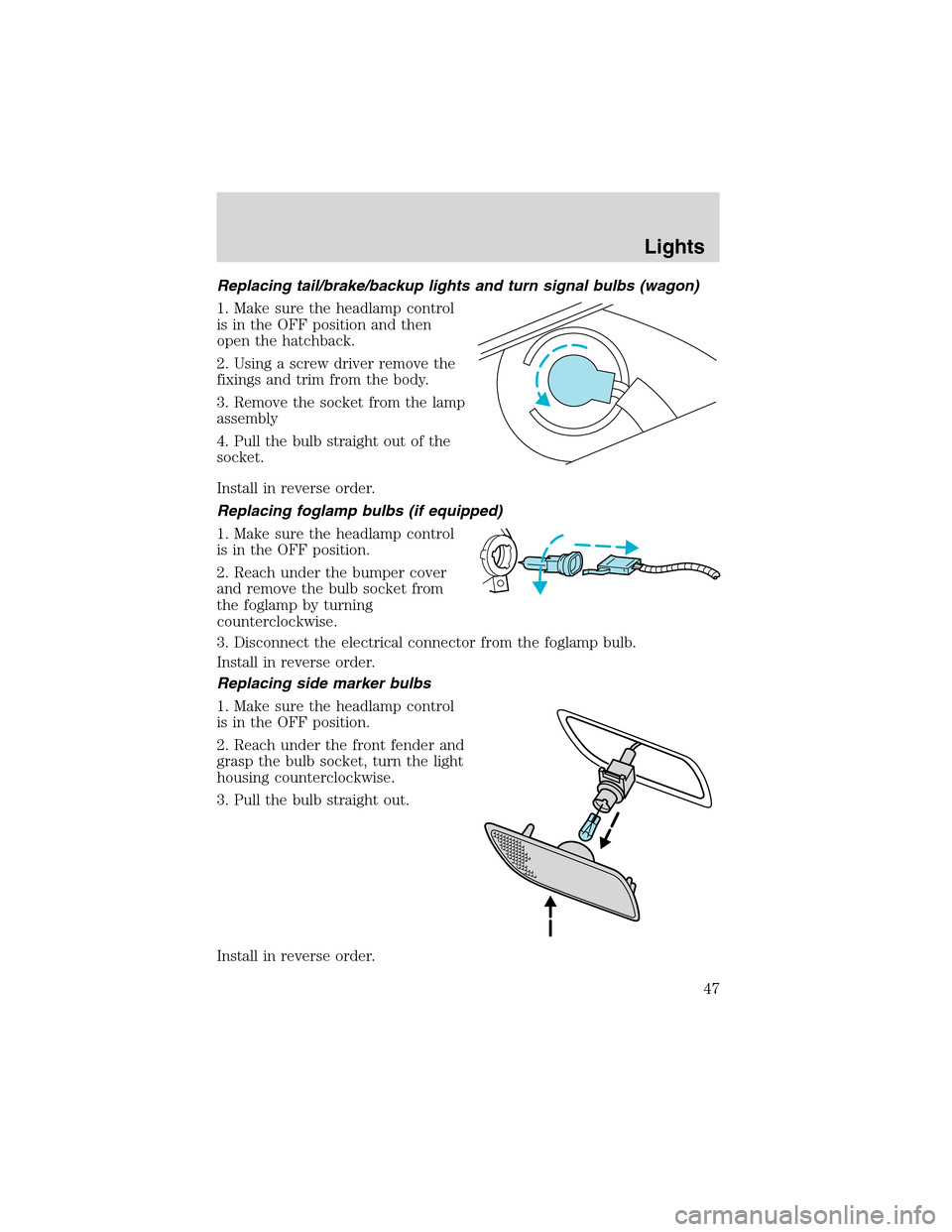
Replacing tail/brake/backup lights and turn signal bulbs (wagon)
1. Make sure the headlamp control
is in the OFF position and then
open the hatchback.
2. Using a screw driver remove the
fixings and trim from the body.
3. Remove the socket from the lamp
assembly
4. Pull the bulb straight out of the
socket.
Install in reverse order.
Replacing foglamp bulbs (if equipped)
1. Make sure the headlamp control
is in the OFF position.
2. Reach under the bumper cover
and remove the bulb socket from
the foglamp by turning
counterclockwise.
3. Disconnect the electrical connector from the foglamp bulb.
Install in reverse order.
Replacing side marker bulbs
1. Make sure the headlamp control
is in the OFF position.
2. Reach under the front fender and
grasp the bulb socket, turn the light
housing counterclockwise.
3. Pull the bulb straight out.
Install in reverse order.
Lights
47
Page 51 of 216
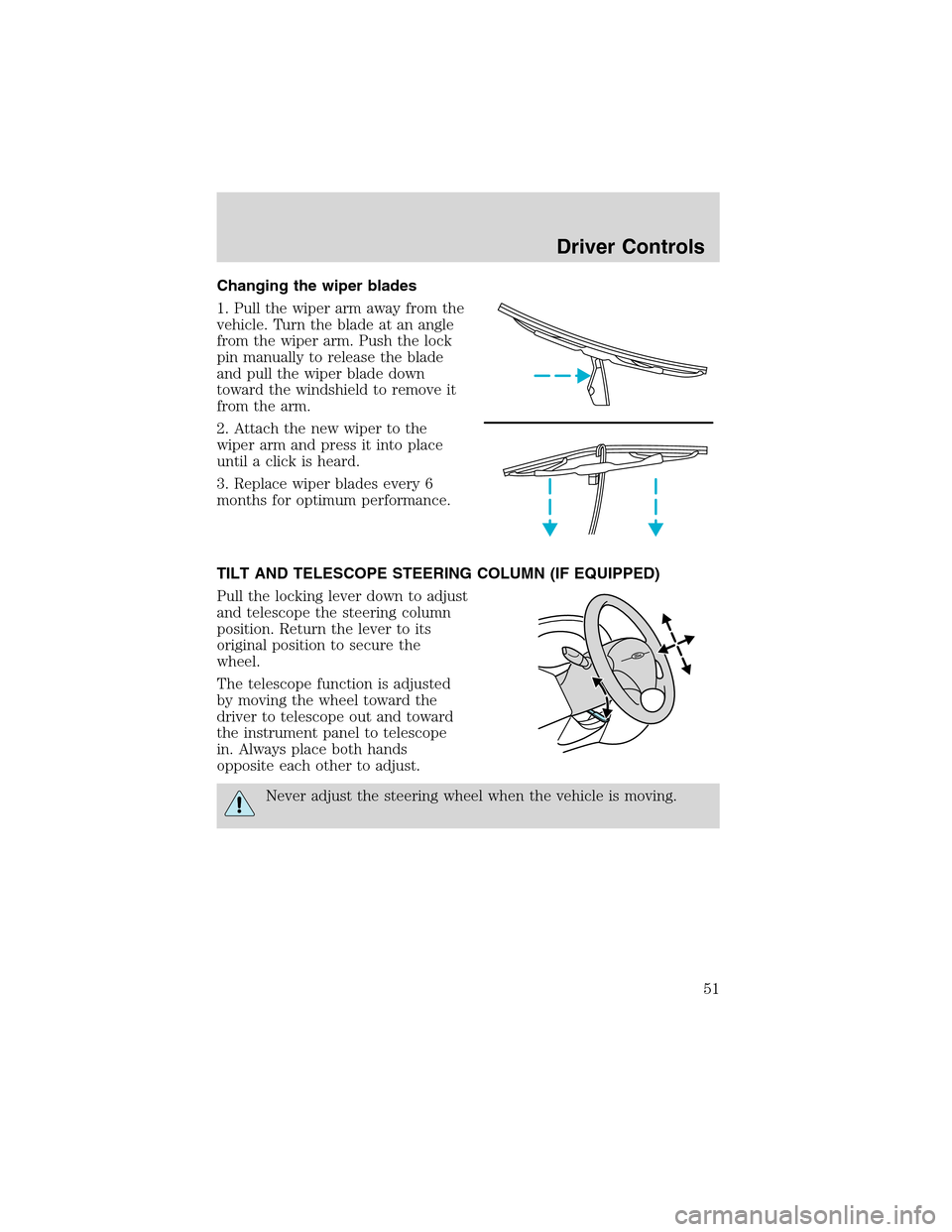
Changing the wiper blades
1. Pull the wiper arm away from the
vehicle. Turn the blade at an angle
from the wiper arm. Push the lock
pin manually to release the blade
and pull the wiper blade down
toward the windshield to remove it
from the arm.
2. Attach the new wiper to the
wiper arm and press it into place
until a click is heard.
3. Replace wiper blades every 6
months for optimum performance.
TILT AND TELESCOPE STEERING COLUMN (IF EQUIPPED)
Pull the locking lever down to adjust
and telescope the steering column
position. Return the lever to its
original position to secure the
wheel.
The telescope function is adjusted
by moving the wheel toward the
driver to telescope out and toward
the instrument panel to telescope
in. Always place both hands
opposite each other to adjust.
Never adjust the steering wheel when the vehicle is moving.
Driver Controls
51
Page 52 of 216
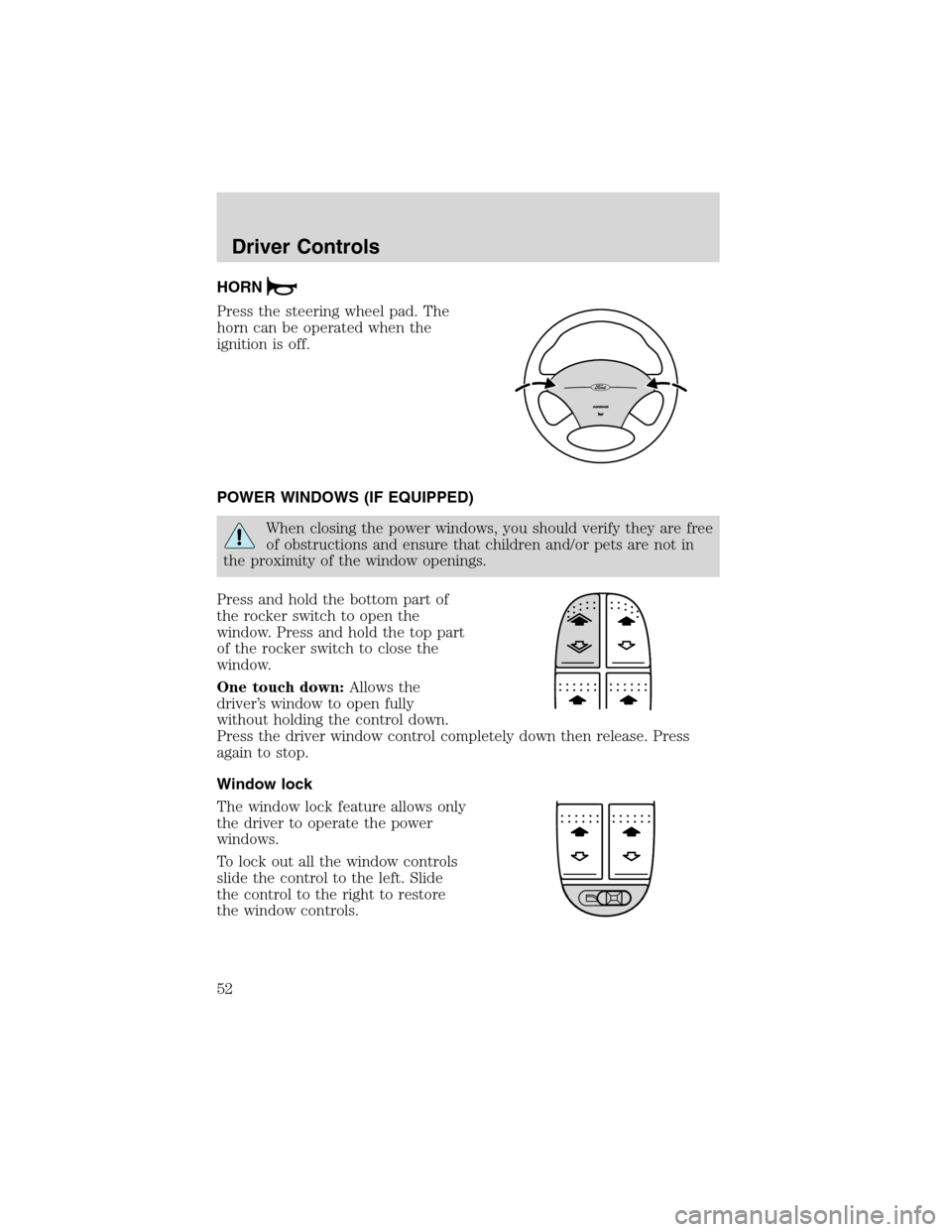
HORN
Press the steering wheel pad. The
horn can be operated when the
ignition is off.
POWER WINDOWS (IF EQUIPPED)
When closing the power windows, you should verify they are free
of obstructions and ensure that children and/or pets are not in
the proximity of the window openings.
Press and hold the bottom part of
the rocker switch to open the
window. Press and hold the top part
of the rocker switch to close the
window.
One touch down:Allows the
driver’s window to open fully
without holding the control down.
Press the driver window control completely down then release. Press
again to stop.
Window lock
The window lock feature allows only
the driver to operate the power
windows.
To lock out all the window controls
slide the control to the left. Slide
the control to the right to restore
the window controls.
Driver Controls
52
Page 53 of 216
MIRRORS
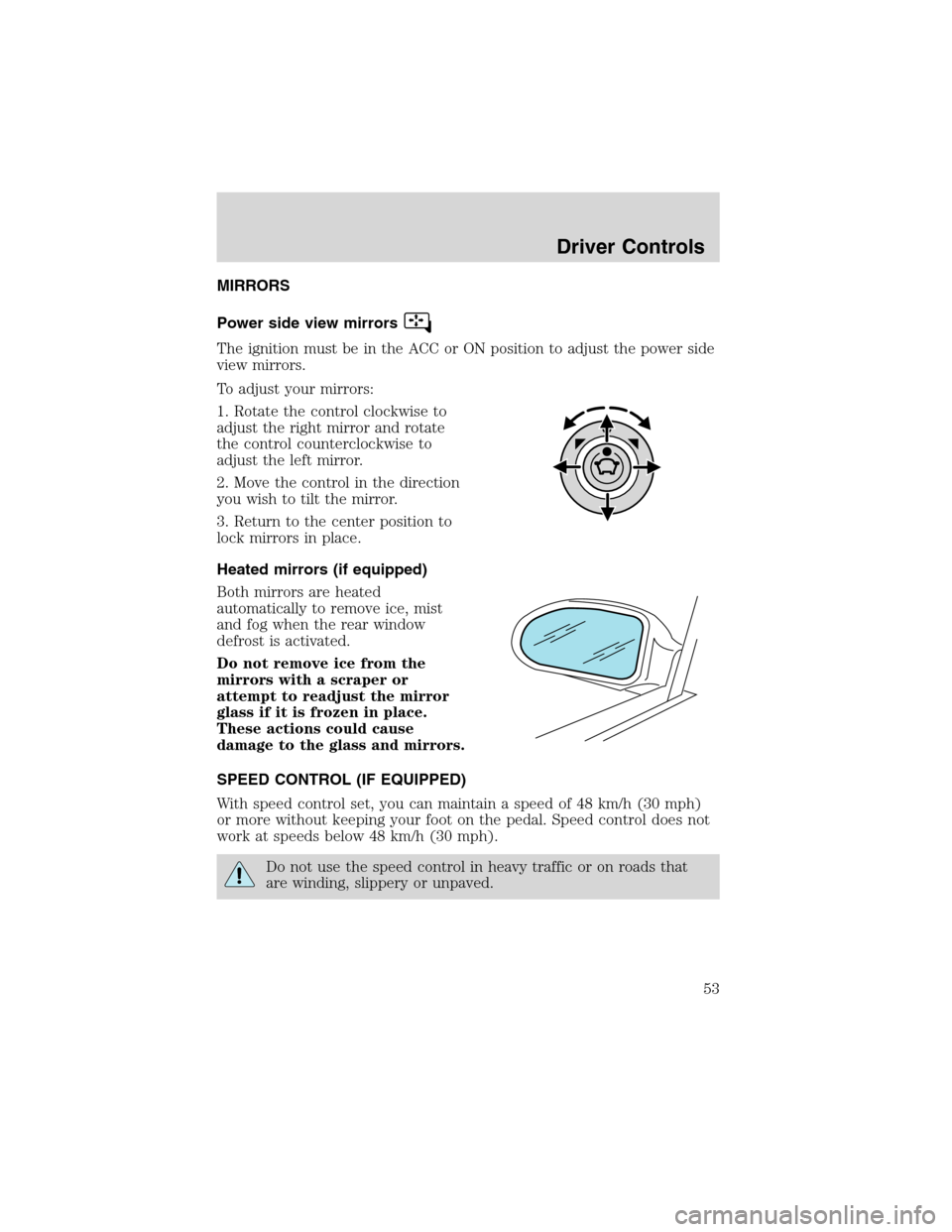
Power side view mirrors
The ignition must be in the ACC or ON position to adjust the power side
view mirrors.
To adjust your mirrors:
1. Rotate the control clockwise to
adjust the right mirror and rotate
the control counterclockwise to
adjust the left mirror.
2. Move the control in the direction
you wish to tilt the mirror.
3. Return to the center position to
lock mirrors in place.
Heated mirrors (if equipped)
Both mirrors are heated
automatically to remove ice, mist
and fog when the rear window
defrost is activated.
Do not remove ice from the
mirrors with a scraper or
attempt to readjust the mirror
glass if it is frozen in place.
These actions could cause
damage to the glass and mirrors.
SPEED CONTROL (IF EQUIPPED)
With speed control set, you can maintain a speed of 48 km/h (30 mph)
or more without keeping your foot on the pedal. Speed control does not
work at speeds below 48 km/h (30 mph).
Do not use the speed control in heavy traffic or on roads that
are winding, slippery or unpaved.
Driver Controls
53
Page 59 of 216
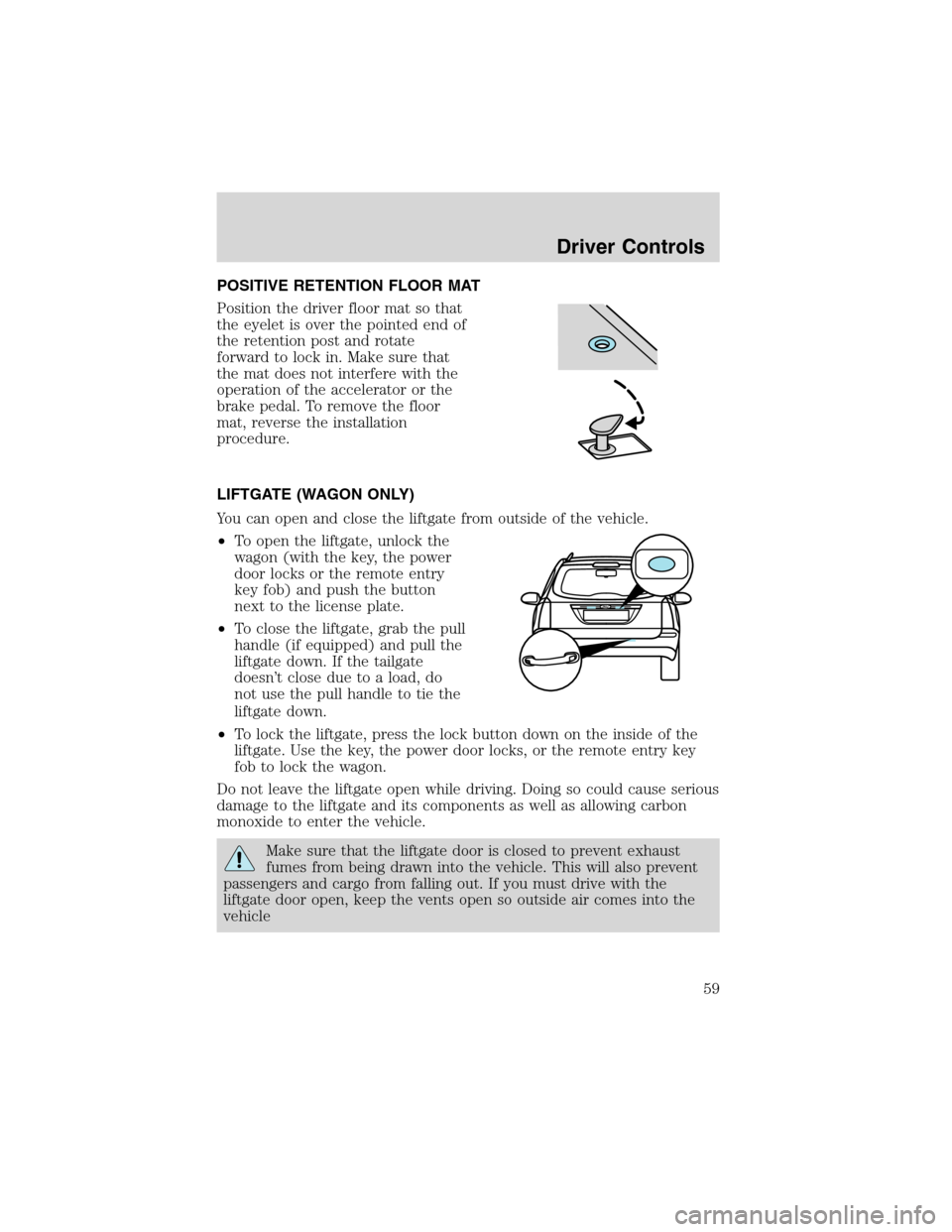
POSITIVE RETENTION FLOOR MAT
Position the driver floor mat so that
the eyelet is over the pointed end of
the retention post and rotate
forward to lock in. Make sure that
the mat does not interfere with the
operation of the accelerator or the
brake pedal. To remove the floor
mat, reverse the installation
procedure.
LIFTGATE (WAGON ONLY)
You can open and close the liftgate from outside of the vehicle.
•To open the liftgate, unlock the
wagon (with the key, the power
door locks or the remote entry
key fob) and push the button
next to the license plate.
•To close the liftgate, grab the pull
handle (if equipped) and pull the
liftgate down. If the tailgate
doesn’t close due to a load, do
not use the pull handle to tie the
liftgate down.
•To lock the liftgate, press the lock button down on the inside of the
liftgate. Use the key, the power door locks, or the remote entry key
fob to lock the wagon.
Do not leave the liftgate open while driving. Doing so could cause serious
damage to the liftgate and its components as well as allowing carbon
monoxide to enter the vehicle.
Make sure that the liftgate door is closed to prevent exhaust
fumes from being drawn into the vehicle. This will also prevent
passengers and cargo from falling out. If you must drive with the
liftgate door open, keep the vents open so outside air comes into the
vehicle
Driver Controls
59
Page 62 of 216
Locks and SecurityKEYS
The key operates all locks on your vehicle. In case of loss, replacement
keys are available from your dealer.
You should always carry a second key with you in a safe place in case
you require it in an emergency.
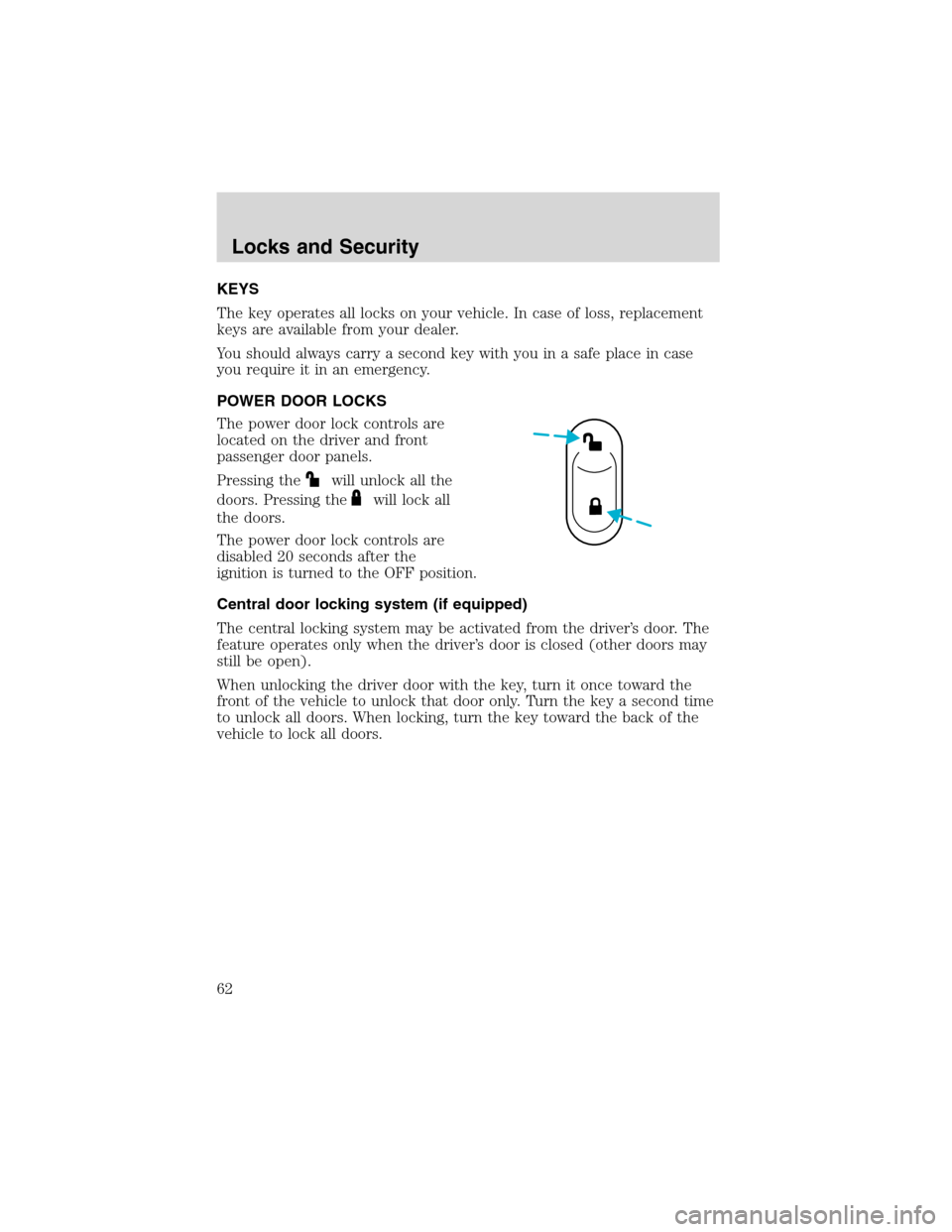
POWER DOOR LOCKS
The power door lock controls are
located on the driver and front
passenger door panels.
Pressing the
will unlock all the
doors. Pressing the
will lock all
the doors.
The power door lock controls are
disabled 20 seconds after the
ignition is turned to the OFF position.
Central door locking system (if equipped)
The central locking system may be activated from the driver’s door. The
feature operates only when the driver’s door is closed (other doors may
still be open).
When unlocking the driver door with the key, turn it once toward the
front of the vehicle to unlock that door only. Turn the key a second time
to unlock all doors. When locking, turn the key toward the back of the
vehicle to lock all doors.
Locks and Security
62