brake FORD FOCUS 2007 2.G Owners Manual
[x] Cancel search | Manufacturer: FORD, Model Year: 2007, Model line: FOCUS, Model: FORD FOCUS 2007 2.GPages: 224, PDF Size: 2.14 MB
Page 2 of 224
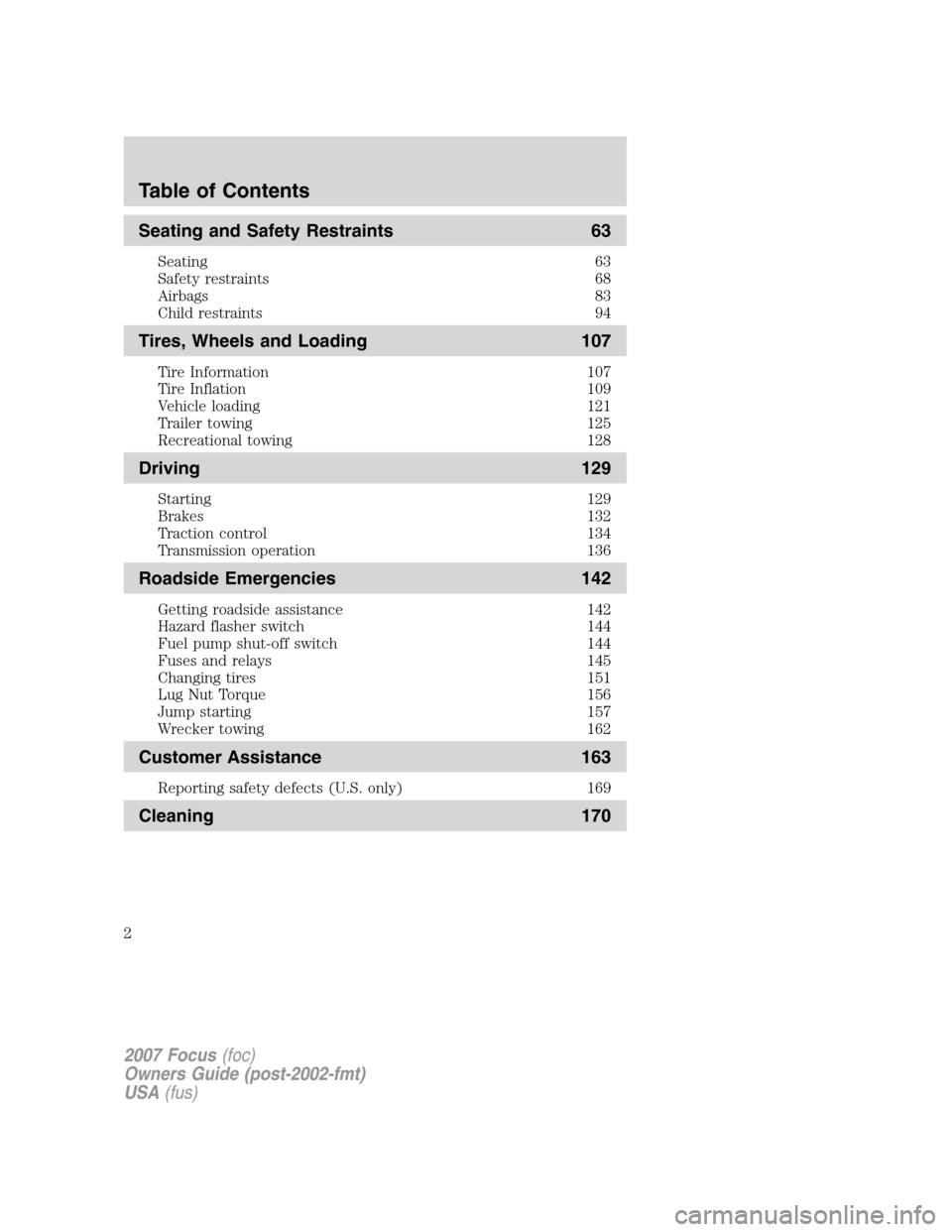
Seating and Safety Restraints 63
Seating 63
Safety restraints 68
Airbags 83
Child restraints 94
Tires, Wheels and Loading 107
Tire Information 107
Tire Inflation 109
Vehicle loading 121
Trailer towing 125
Recreational towing 128
Driving 129
Starting 129
Brakes 132
Traction control 134
Transmission operation 136
Roadside Emergencies 142
Getting roadside assistance 142
Hazard flasher switch 144
Fuel pump shut-off switch 144
Fuses and relays 145
Changing tires 151
Lug Nut Torque 156
Jump starting 157
Wrecker towing 162
Customer Assistance 163
Reporting safety defects (U.S. only) 169
Cleaning 170
Table of Contents
2
2007 Focus(foc)
Owners Guide (post-2002-fmt)
USA(fus)
Page 6 of 224
SPECIAL NOTICES
New Vehicle Limited Warranty
For a detailed description of what is covered and what is not covered by
your vehicle’s New Vehicle Limited Warranty, refer to theWarranty
Guidethat is provided to you along with yourOwner’s Guide.
Special instructions
For your added safety, your vehicle is fitted with sophisticated electronic
controls.
Please read the sectionSupplemental restraint system (SRS)
in theSeating and Safety Restraintschapter. Failure to follow
the specific warnings and instructions could result in personal injury.
Front seat mounted rear-facing child or infant seats should
NEVERbe placed in front of an active passenger airbag.
Service Data Recording
Service data recorders in your vehicle are capable of collecting and
storing diagnostic information about your vehicle. This potentially
includes information about the performance or status of various systems
and modules in the vehicle, such as engine, throttle, steering or brake
systems. In order to properly diagnose and service your vehicle, Ford
Motor Company, Ford of Canada, and service and repair facilities may
access vehicle diagnostic information through a direct connection to your
vehicle when diagnosing or servicing your vehicle.
Event Data Recording
Other modules in your vehicle — event data recorders — are capable of
collecting and storing data during a crash or near crash event. The
recorded information may assist in the investigation of such an event.
The modules may record information about both the vehicle and the
occupants, potentially including information such as:
•how various systems in your vehicle were operating;
•whether or not the driver and passenger seatbelts were buckled;
2007 Focus(foc)
Owners Guide (post-2002-fmt)
USA(fus)
Introduction
6
Page 7 of 224
•how far (if at all) the driver was depressing the accelerator and/or the
brake pedal;
•how fast the vehicle was traveling; and
•where the driver was positioning the steering wheel.
To access this information, special equipment must be directly connected
to the recording modules. Ford Motor Company and Ford of Canada do
not access event data recorder information without obtaining consent,
unless pursuant to court order or where required by law enforcement,
other government authorities or other third parties acting with lawful
authority. Other parties may seek to access the information
independently of Ford Motor Company and Ford of Canada.
Cell phone use
The use of Mobile Communications Equipment has become increasingly
important in the conduct of business and personal affairs. However,
drivers must not compromise their own or others’ safety when using
such equipment. Mobile Communications can enhance personal safety
and security when appropriately used, particularly in emergency
situations. Safety must be paramount when using mobile communications
equipment to avoid negating these benefits.
Mobile Communication Equipment includes, but is not limited to cellular
phones, pagers, portable email devices, in-vehicle communications
systems, telematics devices and portable two-way radios.
A driver’s first responsibility is the safe operation of the vehicle.
The most important thing you can do to prevent a crash is to
avoid distractions and pay attention to the road. Wait until it is safe to
operate Mobile Communications Equipment.
Middle East/North Africa vehicle specific information
For your particular global region, your vehicle may be equipped with
features and options that are different from the ones that are described
in thisOwner’s Guide;therefore, a supplement has been supplied that
complements this book. By referring to the pages in the provided
supplement, you can properly identify those features, recommendations
and specifications that are unique to your vehicle.Refer to this
Owner’s Guide for all other required information and warnings.
2007 Focus(foc)
Owners Guide (post-2002-fmt)
USA(fus)
Introduction
7
Page 8 of 224
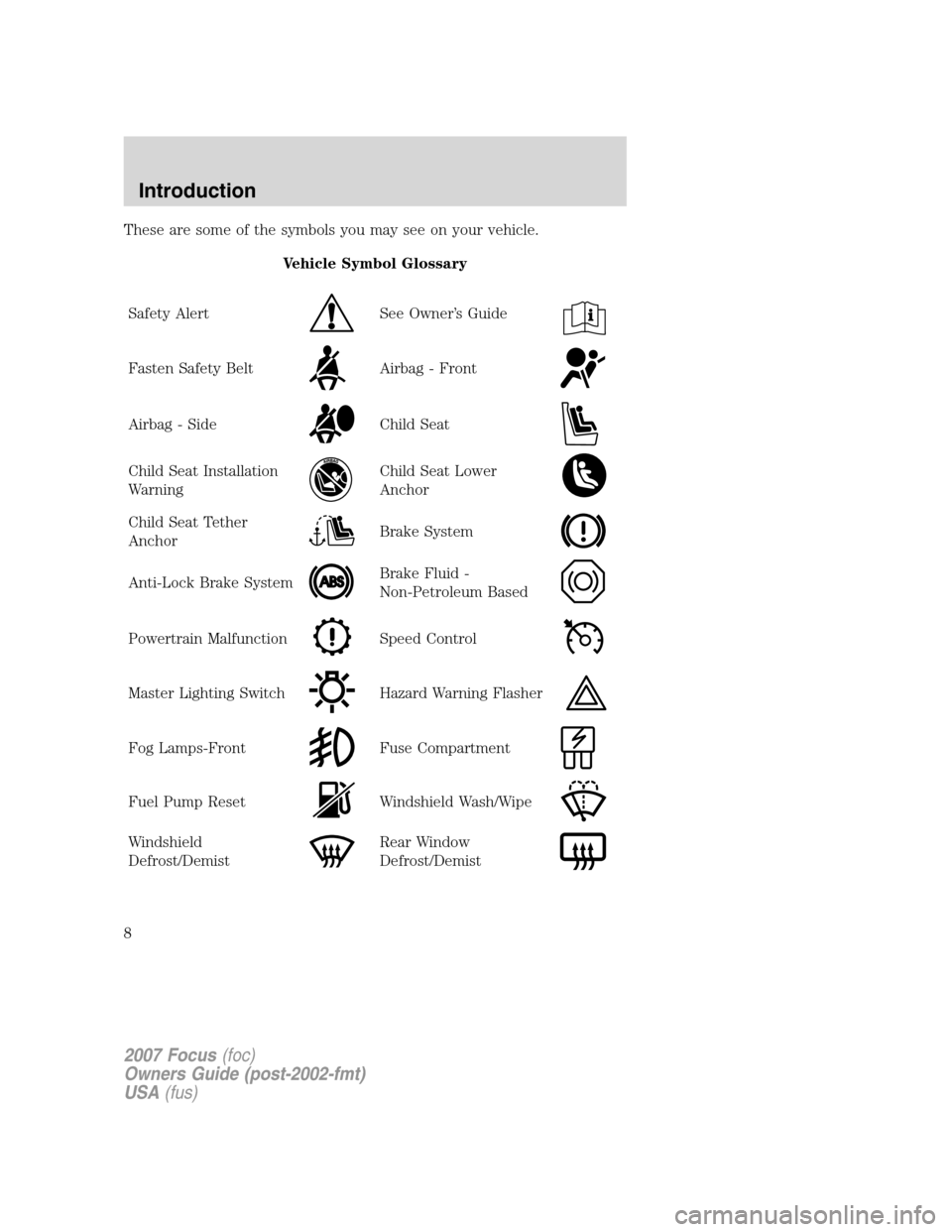
These are some of the symbols you may see on your vehicle.
Vehicle Symbol Glossary
Safety Alert
See Owner’s Guide
Fasten Safety BeltAirbag - Front
Airbag - SideChild Seat
Child Seat Installation
WarningChild Seat Lower
Anchor
Child Seat Tether
AnchorBrake System
Anti-Lock Brake SystemBrake Fluid -
Non-Petroleum Based
Powertrain MalfunctionSpeed Control
Master Lighting SwitchHazard Warning Flasher
Fog Lamps-FrontFuse Compartment
Fuel Pump ResetWindshield Wash/Wipe
Windshield
Defrost/DemistRear Window
Defrost/Demist
2007 Focus(foc)
Owners Guide (post-2002-fmt)
USA(fus)
Introduction
8
Page 11 of 224
converter. Drive in a moderate fashion (avoid heavy acceleration and
deceleration) and have your vehicle serviced immediately by your
authorized dealer.
Under engine misfire conditions, excessive exhaust temperatures
could damage the catalytic converter, the fuel system, interior
floor coverings or other vehicle components, possibly causing a fire.
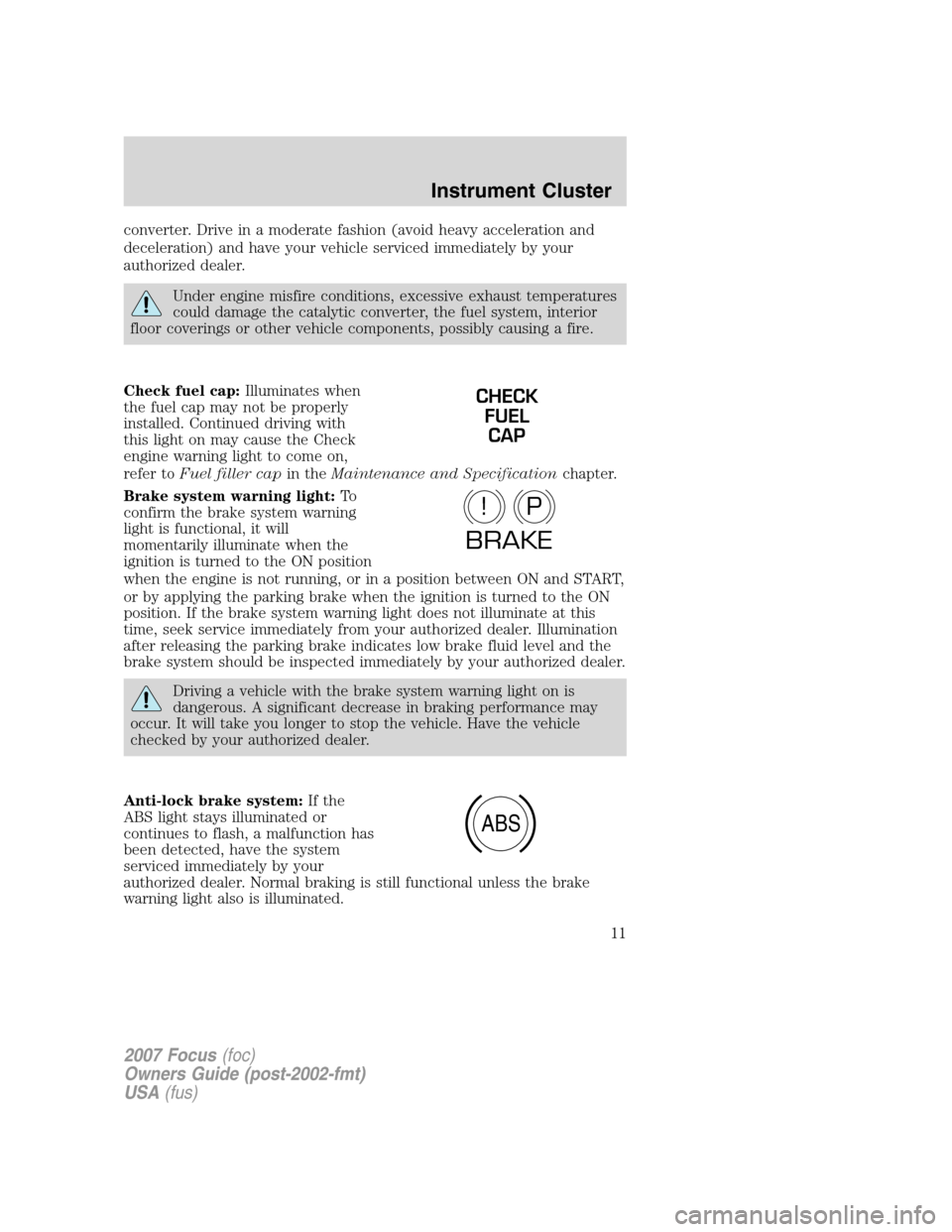
Check fuel cap:Illuminates when
the fuel cap may not be properly
installed. Continued driving with
this light on may cause the Check
engine warning light to come on,
refer toFuel filler capin theMaintenance and Specificationchapter.
Brake system warning light:To
confirm the brake system warning
light is functional, it will
momentarily illuminate when the
ignition is turned to the ON position
when the engine is not running, or in a position between ON and START,
or by applying the parking brake when the ignition is turned to the ON
position. If the brake system warning light does not illuminate at this
time, seek service immediately from your authorized dealer. Illumination
after releasing the parking brake indicates low brake fluid level and the
brake system should be inspected immediately by your authorized dealer.
Driving a vehicle with the brake system warning light on is
dangerous. A significant decrease in braking performance may
occur. It will take you longer to stop the vehicle. Have the vehicle
checked by your authorized dealer.
Anti-lock brake system:If the
ABS light stays illuminated or
continues to flash, a malfunction has
been detected, have the system
serviced immediately by your
authorized dealer. Normal braking is still functional unless the brake
warning light also is illuminated.
CHECK
FUEL
CAP
P!
BRAKE
ABS
2007 Focus(foc)
Owners Guide (post-2002-fmt)
USA(fus)
Instrument Cluster
11
Page 30 of 224
Daytime running lamps (DRL) (if equipped)
Turns the headlamps on with a reduced output.
To activate:
•the ignition must be in the ON position,
•the headlamp control is in the OFF or parking lamp position and
•the parking brake must be disengaged.
Always remember to turn on your headlamps at dusk or during
inclement weather. The Daytime Running Lamp (DRL) system
does not activate the tail lamps and generally may not provide
adequate lighting during these conditions. Failure to activate your
headlamps under these conditions may result in a collision.
PANEL DIMMER CONTROL
Use to adjust the brightness of the
instrument panel during headlight
and parklamp operation.
•Rotate the thumbwheel from left
to right to brighten the
instrument panel.
•Rotate the thumbwheel from right to left to dim the instrument panel.
AIMING THE HEADLAMPS
The headlamps on your vehicle are properly aimed at the assembly plant.
If your vehicle has been in an accident the alignment of your headlamps
should be checked by your authorized dealer.
Vertical aim adjustment
1. Park the vehicle directly in front of a wall or screen on a level surface,
approximately 25 feet (7.6 meters) away.
2007 Focus(foc)
Owners Guide (post-2002-fmt)
USA(fus)
Lights
30
Page 33 of 224
Using the right bulbs
Replacement bulbs are specified in the chart below. Headlamp bulbs
must be marked with an authorized “D.O.T.” for North America to ensure
lamp performance, light brightness and pattern and safe visibility. The
correct bulbs will not damage the lamp assembly or void the lamp
assembly warranty and will provide quality bulb burn time.
Function Trade number
Headlamps HB5
Park and turn lamp (front) 3157AK or 3157A
Side marker lamp (front) GE194 or 168 (street
appearance package)
Foglamps (if equipped) H11 or H1 (street
appearance package)
Stop/turn and tail lamps (wagon) 3157K
Stop/turn and tail lamps (sedan) 3157K or 4157K
Stop/turn and tail lamps (3-door/5-door) 3057K or 4057K
Backup lamp (sedan/wagon) 3156K or 3156
Backup lamp (3-door/5-door) 921
License plate lamp C-5W
High-mount brakelamp W5W
Dome lamp (front/rear) 12V10W
Map lamp 12V6W
Luggage compartment 12V10W
To replace all instrument panel lights - see your authorized dealer
Replacing the interior bulbs
Check the operation of all bulbs frequently.
Replacing exterior bulbs
Check the operation of all the bulbs frequently.
2007 Focus(foc)
Owners Guide (post-2002-fmt)
USA(fus)
Lights
33
Page 35 of 224
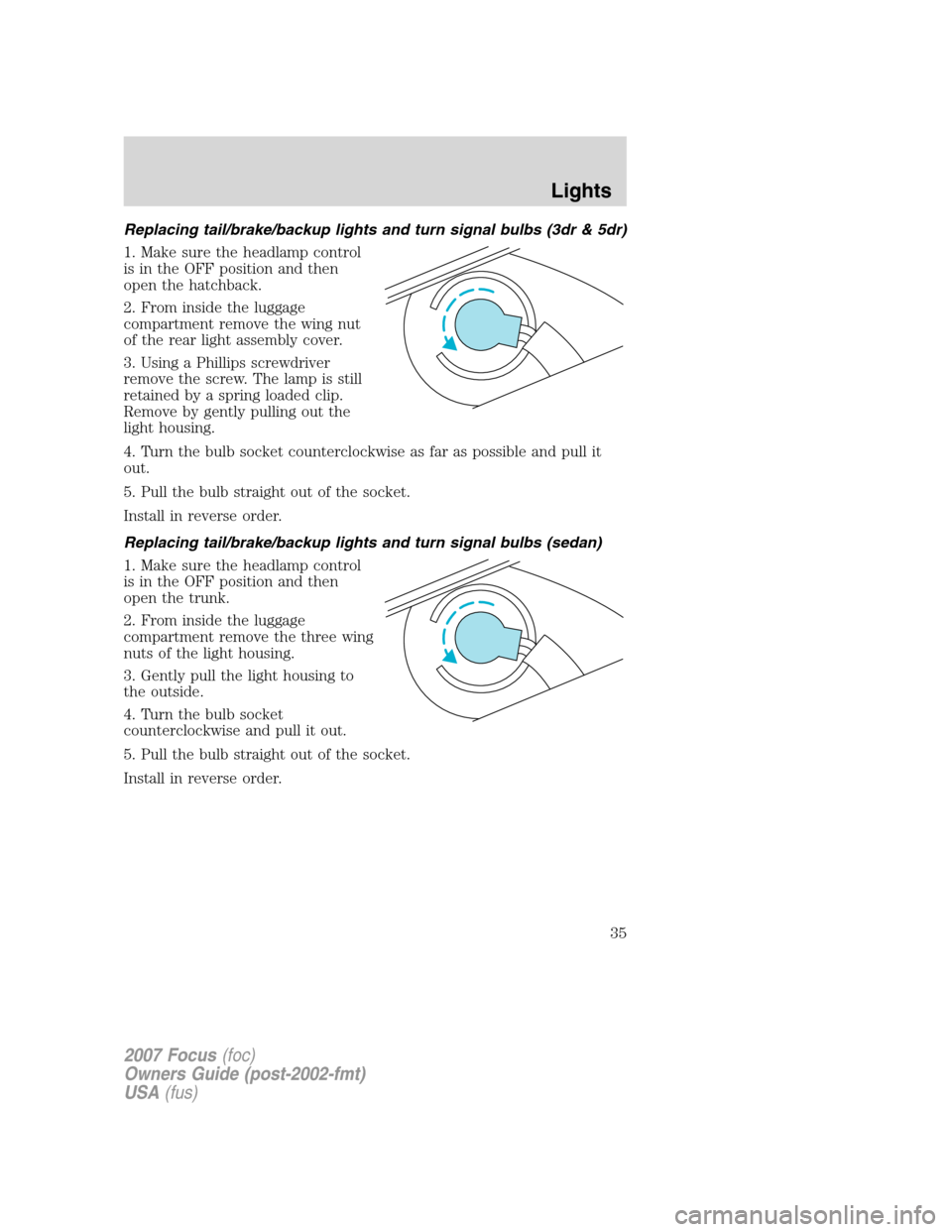
Replacing tail/brake/backup lights and turn signal bulbs (3dr & 5dr)
1. Make sure the headlamp control
is in the OFF position and then
open the hatchback.
2. From inside the luggage
compartment remove the wing nut
of the rear light assembly cover.
3. Using a Phillips screwdriver
remove the screw. The lamp is still
retained by a spring loaded clip.
Remove by gently pulling out the
light housing.
4. Turn the bulb socket counterclockwise as far as possible and pull it
out.
5. Pull the bulb straight out of the socket.
Install in reverse order.
Replacing tail/brake/backup lights and turn signal bulbs (sedan)
1. Make sure the headlamp control
is in the OFF position and then
open the trunk.
2. From inside the luggage
compartment remove the three wing
nuts of the light housing.
3. Gently pull the light housing to
the outside.
4. Turn the bulb socket
counterclockwise and pull it out.
5. Pull the bulb straight out of the socket.
Install in reverse order.
2007 Focus(foc)
Owners Guide (post-2002-fmt)
USA(fus)
Lights
35
Page 36 of 224
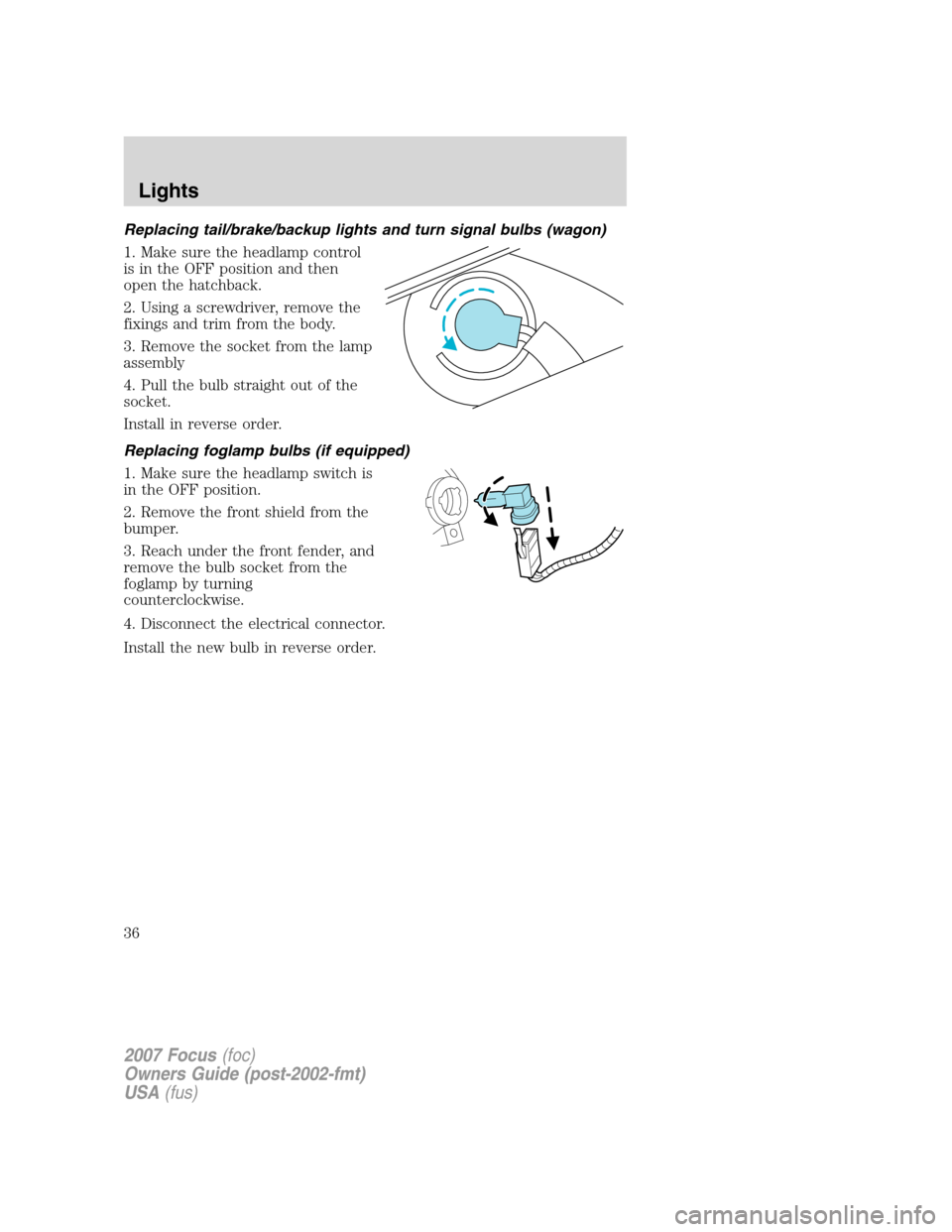
Replacing tail/brake/backup lights and turn signal bulbs (wagon)
1. Make sure the headlamp control
is in the OFF position and then
open the hatchback.
2. Using a screwdriver, remove the
fixings and trim from the body.
3. Remove the socket from the lamp
assembly
4. Pull the bulb straight out of the
socket.
Install in reverse order.
Replacing foglamp bulbs (if equipped)
1. Make sure the headlamp switch is
in the OFF position.
2. Remove the front shield from the
bumper.
3. Reach under the front fender, and
remove the bulb socket from the
foglamp by turning
counterclockwise.
4. Disconnect the electrical connector.
Install the new bulb in reverse order.
2007 Focus(foc)
Owners Guide (post-2002-fmt)
USA(fus)
Lights
36
Page 37 of 224
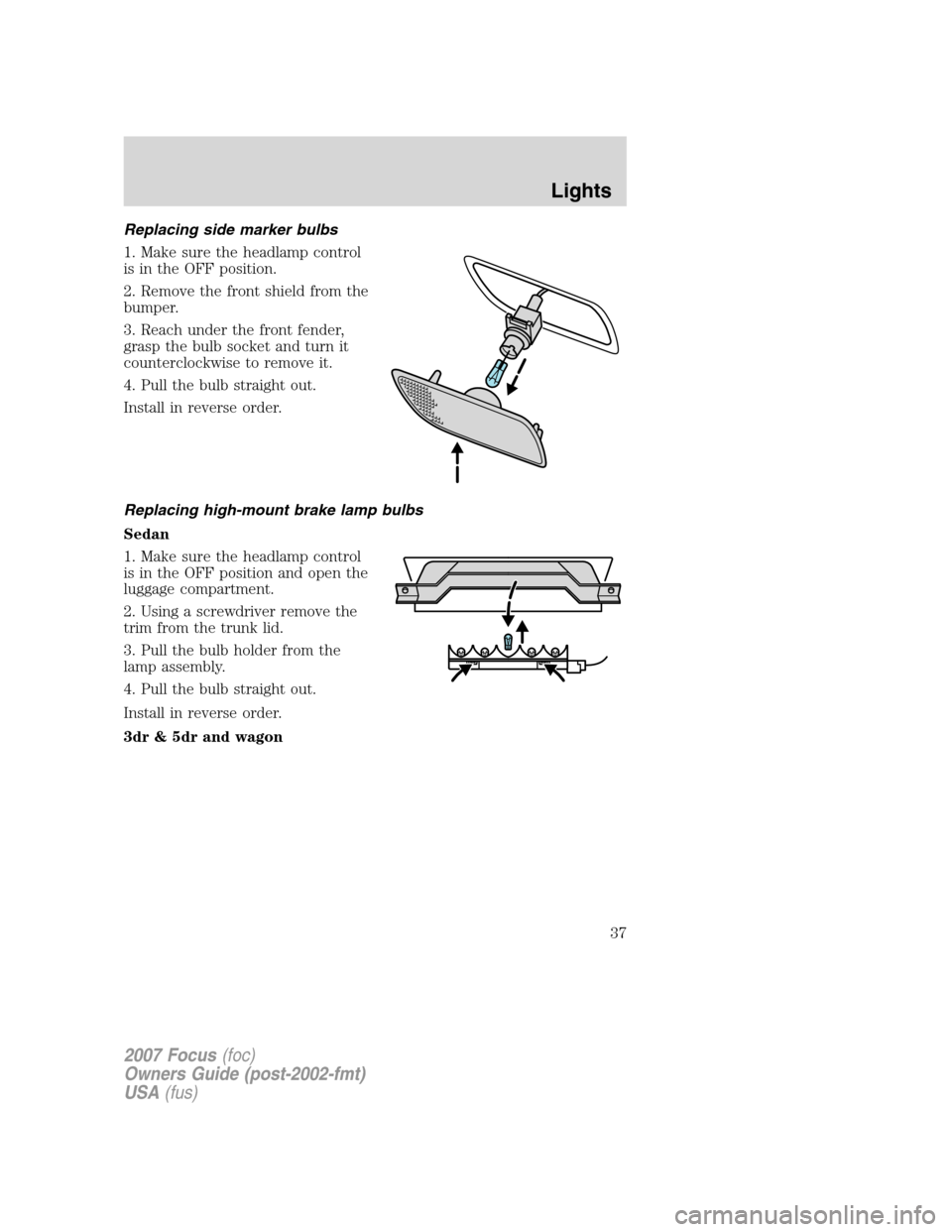
Replacing side marker bulbs
1. Make sure the headlamp control
is in the OFF position.
2. Remove the front shield from the
bumper.
3. Reach under the front fender,
grasp the bulb socket and turn it
counterclockwise to remove it.
4. Pull the bulb straight out.
Install in reverse order.
Replacing high-mount brake lamp bulbs
Sedan
1. Make sure the headlamp control
is in the OFF position and open the
luggage compartment.
2. Using a screwdriver remove the
trim from the trunk lid.
3. Pull the bulb holder from the
lamp assembly.
4. Pull the bulb straight out.
Install in reverse order.
3dr & 5dr and wagon
2007 Focus(foc)
Owners Guide (post-2002-fmt)
USA(fus)
Lights
37