ignition FORD FOCUS 2009 2.G User Guide
[x] Cancel search | Manufacturer: FORD, Model Year: 2009, Model line: FOCUS, Model: FORD FOCUS 2009 2.GPages: 276, PDF Size: 2.24 MB
Page 42 of 276
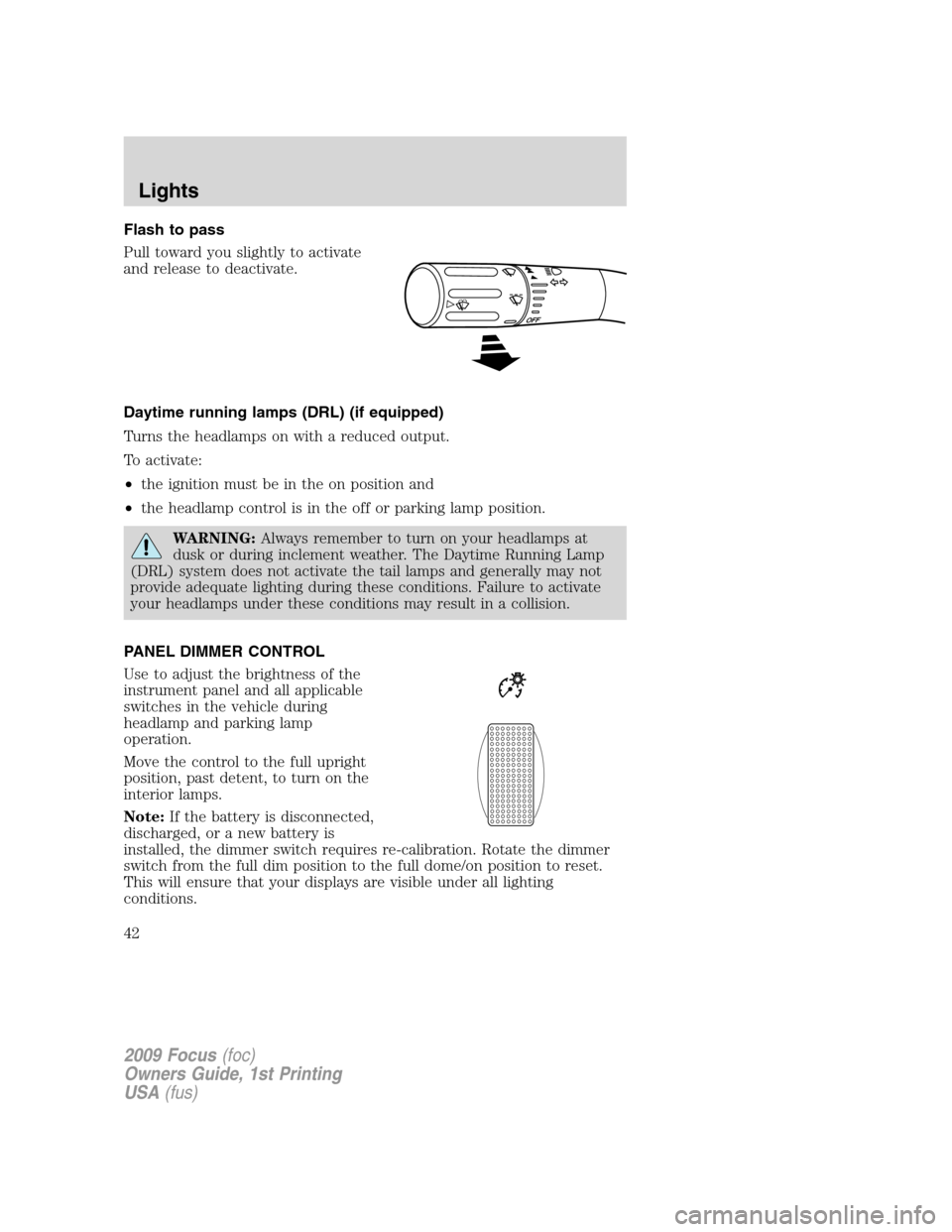
Flash to pass
Pull toward you slightly to activate
and release to deactivate.
Daytime running lamps (DRL) (if equipped)
Turns the headlamps on with a reduced output.
To activate:
•the ignition must be in the on position and
•the headlamp control is in the off or parking lamp position.
WARNING:Always remember to turn on your headlamps at
dusk or during inclement weather. The Daytime Running Lamp
(DRL) system does not activate the tail lamps and generally may not
provide adequate lighting during these conditions. Failure to activate
your headlamps under these conditions may result in a collision.
PANEL DIMMER CONTROL
Use to adjust the brightness of the
instrument panel and all applicable
switches in the vehicle during
headlamp and parking lamp
operation.
Move the control to the full upright
position, past detent, to turn on the
interior lamps.
Note:If the battery is disconnected,
discharged, or a new battery is
installed, the dimmer switch requires re-calibration. Rotate the dimmer
switch from the full dim position to the full dome/on position to reset.
This will ensure that your displays are visible under all lighting
conditions.
2009 Focus(foc)
Owners Guide, 1st Printing
USA(fus)
Lights
42
Page 44 of 276
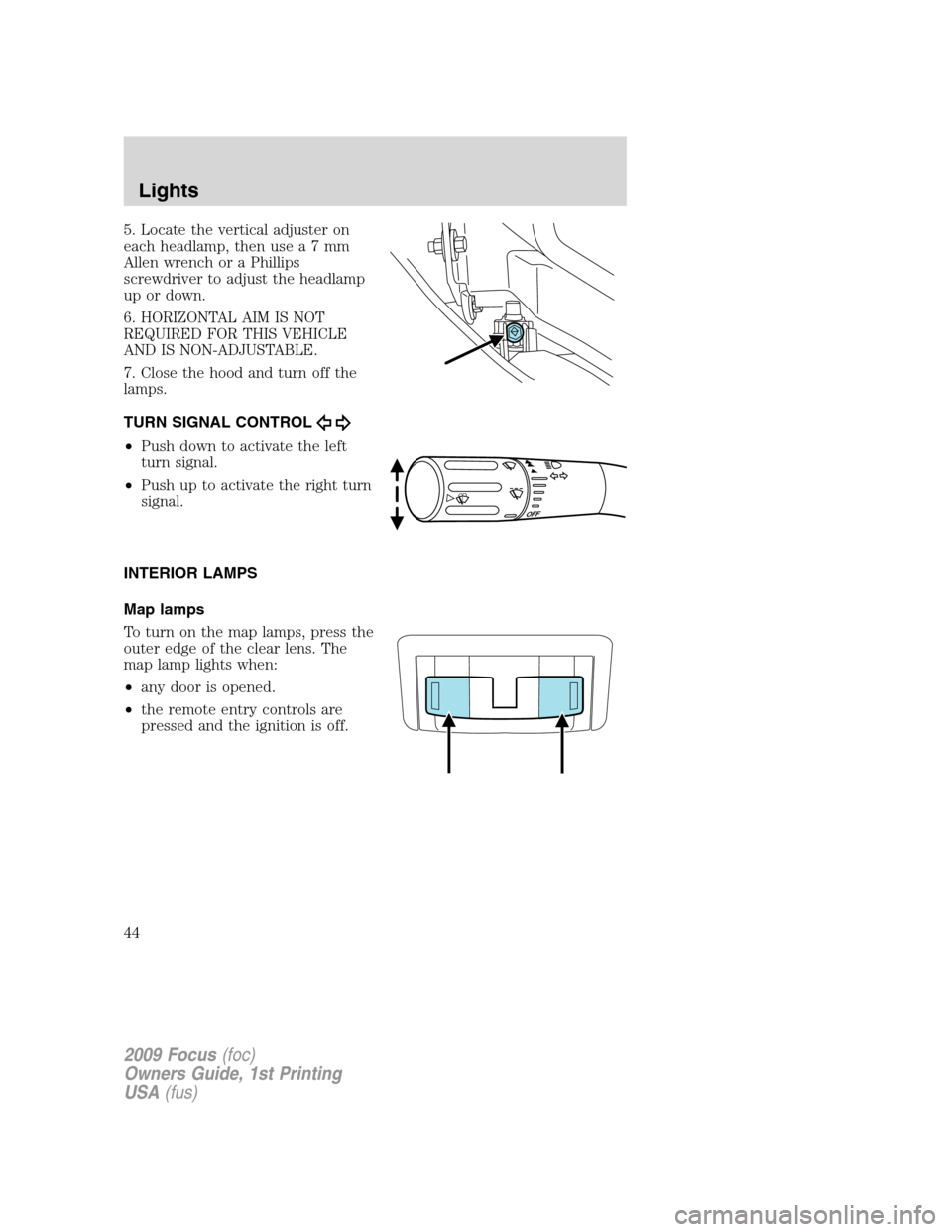
5. Locate the vertical adjuster on
each headlamp, then usea7mm
Allen wrench or a Phillips
screwdriver to adjust the headlamp
up or down.
6. HORIZONTAL AIM IS NOT
REQUIRED FOR THIS VEHICLE
AND IS NON-ADJUSTABLE.
7. Close the hood and turn off the
lamps.
TURN SIGNAL CONTROL
•Push down to activate the left
turn signal.
•Push up to activate the right turn
signal.
INTERIOR LAMPS
Map lamps
To turn on the map lamps, press the
outer edge of the clear lens. The
map lamp lights when:
•any door is opened.
•the remote entry controls are
pressed and the ignition is off.
2009 Focus(foc)
Owners Guide, 1st Printing
USA(fus)
Lights
44
Page 45 of 276
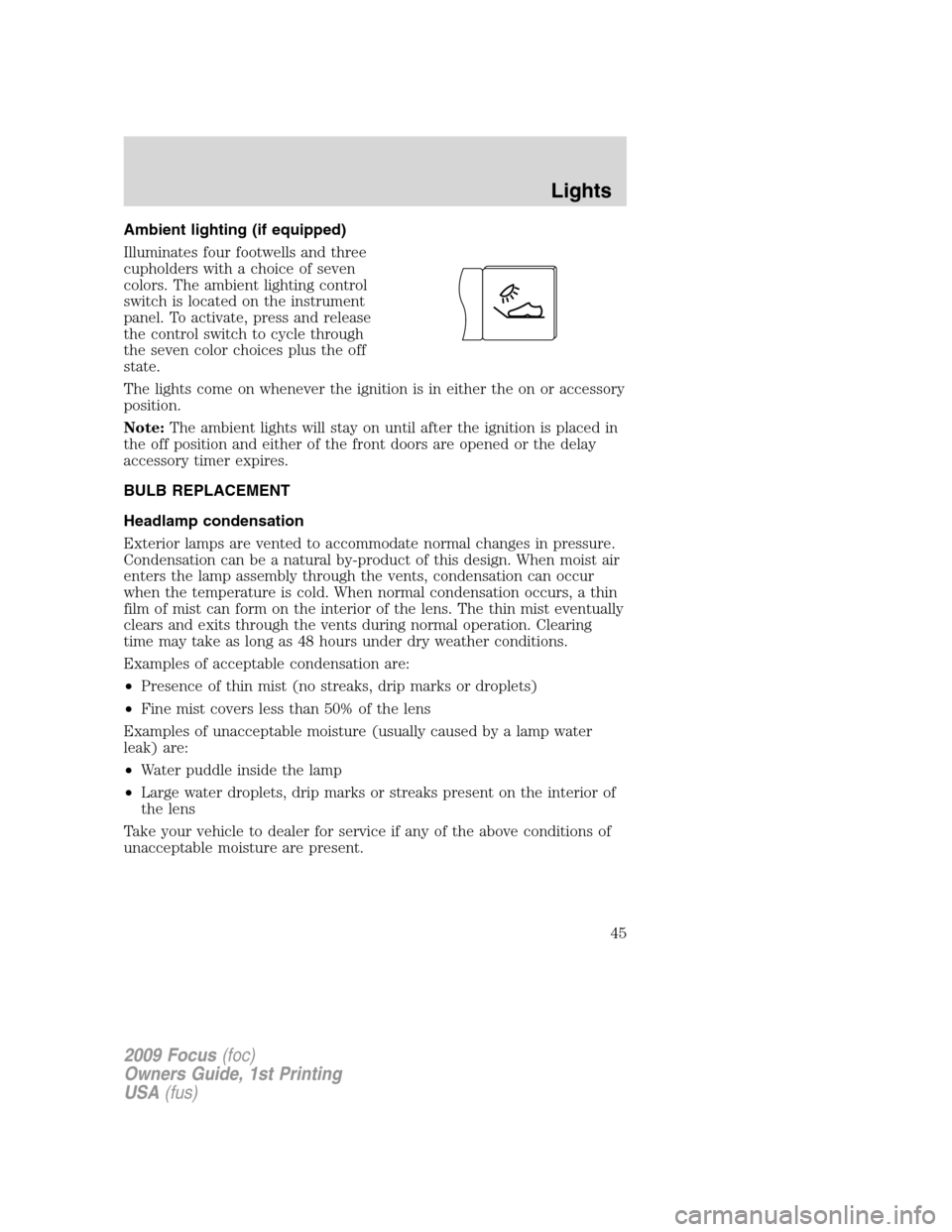
Ambient lighting (if equipped)
Illuminates four footwells and three
cupholders with a choice of seven
colors. The ambient lighting control
switch is located on the instrument
panel. To activate, press and release
the control switch to cycle through
the seven color choices plus the off
state.
The lights come on whenever the ignition is in either the on or accessory
position.
Note:The ambient lights will stay on until after the ignition is placed in
the off position and either of the front doors are opened or the delay
accessory timer expires.
BULB REPLACEMENT
Headlamp condensation
Exterior lamps are vented to accommodate normal changes in pressure.
Condensation can be a natural by-product of this design. When moist air
enters the lamp assembly through the vents, condensation can occur
when the temperature is cold. When normal condensation occurs, a thin
film of mist can form on the interior of the lens. The thin mist eventually
clears and exits through the vents during normal operation. Clearing
time may take as long as 48 hours under dry weather conditions.
Examples of acceptable condensation are:
•Presence of thin mist (no streaks, drip marks or droplets)
•Fine mist covers less than 50% of the lens
Examples of unacceptable moisture (usually caused by a lamp water
leak) are:
•Water puddle inside the lamp
•Large water droplets, drip marks or streaks present on the interior of
the lens
Take your vehicle to dealer for service if any of the above conditions of
unacceptable moisture are present.
2009 Focus(foc)
Owners Guide, 1st Printing
USA(fus)
Lights
45
Page 58 of 276
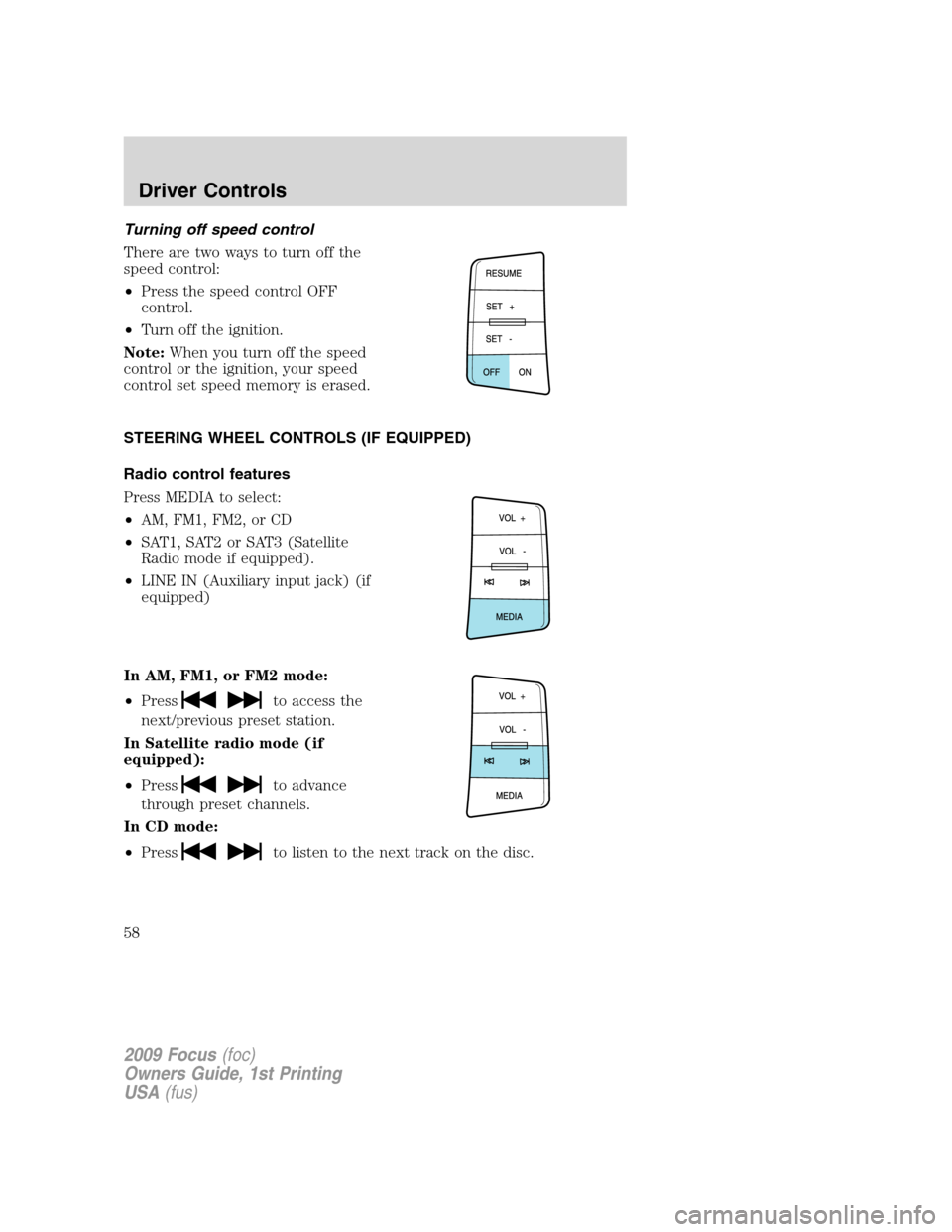
Turning off speed control
There are two ways to turn off the
speed control:
•Press the speed control OFF
control.
•Turn off the ignition.
Note:When you turn off the speed
control or the ignition, your speed
control set speed memory is erased.
STEERING WHEEL CONTROLS (IF EQUIPPED)
Radio control features
Press MEDIA to select:
•AM, FM1, FM2, or CD
•SAT1, SAT2 or SAT3 (Satellite
Radio mode if equipped).
•LINE IN (Auxiliary input jack) (if
equipped)
In AM, FM1, or FM2 mode:
•Press
to access the
next/previous preset station.
In Satellite radio mode (if
equipped):
•Press
to advance
through preset channels.
In CD mode:
•Press
to listen to the next track on the disc.
2009 Focus(foc)
Owners Guide, 1st Printing
USA(fus)
Driver Controls
58
Page 61 of 276

•Release the switch and immediately press and hold it again. The moon
roof will close, open fully and then close again. Do not release the
switch before the moon roof has reached the closed position for the
second time.
Safety mode:If the system detects a malfunction, it enters a safety
mode. The moon roof will move about 0.5 seconds at a time and then
stop again. Press the switch repeatedly until the moon roof is closed.
Have the system checked by your authorized dealer immediately.
MESSAGE CENTER (IF EQUIPPED)
With the ignition in the on position,
the message center, located on your
instrument cluster, displays
important vehicle information
through a constant monitor of
vehicle systems.You may select
display features on the message center for a display of status. The
system will also notify you of potential vehicle problems with a display of
system warnings followed by a long indicator chime.
Selectable features
Reset
Press this control to select and reset
functions shown in the INFO menu
and SETUP menu.
Info menu
This control displays the following
control displays:
•Odometer/Trip Odometer A or B
•Distance to Empty
•Average Fuel Economy
•Instantaneous Fuel Economy
•Blank (odometer off)
Odometer/Trip odometer
Refer toGaugesin theInstrument Clusterchapter.
2009 Focus(foc)
Owners Guide, 1st Printing
USA(fus)
Driver Controls
61
Page 62 of 276
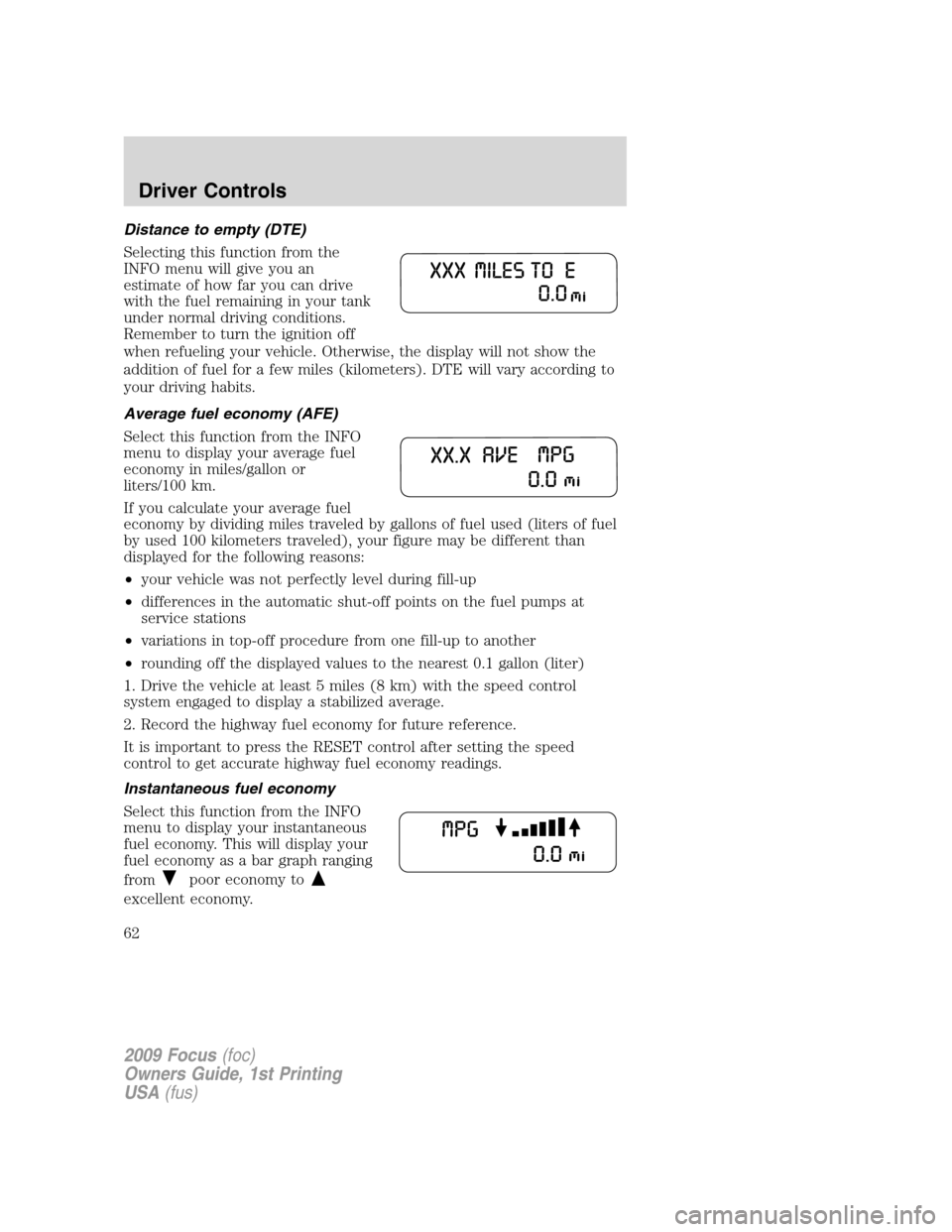
Distance to empty (DTE)
Selecting this function from the
INFO menu will give you an
estimate of how far you can drive
with the fuel remaining in your tank
under normal driving conditions.
Remember to turn the ignition off
when refueling your vehicle. Otherwise, the display will not show the
addition of fuel for a few miles (kilometers). DTE will vary according to
your driving habits.
Average fuel economy (AFE)
Select this function from the INFO
menu to display your average fuel
economy in miles/gallon or
liters/100 km.
If you calculate your average fuel
economy by dividing miles traveled by gallons of fuel used (liters of fuel
by used 100 kilometers traveled), your figure may be different than
displayed for the following reasons:
•your vehicle was not perfectly level during fill-up
•differences in the automatic shut-off points on the fuel pumps at
service stations
•variations in top-off procedure from one fill-up to another
•rounding off the displayed values to the nearest 0.1 gallon (liter)
1. Drive the vehicle at least 5 miles (8 km) with the speed control
system engaged to display a stabilized average.
2. Record the highway fuel economy for future reference.
It is important to press the RESET control after setting the speed
control to get accurate highway fuel economy readings.
Instantaneous fuel economy
Select this function from the INFO
menu to display your instantaneous
fuel economy. This will display your
fuel economy as a bar graph ranging
from
poor economy to
excellent economy.
2009 Focus(foc)
Owners Guide, 1st Printing
USA(fus)
Driver Controls
62
Page 64 of 276
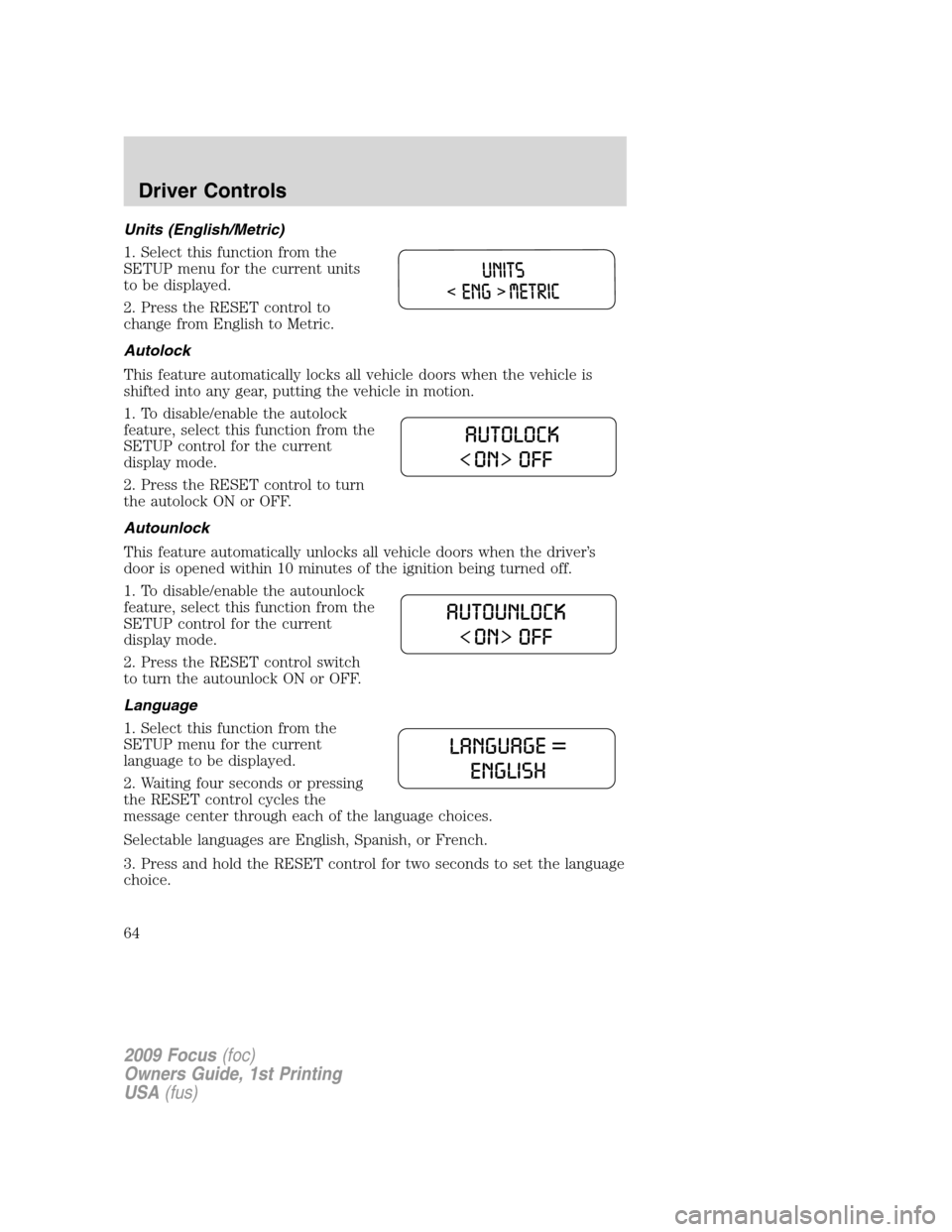
Units (English/Metric)
1. Select this function from the
SETUP menu for the current units
to be displayed.
2. Press the RESET control to
change from English to Metric.
Autolock
This feature automatically locks all vehicle doors when the vehicle is
shifted into any gear, putting the vehicle in motion.
1. To disable/enable the autolock
feature, select this function from the
SETUP control for the current
display mode.
2. Press the RESET control to turn
the autolock ON or OFF.
Autounlock
This feature automatically unlocks all vehicle doors when the driver’s
door is opened within 10 minutes of the ignition being turned off.
1. To disable/enable the autounlock
feature, select this function from the
SETUP control for the current
display mode.
2. Press the RESET control switch
to turn the autounlock ON or OFF.
Language
1. Select this function from the
SETUP menu for the current
language to be displayed.
2. Waiting four seconds or pressing
the RESET control cycles the
message center through each of the language choices.
Selectable languages are English, Spanish, or French.
3. Press and hold the RESET control for two seconds to set the language
choice.
2009 Focus(foc)
Owners Guide, 1st Printing
USA(fus)
Driver Controls
64
Page 65 of 276
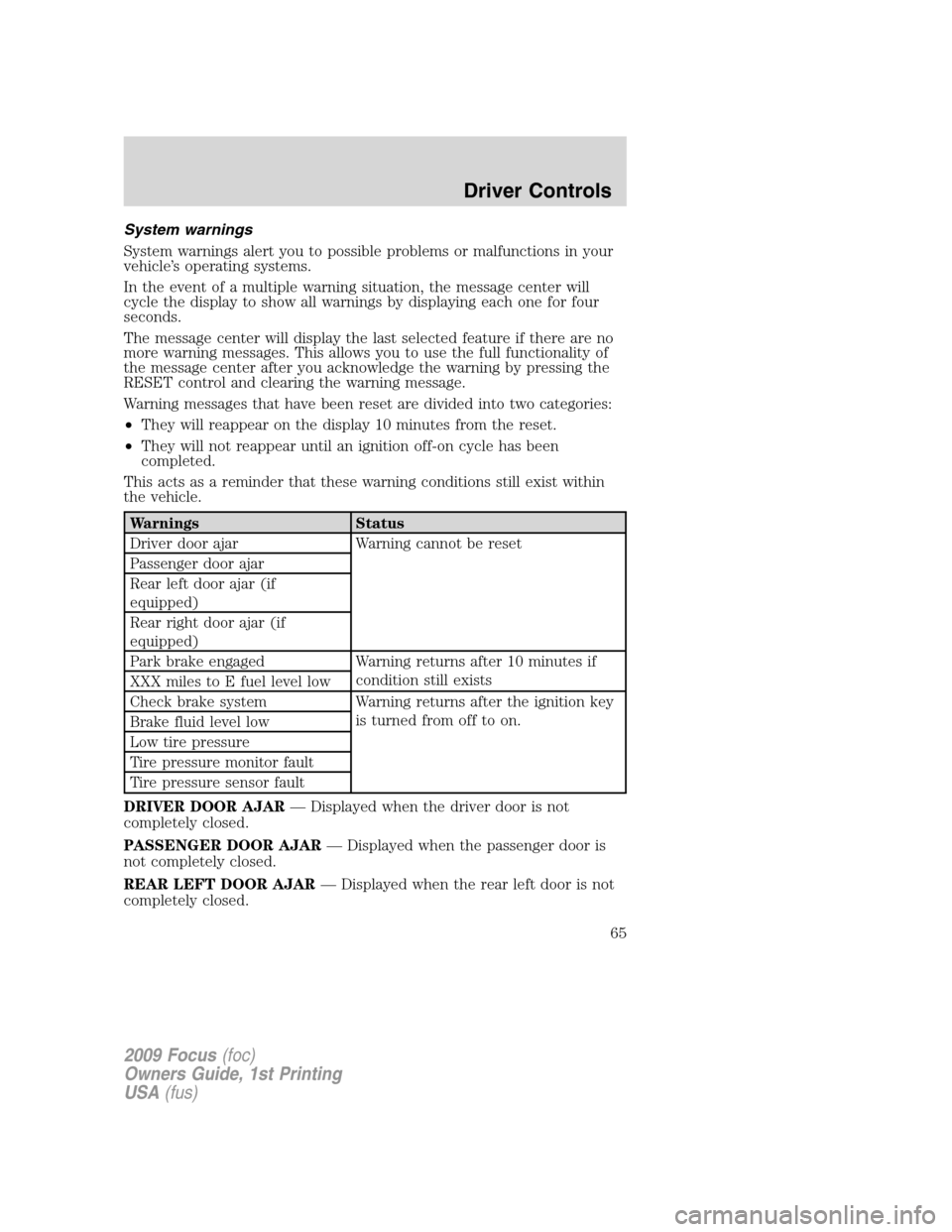
System warnings
System warnings alert you to possible problems or malfunctions in your
vehicle’s operating systems.
In the event of a multiple warning situation, the message center will
cycle the display to show all warnings by displaying each one for four
seconds.
The message center will display the last selected feature if there are no
more warning messages. This allows you to use the full functionality of
the message center after you acknowledge the warning by pressing the
RESET control and clearing the warning message.
Warning messages that have been reset are divided into two categories:
•They will reappear on the display 10 minutes from the reset.
•They will not reappear until an ignition off-on cycle has been
completed.
This acts as a reminder that these warning conditions still exist within
the vehicle.
Warnings Status
Driver door ajar Warning cannot be reset
Passenger door ajar
Rear left door ajar (if
equipped)
Rear right door ajar (if
equipped)
Park brake engaged Warning returns after 10 minutes if
condition still exists
XXX miles to E fuel level low
Check brake system Warning returns after the ignition key
is turned from off to on.
Brake fluid level low
Low tire pressure
Tire pressure monitor fault
Tire pressure sensor fault
DRIVER DOOR AJAR— Displayed when the driver door is not
completely closed.
PASSENGER DOOR AJAR— Displayed when the passenger door is
not completely closed.
REAR LEFT DOOR AJAR— Displayed when the rear left door is not
completely closed.
2009 Focus(foc)
Owners Guide, 1st Printing
USA(fus)
Driver Controls
65
Page 68 of 276
KEYS
One key operates all the locks and starts the vehicle. Always carry a
spare key with you in case of an emergency.
Your keys are programmed to your vehicle; using a non-programmed key
will not permit your vehicle to start. If you lose your authorized dealer
supplied keys, replacement keys are available through your authorized
dealer. Refer to theSecuriLock™ passive anti-theft systemsection
later in this chapter for more information.
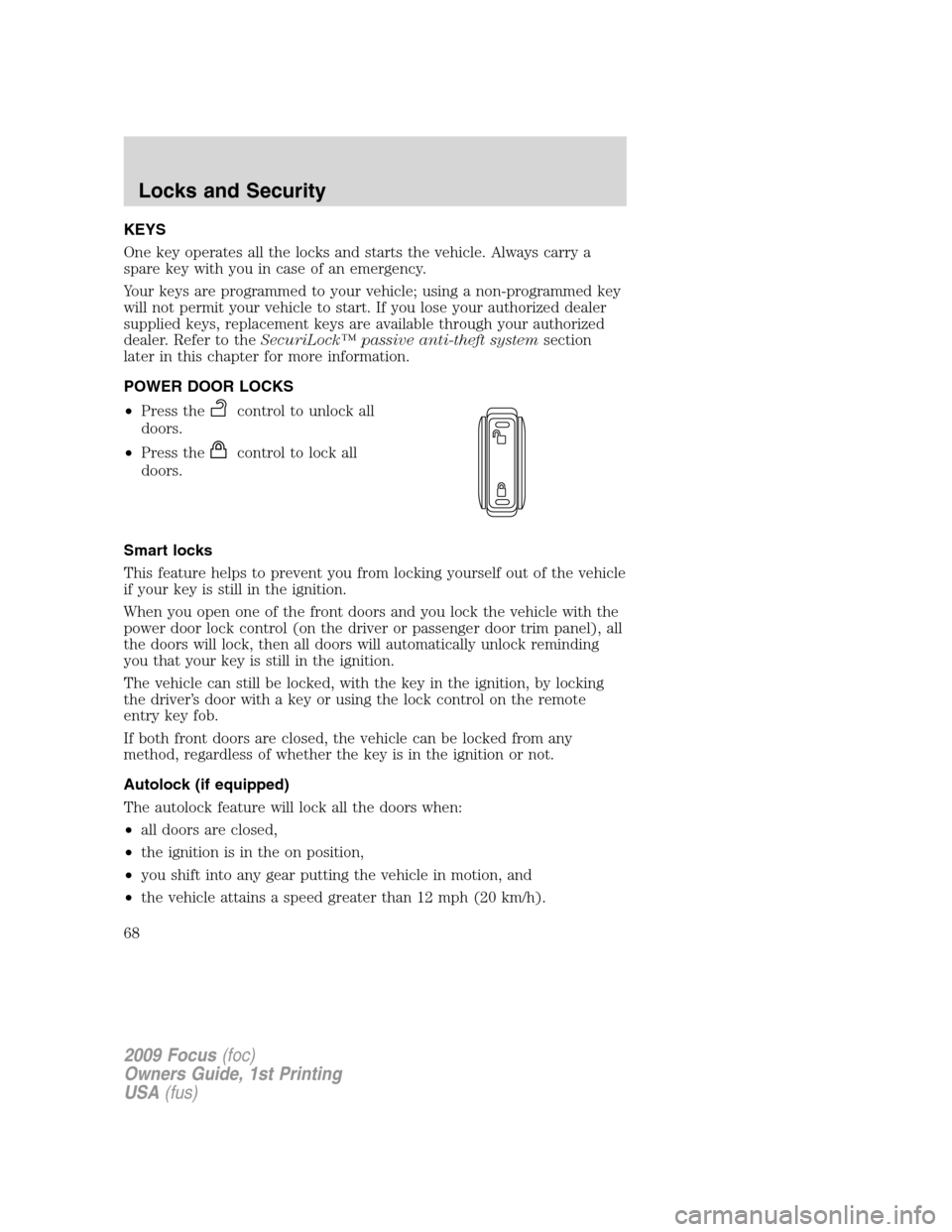
POWER DOOR LOCKS
•Press the
control to unlock all
doors.
•Press the
control to lock all
doors.
Smart locks
This feature helps to prevent you from locking yourself out of the vehicle
if your key is still in the ignition.
When you open one of the front doors and you lock the vehicle with the
power door lock control (on the driver or passenger door trim panel), all
the doors will lock, then all doors will automatically unlock reminding
you that your key is still in the ignition.
The vehicle can still be locked, with the key in the ignition, by locking
the driver’s door with a key or using the lock control on the remote
entry key fob.
If both front doors are closed, the vehicle can be locked from any
method, regardless of whether the key is in the ignition or not.
Autolock (if equipped)
The autolock feature will lock all the doors when:
•all doors are closed,
•the ignition is in the on position,
•you shift into any gear putting the vehicle in motion, and
•the vehicle attains a speed greater than 12 mph (20 km/h).
2009 Focus(foc)
Owners Guide, 1st Printing
USA(fus)
Locks and Security
68
Page 69 of 276
The autolock feature repeats when:
•any door is opened then closed while the ignition is in the on position
and the vehicle speed is 9 mph (15 km/h) or lower, and
•the vehicle attains a speed greater than 12 mph (20 km/h).
Deactivating/activating autolock
Your vehicle comes with the autolock feature enabled. There are three
methods to enable/disable this feature:
•Through your authorized dealer, or
•Performing the power door lock control procedure, or
•Performing the message center (if equipped) procedure. Refer to
Message centerin theDriver Controlschapter.
Note:The autolock feature can be activated/deactivated independently
of the autounlock feature.
Before following the activation or deactivation procedures, make sure
that the anti-theft system is not armed, ignition is in the off position, and
all vehicle doors are closed.
2009 Focus(foc)
Owners Guide, 1st Printing
USA(fus)
Locks and Security
69