SIRIUS RADIO FORD FOCUS 2017 3.G User Guide
[x] Cancel search | Manufacturer: FORD, Model Year: 2017, Model line: FOCUS, Model: FORD FOCUS 2017 3.GPages: 467, PDF Size: 5.34 MB
Page 358 of 467
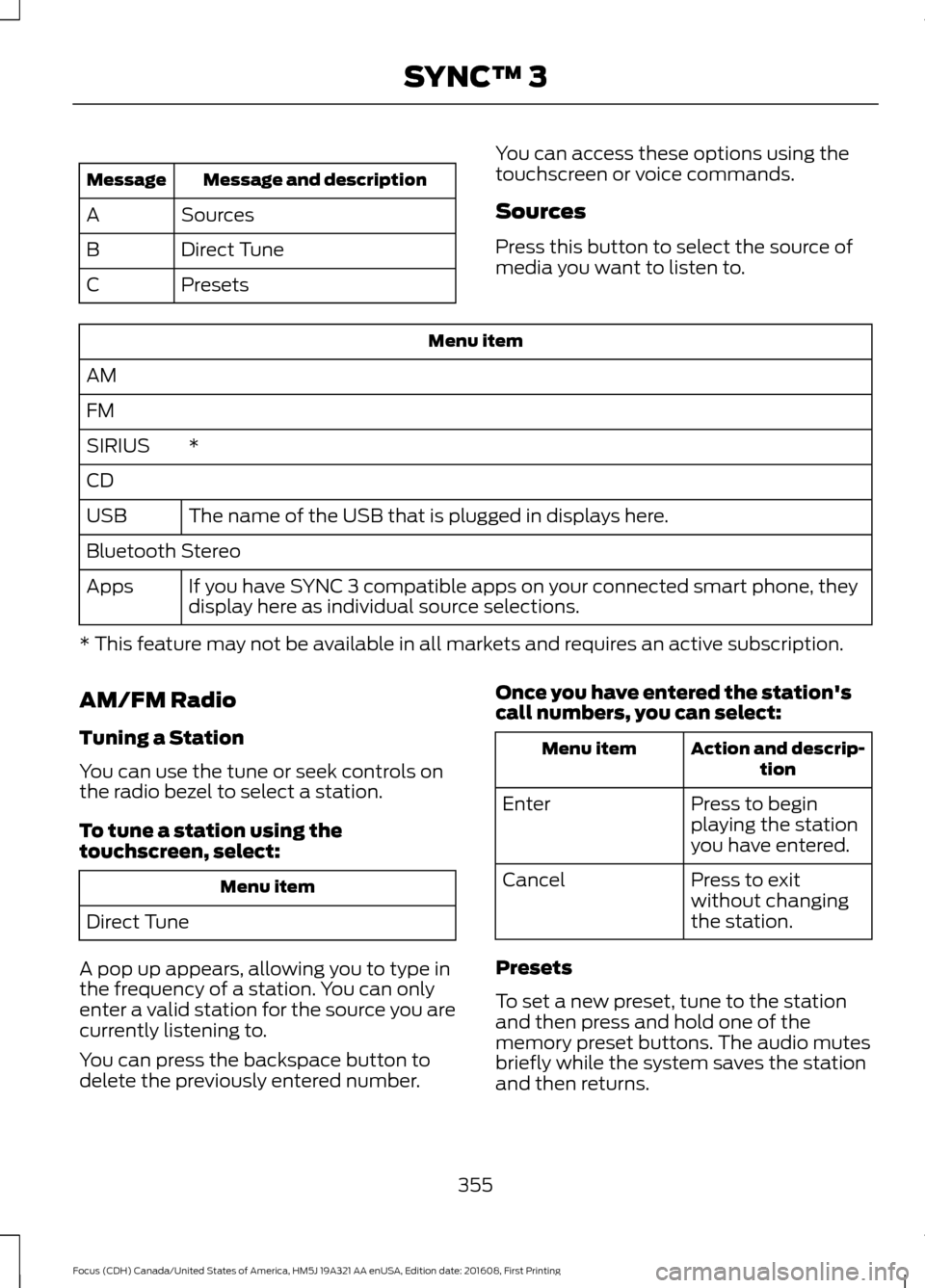
Message and description
Message
Sources
A
Direct Tune
B
Presets
C You can access these options using the
touchscreen or voice commands.
Sources
Press this button to select the source of
media you want to listen to.Menu item
AM
FM *
SIRIUS
CD
The name of the USB that is plugged in displays here.
USB
Bluetooth Stereo
If you have SYNC 3 compatible apps on your connected smart phone, they
display here as individual source selections.
Apps
* This feature may not be available in all markets and requires an active subscription.
AM/FM Radio
Tuning a Station
You can use the tune or seek controls on
the radio bezel to select a station.
To tune a station using the
touchscreen, select: Menu item
Direct Tune
A pop up appears, allowing you to type in
the frequency of a station. You can only
enter a valid station for the source you are
currently listening to.
You can press the backspace button to
delete the previously entered number. Once you have entered the station's
call numbers, you can select: Action and descrip-
tion
Menu item
Press to begin
playing the station
you have entered.
Enter
Press to exit
without changing
the station.
Cancel
Presets
To set a new preset, tune to the station
and then press and hold one of the
memory preset buttons. The audio mutes
briefly while the system saves the station
and then returns.
355
Focus (CDH) Canada/United States of America, HM5J 19A321 AA enUSA, Edition date: 201608, First Printing SYNC™ 3
Page 359 of 467
There are two preset banks available for
AM and three banks for FM. To access
additional presets, tap the preset button.
The indicator on the preset button shows
which bank of presets you are currently
viewing.
SIRIUS® Satellite Radio (If
Activated)
Note:
This feature may not be available in
all markets and requires an active
subscription. SIRIUS satellite radio is a
subscription-based satellite radio service
that broadcasts a variety of music, sports,
news, weather, traffic and entertainment
programming. Your factory-installed
SIRIUS satellite radio system includes
hardware and a limited subscription term
that begins on the date of sale or lease of
your vehicle. See an authorized dealer for
availability.
For more information on extended
subscription terms (a service fee is
required), the online media player and a
list of SIRIUS satellite radio channels, and
other features, please visit
www.siriusxm.com in the United States,
www.siriusxm.ca in Canada, or call SIRIUS
at 1-888-539-7474.
Note:
SIRIUS reserves the unrestricted right
to change, rearrange, add or delete
programming. This includes canceling,
moving or adding particular channels, and
its prices, at any time, with or without notice
to you. Ford Motor Company shall not be
responsible for any such programming
changes.
Note: This receiver includes the eCos
real-time operating system. eCos is
published under the eCos License.
The following buttons are available for Sirius: Action and description
Menu item
Touch this button to see a list of available stations.
Browse
A pop-up appears, allowing you to type in the call numbers of
a station.
Direct Tune
Once you enter the stations call numbers, you can select:The system tunes to the station you select.
Enter
You exit the pop-up and the current station
continues to play.
Cancel
You can press the backspace button to delete the previous
number.
356
Focus (CDH) Canada/United States of America, HM5J 19A321 AA enUSA, Edition date: 201608, First Printing SYNC™ 3E234451
Page 360 of 467
Action and description
Menu item
Replay audio on the current channel. You can replay approx-
imately 45 minutes of audio as long as you remain tuned to
the current station. Changing stations erases the previous
audio.
Replay
When you are in replay mode, you are not
able to select a different preset until you
return to live audio. Pressing this button
returns you to the live broadcast.
Live
Save the current song, artist, or team as a favorite. The system
alerts you when it plays again on any channel.
ALERT
Selecting this button allows you to enable and edit alerts. See
Settings (page 380).
Memory Presets
To set a preset, tune to the station then
press and hold one of the memory preset
buttons. The audio mutes briefly while the
system saves the station and returns once
the station is stored. There are three preset banks available for
SIRIUS. To access additional presets, tap
the preset button. The indicator on the
preset button shows which bank of presets
you are currently viewing.
Satellite Radio Electronic Serial
Number (ESN)
You need your ESN to activate, modify or
track your satellite radio account. See
Settings
(page 380).
SIRIUS Satellite Radio Reception Factors and Troubleshooting Potential reception issues
For optimal reception performance, keep the antenna clear
of snow and ice build-up and keep luggage and other
materials as far away from the antenna as possible.
Antenna obstructions
Hills, mountains, tall buildings, bridges, tunnels, freeway
overpasses, parking garages, dense tree foliage and thunder-
storms can interfere with your reception.
Terrain
When you pass a ground-based broadcast-repeating tower,
a stronger signal may overtake a weaker one and the audio
system may mute.
Station overload
Your display may show ACQUIRING... to indicate the interfer-
ence and the audio system may mute.
Satellite radio signal
interference
357
Focus (CDH) Canada/United States of America, HM5J 19A321 AA enUSA, Edition date: 201608, First Printing SYNC™ 3
Page 361 of 467
Troubleshooting tips
Action
Cause
Message
No action required. This
message should disappear
shortly.
Radio requires more than two
seconds to produce audio for
the selected channel.
Acquiring Signal
If this message does not clear
shortly, or with an ignition key
cycle, your receiver may have
a fault. See an authorized
dealer for service.
There is an internal module or
system failure present.
Satellite antenna fault
SIRIUS system failure
Tune to another channel or
choose another preset.
The channel is no longer avail-
able.
Invalid Channel
Contact SIRIUS at 1-888-539-
7474 to subscribe to the
channel, or tune to another
channel.
Your subscription does not
include this channel.
Unsubscribed Channel
The signal is blocked. When
you move into an open area,
the signal should return.
The signal is lost from the
SIRIUS satellite or SIRIUS
tower to your vehicle antenna.
Satellite acquiring
signal\b
No action required. The
process may take up to three
minutes.
Update of channel program-
ming in progress.
Updating\b
Contact SIRIUS at 1-888-539-
7474 to resolve subscription
issues.
Your satellite service is no
longer available.
Questions? Call 1-
888-539-7474
Use the channel guide to turn
off the Lock or Skip function on
that station.
All the channels in the selected
category are either skipped or
locked.
None found. Check
channel guide.
No action required.
SIRIUS has updated the chan-
nels available for your vehicle.
SIRIUS Subscription
updated
HD Radio ™ Information (If
Available)
Note: This feature may not be available in
all markets. To activate HD radio, please see the Radio
Settings in the Settings Chapter. See
Settings (page 380).
Note: HD Radio broadcasts are not
available in all markets.
358
Focus (CDH) Canada/United States of America, HM5J 19A321 AA enUSA, Edition date: 201608, First Printing SYNC™ 3
Page 458 of 467
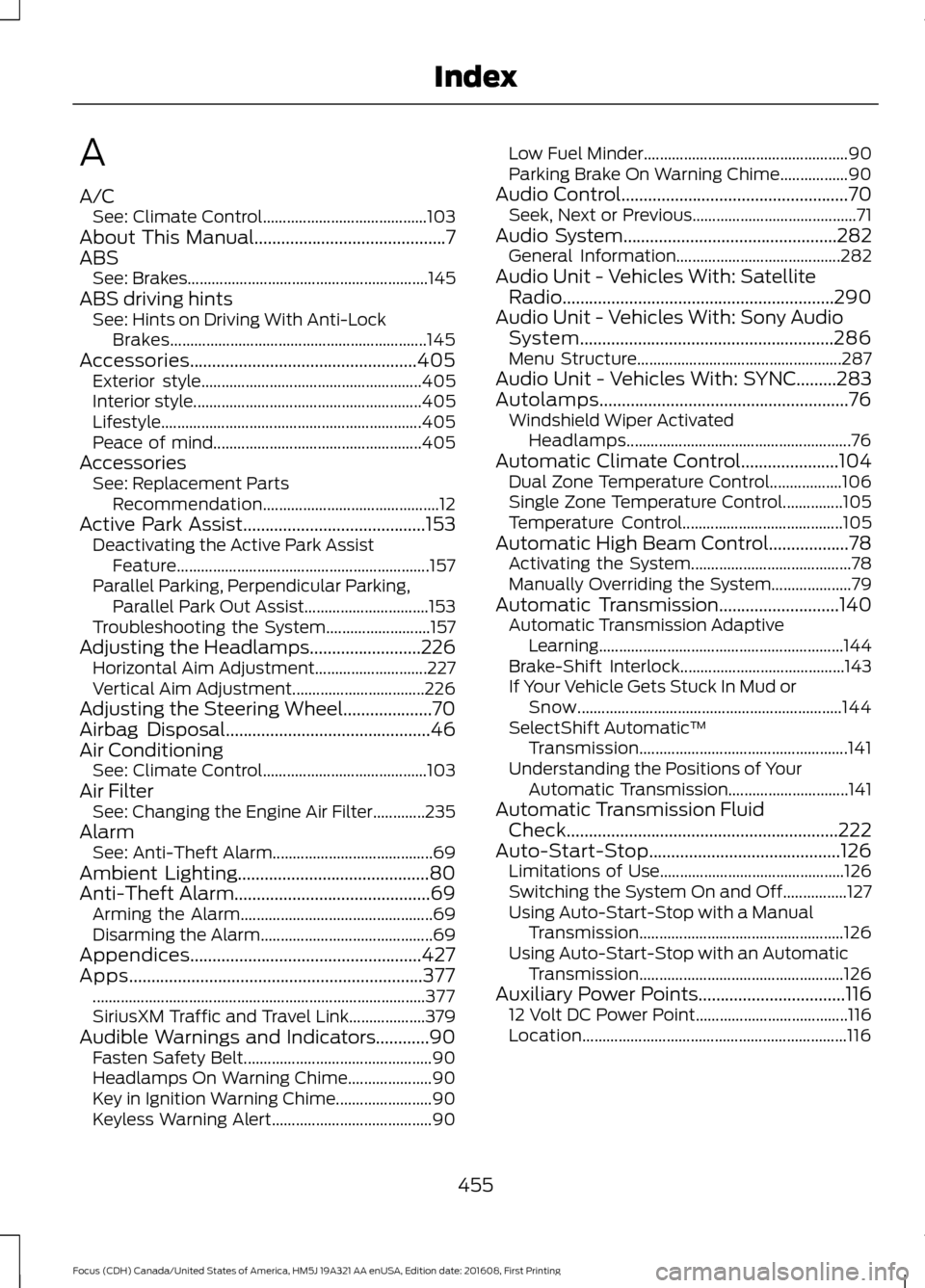
A
A/C
See: Climate Control......................................... 103
About This Manual...........................................7
ABS See: Brakes............................................................ 145
ABS driving hints See: Hints on Driving With Anti-Lock
Brakes................................................................ 145
Accessories...................................................405 Exterior style....................................................... 405
Interior style......................................................... 405
Lifestyle................................................................. 405
Peace of mind.................................................... 405
Accessories See: Replacement Parts
Recommendation............................................ 12
Active Park Assist
.........................................153
Deactivating the Active Park Assist
Feature............................................................... 157
Parallel Parking, Perpendicular Parking, Parallel Park Out Assist............................... 153
Troubleshooting the System.......................... 157
Adjusting the Headlamps.........................226 Horizontal Aim Adjustment............................ 227
Vertical Aim Adjustment................................. 226
Adjusting the Steering Wheel....................70
Airbag Disposal
..............................................46
Air Conditioning See: Climate Control......................................... 103
Air Filter See: Changing the Engine Air Filter.............235
Alarm See: Anti-Theft Alarm........................................ 69
Ambient Lighting...........................................80
Anti-Theft Alarm............................................69 Arming the Alarm................................................ 69
Disarming the Alarm........................................... 69
Appendices....................................................427
Apps..................................................................377 ........................................................................\
........... 377
SiriusXM Traffic and Travel Link................... 379
Audible Warnings and Indicators............90 Fasten Safety Belt............................................... 90
Headlamps On Warning Chime..................... 90
Key in Ignition Warning Chime........................ 90
Keyless Warning Alert........................................ 90Low Fuel Minder...................................................
90
Parking Brake On Warning Chime.................90
Audio Control...................................................70 Seek, Next or Previous......................................... 71
Audio System
................................................282
General Information......................................... 282
Audio Unit - Vehicles With: Satellite Radio.............................................................290
Audio Unit - Vehicles With: Sony Audio System.........................................................286
Menu Structure................................................... 287
Audio Unit - Vehicles With: SYNC.........283
Autolamps........................................................76 Windshield Wiper Activated
Headlamps........................................................ 76
Automatic Climate Control......................104 Dual Zone Temperature Control.................. 106
Single Zone Temperature Control...............105
Temperature Control........................................ 105
Automatic High Beam Control..................78 Activating the System........................................ 78
Manually Overriding the System.................... 79
Automatic Transmission...........................140 Automatic Transmission Adaptive
Learning............................................................. 144
Brake-Shift Interlock......................................... 143
If Your Vehicle Gets Stuck In Mud or Snow.................................................................. 144
SelectShift Automatic ™
Transmission.................................................... 141
Understanding the Positions of Your Automatic Transmission.............................. 141
Automatic Transmission Fluid Check
.............................................................222
Auto-Start-Stop...........................................126 Limitations of Use.............................................. 126
Switching the System On and Off................127
Using Auto-Start-Stop with a Manual Transmission................................................... 126
Using Auto-Start-Stop with an Automatic Transmission................................................... 126
Auxiliary Power Points
.................................116
12 Volt DC Power Point...................................... 116
Location.................................................................. 116
455
Focus (CDH) Canada/United States of America, HM5J 19A321 AA enUSA, Edition date: 201608, First Printing Index
Page 460 of 467
Coolant Check
See: Engine Coolant Check............................. 218
Crash Sensors and Airbag Indicator........45
Creating a MyKey............................................55
Programming/Changing Configurable
Settings............................................................... 55
Cross Traffic Alert
...........................................171
False Alerts............................................................ 173
Switching the System Off and On................174
System Errors........................................................ 174
System Lights, Messages and Audible Alerts................................................................... 173
System Limitations............................................. 173
Using the System................................................. 171
Cruise Control
...................................................71
Principle of Operation....................................... 162
Cruise control See: Using Cruise Control................................ 162
Customer Assistance
..................................194
D
Data Recording
..................................................9
Event Data Recording.......................................... 10
Service Data Recording........................................ 9
Daytime Running Lamps..............................77 Type 1 - Conventional
(Non-Configurable)........................................ 77
Type 2 - Configurable.......................................... 77
Digital Radio
..................................................292
HD Radio Reception and Station
Troubleshooting............................................ 293
Direction Indicators........................................79
Doors and Locks
.............................................59
Drive Belt Routing - 1.0L EcoBoost™.................................................236
Drive Belt Routing - 2.0L
...........................236
Driver Alert......................................................164
Principle of Operation....................................... 164
Using Driver Alert................................................ 164
Driver and Passenger Airbags...................39 Children and Airbags.......................................... 39
Proper Driver and Front Passenger Seating Adjustment........................................................ 39
Driver Knee Airbag.........................................43
Driving Aids.....................................................164
Driving at High Speed.................................267
Driving Hints...................................................186 Driving Through Water...............................186
DRL
See: Daytime Running Lamps.......................... 77
E
Eco Mode.........................................................174 Resetting Eco Mode........................................... 174
Type 1....................................................................... 174
Economical Driving
......................................186
Emission Control System..........................135
On-Board Diagnostics (OBD-II)................... 136
Readiness for Inspection and Maintenance (I/M) Testing.................................................... 137
End User License Agreement..................427 VEHICLE SOFTWARE END USER LICENSE
AGREEMENT (EULA) ................................. 427
Engine Block Heater....................................124 Using the Engine Block Heater...................... 125
Engine Coolant Check
................................218
Adding Coolant.................................................... 218
Coolant Change................................................. 220
Engine Coolant Temperature Management................................................... 221
Fail-Safe Cooling............................................... 220
Recycled Coolant................................................ 219
Severe Climates................................................. 220
Engine Cooling Fan......................................218
Engine Immobilizer See: Passive Anti-Theft System..................... 67
Engine Oil Check...........................................216 Adding Engine Oil............................................... 216
Engine Oil Dipstick - 1.0L EcoBoost™..................................................216
Engine Oil Dipstick - 2.0L...........................216
Engine Specifications - 1.0L EcoBoost™.................................................269
Engine Specifications - 2.0L....................270
Entertainment..............................................354 AM/FM Radio...................................................... 355
Apps........................................................................\
363
Bluetooth Stereo or USB................................ 362
CD........................................................................\
..... 361
HD Radio ™ Information (If
Available)........................................................ 358
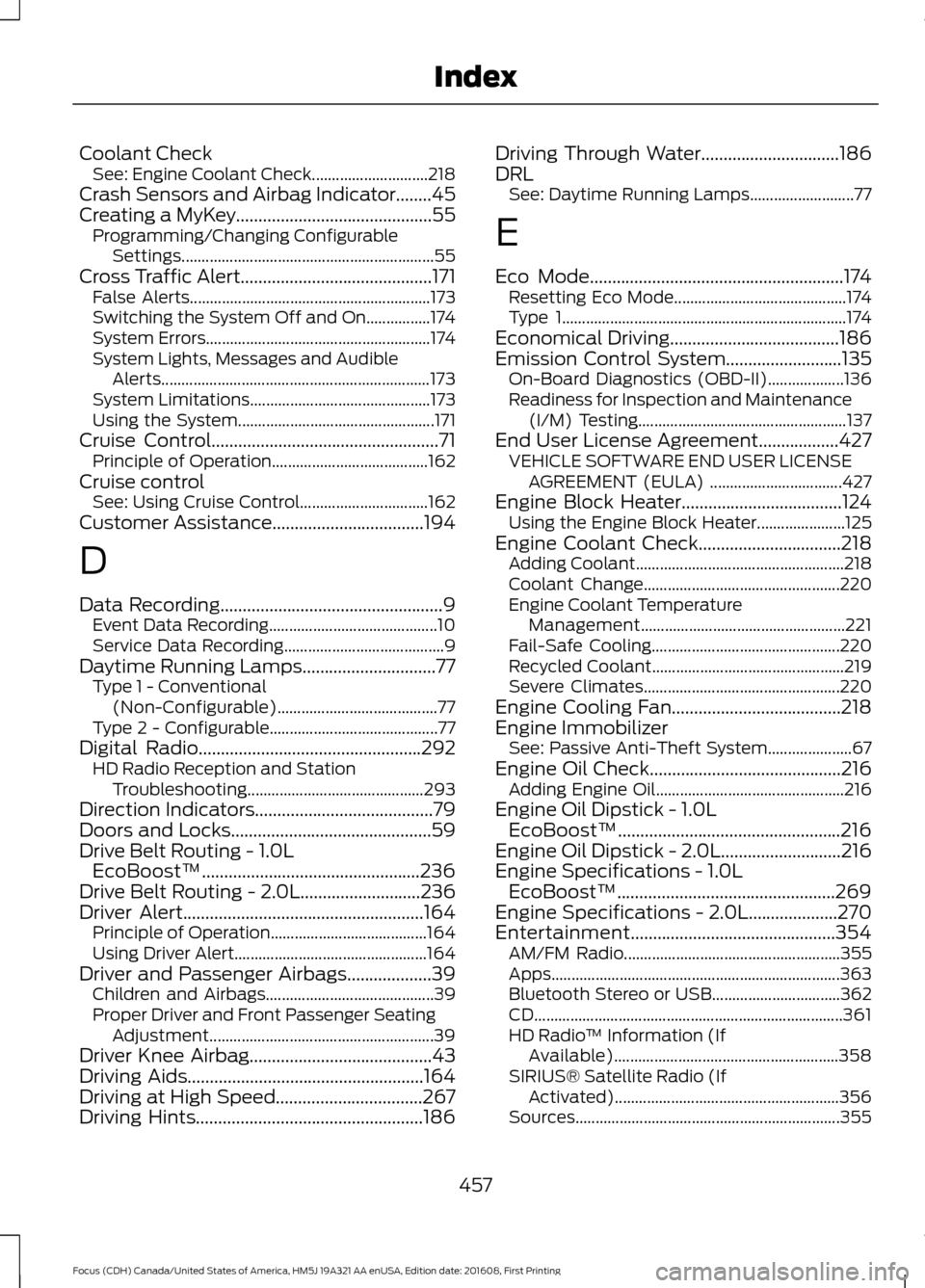
SIRIUS® Satellite Radio (If Activated)........................................................ 356
Sources.................................................................. 355
457
Focus (CDH) Canada/United States of America, HM5J 19A321 AA enUSA, Edition date: 201608, First Printing Index
Page 465 of 467
Running Out of Fuel......................................131
Adding Fuel From a Portable Fuel
Container........................................................... 131
Filling a Portable Fuel Container.................... 131
S
Safety Canopy ™............................................44
Safety Precautions.......................................128
Satellite Radio..............................................295
Satellite Radio Electronic Serial Number
(ESN)................................................................ 296
Satellite Radio Reception Factors..............295
SIRIUS® Satellite Radio Service.................. 295
Troubleshooting................................................. 296
Scheduled Maintenance Record
.............417
Scheduled Maintenance..........................409
Seatbelt Extension........................................35
Seatbelt Height Adjustment......................32
Seatbelt Reminder
.........................................33
Belt-Minder™........................................................ 33
Seatbelts...........................................................29 Principle of Operation........................................ 29
Seatbelt Warning Lamp and Indicator Chime...............................................................32
Conditions of operation..................................... 33
Seats..................................................................110
Security..............................................................67
Settings...........................................................380 911 Assist............................................................... 385
Ambient Lighting............................................... 390
Bluetooth.............................................................. 382
Clock........................................................................\
381
Display
.................................................................... 391
General.................................................................. 389
Media Player......................................................... 381
Mobile Apps........................................................ 388
Navigation............................................................ 386
Phone..................................................................... 382
Radio...................................................................... 385
Sound.................................................................... 380
Valet Mode........................................................... 392
Vehicle................................................................... 390
Voice Control....................................................... 392
Wi-Fi....................................................................... 390
Side Airbags.....................................................42
Sitting in the Correct Position...................110 Snow Chains
See: Using Snow Chains................................. 260
Special Notices................................................12 New Vehicle Limited Warranty......................... 12
On Board Diagnostics Data Link Connector............................................................ 13
Special Instructions.............................................. 12
Special Operating Conditions Scheduled Maintenance...............................................415
Exceptions.............................................................416
Speed Control See: Cruise Control............................................ 162
Stability Control............................................149 Principle of Operation....................................... 149
Starter Switch See: Ignition Switch............................................ 118
Starting a Gasoline Engine.........................121 Automatic Engine Shutdown......................... 122
Failure to Start..................................................... 122
Guarding Against Exhaust Fumes................124
Important Ventilating Information...............124
Stopping the Engine When Your Vehicle is Moving................................................................ 123
Stopping the Engine When Your Vehicle is Stationary......................................................... 123
Vehicles with an Ignition Key........................... 121
Vehicles with Keyless Start.............................. 121
Starting and Stopping the Engine...........118 General Information........................................... 118
Steering.............................................................175 Electric Power Steering..................................... 175
Steering Wheel................................................70
Storage Compartments..............................117
Sunroof See: Moonroof....................................................... 84
Sun Visors
.........................................................84
Illuminated Vanity Mirror................................... 84
Supplementary Restraints System.........38 Principle of Operation........................................ 38
Symbols Glossary
.............................................7
SYNC™ 3........................................................336
General Information......................................... 336
SYNC™ 3 Troubleshooting......................392
SYNC™ Applications and Services
.......314
911 Assist................................................................ 314
SYNC Mobile Apps............................................. 316
SYNC™...........................................................298 General Information......................................... 298
462
Focus (CDH) Canada/United States of America, HM5J 19A321 AA enUSA, Edition date: 201608, First Printing Index