charging FORD FOCUS ELECTRIC 2014 3.G User Guide
[x] Cancel search | Manufacturer: FORD, Model Year: 2014, Model line: FOCUS ELECTRIC, Model: FORD FOCUS ELECTRIC 2014 3.GPages: 403, PDF Size: 6.42 MB
Page 144 of 403
Charging Equipment
Note:
Your vehicle comes equipped with a standard 120 volt convenience
cord located in your trunk storage compartment underneath the carpeted
panel. This allows you to charge the battery using a standard 120 volt
household outlet. Using the standard 120 volt convenience cord takes up to
18–20 hours to completely charge from an empty battery.
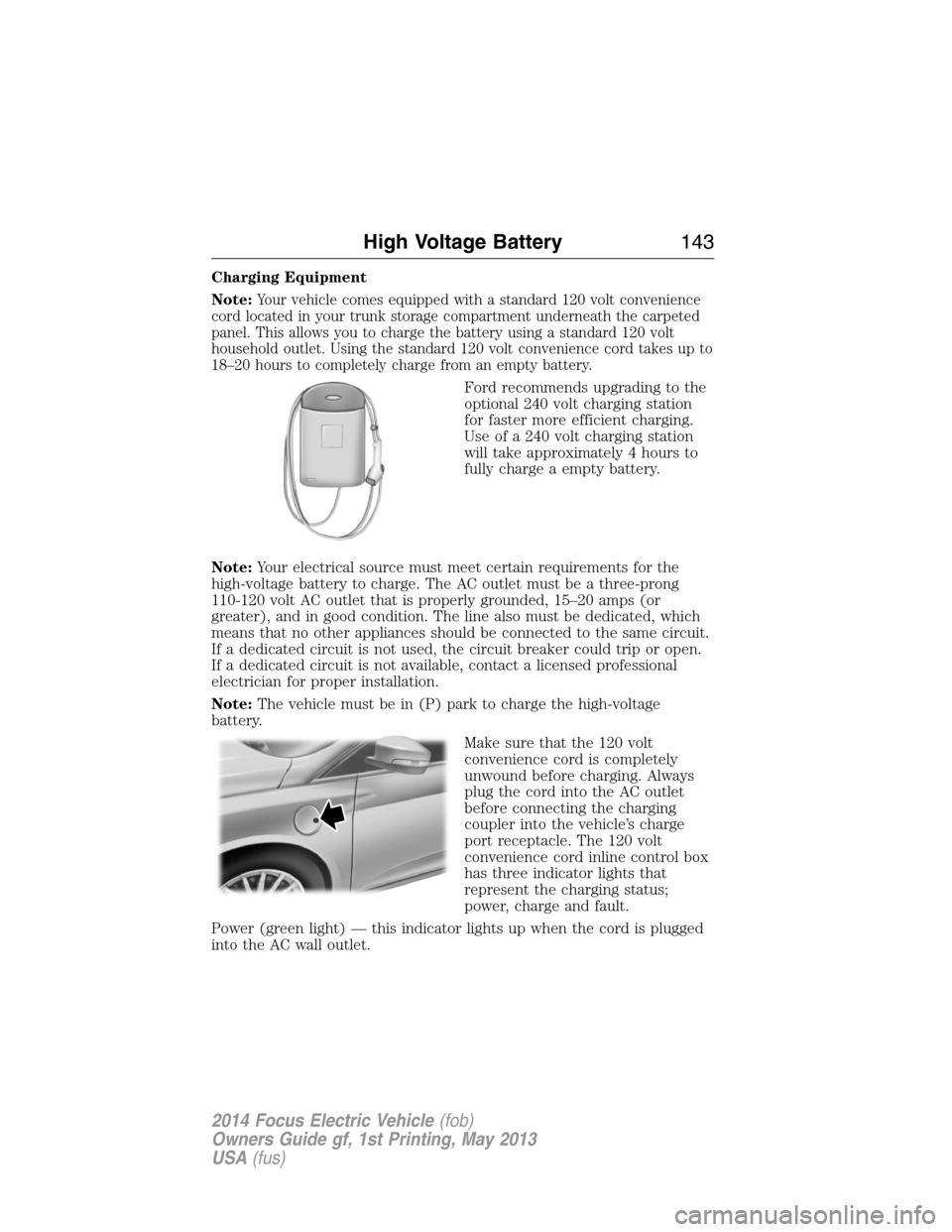
Ford recommends upgrading to the
optional 240 volt charging station
for faster more efficient charging.
Use of a 240 volt charging station
will take approximately 4 hours to
fully charge a empty battery.
Note:Your electrical source must meet certain requirements for the
high-voltage battery to charge. The AC outlet must be a three-prong
110-120 volt AC outlet that is properly grounded, 15–20 amps (or
greater), and in good condition. The line also must be dedicated, which
means that no other appliances should be connected to the same circuit.
If a dedicated circuit is not used, the circuit breaker could trip or open.
If a dedicated circuit is not available, contact a licensed professional
electrician for proper installation.
Note:The vehicle must be in (P) park to charge the high-voltage
battery.
Make sure that the 120 volt
convenience cord is completely
unwound before charging. Always
plug the cord into the AC outlet
before connecting the charging
coupler into the vehicle’s charge
port receptacle. The 120 volt
convenience cord inline control box
has three indicator lights that
represent the charging status;
power, charge and fault.
Power (green light) — this indicator lights up when the cord is plugged
into the AC wall outlet.
High Voltage Battery143
2014 Focus Electric Vehicle(fob)
Owners Guide gf, 1st Printing, May 2013
USA(fus)
Page 145 of 403
Charge (green light) — Indicates status of charging:
•No light means the cord is not connected to the vehicle.
•Blinking light means that the charging is in process.
•Solid light means that the vehicle is connected but not charging.
Fault (red triangle light) — Lights up in case of a detected failure.
No charging is possible:
•Blinking red triangle light – means that the 120 volt convenience cord
is trying to reset the failure and could restart the charging cycle.
•Solid red triangle light – means that the fault is permanent. The cord
needs to be unplugged and re-plugged to reset the fault. If the fault
persists, contact your authorized dealer.
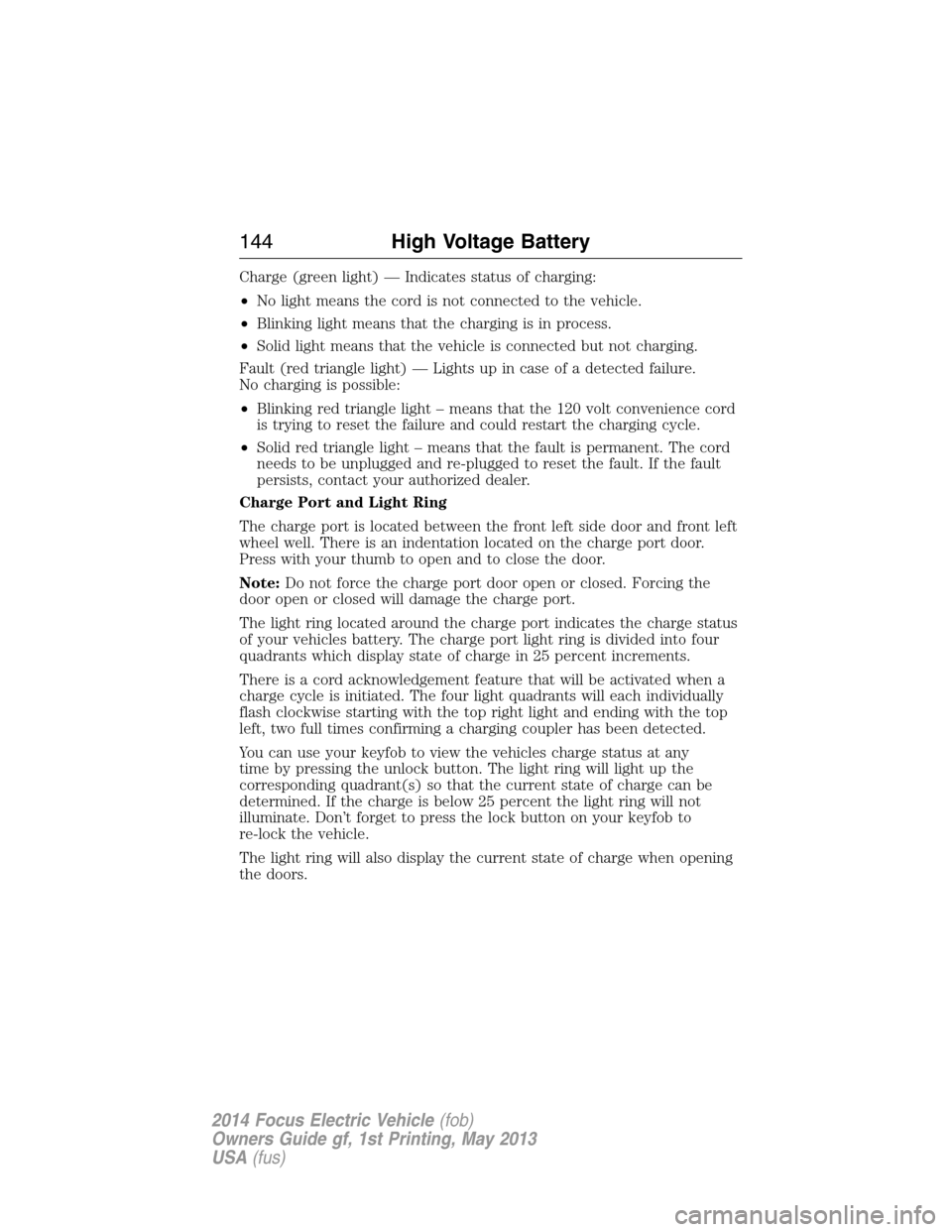
Charge Port and Light Ring
The charge port is located between the front left side door and front left
wheel well. There is an indentation located on the charge port door.
Press with your thumb to open and to close the door.
Note:Do not force the charge port door open or closed. Forcing the
door open or closed will damage the charge port.
The light ring located around the charge port indicates the charge status
of your vehicles battery. The charge port light ring is divided into four
quadrants which display state of charge in 25 percent increments.
There is a cord acknowledgement feature that will be activated when a
charge cycle is initiated. The four light quadrants will each individually
flash clockwise starting with the top right light and ending with the top
left, two full times confirming a charging coupler has been detected.
You can use your keyfob to view the vehicles charge status at any
time by pressing the unlock button. The light ring will light up the
corresponding quadrant(s) so that the current state of charge can be
determined. If the charge is below 25 percent the light ring will not
illuminate. Don’t forget to press the lock button on your keyfob to
re-lock the vehicle.
The light ring will also display the current state of charge when opening
the doors.
144High Voltage Battery
2014 Focus Electric Vehicle(fob)
Owners Guide gf, 1st Printing, May 2013
USA(fus)
Page 146 of 403
Charging
Note:The vehicle must be in (P)
Park to charge.
To charge your high-voltage battery:
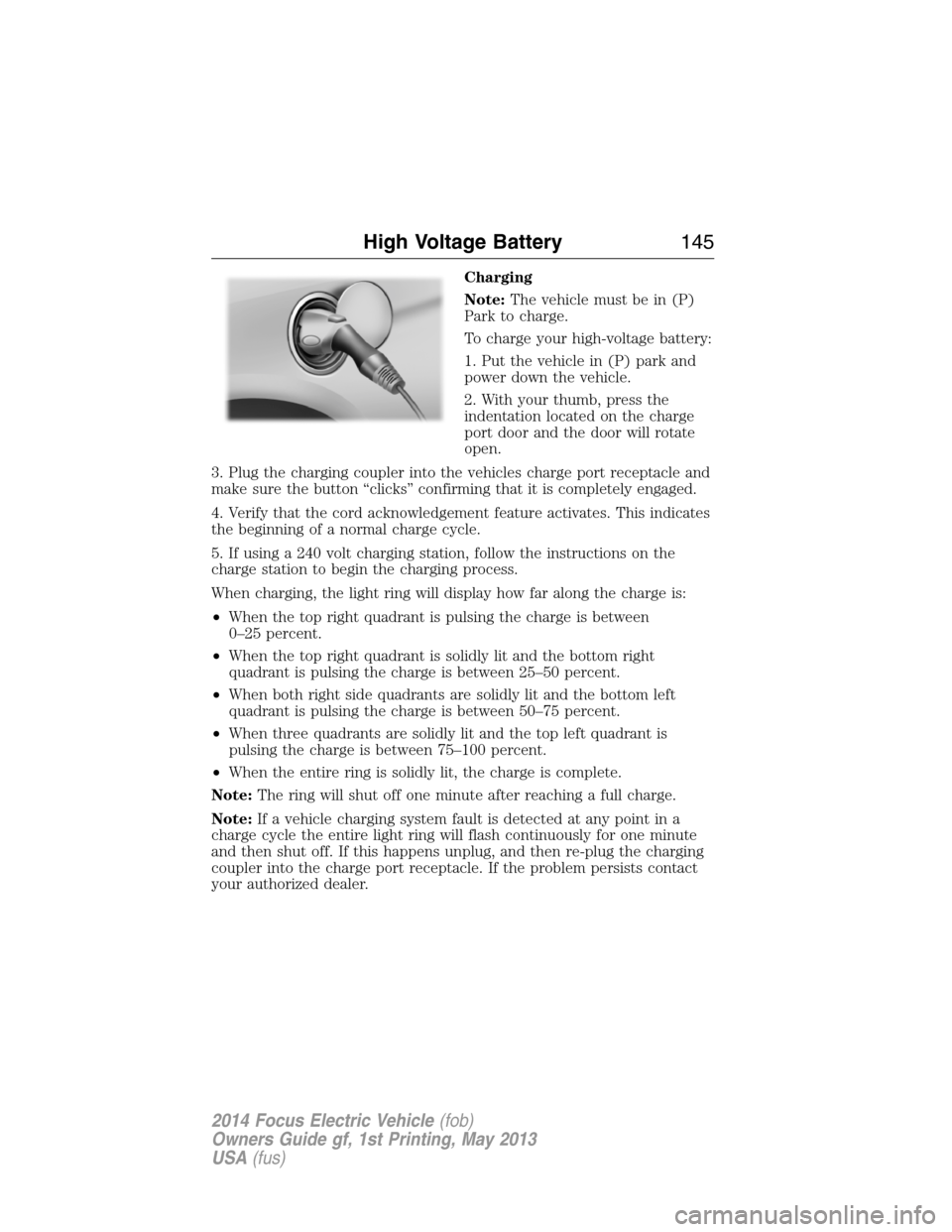
1. Put the vehicle in (P) park and
power down the vehicle.
2. With your thumb, press the
indentation located on the charge
port door and the door will rotate
open.
3. Plug the charging coupler into the vehicles charge port receptacle and
make sure the button “clicks” confirming that it is completely engaged.
4. Verify that the cord acknowledgement feature activates. This indicates
the beginning of a normal charge cycle.
5. If using a 240 volt charging station, follow the instructions on the
charge station to begin the charging process.
When charging, the light ring will display how far along the charge is:
•When the top right quadrant is pulsing the charge is between
0–25 percent.
•When the top right quadrant is solidly lit and the bottom right
quadrant is pulsing the charge is between 25–50 percent.
•When both right side quadrants are solidly lit and the bottom left
quadrant is pulsing the charge is between 50–75 percent.
•When three quadrants are solidly lit and the top left quadrant is
pulsing the charge is between 75–100 percent.
•When the entire ring is solidly lit, the charge is complete.
Note:The ring will shut off one minute after reaching a full charge.
Note:If a vehicle charging system fault is detected at any point in a
charge cycle the entire light ring will flash continuously for one minute
and then shut off. If this happens unplug, and then re-plug the charging
coupler into the charge port receptacle. If the problem persists contact
your authorized dealer.
High Voltage Battery145
2014 Focus Electric Vehicle(fob)
Owners Guide gf, 1st Printing, May 2013
USA(fus)
Page 147 of 403
Note:Do not pull the wall plug
from the wall while the vehicle is
charging. Doing so may damage the
outlet and the cord.
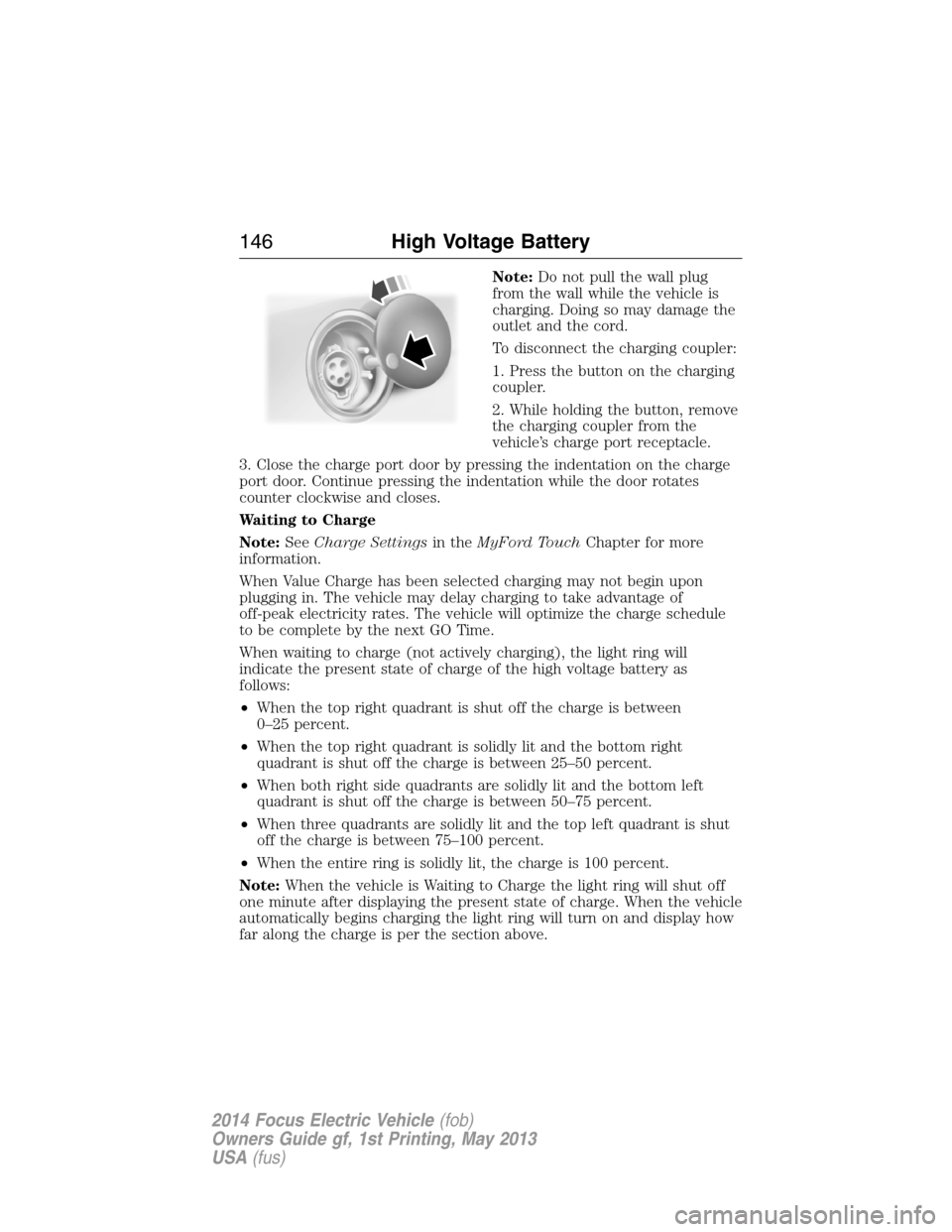
To disconnect the charging coupler:
1. Press the button on the charging
coupler.
2. While holding the button, remove
the charging coupler from the
vehicle’s charge port receptacle.
3. Close the charge port door by pressing the indentation on the charge
port door. Continue pressing the indentation while the door rotates
counter clockwise and closes.
Waiting to Charge
Note:SeeCharge Settingsin theMyFord TouchChapter for more
information.
When Value Charge has been selected charging may not begin upon
plugging in. The vehicle may delay charging to take advantage of
off-peak electricity rates. The vehicle will optimize the charge schedule
to be complete by the next GO Time.
When waiting to charge (not actively charging), the light ring will
indicate the present state of charge of the high voltage battery as
follows:
•When the top right quadrant is shut off the charge is between
0–25 percent.
•When the top right quadrant is solidly lit and the bottom right
quadrant is shut off the charge is between 25–50 percent.
•When both right side quadrants are solidly lit and the bottom left
quadrant is shut off the charge is between 50–75 percent.
•When three quadrants are solidly lit and the top left quadrant is shut
off the charge is between 75–100 percent.
•When the entire ring is solidly lit, the charge is 100 percent.
Note:When the vehicle is Waiting to Charge the light ring will shut off
one minute after displaying the present state of charge. When the vehicle
automatically begins charging the light ring will turn on and display how
far along the charge is per the section above.
146High Voltage Battery
2014 Focus Electric Vehicle(fob)
Owners Guide gf, 1st Printing, May 2013
USA(fus)
Page 148 of 403
Note:If a vehicle charging system fault is detected at any point in a
charge cycle the entire light ring will flash continuously for one minute
and then shut off. If this happens unplug, and then re-plug the charging
coupler into the charge port receptacle. If the problem persists contact
your authorized dealer.
The light ring illumination conditions can be modified. See theCharge
Port Light Ring Settingsin theMyFord Touchchapter.
Disconnecting the Charging Coupler
Note:Do not pull the wall plug from the wall while the vehicle is
charging. Doing so may damage the outlet and the cord.
To disconnect the charging coupler:
1. Press the button on the charging coupler with your thumb.
2. While holding the button, remove the charging coupler from the
vehicle’s charge port receptacle.
3. Close the charge port door by pressing the indentation on the charge
port door. Continue pressing the indentation while the door rotates
counter clockwise and closes.
Convenience Charging and MyFord® Mobile
The setting up of the charging convenience features is primarily done with
the MyFord Mobile smart phone application. Visit myfordmobile.com for
more complete information and to set up your MyFord Mobile account.
Your electric vehicle also has some convenience features to improve your
charging experience:
•Value Charge:The vehicle schedules charging at the lowest available
utility rates. Contact your utility company to see what rates are
available.
•Charge Now:Fully charge your vehicle at the quickest rate. The
vehicle starts charging immediately after you connect the charging
plug into the vehicle.
•My GO Time:Setting My GO times through the MyFord Mobile
application allows you to set charging schedules and cabin
preconditioning settings so your vehicle is ready to drive when you
are. By setting a My GO time the vehicles charge can be completed
before your next set drive time. A calendar view allows you to
program two My GO Times per day for each of the seven days of the
week. Remember, your vehicle must be plugged in for My GO time to
work.
High Voltage Battery147
2014 Focus Electric Vehicle(fob)
Owners Guide gf, 1st Printing, May 2013
USA(fus)
Page 149 of 403
•Cabin Preconditioning:Get the most miles out of every charge by
preconditioning your vehicle while it’s still plugged in and charging.
Use your smart phone to set the cabin temperature and departure
time before you leave so you use energy from your home wall outlet
instead of your battery to heat or cool your vehicle.
HIGH-VOLTAGE SERVICE DISCONNECT
The high-voltage service disconnect shuts off power from the
high-voltage battery.
Disabling the High-Voltage Battery
Note:There are two disconnect circuits in your vehicle. Disconnecting
one circuit will automatically disable the high-voltage battery.
To disable the high-voltage battery and stop all high-voltage electric
activity in the vehicle you can access one or both of the two high-voltage
disconnect circuits. To do this, you must unplug one of the circuits from
the circuit ports connected to the battery.
The lower battery high-voltage disconnect circuit is located by the right
rear wheel, accessible from under the car.
The upper battery high-voltage disconnect circuit is located behind the
rear fold-down seats near the left side of the vehicle, and is more easily
accessible than the lower battery circuit. To access this circuit:
1. Fold down the left rear seat.
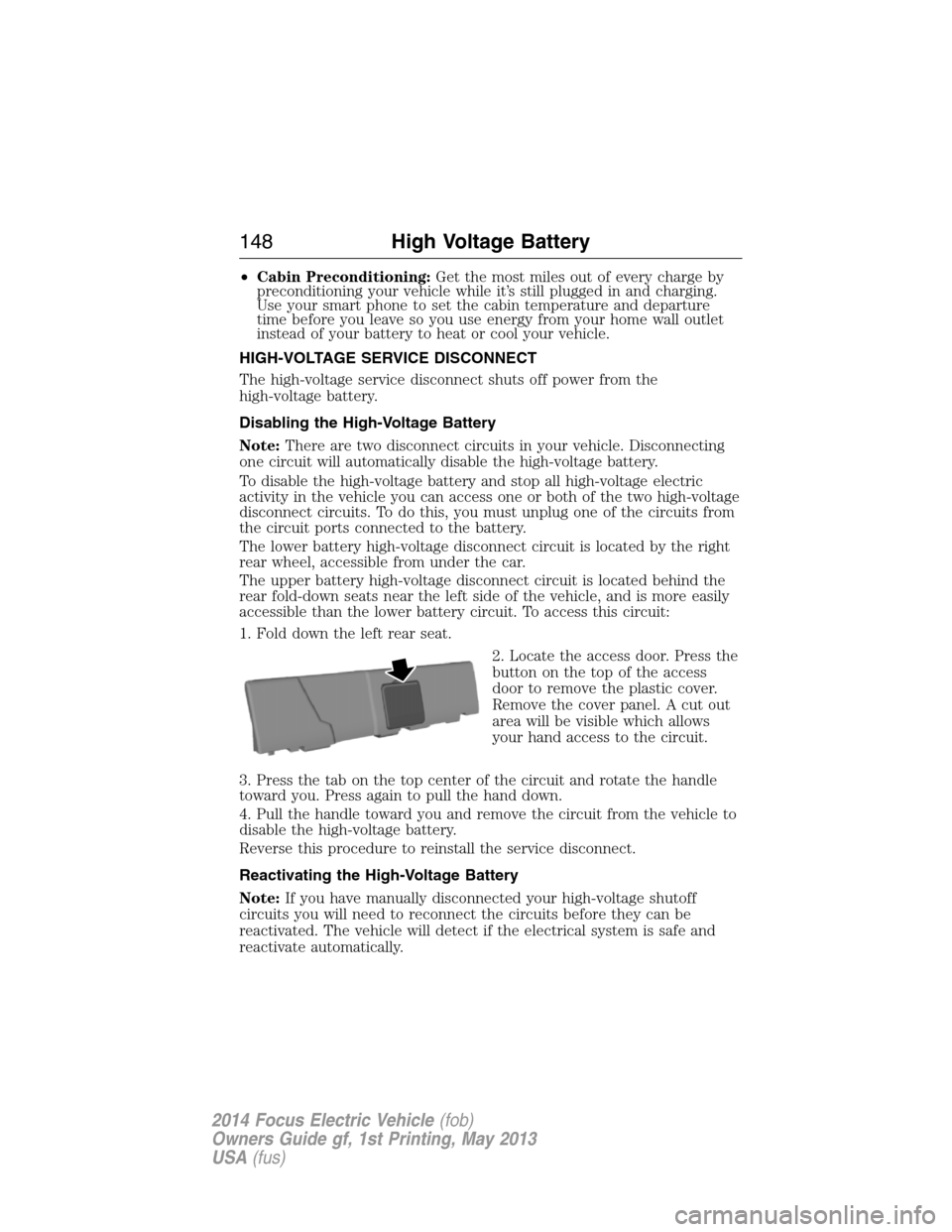
2. Locate the access door. Press the
button on the top of the access
door to remove the plastic cover.
Remove the cover panel. A cut out
area will be visible which allows
your hand access to the circuit.
3. Press the tab on the top center of the circuit and rotate the handle
toward you. Press again to pull the hand down.
4. Pull the handle toward you and remove the circuit from the vehicle to
disable the high-voltage battery.
Reverse this procedure to reinstall the service disconnect.
Reactivating the High-Voltage Battery
Note:If you have manually disconnected your high-voltage shutoff
circuits you will need to reconnect the circuits before they can be
reactivated. The vehicle will detect if the electrical system is safe and
reactivate automatically.
148High Voltage Battery
2014 Focus Electric Vehicle(fob)
Owners Guide gf, 1st Printing, May 2013
USA(fus)
Page 155 of 403

If the anti-lock brake system is disabled, normal braking is still
effective. If the brake warning lamp illuminates with the parking
brake released, have your brake system serviced immediately.
Regenerative braking system
Your vehicle uses a feature known as regenerative braking. This is used to
simulate the engine braking of an internal combustion engine and assist the
standard brake system while recovering some of the energy of motion and
storing it in the battery to improve fuel economy. The standard brake
system is designed to fully stop the car if regenerative braking is not
available. During regenerative braking, the motor is spun as a generator to
create electrical current. This recharges the battery and slows the vehicle.
In effect, once the accelerator pedal is released, the motor changes from an
energy user to an energy producer.
When the accelerator pedal is released or the brake pedal is applied,
the brake controller automatically detects the amount of deceleration
requested and optimizes how much of the deceleration will be produced
by regenerative braking. The remaining portion is generated by standard
friction braking. When the battery is almost fully charged, the amount of
regenerative braking is limited to avoid overcharging, and the requested
deceleration is produced by standard friction braking alone.
Regenerative braking does not take the place of the standard friction
brakes; it only assists them. Regenerative braking has also been designed
to interact with the anti-lock brake system. Regenerative braking is
disabled when the anti-lock brake system is activated or the battery is
fully charged.
HINTS ON DRIVING WITH ANTI-LOCK BRAKES
When the system is operating, the brake pedal will pulse and may travel
further. Maintain pressure on the brake pedal. You may also hear a noise
from the system. This is normal.
The anti-lock braking system will not eliminate the dangers inherent when:
•you drive too closely to the vehicle in front of you.
•your vehicle is hydroplaning.
•you take corners too fast.
•the road surface is poor.
154Brakes
2014 Focus Electric Vehicle(fob)
Owners Guide gf, 1st Printing, May 2013
USA(fus)
Page 287 of 403
ACCESSING AND ADJUSTING MODES THROUGH YOUR RIGHT
VEHICLE INFORMATION DISPLAY
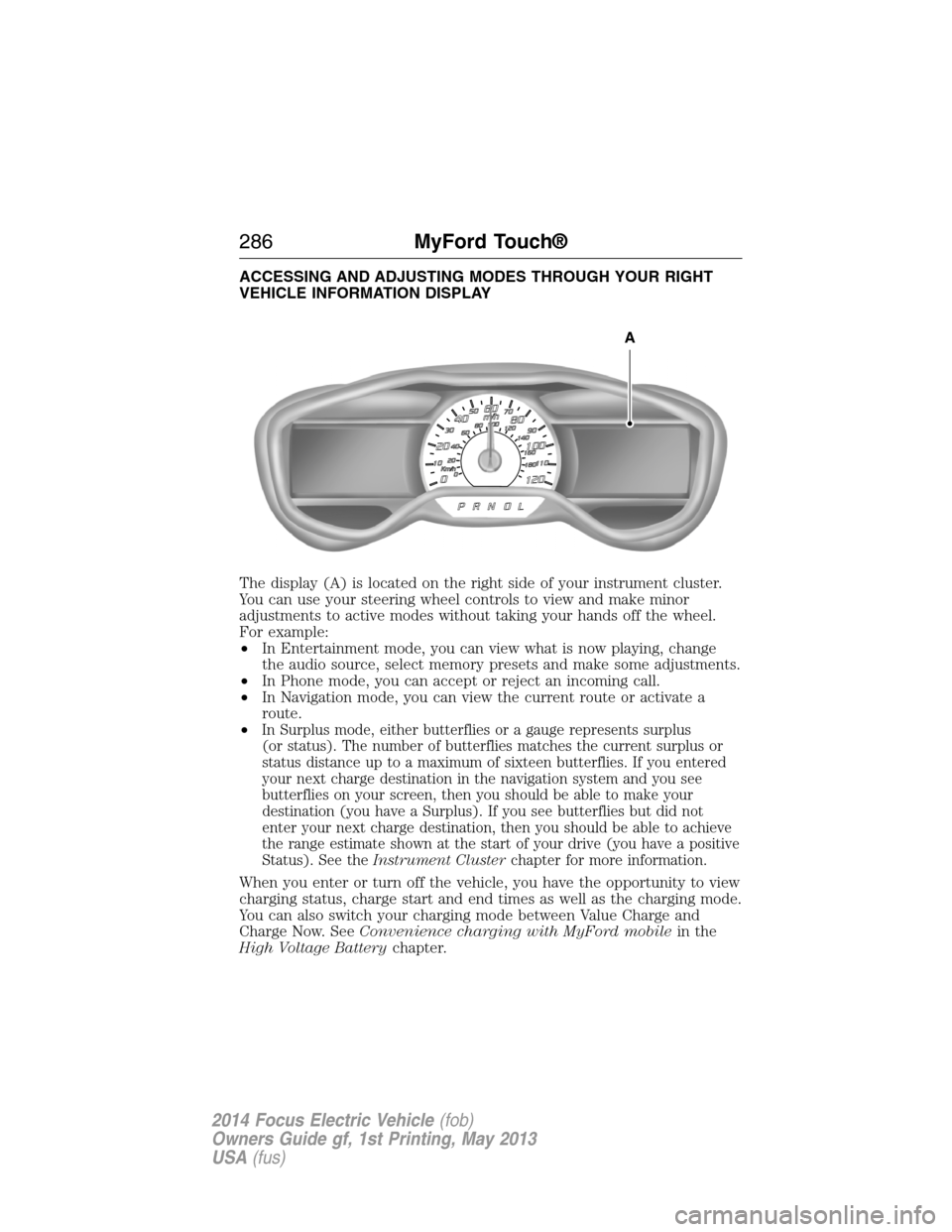
The display (A) is located on the right side of your instrument cluster.
You can use your steering wheel controls to view and make minor
adjustments to active modes without taking your hands off the wheel.
For example:
•In Entertainment mode, you can view what is now playing, change
the audio source, select memory presets and make some adjustments.
•In Phone mode, you can accept or reject an incoming call.
•In Navigation mode, you can view the current route or activate a
route.
•
In Surplus mode, either butterflies or a gauge represents surplus
(or status). The number of butterflies matches the current surplus or
status distance up to a maximum of sixteen butterflies. If you entered
your next charge destination in the navigation system and you see
butterflies on your screen, then you should be able to make your
destination (you have a Surplus). If you see butterflies but did not
enter your next charge destination, then you should be able to achieve
the range estimate shown at the start of your drive (you have a positive
Status). See theInstrument Clusterchapter for more information.
When you enter or turn off the vehicle, you have the opportunity to view
charging status, charge start and end times as well as the charging mode.
You can also switch your charging mode between Value Charge and
Charge Now. SeeConvenience charging with MyFord mobilein the
High Voltage Batterychapter.
A
286MyFord Touch®
2014 Focus Electric Vehicle(fob)
Owners Guide gf, 1st Printing, May 2013
USA(fus)
Page 320 of 403
“MESSAGES”
“Call”
“Forward text messages”
“Listen to text message <#>”
“Listen to text messages”
“Reply to text messages”
“Help”
ELECTRIC VEHICLE INFORMATION
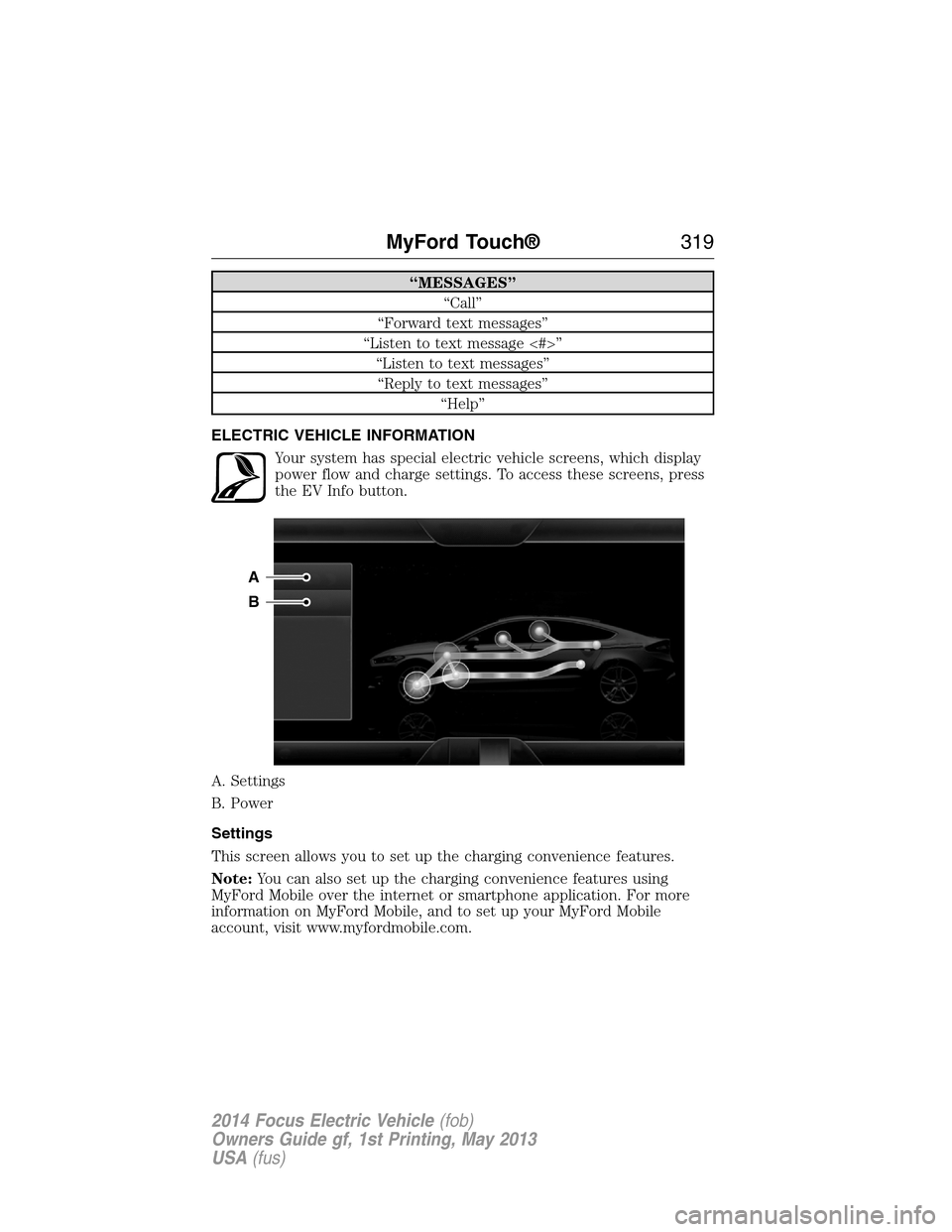
Your system has special electric vehicle screens, which display
power flow and charge settings. To access these screens, press
the EV Info button.
A. Settings
B. Power
Settings
This screen allows you to set up the charging convenience features.
Note:You can also set up the charging convenience features using
MyFord Mobile over the internet or smartphone application. For more
information on MyFord Mobile, and to set up your MyFord Mobile
account, visit www.myfordmobile.com.
A
B
MyFord Touch®319
2014 Focus Electric Vehicle(fob)
Owners Guide gf, 1st Printing, May 2013
USA(fus)
Page 321 of 403
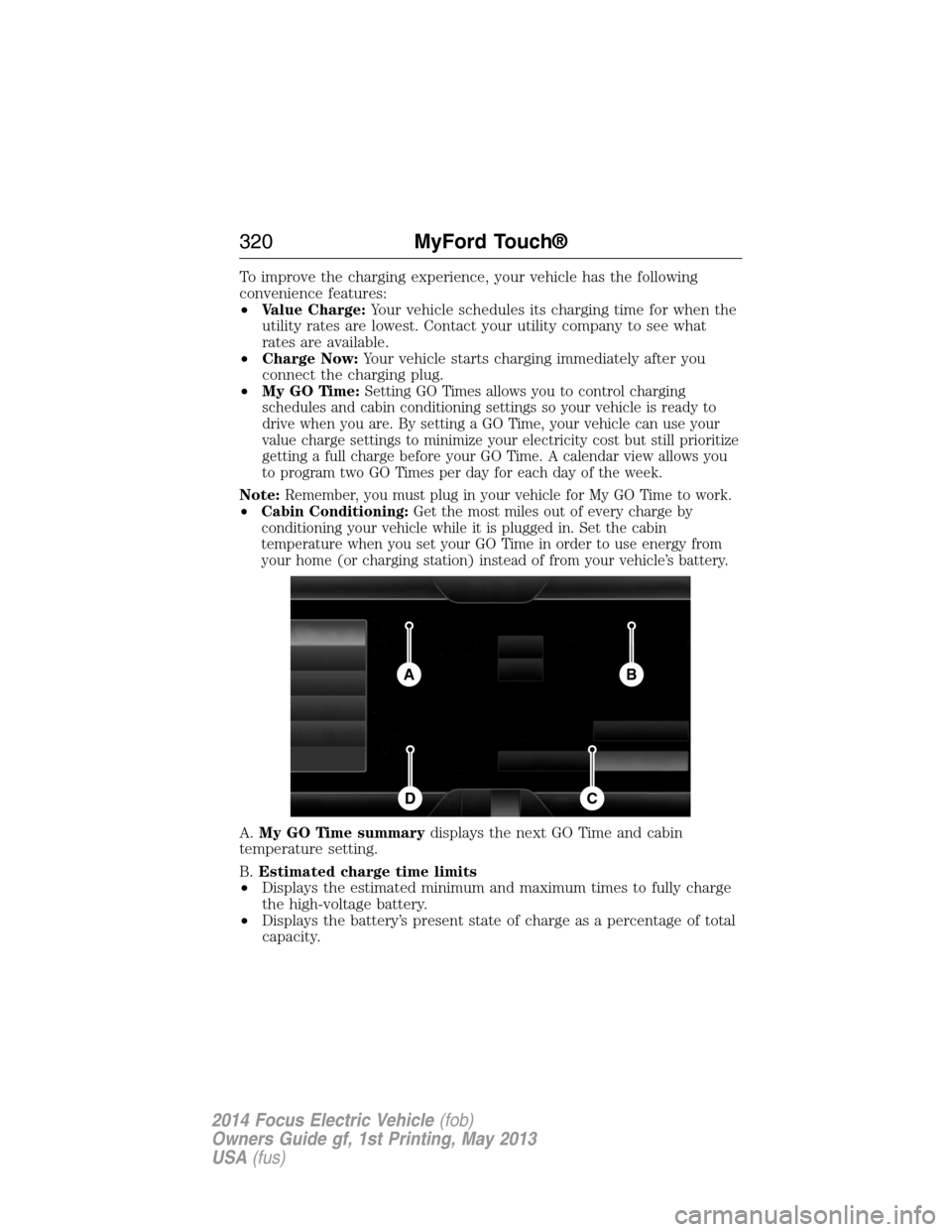
To improve the charging experience, your vehicle has the following
convenience features:
•Value Charge:Your vehicle schedules its charging time for when the
utility rates are lowest. Contact your utility company to see what
rates are available.
•Charge Now:Your vehicle starts charging immediately after you
connect the charging plug.
•My GO Time:
Setting GO Times allows you to control charging
schedules and cabin conditioning settings so your vehicle is ready to
drive when you are. By setting a GO Time, your vehicle can use your
value charge settings to minimize your electricity cost but still prioritize
getting a full charge before your GO Time. A calendar view allows you
to program two GO Times per day for each day of the week.
Note:Remember, you must plug in your vehicle for My GO Time to work.
•Cabin Conditioning:Get the most miles out of every charge by
conditioning your vehicle while it is plugged in. Set the cabin
temperature when you set your GO Time in order to use energy from
your home (or charging station) instead of from your vehicle’s battery.
A.My GO Time summarydisplays the next GO Time and cabin
temperature setting.
B.Estimated charge time limits
•Displays the estimated minimum and maximum times to fully charge
the high-voltage battery.
•Displays the battery’s present state of charge as a percentage of total
capacity.
BA
CD
320MyFord Touch®
2014 Focus Electric Vehicle(fob)
Owners Guide gf, 1st Printing, May 2013
USA(fus)