stop start FORD FOCUS ELECTRIC 2017 3.G Owner's Manual
[x] Cancel search | Manufacturer: FORD, Model Year: 2017, Model line: FOCUS ELECTRIC, Model: FORD FOCUS ELECTRIC 2017 3.GPages: 367, PDF Size: 6.35 MB
Page 231 of 367
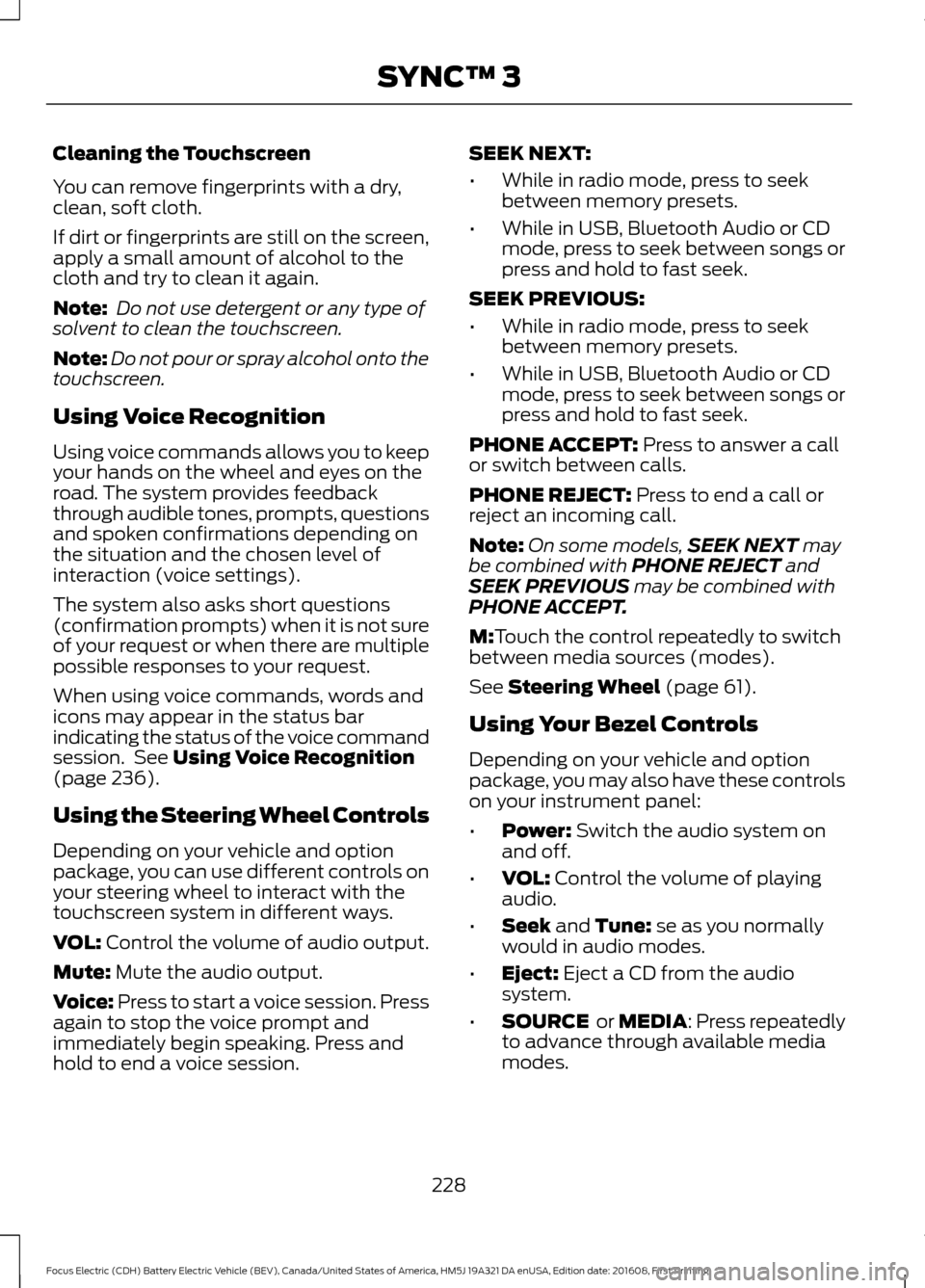
Cleaning the Touchscreen
You can remove fingerprints with a dry,
clean, soft cloth.
If dirt or fingerprints are still on the screen,
apply a small amount of alcohol to the
cloth and try to clean it again.
Note:
Do not use detergent or any type of
solvent to clean the touchscreen.
Note: Do not pour or spray alcohol onto the
touchscreen.
Using Voice Recognition
Using voice commands allows you to keep
your hands on the wheel and eyes on the
road. The system provides feedback
through audible tones, prompts, questions
and spoken confirmations depending on
the situation and the chosen level of
interaction (voice settings).
The system also asks short questions
(confirmation prompts) when it is not sure
of your request or when there are multiple
possible responses to your request.
When using voice commands, words and
icons may appear in the status bar
indicating the status of the voice command
session. See Using Voice Recognition
(page 236).
Using the Steering Wheel Controls
Depending on your vehicle and option
package, you can use different controls on
your steering wheel to interact with the
touchscreen system in different ways.
VOL:
Control the volume of audio output.
Mute:
Mute the audio output.
Voice:
Press to start a voice session. Press
again to stop the voice prompt and
immediately begin speaking. Press and
hold to end a voice session. SEEK NEXT:
•
While in radio mode, press to seek
between memory presets.
• While in USB, Bluetooth Audio or CD
mode, press to seek between songs or
press and hold to fast seek.
SEEK PREVIOUS:
• While in radio mode, press to seek
between memory presets.
• While in USB, Bluetooth Audio or CD
mode, press to seek between songs or
press and hold to fast seek.
PHONE ACCEPT:
Press to answer a call
or switch between calls.
PHONE REJECT:
Press to end a call or
reject an incoming call.
Note: On some models, SEEK NEXT
may
be combined with PHONE REJECT and
SEEK PREVIOUS may be combined with
PHONE ACCEPT.
M:
Touch the control repeatedly to switch
between media sources (modes).
See
Steering Wheel (page 61).
Using Your Bezel Controls
Depending on your vehicle and option
package, you may also have these controls
on your instrument panel:
• Power:
Switch the audio system on
and off.
• VOL:
Control the volume of playing
audio.
• Seek
and Tune: se as you normally
would in audio modes.
• Eject:
Eject a CD from the audio
system.
• SOURCE
or MEDIA: Press repeatedly
to advance through available media
modes.
228
Focus Electric (CDH) Battery Electric Vehicle (BEV), Canada/United States of America, HM5J 19A321 DA enUSA, Edition date: 201608, First Printing SYNC™ 3
Page 309 of 367
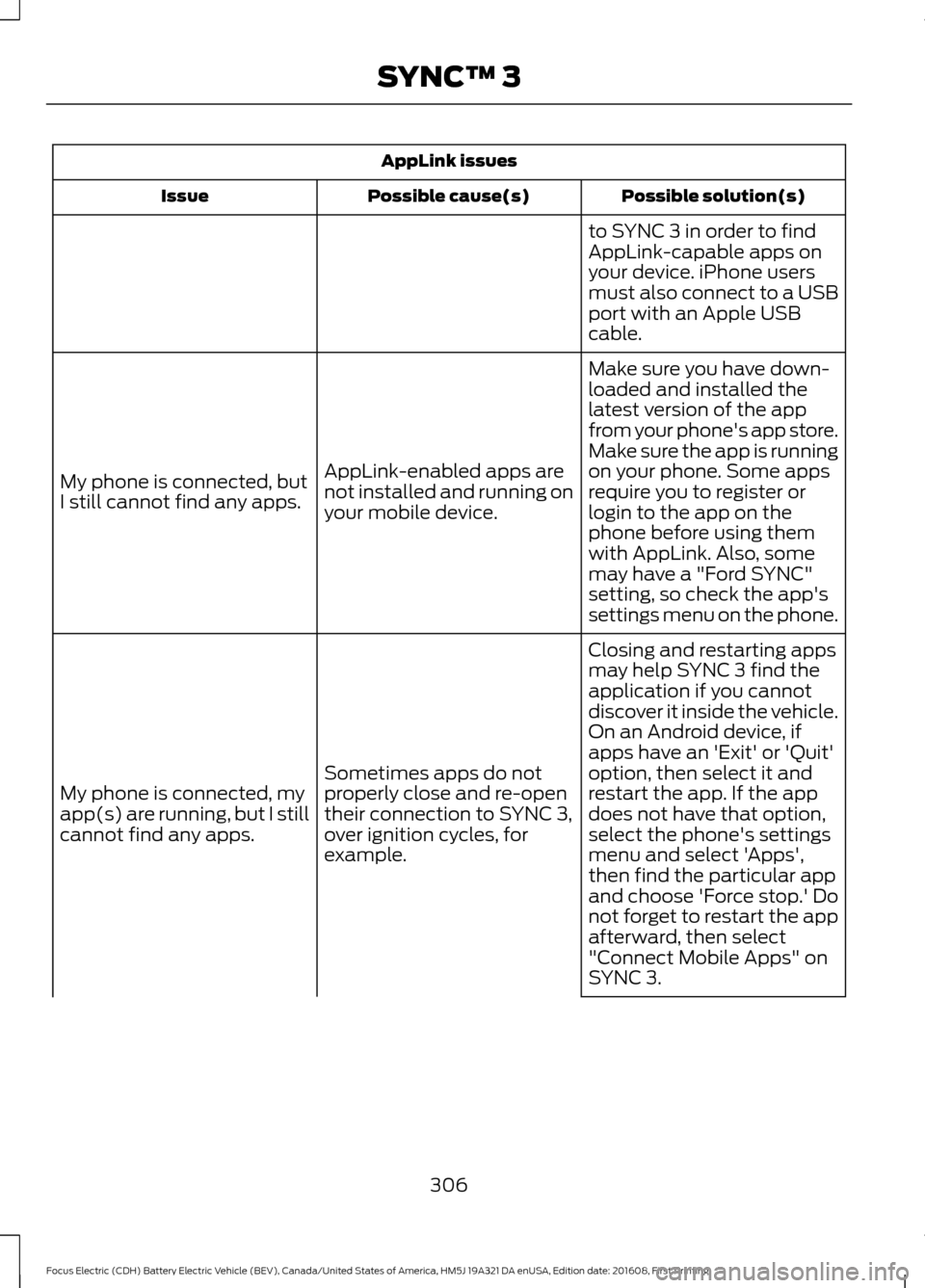
AppLink issues
Possible solution(s)
Possible cause(s)
Issue
to SYNC 3 in order to find
AppLink-capable apps on
your device. iPhone users
must also connect to a USB
port with an Apple USB
cable.
Make sure you have down-
loaded and installed the
latest version of the app
from your phone's app store.
Make sure the app is running
on your phone. Some apps
AppLink-enabled apps are
not installed and running on
your mobile device.
My phone is connected, but
I still cannot find any apps.
require you to register or
login to the app on the
phone before using them
with AppLink. Also, some
may have a "Ford SYNC"
setting, so check the app's
settings menu on the phone.
Closing and restarting apps
may help SYNC 3 find the
application if you cannot
discover it inside the vehicle.
On an Android device, if
apps have an 'Exit' or 'Quit'
Sometimes apps do not
properly close and re-open
their connection to SYNC 3,
over ignition cycles, for
example.
My phone is connected, my
app(s) are running, but I still
cannot find any apps. option, then select it and
restart the app. If the app
does not have that option,
select the phone's settings
menu and select 'Apps',
then find the particular app
and choose 'Force stop.' Do
not forget to restart the app
afterward, then select
"Connect Mobile Apps" on
SYNC 3.
306
Focus Electric (CDH) Battery Electric Vehicle (BEV), Canada/United States of America, HM5J 19A321 DA enUSA, Edition date: 201608, First Printing SYNC™ 3
Page 365 of 367
Remote Start.........................................................
46
Sounding the Panic Alarm............................... 46
Remote Start...................................................97
Removing a Headlamp...............................175
Repairing Minor Paint Damage...............185
Replacement Parts Recommendation........................................10
Collision Repairs.................................................... 10
Scheduled Maintenance and Mechanical Repairs................................................................. 10
Warranty on Replacement Parts.................... 10
Replacing a Lost Key or Remote Control.............................................................47
Reporting Safety Defects (Canada Only)...............................................................152
Reporting Safety Defects (U.S. Only)...............................................................152
Roadside Assistance...................................142 Vehicles Sold in Canada: Getting Roadside
Assistance........................................................ 142
Vehicles Sold in Canada: Roadside Assistance Program Coverage.................. 143
Vehicles Sold in Canada: Using Roadside Assistance........................................................ 143
Vehicles Sold in the United States: Getting Roadside Assistance.................................... 142
Vehicles Sold in the United States: Using Roadside Assistance.................................... 142
Roadside Emergencies
...............................142
Running-In See: Breaking-In.................................................. 140
S
Safety Canopy ™
.............................................41
Scheduled Maintenance Record...........320
Scheduled Maintenance............................316
Seatbelt Extension
........................................33
Seatbelt Height Adjustment.....................30
Seatbelt Reminder
..........................................31
Belt-Minder™......................................................... 31
Seatbelts............................................................27 Principle of Operation......................................... 27
Seatbelt Warning Lamp and Indicator Chime..............................................................30
Conditions of operation...................................... 31
Seats...................................................................98
Security..............................................................58 Settings............................................................287
911 Assist............................................................... 292
Ambient Lighting................................................ 297
Bluetooth.............................................................. 289
Clock...................................................................... 289
Display................................................................... 298
General.................................................................. 296
Media Player........................................................ 288
Mobile Apps......................................................... 295
Navigation............................................................ 293
Phone..................................................................... 289
Radio...................................................................... 292
Sound..................................................................... 287
Valet Mode........................................................... 299
Vehicle.................................................................... 297
Voice Control....................................................... 299
Wi-Fi........................................................................\
297
Side Airbags.....................................................39
Sitting in the Correct Position...................98
Snow Chains See: Using Snow Chains................................. 209
Special Notices
................................................10
New Vehicle Limited Warranty........................ 10
On Board Diagnostics Data Link Connector
............................................................. 11
Special Instructions............................................. 10
Speed Control See: Cruise Control............................................ 129
Stability Control
............................................122
Principle of Operation....................................... 122
Starting and Stopping the Electric Motor.............................................................106
Starting the Electric Motor.......................106 Keyless Starting.................................................. 106
Starting Your Vehicle........................................ 106
Steering.............................................................131 Electric Power Steering..................................... 131
Steering Wheel................................................61
Storage Compartments
.............................105
Sun Visors..........................................................74
Illuminated Vanity Mirror.................................... 74
Supplementary Restraints System.........35 Principle of Operation......................................... 35
Switching Off the Electric Motor............107
Symbols Glossary.............................................5
SYNC™ 3
........................................................224
General Information......................................... 224
SYNC™ 3 Troubleshooting
......................299
362
Focus Electric (CDH) Battery Electric Vehicle (BEV), Canada/United States of America, HM5J 19A321 DA enUSA, Edition date: 201608, First Printing Index