display FORD FOCUS RS 2018 Owners Manual
[x] Cancel search | Manufacturer: FORD, Model Year: 2018, Model line: FOCUS RS, Model: FORD FOCUS RS 2018Pages: 52, PDF Size: 19.87 MB
Page 5 of 52
Introduction
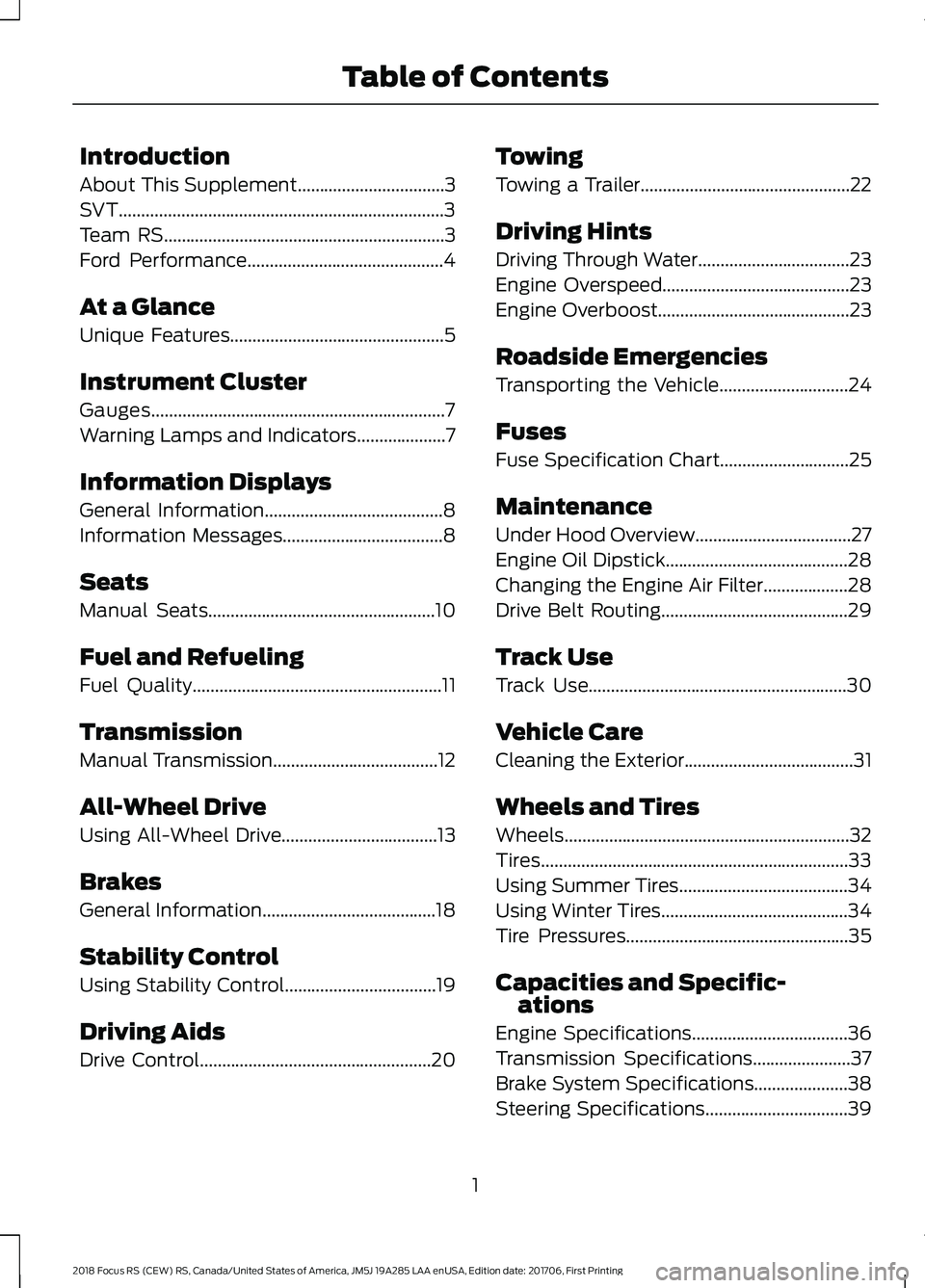
About This Supplement.................................3
SVT.........................................................................3
Team RS...............................................................3
Ford Performance............................................4
At a Glance
Unique Features................................................5
Instrument Cluster
Gauges..................................................................7
Warning Lamps and Indicators....................7
Information Displays
General Information........................................8
Information Messages....................................8
Seats
Manual Seats...................................................10
Fuel and Refueling
Fuel Quality........................................................11
Transmission
Manual Transmission.....................................12
All-Wheel Drive
Using All-Wheel Drive...................................13
Brakes
General Information.......................................18
Stability Control
Using Stability Control..................................19
Driving Aids
Drive Control....................................................20
Towing
Towing a Trailer...............................................22
Driving Hints
Driving Through Water..................................23
Engine Overspeed..........................................23
Engine Overboost...........................................23
Roadside Emergencies
Transporting the Vehicle.............................24
Fuses
Fuse Specification Chart.............................25
Maintenance
Under Hood Overview...................................27
Engine Oil Dipstick.........................................28
Changing the Engine Air Filter...................28
Drive Belt Routing..........................................29
Track Use
Track Use..........................................................30
Vehicle Care
Cleaning the Exterior......................................31
Wheels and Tires
Wheels................................................................32
Tires.....................................................................33
Using Summer Tires......................................34
Using Winter Tires..........................................34
Tire Pressures..................................................35
Capacities and Specific-ations
Engine Specifications...................................36
Transmission Specifications......................37
Brake System Specifications.....................38
Steering Specifications................................39
12018 Focus RS (CEW) RS, Canada/United States of America, JM5J 19A285 LAA enUSA, Edition date: 201706, First PrintingTable of Contents
Page 11 of 52
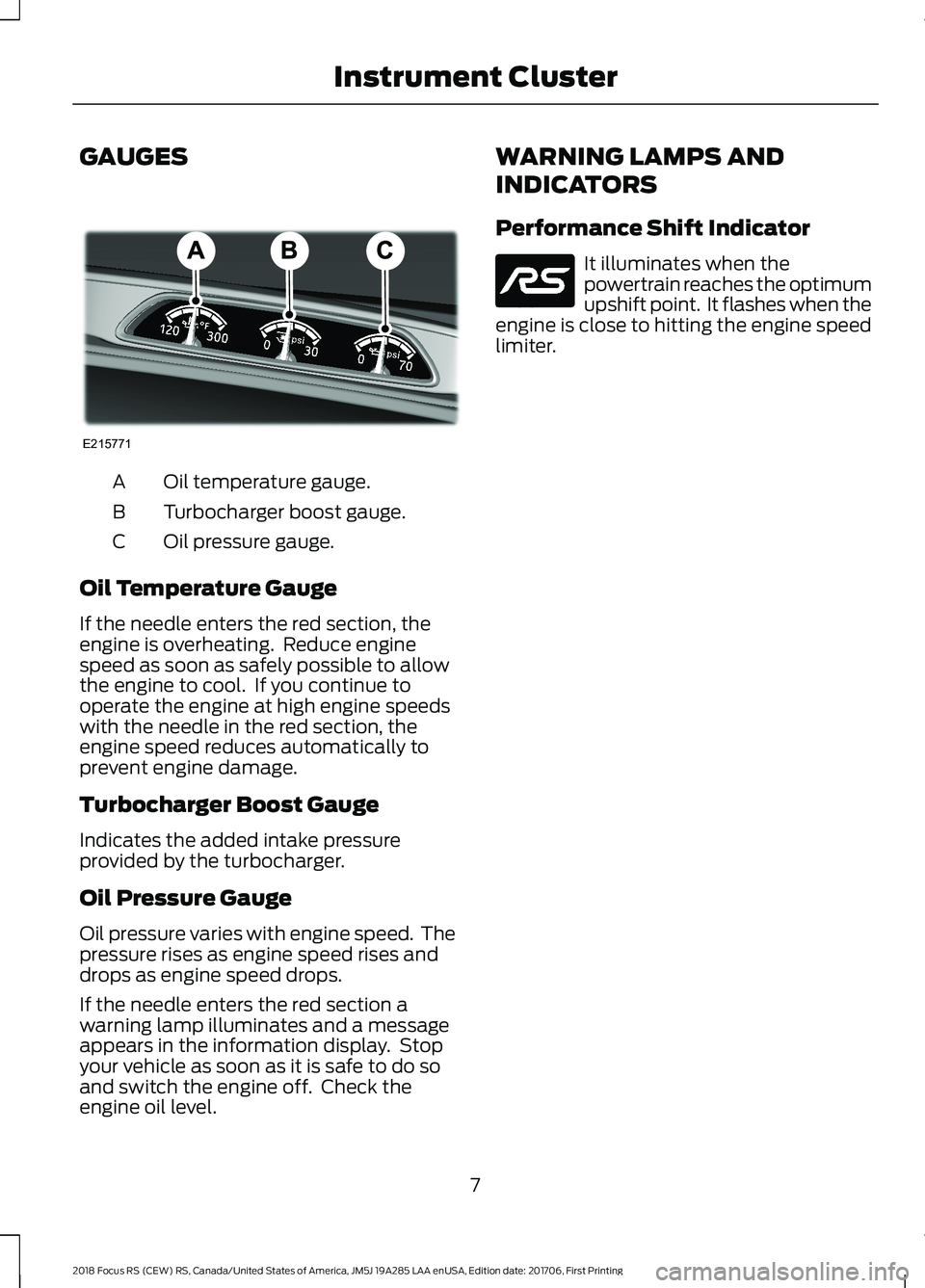
GAUGES
Oil temperature gauge.A
Turbocharger boost gauge.B
Oil pressure gauge.C
Oil Temperature Gauge
If the needle enters the red section, theengine is overheating. Reduce enginespeed as soon as safely possible to allowthe engine to cool. If you continue tooperate the engine at high engine speedswith the needle in the red section, theengine speed reduces automatically toprevent engine damage.
Turbocharger Boost Gauge
Indicates the added intake pressureprovided by the turbocharger.
Oil Pressure Gauge
Oil pressure varies with engine speed. Thepressure rises as engine speed rises anddrops as engine speed drops.
If the needle enters the red section awarning lamp illuminates and a messageappears in the information display. Stopyour vehicle as soon as it is safe to do soand switch the engine off. Check theengine oil level.
WARNING LAMPS AND
INDICATORS
Performance Shift Indicator
It illuminates when thepowertrain reaches the optimumupshift point. It flashes when theengine is close to hitting the engine speedlimiter.
72018 Focus RS (CEW) RS, Canada/United States of America, JM5J 19A285 LAA enUSA, Edition date: 201706, First PrintingInstrument ClusterE215771 E218767
Page 12 of 52
GENERAL INFORMATION
Launch Control
The system configures the chassis andpowertrain systems to deliver the fastest
possible acceleration when launching froma standing start.
Note: When you switch the feature on, itis only active once. You must switch thefeature on each time it is required.
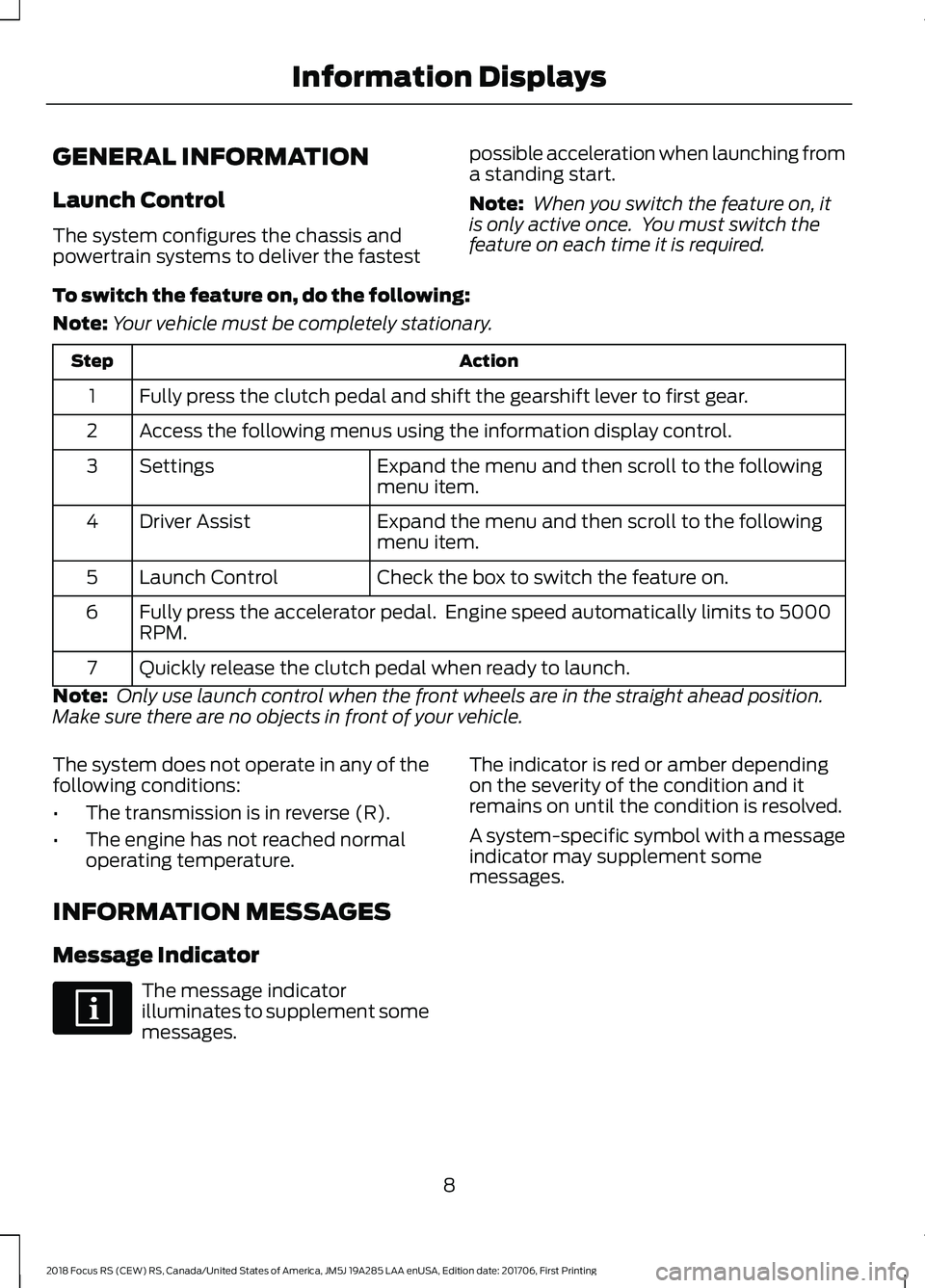
To switch the feature on, do the following:
Note:Your vehicle must be completely stationary.
ActionStep
Fully press the clutch pedal and shift the gearshift lever to first gear.1
Access the following menus using the information display control.2
Expand the menu and then scroll to the followingmenu item.Settings3
Expand the menu and then scroll to the followingmenu item.Driver Assist4
Check the box to switch the feature on.Launch Control5
Fully press the accelerator pedal. Engine speed automatically limits to 5000RPM.6
Quickly release the clutch pedal when ready to launch.7
Note: Only use launch control when the front wheels are in the straight ahead position.Make sure there are no objects in front of your vehicle.
The system does not operate in any of thefollowing conditions:
•The transmission is in reverse (R).
•The engine has not reached normaloperating temperature.
INFORMATION MESSAGES
Message Indicator
The message indicatorilluminates to supplement somemessages.
The indicator is red or amber dependingon the severity of the condition and itremains on until the condition is resolved.
A system-specific symbol with a messageindicator may supplement somemessages.
82018 Focus RS (CEW) RS, Canada/United States of America, JM5J 19A285 LAA enUSA, Edition date: 201706, First PrintingInformation Displays
Page 13 of 52
All-Wheel Drive
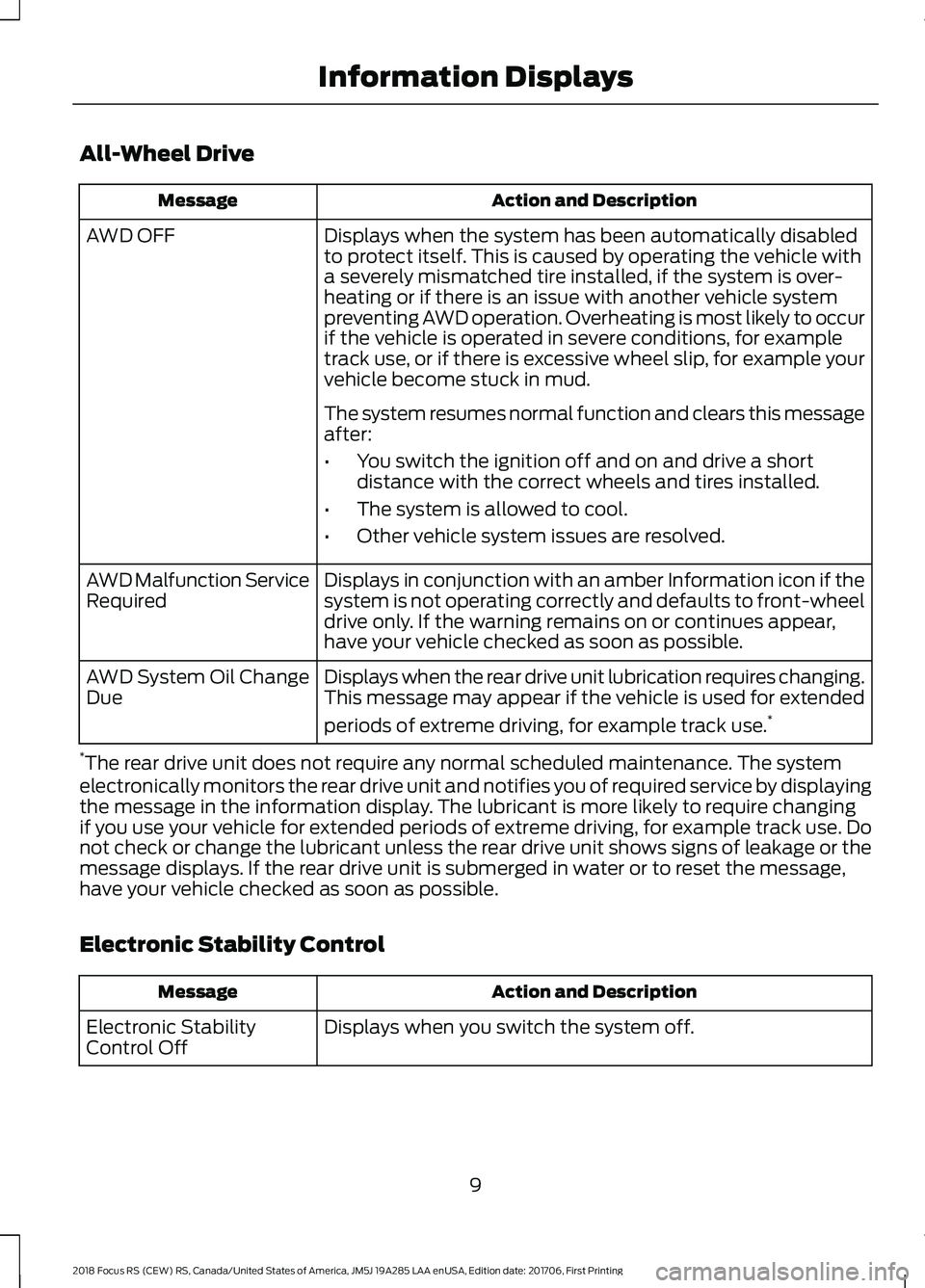
Action and DescriptionMessage
Displays when the system has been automatically disabledto protect itself. This is caused by operating the vehicle witha severely mismatched tire installed, if the system is over-heating or if there is an issue with another vehicle systempreventing AWD operation. Overheating is most likely to occurif the vehicle is operated in severe conditions, for exampletrack use, or if there is excessive wheel slip, for example yourvehicle become stuck in mud.
AWD OFF
The system resumes normal function and clears this messageafter:
•You switch the ignition off and on and drive a shortdistance with the correct wheels and tires installed.
•The system is allowed to cool.
•Other vehicle system issues are resolved.
Displays in conjunction with an amber Information icon if thesystem is not operating correctly and defaults to front-wheeldrive only. If the warning remains on or continues appear,have your vehicle checked as soon as possible.
AWD Malfunction ServiceRequired
Displays when the rear drive unit lubrication requires changing.This message may appear if the vehicle is used for extended
periods of extreme driving, for example track use.*
AWD System Oil ChangeDue
*The rear drive unit does not require any normal scheduled maintenance. The systemelectronically monitors the rear drive unit and notifies you of required service by displayingthe message in the information display. The lubricant is more likely to require changingif you use your vehicle for extended periods of extreme driving, for example track use. Donot check or change the lubricant unless the rear drive unit shows signs of leakage or themessage displays. If the rear drive unit is submerged in water or to reset the message,have your vehicle checked as soon as possible.
Electronic Stability Control
Action and DescriptionMessage
Displays when you switch the system off.Electronic StabilityControl Off
92018 Focus RS (CEW) RS, Canada/United States of America, JM5J 19A285 LAA enUSA, Edition date: 201706, First PrintingInformation Displays
Page 17 of 52
USING ALL-WHEEL DRIVE
Your vehicle has All-Wheel Drive withDynamic Torque Vectoring. This featureuses all four wheels to power the vehicleand independently controls the torque toeach rear wheel. The system also has theability to over speed the outside rear wheelwhile cornering. This increases traction andhandling performance giving your vehicleroad holding capabilities that are superiorto conventional two-wheel drive andfour-wheel drive vehicles. The system isactive all the time and requires no inputfrom the driver. The system has differentDrive Mode calibration settings thatoptimize all-wheel drive performance forvarious conditions. See Drive Control(page 20).
Your vehicle is not intended for off-roaduse in the same way as an all-terrainvehicle. The all-wheel drive feature givesyour vehicle some limited off-roadcapabilities where driving surfaces arerelatively level, obstruction-free and similarto normal on-road driving conditions.Operating your vehicle under other thanthose conditions could subject the vehicleto excessive stress which can result indamage not covered by the vehicleWarranty.
The rear drive unit does not require anynormal scheduled maintenance. Thesystem is electronically monitored and anyrequired service messages appear in theinformation display. The rear drive unitlubricants may require changing if you useyour vehicle for extended periods of highspeed driving, for example track use. Youare not required to check or change therear drive unit lubricant unless there aresigns of leakage or a message appears inthe information display indicating that theunit requires service.
Using Mismatched Tires or Wheels
WARNINGS
Only use replacement tires andwheels that are of the same size,load index, speed rating and type asthose originally fitted to your vehicle.
Using a tire or wheel that is notrecommended can affect the safetyand performance of your vehicle andcould result in a loss of vehicle control,vehicle rollover, personal injury or death.
The recommended tire and wheel size canbe found on either the Safety ComplianceCertification Label or the tire informationlabel on the left-hand B-pillar or left-handfront door. If this information is not locatedas stated contact an authorized dealer assoon as possible.
Note:Using a tire or wheel that is notrecommended could cause steering,suspension, axle, power transfer unit or reardrive unit failure. Incorrect tire or wheel usecan cause damage not covered by thevehicle Warranty.
Your vehicle does not have a spare tire. Wedo not recommend using a mismatchedtire or spare wheel. However, in anemergency, the system can tolerate amismatched tire or spare wheel of adifferent size to the original for a shortjourney. The system may automaticallyenter front-wheel drive only mode toprotect driveline components. An all-wheeldrive off warning message may appear inthe information display if you install amismatched tire or spare wheel. SeeInformation Messages (page 8). Themessage turns off after you reinstall thecorrect wheel and tire and you switch theignition off and on. We recommend thatyou reinstall the repaired or replaced wheeland tire as soon as possible.
132018 Focus RS (CEW) RS, Canada/United States of America, JM5J 19A285 LAA enUSA, Edition date: 201706, First PrintingAll-Wheel Drive
Page 19 of 52
Note:Do not rock the vehicle if the engineis not at normal operating temperature ordamage to the transmission may occur.
Note:Do not rock the vehicle for more thana few minutes or damage to thetransmission and tires may occur or theengine may overheat.
Sand
Most of the time traction control improvestire traction by managing wheel slipthrough brake, engine, and all-wheel drivecalibrations. However, during low speeddriving, disabling traction control in deepsand can help keep the wheels moving tomaintain vehicle momentum.
When driving over sand, try to keep all fourwheels on the most solid area of the trail.Do not reduce tire pressures, shift to alower gear and drive steadily through theterrain. Apply the accelerator slowly andavoid spinning the wheels.
When driving at slow speeds in sand underhigh outside temperatures, use a low gearwhen possible. Using a low gear maximizesengine and transmission cooling capability.
Avoid excessive speed because vehiclemomentum can work against you andcause the vehicle to become stuck to thepoint that assistance may be required fromanother vehicle. Remember, you may beable to back out the way you came if youproceed with caution.
Note:You may be able to reverse out theway you came if you proceed with caution.
Do not drive your vehicle in deep sand foran extended period of time. This couldcause the system to overheat and defaultto front-wheel drive only mode. If thisoccurs a message appears in theinformation display. To resume normalall-wheel drive function as soon aspossible, stop the vehicle in a safe locationand switch the engine off for at least 10minutes. After the all-wheel drive system
has adequately cooled and the engine hasbeen restarted, the message turns off andnormal all-wheel drive function returns. Ifyou do not switch the engine off, themessage only turns off, when the systemadequately cools and the normal all-wheeldrive function returns.
Note:Under severe operating conditions,the air conditioning may turn on and off toprotect the engine from overheating.
Mud and Water
If you must drive through water, driveslowly. Traction or brake capability maybe limited. See Driving Through Water(page 23).
Once through water, always try the brakes.Wet brakes do not stop the vehicle aseffectively as dry brakes. Drying can beimproved by moving your vehicle slowlywhile applying light pressure on the brakepedal.
Be cautious of sudden changes in vehiclespeed or direction when you are driving inmud. Even all-wheel drive vehicles can losetraction in slick mud. Apply the acceleratorslowly and avoid spinning the wheels.
After driving through mud, clean offexcessive mud that has become stuck torotating drive shafts, wheels and tires.Excessive mud stuck on these componentsmay result in an imbalance that couldcause damage not covered by the vehicleWarranty.
If the transmission, power transfer unit orrear drive unit is submerged in water haveyour vehicle checked as soon as possible.
152018 Focus RS (CEW) RS, Canada/United States of America, JM5J 19A285 LAA enUSA, Edition date: 201706, First PrintingAll-Wheel Drive
Page 23 of 52
USING STABILITY CONTROL
WARNINGS
Do not switch off stability control oruse Sport, Track or Drift mode whenusing a temporary spare wheel orafter inflating a tire using the temporarymobility kit.
If you switch stability control off,active city stop also turns off.
The system automatically turns on eachtime you switch the ignition on.
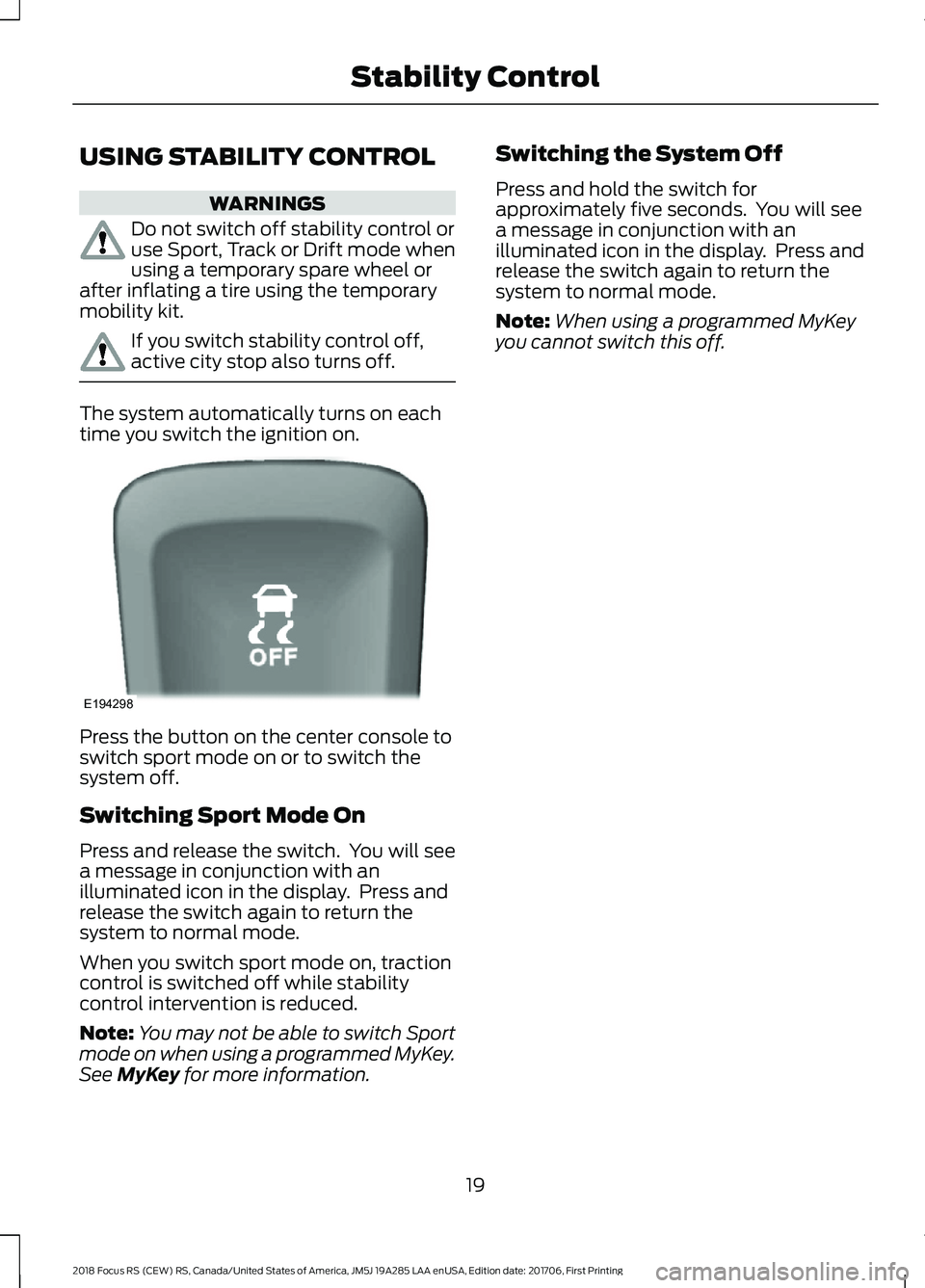
Press the button on the center console toswitch sport mode on or to switch thesystem off.
Switching Sport Mode On
Press and release the switch. You will seea message in conjunction with anilluminated icon in the display. Press andrelease the switch again to return thesystem to normal mode.
When you switch sport mode on, tractioncontrol is switched off while stabilitycontrol intervention is reduced.
Note:You may not be able to switch Sportmode on when using a programmed MyKey.See MyKey for more information.
Switching the System Off
Press and hold the switch forapproximately five seconds. You will seea message in conjunction with anilluminated icon in the display. Press andrelease the switch again to return thesystem to normal mode.
Note:When using a programmed MyKeyyou cannot switch this off.
192018 Focus RS (CEW) RS, Canada/United States of America, JM5J 19A285 LAA enUSA, Edition date: 201706, First PrintingStability ControlE194298
Page 24 of 52
DRIVE CONTROL
WARNING
Do not use Sport, Track or Drift modewhen using a temporary spare wheelor after inflating a tire using thetemporary mobility kit.
Your vehicle has various drive modes thatcan deliver driving experiences through asuite of sophisticated electronic systems.Each mode has preset vehicle settings tooptimize steering, all-wheel drive, torquevectoring, powertrain response, suspensionand electronic stability control.
Selectable Drive Modes
Press the button.
The available modes appear in theinformation display. Repeatedly press thebutton to scroll through the availablemodes. When your desired mode appearsin the information display, wait for fourseconds while the system sets the selectedmode or press the OK button on thesteering wheel.
Note:You may not be able to choose oneof the selectable drive modes for a shorttime after starting your vehicle in coldambient temperatures.
Selectable Drive Modes
Normal
The system defaults to normalmode when you start thevehicle. Vehicle settings tunedfor street driving.
Electronic stability control and tractioncontrol systems fully enabled.
Note:When using a programmed MyKeyyou cannot switch any other mode on.
Sport
Vehicle settings tuned forperformance street driving.
Electronic stability control and tractioncontrol systems fully enabled.
Note:When using a programmed MyKeyyou cannot switch this on.
Track
This mode is for track use only.Vehicle settings tuned foraggressive driving.
The system reduces brake systemintervention from the stability controlsystem and optimizes the road-holdingability of your vehicle. Electronic stabilitycontrol is set to reduced mode while thetraction control system is disabled apartfrom the electronic limited slip differentialfunction. Engine interventions from thestability control and traction controlsystems are also disabled.
Note:When using a programmed MyKeyyou cannot switch this on.
Drift
This mode is for track use only.Vehicle settings tuned forspirited and aggressive driving.
The system reduces brake systemintervention from the stability controlsystem and increases torque transfer tothe rear axle to allow controlled oversteerdrifts.
Electronic stability control is set to reducedmode while the traction control system isdisabled apart from the electronic limitedslip differential function. Engineinterventions from the stability control andtraction control systems are also disabled.
202018 Focus RS (CEW) RS, Canada/United States of America, JM5J 19A285 LAA enUSA, Edition date: 201706, First PrintingDriving Aids
Page 25 of 52
The electronic stability control or all-wheeldrive system may automatically turn offduring extreme drifting maneuvers. If asystem turns off, the electronic stabilitycontrol warning lamp illuminates or acorresponding all-wheel drive messageappears in the information display.Continue to drive and when normal drivingresumes, the systems automatically turnon within a short period. If the electronicstability control warning lamp remainsilluminated or a warning message remainsin the information display, have yourvehicle checked as soon as possible.
Note:When using a programmed MyKeyyou cannot switch this on.
Suspension Damping
Selectable Suspension Damping
Normal
The system defaults to normal mode whenyou start the vehicle. Vehicle suspensiondamping tuned for street driving.
Sport
Vehicle suspension damping tuned forperformance driving on flat roads or fortrack use. Sport mode gives firmersuspension damping characteristics.
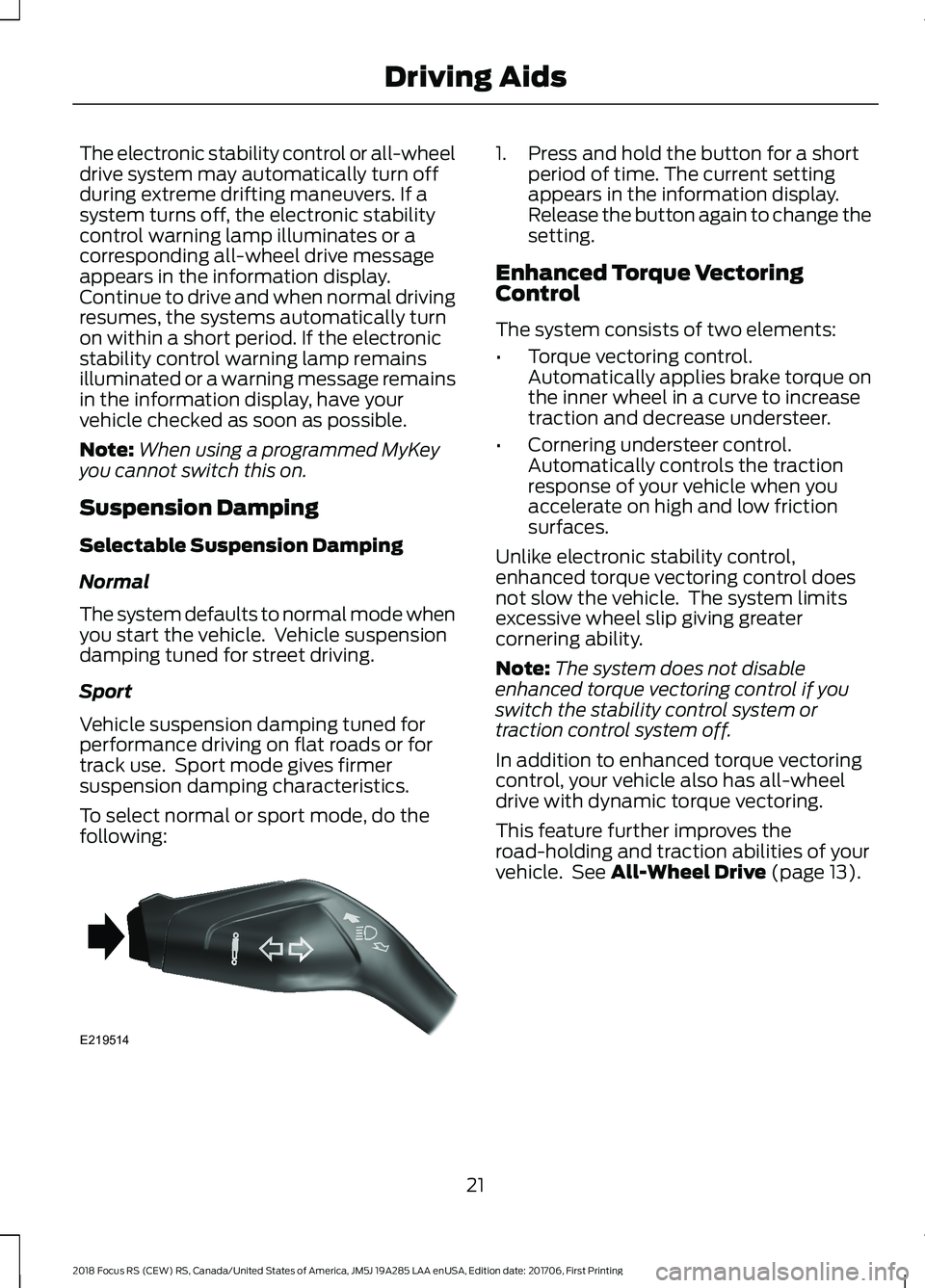
To select normal or sport mode, do thefollowing:
1.Press and hold the button for a shortperiod of time. The current settingappears in the information display.Release the button again to change thesetting.
Enhanced Torque VectoringControl
The system consists of two elements:
•Torque vectoring control.Automatically applies brake torque onthe inner wheel in a curve to increasetraction and decrease understeer.
•Cornering understeer control.Automatically controls the tractionresponse of your vehicle when youaccelerate on high and low frictionsurfaces.
Unlike electronic stability control,enhanced torque vectoring control doesnot slow the vehicle. The system limitsexcessive wheel slip giving greatercornering ability.
Note:The system does not disableenhanced torque vectoring control if youswitch the stability control system ortraction control system off.
In addition to enhanced torque vectoringcontrol, your vehicle also has all-wheeldrive with dynamic torque vectoring.
This feature further improves theroad-holding and traction abilities of yourvehicle. See All-Wheel Drive (page 13).
212018 Focus RS (CEW) RS, Canada/United States of America, JM5J 19A285 LAA enUSA, Edition date: 201706, First PrintingDriving AidsE219514
Page 34 of 52
We recommend that you only operate yourvehicle at high speeds at locationsdesigned to do so safely. Your vehicle haselectronic controls that may reduce poweror limit engine speed to help reducepowertrain temperatures if required.
Note:When using your vehicle on a track,have the vehicle serviced more frequently.This recommendation may not necessarilyprotect your vehicle or engine from damagein competition conditions. Increased wearand noise to certain parts of your vehiclemay also occur, for example brakes andtires. The vehicle Warranty may not covermechanical failure or damage caused toyour vehicle as a result of track use.
Steering Assistance
Steering assistance reduces andrequires more steering effortwhen you select sport or trackfrom the drive modes menu. See DriveControl (page 20).
Prolonged track driving can result in highsteering gear temperatures. If the steeringgear overheats, you will notice a furtherincrease in steering effort being required.
High steering gear temperatures can bereduced by doing any of the following:
•Reducing vehicle speed.
•Reducing steering input.
Normal track mode steering assistancereturns when the system cools down.
Note:Steering gear cooling time can bereduced if you leave the ignition switchedon while taking a pit stop.
Before Track Use
Before operating your vehicle on a track,check the following:
•Tire pressures. See Tire Pressures(page 35). Do not exceed a cold tirepressure of 50 psi (3.4 bar) for trackuse.
•Wheels and tires for wear and damage.
•Engine coolant, engine oil and brakefluid levels.
Do not operate your vehicle on a trackwhile:
•Carrying more than two peopleincluding the driver.
•Carrying cargo in the luggagecompartment.
•Carrying cargo or loose objects insideyour vehicle.
After Track Use
After track use, leave the engine runningfor a short time to allow it to reach thenormal operating temperature. Ifconditions allow, complete a cool downlap prior to taking a pit stop. Failure toallow the engine to sufficiently cool mayresult in a high coolant temperaturewarning message appearing in theinformation display.
You must replace the rear drive unit fluidafter 500 mi (800 km) of track use, or ifthe following message appears in theinformation display, whichever occurs first.
AWD System Oil Change Due
See All-Wheel Drive (page 13).
302018 Focus RS (CEW) RS, Canada/United States of America, JM5J 19A285 LAA enUSA, Edition date: 201706, First PrintingTrack Use