instrument panel FORD FREESTYLE 2009 User Guide
[x] Cancel search | Manufacturer: FORD, Model Year: 2009, Model line: FREESTYLE, Model: FORD FREESTYLE 2009Pages: 358, PDF Size: 3.16 MB
Page 89 of 358
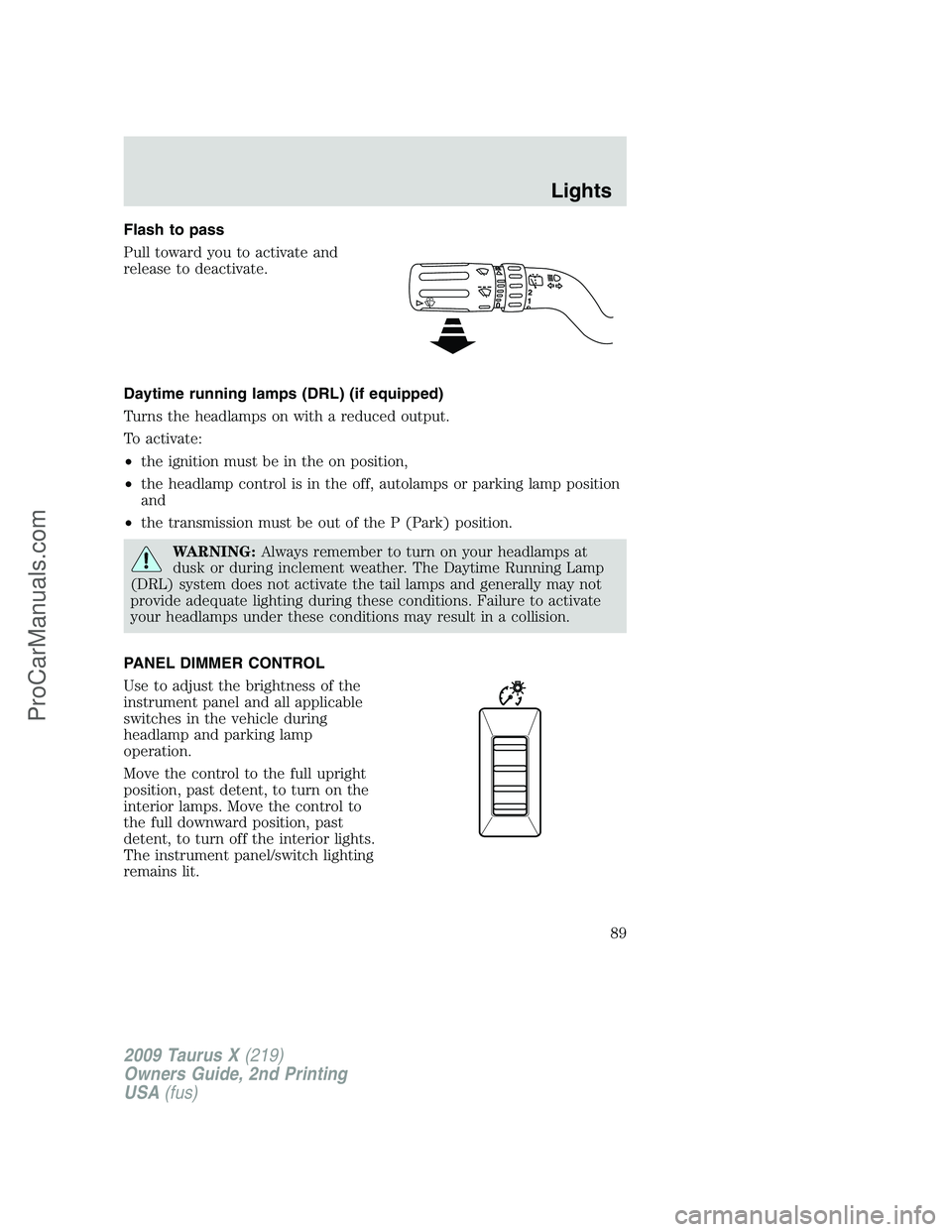
Flash to pass
Pull toward you to activate and
release to deactivate.
Daytime running lamps (DRL) (if equipped)
Turns the headlamps on with a reduced output.
To activate:
•the ignition must be in the on position,
•the headlamp control is in the off, autolamps or parking lamp position
and
•the transmission must be out of the P (Park) position.
WARNING:Always remember to turn on your headlamps at
dusk or during inclement weather. The Daytime Running Lamp
(DRL) system does not activate the tail lamps and generally may not
provide adequate lighting during these conditions. Failure to activate
your headlamps under these conditions may result in a collision.
PANEL DIMMER CONTROL
Use to adjust the brightness of the
instrument panel and all applicable
switches in the vehicle during
headlamp and parking lamp
operation.
Move the control to the full upright
position, past detent, to turn on the
interior lamps. Move the control to
the full downward position, past
detent, to turn off the interior lights.
The instrument panel/switch lighting
remains lit.
2009 Taurus X(219)
Owners Guide, 2nd Printing
USA(fus)
Lights
89
ProCarManuals.com
Page 93 of 358
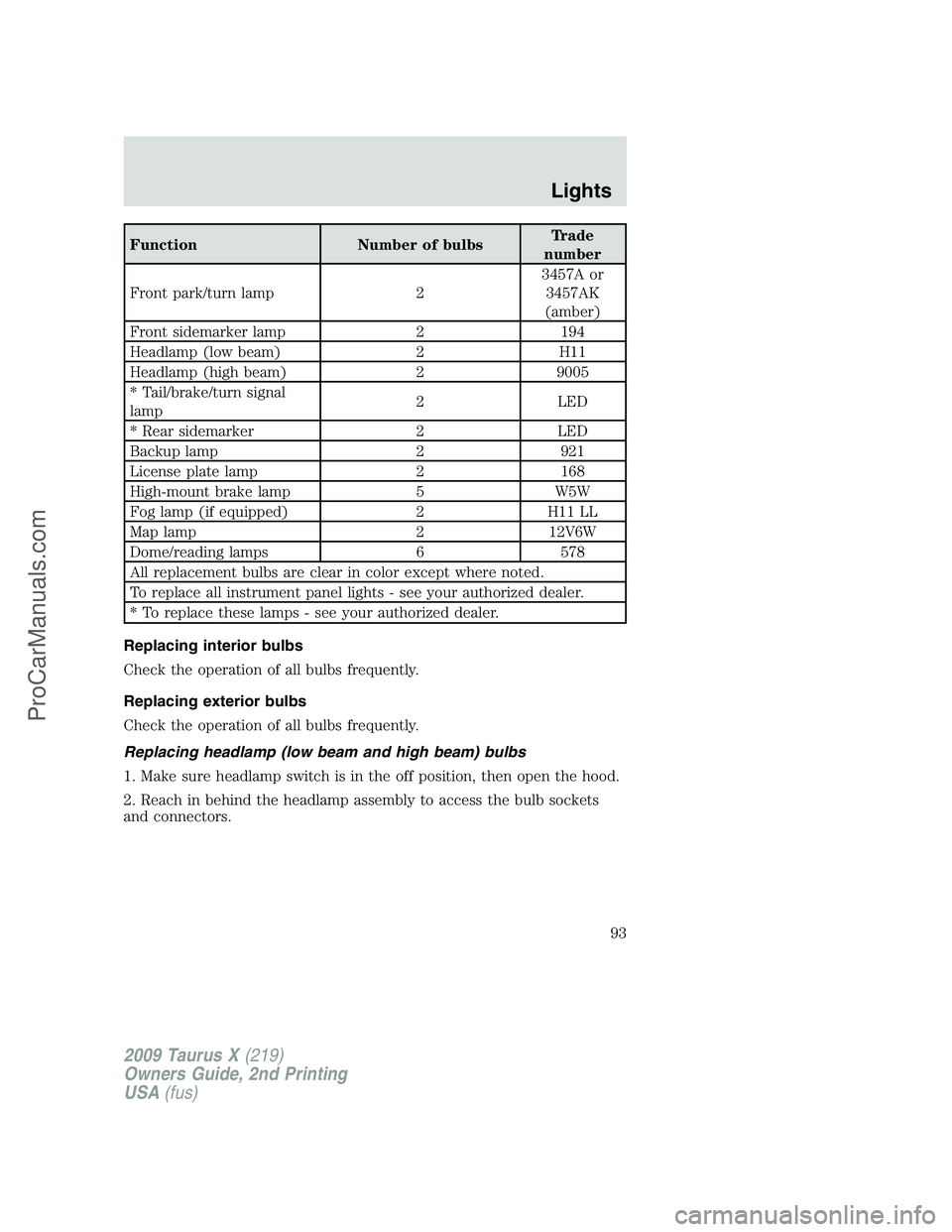
Function Number of bulbsTrade
number
Front park/turn lamp 23457A or
3457AK
(amber)
Front sidemarker lamp 2 194
Headlamp (low beam) 2 H11
Headlamp (high beam) 2 9005
* Tail/brake/turn signal
lamp2 LED
* Rear sidemarker 2 LED
Backup lamp 2 921
License plate lamp 2 168
High-mount brake lamp 5 W5W
Fog lamp (if equipped) 2 H11 LL
Map lamp 2 12V6W
Dome/reading lamps 6 578
All replacement bulbs are clear in color except where noted.
To replace all instrument panel lights - see your authorized dealer.
* To replace these lamps - see your authorized dealer.
Replacing interior bulbs
Check the operation of all bulbs frequently.
Replacing exterior bulbs
Check the operation of all bulbs frequently.
Replacing headlamp (low beam and high beam) bulbs
1. Make sure headlamp switch is in the off position, then open the hood.
2. Reach in behind the headlamp assembly to access the bulb sockets
and connectors.
2009 Taurus X(219)
Owners Guide, 2nd Printing
USA(fus)
Lights
93
ProCarManuals.com
Page 99 of 358
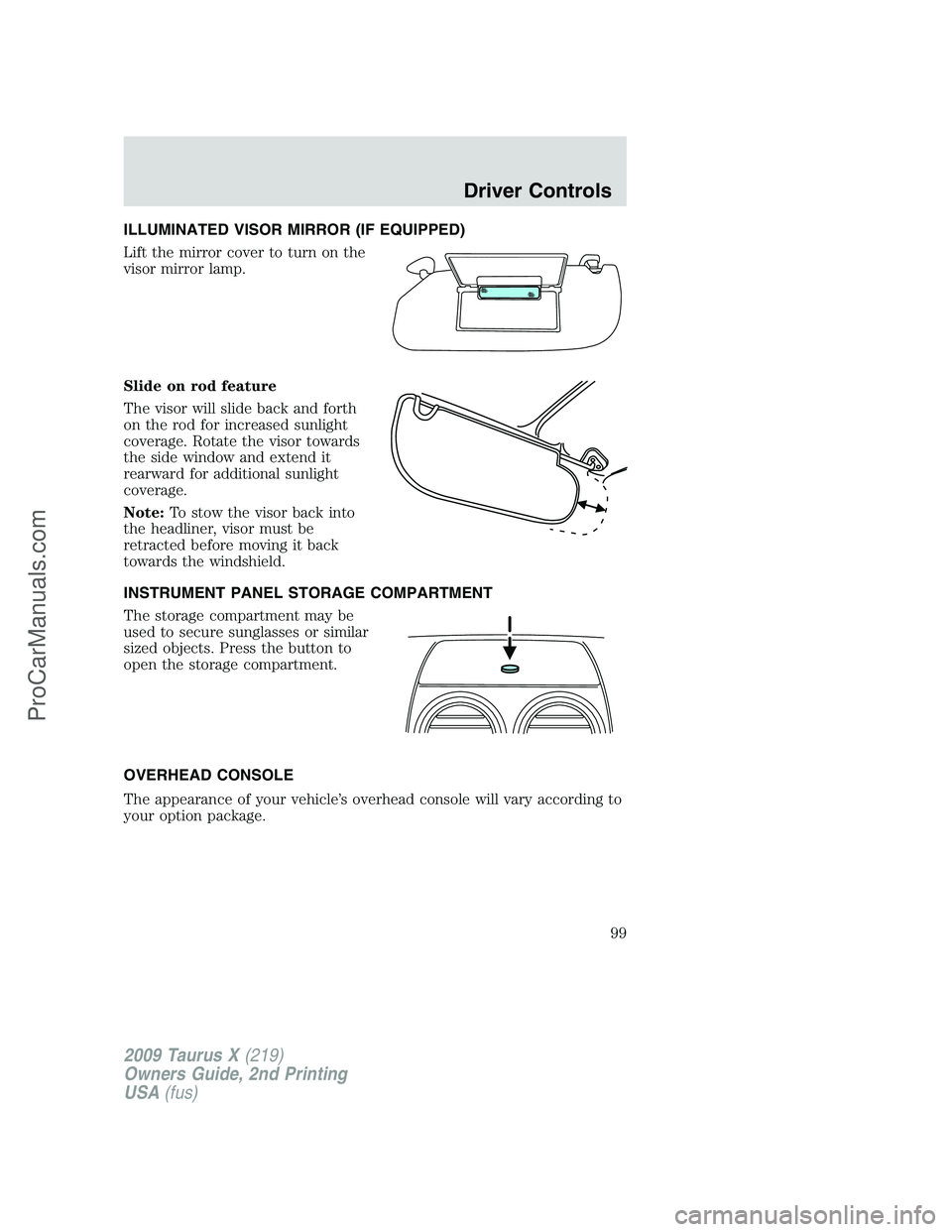
ILLUMINATED VISOR MIRROR (IF EQUIPPED)
Lift the mirror cover to turn on the
visor mirror lamp.
Slide on rod feature
The visor will slide back and forth
on the rod for increased sunlight
coverage. Rotate the visor towards
the side window and extend it
rearward for additional sunlight
coverage.
Note:To stow the visor back into
the headliner, visor must be
retracted before moving it back
towards the windshield.
INSTRUMENT PANEL STORAGE COMPARTMENT
The storage compartment may be
used to secure sunglasses or similar
sized objects. Press the button to
open the storage compartment.
OVERHEAD CONSOLE
The appearance of your vehicle’s overhead console will vary according to
your option package.
2009 Taurus X(219)
Owners Guide, 2nd Printing
USA(fus)
Driver Controls
99
ProCarManuals.com
Page 102 of 358
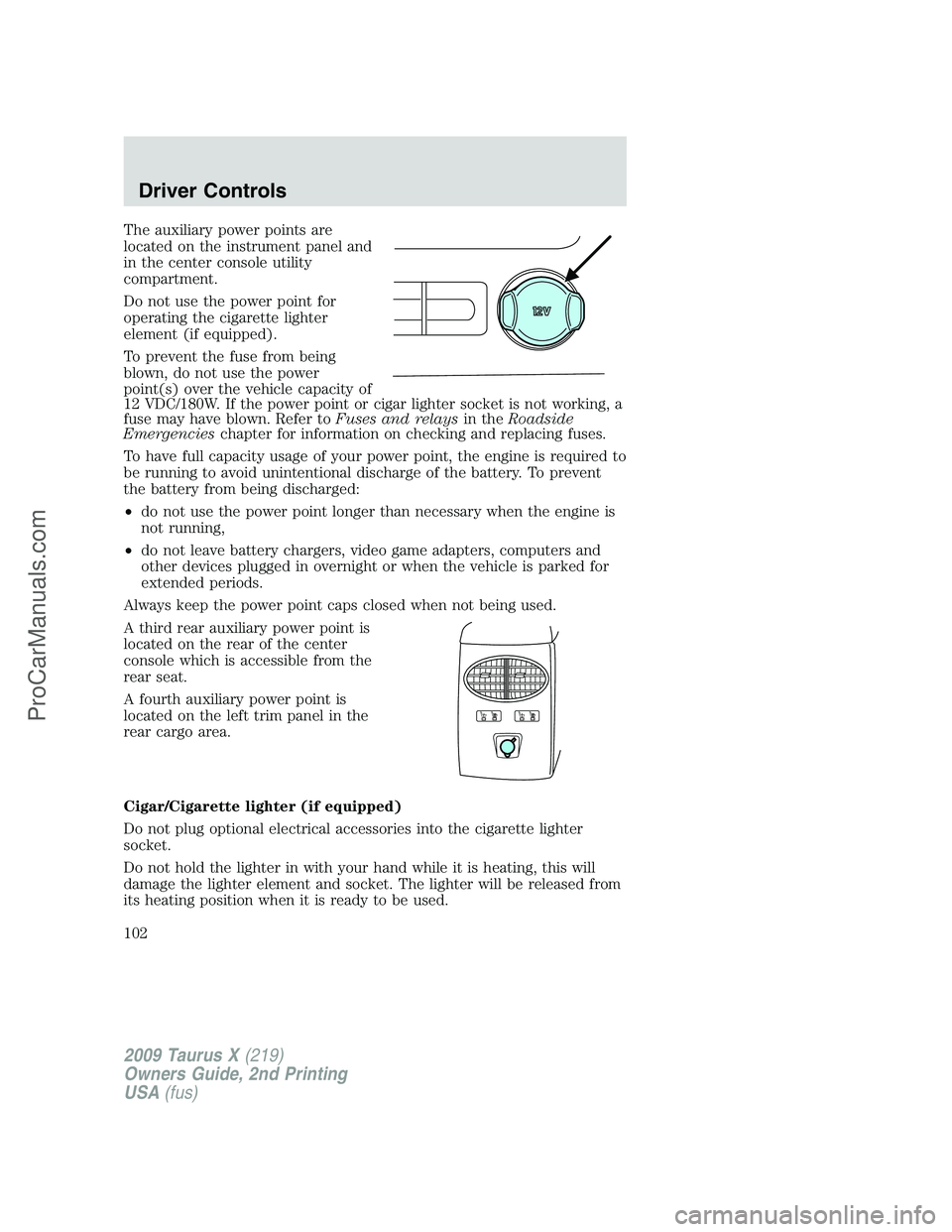
The auxiliary power points are
located on the instrument panel and
in the center console utility
compartment.
Do not use the power point for
operating the cigarette lighter
element (if equipped).
To prevent the fuse from being
blown, do not use the power
point(s) over the vehicle capacity of
12 VDC/180W. If the power point or cigar lighter socket is not working, a
fuse may have blown. Refer toFuses and relaysin theRoadside
Emergencieschapter for information on checking and replacing fuses.
To have full capacity usage of your power point, the engine is required to
be running to avoid unintentional discharge of the battery. To prevent
the battery from being discharged:
•do not use the power point longer than necessary when the engine is
not running,
•do not leave battery chargers, video game adapters, computers and
other devices plugged in overnight or when the vehicle is parked for
extended periods.
Always keep the power point caps closed when not being used.
A third rear auxiliary power point is
located on the rear of the center
console which is accessible from the
rear seat.
A fourth auxiliary power point is
located on the left trim panel in the
rear cargo area.
Cigar/Cigarette lighter (if equipped)
Do not plug optional electrical accessories into the cigarette lighter
socket.
Do not hold the lighter in with your hand while it is heating, this will
damage the lighter element and socket. The lighter will be released from
its heating position when it is ready to be used.
2009 Taurus X(219)
Owners Guide, 2nd Printing
USA(fus)
Driver Controls
102
ProCarManuals.com
Page 107 of 358
POWER ADJUSTABLE FOOT PEDALS (IF EQUIPPED)
The accelerator and brake pedal
should only be adjusted when the
vehicle is stopped and the gearshift
lever is in the P (Park) position.
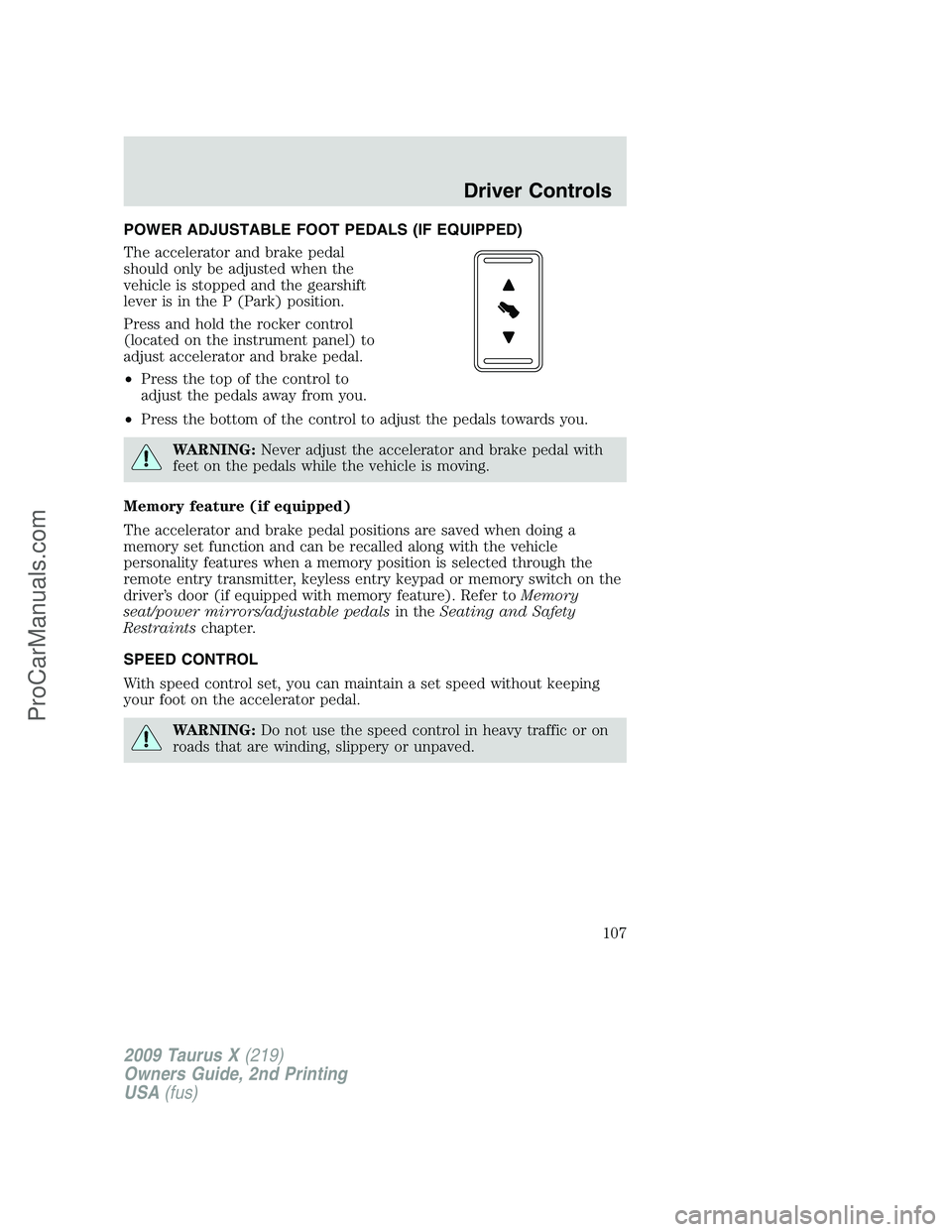
Press and hold the rocker control
(located on the instrument panel) to
adjust accelerator and brake pedal.
•Press the top of the control to
adjust the pedals away from you.
•Press the bottom of the control to adjust the pedals towards you.
WARNING:Never adjust the accelerator and brake pedal with
feet on the pedals while the vehicle is moving.
Memory feature (if equipped)
The accelerator and brake pedal positions are saved when doing a
memory set function and can be recalled along with the vehicle
personality features when a memory position is selected through the
remote entry transmitter, keyless entry keypad or memory switch on the
driver’s door (if equipped with memory feature). Refer toMemory
seat/power mirrors/adjustable pedalsin theSeating and Safety
Restraintschapter.
SPEED CONTROL
With speed control set, you can maintain a set speed without keeping
your foot on the accelerator pedal.
WARNING:Do not use the speed control in heavy traffic or on
roads that are winding, slippery or unpaved.
2009 Taurus X(219)
Owners Guide, 2nd Printing
USA(fus)
Driver Controls
107
ProCarManuals.com
Page 124 of 358
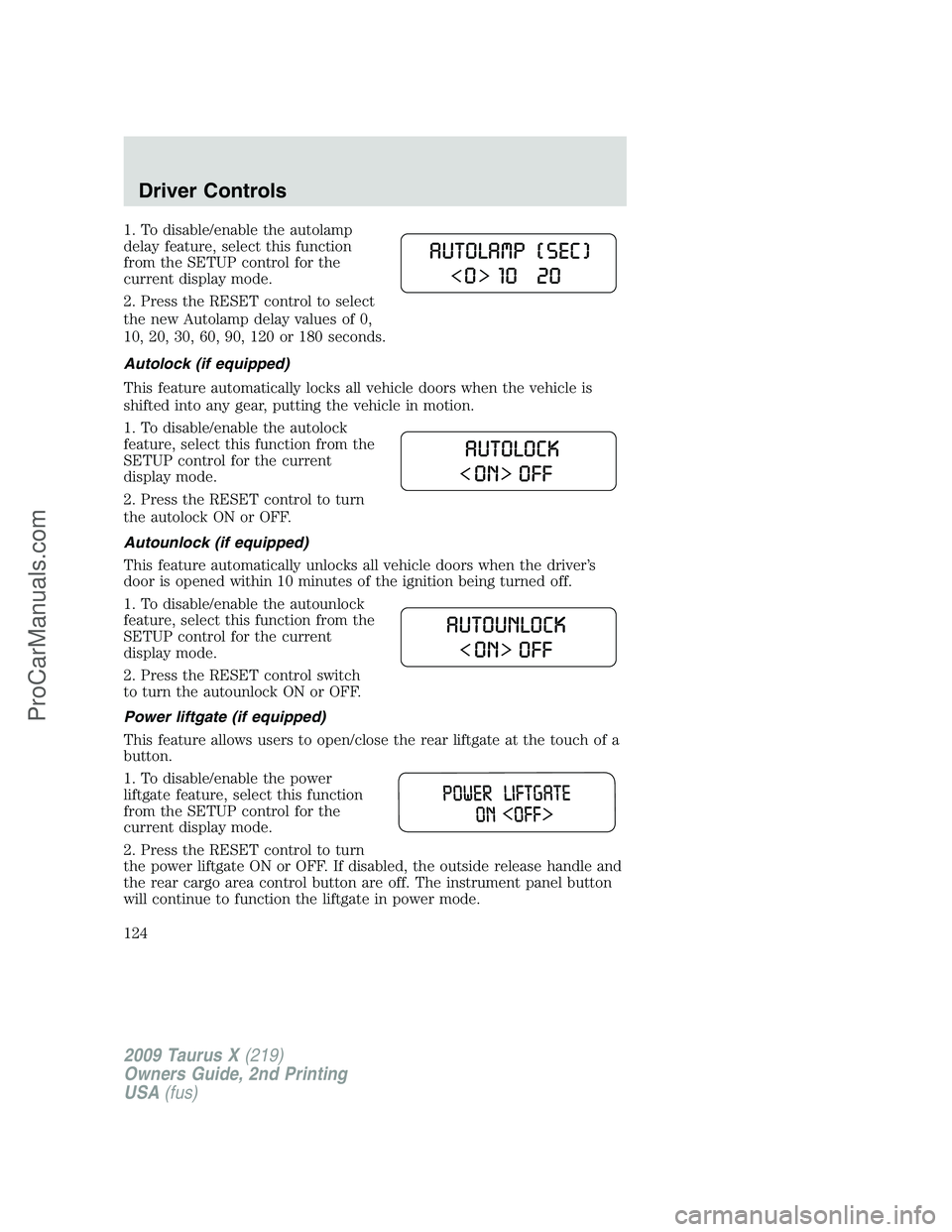
1. To disable/enable the autolamp
delay feature, select this function
from the SETUP control for the
current display mode.
2. Press the RESET control to select
the new Autolamp delay values of 0,
10, 20, 30, 60, 90, 120 or 180 seconds.
Autolock (if equipped)
This feature automatically locks all vehicle doors when the vehicle is
shifted into any gear, putting the vehicle in motion.
1. To disable/enable the autolock
feature, select this function from the
SETUP control for the current
display mode.
2. Press the RESET control to turn
the autolock ON or OFF.
Autounlock (if equipped)
This feature automatically unlocks all vehicle doors when the driver’s
door is opened within 10 minutes of the ignition being turned off.
1. To disable/enable the autounlock
feature, select this function from the
SETUP control for the current
display mode.
2. Press the RESET control switch
to turn the autounlock ON or OFF.
Power liftgate (if equipped)
This feature allows users to open/close the rear liftgate at the touch of a
button.
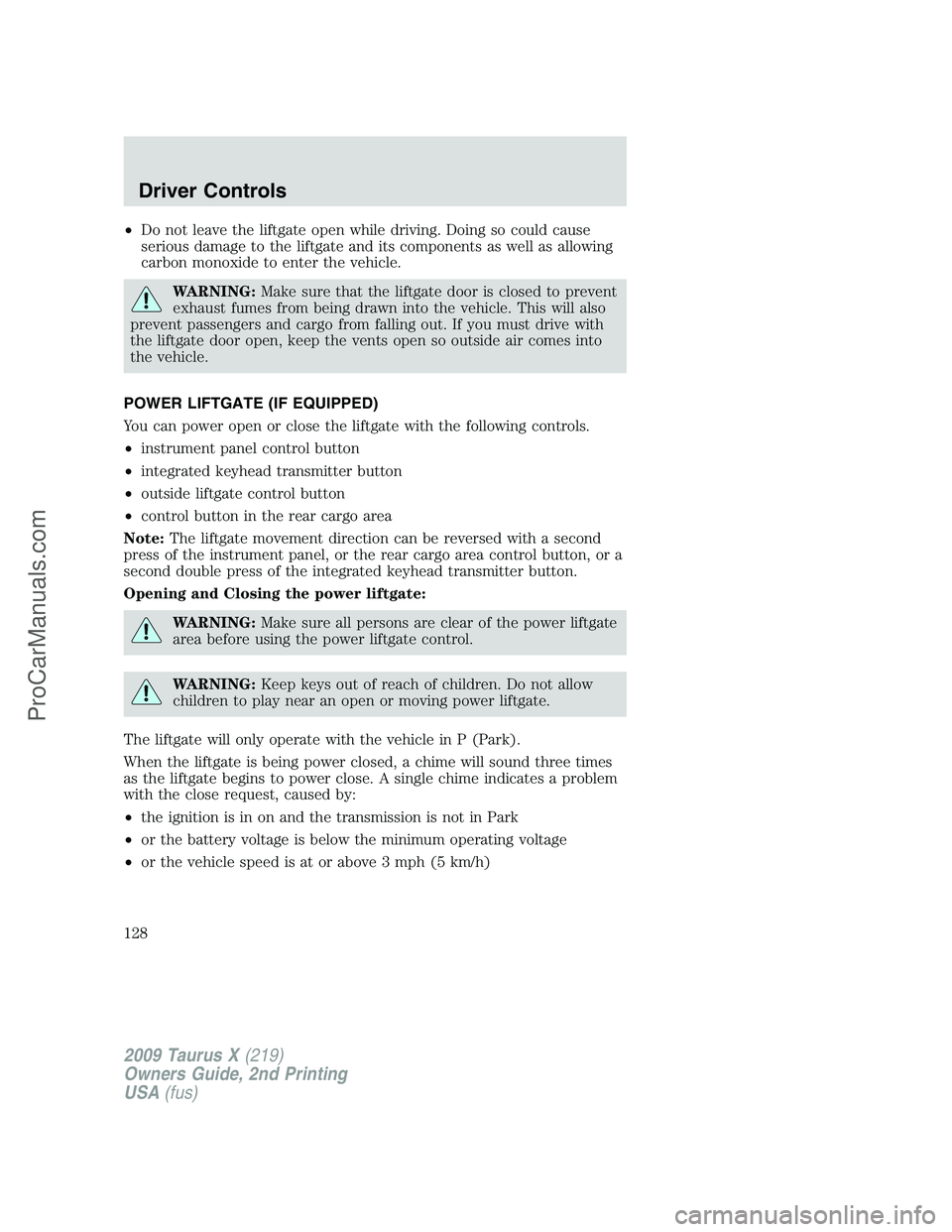
1. To disable/enable the power
liftgate feature, select this function
from the SETUP control for the
current display mode.
2. Press the RESET control to turn
the power liftgate ON or OFF. If disabled, the outside release handle and
the rear cargo area control button are off. The instrument panel button
will continue to function the liftgate in power mode.
2009 Taurus X(219)
Owners Guide, 2nd Printing
USA(fus)
Driver Controls
124
ProCarManuals.com
Page 128 of 358
•Do not leave the liftgate open while driving. Doing so could cause
serious damage to the liftgate and its components as well as allowing
carbon monoxide to enter the vehicle.
WARNING:Make sure that the liftgate door is closed to prevent
exhaust fumes from being drawn into the vehicle. This will also
prevent passengers and cargo from falling out. If you must drive with
the liftgate door open, keep the vents open so outside air comes into
the vehicle.
POWER LIFTGATE (IF EQUIPPED)
You can power open or close the liftgate with the following controls.
•instrument panel control button
•integrated keyhead transmitter button
•outside liftgate control button
•control button in the rear cargo area
Note:The liftgate movement direction can be reversed with a second
press of the instrument panel, or the rear cargo area control button, or a
second double press of the integrated keyhead transmitter button.
Opening and Closing the power liftgate:
WARNING:Make sure all persons are clear of the power liftgate
area before using the power liftgate control.
WARNING:Keep keys out of reach of children. Do not allow
children to play near an open or moving power liftgate.
The liftgate will only operate with the vehicle in P (Park).
When the liftgate is being power closed, a chime will sound three times
as the liftgate begins to power close. A single chime indicates a problem
with the close request, caused by:
•the ignition is in on and the transmission is not in Park
•or the battery voltage is below the minimum operating voltage
•or the vehicle speed is at or above 3 mph (5 km/h)
2009 Taurus X(219)
Owners Guide, 2nd Printing
USA(fus)
Driver Controls
128
ProCarManuals.com
Page 129 of 358
If the liftgate reverses and starts to close after a open request, a fast
continuous chime indicates excessive load on the gate or a possible strut
failure. If any excessive load is removed and you still have a faster
chime, have the system serviced immediately by your authorized dealer.
Do not attempt to manually force the liftgate to travel faster than the
power system will permit. This will activate the obstacle detection
feature.
Note:Cycling the ignition prior to completely latching the liftgate could
result in damage to the liftgate and/or its power components. Make sure
the liftgate is fully latched before operating the vehicle.
Care should be exercised in starting the engine before the liftgate is fully
closed (latched). If the ignition is cycled during a liftgate power close
cycle and the liftgate is 6-10 inches (15–24 cm) from being latched, the
liftgate may reverse to the full open position. Verify that the gate is
closed before operating or moving the vehicle, especially in an enclosure,
like a garage or a parking structure. The liftgate or its components could
be damaged in an enclosure, if the liftgate is open.
When power operating the liftgate at temperatures below 32°F (0°C), the
liftgate may stop about five inches (12.7 cm) from the full open position.
The liftgate can be fully opened by pushing it upward to the maximum
open position.
The power liftgate feature can be
enabled or disabled using the
message center. With the control in
the OFF position, power operation
is disabled from the liftgate handle
button and from the rear cargo area button. The integrated keyhead
transmitter and instrument panel switch will still continue to operate the
liftgate regardless of the position state of the message center. Refer to
theMessage centersection in this chapter.
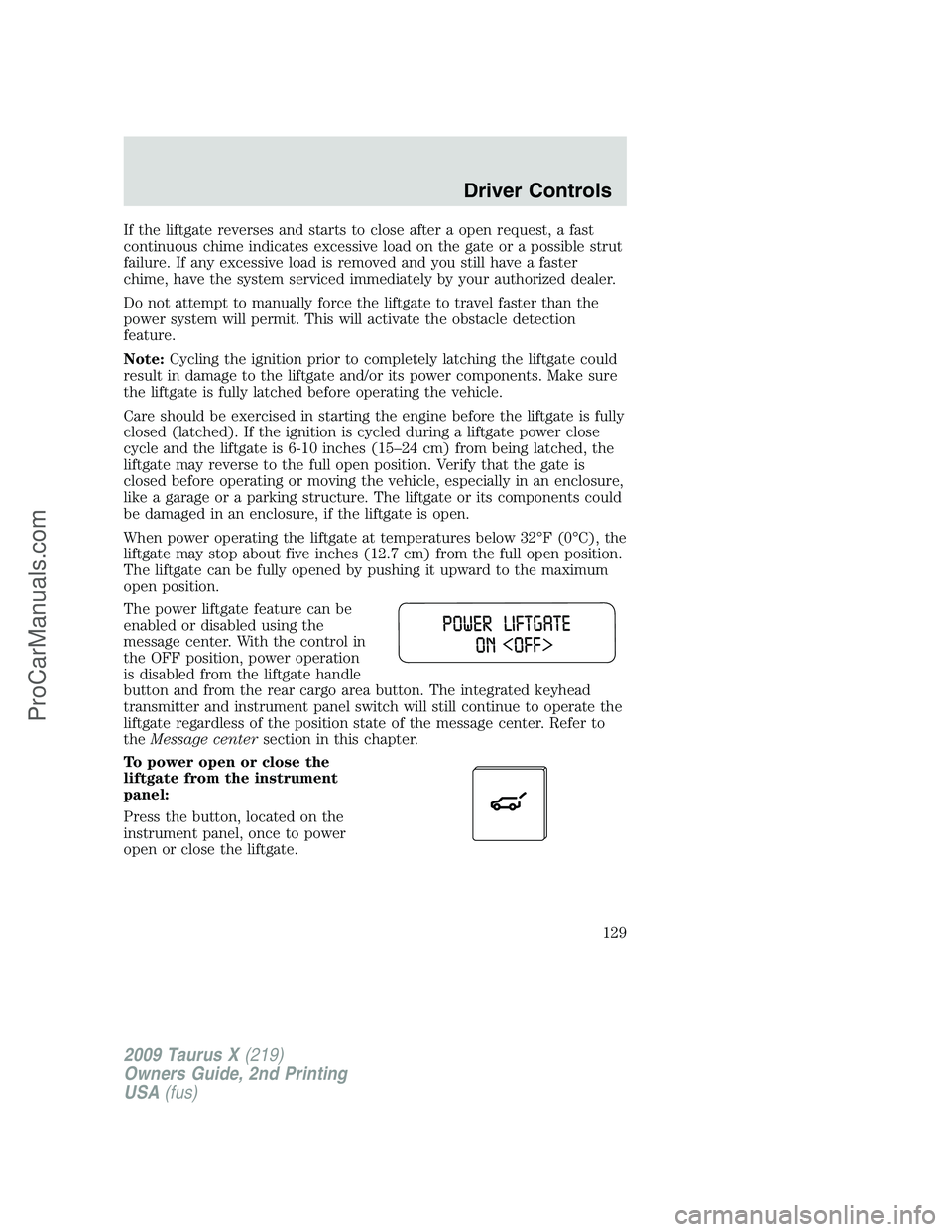
To power open or close the
liftgate from the instrument
panel:
Press the button, located on the
instrument panel, once to power
open or close the liftgate.
2009 Taurus X(219)
Owners Guide, 2nd Printing
USA(fus)
Driver Controls
129
ProCarManuals.com
Page 131 of 358
Note:The liftgate movement direction can be reversed with a second
press of the instrument panel, or the rear cargo area control buttons, or
a second double press of the integrated keyhead transmitter button.
To manually operate the liftgate:
1. Disable the liftgate power function. Refer to theMessage centerin
this chapter.
2. Open and close the liftgate as you would a standard liftgate. Refer to
Manual liftgatein this chapter.
Note:In case of operation in extreme cold -40°F (-40°C), or on extreme
inclines, manual operation of the liftgate is suggested.
Obstacle detection:
The power liftgate system is equipped with an obstacle detection feature.
If the power liftgate is closing, the system will reverse to full open when
it detects an obstacle. A chime will sound three times when an obstacle
is detected as the liftgate begins to reopen. Once the obstacle is
removed, the liftgate can be closed under power.
If the power liftgate is opening, the system will stop and a chime will
sound three times when an obstacle is detected. Once the obstacle is
removed, the liftgate can again be operated normally.
Resetting the power liftgate:
The power liftgate may not operate properly and may need to be reset if
any of these conditions occur:
•a low voltage or dead battery
•disconnected battery
•the liftgate is manually closed and left ajar (unlatched)
To reset the power liftgate:
1. Disconnect the battery for 20 seconds then, reconnect the battery.
2. Manually close and fully latch the liftgate.
3. Power open the liftgate by using the integrated keyhead transmitter,
or the instrument panel control button.
Note:If the power liftgate system is turned off in the message center,
the system cannot be activated with the outside release handle or rear
cargo area control button. The system will need to be turned on to
resume operation with the outside release handle or rear cargo area
control button. The power liftgate is still operational through the use of
the remote entry transmitter and instrument panel button when the
power liftgate is turned off in the message center.
2009 Taurus X(219)
Owners Guide, 2nd Printing
USA(fus)
Driver Controls
131
ProCarManuals.com
Page 135 of 358
Smart locks
This feature helps to prevent you from locking yourself out of the vehicle
if your key is still in the ignition.
When you open one of the front doors or the liftgate and you lock the
vehicle with the power door lock control (on the driver or passenger
door trim panel), all the doors will lock, then all doors will automatically
unlock reminding you that your key is still in the ignition.
The vehicle can still be locked, with the key in the ignition, by locking
the driver’s door with a key, using the lock control on the remote entry
transmitter portion of your Integrated Keyhead Transmitter, or locking
the vehicle with the keyless entry keypad.
If both front doors and the liftgate are closed, the vehicle can be locked
from any method, regardless of whether the key is in the ignition or not.
Autolock feature
The autolock feature will lock all the doors when:
•all the doors are closed,
•the ignition is in the on position,
•you shift into any gear putting the vehicle in motion, and
•the vehicle attains a speed greater than 12 mph (20 km/h).
The autolock feature repeats when:
•any door is opened then closed while the ignition is in the on position
and the vehicle speed is 9 mph (15 km/h) or lower, and
•the vehicle then attains a speed greater than 12 mph (20 km/h).
Deactivating/activating autolock feature
Your vehicle comes with the autolock features activated; there are four
methods to enable/disable this feature:
•Through your authorized dealer,
•by using a power door unlock/lock procedure,
•using a keypad procedure, or
•or by using the instrument cluster message center. Refer toMessage
centerin theDriver Controlschapter.
Note:The autolock feature can be activated/deactivated independently
of the autounlock feature.
2009 Taurus X(219)
Owners Guide, 2nd Printing
USA(fus)
Locks and Security
135
ProCarManuals.com