homelink FORD FUSION (AMERICAS) 2014 2.G Owners Manual
[x] Cancel search | Manufacturer: FORD, Model Year: 2014, Model line: FUSION (AMERICAS), Model: FORD FUSION (AMERICAS) 2014 2.GPages: 458, PDF Size: 27.89 MB
Page 132 of 458
HomeLink Wireless ControlSystem (If Equipped)
WARNING
Do not use the system with anygarage door opener that does nothave the safety stop and reversefeature as required by U.S. Federal SafetyStandards (this includes any garage dooropener manufactured before April 1, 1982).A garage door opener which cannot detectan object, signaling the door to stop andreverse, does not meet current federalsafety standards. Using a garage dooropener without these features increasesthe risk of serious injury or death.
Note:Make sure that the garage door andsecurity device are free from obstructionwhen you are programming. Do not programthe system with the vehicle in the garage.
Note:Make sure you keep the originalremote control transmitter for use in othervehicles as well as for future systemprogramming.
Note:We recommend that upon the saleor lease termination of your vehicle, youerase the programmed function buttons forsecurity reasons. See Erasing the functionbutton codes later in this section.
Note:You can program a maximum ofthree devices. To change or replace any ofthe three devices after it has been initiallyprogrammed, you must first erase thecurrent settings. See Erasing the functionbutton codes later in this section.
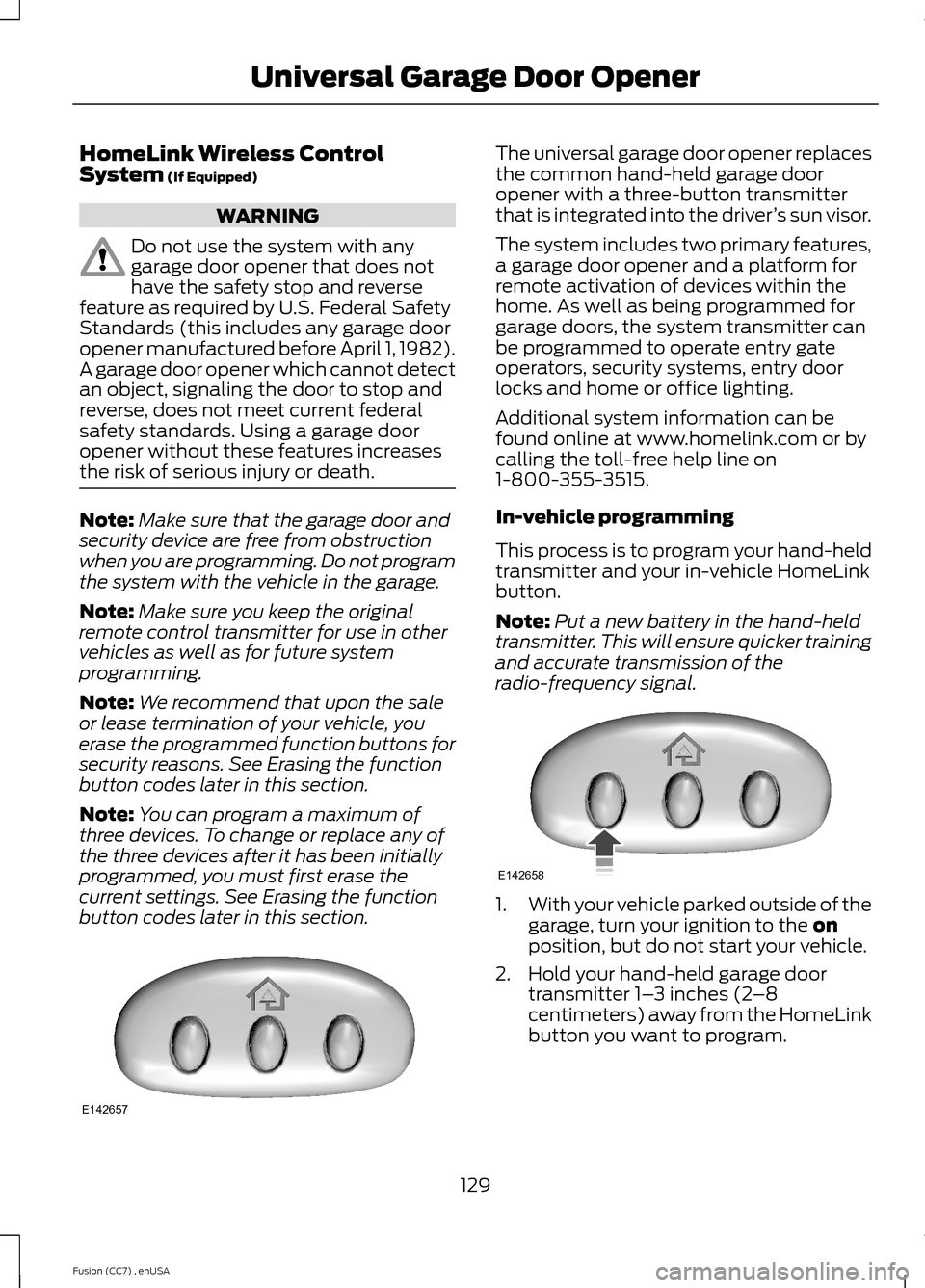
The universal garage door opener replacesthe common hand-held garage dooropener with a three-button transmitterthat is integrated into the driver’s sun visor.
The system includes two primary features,a garage door opener and a platform forremote activation of devices within thehome. As well as being programmed forgarage doors, the system transmitter canbe programmed to operate entry gateoperators, security systems, entry doorlocks and home or office lighting.
Additional system information can befound online at www.homelink.com or bycalling the toll-free help line on1-800-355-3515.
In-vehicle programming
This process is to program your hand-heldtransmitter and your in-vehicle HomeLinkbutton.
Note:Put a new battery in the hand-heldtransmitter. This will ensure quicker trainingand accurate transmission of theradio-frequency signal.
1.With your vehicle parked outside of thegarage, turn your ignition to the onposition, but do not start your vehicle.
2.Hold your hand-held garage doortransmitter 1–3 inches (2–8centimeters) away from the HomeLinkbutton you want to program.
129Fusion (CC7) , enUSAUniversal Garage Door OpenerE142657 E142658
Page 133 of 458
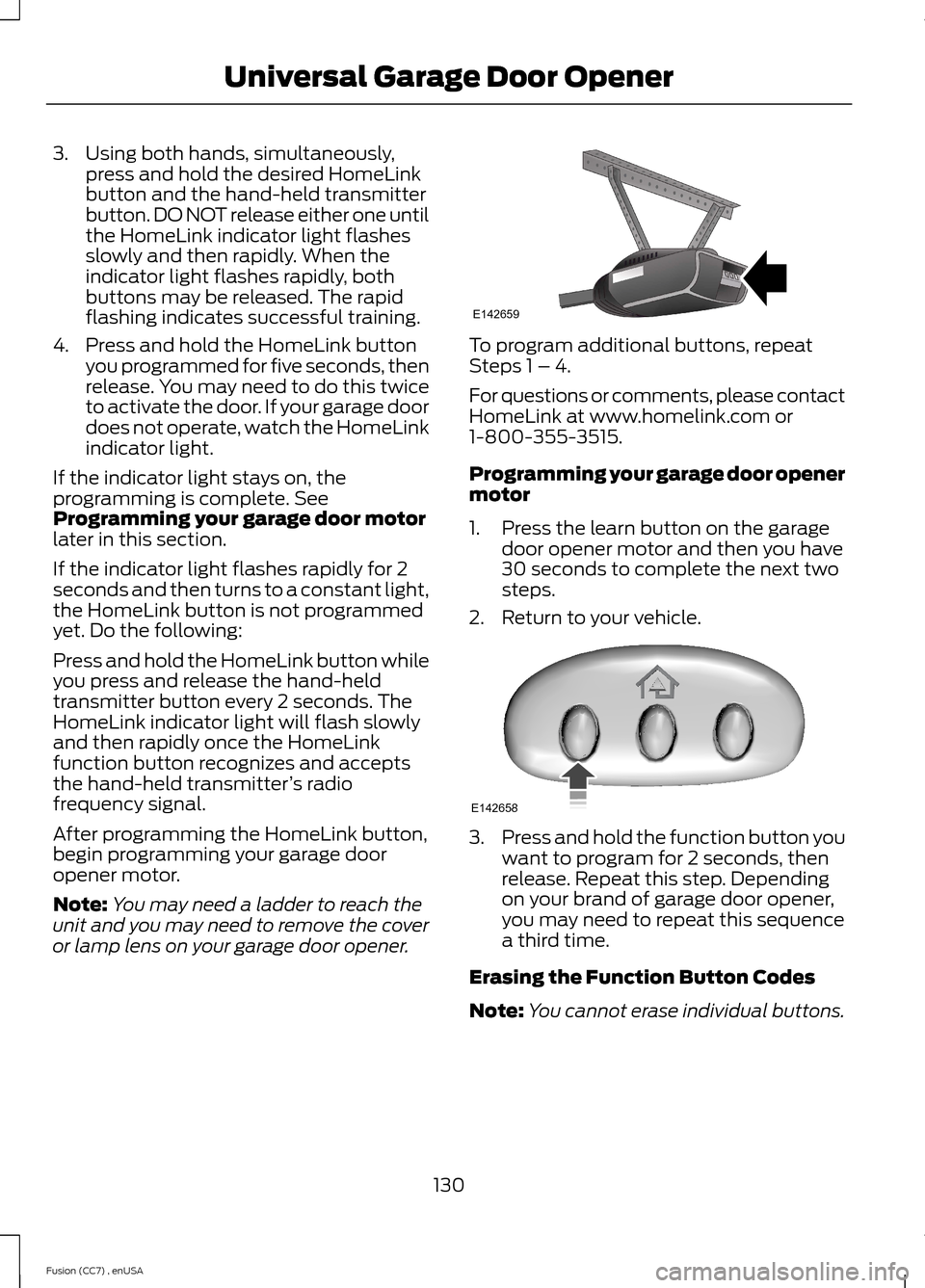
3.Using both hands, simultaneously,press and hold the desired HomeLinkbutton and the hand-held transmitterbutton. DO NOT release either one untilthe HomeLink indicator light flashesslowly and then rapidly. When theindicator light flashes rapidly, bothbuttons may be released. The rapidflashing indicates successful training.
4.Press and hold the HomeLink buttonyou programmed for five seconds, thenrelease. You may need to do this twiceto activate the door. If your garage doordoes not operate, watch the HomeLinkindicator light.
If the indicator light stays on, theprogramming is complete. SeeProgramming your garage door motorlater in this section.
If the indicator light flashes rapidly for 2seconds and then turns to a constant light,the HomeLink button is not programmedyet. Do the following:
Press and hold the HomeLink button whileyou press and release the hand-heldtransmitter button every 2 seconds. TheHomeLink indicator light will flash slowlyand then rapidly once the HomeLinkfunction button recognizes and acceptsthe hand-held transmitter’s radiofrequency signal.
After programming the HomeLink button,begin programming your garage dooropener motor.
Note:You may need a ladder to reach theunit and you may need to remove the coveror lamp lens on your garage door opener.
To program additional buttons, repeatSteps 1 – 4.
For questions or comments, please contactHomeLink at www.homelink.com or1-800-355-3515.
Programming your garage door openermotor
1.Press the learn button on the garagedoor opener motor and then you have30 seconds to complete the next twosteps.
2.Return to your vehicle.
3.Press and hold the function button youwant to program for 2 seconds, thenrelease. Repeat this step. Dependingon your brand of garage door opener,you may need to repeat this sequencea third time.
Erasing the Function Button Codes
Note:You cannot erase individual buttons.
130Fusion (CC7) , enUSAUniversal Garage Door OpenerE142659 E142658
Page 134 of 458
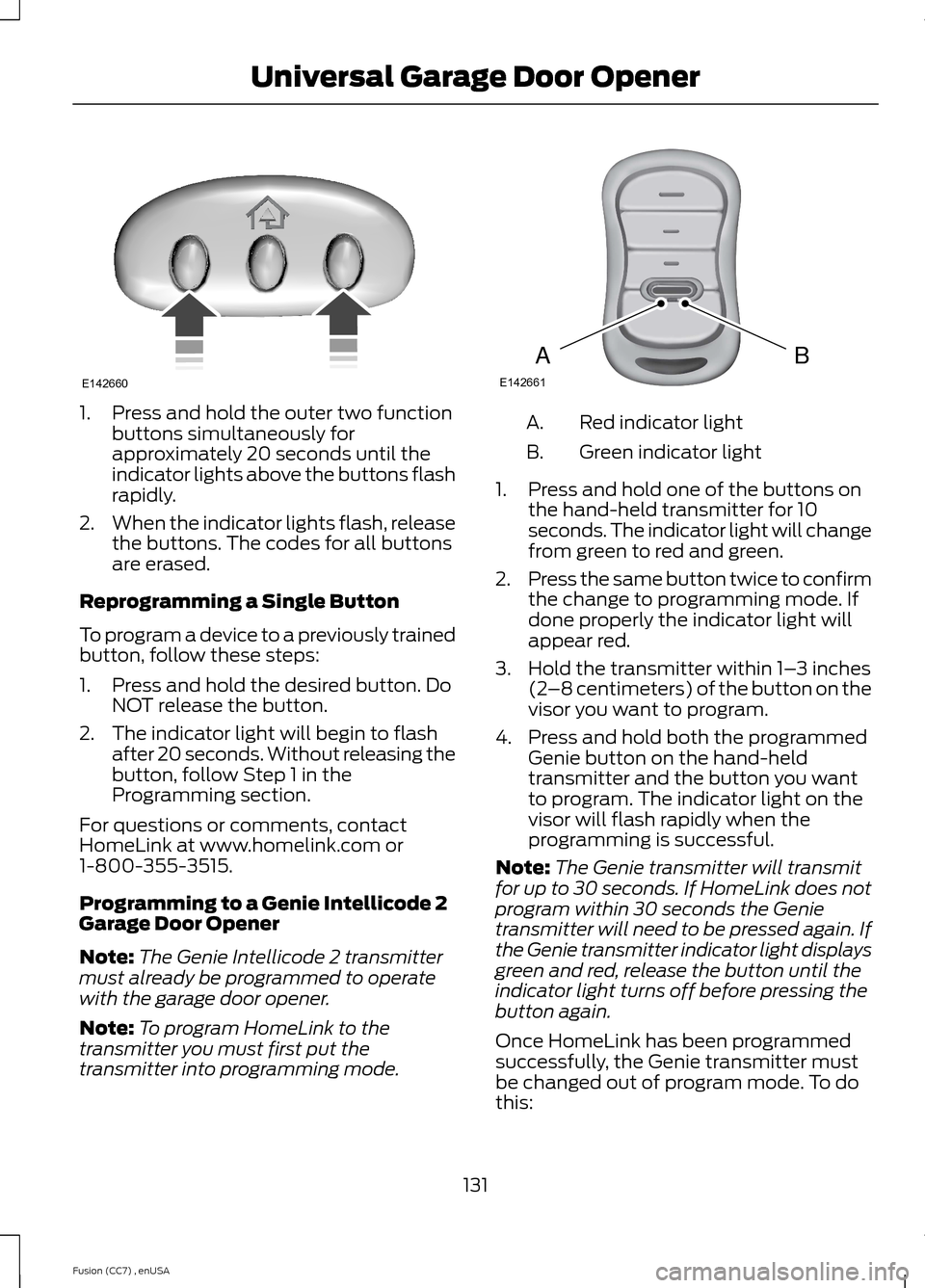
1.Press and hold the outer two functionbuttons simultaneously forapproximately 20 seconds until theindicator lights above the buttons flashrapidly.
2.When the indicator lights flash, releasethe buttons. The codes for all buttonsare erased.
Reprogramming a Single Button
To program a device to a previously trainedbutton, follow these steps:
1.Press and hold the desired button. DoNOT release the button.
2.The indicator light will begin to flashafter 20 seconds. Without releasing thebutton, follow Step 1 in theProgramming section.
For questions or comments, contactHomeLink at www.homelink.com or1-800-355-3515.
Programming to a Genie Intellicode 2Garage Door Opener
Note:The Genie Intellicode 2 transmittermust already be programmed to operatewith the garage door opener.
Note:To program HomeLink to thetransmitter you must first put thetransmitter into programming mode.
Red indicator lightA.
Green indicator lightB.
1.Press and hold one of the buttons onthe hand-held transmitter for 10seconds. The indicator light will changefrom green to red and green.
2.Press the same button twice to confirmthe change to programming mode. Ifdone properly the indicator light willappear red.
3.Hold the transmitter within 1–3 inches(2–8 centimeters) of the button on thevisor you want to program.
4.Press and hold both the programmedGenie button on the hand-heldtransmitter and the button you wantto program. The indicator light on thevisor will flash rapidly when theprogramming is successful.
Note:The Genie transmitter will transmitfor up to 30 seconds. If HomeLink does notprogram within 30 seconds the Genietransmitter will need to be pressed again. Ifthe Genie transmitter indicator light displaysgreen and red, release the button until theindicator light turns off before pressing thebutton again.
Once HomeLink has been programmedsuccessfully, the Genie transmitter mustbe changed out of program mode. To dothis:
131Fusion (CC7) , enUSAUniversal Garage Door OpenerE142660 BAE142661
Page 135 of 458
1.Press and hold the previouslyprogrammed Genie button on thehand-held transmitter for 10 seconds.The indicator light will change from redto red and green.
2.Press the same button twice to confirmthe change. If done correctly theindicator light will turn green.
Programming HomeLink to the GenieIntellicode Garage Door Opener Motor
Note:You may need a ladder to access thegarage door opener motor.
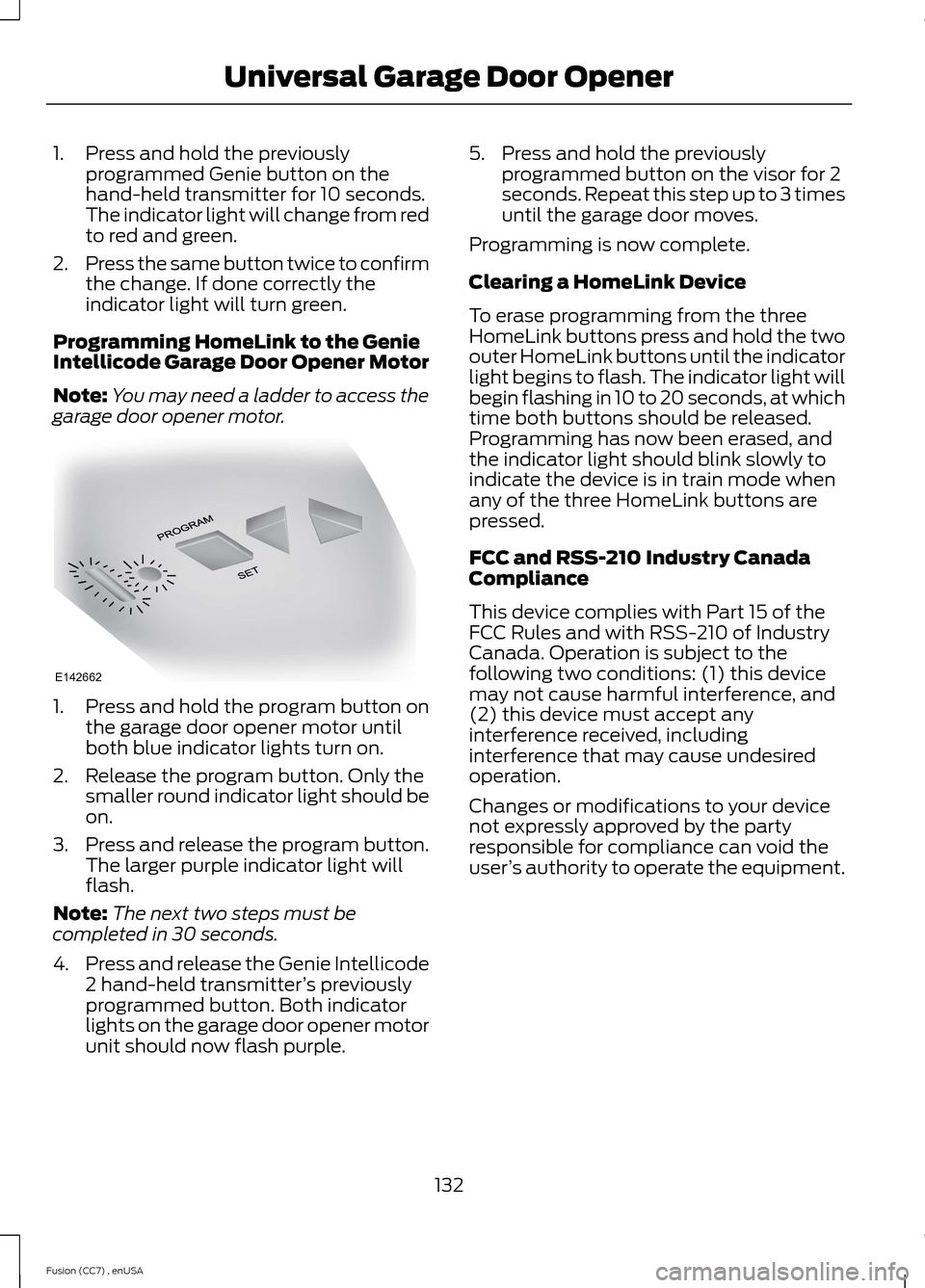
1.Press and hold the program button onthe garage door opener motor untilboth blue indicator lights turn on.
2.Release the program button. Only thesmaller round indicator light should beon.
3.Press and release the program button.The larger purple indicator light willflash.
Note:The next two steps must becompleted in 30 seconds.
4.Press and release the Genie Intellicode2 hand-held transmitter’s previouslyprogrammed button. Both indicatorlights on the garage door opener motorunit should now flash purple.
5.Press and hold the previouslyprogrammed button on the visor for 2seconds. Repeat this step up to 3 timesuntil the garage door moves.
Programming is now complete.
Clearing a HomeLink Device
To erase programming from the threeHomeLink buttons press and hold the twoouter HomeLink buttons until the indicatorlight begins to flash. The indicator light willbegin flashing in 10 to 20 seconds, at whichtime both buttons should be released.Programming has now been erased, andthe indicator light should blink slowly toindicate the device is in train mode whenany of the three HomeLink buttons arepressed.
FCC and RSS-210 Industry CanadaCompliance
This device complies with Part 15 of theFCC Rules and with RSS-210 of IndustryCanada. Operation is subject to thefollowing two conditions: (1) this devicemay not cause harmful interference, and(2) this device must accept anyinterference received, includinginterference that may cause undesiredoperation.
Changes or modifications to your devicenot expressly approved by the partyresponsible for compliance can void theuser’s authority to operate the equipment.
132Fusion (CC7) , enUSAUniversal Garage Door OpenerE142662
Page 456 of 458
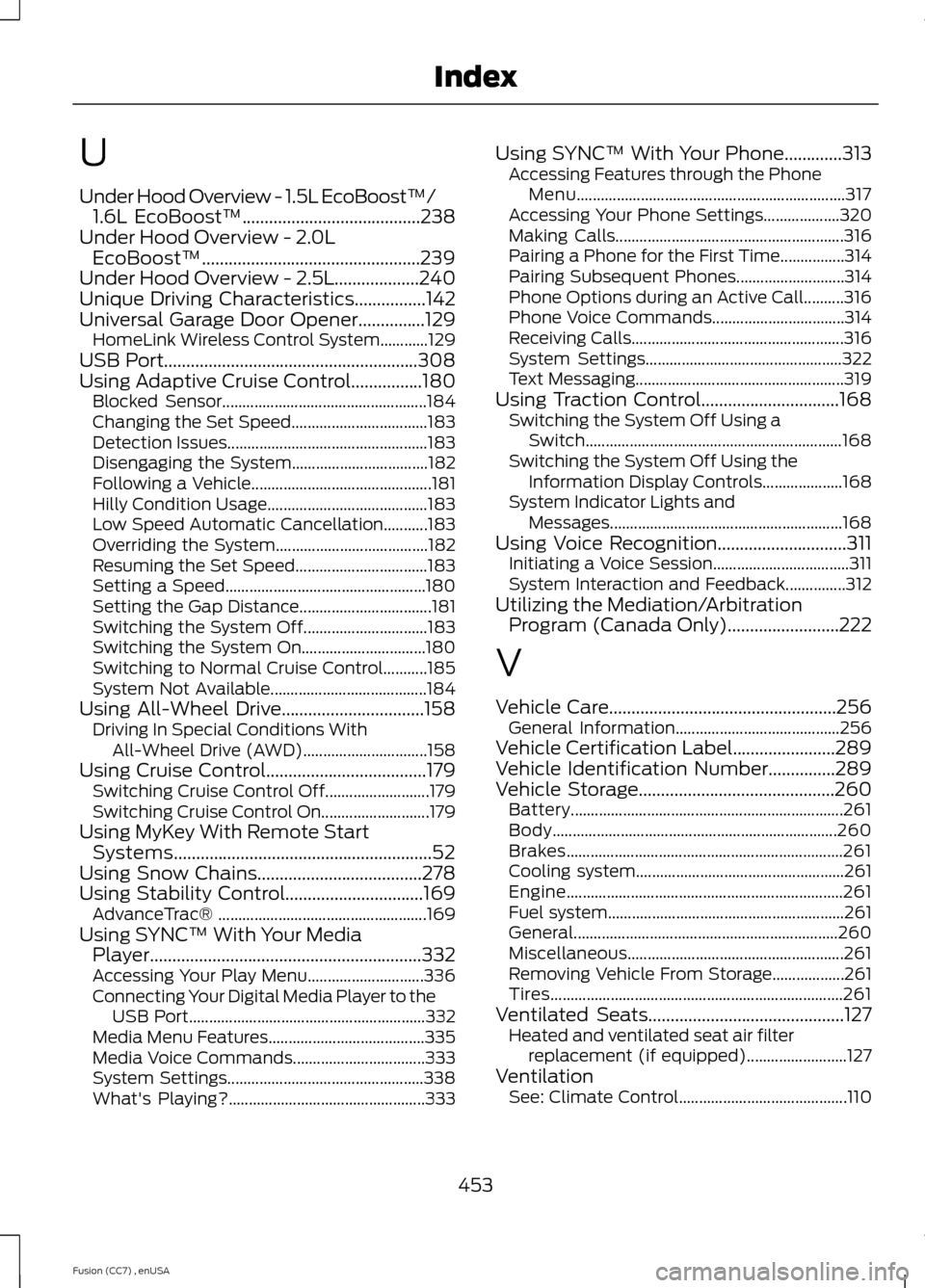
U
Under Hood Overview - 1.5L EcoBoost™/1.6L EcoBoost™........................................238Under Hood Overview - 2.0LEcoBoost™.................................................239Under Hood Overview - 2.5L...................240Unique Driving Characteristics................142Universal Garage Door Opener...............129HomeLink Wireless Control System............129USB Port.........................................................308Using Adaptive Cruise Control................180Blocked Sensor...................................................184Changing the Set Speed..................................183Detection Issues..................................................183Disengaging the System..................................182Following a Vehicle.............................................181Hilly Condition Usage........................................183Low Speed Automatic Cancellation...........183Overriding the System......................................182Resuming the Set Speed.................................183Setting a Speed..................................................180Setting the Gap Distance.................................181Switching the System Off...............................183Switching the System On...............................180Switching to Normal Cruise Control...........185System Not Available.......................................184Using All-Wheel Drive................................158Driving In Special Conditions WithAll-Wheel Drive (AWD)...............................158Using Cruise Control....................................179Switching Cruise Control Off..........................179Switching Cruise Control On...........................179Using MyKey With Remote StartSystems..........................................................52Using Snow Chains.....................................278Using Stability Control...............................169AdvanceTrac® ....................................................169Using SYNC™ With Your MediaPlayer.............................................................332Accessing Your Play Menu.............................336Connecting Your Digital Media Player to theUSB Port...........................................................332Media Menu Features.......................................335Media Voice Commands.................................333System Settings.................................................338What's Playing?.................................................333
Using SYNC™ With Your Phone.............313Accessing Features through the PhoneMenu...................................................................317Accessing Your Phone Settings...................320Making Calls.........................................................316Pairing a Phone for the First Time................314Pairing Subsequent Phones...........................314Phone Options during an Active Call..........316Phone Voice Commands.................................314Receiving Calls.....................................................316System Settings.................................................322Text Messaging....................................................319Using Traction Control...............................168Switching the System Off Using aSwitch................................................................168Switching the System Off Using theInformation Display Controls....................168System Indicator Lights andMessages..........................................................168Using Voice Recognition.............................311Initiating a Voice Session..................................311System Interaction and Feedback...............312Utilizing the Mediation/ArbitrationProgram (Canada Only).........................222
V
Vehicle Care...................................................256General Information.........................................256Vehicle Certification Label.......................289Vehicle Identification Number...............289Vehicle Storage............................................260Battery....................................................................261Body.......................................................................260Brakes.....................................................................261Cooling system....................................................261Engine.....................................................................261Fuel system...........................................................261General..................................................................260Miscellaneous......................................................261Removing Vehicle From Storage..................261Tires.........................................................................261Ventilated Seats............................................127Heated and ventilated seat air filterreplacement (if equipped).........................127VentilationSee: Climate Control..........................................110
453Fusion (CC7) , enUSAIndex