light FORD FUSION HYBRID 2010 Owner's Manual
[x] Cancel search | Manufacturer: FORD, Model Year: 2010, Model line: FUSION HYBRID, Model: FORD FUSION HYBRID 2010Pages: 329, PDF Size: 2.47 MB
Page 40 of 329
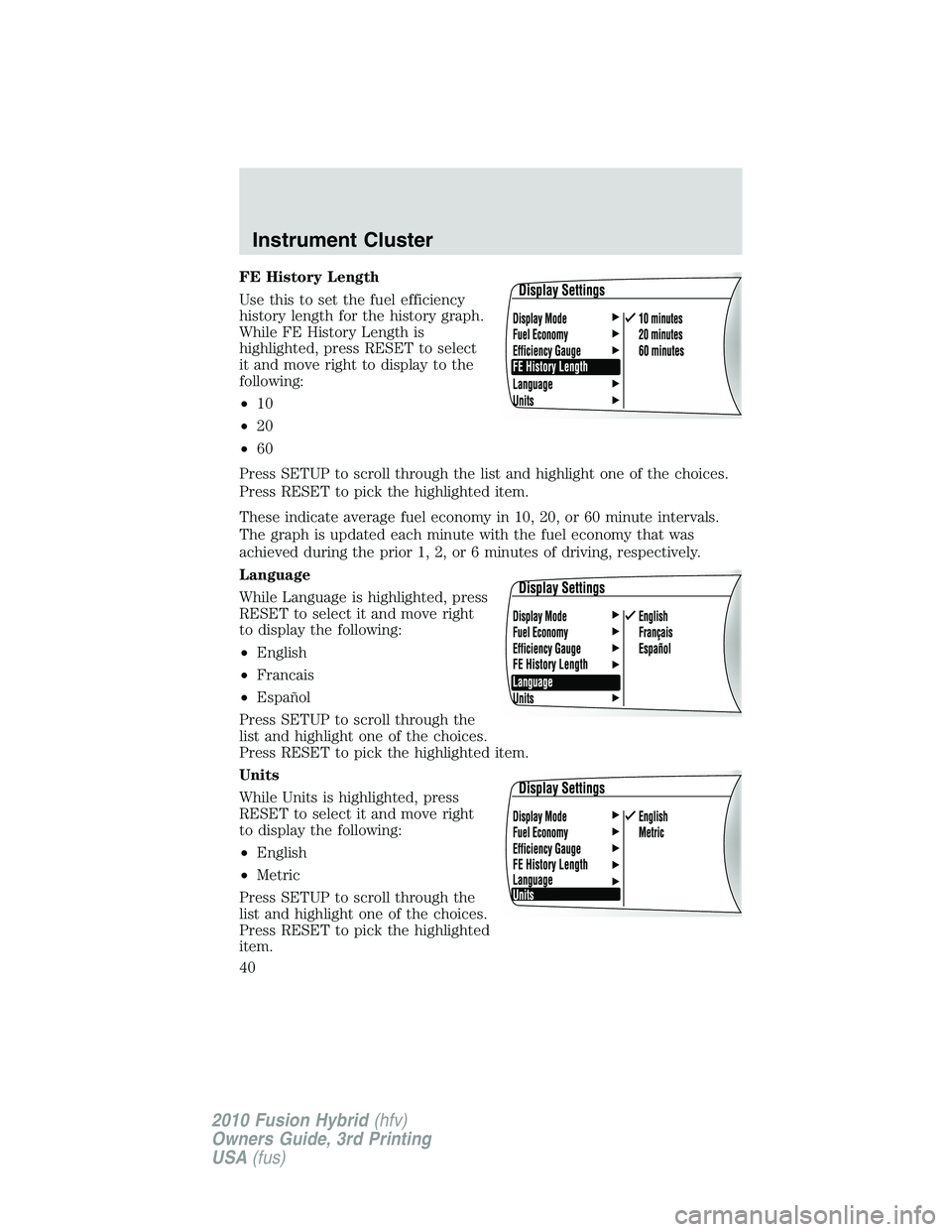
FE History Length
Use this to set the fuel efficiency
history length for the history graph.
While FE History Length is
highlighted, press RESET to select
it and move right to display to the
following:
•10
•20
•60
Press SETUP to scroll through the list and highlight one of the choices.
Press RESET to pick the highlighted item.
These indicate average fuel economy in 10, 20, or 60 minute intervals.
The graph is updated each minute with the fuel economy that was
achieved during the prior 1, 2, or 6 minutes of driving, respectively.
Language
While Language is highlighted, press
RESET to select it and move right
to display the following:
•English
•Francais
•Español
Press SETUP to scroll through the
list and highlight one of the choices.
Press RESET to pick the highlighted item.
Units
While Units is highlighted, press
RESET to select it and move right
to display the following:
•English
•Metric
Press SETUP to scroll through the
list and highlight one of the choices.
Press RESET to pick the highlighted
item.
Instrument Cluster
40
2010 Fusion Hybrid(hfv)
Owners Guide, 3rd Printing
USA(fus)
Page 41 of 329
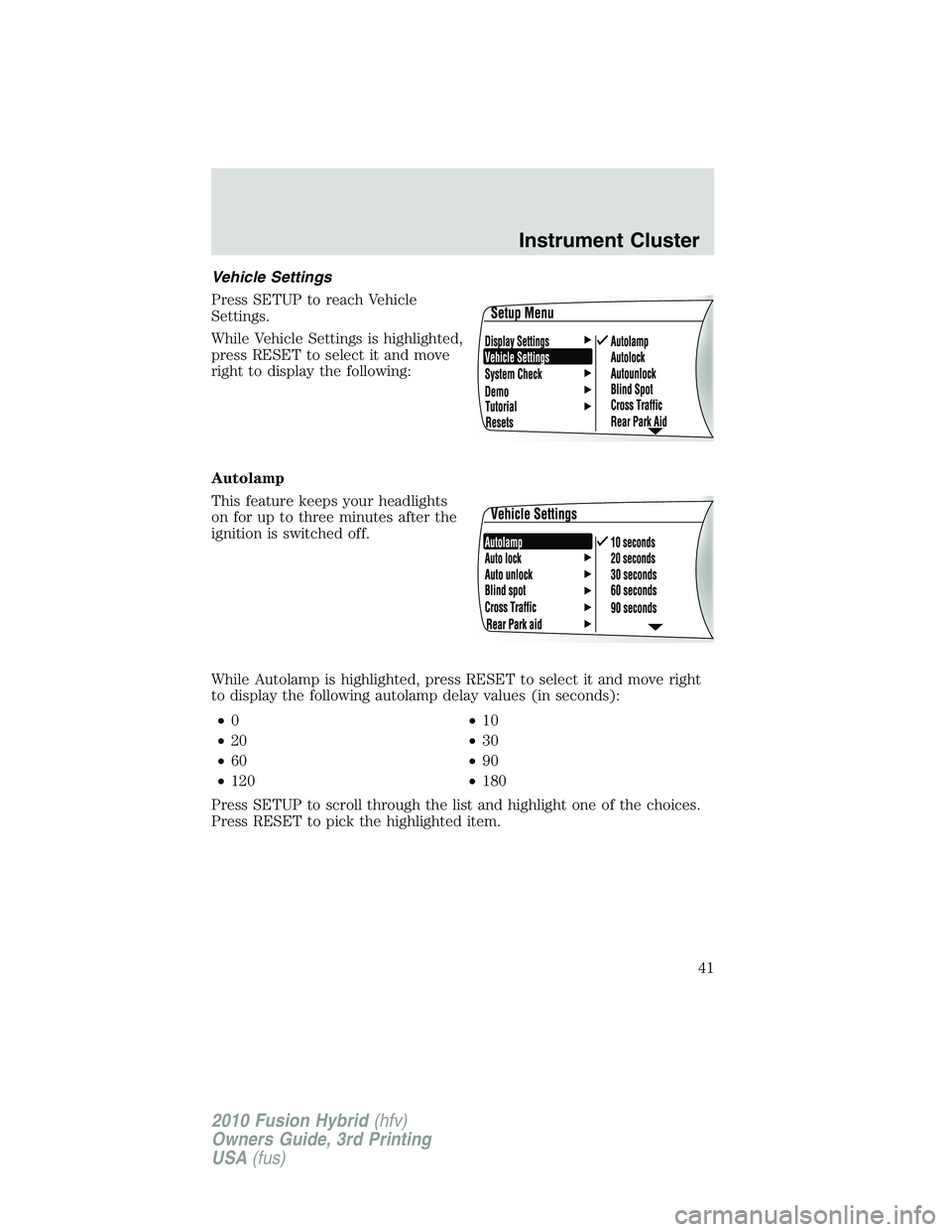
Vehicle Settings
Press SETUP to reach Vehicle
Settings.
While Vehicle Settings is highlighted,
press RESET to select it and move
right to display the following:
Autolamp
This feature keeps your headlights
on for up to three minutes after the
ignition is switched off.
While Autolamp is highlighted, press RESET to select it and move right
to display the following autolamp delay values (in seconds):
•0•10
•20•30
•60•90
•120•180
Press SETUP to scroll through the list and highlight one of the choices.
Press RESET to pick the highlighted item.
Instrument Cluster
41
2010 Fusion Hybrid(hfv)
Owners Guide, 3rd Printing
USA(fus)
Page 42 of 329
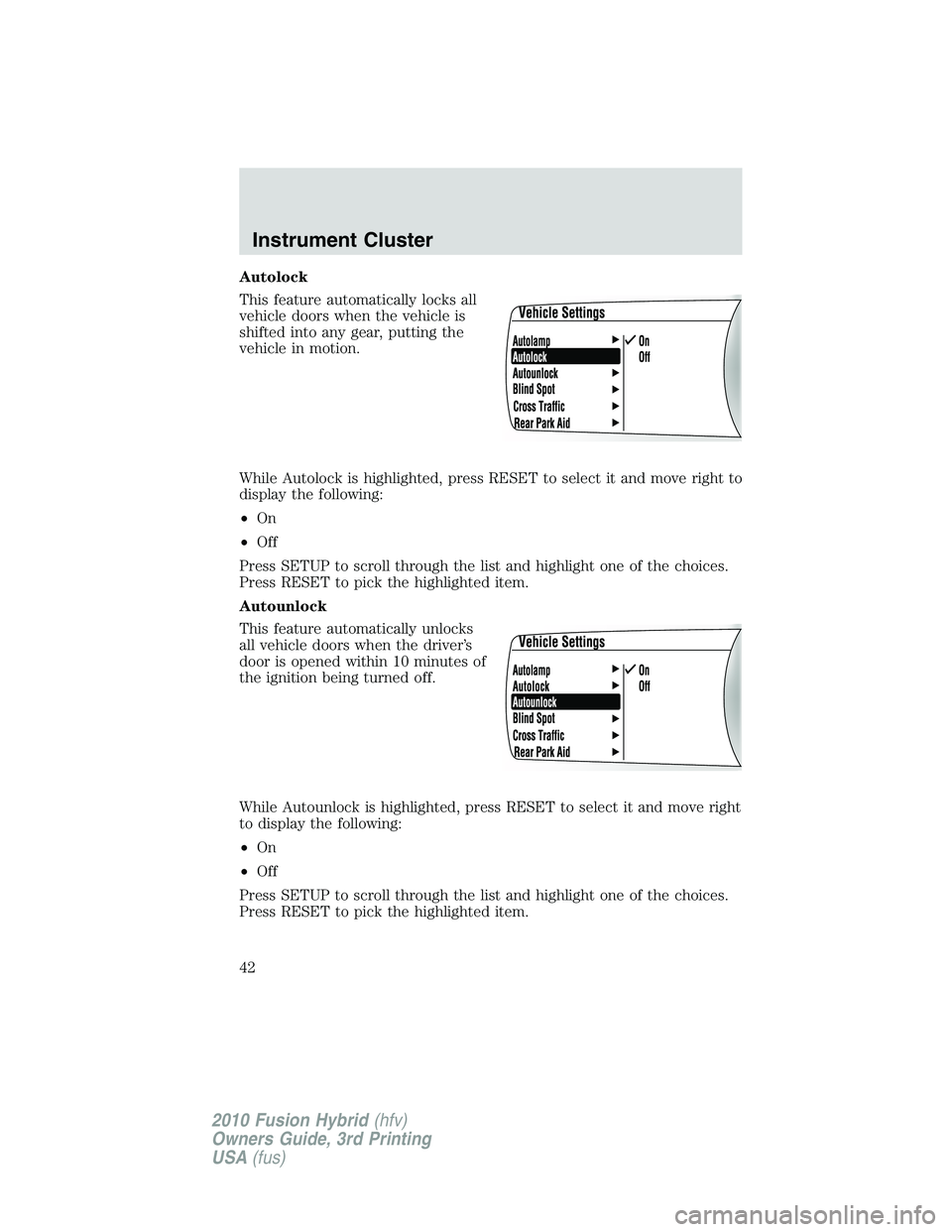
Autolock
This feature automatically locks all
vehicle doors when the vehicle is
shifted into any gear, putting the
vehicle in motion.
While Autolock is highlighted, press RESET to select it and move right to
display the following:
•On
•Off
Press SETUP to scroll through the list and highlight one of the choices.
Press RESET to pick the highlighted item.
Autounlock
This feature automatically unlocks
all vehicle doors when the driver’s
door is opened within 10 minutes of
the ignition being turned off.
While Autounlock is highlighted, press RESET to select it and move right
to display the following:
•On
•Off
Press SETUP to scroll through the list and highlight one of the choices.
Press RESET to pick the highlighted item.
Instrument Cluster
42
2010 Fusion Hybrid(hfv)
Owners Guide, 3rd Printing
USA(fus)
Page 43 of 329
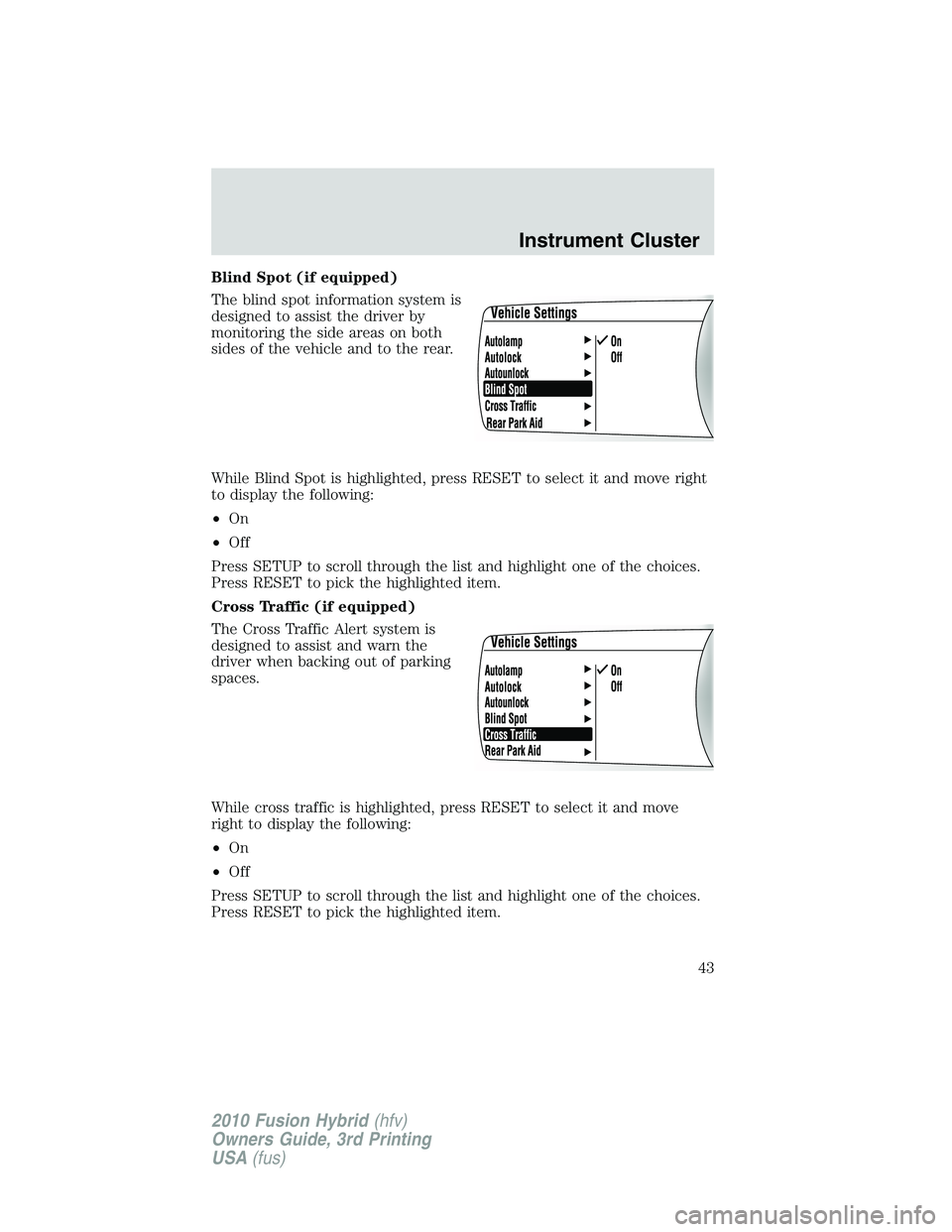
Blind Spot (if equipped)
The blind spot information system is
designed to assist the driver by
monitoring the side areas on both
sides of the vehicle and to the rear.
While Blind Spot is highlighted, press RESET to select it and move right
to display the following:
•On
•Off
Press SETUP to scroll through the list and highlight one of the choices.
Press RESET to pick the highlighted item.
Cross Traffic (if equipped)
The Cross Traffic Alert system is
designed to assist and warn the
driver when backing out of parking
spaces.
While cross traffic is highlighted, press RESET to select it and move
right to display the following:
•On
•Off
Press SETUP to scroll through the list and highlight one of the choices.
Press RESET to pick the highlighted item.
Instrument Cluster
43
2010 Fusion Hybrid(hfv)
Owners Guide, 3rd Printing
USA(fus)
Page 44 of 329
Rear Park Aid (if equipped)
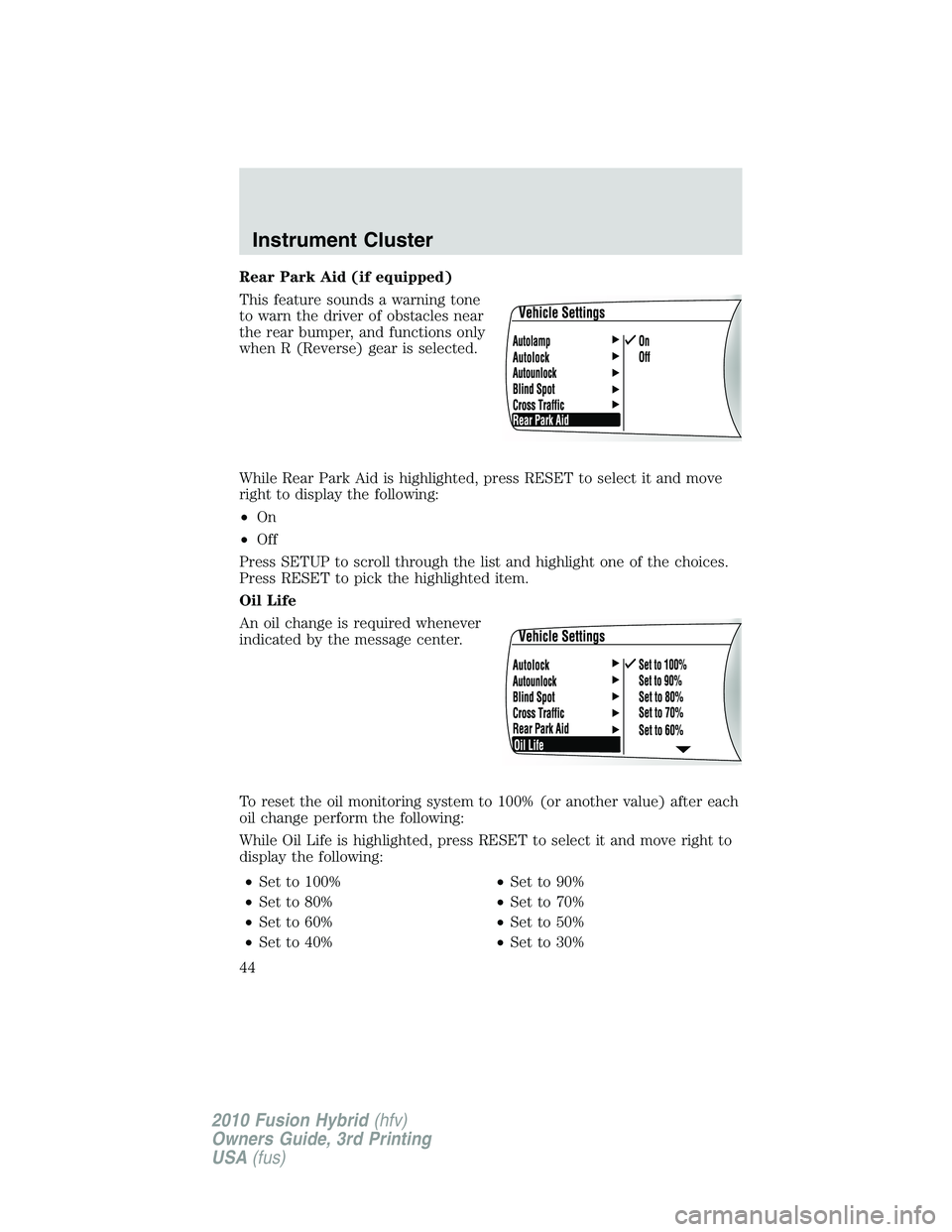
This feature sounds a warning tone
to warn the driver of obstacles near
the rear bumper, and functions only
when R (Reverse) gear is selected.
While Rear Park Aid is highlighted, press RESET to select it and move
right to display the following:
•On
•Off
Press SETUP to scroll through the list and highlight one of the choices.
Press RESET to pick the highlighted item.
Oil Life
An oil change is required whenever
indicated by the message center.
To reset the oil monitoring system to 100% (or another value) after each
oil change perform the following:
While Oil Life is highlighted, press RESET to select it and move right to
display the following:
•Set to 100%•Set to 90%
•Set to 80%•Set to 70%
•Set to 60%•Set to 50%
•Set to 40%•Set to 30%
Instrument Cluster
44
2010 Fusion Hybrid(hfv)
Owners Guide, 3rd Printing
USA(fus)
Page 45 of 329
•Set to 100%•Set to 90%
•Set to 20%•Set to 10%
Press SETUP to scroll through the list and highlight one of the choices.
Press RESET to pick the highlighted item.
Note:Oil life of 100% equals 10,000 miles (16,000 km) or 12 months.
For example, setting oil life to 60% sets the oil life value to 6,000 miles
(10,000 km) and 219 days.
See theMaintenance and Specificationschapter regarding engine oil
and change intervals.
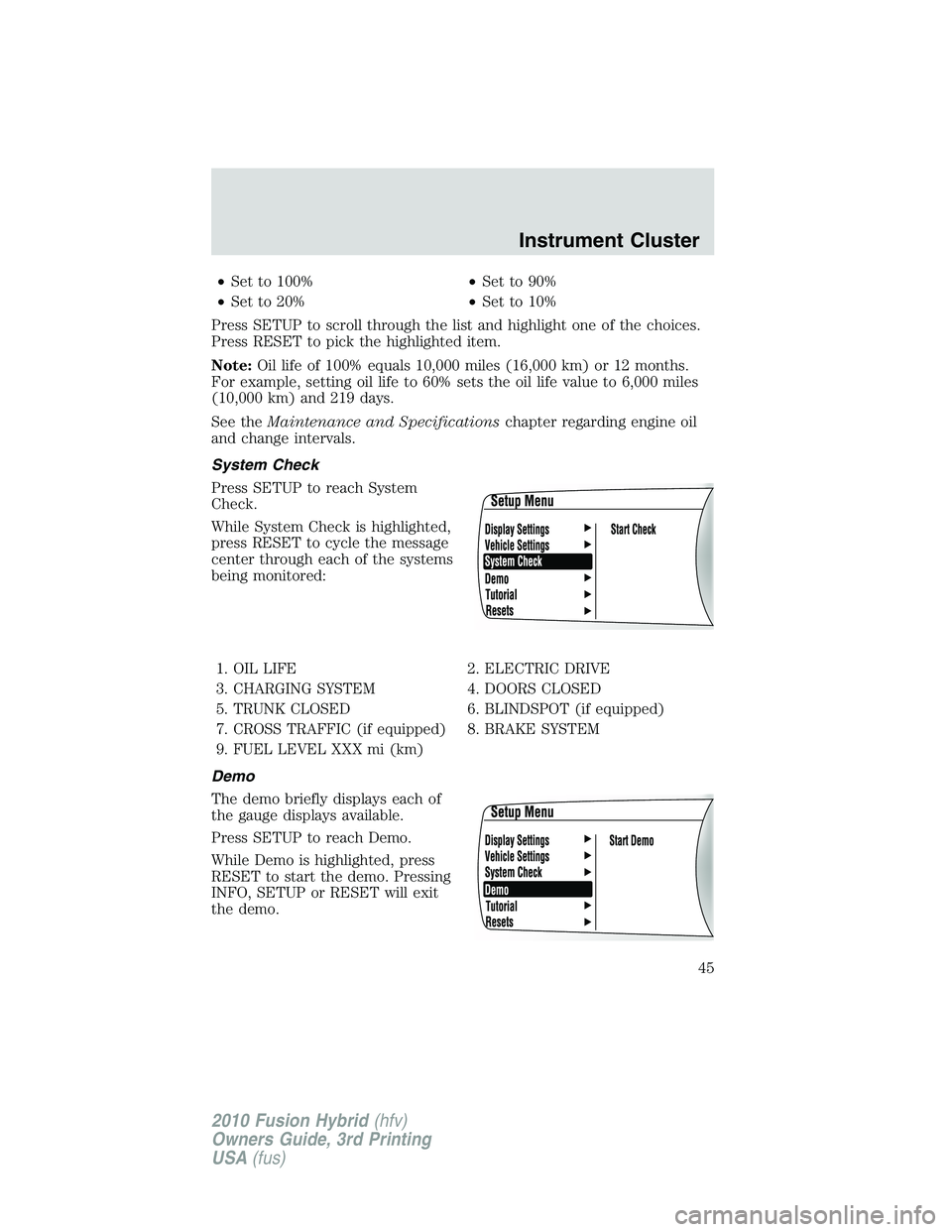
System Check
Press SETUP to reach System
Check.
While System Check is highlighted,
press RESET to cycle the message
center through each of the systems
being monitored:
1. OIL LIFE 2. ELECTRIC DRIVE
3. CHARGING SYSTEM 4. DOORS CLOSED
5. TRUNK CLOSED 6. BLINDSPOT (if equipped)
7. CROSS TRAFFIC (if equipped) 8. BRAKE SYSTEM
9. FUEL LEVEL XXX mi (km)
Demo
The demo briefly displays each of
the gauge displays available.
Press SETUP to reach Demo.
While Demo is highlighted, press
RESET to start the demo. Pressing
INFO, SETUP or RESET will exit
the demo.
Instrument Cluster
45
2010 Fusion Hybrid(hfv)
Owners Guide, 3rd Printing
USA(fus)
Page 46 of 329
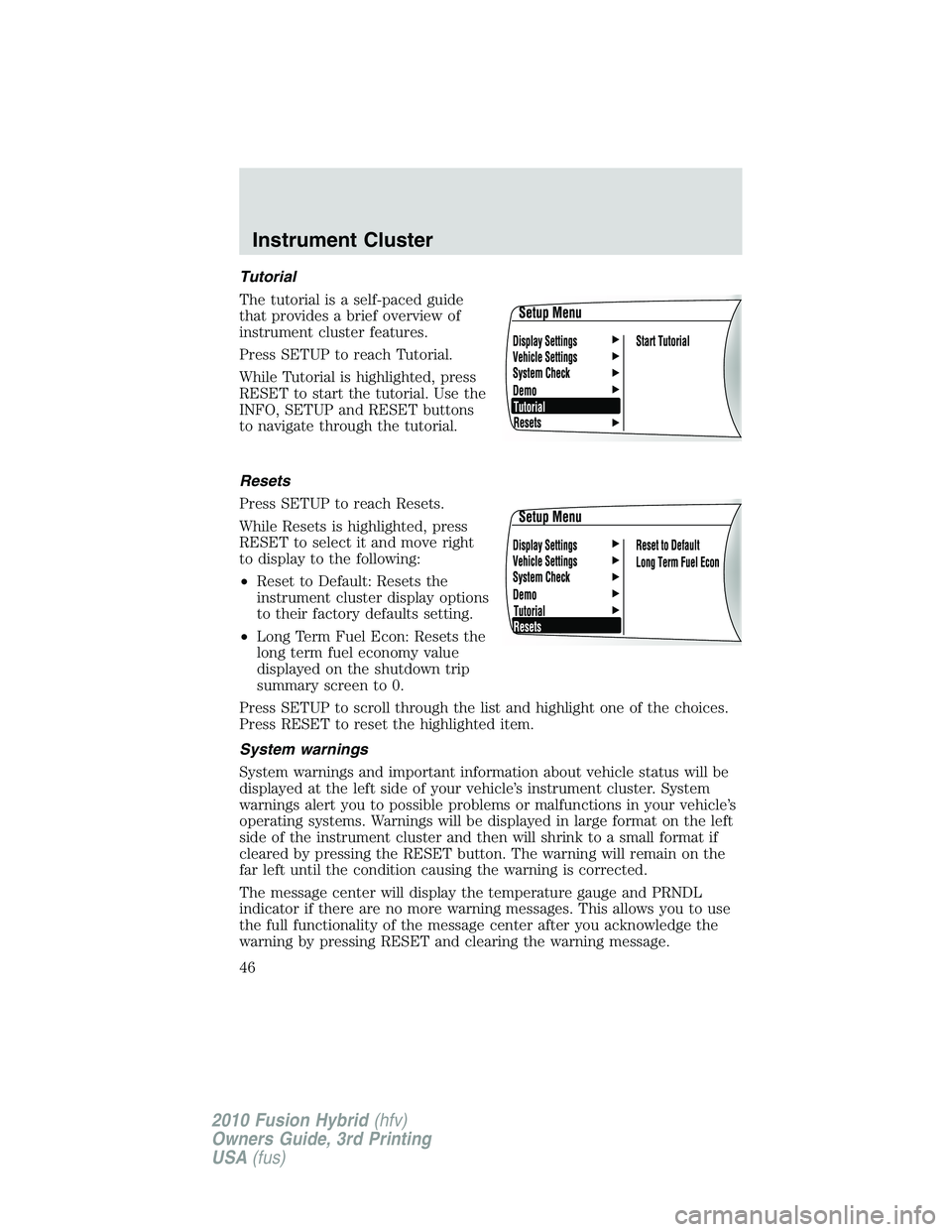
Tutorial
The tutorial is a self-paced guide
that provides a brief overview of
instrument cluster features.
Press SETUP to reach Tutorial.
While Tutorial is highlighted, press
RESET to start the tutorial. Use the
INFO, SETUP and RESET buttons
to navigate through the tutorial.
Resets
Press SETUP to reach Resets.
While Resets is highlighted, press
RESET to select it and move right
to display to the following:
•Reset to Default: Resets the
instrument cluster display options
to their factory defaults setting.
•Long Term Fuel Econ: Resets the
long term fuel economy value
displayed on the shutdown trip
summary screen to 0.
Press SETUP to scroll through the list and highlight one of the choices.
Press RESET to reset the highlighted item.
System warnings
System warnings and important information about vehicle status will be
displayed at the left side of your vehicle’s instrument cluster. System
warnings alert you to possible problems or malfunctions in your vehicle’s
operating systems. Warnings will be displayed in large format on the left
side of the instrument cluster and then will shrink to a small format if
cleared by pressing the RESET button. The warning will remain on the
far left until the condition causing the warning is corrected.
The message center will display the temperature gauge and PRNDL
indicator if there are no more warning messages. This allows you to use
the full functionality of the message center after you acknowledge the
warning by pressing RESET and clearing the warning message.
Instrument Cluster
46
2010 Fusion Hybrid(hfv)
Owners Guide, 3rd Printing
USA(fus)
Page 58 of 329
when the system accepts your entry it will display ENTER NEW PIN.
Enter your new four-digit PIN and the system will save the new PIN
and PIN SAVED will display.
c. UNLOCK ALL CHANNELS:Press OK when UNLOCK ALL
CHANNELS is displayed and the display will read ENTER PIN. Enter
your four-digit PIN and the system will unlock all channels and the
display will read CHANNEL UNLOCKED.
d. RESET PIN:Press OK when RESET PIN is displayed. The display
will read ARE YOUR SURE. Press OK again to automatically reset the
PIN to its initial password setting (1234). PIN RESET TO DEFAULT
PIN will be displayed.
e. RETURN:Press OK when RETURN is displayed and the system
will exit back to the satellite radio menu.
Sound Adjustments
Press SOUND repeatedly to cycle through the following features:
BASS:Press
SEEK/TRACKto adjust the level of bass.
TREBLE:Press
SEEK/TRACKto adjust the level of treble.
BALANCE:Press
SEEK/TRACKto adjust the audio between
the left (L) and right (R) speakers.
FADE:Press
SEEK/TRACKto adjust the audio between the
back (B) and front (F) speakers.
SPEED COMPENSATED VOLUME:With this feature on, radio volume
automatically gets louder with increasing vehicle speed to compensate
for road and wind noise.
The default setting isoff.
Use
SEEK/TRACKto adjust between SPEED OFF and levels
1–7:Increasing the level from 1 (lowest setting) to 7 (highest setting)
allows the radio volume to automatically change slightly with vehicle
speed to compensate for road and wind noise.
Recommended level is1–3;SPEED OFF turns the feature off and level 7
is the maximum setting.
ALL SEATS (Occupancy mode, if equipped):Press SOUND
repeatedly to reach the Occupancy mode setting. Press
SEEK/TRACKto select and optimize sound for ALL SEATS,
DRIVERS SEAT or REAR SEATS.
Entertainment Systems
58
2010 Fusion Hybrid(hfv)
Owners Guide, 3rd Printing
USA(fus)
Page 62 of 329
•Terrain: Hills, mountains, tall buildings, power lines, electric fences,
traffic lights and thunderstorms can interfere with your reception.
•Station overload: When you pass a broadcast tower, a stronger signal
may overtake a weaker one and play while the weak station frequency
is displayed.
CD/CD player care
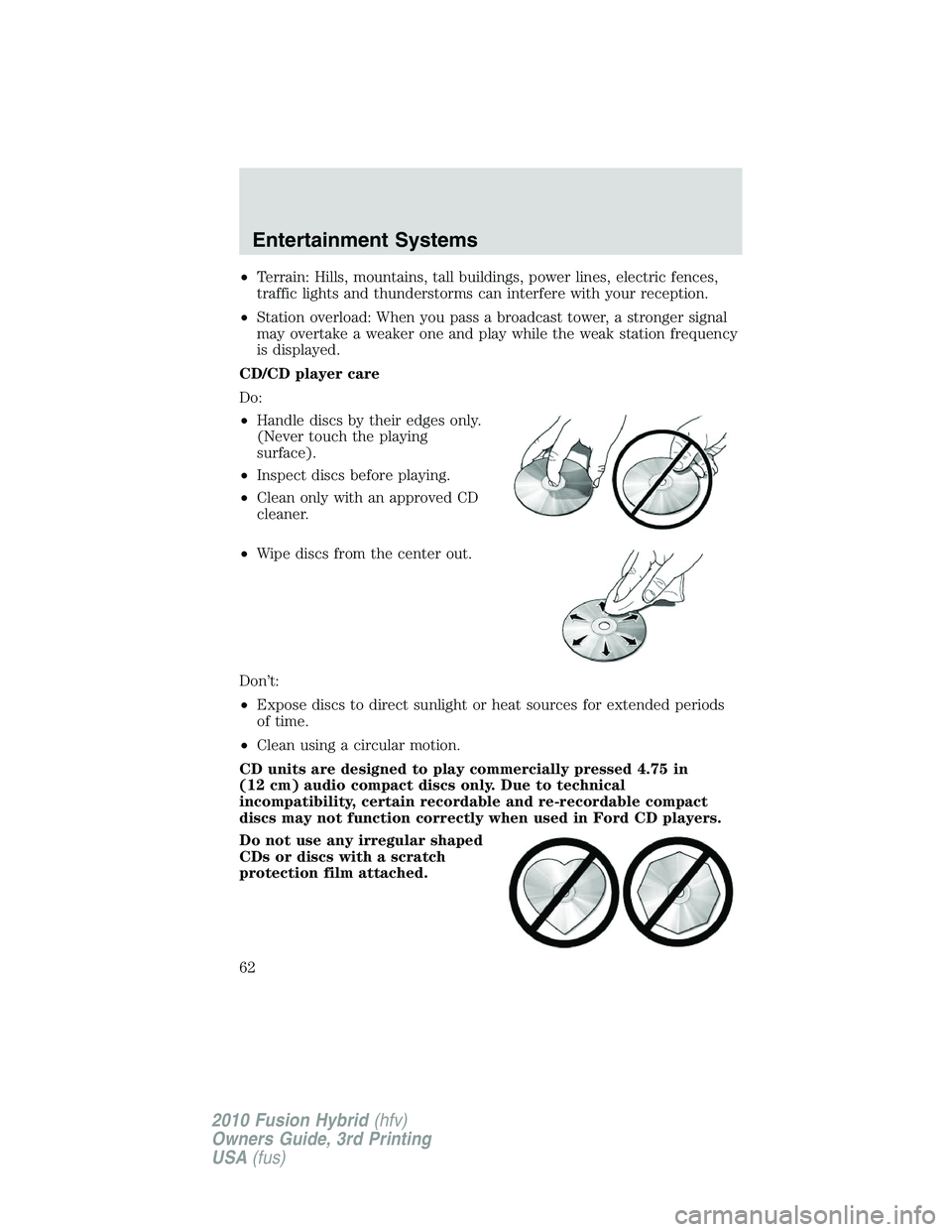
Do:
•Handle discs by their edges only.
(Never touch the playing
surface).
•Inspect discs before playing.
•Clean only with an approved CD
cleaner.
•Wipe discs from the center out.
Don’t:
•Expose discs to direct sunlight or heat sources for extended periods
of time.
•Clean using a circular motion.
CD units are designed to play commercially pressed 4.75 in
(12 cm) audio compact discs only. Due to technical
incompatibility, certain recordable and re-recordable compact
discs may not function correctly when used in Ford CD players.
Do not use any irregular shaped
CDs or discs with a scratch
protection film attached.
Entertainment Systems
62
2010 Fusion Hybrid(hfv)
Owners Guide, 3rd Printing
USA(fus)
Page 74 of 329
signify that the feature has been disabled. The system will return to the
previous mode afterDualis release.
To re-enable the smart-zone feature:Press and holdDualfor more
than four seconds. The driver’s temperature display will begin flashing to
signify that the feature has been re-enabled. The system will return to
the previous mode afterDualis released.
Max A/C:Activates air conditioning and distributes recirculated,
conditioned air through the instrument panel vents to provide maximum
cooling performance. Maximum cooling performance, however, may
decrease fuel efficiency in order to fully maintain interior cabin comfort.
VOICE COMMANDS IN CLIMATE MODE
Please refer to theVoice commands in climate modesection of the
Navigation supplementfor more information on using voice commands
with the climate control system.
Operating tips
•To reduce fog build-up on the windshield during humid weather,
select
(defrost) or(floor/defrost).
•To reduce humidity build-up inside the vehicle, do not drive with the
system OFF or with
(recirculated air) engaged and A/C off.
•Do not put objects under the front seats that will interfere with the
airflow to the back seats.
•Remove any snow, ice or leaves from the air intake area at the base of
the windshield.
•To improve the A/C cool down, drive with the windows slightly open
for 2-3 minutes after start up or until the vehicle has been “aired out.”
During extreme high ambient temperatures when idling stationary for
extended periods of time in gear, it is recommended to run the A/C in
the MAX A/C position, reduce blower fan speed from the highest setting
and put the vehicle’s transmission into the P (Park) gear position (for
automatic transmissions) to continue to receive cool air from your A/C
system.
For maximum cooling performance:
•Automatic operation:
1. Press AUTO for full automatic operation.
2. Do not override A/C or
(recirculated air).
Climate Controls
74
2010 Fusion Hybrid(hfv)
Owners Guide, 3rd Printing
USA(fus)