fuel cap FORD GT 2019 User Guide
[x] Cancel search | Manufacturer: FORD, Model Year: 2019, Model line: GT, Model: FORD GT 2019Pages: 321, PDF Size: 5.24 MB
Page 218 of 321
If you do not cancel the call, and SYNC
makes a successful call, a pre-recorded
message plays for the 911 operator, and
then the occupant(s) in your vehicle is able
to talk with the operator. Be prepared to
provide your name, phone number and
location immediately, because not all 911
systems are capable of receiving this
information electronically.
911 Assist May Not Work If
•
Your cellular phone or 911 Assist
hardware sustains damage in a crash.
• The vehicle's battery or the SYNC
system has no power.
• The phone(s) thrown from your vehicle
are the ones paired and connected to
the system.
911 Assist Privacy Notice
When you switch on 911 Assist, it may
disclose to emergency services that your
vehicle has been in a crash involving the
deployment of an airbag or activation of
the fuel pump shut-off. Certain versions or
updates to 911 Assist may also be capable
of electronically or verbally disclosing to
911 operators your vehicle location or other
details about your vehicle or crash to assist
911 operators to provide the most
appropriate emergency services. If you do
not want to disclose this information, do
not switch the feature on.
Safety Information WARNING: Driving while
distracted can result in loss of vehicle
control, crash and injury. We strongly
recommend that you use extreme
caution when using any device that may
take your focus off the road. Your
primary responsibility is the safe
operation of your vehicle. We
recommend against the use of any hand-held device while driving and
encourage the use of voice-operated
systems when possible. Make sure you
are aware of all applicable local laws
that may affect the use of electronic
devices while driving.
• Do not attempt to service or repair the
system. Have an authorized dealer
check your vehicle.
• Do not operate playing devices if the
power cords or cables are broken, split
or damaged. Place cords and cables
out of the way, so they do not interfere
with the operation of pedals, seats,
compartments or safe driving abilities.
• Do not leave playing devices in your
vehicle during extreme conditions as it
could cause them damage. See your
device's user guide for further
information.
• For your safety, some SYNC 3 functions
are speed-dependent. Their use is
limited to when your vehicle is traveling
at speeds under 3 mph (5 km/h). Make
sure that you review your device's
manual before using it with SYNC 3.
Speed-restricted Features
Some features of this system may be too
difficult to use while your vehicle is moving
so they are restricted from use unless your
vehicle is stationary.
• Screens crowded with information,
such as Point of Interest reviews and
ratings, movie times or ski conditions.
• Any action that requires you to use a
keyboard is restricted, such as entering
a navigation destination or editing
information.
• All lists are limited so the user can view
fewer entries (such as phone contacts
or recent phone call entries).
215
Ford GT (CGX) Canada/United States of America, enUSA, Edition date: 201810, First-Printing SYNC™ 3
(If Equipped)
Page 240 of 321
Map Mode
Map mode shows advanced viewing
comprised of 2D city maps, 3D landmarks
and 3D city models (when available). 2D
city maps show detailed outlines of
buildings, visible land use, landscape
features, and detailed railroad
infrastructure for the most essential cities
around the globe.
3D landmarks appear as clear, visible
objects that are typically recognizable and
have a certain tourism value.
3D city models are complete 3D models
of entire city areas including navigable
roads, parks, rivers and rendered buildings.
3D landmarks and city models appear in
3D map mode only. Coverage of these
varies and improves with updated map
releases.
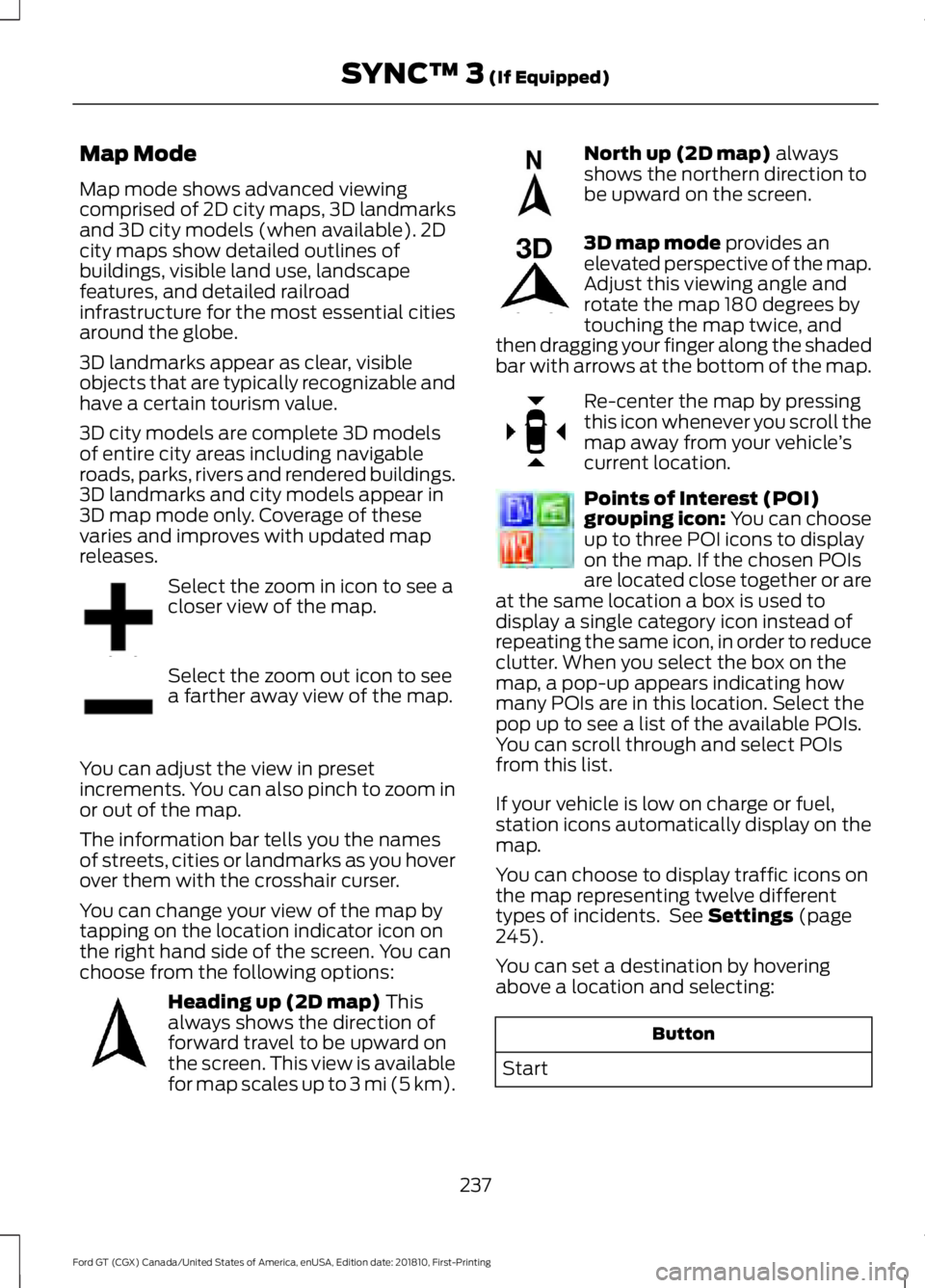
Select the zoom in icon to see a
closer view of the map.
Select the zoom out icon to see
a farther away view of the map.
You can adjust the view in preset
increments. You can also pinch to zoom in
or out of the map.
The information bar tells you the names
of streets, cities or landmarks as you hover
over them with the crosshair curser.
You can change your view of the map by
tapping on the location indicator icon on
the right hand side of the screen. You can
choose from the following options: Heading up (2D map) This
always shows the direction of
forward travel to be upward on
the screen. This view is available
for map scales up to
3 mi (5 km). North up (2D map)
always
shows the northern direction to
be upward on the screen. 3D map mode
provides an
elevated perspective of the map.
Adjust this viewing angle and
rotate the map 180 degrees by
touching the map twice, and
then dragging your finger along the shaded
bar with arrows at the bottom of the map. Re-center the map by pressing
this icon whenever you scroll the
map away from your vehicle
’s
current location. Points of Interest (POI)
grouping icon: You can choose
up to three POI icons to display
on the map. If the chosen POIs
are located close together or are
at the same location a box is used to
display a single category icon instead of
repeating the same icon, in order to reduce
clutter. When you select the box on the
map, a pop-up appears indicating how
many POIs are in this location. Select the
pop up to see a list of the available POIs.
You can scroll through and select POIs
from this list.
If your vehicle is low on charge or fuel,
station icons automatically display on the
map.
You can choose to display traffic icons on
the map representing twelve different
types of incidents. See
Settings (page
245).
You can set a destination by hovering
above a location and selecting: Button
Start
237
Ford GT (CGX) Canada/United States of America, enUSA, Edition date: 201810, First-Printing SYNC™ 3
(If Equipped)E207752 E207753 E207750 E207749 E207748 E207751 E207754
Page 319 of 321
Filling a Portable Fuel Container.....................
91
S
Safety Precautions........................................90
Scheduled Maintenance Record............274
Scheduled Maintenance............................271
Seatbelt Extension.........................................31
Seatbelt Reminder
........................................29
Belt-Minder™........................................................ 29
Seatbelts...........................................................26 Principle of Operation........................................ 26
Seatbelt Warning Lamp and Indicator Chime
..............................................................29
Conditions of operation..................................... 29
Seats...................................................................82
Security..............................................................49
Settings
...........................................................245
911 Assist............................................................... 250
Bluetooth............................................................... 247
Camera Settings................................................ 255
Clock....................................................................... 247
Display................................................................... 255
General.................................................................. 254
Media Player........................................................ 246
Mobile Apps......................................................... 252
Navigation............................................................ 250
Phone...................................................................... 247
Radio...................................................................... 250
Sound..................................................................... 245
Valet Mode........................................................... 256
Voice Control....................................................... 256
Wi-Fi....................................................................... 254
Side Airbags......................................................37
Sitting in the Correct Position...................82
Snow Chains See: Using Snow Chains.................................. 194
Spare Wheel See: Changing a Road Wheel........................ 198
Special Notices
................................................10
Additional Warranty Information.................... 10
Certified Ford GT Service Dealer...................... 11
New Vehicle Limited Warranty........................ 10
On Board Diagnostics Data Link Connector........................................................... 10
Special Instructions............................................. 10Special Operating Conditions Scheduled
Maintenance
...............................................273
Engine Air Filter and Cabin Air Filter
Replacement.................................................. 273
Hot Climate Oil Change Intervals................273
Operating at High Speeds and Track Days.................................................................... 273
Speed Control See: Cruise Control.............................................. 114
Stability Control...........................................109 Principle of Operation...................................... 109
Starting and Stopping the Engine...........86 General Information........................................... 86
Starting the Engine
........................................87
Failure to Start...................................................... 88
Fast Restart............................................................ 88
Guarding Against Exhaust Fumes.................89
Important Ventilating Information................89
Stopping the Engine When Your Vehicle is Moving................................................................. 88
Stopping the Engine When Your Vehicle is Stationary.......................................................... 88
Steering.............................................................115
Steering Wheel Lock
.....................................87
Steering Wheel.................................................51
Storage Compartments..............................85
Supplementary Restraints System.........33 Principle of Operation......................................... 33
Symbols Glossary.............................................5
SYNC™ 3
........................................................209
General Information......................................... 209
SYNC™ 3 Troubleshooting......................256
T
Technical Specifications See: Capacities and Specifications...........200
The Better Business Bureau (BBB) Auto Line Program (U.S. Only)........................134
Tire Care
...........................................................182
Glossary of Tire Terminology......................... 184
Information About Uniform Tire Quality Grading.............................................................. 182
Information Contained on the Tire Sidewall............................................................ 185
Temperature A B C............................................. 183
Traction AA A B C............................................... 183
Treadwear............................................................. 183
316
Ford GT (CGX) Canada/United States of America, enUSA, Edition date: 201810, First-Printing Index