warning FORD MONDEO 2010 3.G User Guide
[x] Cancel search | Manufacturer: FORD, Model Year: 2010, Model line: MONDEO, Model: FORD MONDEO 2010 3.GPages: 16, PDF Size: 4.2 MB
Page 14 of 16
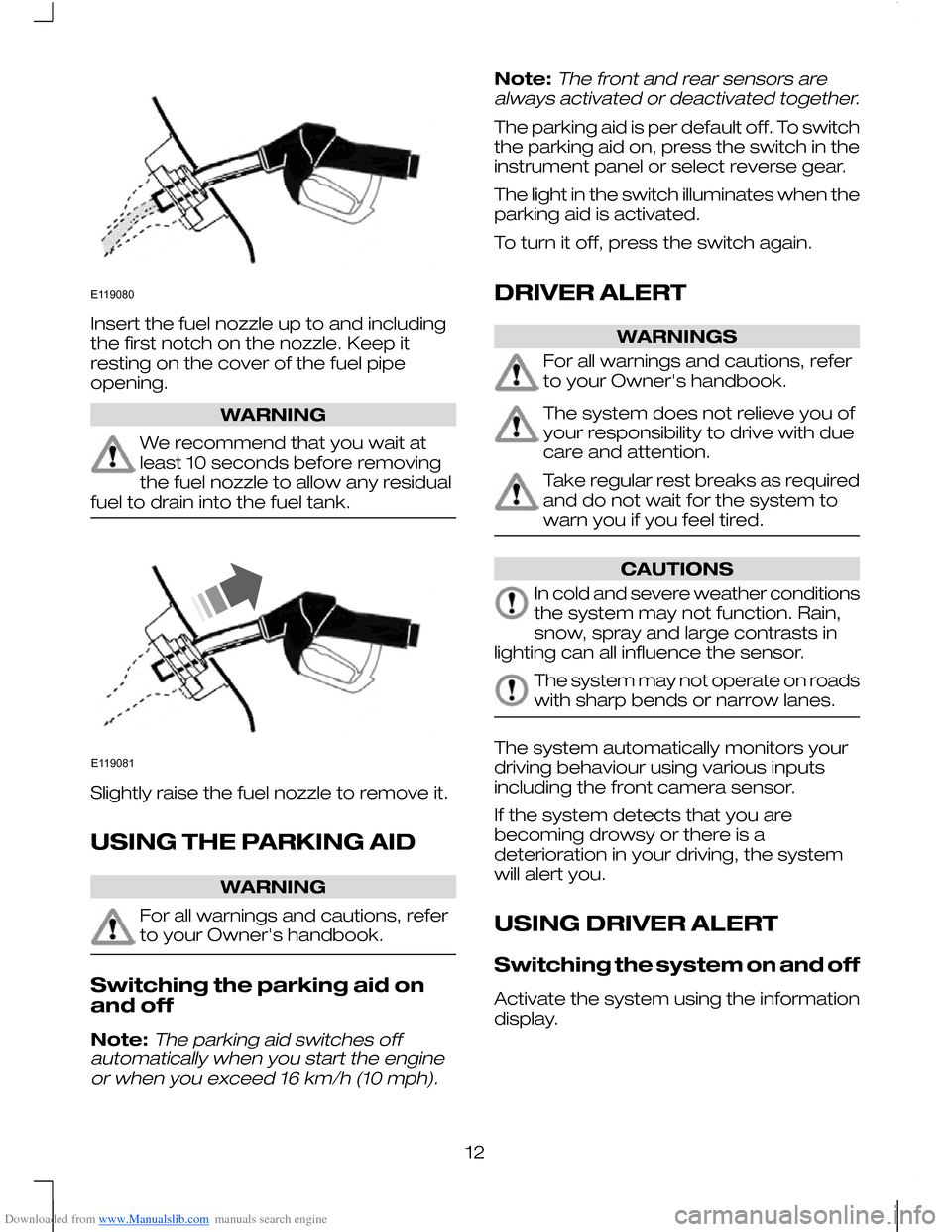
Downloaded from www.Manualslib.com manuals search engine Insert the fuel nozzle up to and including
the first notch on the nozzle. Keep it
resting on the cover of the fuel pipe
opening.
WARNING
We recommend that you wait at
least 10 seconds before removing
the fuel nozzle to allow any residual
fuel to drain into the fuel tank. Slightly raise the fuel nozzle to remove it.
USING THE PARKING AID
WARNING
For all warnings and cautions, refer
to your Owner's handbook.
Switching the parking aid on
and off
Note:The parking aid switches off
automatically when you start the engine or when you exceed 16 km/h (10 mph).
Note:The front and rear sensors are
always activated or deactivated together.
The parking aid is per default off. To switch
the parking aid on, press the switch in the
instrument panel or select reverse gear.
The light in the switch illuminates when the
parking aid is activated.
To turn it off, press the switch again.
DRIVER ALERT WARNINGS
For all warnings and cautions, refer
to your Owner's handbook.
The system does not relieve you of
your responsibility to drive with due
care and attention.
Take regular rest breaks as required
and do not wait for the system to
warn you if you feel tired.
CAUTIONS
In cold and severe weather conditions
the system may not function. Rain,
snow, spray and large contrasts in
lighting can all influence the sensor. The system may not operate on roads
with sharp bends or narrow lanes.
The system automatically monitors your
driving behaviour using various inputs
including the front camera sensor.
If the system detects that you are
becoming drowsy or there is a
deterioration in your driving, the system
will alert you.
USING DRIVER ALERT
Switching the system on and off
Activate the system using the information
display.
12E119080 E119081
Page 15 of 16
Downloaded from www.Manualslib.com manuals search engine System display
When active the system will run
automatically in the background and only
issue warnings if required. You can view
the status at any time using the information
display.
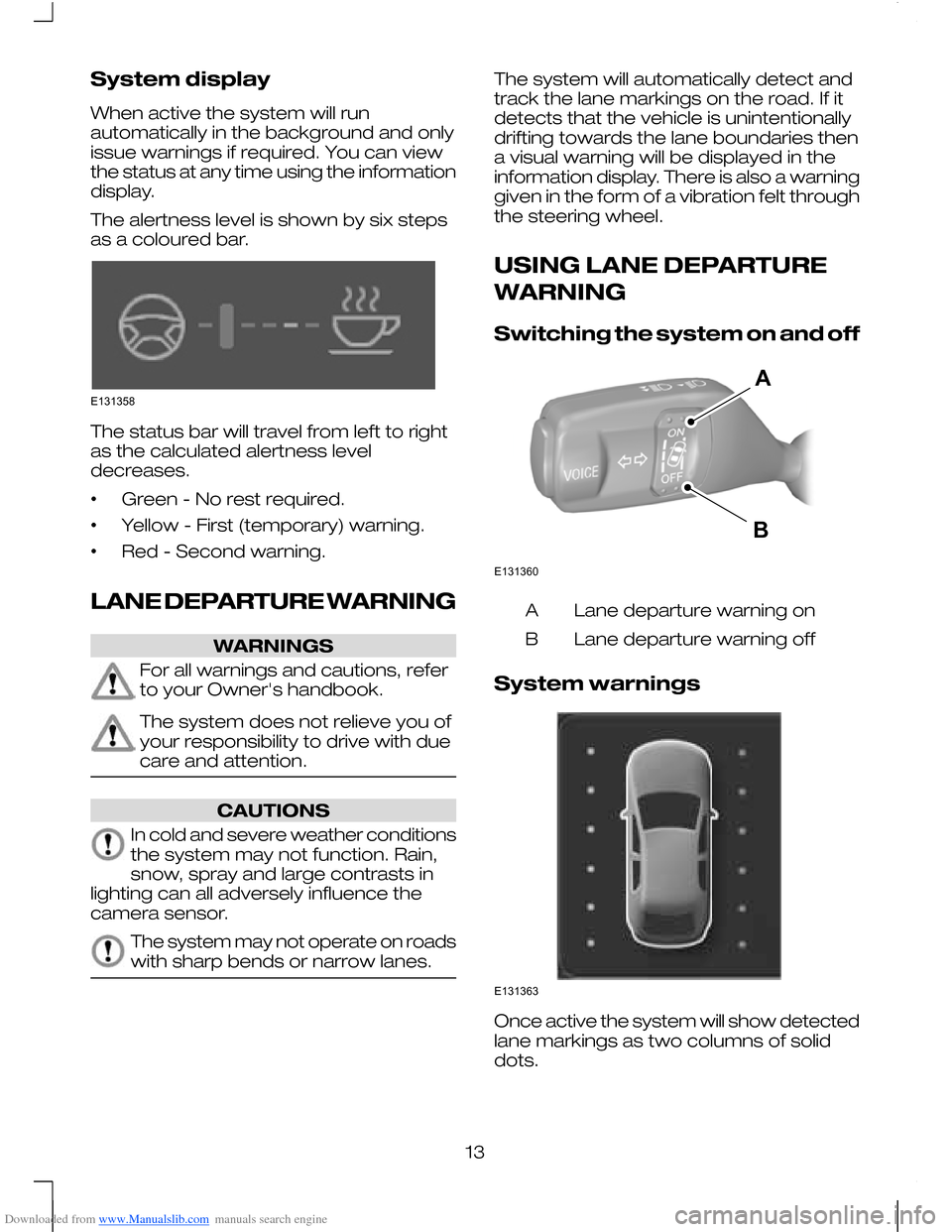
The alertness level is shown by six steps
as a coloured bar.
The status bar will travel from left to right
as the calculated alertness level
decreases.
•
Green - No rest required.
• Yellow - First (temporary) warning.
• Red - Second warning.
LANE DEPARTURE WARNING WARNINGS
For all warnings and cautions, refer
to your Owner's handbook.
The system does not relieve you of
your responsibility to drive with due
care and attention.
CAUTIONS
In cold and severe weather conditions
the system may not function. Rain,
snow, spray and large contrasts in
lighting can all adversely influence the
camera sensor. The system may not operate on roads
with sharp bends or narrow lanes. The system will automatically detect and
track the lane markings on the road. If it
detects that the vehicle is unintentionally
drifting towards the lane boundaries then
a visual warning will be displayed in the
information display. There is also a warning
given in the form of a vibration felt through
the steering wheel.
USING LANE DEPARTURE
WARNING
Switching the system on and off
Lane departure warning on
A
Lane departure warning off
B
System warnings Once active the system will show detected
lane markings as two columns of solid
dots.
13E131358 E131360AB E131363