see manual FORD RANGER 2019 Owners Manual
[x] Cancel search | Manufacturer: FORD, Model Year: 2019, Model line: RANGER, Model: FORD RANGER 2019Pages: 512, PDF Size: 7.63 MB
Page 10 of 512
ABOUT THIS MANUAL
Thank you for choosing Ford. We
recommend that you take some time to
get to know your vehicle by reading this
manual. The more that you know about
your vehicle, the greater the safety and
pleasure you will get from driving it.
WARNING: Driving while
distracted can result in loss of vehicle
control, crash and injury. We strongly
recommend that you use extreme
caution when using any device that may
take your focus off the road. Your
primary responsibility is the safe
operation of your vehicle. We
recommend against the use of any
hand-held device while driving and
encourage the use of voice-operated
systems when possible. Make sure you
are aware of all applicable local laws
that may affect the use of electronic
devices while driving.
Note: This manual describes product
features and options available throughout
the range of available models, sometimes
even before they are generally available. It
may describe options not fitted to the
vehicle you have purchased.
Note: Some of the illustrations in this
manual may show features as used in
different models, so may appear different
to you on your vehicle.
Note: Always use and operate your vehicle
in line with all applicable laws and
regulations.
Note: Pass on this manual when selling
your vehicle. It is an integral part of your
vehicle.
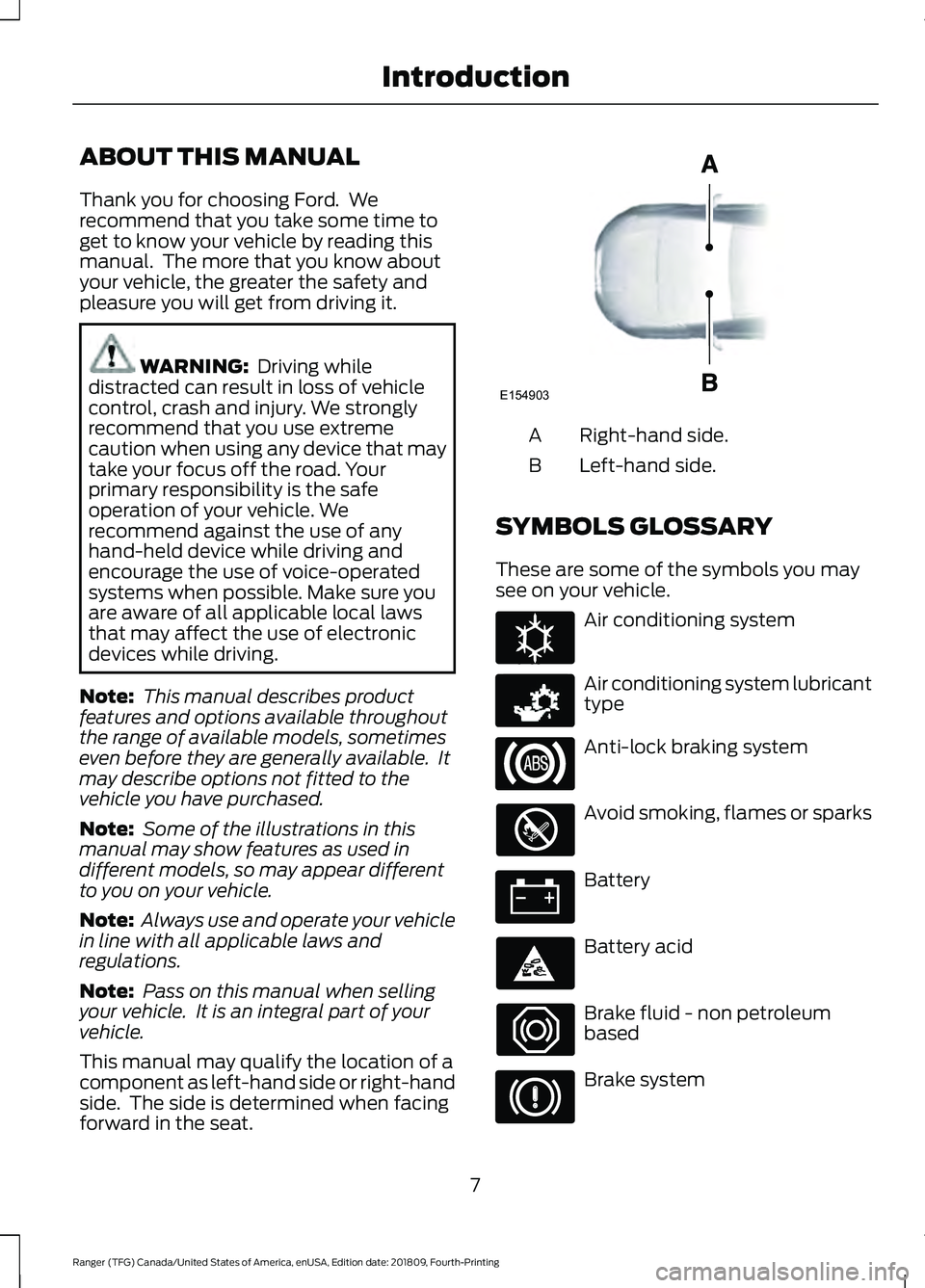
This manual may qualify the location of a
component as left-hand side or right-hand
side. The side is determined when facing
forward in the seat. Right-hand side.
A
Left-hand side.
B
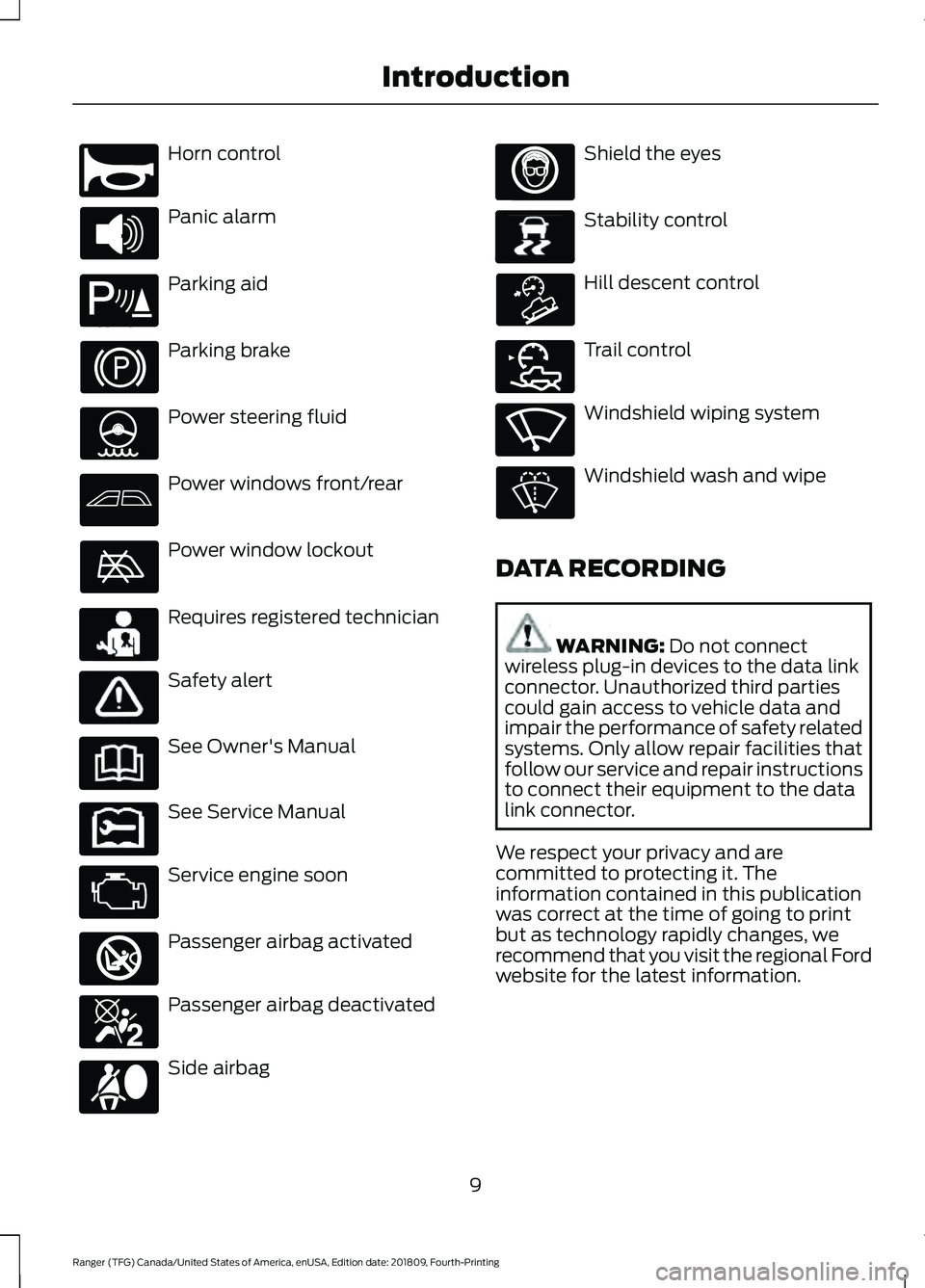
SYMBOLS GLOSSARY
These are some of the symbols you may
see on your vehicle. Air conditioning system
Air conditioning system lubricant
type
Anti-lock braking system
Avoid smoking, flames or sparks
Battery
Battery acid
Brake fluid - non petroleum
based
Brake system
7
Ranger (TFG) Canada/United States of America, enUSA, Edition date: 201809, Fourth-Printing IntroductionE154903 E162384 E231157
Page 12 of 512
Horn control
Panic alarm
Parking aid
Parking brake
Power steering fluid
Power windows front/rear
Power window lockout
Requires registered technician
Safety alert
See Owner's Manual
See Service Manual
Service engine soon
Passenger airbag activated
Passenger airbag deactivated
Side airbag Shield the eyes
Stability control
Hill descent control
Trail control
Windshield wiping system
Windshield wash and wipe
DATA RECORDING WARNING: Do not connect
wireless plug-in devices to the data link
connector. Unauthorized third parties
could gain access to vehicle data and
impair the performance of safety related
systems. Only allow repair facilities that
follow our service and repair instructions
to connect their equipment to the data
link connector.
We respect your privacy and are
committed to protecting it. The
information contained in this publication
was correct at the time of going to print
but as technology rapidly changes, we
recommend that you visit the regional Ford
website for the latest information.
9
Ranger (TFG) Canada/United States of America, enUSA, Edition date: 201809, Fourth-Printing IntroductionE270945 E139213 E231159 E231158 E270849 E270850 E167012 E138639 E163957 E272858 E270969
Page 16 of 512
If you connect a media device, the system
creates and retains a media device index
of supported media content. The system
also records a short diagnostic log of
approximately 10 minutes of all recent
system activity.
The cell phone profile, media device index
and diagnostic log remain in your vehicle
unless you delete them and are generally
accessible only in your vehicle when you
connect your cell phone or media device.
If you no longer plan to use the system or
your vehicle, we recommend you use the
master reset function to erase the stored
information. See Settings (page 405).
System data cannot be accessed without
special equipment and access to your
vehicle's module.
For additional information about our
privacy policy, see the regional Ford
website.
911 Assist Privacy Notice
When you switch on 911 Assist, it may
disclose to emergency services that your
vehicle has been in a crash involving the
deployment of an airbag or activation of
the fuel pump shut-off.
Certain versions or updates to 911 Assist
may also be capable of electronically or
verbally disclosing to 911 operators your
vehicle location or other details about your
vehicle or crash to assist 911 operators to
provide the most appropriate emergency
services.
If you do not want to disclose this
information, do not switch the feature on.
Note: To switch 911 Assist on or off. See
Settings
(page 405). PERCHLORATE
Certain components in your vehicle such
as airbag modules, seatbelt pretensioners
and remote control batteries may contain
perchlorate material. Special handling
may apply for service or vehicle end of life
disposal.
For more information visit: Web Address
www.dtsc.ca.gov/hazard- ouswaste/perchlorate
REPLACEMENT PARTS
RECOMMENDATION
We have built your vehicle to the highest
standards using quality parts. We
recommend that you demand the use of
genuine Ford and Motorcraft parts
whenever your vehicle requires scheduled
maintenance or repair. You can clearly
identify genuine Ford and Motorcraft parts
by looking for the Ford, FoMoCo or
Motorcraft branding on the parts or their
packaging.
Scheduled Maintenance and
Mechanical Repairs
One of the best ways for you to make sure
that your vehicle provides years of service
is to have it maintained in line with our
recommendations using parts that
conform to the specifications detailed in
this Owner ’s Manual. Genuine Ford and
Motorcraft parts meet or exceed these
specifications.
13
Ranger (TFG) Canada/United States of America, enUSA, Edition date: 201809, Fourth-Printing Introduction
Page 17 of 512
Collision Repairs
We hope that you never experience a
collision, but accidents do happen.
Genuine Ford replacement collision parts
meet our stringent requirements for fit,
finish, structural integrity, corrosion
protection and dent resistance. During
vehicle development we validate that
these parts deliver the intended level of
protection as a whole system. A great way
to know for sure you are getting this level
of protection is to use genuine Ford
replacement collision parts.
Warranty on Replacement Parts
Genuine Ford and Motorcraft replacement
parts are the only replacement parts that
benefit from a Ford Warranty. The Ford
Warranty may not cover damage caused
to your vehicle as a result of failed
non-Ford parts. For additional information,
refer to the terms and conditions of the
Ford Warranty.
SPECIAL NOTICES
New Vehicle Limited Warranty
Vehicles sold in the United States and
Canada
For a detailed description of what is
covered by your New Vehicle Limited
Warranty, see your warranty guide that is
available online. For more information,
refer to our website and download your
copy of the warranty guide.
Vehicles sold outside the United States
and Canada
For a detailed description of what is
covered by your New Vehicle Limited
Warranty, see the warranty guide that is
provided to you along with your Owner
’s
Manual. Special Instructions
For your added safety, your vehicle is fitted
with sophisticated electronic controls. WARNING: You risk death or
serious injury to yourself and others if you
do not follow the instruction highlighted
by the warning symbol. Failure to follow
the specific warnings and instructions
could result in personal injury. WARNING:
NEVER use a rearward
facing child restraint on a seat protected
by an ACTIVE AIRBAG in front of it,
DEATH or SERIOUS INJURY to the CHILD
can occur.
On Board Diagnostics Data Link
Connector WARNING:
Do not connect
wireless plug-in devices to the data link
connector. Unauthorized third parties
could gain access to vehicle data and
impair the performance of safety related
systems. Only allow repair facilities that
follow our service and repair instructions
to connect their equipment to the data
link connector.
Your vehicle has an OBD Data Link
Connector (DLC) that is used in
conjunction with a diagnostic scan tool for
vehicle diagnostics, repairs and
reprogramming services. Installing an
aftermarket device that uses the DLC
during normal driving for purposes such as
remote insurance company monitoring,
transmission of vehicle data to other
devices or entities, or altering the
performance of the vehicle, may cause
14
Ranger (TFG) Canada/United States of America, enUSA, Edition date: 201809, Fourth-Printing Introduction
Page 58 of 512
Remote Start (If Equipped)
WARNING:
To avoid exhaust
fumes, do not use remote start if your
vehicle is parked indoors or in areas that
are not well ventilated.
Note: Do not use remote start if your fuel
level is low. The remote start button is on the
remote control.
This feature allows you to start your
vehicle from the outside. The remote
control has an extended operating range.
If your vehicle has automatic climate
control, you can configure it to operate
when you remote start your vehicle.
See
Climate Control (page 111). A manual
climate control system will run at the
setting it was set to when you switched
your vehicle off.
Many states and provinces have
restrictions for the use of remote start.
Check your local and state or provincial
laws for specific requirements regarding
remote start systems.
The remote start system does not work if:
• The ignition is on.
• The alarm system triggers.
• You disable the feature.
• The hood is open.
• The transmission is not in park (P).
• The vehicle battery voltage is too low.
• The service engine soon light is on.
Remote Control Feedback (If
Equipped)
An LED on the remote control provides
status feedback of remote start or stop
commands. Status
LED
Remote startsuccessful
Solid green
Remote stopsuccessful
Solid red
Request failed or
status not received
Blinking red
Status incomplete
Blinking green
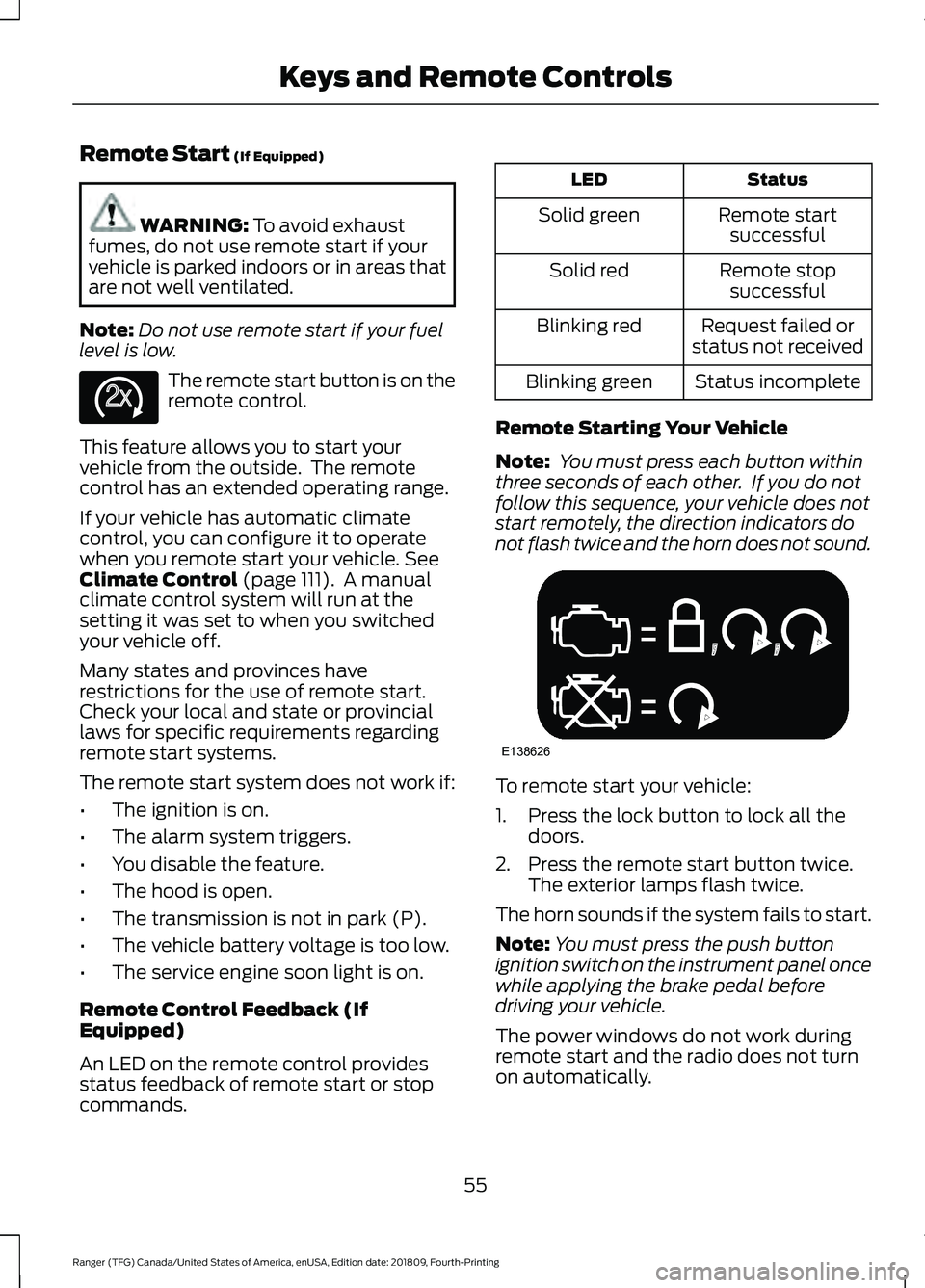
Remote Starting Your Vehicle
Note: You must press each button within
three seconds of each other. If you do not
follow this sequence, your vehicle does not
start remotely, the direction indicators do
not flash twice and the horn does not sound. To remote start your vehicle:
1. Press the lock button to lock all the
doors.
2. Press the remote start button twice. The exterior lamps flash twice.
The horn sounds if the system fails to start.
Note: You must press the push button
ignition switch on the instrument panel once
while applying the brake pedal before
driving your vehicle.
The power windows do not work during
remote start and the radio does not turn
on automatically.
55
Ranger (TFG) Canada/United States of America, enUSA, Edition date: 201809, Fourth-Printing Keys and Remote ControlsE138625 E138626
Page 76 of 512
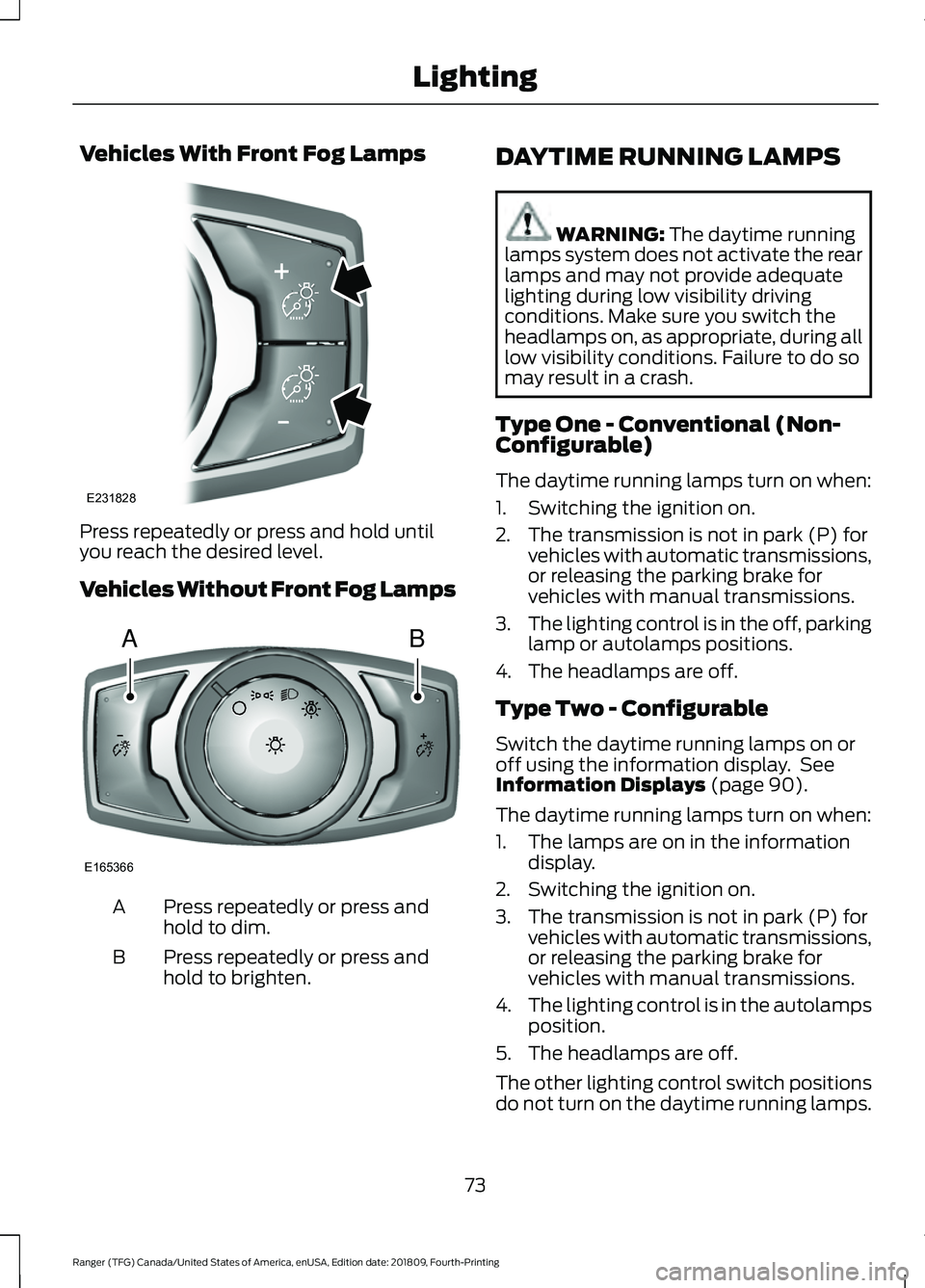
Vehicles With Front Fog Lamps
Press repeatedly or press and hold until
you reach the desired level.
Vehicles Without Front Fog Lamps
Press repeatedly or press and
hold to dim.
A
Press repeatedly or press and
hold to brighten.
B DAYTIME RUNNING LAMPS WARNING: The daytime running
lamps system does not activate the rear
lamps and may not provide adequate
lighting during low visibility driving
conditions. Make sure you switch the
headlamps on, as appropriate, during all
low visibility conditions. Failure to do so
may result in a crash.
Type One - Conventional (Non-
Configurable)
The daytime running lamps turn on when:
1. Switching the ignition on.
2. The transmission is not in park (P) for vehicles with automatic transmissions,
or releasing the parking brake for
vehicles with manual transmissions.
3. The lighting control is in the off, parking
lamp or autolamps positions.
4. The headlamps are off.
Type Two - Configurable
Switch the daytime running lamps on or
off using the information display. See
Information Displays
(page 90).
The daytime running lamps turn on when:
1. The lamps are on in the information display.
2. Switching the ignition on.
3. The transmission is not in park (P) for vehicles with automatic transmissions,
or releasing the parking brake for
vehicles with manual transmissions.
4. The lighting control is in the autolamps
position.
5. The headlamps are off.
The other lighting control switch positions
do not turn on the daytime running lamps.
73
Ranger (TFG) Canada/United States of America, enUSA, Edition date: 201809, Fourth-Printing LightingE231828 AB
E165366
Page 84 of 512
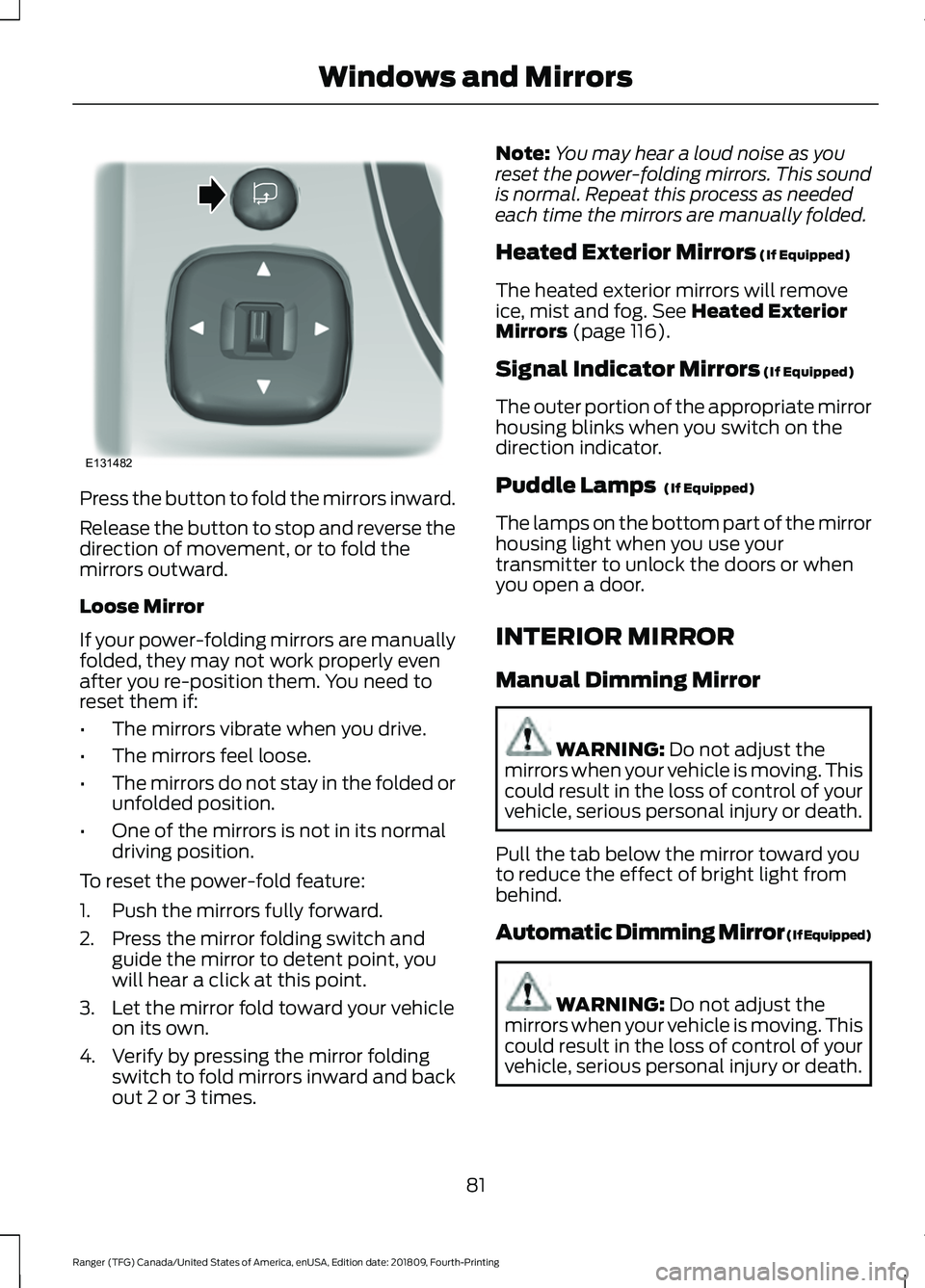
Press the button to fold the mirrors inward.
Release the button to stop and reverse the
direction of movement, or to fold the
mirrors outward.
Loose Mirror
If your power-folding mirrors are manually
folded, they may not work properly even
after you re-position them. You need to
reset them if:
•
The mirrors vibrate when you drive.
• The mirrors feel loose.
• The mirrors do not stay in the folded or
unfolded position.
• One of the mirrors is not in its normal
driving position.
To reset the power-fold feature:
1. Push the mirrors fully forward.
2. Press the mirror folding switch and guide the mirror to detent point, you
will hear a click at this point.
3. Let the mirror fold toward your vehicle on its own.
4. Verify by pressing the mirror folding switch to fold mirrors inward and back
out 2 or 3 times. Note:
You may hear a loud noise as you
reset the power-folding mirrors. This sound
is normal. Repeat this process as needed
each time the mirrors are manually folded.
Heated Exterior Mirrors (If Equipped)
The heated exterior mirrors will remove
ice, mist and fog.
See Heated Exterior
Mirrors (page 116).
Signal Indicator Mirrors
(If Equipped)
The outer portion of the appropriate mirror
housing blinks when you switch on the
direction indicator.
Puddle Lamps
(If Equipped)
The lamps on the bottom part of the mirror
housing light when you use your
transmitter to unlock the doors or when
you open a door.
INTERIOR MIRROR
Manual Dimming Mirror WARNING:
Do not adjust the
mirrors when your vehicle is moving. This
could result in the loss of control of your
vehicle, serious personal injury or death.
Pull the tab below the mirror toward you
to reduce the effect of bright light from
behind.
Automatic Dimming Mirror (If Equipped) WARNING:
Do not adjust the
mirrors when your vehicle is moving. This
could result in the loss of control of your
vehicle, serious personal injury or death.
81
Ranger (TFG) Canada/United States of America, enUSA, Edition date: 201809, Fourth-Printing Windows and MirrorsE131482
Page 101 of 512
Settings
Hold OK to Clear All MyKeys
Clear MyKeys
Enter the submenu and select your setting
Measurement
Units
Display
Setup
Enter the submenu and select your setting
Temperature
Enter the submenu and select your setting
Gauge Display
Enter the submenu and select your setting
Tire Pressure
Enter the submenu and select your setting
Language
INFORMATION MESSAGES
Note: Depending on your vehicle options
and instrument cluster type, not all
messages display or are available. Certain
messages may be abbreviated or shortened
depending upon which cluster type you
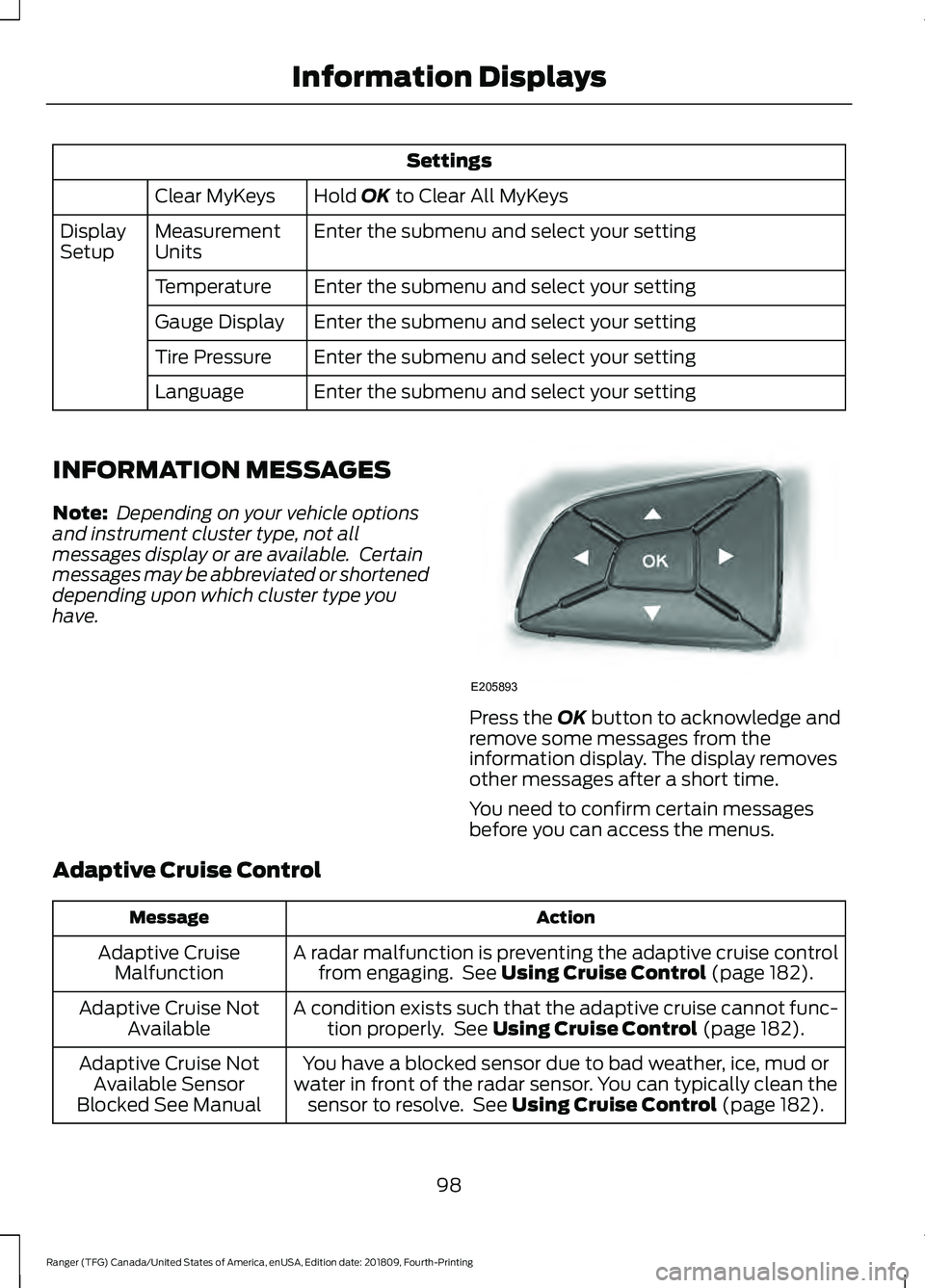
have. Press the
OK button to acknowledge and
remove some messages from the
information display. The display removes
other messages after a short time.
You need to confirm certain messages
before you can access the menus.
Adaptive Cruise Control Action
Message
A radar malfunction is preventing the adaptive cruise controlfrom engaging. See
Using Cruise Control (page 182).
Adaptive Cruise
Malfunction
A condition exists such that the adaptive cruise cannot func-tion properly. See
Using Cruise Control (page 182).
Adaptive Cruise Not
Available
You have a blocked sensor due to bad weather, ice, mud or
water in front of the radar sensor. You can typically clean the sensor to resolve. See
Using Cruise Control (page 182).
Adaptive Cruise Not
Available Sensor
Blocked See Manual
98
Ranger (TFG) Canada/United States of America, enUSA, Edition date: 201809, Fourth-Printing Information DisplaysE205893
Page 104 of 512
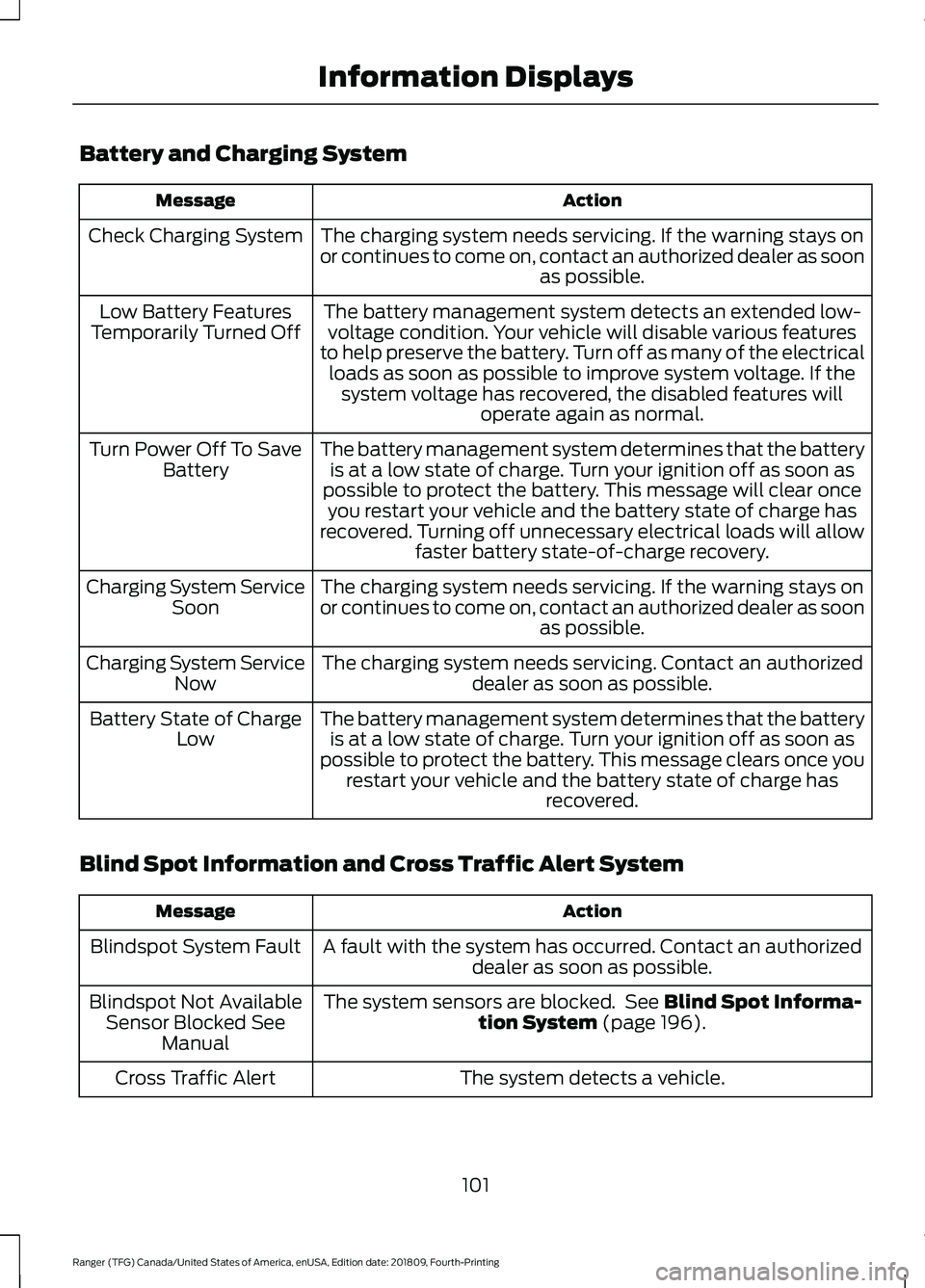
Battery and Charging System
Action
Message
The charging system needs servicing. If the warning stays on
or continues to come on, contact an authorized dealer as soon as possible.
Check Charging System
The battery management system detects an extended low-voltage condition. Your vehicle will disable various features
to help preserve the battery. Turn off as many of the electrical loads as soon as possible to improve system voltage. If the system voltage has recovered, the disabled features will operate again as normal.
Low Battery Features
Temporarily Turned Off
The battery management system determines that the batteryis at a low state of charge. Turn your ignition off as soon as
possible to protect the battery. This message will clear once you restart your vehicle and the battery state of charge has
recovered. Turning off unnecessary electrical loads will allow faster battery state-of-charge recovery.
Turn Power Off To Save
Battery
The charging system needs servicing. If the warning stays on
or continues to come on, contact an authorized dealer as soon as possible.
Charging System Service
Soon
The charging system needs servicing. Contact an authorized dealer as soon as possible.
Charging System Service
Now
The battery management system determines that the batteryis at a low state of charge. Turn your ignition off as soon as
possible to protect the battery. This message clears once you restart your vehicle and the battery state of charge has recovered.
Battery State of Charge
Low
Blind Spot Information and Cross Traffic Alert System Action
Message
A fault with the system has occurred. Contact an authorizeddealer as soon as possible.
Blindspot System Fault
The system sensors are blocked. See Blind Spot Informa-
tion System (page 196).
Blindspot Not Available
Sensor Blocked See Manual
The system detects a vehicle.
Cross Traffic Alert
101
Ranger (TFG) Canada/United States of America, enUSA, Edition date: 201809, Fourth-Printing Information Displays
Page 105 of 512
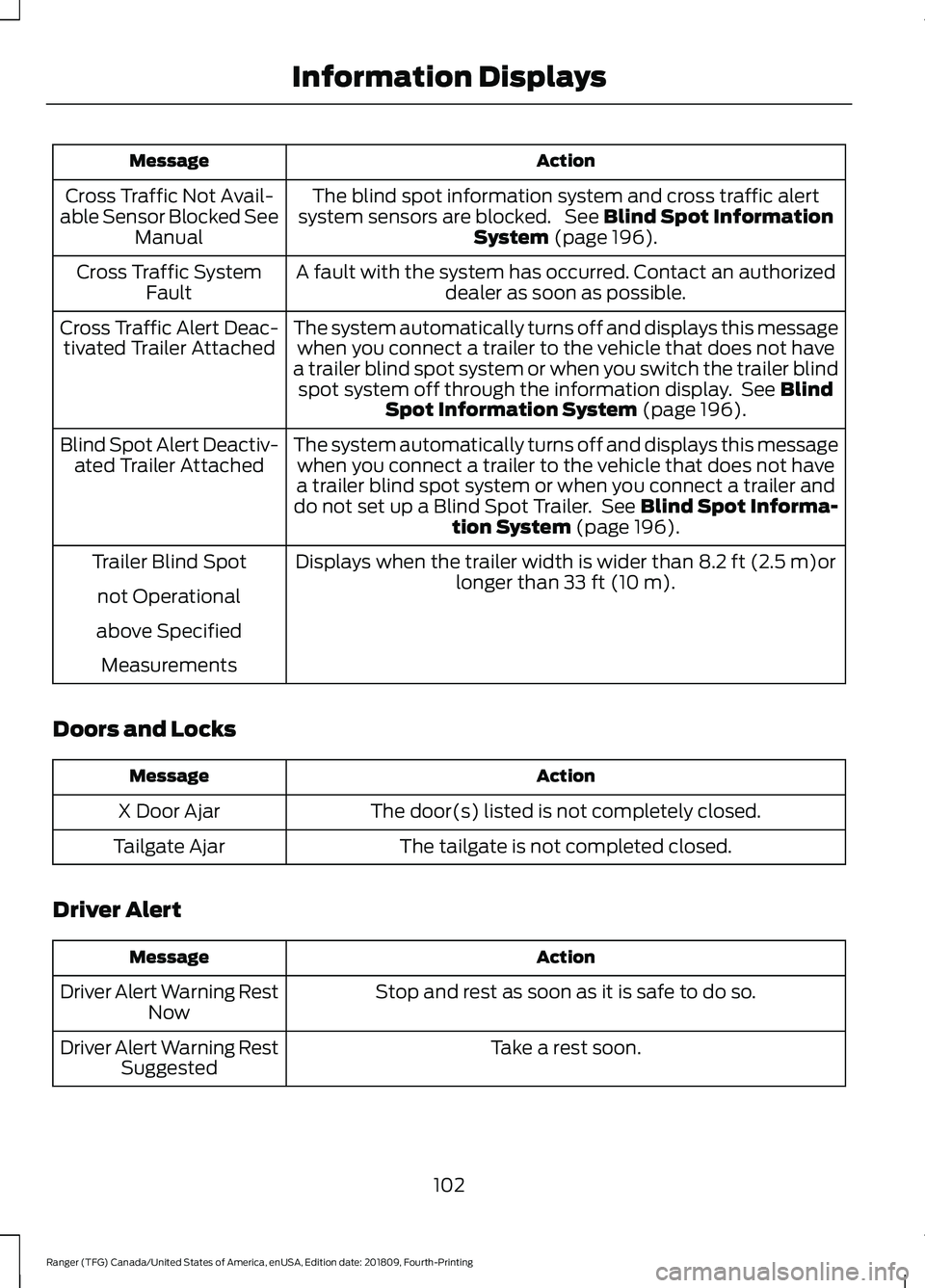
Action
Message
The blind spot information system and cross traffic alert
system sensors are blocked. See Blind Spot Information
System (page 196).
Cross Traffic Not Avail-
able Sensor Blocked See Manual
A fault with the system has occurred. Contact an authorizeddealer as soon as possible.
Cross Traffic System
Fault
The system automatically turns off and displays this messagewhen you connect a trailer to the vehicle that does not have
a trailer blind spot system or when you switch the trailer blind spot system off through the information display. See
Blind
Spot Information System (page 196).
Cross Traffic Alert Deac-
tivated Trailer Attached
The system automatically turns off and displays this messagewhen you connect a trailer to the vehicle that does not have
a trailer blind spot system or when you connect a trailer and
do not set up a Blind Spot Trailer. See
Blind Spot Informa-
tion System (page 196).
Blind Spot Alert Deactiv-
ated Trailer Attached
Displays when the trailer width is wider than
8.2 ft (2.5 m)or
longer than 33 ft (10 m).
Trailer Blind Spot
not Operational
above Specified Measurements
Doors and Locks Action
Message
The door(s) listed is not completely closed.
X Door Ajar
The tailgate is not completed closed.
Tailgate Ajar
Driver Alert Action
Message
Stop and rest as soon as it is safe to do so.
Driver Alert Warning Rest
Now
Take a rest soon.
Driver Alert Warning Rest
Suggested
102
Ranger (TFG) Canada/United States of America, enUSA, Edition date: 201809, Fourth-Printing Information Displays