brakes FORD SUPER DUTY 2003 1.G Owners Manual
[x] Cancel search | Manufacturer: FORD, Model Year: 2003, Model line: SUPER DUTY, Model: FORD SUPER DUTY 2003 1.GPages: 256, PDF Size: 2.3 MB
Page 2 of 256
Seating and Safety Restraints 63
Seating 63
Safetyrestraints 68
Air bags 79
Child restraints 87
Driving 98
Starting 98
Brakes 102
Transmission operation 106
Trailer towing 127
Roadside Emergencies 152
Getting roadside assistance 152
Hazard flasher switch 153
Fuel pump shut-off switch 153
Fuses and relays 154
Changing tires 159
Jump starting 168
Wrecker towing 173
Customer Assistance 175
Reporting safetydefects (U.S. only) 183
Cleaning 184
Maintenance and Specifications 191
Engine compartment 193
Engine oil 194
Battery197
Fuel information 205
Air filter(s) 221
Part numbers 228
Refill capacities 228
Lubricant specifications 232
Table of Contents
2
Page 49 of 256
Setting speed control
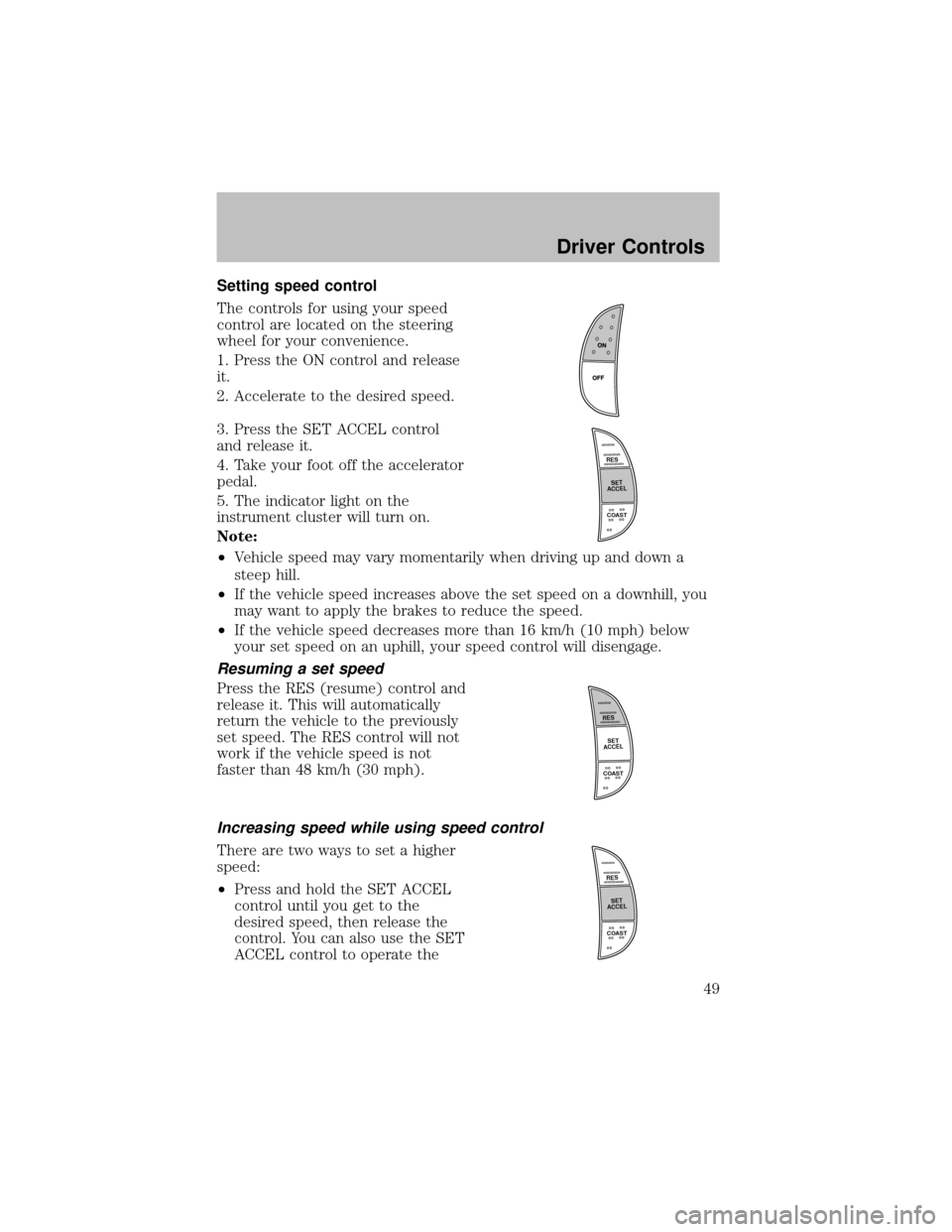
The controls for using your speed
control are located on the steering
wheel for your convenience.
1. Press the ON control and release
it.
2. Accelerate to the desired speed.
3. Press the SET ACCEL control
and release it.
4. Take your foot off the accelerator
pedal.
5. The indicator light on the
instrument cluster will turn on.
Note:
•Vehicle speed mayvarymomentarilywhen driving up and down a
steep hill.
•If the vehicle speed increases above the set speed on a downhill, you
maywant to applythe brakes to reduce the speed.
•If the vehicle speed decreases more than 16 km/h (10 mph) below
your set speed on an uphill, your speed control will disengage.
Resuming a set speed
Press the RES (resume) control and
release it. This will automatically
return the vehicle to the previously
set speed. The RES control will not
work if the vehicle speed is not
faster than 48 km/h (30 mph).
Increasing speed while using speed control
There are two ways to set a higher
speed:
•Press and hold the SET ACCEL
control until you get to the
desired speed, then release the
control. You can also use the SET
ACCEL control to operate the
R
E
S
S
E
T
A
C
C
E
L
COAST
R
E
S
S
E
T
A
C
C
E
L
COAST
R
E
S
S
E
T
A
C
C
E
L
COAST
Driver Controls
49
Page 70 of 256
The front and rear outboard safetyrestraints in the vehicle are
combination lap and shoulder belts. The front passenger and rear seat
outboard safetybelts have two types of locking modes described below:
Vehicle sensitive mode
This is the normal retractor mode, which allows free shoulder belt length
adjustment to your movements and locking in response to vehicle
movement. For example, if the driver brakes suddenlyor turns a corner
sharply, or the vehicle receives an impact of approximately 8 km/h (5
mph) or more, the combination safetybelts will lock to help reduce
forward movement of the driver and passengers.
On SuperCab and CrewCab models, the front seat belt system can also
be made to lock manuallybyquicklypulling on the shoulder belt.
Rear seat belts (if equipped) cannot be made to lock up bypulling
quicklyon the belt.
Automatic locking mode
The automatic locking mode is not available on the driver safetybelt.
When to use the automatic locking mode
In this mode, the shoulder belt is automaticallypre-locked. The belt will
still retract to remove anyslack in the shoulder belt. The automatic
locking mode is not available on the driver safetybelt.
This mode should be usedany timea child safetyseat is installed in a
passenger front or outboard rear seating position (if equipped). Children
12 years old and under should be properly restrained in the rear seat
whenever possible. Refer toSafety restraints for childrenorSafety
seats for childrenlater in this chapter.
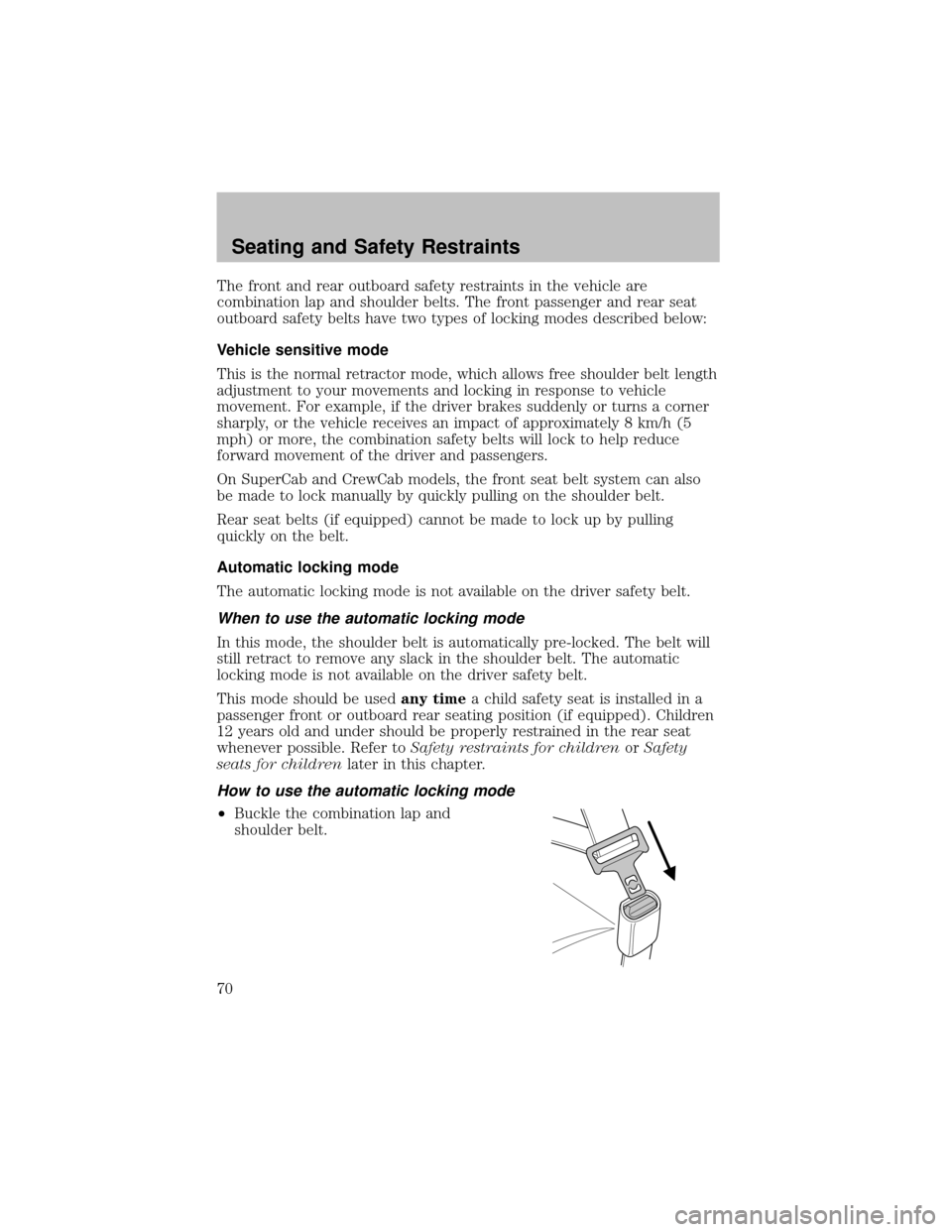
How to use the automatic locking mode
•Buckle the combination lap and
shoulder belt.
Seating and Safety Restraints
70
Page 102 of 256
Using the engine block heater (if equipped)
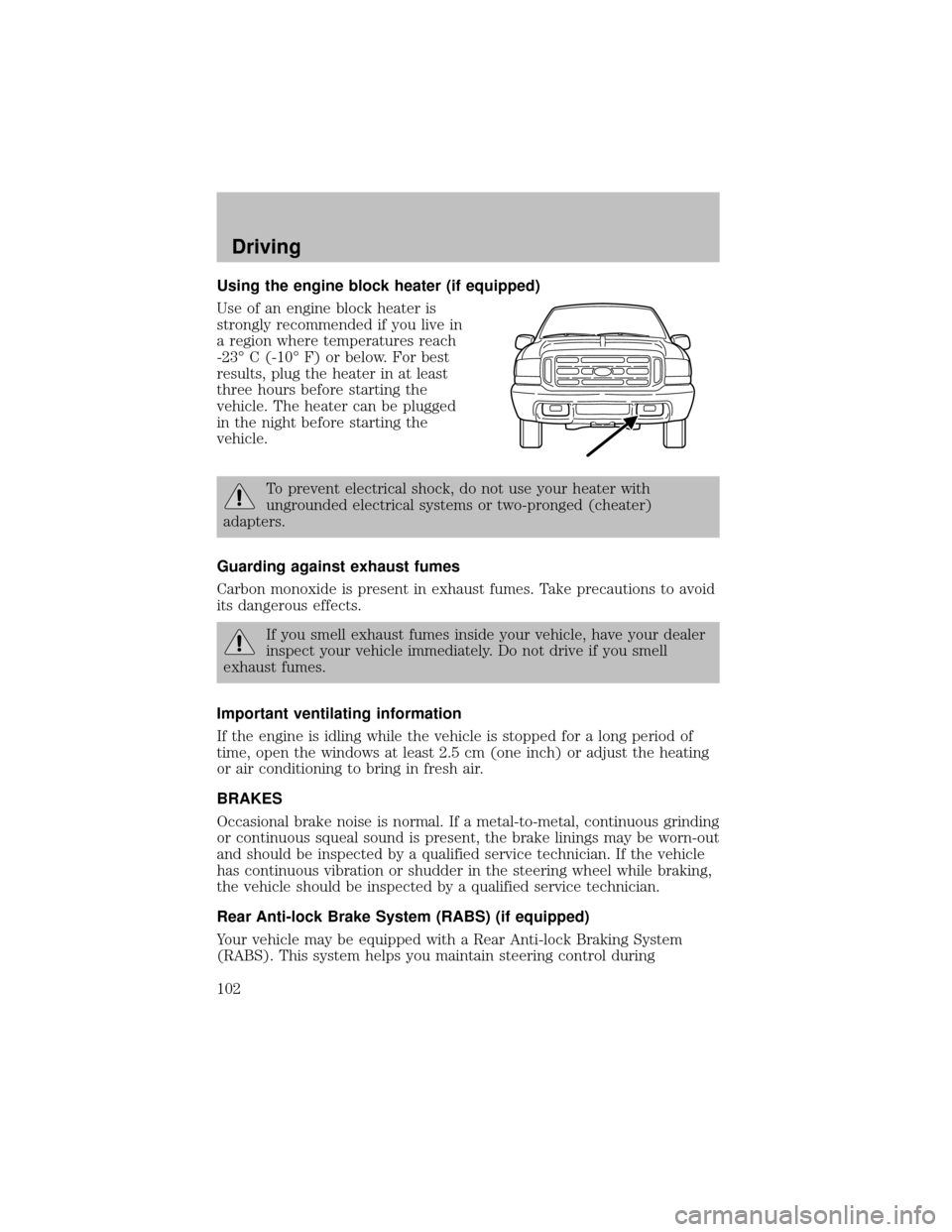
Use of an engine block heater is
stronglyrecommended if you live in
a region where temperatures reach
-23° C (-10° F) or below. For best
results, plug the heater in at least
three hours before starting the
vehicle. The heater can be plugged
in the night before starting the
vehicle.
To prevent electrical shock, do not use your heater with
ungrounded electrical systems or two-pronged (cheater)
adapters.
Guarding against exhaust fumes
Carbon monoxide is present in exhaust fumes. Take precautions to avoid
its dangerous effects.
If you smell exhaust fumes inside your vehicle, have your dealer
inspect your vehicle immediately. Do not drive if you smell
exhaust fumes.
Important ventilating information
If the engine is idling while the vehicle is stopped for a long period of
time, open the windows at least 2.5 cm (one inch) or adjust the heating
or air conditioning to bring in fresh air.
BRAKES
Occasional brake noise is normal. If a metal-to-metal, continuous grinding
or continuous squeal sound is present, the brake linings maybe worn-out
and should be inspected bya qualified service technician. If the vehicle
has continuous vibration or shudder in the steering wheel while braking,
the vehicle should be inspected bya qualified service technician.
Rear Anti-lock Brake System (RABS) (if equipped)
Your vehicle maybe equipped with a Rear Anti-lock Braking System
(RABS). This system helps you maintain steering control during
Driving
102
Page 103 of 256

emergencystops bykeeping the rear brakes from locking. The front
wheels, however, maystill lock since theyare not controlled bythe
RABS. Noise from the ABS pump motor and brake pedal pulsation may
be observed during ABS braking; this is normal.
RABS warning lamp
The
ABSwarning lamp in the instrument cluster momentarilyilluminates
when the ignition is turned to the ON position. If the light does not
illuminate momentarilyat start up, remains on or continues to flash, the
ABS needs to be serviced.
With the ABS light on, the anti-lock
brake system is disabled and normal
braking is still effective unless the
brake warning light also remains
illuminated with parking brake released. (If your brake warning lamp
illuminates, have your vehicle serviced immediately.)
Using RABS
In an emergency, apply ing full pressure may cause the front wheels to
lock.If the front brakes lock, the vehicle cannot be steered.Yo u
should applythe brakes with steadilyincreasing force, as if “squeezing”
the brakes. If you feel the front wheels begin to lock, momentarily
release the pedal and repeat the “squeeze” technique.
Four-wheel anti-lock brake system (ABS) (if equipped)
Your vehicle maybe equipped with an Anti-lock Braking System (ABS).
This system helps you maintain steering control during emergency stops
bykeeping the brakes from locking. Noise from the ABS pump motor
and brake pedal pulsation maybe observed during ABS braking; any
pulsation or mechanical noise you may feel or hear is normal.
ABS warning lamp
ABS
TheABSlamp in the instrument cluster momentarilyilluminates when
the ignition is turned to ON. If the light does not illuminate during start
up, remains on or flashes, the ABS maybe disabled and the ABS may
need to be serviced.
Even when the ABS is disabled,
normal braking is still effective. (If
your BRAKE warning lamp
illuminates with the parking brake
released, have your brake system serviced immediately.)
Driving
103
Page 107 of 256
Do not drive your vehicle until you verify that the brakelamps
are working.
Always set the parking brake fully and make sure the gearshift is
latched in P (Park). Turn the ignition to the LOCK position and
remove the key whenever you leave your vehicle.
If the parking brake is fullyreleased, but the brake warning lamp
remains illuminated, the brakes maynot be working properly.
See your dealer or a qualified service technician.
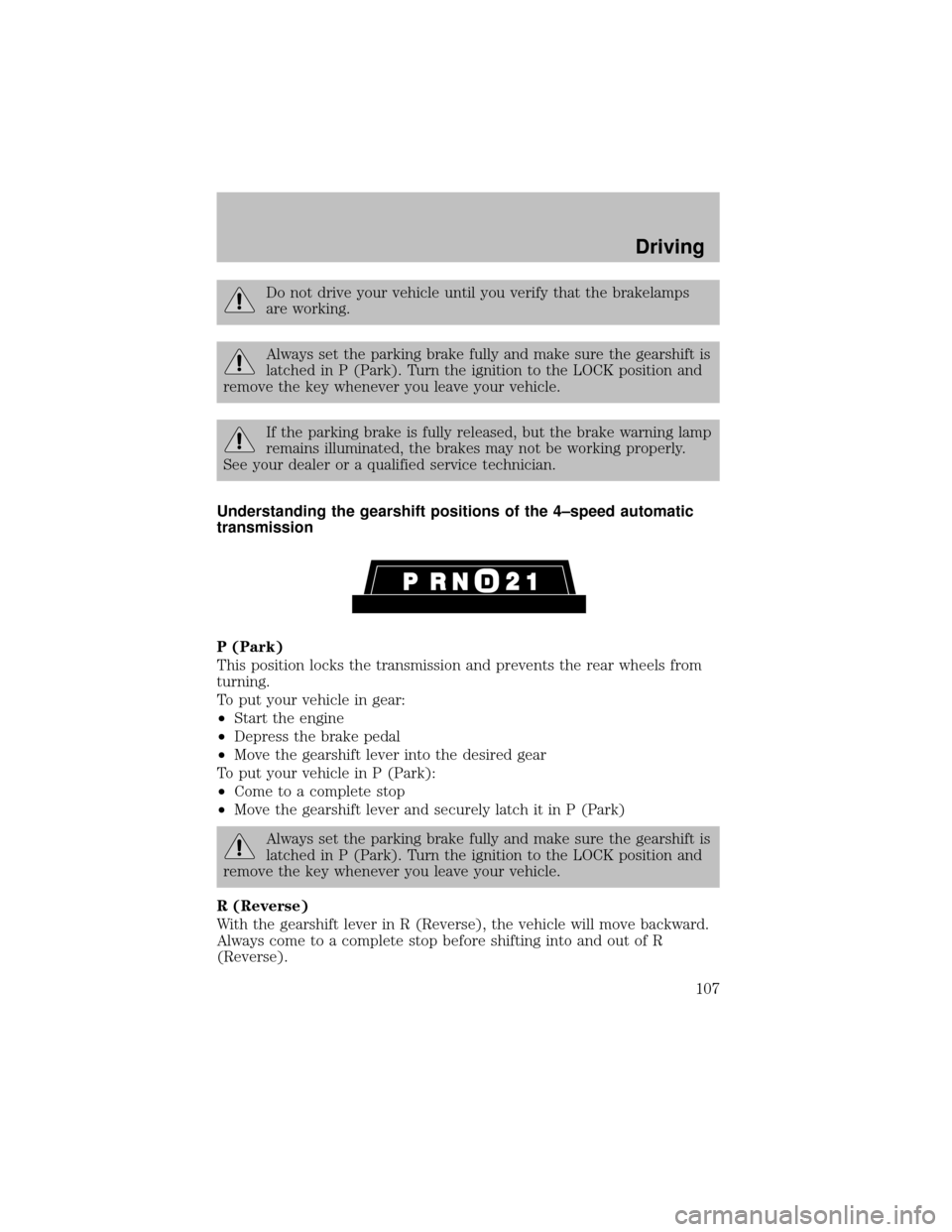
Understanding the gearshift positions of the 4–speed automatic
transmission
P (Park)
This position locks the transmission and prevents the rear wheels from
turning.
To put your vehicle in gear:
•Start the engine
•Depress the brake pedal
•Move the gearshift lever into the desired gear
To put your vehicle in P (Park):
•Come to a complete stop
•Move the gearshift lever and securelylatch it in P (Park)
Always set the parking brake fully and make sure the gearshift is
latched in P (Park). Turn the ignition to the LOCK position and
remove the key whenever you leave your vehicle.
R (Reverse)
With the gearshift lever in R (Reverse), the vehicle will move backward.
Always come to a complete stop before shifting into and out of R
(Reverse).
Driving
107
Page 118 of 256
If your vehicle gets stuck
If your vehicle gets stuck in mud or snow it may be rocked out by
shifting between forward and reverse gears, stopping between shifts, in a
steadypattern. Press lightlyon the accelerator in each gear.
Do not rock the vehicle if the engine is not at normal operating
temperature or damage to the transmission may occur.
Do not rock the vehicle for more than a few minutes or damage
to the transmission and tires may occur or the engine may
overheat.
Always set the parking brake fully and make sure the gearshift is
latched in P (Park). Turn the ignition to the LOCK position and
remove the key whenever you leave your vehicle.
If the parking brake is fullyreleased, but the brake warning lamp
remains illuminated, the brakes maynot be working properly.
See your dealer or a qualified service technician.
Do not spin the wheels at over 56 km/h (35 mph). The tires may
fail and injure a passenger or bystander.
Refer toTransmission temperature gaugein theInstrument cluster
chapter for transmission fluid temperature information.
Emergency maneuvers
•In an unavoidable emergencysituation where a sudden sharp turn
must be made, remember to avoid “over-driving” your vehicle, i.e.,
turn the steering wheel onlyas rapidlyand as far as required to avoid
the emergency. Excessive steering will result in less vehicle control,
not more. Additionally, smooth variations of the accelerator and/or
brake pedal pressure should be utilized if changes in vehicle speed are
called for. Avoid abrupt steering, acceleration or braking which could
result in an increased risk of loss of vehicle control, vehicle rollover
and/or personal injury. Use all available road surface to return the
vehicle to a safe direction of travel.
•In the event of an emergencystop, avoid skidding the tires and do not
attempt anysharp steering wheel movements.
Driving
118
Page 120 of 256

sounds. This is the front drivetrain coming up to speed and the
automatic locking hubs engaging and is not cause for concern.
Sand
When driving over sand, tryto keep all four wheels on the most solid
area of the trail. Avoid reducing the tire pressures but shift to a lower
gear and drive steadilythrough the terrain. Applythe accelerator slowly
and avoid spinning the wheels.
If you must reduce the tire pressure for whatever reason in sand, make
sure you re-inflate the tires as soon as possible.
Avoid excessive speed because vehicle momentum can work against you
and cause the vehicle to become stuck to the point that assistance may
be required from another vehicle. Remember, you may be able to back
out the way you came if you proceed with caution.
Mud and water
If you must drive through high
water, drive slowly. Traction or
brake capabilitymaybe limited.
When driving through water,
determine the depth; avoid water
higher than the bottom of the hubs
(if possible) and proceed slowly. If
the ignition system gets wet, the
vehicle maystall.
Once through water, always try the brakes. Wet brakes do not stop the
vehicle as effectivelyas drybrakes. Drying can be improved bymoving
your vehicle slowly while applying light pressure on the brake pedal.
Be cautious of sudden changes in vehicle speed or direction when you
are driving in mud. Even 4WD vehicles can lose traction in slick mud. As
when you are driving over sand, applythe accelerator slowlyand avoid
spinning your wheels. If the vehicle does slide, steer in the direction of
the slide until you regain control of the vehicle.
If the transmission, transfer case or front axle are submerged in water,
their fluids should be checked and changed, if necessary.
Driving through deep water may damage the transmission.
Refer toTransmission temperature gaugein theInstrument cluster
chapter for transmission fluid temperature information.
If the front or rear axle is submerged in water, the axle lubricant should
be replaced.
Driving
120
Page 122 of 256
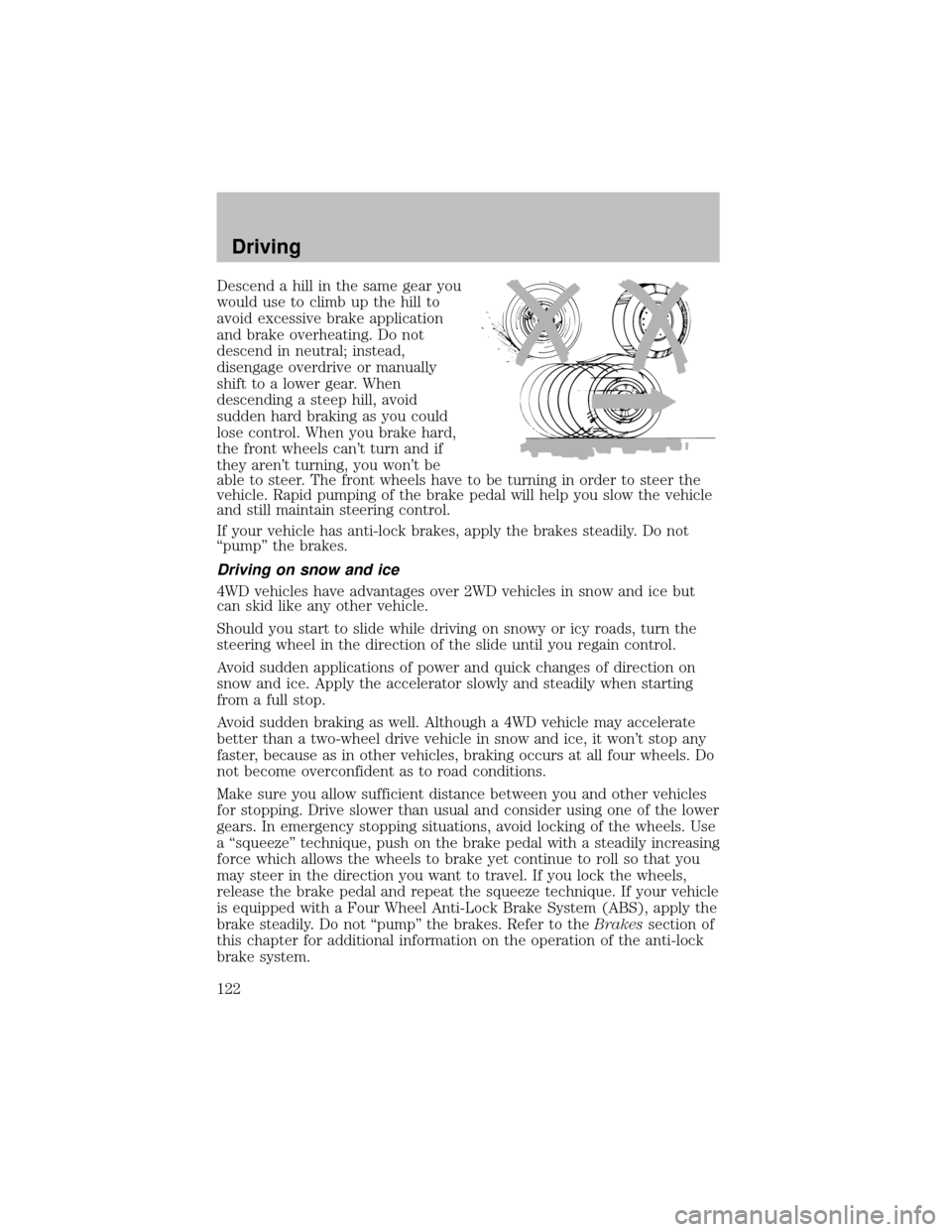
Descend a hill in the same gear you
would use to climb up the hill to
avoid excessive brake application
and brake overheating. Do not
descend in neutral; instead,
disengage overdrive or manually
shift to a lower gear. When
descending a steep hill, avoid
sudden hard braking as you could
lose control. When you brake hard,
the front wheels can’t turn and if
theyaren’t turning, you won’t be
able to steer. The front wheels have to be turning in order to steer the
vehicle. Rapid pumping of the brake pedal will help you slow the vehicle
and still maintain steering control.
If your vehicle has anti-lock brakes, apply the brakes steadily. Do not
“pump” the brakes.
Driving on snow and ice
4WD vehicles have advantages over 2WD vehicles in snow and ice but
can skid like anyother vehicle.
Should you start to slide while driving on snowyor icyroads, turn the
steering wheel in the direction of the slide until you regain control.
Avoid sudden applications of power and quick changes of direction on
snow and ice. Applythe accelerator slowlyand steadilywhen starting
from a full stop.
Avoid sudden braking as well. Although a 4WD vehicle mayaccelerate
better than a two-wheel drive vehicle in snow and ice, it won’t stop any
faster, because as in other vehicles, braking occurs at all four wheels. Do
not become overconfident as to road conditions.
Make sure you allow sufficient distance between you and other vehicles
for stopping. Drive slower than usual and consider using one of the lower
gears. In emergencystopping situations, avoid locking of the wheels. Use
a “squeeze” technique, push on the brake pedal with a steadilyincreasing
force which allows the wheels to brake yet continue to roll so that you
may steer in the direction you want to travel. If you lock the wheels,
release the brake pedal and repeat the squeeze technique. If your vehicle
is equipped with a Four Wheel Anti-Lock Brake System (ABS), apply the
brake steadily. Do not “pump” the brakes. Refer to theBrakessection of
this chapter for additional information on the operation of the anti-lock
brake system.
Driving
122
Page 125 of 256

The PTO can be used during mobile and stationary
continuous/intermittent applications.
PTO operation is disabled while the vehicle is in Overdrive (the TCIL will
not be illuminated), in N (Neutral), during engine cranking. Transmission
upshift and downshift schedules will be reduced byabout 15% and will
have a firmer shift feel during PTO mobile applications.
The PTO cannot be disabled while the transmission is in D (Drive)
(Overdrive position with Overdrive canceled), 2 (Second) or 1 (First).
Refer to theBody Builder’s Layout Bookfor recommended electrical
installation.
DRIVING THROUGH WATER
If driving through deep or standing water is unavoidable, proceed very
slowlyespeciallyif the depth is not known. Never drive through water
that is higher than the bottom of the hubs (for trucks) or the bottom of
the wheel rims (for cars). Traction or brake capabilitymaybe limited
and your vehicle maystall. Water mayalso enter your engine’s air intake
and severelydamage your engine.
Once through the water, always drythe brakes bymoving your vehicle
slowlywhile applying light pressure on the brake pedal. Wet brakes do
not stop the vehicle as quicklyas drybrakes.Driving through deep
water where the transmission vent tube is submerged may allow
water into the transmission and cause internal transmission
damage.
VEHICLE LOADING
Before loading a vehicle, familiarize yourself with the following terms:
•Base Curb Weight:Weight of the vehicle including anystandard
equipment, fluids, lubricants, etc. It does not include occupants or
aftermarket equipment.
•Payload:Combined maximum allowable weight of cargo, occupants
and optional equipment. The payload equals the gross vehicle weight
rating minus base curb weight.
•GVW (Gross Vehicle Weight):Base curb weight plus payload
weight.
•GVWR (Gross Vehicle Weight Rating):Maximum allowable total
weight of the base vehicle, occupants, optional equipment and cargo.
The GVWR is specific to each vehicle and is listed on the Safety
Certification Label on the driver’s door pillar.
Driving
125