audio FORD SUPER DUTY 2005 1.G Owners Manual
[x] Cancel search | Manufacturer: FORD, Model Year: 2005, Model line: SUPER DUTY, Model: FORD SUPER DUTY 2005 1.GPages: 304, PDF Size: 6.38 MB
Page 20 of 304
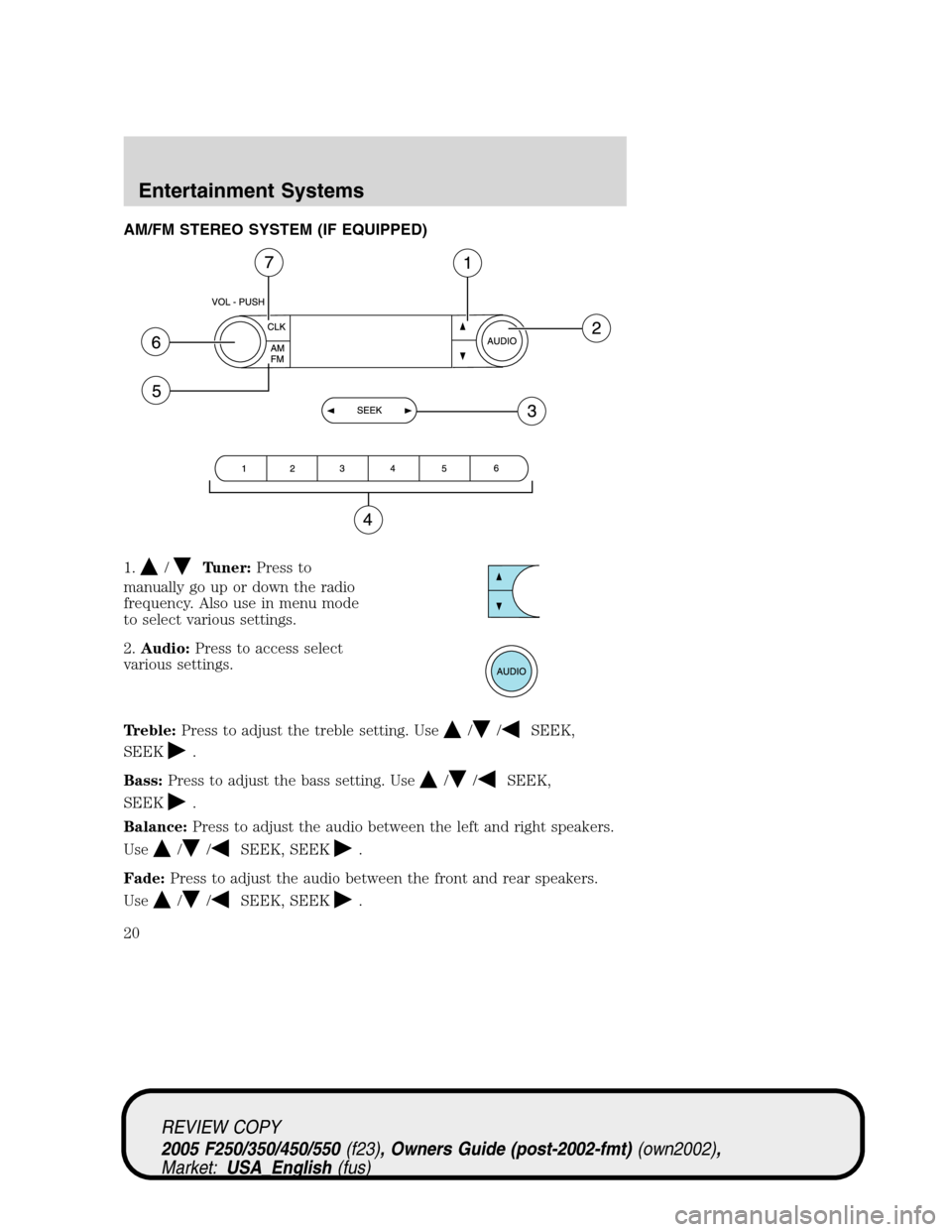
AM/FM STEREO SYSTEM (IF EQUIPPED)
1.
/Tuner:Press to
manually go up or down the radio
frequency. Also use in menu mode
to select various settings.
2.Audio:Press to access select
various settings.
Treble:Press to adjust the treble setting. Use
//SEEK,
SEEK
.
Bass:Press to adjust the bass setting. Use
//SEEK,
SEEK
.
Balance:Press to adjust the audio between the left and right speakers.
Use
//SEEK, SEEK.
Fade:Press to adjust the audio between the front and rear speakers.
Use
//SEEK, SEEK.
REVIEW COPY
2005 F250/350/450/550(f23), Owners Guide (post-2002-fmt)(own2002),
Market:USA_English(fus)
Entertainment Systems
Entertainment Systems
20
Page 21 of 304
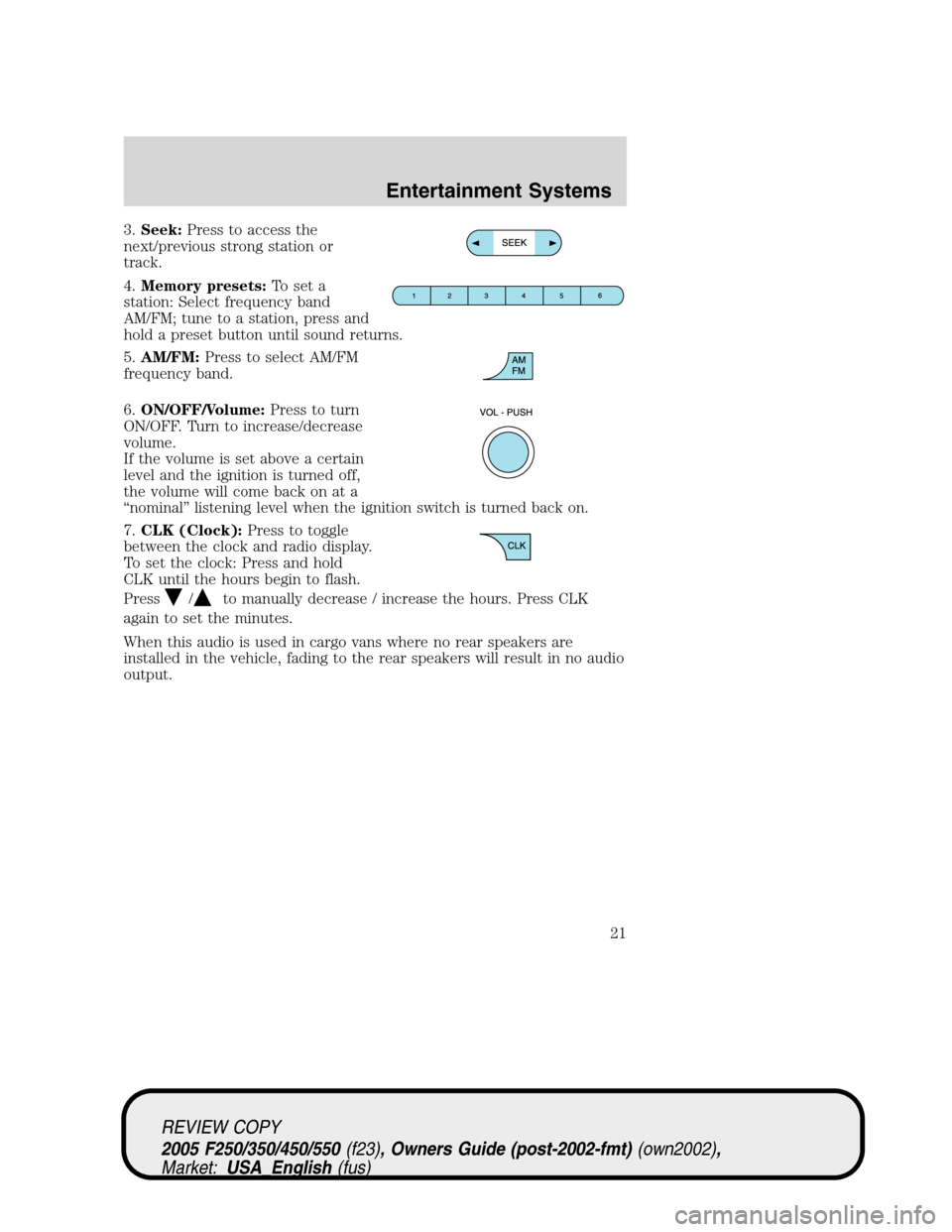
3.Seek:Press to access the
next/previous strong station or
track.
4.Memory presets:To set a
station: Select frequency band
AM/FM; tune to a station, press and
hold a preset button until sound returns.
5.AM/FM:Press to select AM/FM
frequency band.
6.ON/OFF/Volume:Press to turn
ON/OFF. Turn to increase/decrease
volume.
If the volume is set above a certain
level and the ignition is turned off,
the volume will come back on at a
“nominal” listening level when the ignition switch is turned back on.
7.CLK (Clock):Press to toggle
between the clock and radio display.
To set the clock: Press and hold
CLK until the hours begin to flash.
Press
/to manually decrease / increase the hours. Press CLK
again to set the minutes.
When this audio is used in cargo vans where no rear speakers are
installed in the vehicle, fading to the rear speakers will result in no audio
output.
REVIEW COPY
2005 F250/350/450/550(f23), Owners Guide (post-2002-fmt)(own2002),
Market:USA_English(fus)
Entertainment Systems
21
Page 23 of 304
Treble:Press to adjust the treble setting. Use//SEEK.
Balance:Press to adjust the audio between the left and right speakers.
Use
//SEEK.
Fade:Press to adjust the audio between the front and rear speakers.
Use
//SEEK.
Speed sensitive volume (if equipped):Radio volume automatically
changes slightly with vehicle speed to compensate for road and wind
noise. Press MENU to access and use
//SEEKto adjust.
Setting the clock:Press MENU until SELECT HOUR or SELECT
MINUTE is displayed. Use
/to manually increase/decrease Press
MENU again to disengage clock mode.
If your vehicle is equipped with an in-dash clock, refer to “Setting the
clock” in theDriver Controlschapter.
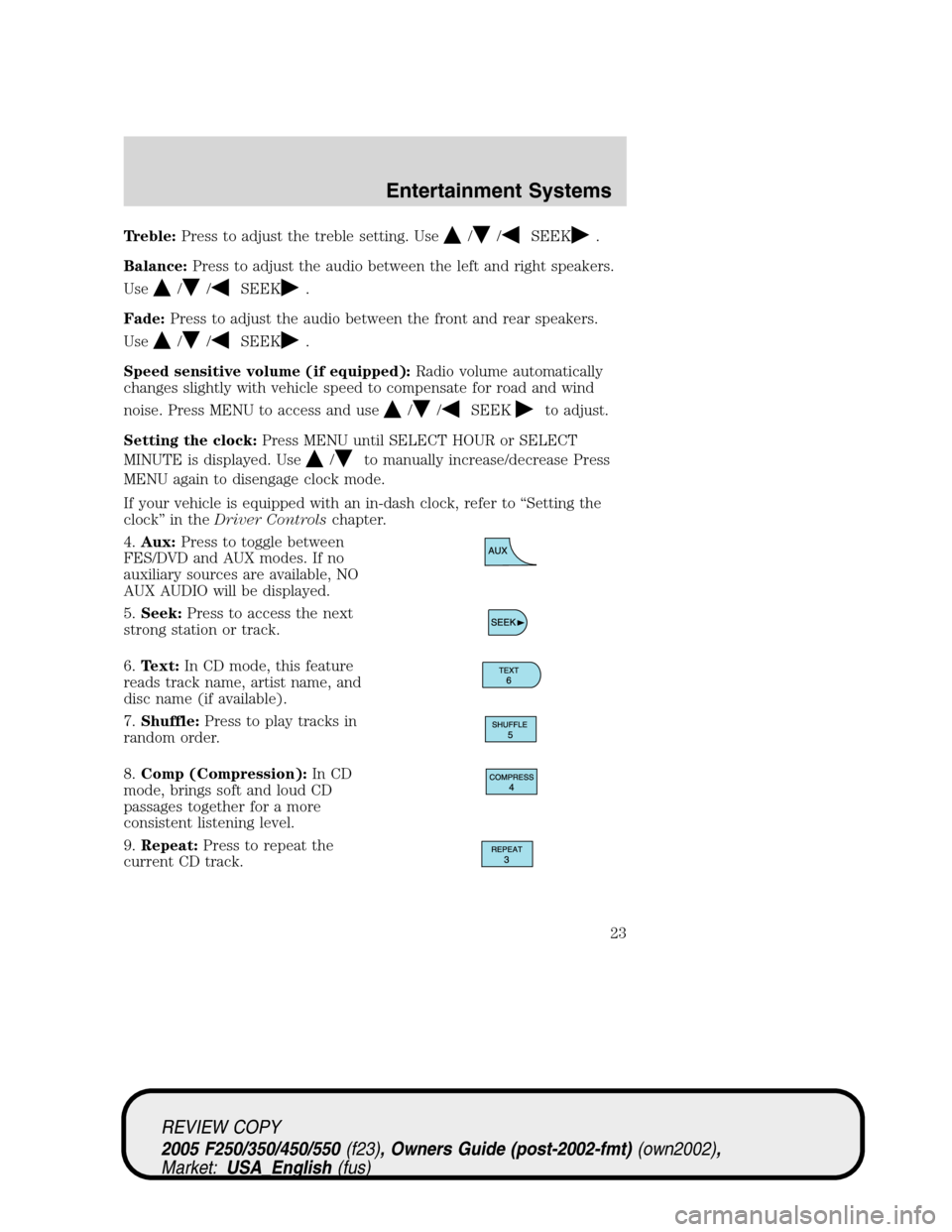
4.Aux:Press to toggle between
FES/DVD and AUX modes. If no
auxiliary sources are available, NO
AUX AUDIO will be displayed.
5.Seek:Press to access the next
strong station or track.
6.Text:In CD mode, this feature
reads track name, artist name, and
disc name (if available).
7.Shuffle:Press to play tracks in
random order.
8.Comp (Compression):In CD
mode, brings soft and loud CD
passages together for a more
consistent listening level.
9.Repeat:Press to repeat the
current CD track.
REVIEW COPY
2005 F250/350/450/550(f23), Owners Guide (post-2002-fmt)(own2002),
Market:USA_English(fus)
Entertainment Systems
23
Page 26 of 304
Balance:Press to adjust the audio between the left and right speakers.
Use
//SEEK.
Fade:Press to adjust the audio between the front and rear speakers.
Use
//SEEK.
Speed sensitive volume (if equipped):Radio volume automatically
changes slightly with vehicle speed to compensate for road and wind
noise. Press MENU to access and use
//SEEKto adjust.
Setting the clock:Press MENU until SELECT HOUR or SELECT
MINUTE is displayed. Press
//SEEKto adjust the
hours/minutes.
If your vehicle is equipped with an in-dash clock, refer to “Setting the
clock” in theDriver Controlschapter.
Autoset:Allows you to set the strongest local radio stations without
losing your original manually set preset stations for AM/FM1/FM2 . Press
MENU to access. Use
//SEEKto set.
When the six strongest stations are filled, the station stored in preset 1
will begin playing. If there are less than six strong stations, the system
will store the last one in the remaining presets.
Clean tape reminder:After 20 hours of cassette operation, the radio
will notify you that it is time to clean the cassette player head. After
cleaning the player head, you can clear the reminder through menu
control and selecting YES.
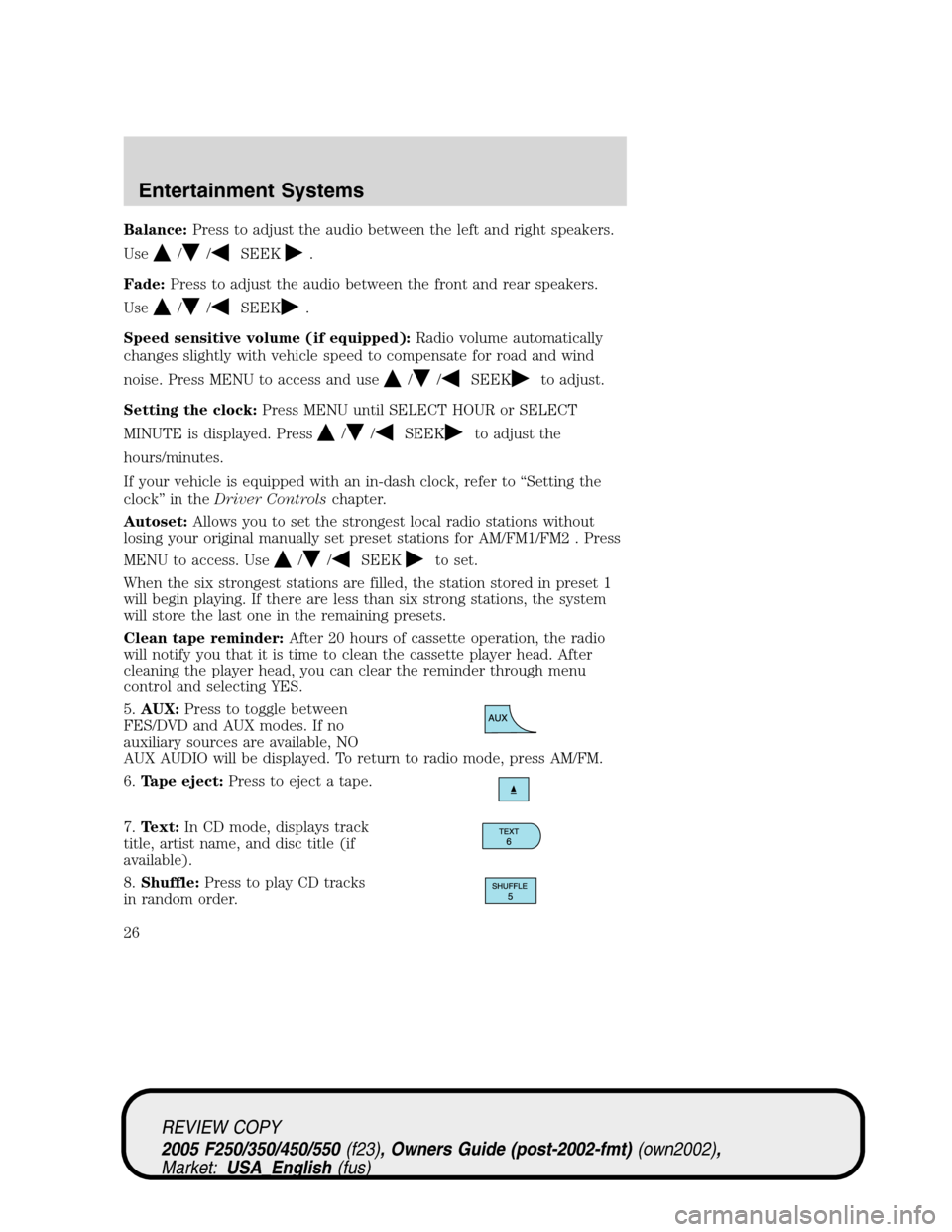
5.AUX:Press to toggle between
FES/DVD and AUX modes. If no
auxiliary sources are available, NO
AUX AUDIO will be displayed. To return to radio mode, press AM/FM.
6.Tape eject:Press to eject a tape.
7.Text:In CD mode, displays track
title, artist name, and disc title (if
available).
8.Shuffle:Press to play CD tracks
in random order.
REVIEW COPY
2005 F250/350/450/550(f23), Owners Guide (post-2002-fmt)(own2002),
Market:USA_English(fus)
Entertainment Systems
26
Page 28 of 304
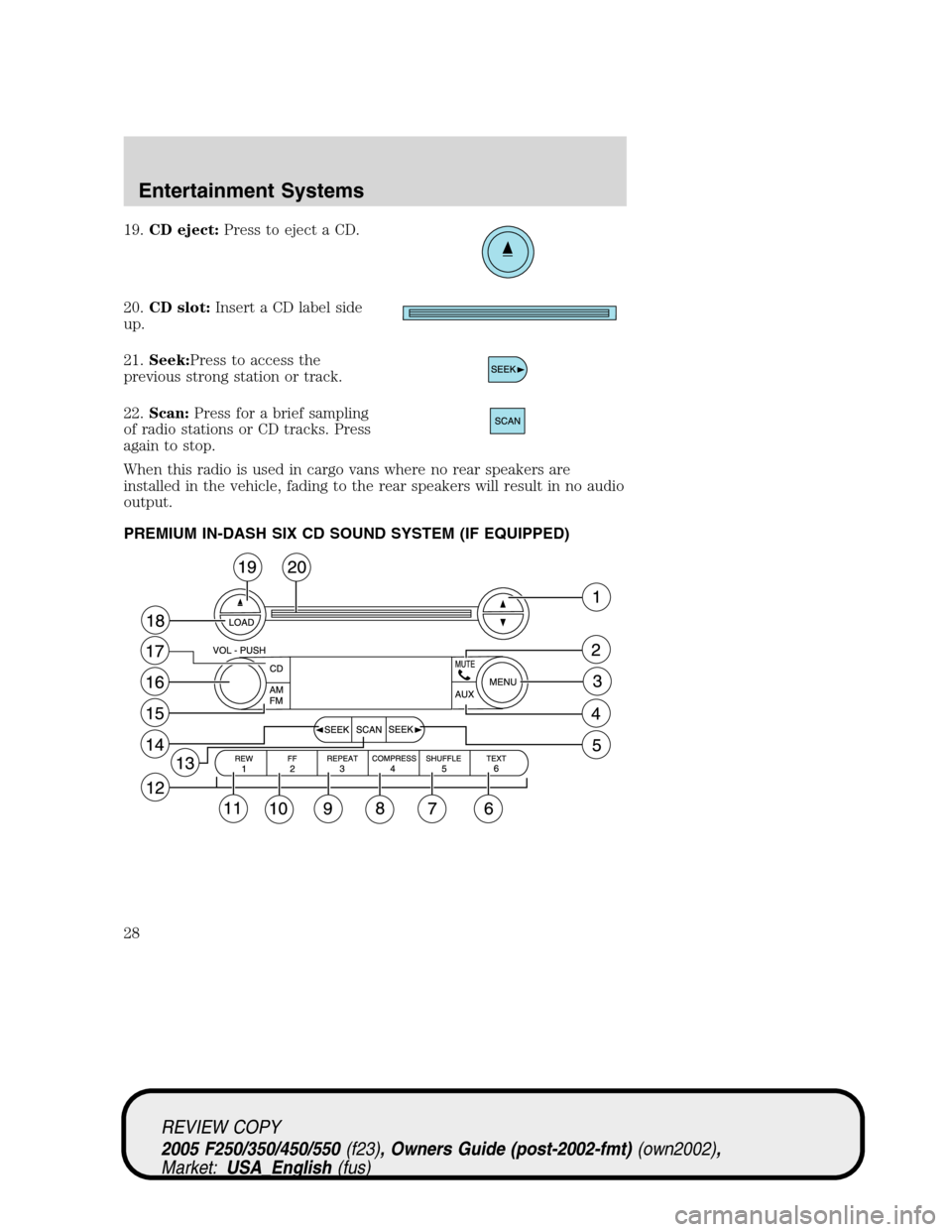
19.CD eject:Press to eject a CD.
20.CD slot:Insert a CD label side
up.
21.Seek:Press to access the
previous strong station or track.
22.Scan:Press for a brief sampling
of radio stations or CD tracks. Press
again to stop.
When this radio is used in cargo vans where no rear speakers are
installed in the vehicle, fading to the rear speakers will result in no audio
output.
PREMIUM IN-DASH SIX CD SOUND SYSTEM (IF EQUIPPED)
REVIEW COPY
2005 F250/350/450/550(f23), Owners Guide (post-2002-fmt)(own2002),
Market:USA_English(fus)
Entertainment Systems
28
Page 29 of 304
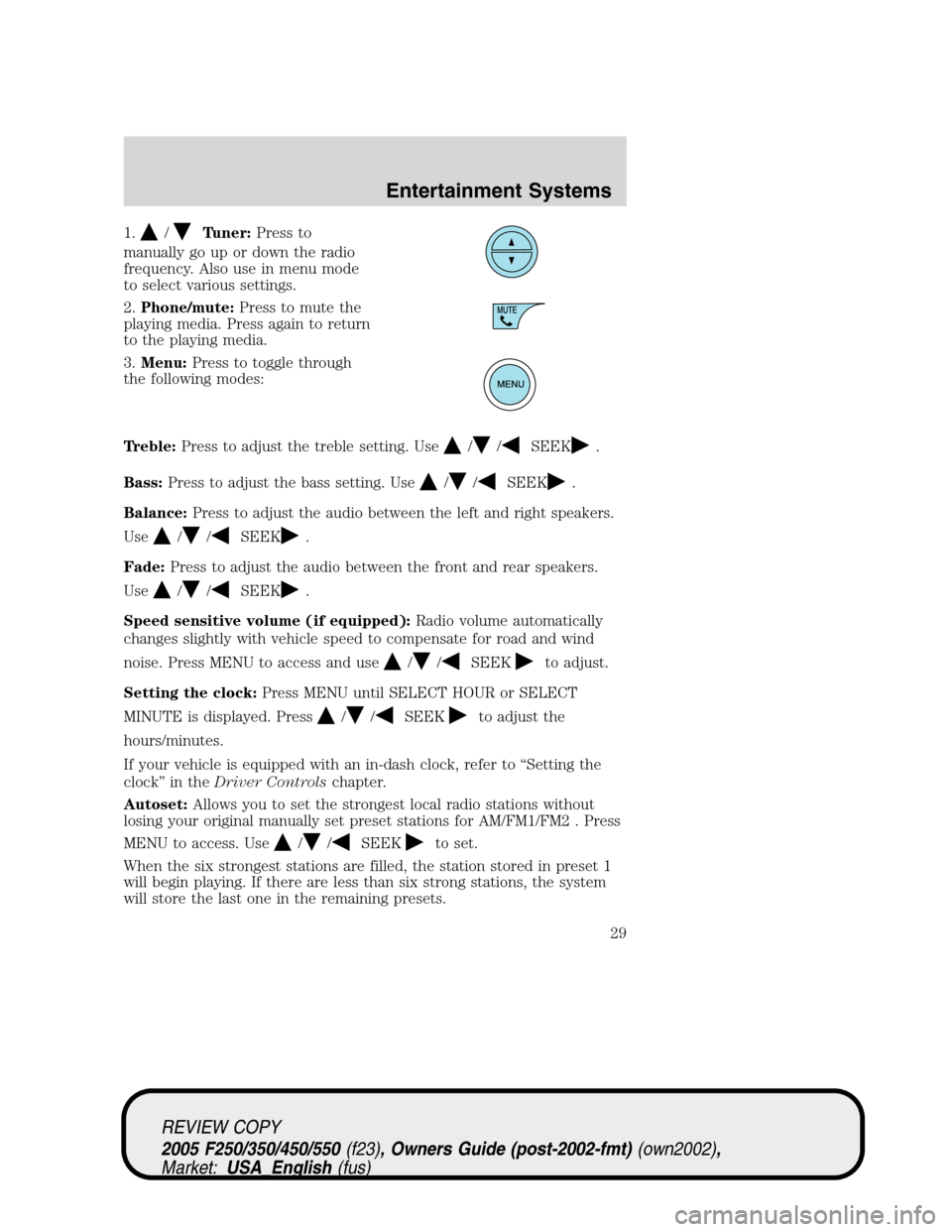
1./Tuner:Press to
manually go up or down the radio
frequency. Also use in menu mode
to select various settings.
2.Phone/mute:Press to mute the
playing media. Press again to return
to the playing media.
3.Menu:Press to toggle through
the following modes:
Treble:Press to adjust the treble setting. Use
//SEEK.
Bass:Press to adjust the bass setting. Use
//SEEK.
Balance:Press to adjust the audio between the left and right speakers.
Use
//SEEK.
Fade:Press to adjust the audio between the front and rear speakers.
Use
//SEEK.
Speed sensitive volume (if equipped):Radio volume automatically
changes slightly with vehicle speed to compensate for road and wind
noise. Press MENU to access and use
//SEEKto adjust.
Setting the clock:Press MENU until SELECT HOUR or SELECT
MINUTE is displayed. Press
//SEEKto adjust the
hours/minutes.
If your vehicle is equipped with an in-dash clock, refer to “Setting the
clock” in theDriver Controlschapter.
Autoset:Allows you to set the strongest local radio stations without
losing your original manually set preset stations for AM/FM1/FM2 . Press
MENU to access. Use
//SEEKto set.
When the six strongest stations are filled, the station stored in preset 1
will begin playing. If there are less than six strong stations, the system
will store the last one in the remaining presets.
REVIEW COPY
2005 F250/350/450/550(f23), Owners Guide (post-2002-fmt)(own2002),
Market:USA_English(fus)
Entertainment Systems
29
Page 30 of 304
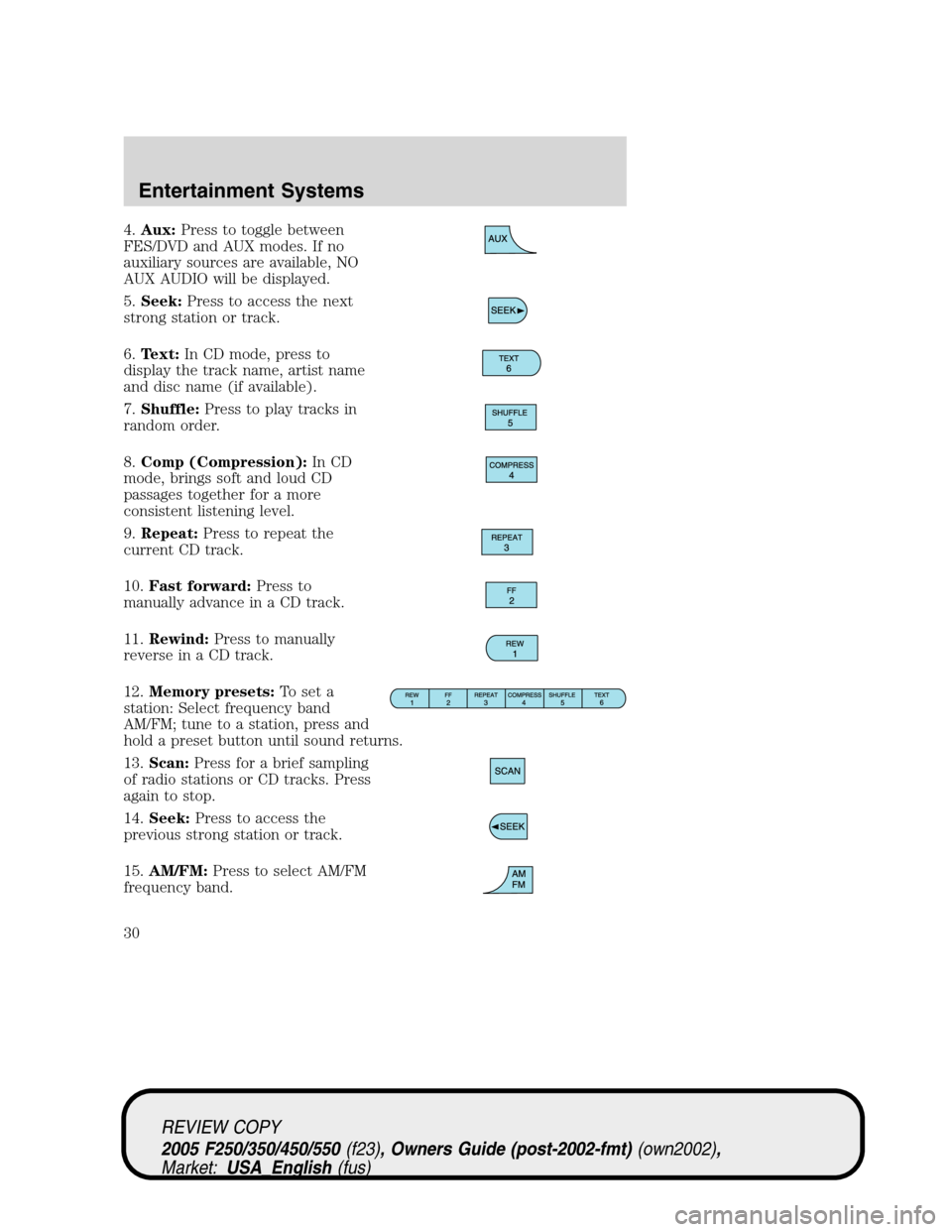
4.Aux:Press to toggle between
FES/DVD and AUX modes. If no
auxiliary sources are available, NO
AUX AUDIO will be displayed.
5.Seek:Press to access the next
strong station or track.
6.Text:In CD mode, press to
display the track name, artist name
and disc name (if available).
7.Shuffle:Press to play tracks in
random order.
8.Comp (Compression):In CD
mode, brings soft and loud CD
passages together for a more
consistent listening level.
9.Repeat:Press to repeat the
current CD track.
10.Fast forward:Press to
manually advance in a CD track.
11.Rewind:Press to manually
reverse in a CD track.
12.Memory presets:To set a
station: Select frequency band
AM/FM; tune to a station, press and
hold a preset button until sound returns.
13.Scan:Press for a brief sampling
of radio stations or CD tracks. Press
again to stop.
14.Seek:Press to access the
previous strong station or track.
15.AM/FM:Press to select AM/FM
frequency band.
REVIEW COPY
2005 F250/350/450/550(f23), Owners Guide (post-2002-fmt)(own2002),
Market:USA_English(fus)
Entertainment Systems
30
Page 32 of 304
•Station overload: When you pass a broadcast tower, a stronger signal
may overtake a weaker one and play while the weak station frequency
is displayed.
CASSETTE/PLAYER CARE
Do:
•Use only cassettes that are 90 minutes long or less.
•Tighten very loose tapes by inserting a finger or pencil into the hole
and turning the hub.
•Remove loose labels before inserting tapes.
•Allow tapes which have been subjected to extreme heat, humidity or
cold to reach a moderate temperature before playing.
•Clean the cassette player head with a cassette cleaning cartridge after
10–12 hours of play to maintain good sound/operation.
Don’t:
•Expose tapes to direct sunlight, extreme humidity, heat or cold.
•Leave tapes in the cassette player for a long time when not being
played.
CD/CD PLAYER CARE
Do:
•Handle discs by their edges only. Never touch the playing surface.
•Inspect discs before playing. Clean only with an approved CD cleaner
and wipe from the center out.
Don’t:
•Expose discs to direct sunlight or heat sources for extended periods
of time.
•Insert more than one disc into each slot of the CD changer magazine.
•Clean using a circular motion.
CD units are designed to play commercially pressed 4.75 in (12 cm)
audio compact discs only. Due to technical incompatibility, certain
recordable and re-recordable compact discs may not function
correctly when used in Ford CD players. Irregular shaped CDs,
CDs with a scratch protection film attached, and CDs with
homemade paper (adhesive) labels should not be inserted into
the CD player. The label may peel and cause the CD to become
REVIEW COPY
2005 F250/350/450/550(f23), Owners Guide (post-2002-fmt)(own2002),
Market:USA_English(fus)
Entertainment Systems
32
Page 33 of 304
jammed. It is recommended that homemade CDs be identified
with permanent felt tip marker rather than adhesive labels. Ball
point pens may damage CDs. Please contact your dealer for
further information.
AUDIO SYSTEM WARRANTY AND SERVICE
Refer to theWarranty Guidefor audio system warranty information. If
service is necessary, see your dealer or qualified technician.
REVIEW COPY
2005 F250/350/450/550(f23), Owners Guide (post-2002-fmt)(own2002),
Market:USA_English(fus)
Entertainment Systems
33
Page 299 of 304
A
Accessory delay ..........................60
Air bag supplemental
restraint system ................108–109
and child safety seats ............110
description ..............................109
disposal ....................................112
driver air bag ..........................111
indicator light .........................112
operation .................................111
passenger air bag ...................111
passenger deactivation
switch ......................................113
Air cleaner filter ...............278, 280
Air conditioning ..........................37
Ambulance packages ....................8
Antifreeze (see
Engine coolant) ........................255
Anti-lock brake system
(see Brakes) ..............................181
Audio system
(see Radio) ................20, 22, 25, 28
Automatic transmission ............184
driving an automatic
overdrive .................................186
fluid, adding ............................273
fluid, checking ........................273
fluid, refill capacities ..............281
fluid, specification ..................287
Auxiliary power point .................58
Axle
lubricant specifications ..283, 287
refill capacities ........................281
traction lok ..............................183
B
Battery .......................................253acid, treating emergencies .....253
jumping a disabled battery ....221
maintenance-free ....................253
replacement, specifications ...280
servicing ..................................253
BeltMinder .................................104
Brakes ........................................181
anti-lock ...................................181
anti-lock brake system
(ABS) warning light ...............181
fluid, checking and adding ....272
fluid, refill capacities ..............281
fluid, specifications .........283, 287
lubricant specifications ..283, 287
parking ....................................182
shift interlock ..........................184
Break-in period .............................5
Bulbs ............................................47
C
Capacities for refilling fluids ....281
Cassette tape player .......20, 22, 25
Cell phone use ............................67
Certification Label ....................294
Child safety restraints ..............118
child safety belts ....................118
Child safety seats ......................120
attaching with tether straps ..124
in front seat ............................122
in rear seat ..............................122
Cleaning your vehicle
engine compartment ..............239
instrument panel ....................241
interior .....................................241
interior trim ............................241
plastic parts ............................240
safety belts ..............................241
washing ....................................238
REVIEW COPY
2005 F250/350/450/550(f23), Owners Guide (post-2002-fmt)(own2002),
Market:USA_English(fus)
Index
Index
299