MPG FORD SUPER DUTY 2011 3.G Owners Manual
[x] Cancel search | Manufacturer: FORD, Model Year: 2011, Model line: SUPER DUTY, Model: FORD SUPER DUTY 2011 3.GPages: 441, PDF Size: 3.3 MB
Page 24 of 441
XX.X AVG MPG (L/100km)
Average fuel economy displays your average fuel economy in miles/gallon
or liters/100 km.
If you calculate your average fuel economy by dividing distance traveled
by gallons of fuel used (liters of fuel used by 100 kilometers traveled),
your figure may be different than displayed for the following reasons:
•Your vehicle was not perfectly level during fill-up
•Differences in the automatic shut-off points on the fuel pumps at
service stations
•Variations in top-off procedure from one fill-up to another
•Rounding of the displayed values to the nearest 0.1 gallon (liter)
1. Drive the vehicle at least 5 miles (8 km) with the speed control
system engaged to display a stabilized average.
2. Record the highway fuel economy for future reference.
It is important to press the RESET button (press and hold RESET for
two seconds in order to reset the function) after setting the speed
control to get accurate highway fuel economy readings.
MPG (L/km)
This displays instantaneous fuel economy as a bar graph ranging from↓
poor economy to↑excellent economy.
Your vehicle must be moving to calculate instantaneous fuel economy.
When your vehicle is not moving, this function shows↓, one or no bars
illuminated. Instantaneous fuel economy cannot be reset.
TIMER
Timer displays the trip elapsed drive time.
To operate, do the following:
1. Press and release RESET in order to start the timer.
2. Press and release RESET to pause the timer.
3. Press and hold RESET until the timer resets.
TBC GAIN (if equipped)
Displays the level of trailer brake gain or if the trailer is not connected.
Instrument Cluster
24
2011 F-250/350/450/550(f23)
Owners Guide, 1st Printing
USA(fus)
Page 41 of 441
Main menu
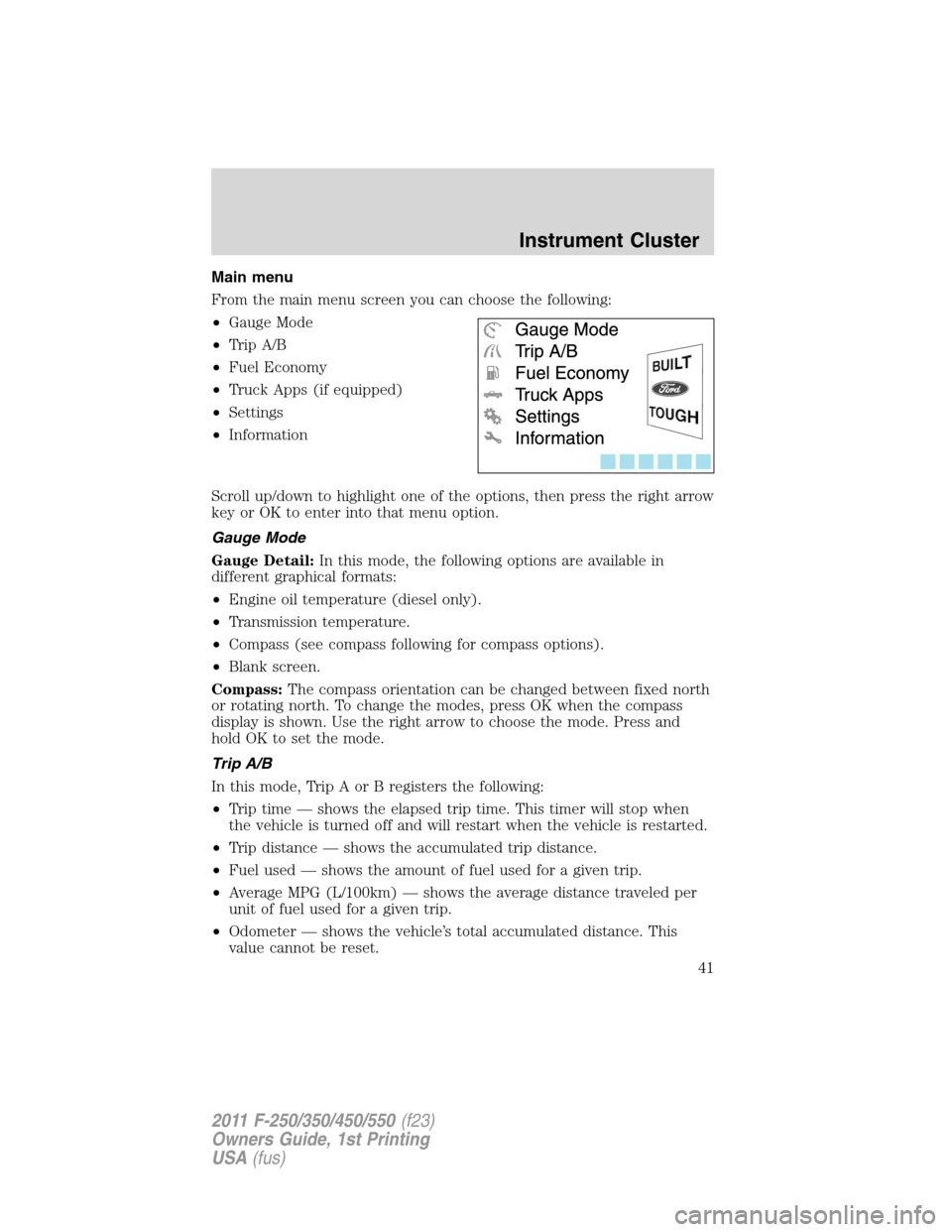
From the main menu screen you can choose the following:
•Gauge Mode
•Trip A/B
•Fuel Economy
•Truck Apps (if equipped)
•Settings
•Information
Scroll up/down to highlight one of the options, then press the right arrow
key or OK to enter into that menu option.
Gauge Mode
Gauge Detail:In this mode, the following options are available in
different graphical formats:
•Engine oil temperature (diesel only).
•Transmission temperature.
•Compass (see compass following for compass options).
•Blank screen.
Compass:The compass orientation can be changed between fixed north
or rotating north. To change the modes, press OK when the compass
display is shown. Use the right arrow to choose the mode. Press and
hold OK to set the mode.
Trip A/B
In this mode, Trip A or B registers the following:
•Trip time — shows the elapsed trip time. This timer will stop when
the vehicle is turned off and will restart when the vehicle is restarted.
•Trip distance — shows the accumulated trip distance.
•Fuel used — shows the amount of fuel used for a given trip.
•Average MPG (L/100km) — shows the average distance traveled per
unit of fuel used for a given trip.
•Odometer — shows the vehicle’s total accumulated distance. This
value cannot be reset.
Instrument Cluster
41
2011 F-250/350/450/550(f23)
Owners Guide, 1st Printing
USA(fus)
Page 42 of 441
Press the right arrow key to reach Trip B. Press the left arrow to go back
to Trip A.
Press OK to pause the Trip A or B screen/press again to un-pause.
Press and hold OK to reset the currently displayed trip information.
Fuel Economy
In this mode, fuel economy information is displayed as follows:
•Instant MPG (L/100km) — shows instantaneous fuel usage.
•Miles (kilometers) to empty — shows the approximate distance the
vehicle can travel before running out of fuel.
•Average MPG (L/100km) — shows the average fuel usage based on
time. See Fuel Hist. following to change the time interval. Press and
hold OK to reset this value.
If you calculate your average fuel economy by dividing miles traveled by
gallons of fuel used (liters of fuel used by 100 kilometers traveled), your
figure may be different than displayed for the following reasons:
•Your vehicle was not perfectly level during fill-up.
•Differences in the automatic shut-off points on the fuel pumps at
service stations.
•Variations in top-off procedure from one fill-up to another.
•Rounding of the displayed values to the nearest 0.1 gallon (liter).
To determine your average highway fuel economy, do the following:
1. Drive the vehicle at least 5 miles (8 km) with the speed control
system engaged to display a stabilized average.
2. Record the highway fuel economy for future reference.
It is important to press RESET in order to reset the function after
setting the speed control to get accurate highway fuel economy readings.
For more information refer toEssentials of good fuel economyin the
Maintenance and Specificationschapter.
Fuel Hist.:Press the right arrow key (when in the Fuel Econ. menu) to
reach Fuel Hist. Fuel history shows fuel usage (AVG MPG or L/100km)
as a bar graph based on time. The duration time can be changed as
follows:
Duration– Press the right arrow key (when in the Fuel Hist. menu) to
reach the following duration choices.
•5 Minutes.
Instrument Cluster
42
2011 F-250/350/450/550(f23)
Owners Guide, 1st Printing
USA(fus)
Page 386 of 441
•Warming up a vehicle on cold mornings is not required and may
reduce fuel economy.
•Resting your foot on the brake pedal while driving may reduce fuel
economy.
•Combine errands and minimize stop-and-go driving.
Maintenance
•Keep tires properly inflated and use only recommended size.
•Operating a vehicle with the wheels out of alignment will reduce fuel
economy.
•Use recommended engine oil. Refer toMaintenance product
specifications and capacitiesin this chapter.
•Perform all regularly scheduled maintenance items. Follow the
recommended maintenance schedule and owner maintenance checks
found inscheduled maintenance information.
Conditions
•Heavily loading a vehicle or towing a trailer may reduce fuel economy
at any speed.
•Carrying unnecessary weight may reduce fuel economy (approximately
1 mpg [0.4 km/L] is lost for every 400 lb [180 kg] of weight carried).
•Adding certain accessories to your vehicle (for example bug
deflectors, rollbars/light bars, running boards, ski/luggage racks) may
reduce fuel economy.
•To maximize the fuel economy, drive with the tonneau cover installed
(if equipped).
•Using fuel blended with alcohol may lower fuel economy.
•Fuel economy may decrease with lower temperatures during the first
8–10 miles (12–16 km) of driving.
•Driving on flat terrain offers improved fuel economy as compared to
driving on hilly terrain.
•Transmissions give their best fuel economy when operated in the top
cruise gear and with steady pressure on the gas pedal.
•Four-wheel-drive operation (if equipped) is less fuel efficient than
two-wheel-drive operation.
•Close windows for high speed driving.
Maintenance and Specifications
386
2011 F-250/350/450/550(f23)
Owners Guide, 1st Printing
USA(fus)