wheel FORD SUPER DUTY 2013 3.G Owners Manual
[x] Cancel search | Manufacturer: FORD, Model Year: 2013, Model line: SUPER DUTY, Model: FORD SUPER DUTY 2013 3.GPages: 563, PDF Size: 7.27 MB
Page 509 of 563
Note:In order to allow a break-in period for your vehicle, you may not
be able to create a Vehicle Health Report until your vehicle odometer has
reached 200 miles.
Note:Cellular phone and SMS charges may apply when making a report.
Register for Vehicle Health Report and set your report preferences at
www.SYNCMyRide.com. After registering, you can request a Vehicle
Health Report (inside your vehicle). Return to your account at
www.SYNCMyRide.com to view your report. You can also choose for
SYNC to remind you automatically to run reports at specific mileage
intervals. Cellular phone airtime usage may apply when reporting.
The system allows you to check your vehicle’s overall health in the form
of a diagnostic report card. The Vehicle Health Report contains valuable
information, such as:
•Vehicle Diagnostic Information
•Scheduled maintenance
•Open Recalls and Field Service Actions
•Items noted during vehicle inspections by your authorized dealer that
still need servicing.
Making a Report
If you want to run a report by using the touchscreen, touch the
Informationbutton >Apps>Vehicle Health Report.
To run a report by voice command, press the voice button on
the steering wheel and, when prompted, say “Vehicle health
report”.
Vehicle Health Report Privacy Notice
When you create a Vehicle Health Report, Ford Motor Company may
collect your cellular phone number (to process your report request) and
diagnostic information about your vehicle. Certain versions or updates to
Vehicle Health Report may also collect more vehicle information. Ford
may use your vehicle information it collects for any purpose. If you do
not want to disclose your cellular phone number or vehicle information,
do not run the feature or set up your Vehicle Health Report profile at
www.SYNCMyRide.com. See www.SYNCMyRide.com (Vehicle Health
Report Terms and Conditions, and Privacy Statement) for more
information.
508MyFord Touch® (If Equipped)
2013 F-250/350/450/550(f23)
Owners Guide gf, 1st Printing
USA(fus)
Page 510 of 563
SETTINGS
Under this menu, you can set your clock, access and adjust the display,
sound and vehicle settings as well as access settings for specific modes
or the help feature.
Clock
Note:You cannot manually set the date. Your vehicle’s GPS does this for
you.
Note:If the battery has been disconnected, your vehicle needs to
acquire a GPS signal to update the clock. Once your vehicle acquires the
signal, it may take a few minutes for the update to display the correct
time.
1. Press theSettingsicon >Clock.
2. Press + and to adjust the time.
From this screen, you can also make other adjustments, such as 12– or
24–hour mode, activate GPS time synchronization and have the system
automatically update for daylight savings time and new time zones.
You can also turn the outside air temperature display on and off. It
appears at the top center of the touchscreen, next to the time and date.
The system automatically saves any updates you make to the settings.
Display
You can adjust the touchscreen display through the touchscreen or by
pressing the voice button on your steering wheel controls and when
prompted, say, “Display settings”.
Press theSettingsicon >Display,then select from the following:
Brightnessallows you to make the screen display brighter or dimmer.
Modeallows you to set the screen to a certain brightness or have the
system automatically change based on the outside light level.
•If you select AUTO or NIGHT, you have the options of turning the
display’s Auto Dim feature on or off and changing the Auto Dim
Manual Offset feature.
Edit Wallpaper
•You can have your touchscreen display the default photo or upload
your own.
MyFord Touch® (If Equipped)509
2013 F-250/350/450/550(f23)
Owners Guide gf, 1st Printing
USA(fus)
Page 524 of 563
F.A/C:Touch to turn the air conditioning on or off.
•Use with recirculated air to improve cooling performance and
efficiency.
•Engages automatically in MAX A/C, defrost and floor/defrost.
G.AUTO:Touch to engage automatic operation, then set the
temperature using the temperature control. The system automatically
controls:
•Fan speed
•Airflow distribution
•A/Conoroff
•Outside or recirculated air.
H.Rear defroster:Touch to turn the rear window defroster and heated
mirrors.
I.Defrost:Touch to clear the windshield of fog and thin ice. Touch
again to return to the previous airflow selection. When on, defrost:
•Provides outside air to reduce window fogging.
•Distributes air through the windshield defroster vents and demister
vents.
J.Manual controls:Select any of the following airflow distribution
modes:
•Floor and Defrost:Distributes air through the windshield defroster
vents, demister vents, floor vents and rear seat floor vents, and
provides outside air to reduce window fogging.
•Panel:Distributes air through the instrument panel vents.
•Panel and Floor:Distributes air through the instrument panel vents,
demister vents, floor vents and rear seat floor vents.
•Floor:Distributes air through the demister vents, floor vents and
rear seat floor vents.
K.Driver settings:Depending on your vehicle and option package, you
may have the following features:
•Touch + or – to adjust the temperature.
•If your vehicle is equipped with heated seats, touch the heated seat
icon to control the heated seat. See theSeatschapter.
•If your vehicle is equipped with cooled seats, touch the cooled seat
icon to control the cooled seat. See theSeatschapter.
•Touch and hold MyTemp to select a temperature you would like your
vehicle to remember and maintain for you.
•If your vehicle is equipped with a heated steering wheel, touch the
heated steering wheel icon to warm the steering wheel.
Note:If your vehicle is equipped with a wood-trimmed steering wheel, it
does not heat between the 10 o’clock and 2 o’clock positions.
MyFord Touch® (If Equipped)523
2013 F-250/350/450/550(f23)
Owners Guide gf, 1st Printing
USA(fus)
Page 535 of 563
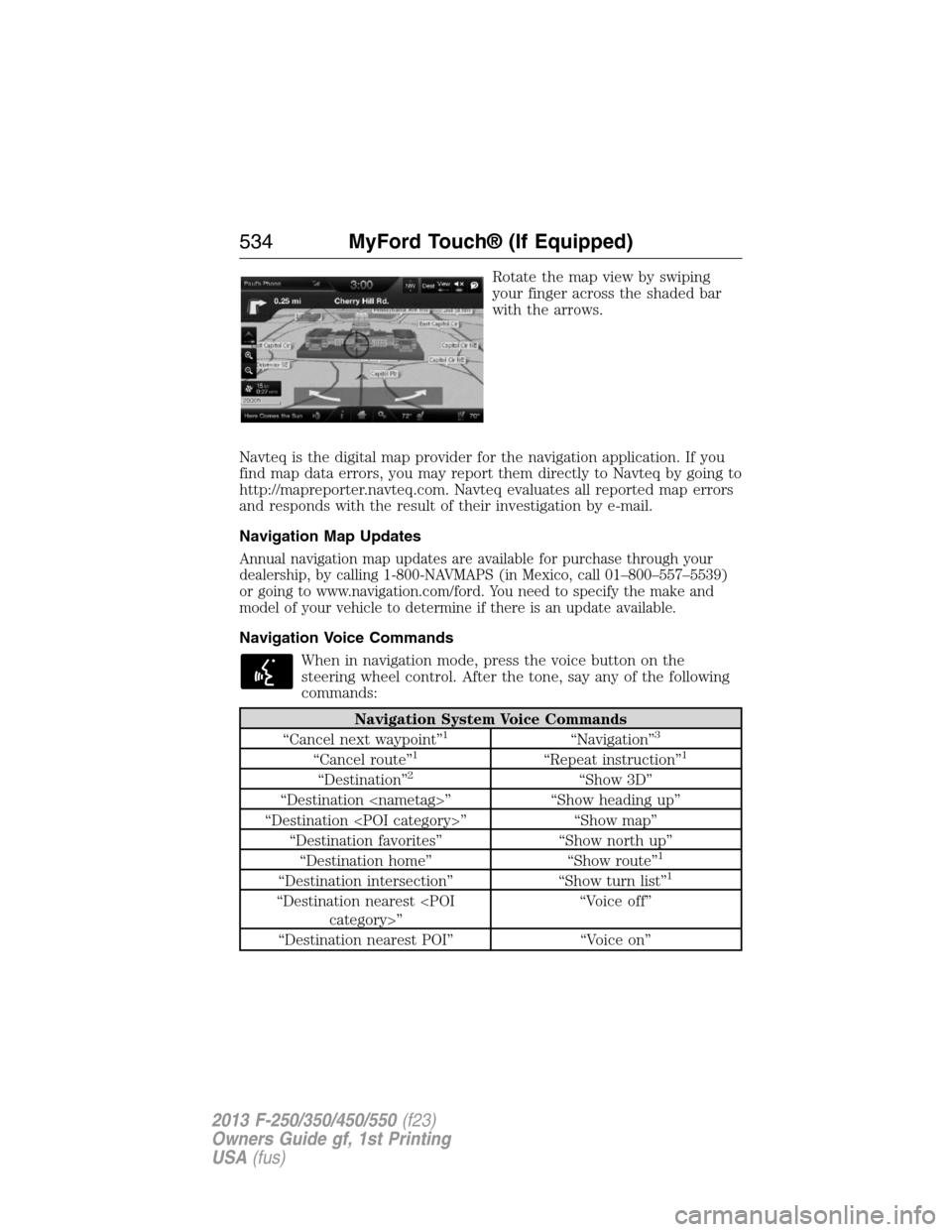
Rotate the map view by swiping
your finger across the shaded bar
with the arrows.
Navteq is the digital map provider for the navigation application. If you
find map data errors, you may report them directly to Navteq by going to
http://mapreporter.navteq.com. Navteq evaluates all reported map errors
and responds with the result of their investigation by e-mail.
Navigation Map Updates
Annual navigation map updates are available for purchase through your
dealership, by calling 1-800-NAVMAPS (in Mexico, call 01–800–557–5539)
or going to www.navigation.com/ford. You need to specify the make and
model of your vehicle to determine if there is an update available.
Navigation Voice Commands
When in navigation mode, press the voice button on the
steering wheel control. After the tone, say any of the following
commands:
Navigation System Voice Commands
“Cancel next waypoint”1“Navigation”3
“Cancel route”1“Repeat instruction”1
“Destination”2“Show 3D”
“Destination
“Destination
“Destination favorites” “Show north up”
“Destination home” “Show route”
1
“Destination intersection” “Show turn list”1
“Destination nearest
“Destination nearest POI” “Voice on”
534MyFord Touch® (If Equipped)
2013 F-250/350/450/550(f23)
Owners Guide gf, 1st Printing
USA(fus)
Page 543 of 563
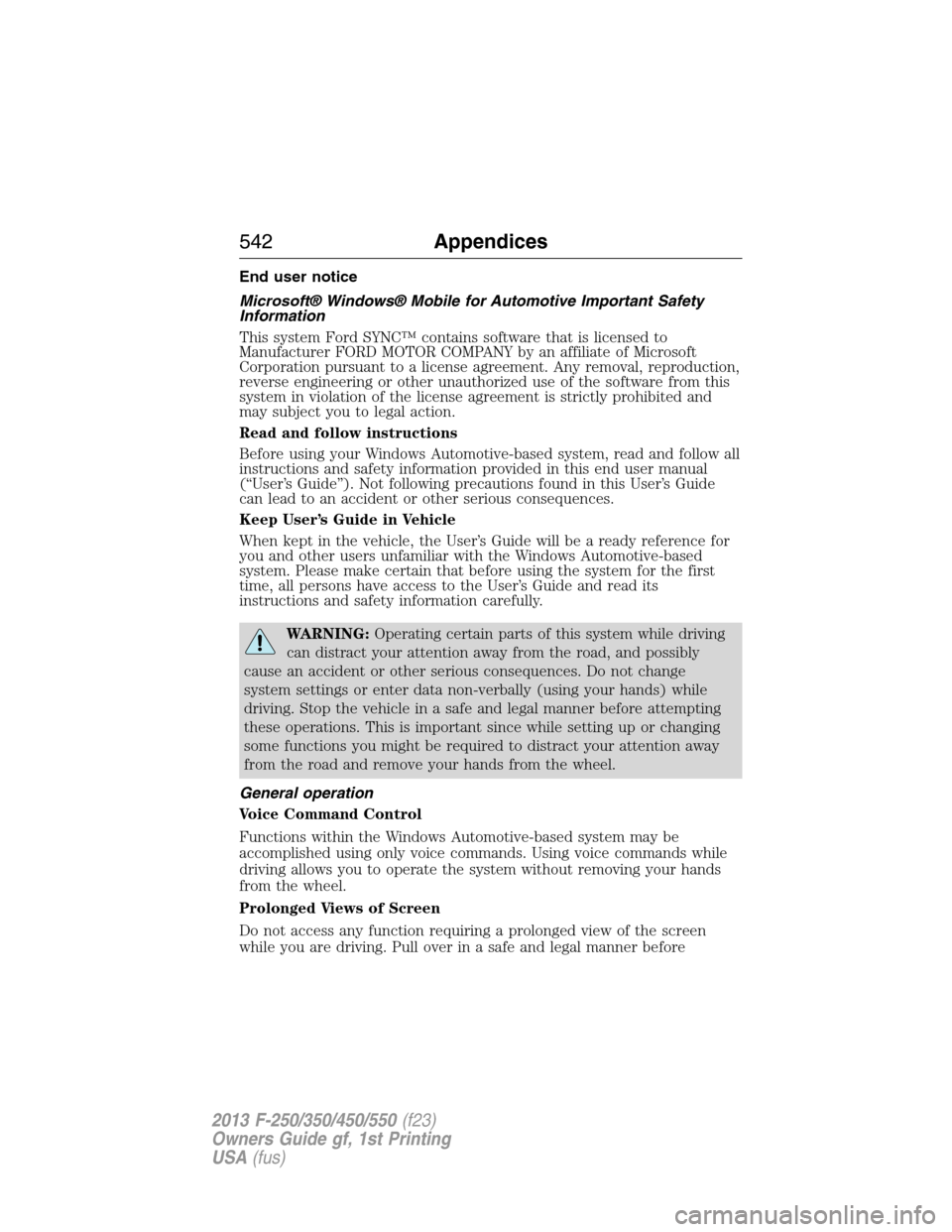
End user notice
Microsoft® Windows® Mobile for Automotive Important Safety
Information
This system Ford SYNC™ contains software that is licensed to
Manufacturer FORD MOTOR COMPANY by an affiliate of Microsoft
Corporation pursuant to a license agreement. Any removal, reproduction,
reverse engineering or other unauthorized use of the software from this
system in violation of the license agreement is strictly prohibited and
may subject you to legal action.
Read and follow instructions
Before using your Windows Automotive-based system, read and follow all
instructions and safety information provided in this end user manual
(“User’s Guide”). Not following precautions found in this User’s Guide
can lead to an accident or other serious consequences.
Keep User’s Guide in Vehicle
When kept in the vehicle, the User’s Guide will be a ready reference for
you and other users unfamiliar with the Windows Automotive-based
system. Please make certain that before using the system for the first
time, all persons have access to the User’s Guide and read its
instructions and safety information carefully.
WARNING:Operating certain parts of this system while driving
can distract your attention away from the road, and possibly
cause an accident or other serious consequences. Do not change
system settings or enter data non-verbally (using your hands) while
driving. Stop the vehicle in a safe and legal manner before attempting
these operations. This is important since while setting up or changing
some functions you might be required to distract your attention away
from the road and remove your hands from the wheel.
General operation
Voice Command Control
Functions within the Windows Automotive-based system may be
accomplished using only voice commands. Using voice commands while
driving allows you to operate the system without removing your hands
from the wheel.
Prolonged Views of Screen
Do not access any function requiring a prolonged view of the screen
while you are driving. Pull over in a safe and legal manner before
542Appendices
2013 F-250/350/450/550(f23)
Owners Guide gf, 1st Printing
USA(fus)
Page 556 of 563
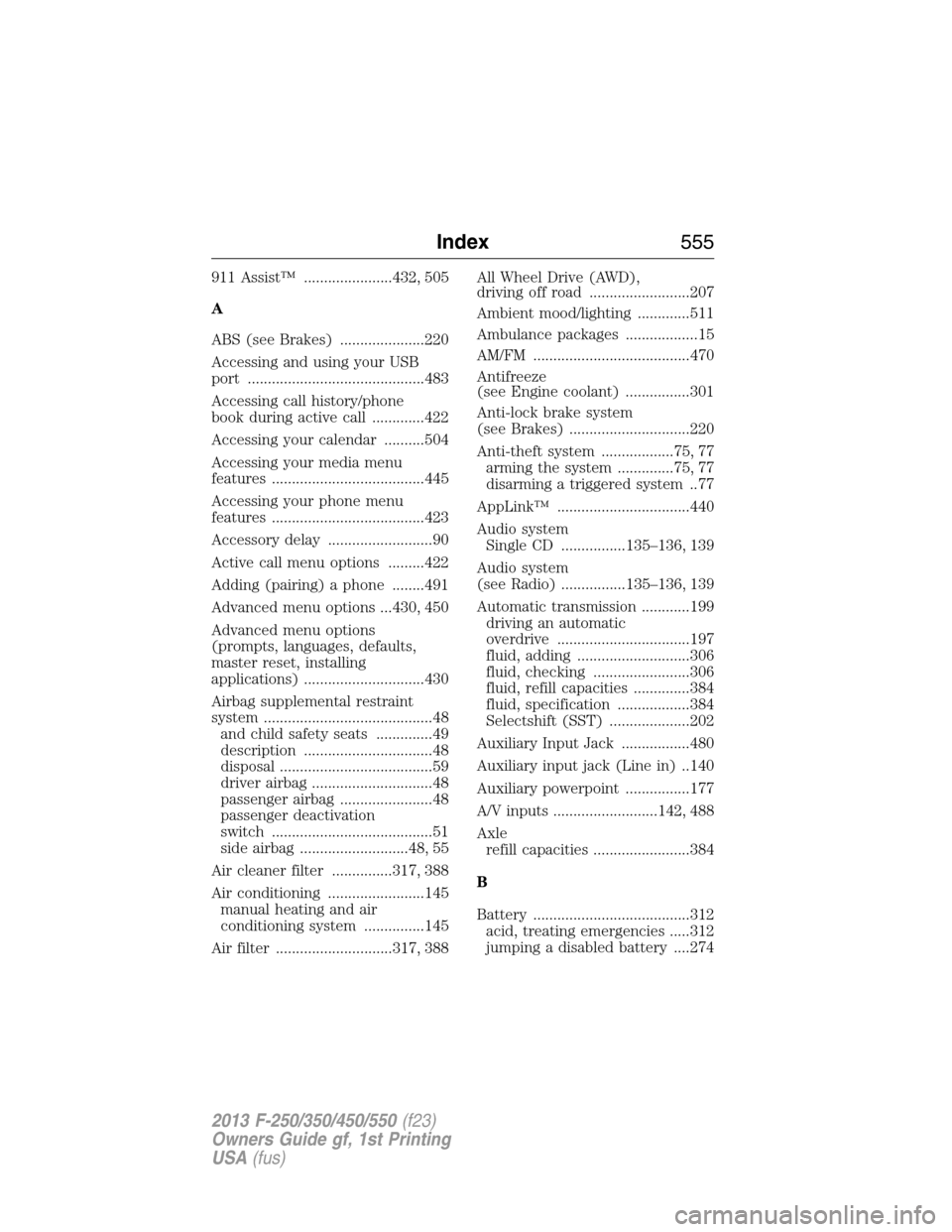
911 Assist™ ......................432, 505
A
ABS (see Brakes) .....................220
Accessing and using your USB
port ............................................483
Accessing call history/phone
book during active call .............422
Accessing your calendar ..........504
Accessing your media menu
features ......................................445
Accessing your phone menu
features ......................................423
Accessory delay ..........................90
Active call menu options .........422
Adding (pairing) a phone ........491
Advanced menu options ...430, 450
Advanced menu options
(prompts, languages, defaults,
master reset, installing
applications) ..............................430
Airbag supplemental restraint
system ..........................................48
and child safety seats ..............49
description ................................48
disposal ......................................59
driver airbag ..............................48
passenger airbag .......................48
passenger deactivation
switch ........................................51
side airbag ...........................48, 55
Air cleaner filter ...............317, 388
Air conditioning ........................145
manual heating and air
conditioning system ...............145
Air filter .............................317, 388All Wheel Drive (AWD),
driving off road .........................207
Ambient mood/lighting .............511
Ambulance packages ..................15
AM/FM .......................................470
Antifreeze
(see Engine coolant) ................301
Anti-lock brake system
(see Brakes) ..............................220
Anti-theft system ..................75, 77
arming the system ..............75, 77
disarming a triggered system ..77
AppLink™ .................................440
Audio system
Single CD ................135–136, 139
Audio system
(see Radio) ................135–136, 139
Automatic transmission ............199
driving an automatic
overdrive .................................197
fluid, adding ............................306
fluid, checking ........................306
fluid, refill capacities ..............384
fluid, specification ..................384
Selectshift (SST) ....................202
Auxiliary Input Jack .................480
Auxiliary input jack (Line in) ..140
Auxiliary powerpoint ................177
A/V inputs ..........................142, 488
Axle
refill capacities ........................384
B
Battery .......................................312
acid, treating emergencies .....312
jumping a disabled battery ....274
Index555
2013 F-250/350/450/550(f23)
Owners Guide gf, 1st Printing
USA(fus)
Page 557 of 563
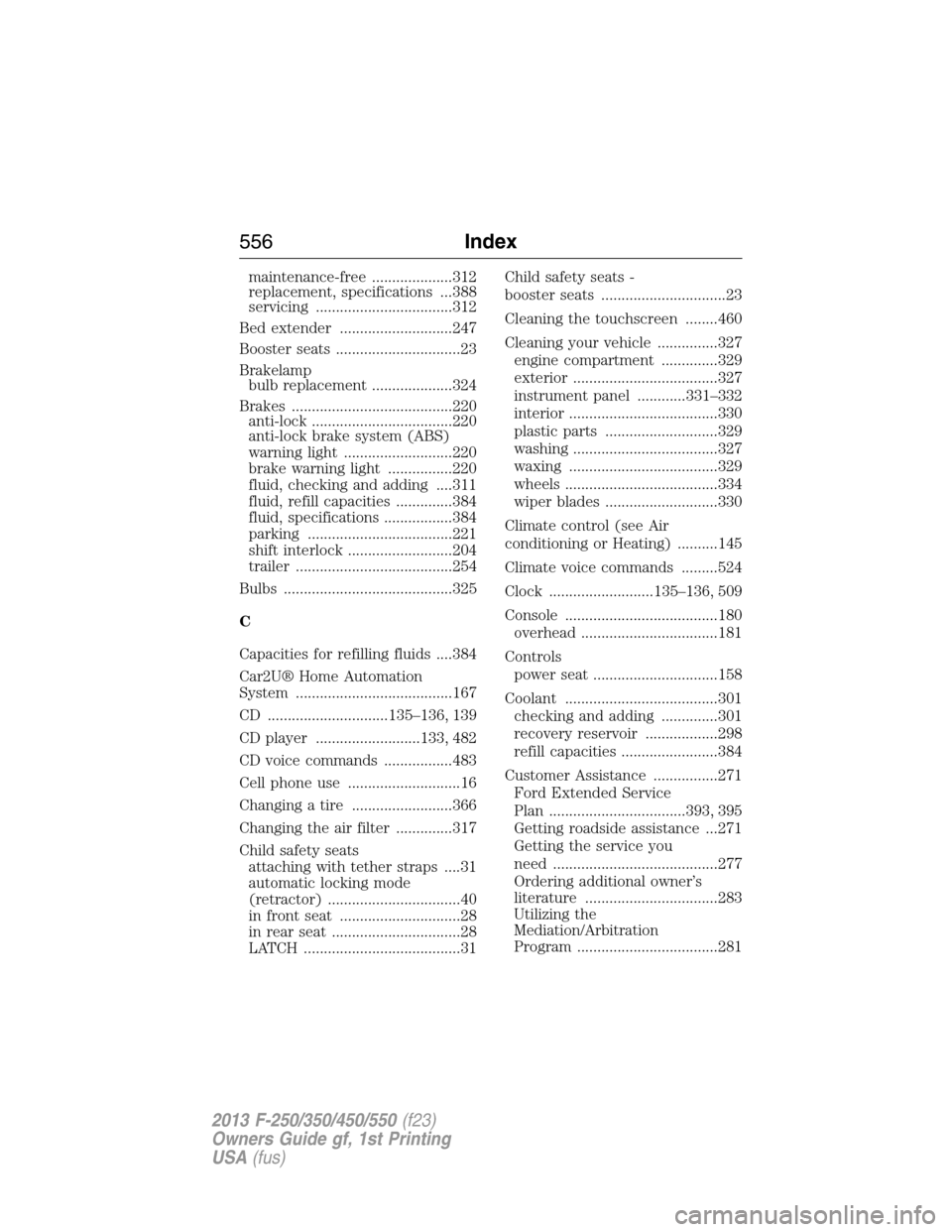
maintenance-free ....................312
replacement, specifications ...388
servicing ..................................312
Bed extender ............................247
Booster seats ...............................23
Brakelamp
bulb replacement ....................324
Brakes ........................................220
anti-lock ...................................220
anti-lock brake system (ABS)
warning light ...........................220
brake warning light ................220
fluid, checking and adding ....311
fluid, refill capacities ..............384
fluid, specifications .................384
parking ....................................221
shift interlock ..........................204
trailer .......................................254
Bulbs ..........................................325
C
Capacities for refilling fluids ....384
Car2U® Home Automation
System .......................................167
CD ..............................135–136, 139
CD player ..........................133, 482
CD voice commands .................483
Cell phone use ............................16
Changing a tire .........................366
Changing the air filter ..............317
Child safety seats
attaching with tether straps ....31
automatic locking mode
(retractor) .................................40
in front seat ..............................28
in rear seat ................................28
LATCH .......................................31Child safety seats -
booster seats ...............................23
Cleaning the touchscreen ........460
Cleaning your vehicle ...............327
engine compartment ..............329
exterior ....................................327
instrument panel ............331–332
interior .....................................330
plastic parts ............................329
washing ....................................327
waxing .....................................329
wheels ......................................334
wiper blades ............................330
Climate control (see Air
conditioning or Heating) ..........145
Climate voice commands .........524
Clock ..........................135–136, 509
Console ......................................180
overhead ..................................181
Controls
power seat ...............................158
Coolant ......................................301
checking and adding ..............301
recovery reservoir ..................298
refill capacities ........................384
Customer Assistance ................271
Ford Extended Service
Plan ..................................393, 395
Getting roadside assistance ...271
Getting the service you
need .........................................277
Ordering additional owner’s
literature .................................283
Utilizing the
Mediation/Arbitration
Program ...................................281
556Index
2013 F-250/350/450/550(f23)
Owners Guide gf, 1st Printing
USA(fus)
Page 558 of 563
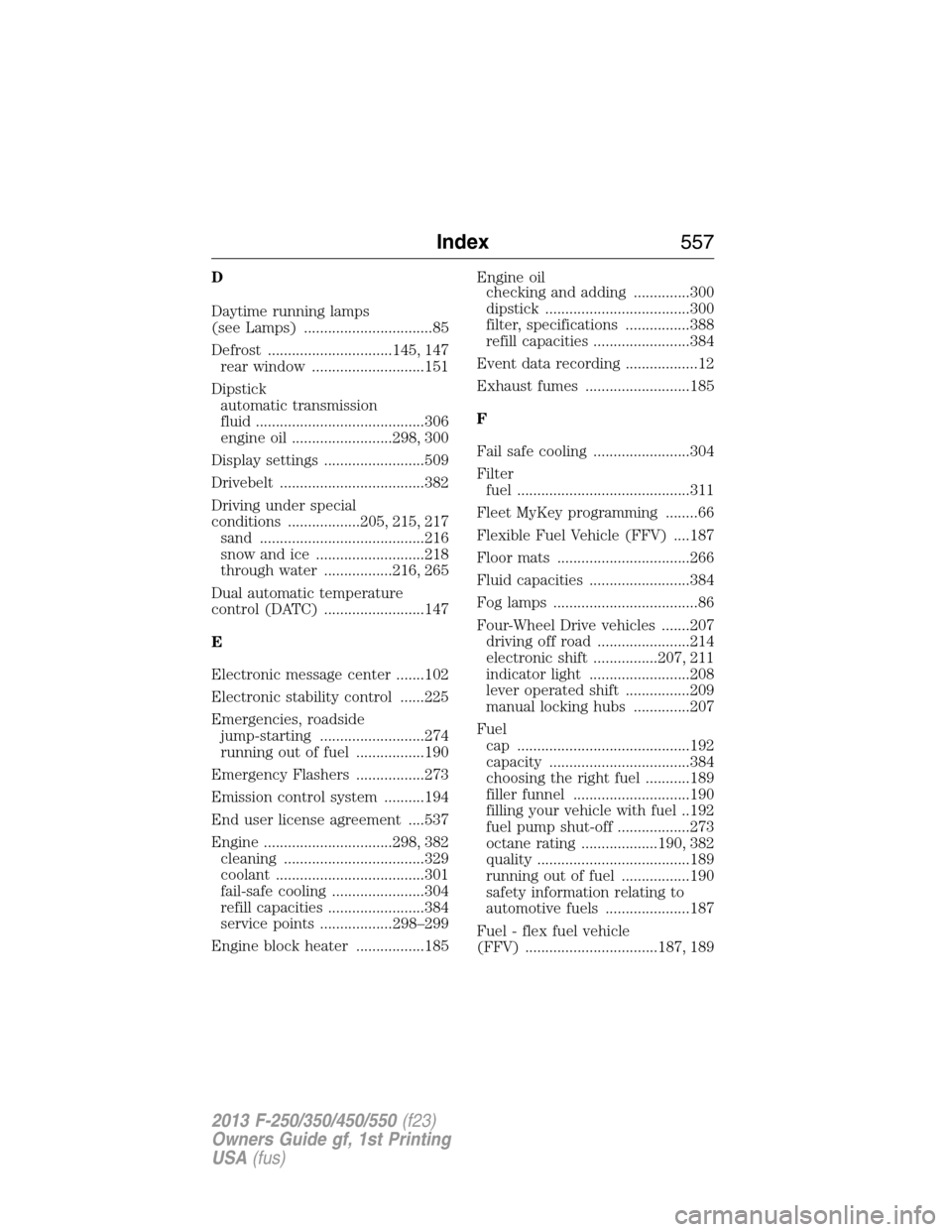
D
Daytime running lamps
(see Lamps) ................................85
Defrost ...............................145, 147
rear window ............................151
Dipstick
automatic transmission
fluid ..........................................306
engine oil .........................298, 300
Display settings .........................509
Drivebelt ....................................382
Driving under special
conditions ..................205, 215, 217
sand .........................................216
snow and ice ...........................218
through water .................216, 265
Dual automatic temperature
control (DATC) .........................147
E
Electronic message center .......102
Electronic stability control ......225
Emergencies, roadside
jump-starting ..........................274
running out of fuel .................190
Emergency Flashers .................273
Emission control system ..........194
End user license agreement ....537
Engine ................................298, 382
cleaning ...................................329
coolant .....................................301
fail-safe cooling .......................304
refill capacities ........................384
service points ..................298–299
Engine block heater .................185Engine oil
checking and adding ..............300
dipstick ....................................300
filter, specifications ................388
refill capacities ........................384
Event data recording ..................12
Exhaust fumes ..........................185
F
Fail safe cooling ........................304
Filter
fuel ...........................................311
Fleet MyKey programming ........66
Flexible Fuel Vehicle (FFV) ....187
Floor mats .................................266
Fluid capacities .........................384
Fog lamps ....................................86
Four-Wheel Drive vehicles .......207
driving off road .......................214
electronic shift ................207, 211
indicator light .........................208
lever operated shift ................209
manual locking hubs ..............207
Fuel
cap ...........................................192
capacity ...................................384
choosing the right fuel ...........189
filler funnel .............................190
filling your vehicle with fuel ..192
fuel pump shut-off ..................273
octane rating ...................190, 382
quality ......................................189
running out of fuel .................190
safety information relating to
automotive fuels .....................187
Fuel - flex fuel vehicle
(FFV) .................................187, 189
Index557
2013 F-250/350/450/550(f23)
Owners Guide gf, 1st Printing
USA(fus)
Page 559 of 563
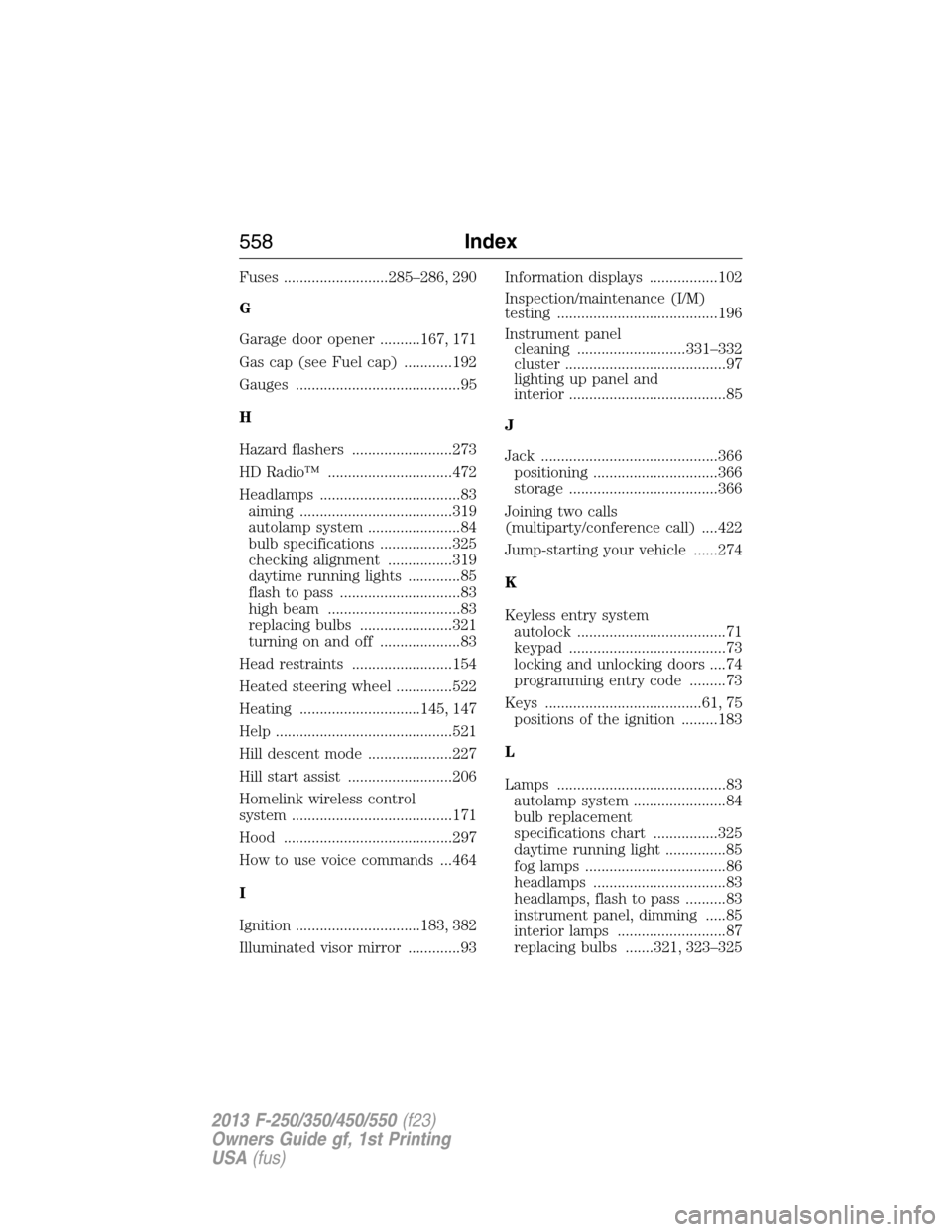
Fuses ..........................285–286, 290
G
Garage door opener ..........167, 171
Gas cap (see Fuel cap) ............192
Gauges .........................................95
H
Hazard flashers .........................273
HD Radio™ ...............................472
Headlamps ...................................83
aiming ......................................319
autolamp system .......................84
bulb specifications ..................325
checking alignment ................319
daytime running lights .............85
flash to pass ..............................83
high beam .................................83
replacing bulbs .......................321
turning on and off ....................83
Head restraints .........................154
Heated steering wheel ..............522
Heating ..............................145, 147
Help ............................................521
Hill descent mode .....................227
Hill start assist ..........................206
Homelink wireless control
system ........................................171
Hood ..........................................297
How to use voice commands ...464
I
Ignition ...............................183, 382
Illuminated visor mirror .............93Information displays .................102
Inspection/maintenance (I/M)
testing ........................................196
Instrument panel
cleaning ...........................331–332
cluster ........................................97
lighting up panel and
interior .......................................85
J
Jack ............................................366
positioning ...............................366
storage .....................................366
Joining two calls
(multiparty/conference call) ....422
Jump-starting your vehicle ......274
K
Keyless entry system
autolock .....................................71
keypad .......................................73
locking and unlocking doors ....74
programming entry code .........73
Keys .......................................61, 75
positions of the ignition .........183
L
Lamps ..........................................83
autolamp system .......................84
bulb replacement
specifications chart ................325
daytime running light ...............85
fog lamps ...................................86
headlamps .................................83
headlamps, flash to pass ..........83
instrument panel, dimming .....85
interior lamps ...........................87
replacing bulbs .......321, 323–325
558Index
2013 F-250/350/450/550(f23)
Owners Guide gf, 1st Printing
USA(fus)
Page 562 of 563
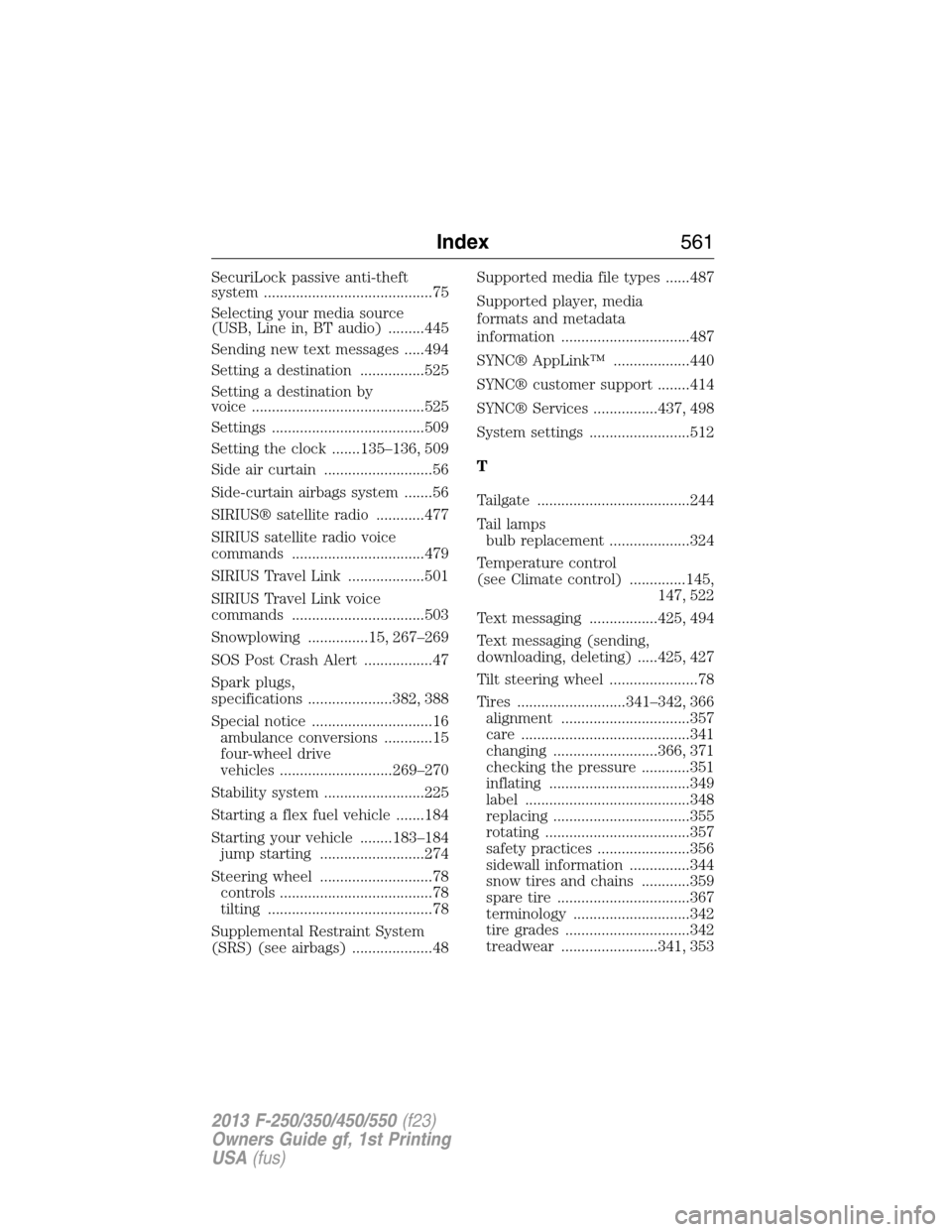
SecuriLock passive anti-theft
system ..........................................75
Selecting your media source
(USB, Line in, BT audio) .........445
Sending new text messages .....494
Setting a destination ................525
Setting a destination by
voice ...........................................525
Settings ......................................509
Setting the clock .......135–136, 509
Side air curtain ...........................56
Side-curtain airbags system .......56
SIRIUS® satellite radio ............477
SIRIUS satellite radio voice
commands .................................479
SIRIUS Travel Link ...................501
SIRIUS Travel Link voice
commands .................................503
Snowplowing ...............15, 267–269
SOS Post Crash Alert .................47
Spark plugs,
specifications .....................382, 388
Special notice ..............................16
ambulance conversions ............15
four-wheel drive
vehicles ............................269–270
Stability system .........................225
Starting a flex fuel vehicle .......184
Starting your vehicle ........183–184
jump starting ..........................274
Steering wheel ............................78
controls ......................................78
tilting .........................................78
Supplemental Restraint System
(SRS) (see airbags) ....................48Supported media file types ......487
Supported player, media
formats and metadata
information ................................487
SYNC® AppLink™ ...................440
SYNC® customer support ........414
SYNC® Services ................437, 498
System settings .........................512
T
Tailgate ......................................244
Tail lamps
bulb replacement ....................324
Temperature control
(see Climate control) ..............145,
147, 522
Text messaging .................425, 494
Text messaging (sending,
downloading, deleting) .....425, 427
Tilt steering wheel ......................78
Tires ...........................341–342, 366
alignment ................................357
care ..........................................341
changing ..........................366, 371
checking the pressure ............351
inflating ...................................349
label .........................................348
replacing ..................................355
rotating ....................................357
safety practices .......................356
sidewall information ...............344
snow tires and chains ............359
spare tire .................................367
terminology .............................342
tire grades ...............................342
treadwear ........................341, 353
Index561
2013 F-250/350/450/550(f23)
Owners Guide gf, 1st Printing
USA(fus)