climate settings FORD SUPER DUTY 2013 3.G Owners Manual
[x] Cancel search | Manufacturer: FORD, Model Year: 2013, Model line: SUPER DUTY, Model: FORD SUPER DUTY 2013 3.GPages: 563, PDF Size: 7.27 MB
Page 9 of 563
MyFord Touch® (If Equipped) 458
Privacy Information...................................463
Voice recognition.....................................463
Listening to music....................................469
Phone features.......................................490
Information Menu.....................................497
Settings............................................509
Climatefeatures......................................522
Navigation system.....................................525
Appendices 537
Index 555
The information contained in this publication was correct at the time of going to
print. In the interest of continuous development, we reserve the right to change
specifications, design or equipment at any time without notice or obligation. No
part of this publication may be reproduced, transmitted, stored in a retrieval
system or translated into any language in any form by any means without our
written permission. Errors and omissions excepted.
© Ford Motor Company 2012
8Table of Contents
2013 F-250/350/450/550(f23)
Owners Guide gf, 1st Printing
USA(fus)
Page 152 of 563
HEATED WINDOWS AND MIRRORS (IF EQUIPPED)
Heated Rear Window
Note:The engine must be running to use this feature.
Note:If your vehicle is equipped with a sliding rear window, the feature
still operates when the window is opened.
Press the button to clear the rear window of thin ice and fog. Press the
button again within 10 minutes to switch it off. It switches off
automatically after 10 minutes, or when you switch the ignition off.
Do not use razor blades or other sharp objects to clean the inside
of the rear window or to remove decals from the inside of the
rear window. This may cause damage to the heated grid lines and
will not be covered by your warranty.
Heated Exterior Mirror (If Equipped)
Note:Do not remove ice from the mirrors with a scraper or attempt to
readjust the mirror glass if it is frozen in place. These actions could
cause damage to the glass and mirrors.
Note:Do not clean the housing or glass of any mirror with harsh
abrasives, fuel or other petroleum-based cleaning products.
Both mirrors are heated to remove ice, mist and fog when the rear
window defroster is activated.
REMOTE START CLIMATE OPERATION (IF EQUIPPED)
The climate control system adjusts the cabin temperature during remote
start.
You cannot adjust the system during remote start operation. Turn the
ignition on to return the system to its previous settings. You can now
make adjustments. You will need to turn certain vehicle-dependent
features back on, such as:
•heated seats
•cooled seats
•heated steering wheel
•heated mirrors
•heated rear window.
Climate Control151
2013 F-250/350/450/550(f23)
Owners Guide gf, 1st Printing
USA(fus)
Page 153 of 563
Manual Climate Systems
In hot weather, the climate control system is set to MAX A/C.
In moderate weather, the system either heats or cools (based on
previous settings). The rear defroster and heated mirrors are not
automatically turned on.
In cold weather, maximum heat is provided in floor/defrost mode. The
rear defroster and heated mirrors are automatically turned on. If your
vehicle is equipped with a diesel engine and a supplemental heater, the
supplemental heater also turns on.
Automatic Climate Systems
Automatic Settings
The climate control system automatically sets the interior temperature to
72°F (22°C).
In hot weather, the system is set to 72°F (22°C). Cooled seats are set to
high (if available, and selected to AUTO in the information display).
In moderate weather, the system either heats or cools (based on
previous settings). The rear defroster, heated mirrors and heated/cooled
seats are not automatically turned on.
In cold weather, the system is set to 72°F (22°C). The heated seats and
heated steering wheel (if equipped) are set to high. The rear defroster
and heated mirrors are automatically turned on.
Heated and Cooled Devices
The climate control system controls other heated and cooled devices
inside the vehicle. These devices (if equipped) may also be switched on
during remote start. Heated devices are typically switched on during cold
weather, and cooled devices during hot weather. If your vehicle is
equipped with a diesel engine and a supplemental heater, the
supplemental heater also turns on.
152Climate Control
2013 F-250/350/450/550(f23)
Owners Guide gf, 1st Printing
USA(fus)
Page 459 of 563
INTRODUCTION
WARNING:Driving while distracted can result in loss of vehicle
control, accident and injury. Ford strongly recommends that
drivers use extreme caution when using any device or feature that may
take their focus off the road. Your primary responsibility is the safe
operation of the vehicle. We recommend against the use of any
handheld device while driving, encourage the use of voice-operated
systems when possible and that you become aware of applicable state
and local laws that may affect use of electronic devices while driving.
Note:Some features are not available while your vehicle is moving.
Note:Your system is equipped with a feature that allows you to access
and control audio features for 30 minutes after you switch the ignition
off (and no doors open).
This system uses a four-corner strategy to provide quick access several
vehicle features and settings. The touchscreen provides easy interaction
with your cellular phone, multimedia, climate control and navigation
system. The corners display any active modes within those menus, such
as phone status or the climate temperature.
SETTINGS
Press to select any of the following:
•Clock
•Display
•Sound
•Vehicle
•Settings
•Help
INFORMATION
Press to select any of the following:
•SYNC® Services
•SIRIUS® Travel Link™
•Alerts
•Calendar
•SYNC Apps
If the icon is yellow, seeAlertsin theInformationsection of this chapter.
458MyFord Touch® (If Equipped)
2013 F-250/350/450/550(f23)
Owners Guide gf, 1st Printing
USA(fus)
Page 460 of 563
PHONE
Press to select any of the following:
•Making and Receiving Calls
•Quick Dial
•Phonebook
•Call History
•Text Messaging
•Settings
NAVIGATION
Press to select any of the following:
•My Home
•Favorites
•Previous Destinations
•Point of Interest
•Emergency
•Street Address
•Intersection
•City Center
•Map
•Previous Starting Point
•Latitude/Longitude
•Freeway Entrance/Exit
ENTERTAINMENT
Press to select any of the following:
•AM
•FM
•SIRIUS
•CD
•USB
•BT Stereo
•SD Card
•A/V In
CLIMATE
Press to select any of the following:
•Driver Settings
•Recirculated Air
•Auto
•Dual
•Passenger Settings
•A/C
•Defrost
MyFord Touch® (If Equipped)459
2013 F-250/350/450/550(f23)
Owners Guide gf, 1st Printing
USA(fus)
Page 466 of 563
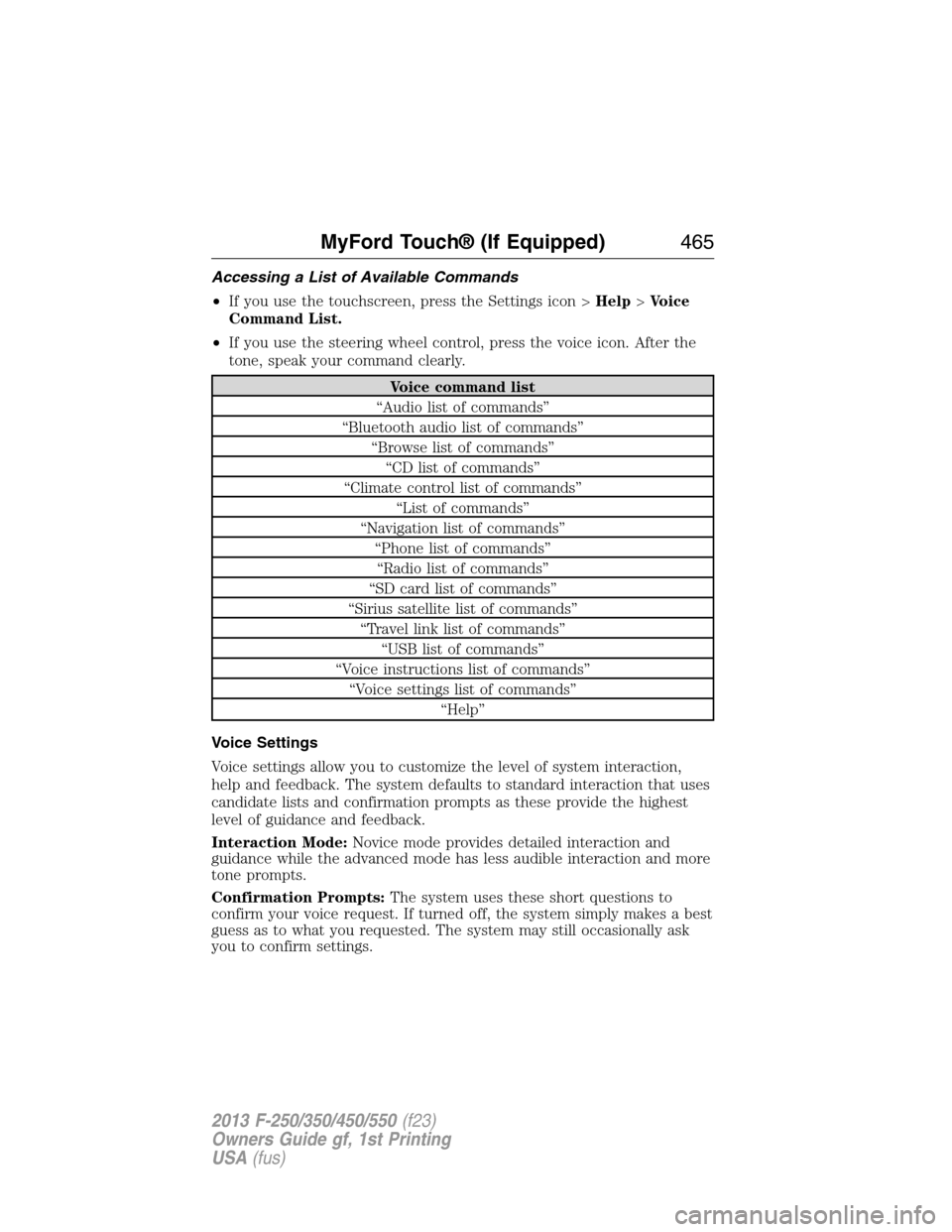
Accessing a List of Available Commands
•If you use the touchscreen, press the Settings icon >Help>Voice
Command List.
•If you use the steering wheel control, press the voice icon. After the
tone, speak your command clearly.
Voice command list
“Audio list of commands”
“Bluetooth audio list of commands”
“Browse list of commands”
“CD list of commands”
“Climate control list of commands”
“List of commands”
“Navigation list of commands”
“Phone list of commands”
“Radio list of commands”
“SD card list of commands”
“Sirius satellite list of commands”
“Travel link list of commands”
“USB list of commands”
“Voice instructions list of commands”
“Voice settings list of commands”
“Help”
Voice Settings
Voice settings allow you to customize the level of system interaction,
help and feedback. The system defaults to standard interaction that uses
candidate lists and confirmation prompts as these provide the highest
level of guidance and feedback.
Interaction Mode:Novice mode provides detailed interaction and
guidance while the advanced mode has less audible interaction and more
tone prompts.
Confirmation Prompts:The system uses these short questions to
confirm your voice request. If turned off, the system simply makes a best
guess as to what you requested. The system may still occasionally ask
you to confirm settings.
MyFord Touch® (If Equipped)465
2013 F-250/350/450/550(f23)
Owners Guide gf, 1st Printing
USA(fus)
Page 513 of 563
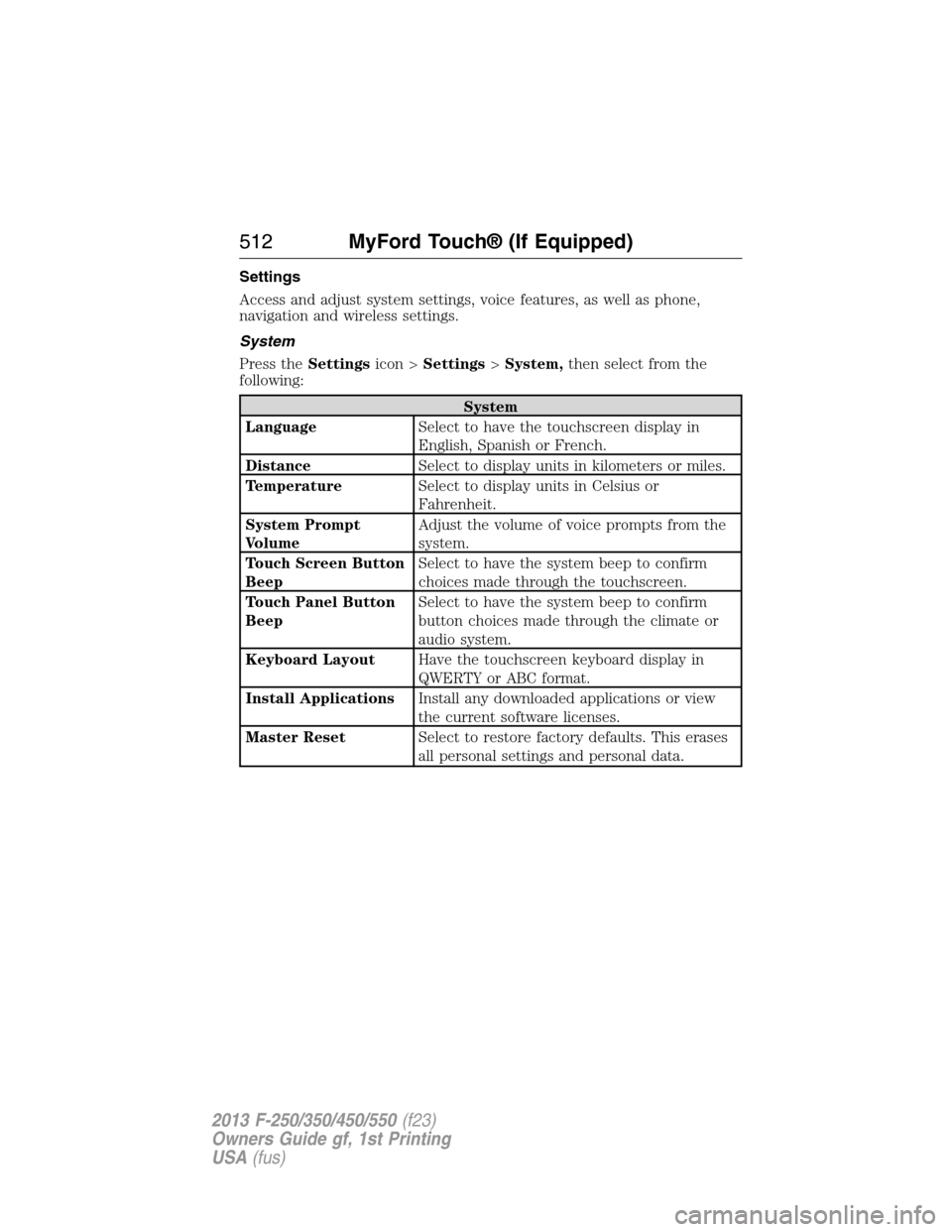
Settings
Access and adjust system settings, voice features, as well as phone,
navigation and wireless settings.
System
Press theSettingsicon >Settings>System,then select from the
following:
System
LanguageSelect to have the touchscreen display in
English, Spanish or French.
DistanceSelect to display units in kilometers or miles.
TemperatureSelect to display units in Celsius or
Fahrenheit.
System Prompt
VolumeAdjust the volume of voice prompts from the
system.
Touch Screen Button
BeepSelect to have the system beep to confirm
choices made through the touchscreen.
Touch Panel Button
BeepSelect to have the system beep to confirm
button choices made through the climate or
audio system.
Keyboard LayoutHave the touchscreen keyboard display in
QWERTY or ABC format.
Install ApplicationsInstall any downloaded applications or view
the current software licenses.
Master ResetSelect to restore factory defaults. This erases
all personal settings and personal data.
512MyFord Touch® (If Equipped)
2013 F-250/350/450/550(f23)
Owners Guide gf, 1st Printing
USA(fus)
Page 523 of 563
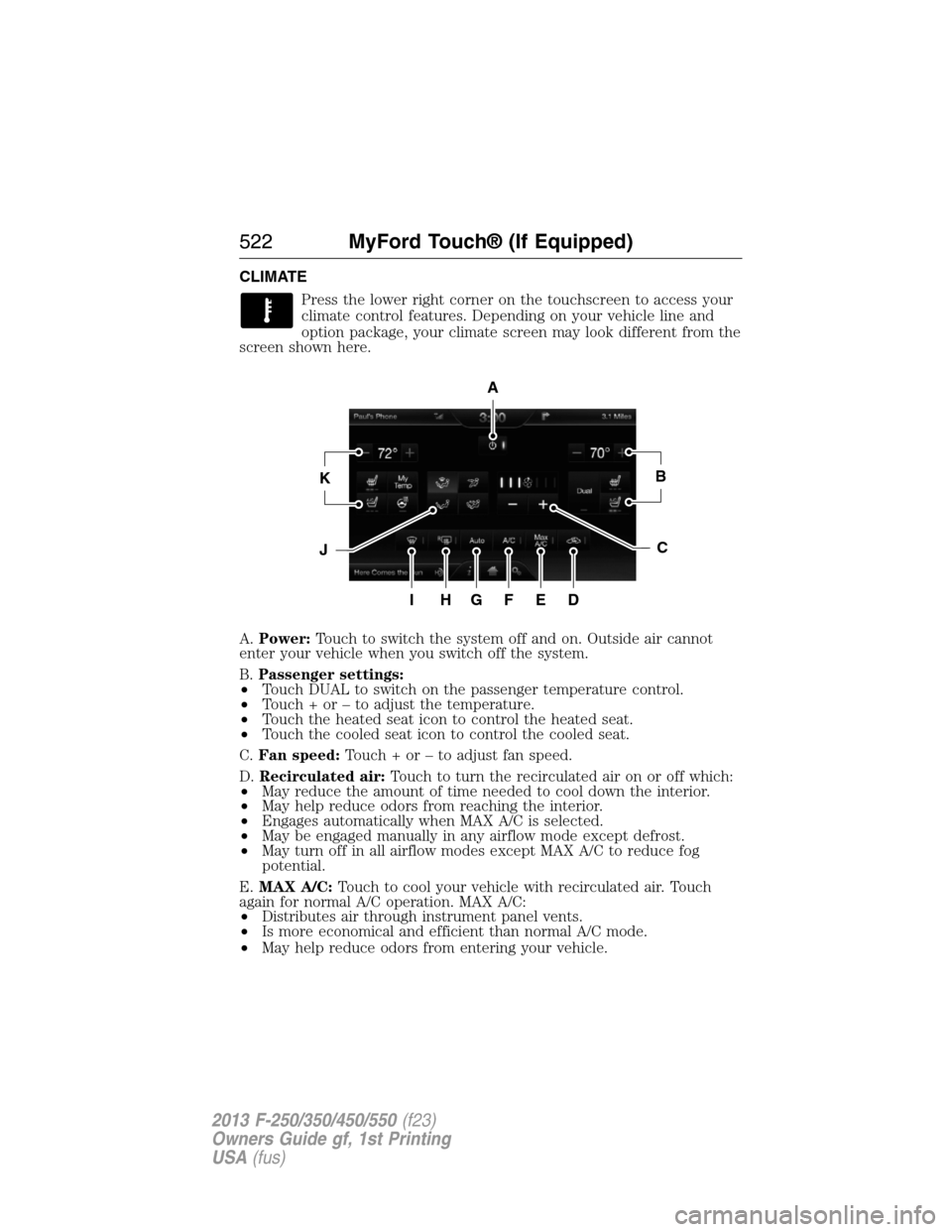
CLIMATE
Press the lower right corner on the touchscreen to access your
climate control features. Depending on your vehicle line and
option package, your climate screen may look different from the
screen shown here.
A.Power:Touch to switch the system off and on. Outside air cannot
enter your vehicle when you switch off the system.
B.Passenger settings:
•Touch DUAL to switch on the passenger temperature control.
•Touch + or – to adjust the temperature.
•Touch the heated seat icon to control the heated seat.
•Touch the cooled seat icon to control the cooled seat.
C.Fan speed:Touch + or – to adjust fan speed.
D.Recirculated air:Touch to turn the recirculated air on or off which:
•May reduce the amount of time needed to cool down the interior.
•May help reduce odors from reaching the interior.
•Engages automatically when MAX A/C is selected.
•May be engaged manually in any airflow mode except defrost.
•May turn off in all airflow modes except MAX A/C to reduce fog
potential.
E.MAX A/C:Touch to cool your vehicle with recirculated air. Touch
again for normal A/C operation. MAX A/C:
•Distributes air through instrument panel vents.
•Is more economical and efficient than normal A/C mode.
•May help reduce odors from entering your vehicle.
A
KB
JC
IHGFED
522MyFord Touch® (If Equipped)
2013 F-250/350/450/550(f23)
Owners Guide gf, 1st Printing
USA(fus)
Page 562 of 563
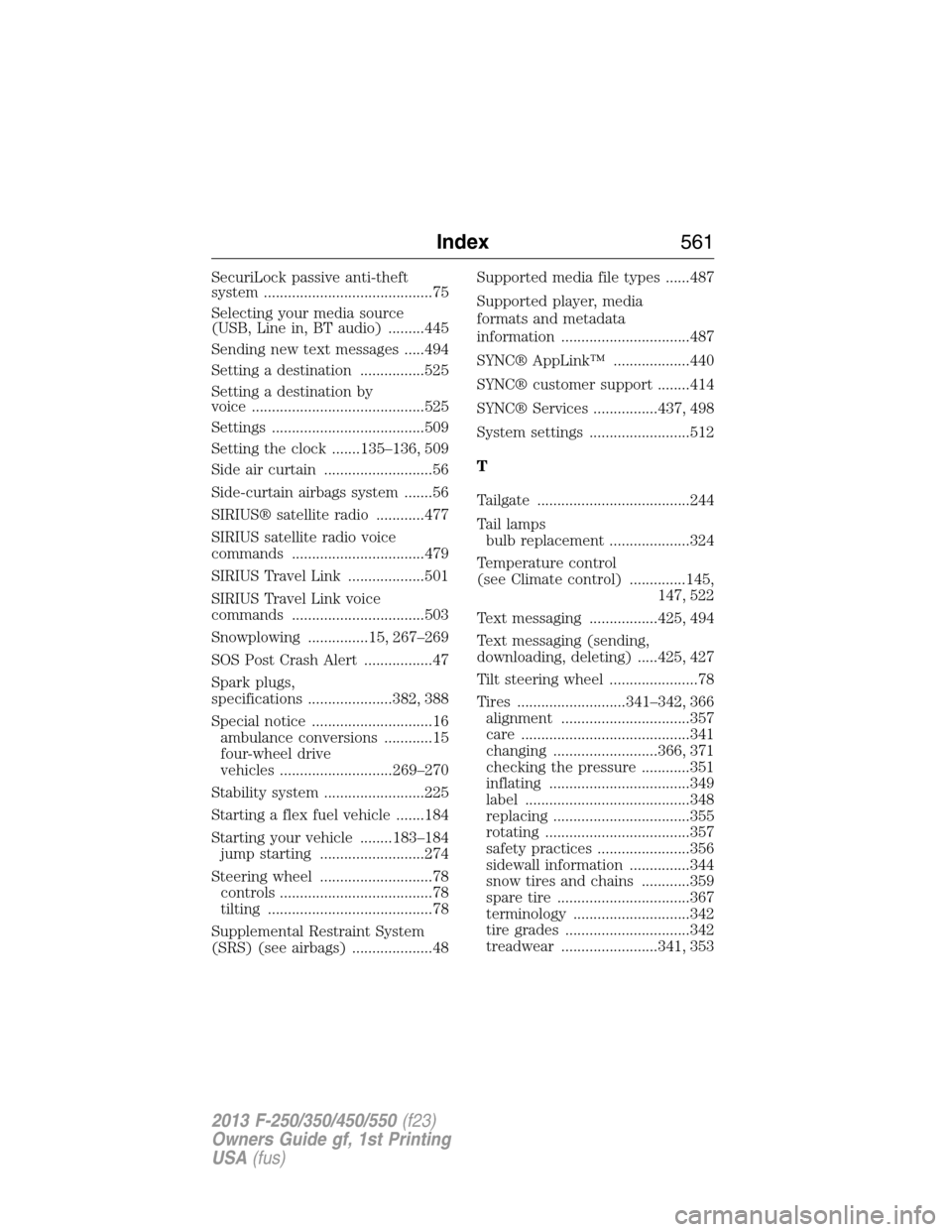
SecuriLock passive anti-theft
system ..........................................75
Selecting your media source
(USB, Line in, BT audio) .........445
Sending new text messages .....494
Setting a destination ................525
Setting a destination by
voice ...........................................525
Settings ......................................509
Setting the clock .......135–136, 509
Side air curtain ...........................56
Side-curtain airbags system .......56
SIRIUS® satellite radio ............477
SIRIUS satellite radio voice
commands .................................479
SIRIUS Travel Link ...................501
SIRIUS Travel Link voice
commands .................................503
Snowplowing ...............15, 267–269
SOS Post Crash Alert .................47
Spark plugs,
specifications .....................382, 388
Special notice ..............................16
ambulance conversions ............15
four-wheel drive
vehicles ............................269–270
Stability system .........................225
Starting a flex fuel vehicle .......184
Starting your vehicle ........183–184
jump starting ..........................274
Steering wheel ............................78
controls ......................................78
tilting .........................................78
Supplemental Restraint System
(SRS) (see airbags) ....................48Supported media file types ......487
Supported player, media
formats and metadata
information ................................487
SYNC® AppLink™ ...................440
SYNC® customer support ........414
SYNC® Services ................437, 498
System settings .........................512
T
Tailgate ......................................244
Tail lamps
bulb replacement ....................324
Temperature control
(see Climate control) ..............145,
147, 522
Text messaging .................425, 494
Text messaging (sending,
downloading, deleting) .....425, 427
Tilt steering wheel ......................78
Tires ...........................341–342, 366
alignment ................................357
care ..........................................341
changing ..........................366, 371
checking the pressure ............351
inflating ...................................349
label .........................................348
replacing ..................................355
rotating ....................................357
safety practices .......................356
sidewall information ...............344
snow tires and chains ............359
spare tire .................................367
terminology .............................342
tire grades ...............................342
treadwear ........................341, 353
Index561
2013 F-250/350/450/550(f23)
Owners Guide gf, 1st Printing
USA(fus)