lights FORD SUPER DUTY 2017 4.G Owner's Manual
[x] Cancel search | Manufacturer: FORD, Model Year: 2017, Model line: SUPER DUTY, Model: FORD SUPER DUTY 2017 4.GPages: 636, PDF Size: 10.56 MB
Page 400 of 636
12.
Turn the ignition off. If two short horn
beeps are heard, the reset procedure
was unsuccessful and you must
repeat it. If after repeating the
procedure and two short beeps are
heard when the ignition is turned to
off, seek assistance from your
authorized dealer.
13. Set all four tires to the recommended
air pressure as indicated on the
Safety Compliance Certification
Label (affixed to either the door hinge
pillar, door-latch post, or the door
edge that meets the door-latch post,
next to the driver's seating position)
or Tire Label located on the B-Pillar
or the edge of the driver's door.
Trailer Tire Pressure Monitoring
System (If Equipped)
Note: Additional equipment may be
required for your vehicle to support trailer
tire pressure monitoring. See your authorized
dealer for more information.
Note: The trailer tire pressure monitoring
system is not a substitute for proper tire
maintenance. It is your responsibility to
maintain correct tire pressures at all times.
Note: If a trailer tire is repaired, replaced or
broken down for service, the screw and valve
on the trailer tire pressure sensor should be
replaced. See your authorized dealer for
details. The trailer tire pressure monitoring system
is an added safety feature that allows you
to view your trailer tire pressures through
the information display. See
General
Information (page 111). Tire pressure
sensors are mounted into each tire on your
trailer. The sensors send a message to your
vehicle indicating the current trailer tire
pressure.
If the trailer tire pressure monitoring
system detects that a tire is low, a warning
message appears in the information
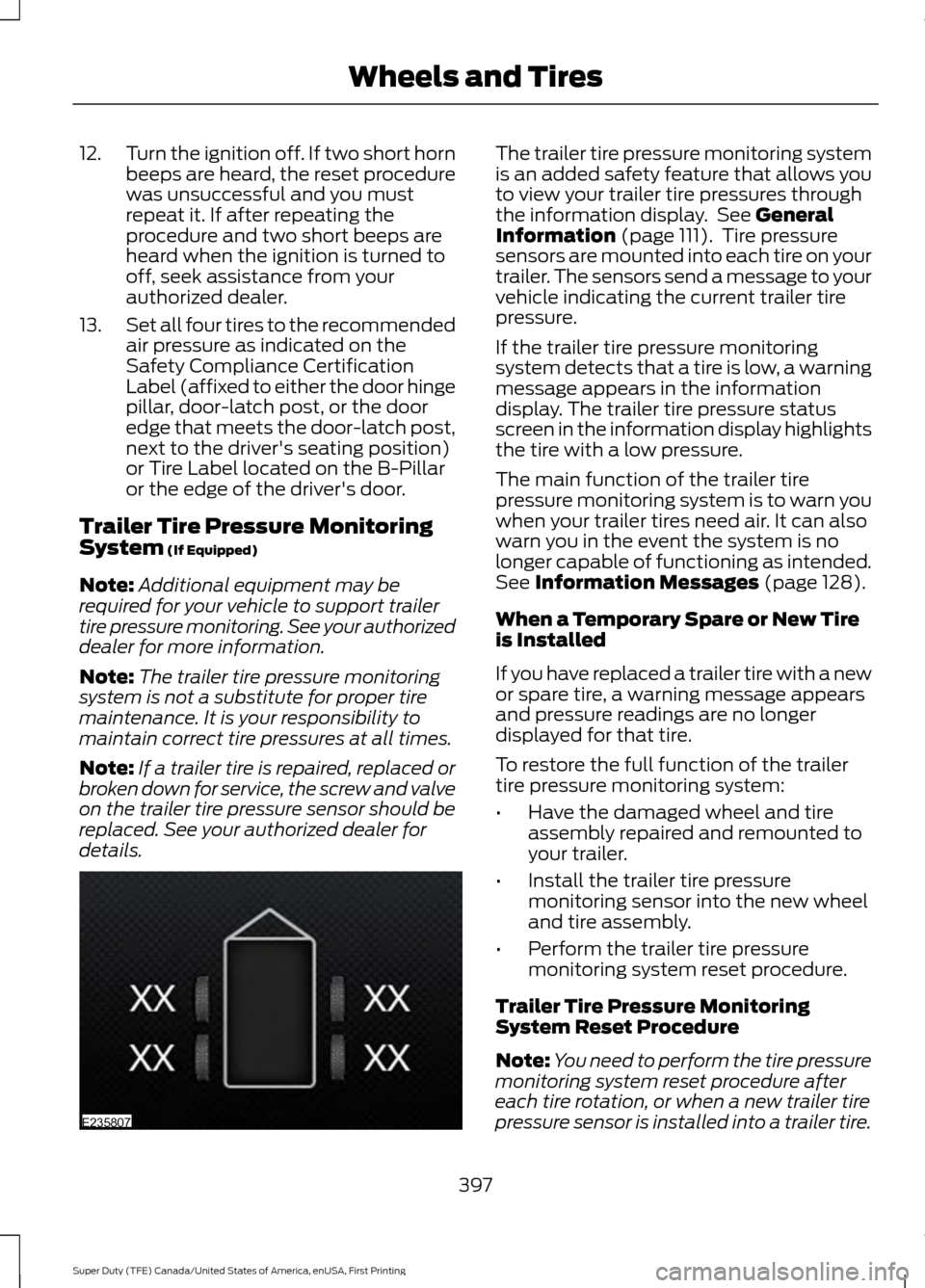
display. The trailer tire pressure status
screen in the information display highlights
the tire with a low pressure.
The main function of the trailer tire
pressure monitoring system is to warn you
when your trailer tires need air. It can also
warn you in the event the system is no
longer capable of functioning as intended.
See
Information Messages (page 128).
When a Temporary Spare or New Tire
is Installed
If you have replaced a trailer tire with a new
or spare tire, a warning message appears
and pressure readings are no longer
displayed for that tire.
To restore the full function of the trailer
tire pressure monitoring system:
• Have the damaged wheel and tire
assembly repaired and remounted to
your trailer.
• Install the trailer tire pressure
monitoring sensor into the new wheel
and tire assembly.
• Perform the trailer tire pressure
monitoring system reset procedure.
Trailer Tire Pressure Monitoring
System Reset Procedure
Note: You need to perform the tire pressure
monitoring system reset procedure after
each tire rotation, or when a new trailer tire
pressure sensor is installed into a trailer tire.
397
Super Duty (TFE) Canada/United States of America, enUSA, First Printing Wheels and TiresE235807
Page 464 of 636
Sending a Text Message
Note:
You can only send a text message to
one recipient at a time.
1. Select the send option when the desired selection highlights in the audio
display.
2. Select the confirmation option when the contact appears.
3. Press the OK button again to confirm when the system asks if you want to
send the message. A pre-defined
signature appears on each text
message. Note:
You can send text messages either
by choosing a contact from the phonebook
and selecting the text option from the audio
display or by replying to a received message
in the inbox.
Accessing Your Phone Settings
These are phone-dependent features. Your
phone settings allow you to access and
adjust features such as your ring tone and
text message notification, modify your
phonebook, and set up automatic
download.
1. Press the PHONE button.
2. Scroll until the phone settings option appears, and then press the OK button.
Scroll to select from the following options: Description and action
Menu Item
If this option is checked, the system uses the cellular phone
as the master when there is more than one cellular phone
paired to the system. This option can be changed for all
cellular phones (not only the active phone) using the
Bluetooth Devices menu.
Set as master
See the cellular phone name, provider name, cellular
phone number, and signal level. When done, press the left
arrow buttons to return to the phone status menu.
Phone status
Select which ringtone sounds during an incoming call (one
of the system's tones or your cellular phone's). If your
phone supports in-band ringing, your phone's ringtone
sounds when you choose the cellular phone ringtone
option.
Set ringtone
1. Press the
OK button to select and scroll to hear each
ringtone.
2. Press the
OK button to select a ringtone.
Have the option of hearing an audible tone to notify you
when a text message arrives. Press the
OK button to
switch the audible tone off or on.
Text msg notify
Modify the contents of your phonebook (such as add,
delete or download). Press the
OK button to select and
scroll between the choices in the phonebook preferences
table below.
Phonebook pref.
461
Super Duty (TFE) Canada/United States of America, enUSA, First Printing SYNC™
(If Equipped)
Page 520 of 636
Note: The heated steering wheel may remain on after remote starting the
vehicle, based on your remote start settings. The heated steering wheel may
also turn on when you start your vehicle, if it was on when you switched your
vehicle off.
Note:
For steering wheels with wood trim, the heating feature will not heat the
wheel between the 10 and 2 o'clock positions.
Defrost:
A pop up appears on the screen to display the defrost options.
C
MAX Defrost: Touch the button to maximize defrosting. Air flows through the
windshield vents, the fan automatically adjusts to the highest speed and the
driver and passenger temperatures are set to HI. You can use this setting to
defog or clear a thin covering of ice from the windshield. The heated rear window
also automatically turns on when you select MAX Defrost.
Defrost:
Distributes air through the windshield defroster vents and demister
vents.
AUTO:
Touch the button to switch on automatic operation. Select the desired
temperature using the temperature control. The system adjusts fan speed, air
distribution, air conditioning operation, and selects outside air or recirculated
air to heat or cool the vehicle in order to maintain the desired temperature.
D
Power:
Touch the button to switch the system on and off. Switching off the
climate control system prevents outside air from entering the vehicle.
E
DUAL:
This button lights up when the passenger controls are active. To switch
it off and link the passenger temperature to the driver temperature, touch the
DUAL button.
F
Note:
the passenger side temperature and the DUAL indication automatically
turn on when you or your passenger adjust the passenger temperature.
Passenger temperature:
Touch up or down to adjust the temperature.
G
Fan speed:
Touch up or down to increase or decrease the volume of air that
circulates in your vehicle.
H
Note:
You cannot adjust the fan speed when the system is set to AUTO or MAX
A/C.
A/C:
A pop-up appears on the screen to display the air conditioning options.
I
MAX A/C: Touch the button to activate and maximize cooling. The driver and
passenger temperatures are set to LO, recirculated air flows through the
instrument panel vents, air conditioning automatically turns on and the fan
automatically adjusts to the highest speed.
A/C:
Touch to switch the air conditioning on or off. Use A/C with recirculated
air to improve cooling performance and efficiency.
Note:
In certain conditions (for example, Max Defrost), the air conditioning
compressor may continue to operate even when you switch the air conditioning
A/C button off.
517
Super Duty (TFE) Canada/United States of America, enUSA, First Printing SYNC™ 3
(If Equipped)
Page 528 of 636
3D city models are complete 3D models
of entire city areas including navigable
roads, parks, rivers and rendered buildings.
3D landmarks and city models appear in
3D map mode only. Coverage of these
varies and improves with updated map
releases.
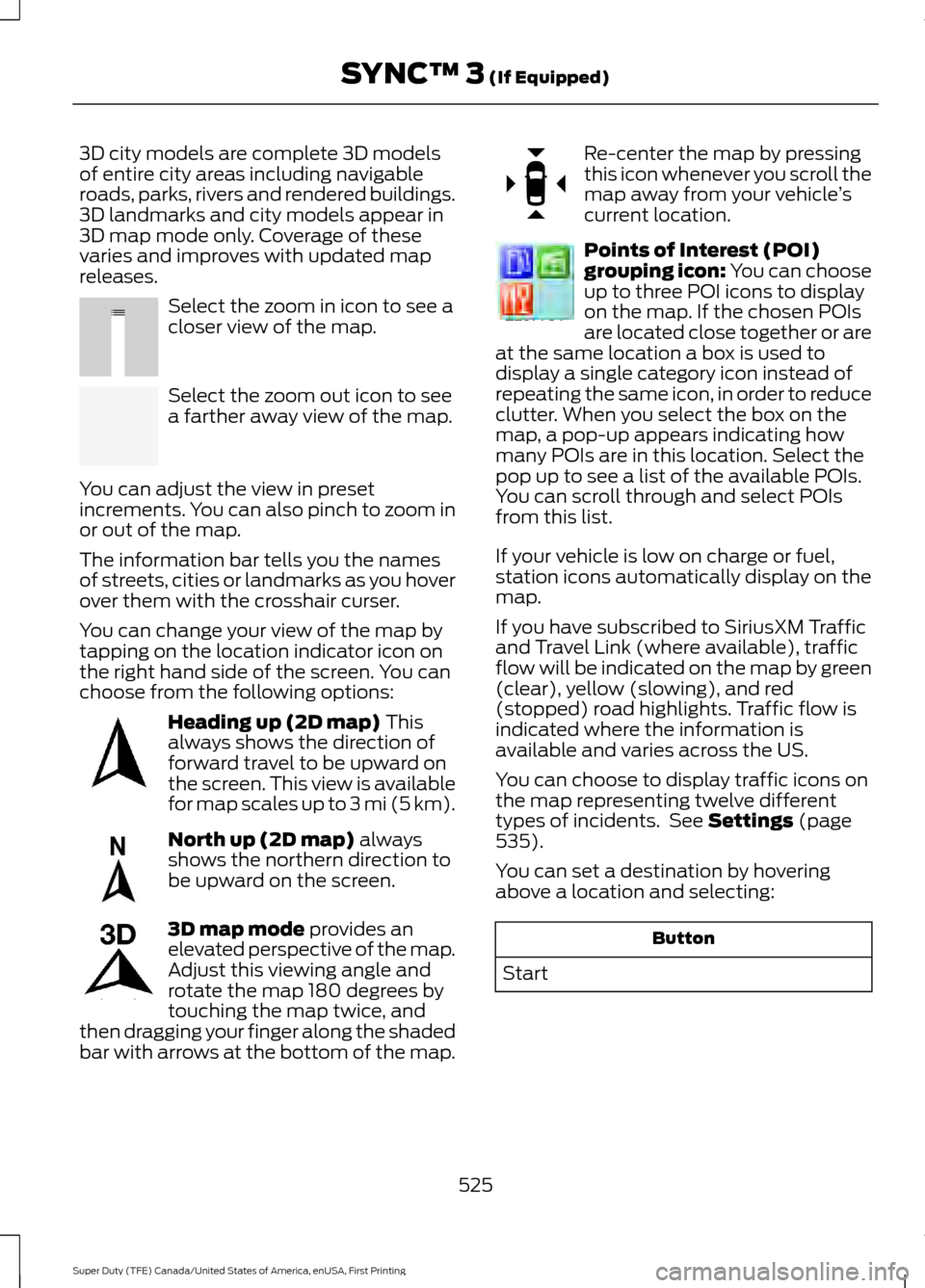
Select the zoom in icon to see a
closer view of the map.
Select the zoom out icon to see
a farther away view of the map.
You can adjust the view in preset
increments. You can also pinch to zoom in
or out of the map.
The information bar tells you the names
of streets, cities or landmarks as you hover
over them with the crosshair curser.
You can change your view of the map by
tapping on the location indicator icon on
the right hand side of the screen. You can
choose from the following options: Heading up (2D map) This
always shows the direction of
forward travel to be upward on
the screen. This view is available
for map scales up to
3 mi (5 km). North up (2D map)
always
shows the northern direction to
be upward on the screen. 3D map mode
provides an
elevated perspective of the map.
Adjust this viewing angle and
rotate the map 180 degrees by
touching the map twice, and
then dragging your finger along the shaded
bar with arrows at the bottom of the map. Re-center the map by pressing
this icon whenever you scroll the
map away from your vehicle
’s
current location. Points of Interest (POI)
grouping icon: You can choose
up to three POI icons to display
on the map. If the chosen POIs
are located close together or are
at the same location a box is used to
display a single category icon instead of
repeating the same icon, in order to reduce
clutter. When you select the box on the
map, a pop-up appears indicating how
many POIs are in this location. Select the
pop up to see a list of the available POIs.
You can scroll through and select POIs
from this list.
If your vehicle is low on charge or fuel,
station icons automatically display on the
map.
If you have subscribed to SiriusXM Traffic
and Travel Link (where available), traffic
flow will be indicated on the map by green
(clear), yellow (slowing), and red
(stopped) road highlights. Traffic flow is
indicated where the information is
available and varies across the US.
You can choose to display traffic icons on
the map representing twelve different
types of incidents. See
Settings (page
535).
You can set a destination by hovering
above a location and selecting: Button
Start
525
Super Duty (TFE) Canada/United States of America, enUSA, First Printing SYNC™ 3
(If Equipped)E207752 E207753 E207750 E207749 E207748 E207751 E207754
Page 563 of 636
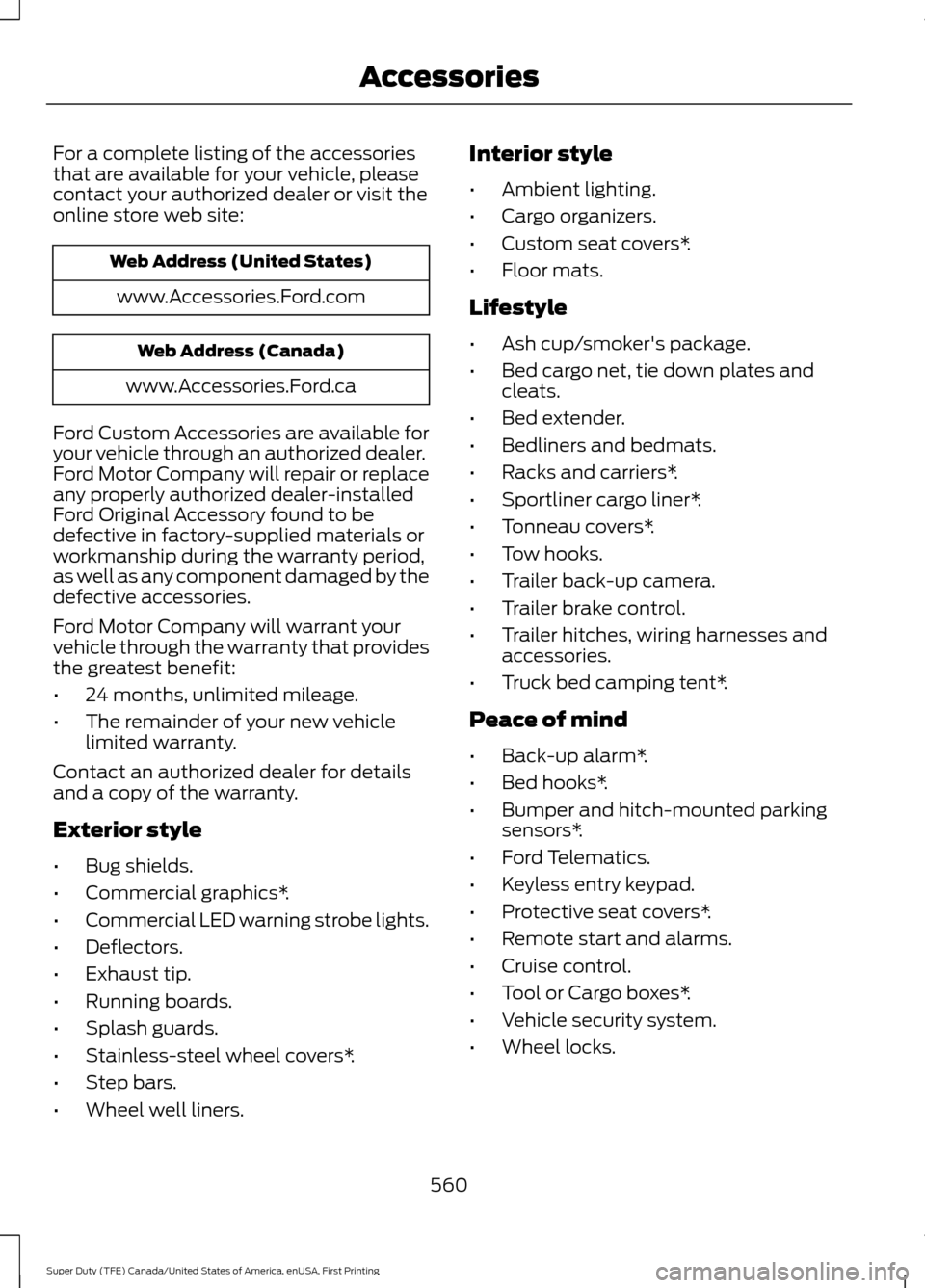
For a complete listing of the accessories
that are available for your vehicle, please
contact your authorized dealer or visit the
online store web site:
Web Address (United States)
www.Accessories.Ford.com Web Address (Canada)
www.Accessories.Ford.ca
Ford Custom Accessories are available for
your vehicle through an authorized dealer.
Ford Motor Company will repair or replace
any properly authorized dealer-installed
Ford Original Accessory found to be
defective in factory-supplied materials or
workmanship during the warranty period,
as well as any component damaged by the
defective accessories.
Ford Motor Company will warrant your
vehicle through the warranty that provides
the greatest benefit:
• 24 months, unlimited mileage.
• The remainder of your new vehicle
limited warranty.
Contact an authorized dealer for details
and a copy of the warranty.
Exterior style
• Bug shields.
• Commercial graphics*.
• Commercial LED warning strobe lights.
• Deflectors.
• Exhaust tip.
• Running boards.
• Splash guards.
• Stainless-steel wheel covers*.
• Step bars.
• Wheel well liners. Interior style
•
Ambient lighting.
• Cargo organizers.
• Custom seat covers*.
• Floor mats.
Lifestyle
• Ash cup/smoker's package.
• Bed cargo net, tie down plates and
cleats.
• Bed extender.
• Bedliners and bedmats.
• Racks and carriers*.
• Sportliner cargo liner*.
• Tonneau covers*.
• Tow hooks.
• Trailer back-up camera.
• Trailer brake control.
• Trailer hitches, wiring harnesses and
accessories.
• Truck bed camping tent*.
Peace of mind
• Back-up alarm*.
• Bed hooks*.
• Bumper and hitch-mounted parking
sensors*.
• Ford Telematics.
• Keyless entry keypad.
• Protective seat covers*.
• Remote start and alarms.
• Cruise control.
• Tool or Cargo boxes*.
• Vehicle security system.
• Wheel locks.
560
Super Duty (TFE) Canada/United States of America, enUSA, First Printing Accessories
Page 626 of 636
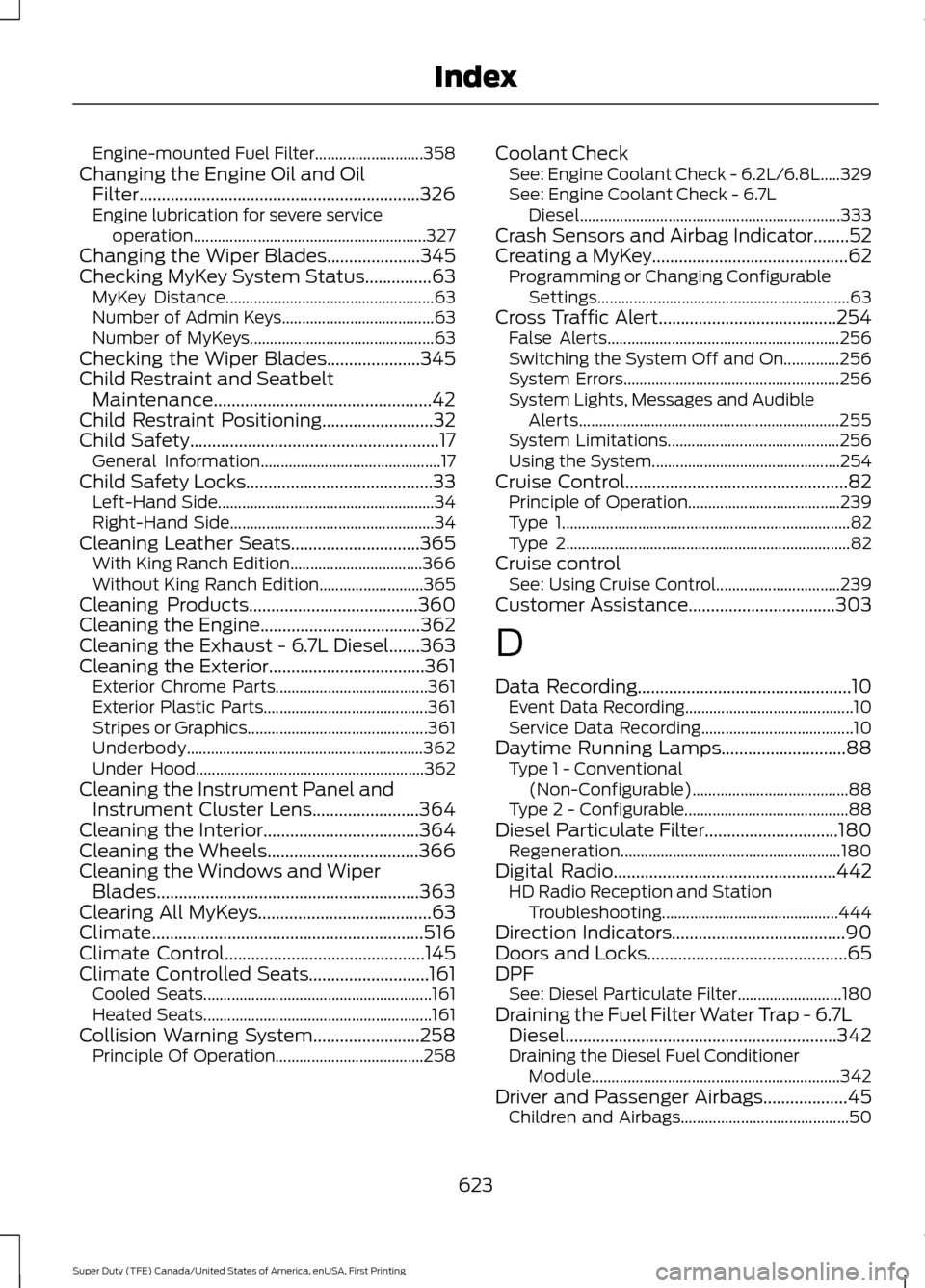
Engine-mounted Fuel Filter...........................
358
Changing the Engine Oil and Oil Filter...............................................................326
Engine lubrication for severe service operation.......................................................... 327
Changing the Wiper Blades.....................345
Checking MyKey System Status...............63 MyKey Distance.................................................... 63
Number of Admin Keys...................................... 63
Number of MyKeys.............................................. 63
Checking the Wiper Blades.....................345
Child Restraint and Seatbelt Maintenance.................................................42
Child Restraint Positioning.........................32
Child Safety
........................................................17
General Information............................................. 17
Child Safety Locks..........................................33 Left-Hand Side...................................................... 34
Right-Hand Side................................................... 34
Cleaning Leather Seats
.............................365
With King Ranch Edition................................. 366
Without King Ranch Edition.......................... 365
Cleaning Products
......................................360
Cleaning the Engine....................................362
Cleaning the Exhaust - 6.7L Diesel.......363
Cleaning the Exterior...................................361 Exterior Chrome Parts...................................... 361
Exterior Plastic Parts......................................... 361
Stripes or Graphics............................................. 361
Underbody........................................................... 362
Under Hood......................................................... 362
Cleaning the Instrument Panel and Instrument Cluster Lens........................364
Cleaning the Interior
...................................364
Cleaning the Wheels..................................366
Cleaning the Windows and Wiper Blades...........................................................363
Clearing All MyKeys.......................................63
Climate.............................................................516
Climate Control
.............................................145
Climate Controlled Seats...........................161 Cooled Seats......................................................... 161
Heated Seats......................................................... 161
Collision Warning System
........................258
Principle Of Operation..................................... 258Coolant Check
See: Engine Coolant Check - 6.2L/6.8L.....329
See: Engine Coolant Check - 6.7L
Diesel................................................................. 333
Crash Sensors and Airbag Indicator
........52
Creating a MyKey............................................62
Programming or Changing Configurable
Settings............................................................... 63
Cross Traffic Alert
........................................254
False Alerts.......................................................... 256
Switching the System Off and On..............256
System Errors...................................................... 256
System Lights, Messages and Audible Alerts................................................................. 255
System Limitations........................................... 256
Using the System............................................... 254
Cruise Control..................................................82 Principle of Operation...................................... 239
Type 1........................................................................\
82
Type 2....................................................................... 82
Cruise control See: Using Cruise Control............................... 239
Customer Assistance
.................................303
D
Data Recording
................................................10
Event Data Recording.......................................... 10
Service Data Recording...................................... 10
Daytime Running Lamps............................88 Type 1 - Conventional
(Non-Configurable)....................................... 88
Type 2 - Configurable......................................... 88
Diesel Particulate Filter..............................180 Regeneration....................................................... 180
Digital Radio
..................................................442
HD Radio Reception and Station
Troubleshooting............................................ 444
Direction Indicators
.......................................90
Doors and Locks.............................................65
DPF See: Diesel Particulate Filter.......................... 180
Draining the Fuel Filter Water Trap - 6.7L Diesel.............................................................342
Draining the Diesel Fuel Conditioner Module.............................................................. 342
Driver and Passenger Airbags...................45 Children and Airbags.......................................... 50
623
Super Duty (TFE) Canada/United States of America, enUSA, First Printing Index
Page 634 of 636
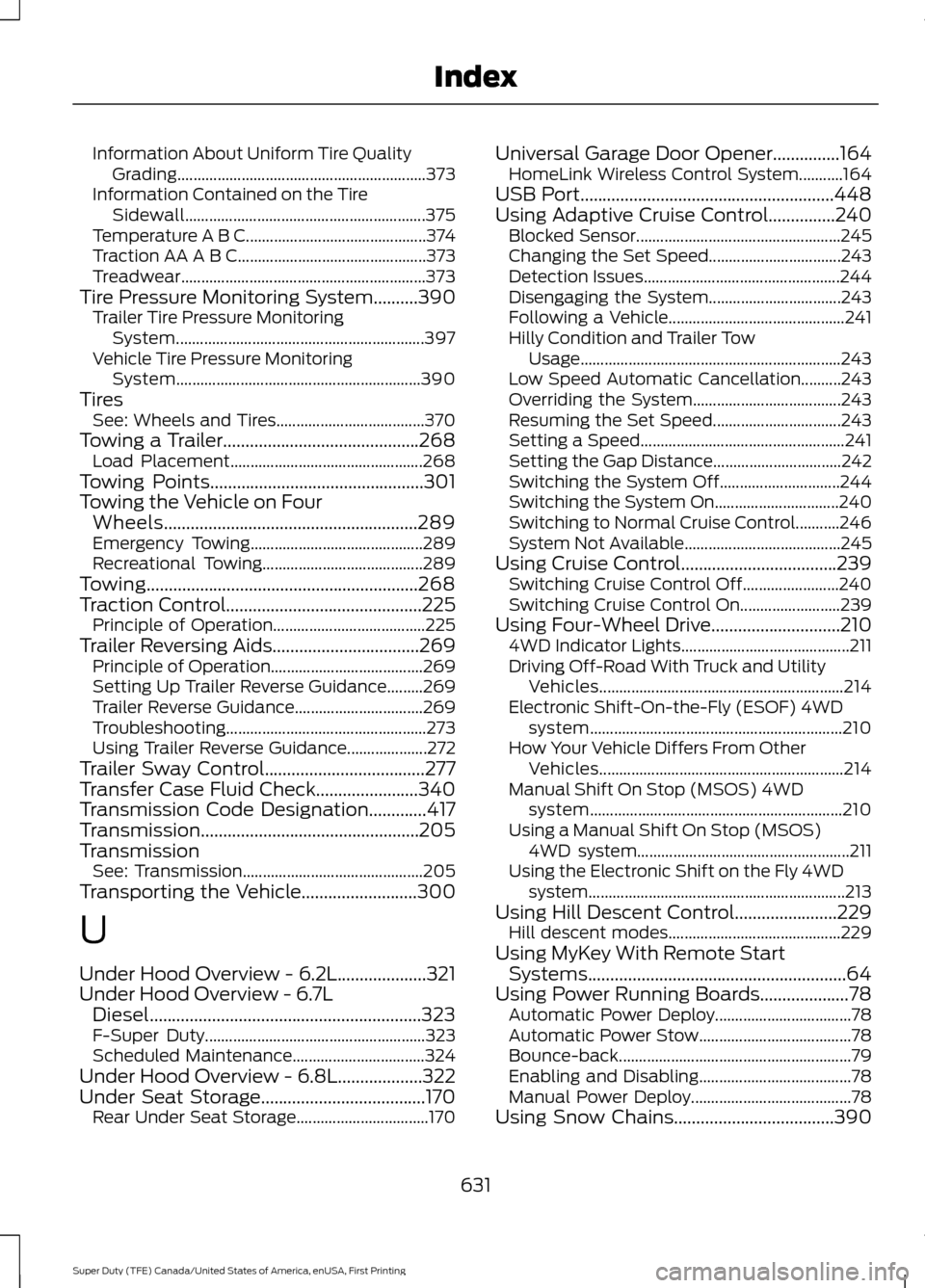
Information About Uniform Tire Quality
Grading.............................................................. 373
Information Contained on the Tire Sidewall............................................................ 375
Temperature A B C............................................. 374
Traction AA A B C............................................... 373
Treadwear............................................................. 373
Tire Pressure Monitoring System..........390
Trailer Tire Pressure Monitoring
System.............................................................. 397
Vehicle Tire Pressure Monitoring System............................................................. 390
Tires See: Wheels and Tires..................................... 370
Towing a Trailer............................................268 Load Placement................................................ 268
Towing Points................................................301
Towing the Vehicle on Four Wheels.........................................................289
Emergency Towing........................................... 289
Recreational Towing........................................ 289
Towing.............................................................268
Traction Control
............................................225
Principle of Operation...................................... 225
Trailer Reversing Aids.................................269 Principle of Operation...................................... 269
Setting Up Trailer Reverse Guidance.........269
Trailer Reverse Guidance................................ 269
Troubleshooting.................................................. 273
Using Trailer Reverse Guidance....................272
Trailer Sway Control
....................................277
Transfer Case Fluid Check.......................340
Transmission Code Designation.............417
Transmission.................................................205
Transmission See: Transmission............................................. 205
Transporting the Vehicle
..........................300
U
Under Hood Overview - 6.2L....................321
Under Hood Overview - 6.7L Diesel.............................................................323
F-Super Duty....................................................... 323
Scheduled Maintenance................................. 324
Under Hood Overview - 6.8L...................322
Under Seat Storage.....................................170 Rear Under Seat Storage................................. 170Universal Garage Door Opener...............164
HomeLink Wireless Control System...........164
USB Port.........................................................448
Using Adaptive Cruise Control
...............240
Blocked Sensor................................................... 245
Changing the Set Speed................................. 243
Detection Issues................................................. 244
Disengaging the System................................. 243
Following a Vehicle............................................ 241
Hilly Condition and Trailer Tow Usage................................................................. 243
Low Speed Automatic Cancellation..........243
Overriding the System..................................... 243
Resuming the Set Speed................................ 243
Setting a Speed................................................... 241
Setting the Gap Distance................................ 242
Switching the System Off.............................. 244
Switching the System On............................... 240
Switching to Normal Cruise Control...........246
System Not Available....................................... 245
Using Cruise Control...................................239 Switching Cruise Control Off........................240
Switching Cruise Control On......................... 239
Using Four-Wheel Drive.............................210 4WD Indicator Lights.......................................... 211
Driving Off-Road With Truck and Utility Vehicles............................................................. 214
Electronic Shift-On-the-Fly (ESOF) 4WD system............................................................... 210
How Your Vehicle Differs From Other Vehicles............................................................. 214
Manual Shift On Stop (MSOS) 4WD system............................................................... 210
Using a Manual Shift On Stop (MSOS) 4WD system..................................................... 211
Using the Electronic Shift on the Fly 4WD system................................................................ 213
Using Hill Descent Control.......................229 Hill descent modes........................................... 229
Using MyKey With Remote Start Systems..........................................................64
Using Power Running Boards....................78 Automatic Power Deploy.................................. 78
Automatic Power Stow...................................... 78
Bounce-back.......................................................... 79
Enabling and Disabling...................................... 78
Manual Power Deploy........................................ 78
Using Snow Chains....................................390
631
Super Duty (TFE) Canada/United States of America, enUSA, First Printing Index
Page 635 of 636
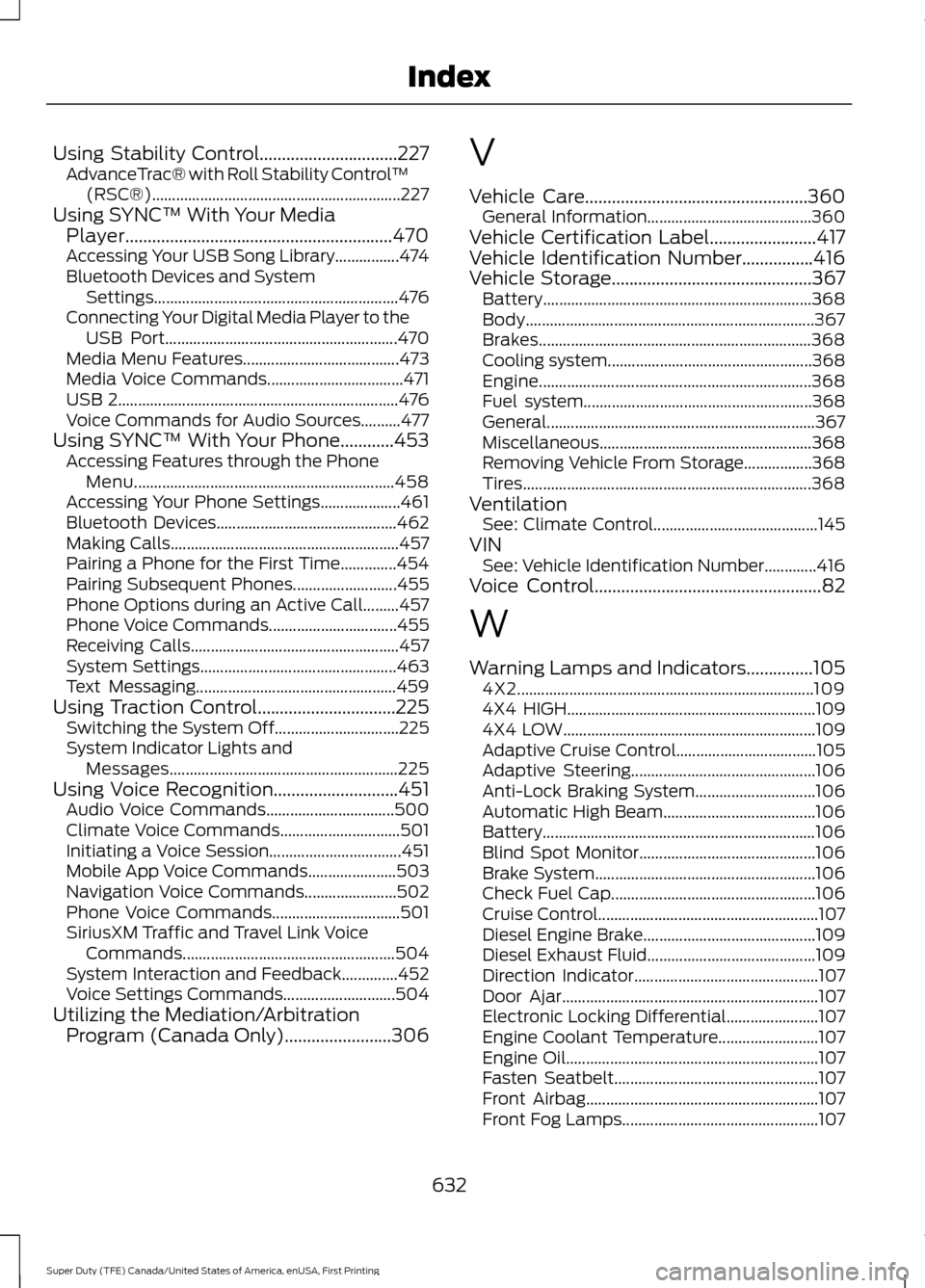
Using Stability Control...............................227
AdvanceTrac® with Roll Stability Control ™
(RSC®).............................................................. 227
Using SYNC™ With Your Media Player............................................................470
Accessing Your USB Song Library................474
Bluetooth Devices and System Settings............................................................. 476
Connecting Your Digital Media Player to the USB Port.......................................................... 470
Media Menu Features....................................... 473
Media Voice Commands.................................. 471
USB 2...................................................................... 476
Voice Commands for Audio Sources..........477
Using SYNC™ With Your Phone............453 Accessing Features through the Phone
Menu................................................................. 458
Accessing Your Phone Settings....................461
Bluetooth Devices............................................. 462
Making Calls......................................................... 457
Pairing a Phone for the First Time..............454
Pairing Subsequent Phones.......................... 455
Phone Options during an Active Call.........457
Phone Voice Commands................................ 455
Receiving Calls.................................................... 457
System Settings................................................. 463
Text Messaging.................................................. 459
Using Traction Control...............................225 Switching the System Off............................... 225
System Indicator Lights and Messages......................................................... 225
Using Voice Recognition............................451 Audio Voice Commands................................ 500
Climate Voice Commands.............................. 501
Initiating a Voice Session................................. 451
Mobile App Voice Commands...................... 503
Navigation Voice Commands.......................502
Phone Voice Commands................................ 501
SiriusXM Traffic and Travel Link Voice Commands..................................................... 504
System Interaction and Feedback..............452
Voice Settings Commands............................ 504
Utilizing the Mediation/Arbitration Program (Canada Only)........................306 V
Vehicle Care..................................................360
General Information......................................... 360
Vehicle Certification Label
........................417
Vehicle Identification Number................416
Vehicle Storage
.............................................367
Battery................................................................... 368
Body........................................................................\
367
Brakes.................................................................... 368
Cooling system................................................... 368
Engine.................................................................... 368
Fuel system......................................................... 368
General................................................................... 367
Miscellaneous..................................................... 368
Removing Vehicle From Storage.................368
Tires........................................................................\
368
Ventilation See: Climate Control......................................... 145
VIN See: Vehicle Identification Number.............416
Voice Control
...................................................82
W
Warning Lamps and Indicators...............105 4X2........................................................................\
.. 109
4X4 HIGH.............................................................. 109
4X4 LOW............................................................... 109
Adaptive Cruise Control................................... 105
Adaptive Steering.............................................. 106
Anti-Lock Braking System.............................. 106
Automatic High Beam...................................... 106
Battery.................................................................... 106
Blind Spot Monitor............................................ 106
Brake System....................................................... 106
Check Fuel Cap................................................... 106
Cruise Control....................................................... 107
Diesel Engine Brake........................................... 109
Diesel Exhaust Fluid.......................................... 109
Direction Indicator.............................................. 107
Door Ajar................................................................ 107
Electronic Locking Differential....................... 107
Engine Coolant Temperature.........................107
Engine Oil............................................................... 107
Fasten Seatbelt................................................... 107
Front Airbag.......................................................... 107
Front Fog Lamps................................................. 107
632
Super Duty (TFE) Canada/United States of America, enUSA, First Printing Index