display FORD TAURUS 2008 5.G Workshop Manual
[x] Cancel search | Manufacturer: FORD, Model Year: 2008, Model line: TAURUS, Model: FORD TAURUS 2008 5.GPages: 320, PDF Size: 2.54 MB
Page 113 of 320
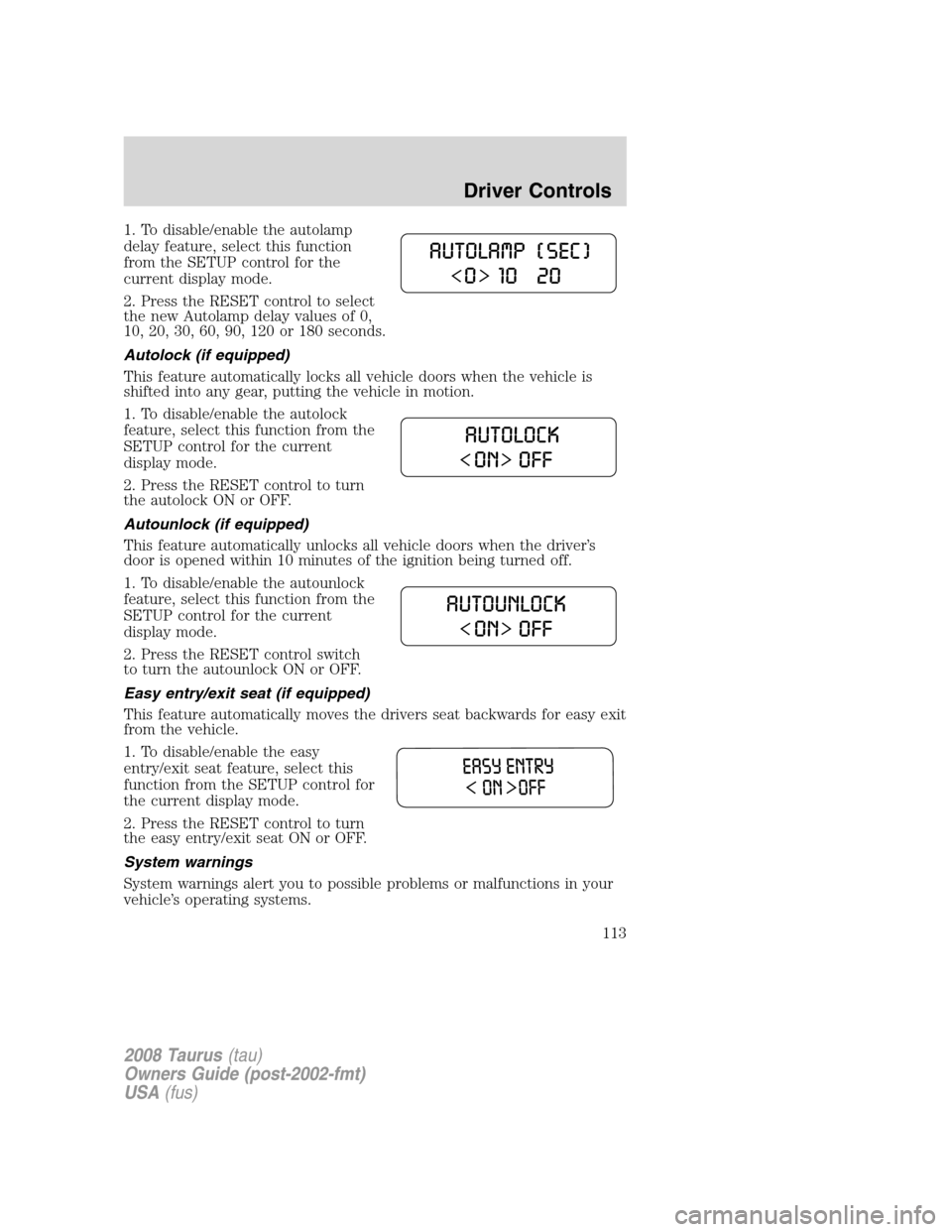
1. To disable/enable the autolamp
delay feature, select this function
from the SETUP control for the
current display mode.
2. Press the RESET control to select
the new Autolamp delay values of 0,
10, 20, 30, 60, 90, 120 or 180 seconds.
Autolock (if equipped)
This feature automatically locks all vehicle doors when the vehicle is
shifted into any gear, putting the vehicle in motion.
1. To disable/enable the autolock
feature, select this function from the
SETUP control for the current
display mode.
2. Press the RESET control to turn
the autolock ON or OFF.
Autounlock (if equipped)
This feature automatically unlocks all vehicle doors when the driver’s
door is opened within 10 minutes of the ignition being turned off.
1. To disable/enable the autounlock
feature, select this function from the
SETUP control for the current
display mode.
2. Press the RESET control switch
to turn the autounlock ON or OFF.
Easy entry/exit seat (if equipped)
This feature automatically moves the drivers seat backwards for easy exit
from the vehicle.
1. To disable/enable the easy
entry/exit seat feature, select this
function from the SETUP control for
the current display mode.
2. Press the RESET control to turn
the easy entry/exit seat ON or OFF.
System warnings
System warnings alert you to possible problems or malfunctions in your
vehicle’s operating systems.
2008 Taurus(tau)
Owners Guide (post-2002-fmt)
USA(fus)
Driver Controls
113
Page 114 of 320
In the event of a multiple warning situation, the message center will
cycle the display to show all warnings by displaying each one for several
seconds.
The message center will display the last selected feature if there are no
more warning messages. This allows you to use the full functionality of
the message center after you acknowledge the warning by pressing the
RESET control and clearing the warning message.
Warning messages that have been reset are divided into three categories:
•They will not disappear until a condition is changed.
•They will reappear on the display ten minutes from the reset.
•They will not reappear until an ignition OFF-ON cycle has been
completed.
This acts as a reminder that these warning conditions still exist within
the vehicle.
Warnings Status
Driver door ajar Warning cannot be reset (CLOSE
DOOR TO RESET) will be displayed
Passenger door ajar
Rear Left door ajar
Rear Right door ajar
Fuel level low Warning returns after 10 minutes
Check charging system
Check brake system
Brake fluid level low Warning returns after the ignition key
is turned from OFF to RUN
Park brake engaged
Low tire pressure
Tire pressure monitor fault
Tire pressure sensor fault
Trunk ajar
Washer fluid level low
Change oil soon
Oil change required
DRIVER DOOR AJAR.Displayed when the driver’s door is not
completely closed.
PASSENGER DOOR AJAR.Displayed when the passenger side door is
not completely closed.
2008 Taurus(tau)
Owners Guide (post-2002-fmt)
USA(fus)
Driver Controls
114
Page 115 of 320
REAR LEFT DOOR AJAR.Displayed when the left rear door is not
completely closed.
REAR RIGHT DOOR AJAR.Displayed when the right rear door is not
completely closed.
FUEL LEVEL LOW.Displayed as an early reminder of a low fuel
condition.
CHECK CHARGING SYSTEM.Displayed when the electrical system is
not maintaining proper voltage. If you are operating electrical accessories
when the engine is idling at a low speed, turn off as many of the
electrical loads as possible. If the warning stays on or comes on when the
engine is operating at normal speeds, have the electrical system checked
as soon as possible.
CHECK BRAKE SYSTEM.Displayed when the brake system needs
servicing. If the warning stays on or continues to come on, contact your
authorized dealer as soon as possible.
LOW BRAKE FLUID.Indicates the brake fluid level is low and the
brake system should be inspected immediately. Refer toBrake fluid
reservoirin theMaintenance and Specificationschapter.
PARK BRAKE ENGAGED.Displayed when the park brake is engaged.
If the warning stays on after the park brake is off, contact your
authorized dealer as soon as possible.
LOW TIRE PRESSURE.Displayed when one or more tires on your
vehicle have low tire pressure. Refer toInflating Your Tiresin the
Tires, Wheels and Loadingchapter.
TIRE PRESSURE MONITOR FAULT.Displayed when the Tire
Pressure Monitoring System is malfunctioning. If the warning stays on or
continues to come on, have the system inspected by your authorized
dealer.
TIRE PRESSURE SENSOR FAULT.Displayed when a tire pressure
sensor is malfunctioning, or your spare tire is in use. For more
information on how the system operates under these conditions, refer to
Understanding Your Tire Pressure Monitoring Systemin theTires,
Wheels and Loadingchapter. If the warning stays on or continues to
come on, have the system inspected by your authorized dealer.
TRUNK AJAR.Displayed when the trunk is not completely closed.
WASHER FLUID LEVEL LOW.Indicates the washer fluid reservoir is
less than one quarter full. Check the washer fluid level. Refer to
Windshield washer fluidin theMaintenance and Specifications
chapter.
2008 Taurus(tau)
Owners Guide (post-2002-fmt)
USA(fus)
Driver Controls
115
Page 116 of 320
OIL CHANGE REQUIRED/CHANGE OIL SOON.Displayed when the
engine oil life remaining is 5 percent or less. When oil life left is between
5% and 0%, the CHANGE OIL SOON message will be displayed. When oil
life left reaches 0%, the OIL CHANGE REQUIRED message will be
displayed.
INTERIOR TRUNK CONTROL
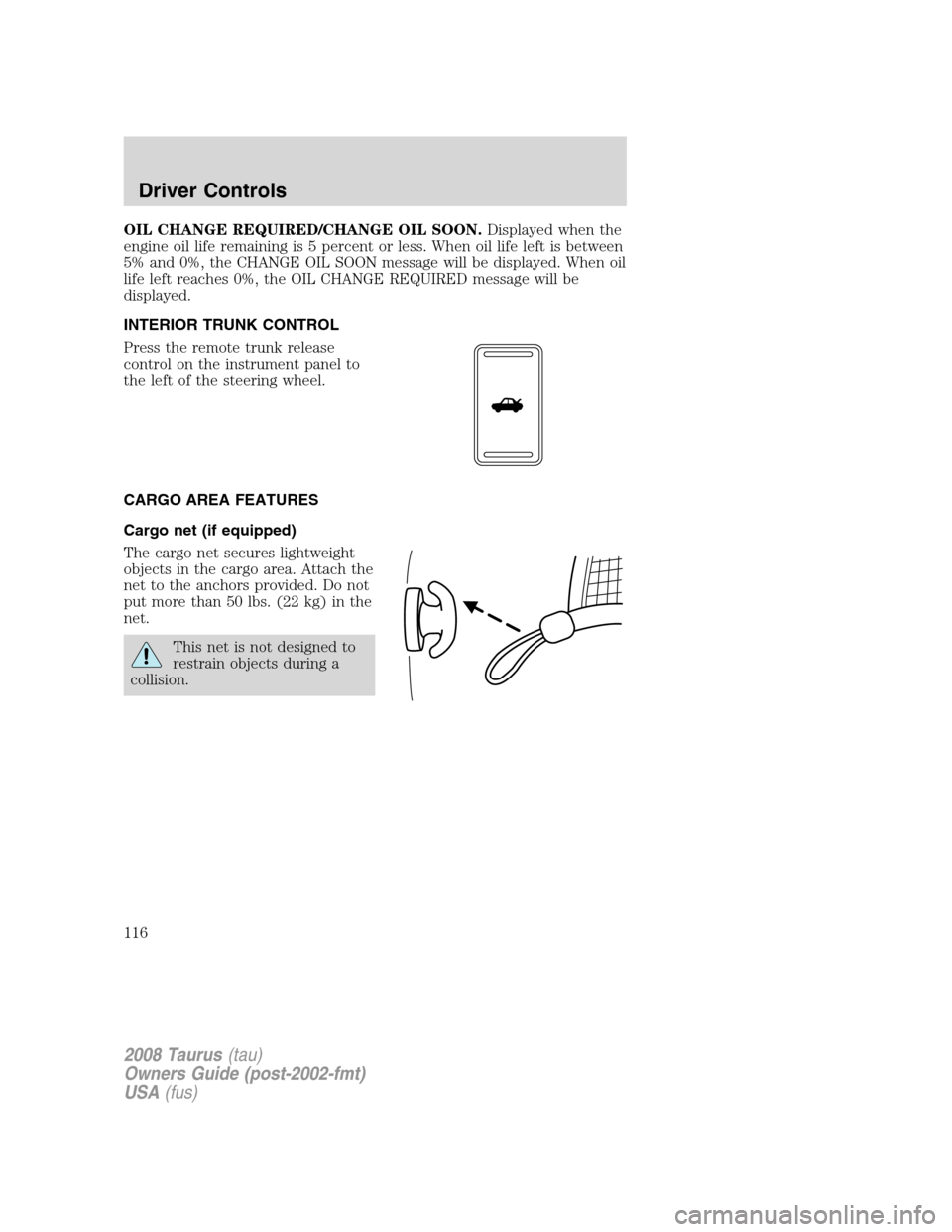
Press the remote trunk release
control on the instrument panel to
the left of the steering wheel.
CARGO AREA FEATURES
Cargo net (if equipped)
The cargo net secures lightweight
objects in the cargo area. Attach the
net to the anchors provided. Do not
put more than 50 lbs. (22 kg) in the
net.
This net is not designed to
restrain objects during a
collision.
2008 Taurus(tau)
Owners Guide (post-2002-fmt)
USA(fus)
Driver Controls
116