headlights FORD TAURUS 2010 6.G Owners Manual
[x] Cancel search | Manufacturer: FORD, Model Year: 2010, Model line: TAURUS, Model: FORD TAURUS 2010 6.GPages: 378, PDF Size: 2.87 MB
Page 22 of 378
3. Once “OIL LIFE SET TO XXX%” is displayed, release and press the
RESET button to change the Oil Life Start Value. Each release and press
will reduce the value by 10%.
Note:Oil life start value of 100% equals 7,500 miles (12,000 km) or
12 months. For example, setting oil life start value to 60% sets the oil
life start value to 4,500 miles (7,200 km) and 219 days.
UNITS
Displays the current units in English or Metric.
Press RESET to change between English and Metric.
AUTO HIGH BEAM (if equipped)
This feature automatically turns on your high beams if it is dark enough
and no other traffic is present.
Press RESET to turn the auto high beam on or off.
AUTOLAMP (SEC)
This feature keeps your headlights on for up to three minutes after the
ignition is switched off.
Press RESET to select the new Autolamp delay values of 0, 10, 20, 30,
60, 90, 120 or 180 seconds.
AUTOLOCK
This feature automatically locks all vehicle doors when the vehicle is
shifted into any gear, putting the vehicle in motion.
Press RESET to turn autolock on or off.
AUTOUNLOCK
This feature automatically unlocks all vehicle doors when the driver’s
door is opened within 10 minutes of the ignition being turned off.
Press RESET to turn autounlock on or off.
COLLISION WARN GAP (if equipped)
This allows you to adjust the sensitivity setting of the collision warning
system. SeeCollision Warning Systemin theDrivingchapter for more
information.
Press RESET to change the sensitivity setting from high sensitivity <– –
– – –> to low sensitivity <–>.
COLLISION WARN CHIME (if equipped)
This feature warns the driver of a possible collision. SeeCollision
warning systemin theDrivingchapter for more information.
Instrument Cluster
22
2010 Taurus(500)
Owners Guide(own2002), 1st Printing
USA(fus)
Page 60 of 378
3. Turn the ignition switch to on and then back to off.
4. Turn the headlamp control to the autolamp position. The headlamps
will turn on.
5. Wait the desired amount of time for the exit delay you want (up to
three minutes), then turn the headlamps off.
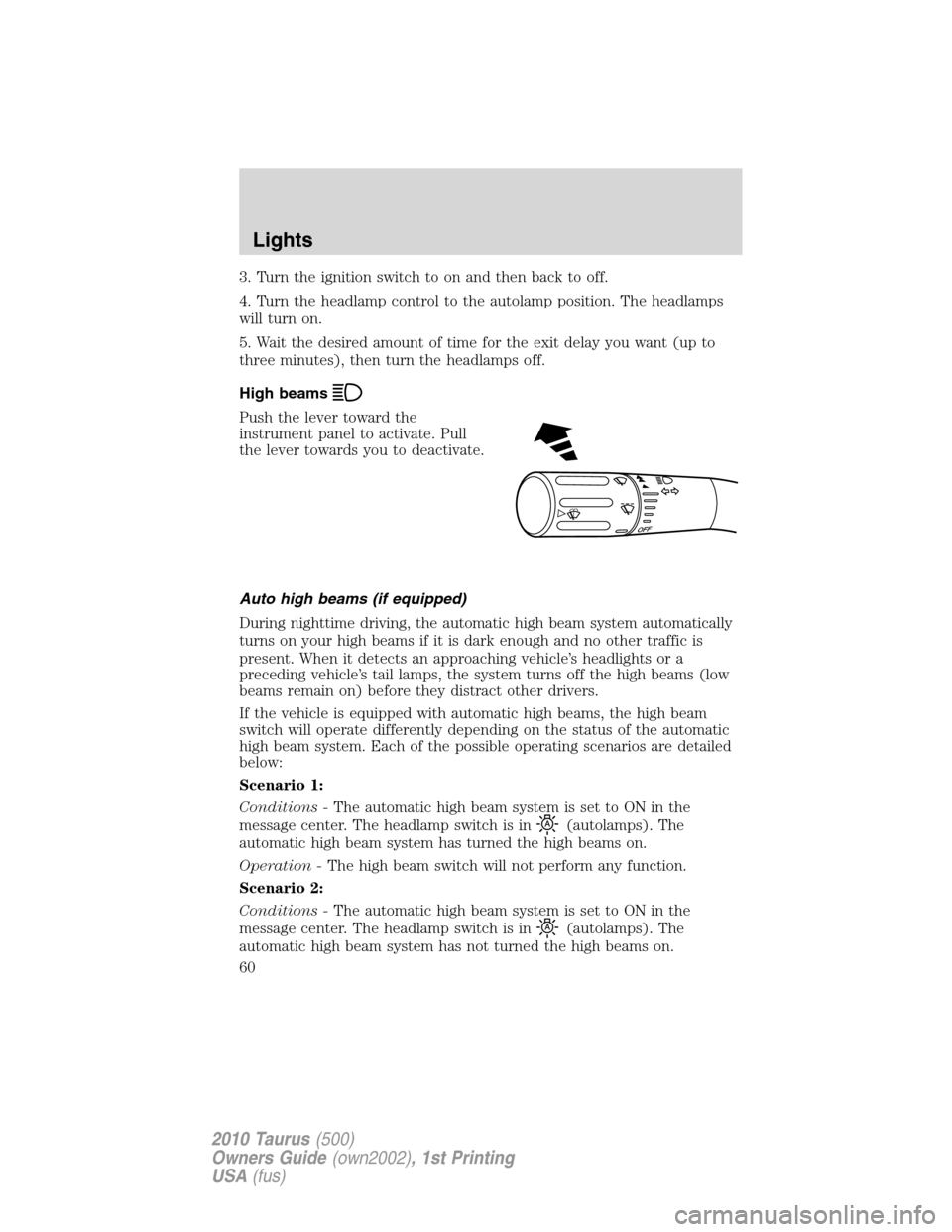
High beams
Push the lever toward the
instrument panel to activate. Pull
the lever towards you to deactivate.
Auto high beams (if equipped)
During nighttime driving, the automatic high beam system automatically
turns on your high beams if it is dark enough and no other traffic is
present. When it detects an approaching vehicle’s headlights or a
preceding vehicle’s tail lamps, the system turns off the high beams (low
beams remain on) before they distract other drivers.
If the vehicle is equipped with automatic high beams, the high beam
switch will operate differently depending on the status of the automatic
high beam system. Each of the possible operating scenarios are detailed
below:
Scenario 1:
Conditions -The automatic high beam system is set to ON in the
message center. The headlamp switch is in
(autolamps). The
automatic high beam system has turned the high beams on.
Operation -The high beam switch will not perform any function.
Scenario 2:
Conditions -The automatic high beam system is set to ON in the
message center. The headlamp switch is in
(autolamps). The
automatic high beam system has not turned the high beams on.
O
F
F
Lights
60
2010 Taurus(500)
Owners Guide(own2002), 1st Printing
USA(fus)
Page 61 of 378
Operation -The high beam switch can be used to turn the high beams
on. They will then remain on until the switch has been returned to the
neutral position and the auto high beam system has turned the high
beams off.
Scenario 3:
Conditions -The automatic high beam system is set to ON in the
message center. The headlamp switch is in
(off),(park lamps),
or
(on).
Operation -The high beam switch can be used to turn the high beams
on and off.
Scenario 4:
Conditions -The automatic high beam system is set to OFF in the
message center. The headlamp switch is
in
(autolamps),(off),(park lamps), or(on).
Operation -The high beam switch can be used to turn the high beams
on and off.
Enabling/disabling auto high beams
Enabling/disabling and/or checking the status of the automatic high beam
system can be performed using the message center. SeeMessage center
in theInstrument clusterchapter.
Activating high beams
If there is no traffic in front of the vehicle, the high beams will come on
automatically and the
light will display in the instrument panel if
the following are true:
•The headlamp control is in auto lamp
mode.
•The ambient light level is low enough that high beams are needed.
•Vehicle speed must be greater than 32 mph (51 km/h).
•Severe weather is not detected.
Deactivating high beams
The automatic high beams will deactivate if any of the following events
occur:
•An approaching vehicle’s headlights or a preceding vehicle’s tail lamps
are detected.
•The headlamp control is moved out of the autolamps position.
Lights
61
2010 Taurus(500)
Owners Guide(own2002), 1st Printing
USA(fus)