keyless FORD TAURUS 2018 User Guide
[x] Cancel search | Manufacturer: FORD, Model Year: 2018, Model line: TAURUS, Model: FORD TAURUS 2018Pages: 510, PDF Size: 22.04 MB
Page 91 of 510
The service engine soon indicator light
illuminates when you first switch on the
ignition before engine start to check the
bulb and to indicate whether the vehicle
is ready for Inspection/Maintenance (I/M)
testing.
Normally, the service engine soon light
stays on until you crank the engine, then
turns itself off if no malfunctions are
present. However, if after 15 seconds the
service engine soon light blinks eight times,
it means that the vehicle is not ready for
I/M testing. See Emission Law (page 148).
Stability Control
It flashes when the system is
active. If it remains illuminated
or does not illuminate when you
switch the ignition on, this indicates a
malfunction. During a malfunction the
system switches off. Have the system
checked by an authorized dealer
immediately. See Using Stability
Control (page 168).
Stability Control Off It illuminates when you switch
the system off. It goes out when
you switch the system back on
or when you switch the ignition off. See
Using Stability Control
(page 168).
AUDIBLE WARNINGS AND
INDICATORS
Key in Ignition Warning Chime
Sounds when you leave the key in the
ignition and the driver ’s door is opened. Keyless Warning Alert
Sounds the horn twice when you exit your
vehicle with the intelligent access key, after
the last door is closed and your keyless
vehicle is in RUN, indicating your vehicle is
still on.
Headlamps On Warning Chime
Sounds when the headlamps or parking
lamps are on, the ignition is off (the key is
not in the ignition) and the driver
’s door is
opened.
Parking Brake On Warning Chime
Sounds when you leave the parking brake
on and drive your vehicle. If the warning
chime remains on after you release the
parking brake, have the system checked
by your authorized dealer immediately.
88
Taurus (CPH) Canada/United States of America, enUSA, Edition date: 201709, Second Printing Instrument ClusterE138639 E130458
Page 138 of 510
GENERAL INFORMATION
WARNINGS
Extended idling at high engine
speeds can produce very high
temperatures in the engine and
exhaust system, creating the risk of fire or
other damage. Do not park, idle or drive your vehicle
on dry grass or other dry ground
cover. The emission system heats up
the engine compartment and exhaust
system, creating the risk of fire. Do not start the engine in a closed
garage or in other enclosed areas.
Exhaust fumes can be toxic. Always
open the garage door before you start the
engine. Exhaust leaks may result in entry of
harmful and potentially lethal fumes
into the passenger compartment. If
you smell exhaust fumes inside your
vehicle, have your vehicle inspected
immediately. Do not drive if you smell
exhaust fumes. If you disconnect the battery, your vehicle
may exhibit some unusual driving
characteristics for approximately 5 mi
(8 km) after you reconnect it. This is
because the engine management system
must realign itself with the engine. You
can disregard any unusual driving
characteristics during this period.
The powertrain control system meets all
Canadian interference-causing equipment
standard requirements regulating the
impulse electrical field or radio noise.
When you start the engine, avoid pressing
the accelerator pedal before and during
operation. Only use the accelerator pedal
when you have difficulty starting the
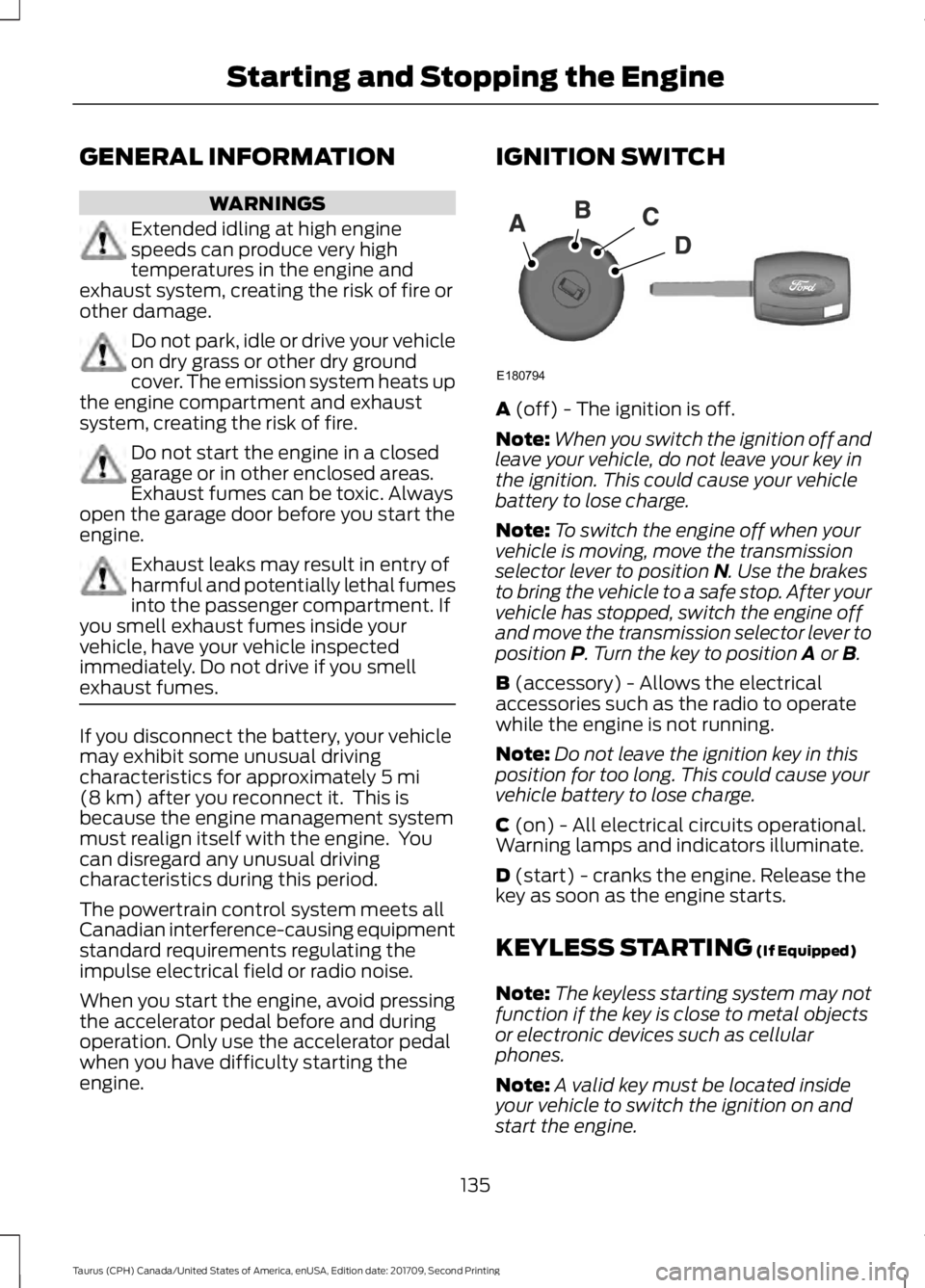
engine. IGNITION SWITCH
A
(off) - The ignition is off.
Note: When you switch the ignition off and
leave your vehicle, do not leave your key in
the ignition. This could cause your vehicle
battery to lose charge.
Note: To switch the engine off when your
vehicle is moving, move the transmission
selector lever to position
N. Use the brakes
to bring the vehicle to a safe stop. After your
vehicle has stopped, switch the engine off
and move the transmission selector lever to
position
P. Turn the key to position A or B.
B
(accessory) - Allows the electrical
accessories such as the radio to operate
while the engine is not running.
Note: Do not leave the ignition key in this
position for too long. This could cause your
vehicle battery to lose charge.
C
(on) - All electrical circuits operational.
Warning lamps and indicators illuminate.
D
(start) - cranks the engine. Release the
key as soon as the engine starts.
KEYLESS STARTING
(If Equipped)
Note: The keyless starting system may not
function if the key is close to metal objects
or electronic devices such as cellular
phones.
Note: A valid key must be located inside
your vehicle to switch the ignition on and
start the engine.
135
Taurus (CPH) Canada/United States of America, enUSA, Edition date: 201709, Second Printing Starting and Stopping the EngineE180794
Page 139 of 510
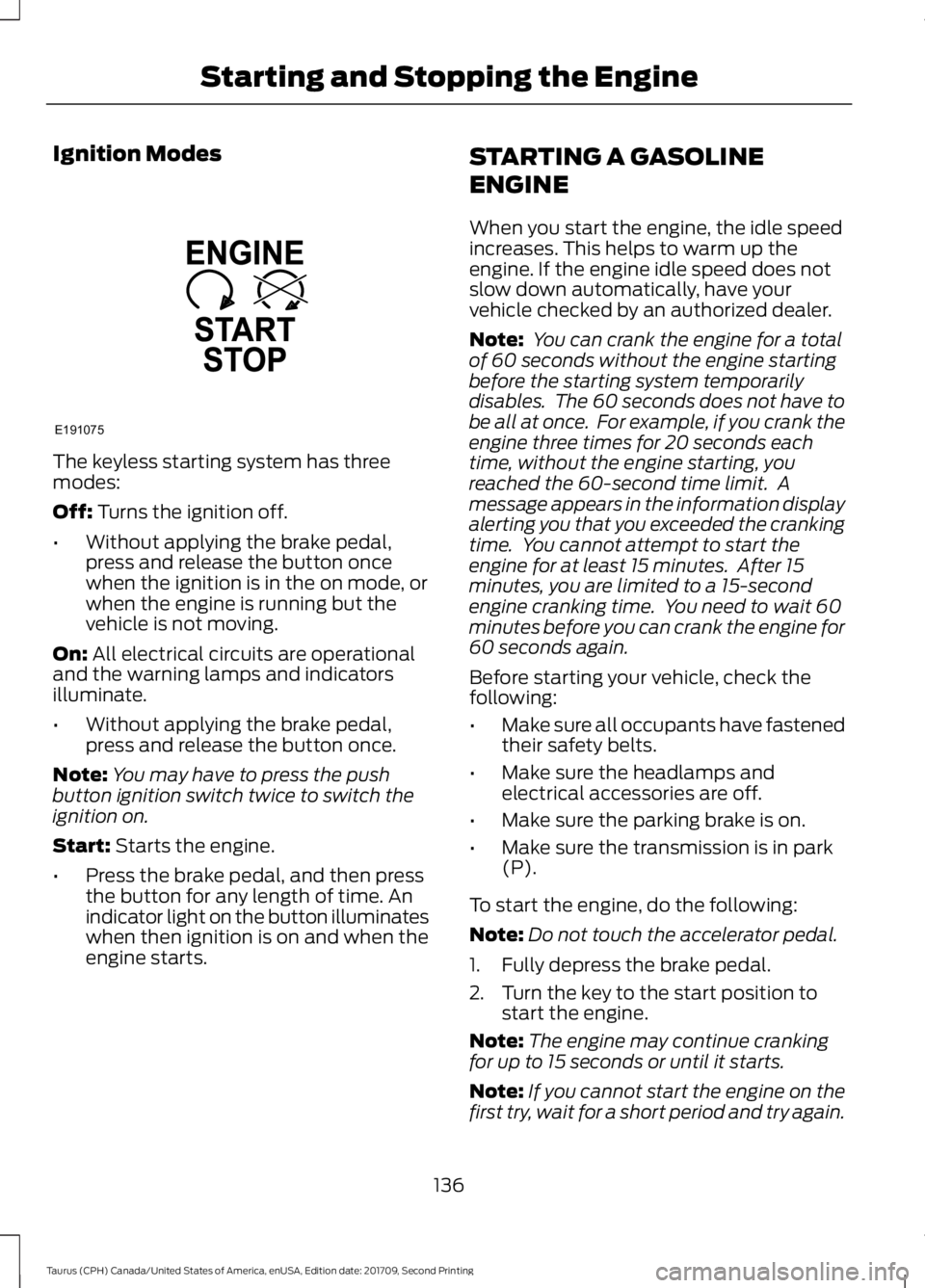
Ignition Modes
The keyless starting system has three
modes:
Off: Turns the ignition off.
• Without applying the brake pedal,
press and release the button once
when the ignition is in the on mode, or
when the engine is running but the
vehicle is not moving.
On:
All electrical circuits are operational
and the warning lamps and indicators
illuminate.
• Without applying the brake pedal,
press and release the button once.
Note: You may have to press the push
button ignition switch twice to switch the
ignition on.
Start:
Starts the engine.
• Press the brake pedal, and then press
the button for any length of time. An
indicator light on the button illuminates
when then ignition is on and when the
engine starts. STARTING A GASOLINE
ENGINE
When you start the engine, the idle speed
increases. This helps to warm up the
engine. If the engine idle speed does not
slow down automatically, have your
vehicle checked by an authorized dealer.
Note:
You can crank the engine for a total
of 60 seconds without the engine starting
before the starting system temporarily
disables. The 60 seconds does not have to
be all at once. For example, if you crank the
engine three times for 20 seconds each
time, without the engine starting, you
reached the 60-second time limit. A
message appears in the information display
alerting you that you exceeded the cranking
time. You cannot attempt to start the
engine for at least 15 minutes. After 15
minutes, you are limited to a 15-second
engine cranking time. You need to wait 60
minutes before you can crank the engine for
60 seconds again.
Before starting your vehicle, check the
following:
• Make sure all occupants have fastened
their safety belts.
• Make sure the headlamps and
electrical accessories are off.
• Make sure the parking brake is on.
• Make sure the transmission is in park
(P).
To start the engine, do the following:
Note: Do not touch the accelerator pedal.
1. Fully depress the brake pedal.
2. Turn the key to the start position to start the engine.
Note: The engine may continue cranking
for up to 15 seconds or until it starts.
Note: If you cannot start the engine on the
first try, wait for a short period and try again.
136
Taurus (CPH) Canada/United States of America, enUSA, Edition date: 201709, Second Printing Starting and Stopping the EngineE191075
Page 500 of 510
A
A/C
See: Climate Control......................................... 109
About This Manual...........................................7
ABS See: Brakes............................................................ 163
ABS driving hints See: Hints on Driving With Anti-Lock
Brakes................................................................ 163
Accessories...................................................448 Exterior Style....................................................... 448
Interior Style........................................................ 448
Lifestyle................................................................. 448
Peace of Mind..................................................... 448
Accessories See: Replacement Parts
Recommendation............................................ 12
ACC See: Using Adaptive Cruise Control............180
Active Park Assist
...........................................171
Automatic Steering into Parking
Space.................................................................. 173
Deactivating the Park Assist Feature..........174
Troubleshooting the System.......................... 174
Using Active Park Assist................................... 172
Adjusting the Headlamps.........................255 Horizontal Aim Adjustment........................... 256
Vertical Aim Adjustment................................. 255
Adjusting the Pedals.....................................70
Adjusting the Steering Wheel - Vehicles With: Manual Adjustable Steering
Column...........................................................66
Adjusting the Steering Wheel - Vehicles With: Power Adjustable Steering
Column...........................................................66
End of Travel Position......................................... 67
Airbag Disposal...............................................45
Air Conditioning See: Climate Control......................................... 109
Air Filter See: Changing the Engine Air Filter.............259
Alarm See: Anti-Theft Alarm........................................ 65
All-Wheel Drive.............................................156
Anti-Theft Alarm
............................................65
Arming the Alarm................................................. 65
Disarming the Alarm........................................... 65Appendices....................................................470
Apps...................................................................417
........................................................................\
............ 417
SiriusXM Traffic and Travel Link.................... 419
At a Glance........................................................16
Audible Warnings and Indicators.............88 Headlamps On Warning Chime..................... 88
Key in Ignition Warning Chime........................ 88
Keyless Warning Alert........................................ 88
Parking Brake On Warning Chime.................88
Audio Control...................................................67 Seek, Next or Previous........................................ 67
Audio Input Jack...........................................327
Audio System.................................................317 General Information........................................... 317
Audio Unit - Vehicles With: AM/FM/ CD....................................................................318
Menu Structure.................................................. 320
Audio Unit - Vehicles With: Premium AM/FM/CD..................................................323
Audio Unit - Vehicles With: Sony AM/ FM/CD...........................................................324
Autolamps.........................................................74 Windshield Wiper Activated
Headlamps......................................................... 74
Automatic Climate Control - Vehicles With: AM/FM/CD
........................................110
Automatic Climate Control - Vehicles With: Premium AM/FM/CD
.....................112
Automatic Climate Control - Vehicles With: Sony Audio System
........................113
Automatic High Beam Control..................75
Switching the System On and Off.................76
Automatic Transmission
............................152
Automatic Transmission Adaptive
Learning............................................................. 154
Brake-Shift Interlock......................................... 153
If Your Vehicle Gets Stuck In Mud or Snow.................................................................. 154
SelectShift Automatic ™
Transmission................................................... 152
Understanding the Positions of Your Automatic Transmission............................. 152
Automatic Transmission Fluid Check - 2.0L EcoBoost™
.......................................248
6F35 Transmission........................................... 248
497
Taurus (CPH) Canada/United States of America, enUSA, Edition date: 201709, Second Printing Index
Page 505 of 510
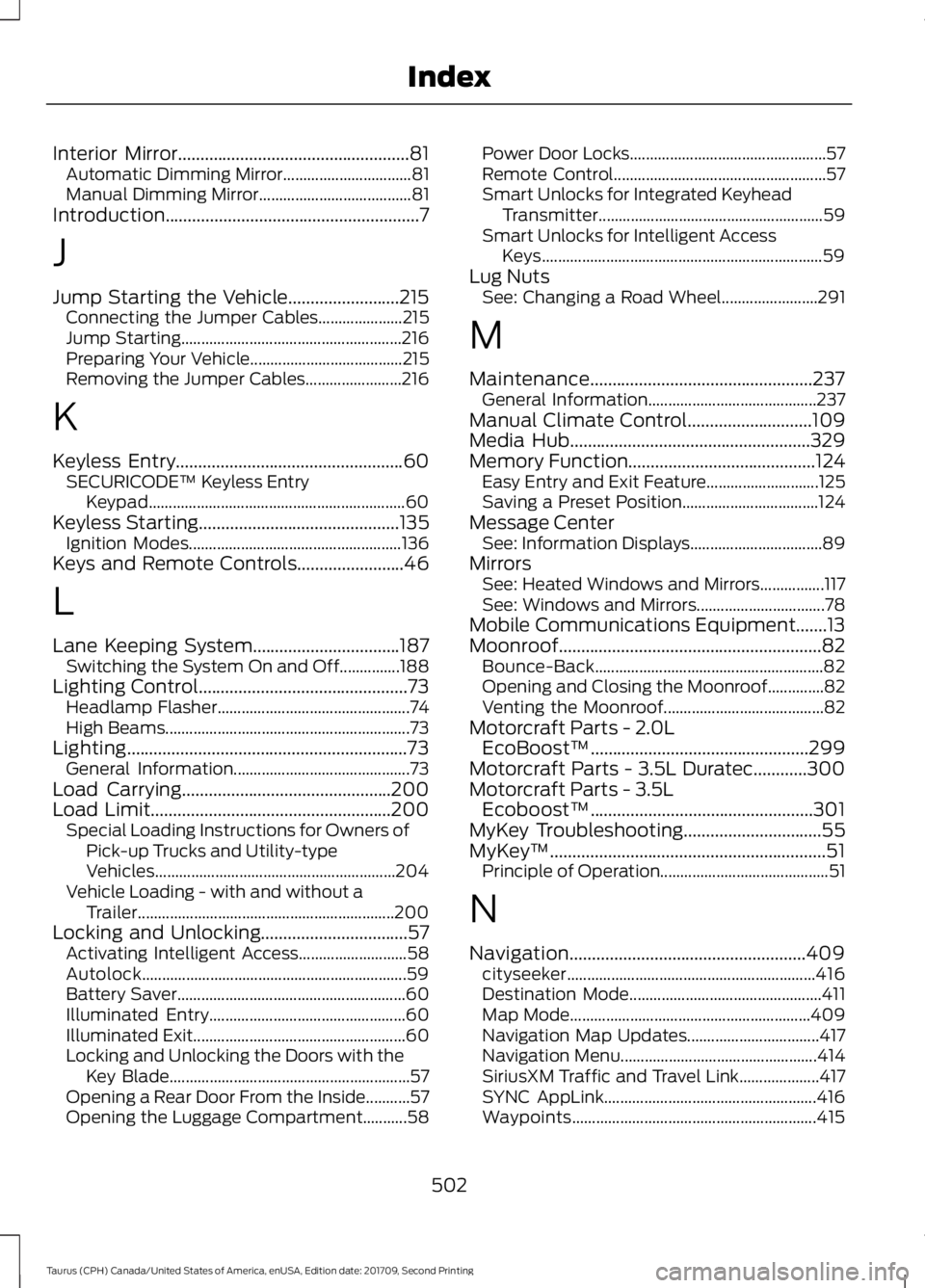
Interior Mirror....................................................81
Automatic Dimming Mirror................................ 81
Manual Dimming Mirror...................................... 81
Introduction.........................................................7
J
Jump Starting the Vehicle.........................215 Connecting the Jumper Cables..................... 215
Jump Starting....................................................... 216
Preparing Your Vehicle...................................... 215
Removing the Jumper Cables........................ 216
K
Keyless Entry...................................................60
SECURICODE™ Keyless Entry
Keypad................................................................ 60
Keyless Starting
.............................................135
Ignition Modes..................................................... 136
Keys and Remote Controls........................46
L
Lane Keeping System.................................187 Switching the System On and Off...............188
Lighting Control
...............................................73
Headlamp Flasher................................................ 74
High Beams............................................................. 73
Lighting...............................................................73 General Information............................................ 73
Load Carrying
...............................................200
Load Limit......................................................200
Special Loading Instructions for Owners of
Pick-up Trucks and Utility-type
Vehicles............................................................ 204
Vehicle Loading - with and without a Trailer................................................................ 200
Locking and Unlocking
.................................57
Activating Intelligent Access........................... 58
Autolock.................................................................. 59
Battery Saver......................................................... 60
Illuminated Entry................................................. 60
Illuminated Exit..................................................... 60
Locking and Unlocking the Doors with the Key Blade............................................................ 57
Opening a Rear Door From the Inside...........57
Opening the Luggage Compartment...........58 Power Door Locks.................................................
57
Remote Control..................................................... 57
Smart Unlocks for Integrated Keyhead Transmitter........................................................ 59
Smart Unlocks for Intelligent Access Keys...................................................................... 59
Lug Nuts See: Changing a Road Wheel........................ 291
M
Maintenance..................................................237 General Information.......................................... 237
Manual Climate Control............................109
Media Hub......................................................329
Memory Function
..........................................124
Easy Entry and Exit Feature............................ 125
Saving a Preset Position.................................. 124
Message Center See: Information Displays................................. 89
Mirrors See: Heated Windows and Mirrors................117
See: Windows and Mirrors................................ 78
Mobile Communications Equipment.......13
Moonroof...........................................................82 Bounce-Back......................................................... 82
Opening and Closing the Moonroof..............82
Venting the Moonroof........................................ 82
Motorcraft Parts - 2.0L EcoBoost™.................................................299
Motorcraft Parts - 3.5L Duratec............300
Motorcraft Parts - 3.5L Ecoboost™..................................................301
MyKey Troubleshooting...............................55
MyKey ™..............................................................51
Principle of Operation.......................................... 51
N
Navigation.....................................................409 cityseeker.............................................................. 416
Destination Mode................................................ 411
Map Mode............................................................ 409
Navigation Map Updates................................. 417
Navigation Menu................................................. 414
SiriusXM Traffic and Travel Link.................... 417
SYNC AppLink..................................................... 416
Waypoints............................................................. 415
502
Taurus (CPH) Canada/United States of America, enUSA, Edition date: 201709, Second Printing Index