ECU FORD TRANSIT CONNECT 2013 1.G User Guide
[x] Cancel search | Manufacturer: FORD, Model Year: 2013, Model line: TRANSIT CONNECT, Model: FORD TRANSIT CONNECT 2013 1.GPages: 321, PDF Size: 4.5 MB
Page 64 of 321
Automatic Disarming
Your vehicle disarms when you switch the ignition on with a coded key.
Replacement Keys
If your keys are lost or stolen and you don’t have an extra coded key,
you will need to have your vehicle towed to an authorized dealer. The
key codes need to be erased from your vehicle and new coded keys will
need to be programmed.
Store an extra programmed key away from the vehicle in a safe place to
help prevent any inconveniences. See your authorized dealer to purchase
additional spare or replacement keys.
Programming Spare Keys
Note:A maximum of eight keys can be coded to your vehicle.
You can program your own coded keys to your vehicle.
You must have two previously programmed coded keys and the new
unprogrammed key readily accessible. See your authorized dealer to have
the spare key programmed if two previously programmed coded keys are
not available.
The process for programming SecuriLock® keys is independent of the
process for programming remote entry transmitters. If your vehicle is
equipped with SecuriLock® and remote entry, you must perform both
learning procedures in order to program both the immobilizer and
remote locking functions of the key fob.
Read and understand the entire procedure before you begin.
1. Insert a previously programmed coded key into the ignition.
2. Turn the ignition from off to on. Keep the ignition on for at least
one second, but no more than 10 seconds.
3. Turn the ignition off.
Security63
2013 Transit Connect(tst)
Owners Guide gf, 2nd Printing, November 2012
USA(fus)
Page 65 of 321
4. Remove the previously programmed coded key from the ignition.
5. After three seconds but within 10 seconds of removing the previously
programmed coded key, insert the other previously programmed coded
key into the ignition.
6. Turn the ignition from off on. Keep the ignition on for at least
one second but not more than 10 seconds.
7. Turn the ignition off.
8. Remove the previously programmed coded key from the ignition.
9. After three seconds but within 20 seconds of removing the previously
programmed coded key, insert the unprogrammed key into the ignition.
10. Turn the ignition from off to on. Keep the ignition on for at least one
second, but no more than 10 seconds.
11. Your new, unprogrammed key is now programmed.
If the key has been successfully programmed it will start the vehicle’s
engine and the theft indicator light will illuminate for three seconds and
then go out.
If the key was not successfully programmed, it will not start your
vehicle’s engine and the theft indicator light will flash on and off, or stay
on for more than three seconds. If failure repeats, bring your vehicle to
your authorized dealer to have the new key programmed.
To program an additional new unprogrammed key, repeat this procedure
from Step 1 for each additional key.
64Security
2013 Transit Connect(tst)
Owners Guide gf, 2nd Printing, November 2012
USA(fus)
Page 81 of 321
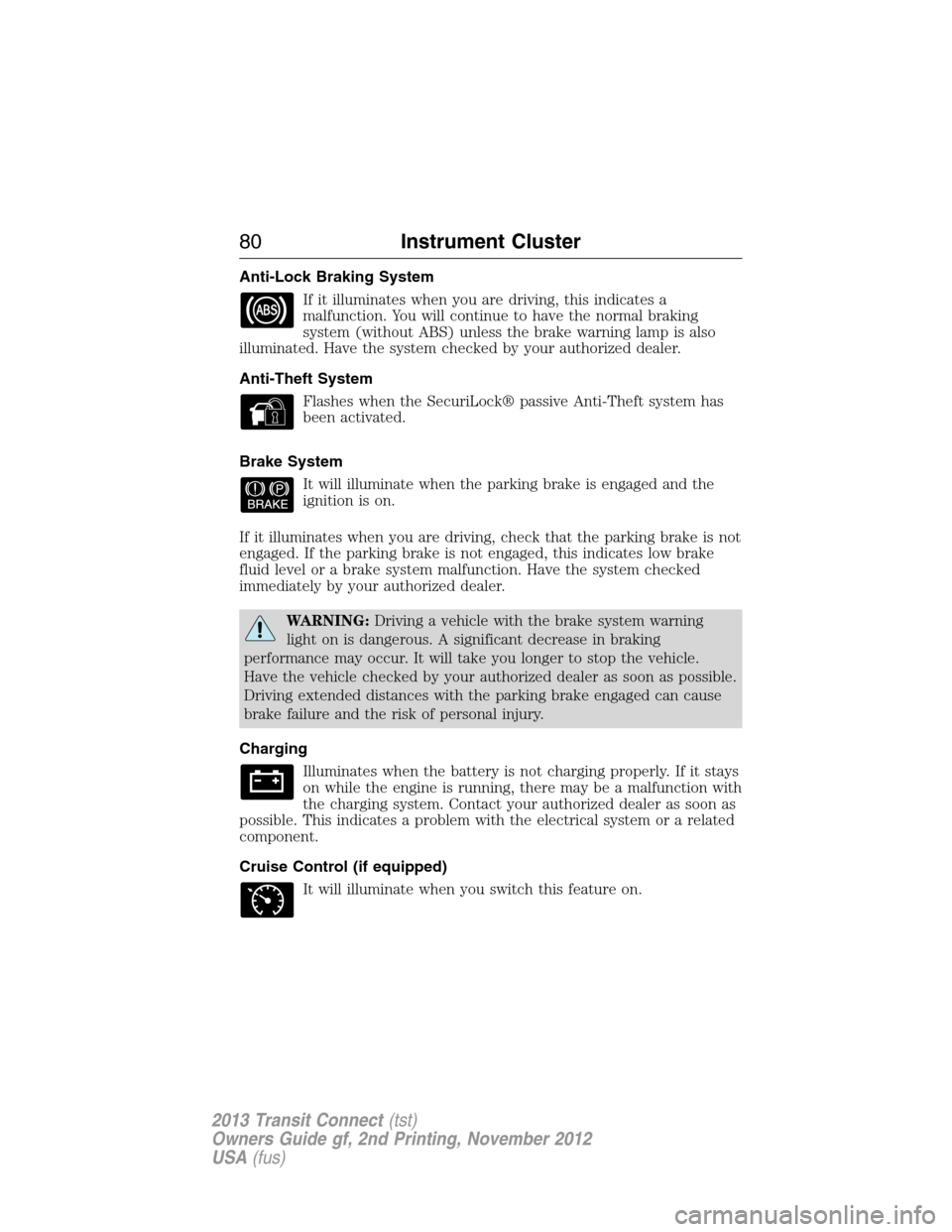
Anti-Lock Braking System
If it illuminates when you are driving, this indicates a
malfunction. You will continue to have the normal braking
system (without ABS) unless the brake warning lamp is also
illuminated. Have the system checked by your authorized dealer.
Anti-Theft System
Flashes when the SecuriLock® passive Anti-Theft system has
been activated.
Brake System
It will illuminate when the parking brake is engaged and the
ignition is on.
If it illuminates when you are driving, check that the parking brake is not
engaged. If the parking brake is not engaged, this indicates low brake
fluid level or a brake system malfunction. Have the system checked
immediately by your authorized dealer.
WARNING:Driving a vehicle with the brake system warning
light on is dangerous. A significant decrease in braking
performance may occur. It will take you longer to stop the vehicle.
Have the vehicle checked by your authorized dealer as soon as possible.
Driving extended distances with the parking brake engaged can cause
brake failure and the risk of personal injury.
Charging
Illuminates when the battery is not charging properly. If it stays
on while the engine is running, there may be a malfunction with
the charging system. Contact your authorized dealer as soon as
possible. This indicates a problem with the electrical system or a related
component.
Cruise Control (if equipped)
It will illuminate when you switch this feature on.
80Instrument Cluster
2013 Transit Connect(tst)
Owners Guide gf, 2nd Printing, November 2012
USA(fus)
Page 93 of 321
WARNING:Store the portable music player in a secure location,
such as the center console or the glove box, when your vehicle is
moving. Hard objects may become projectiles in a crash or sudden stop,
which may increase the risk of serious injury. The audio extension cable
must be long enough to allow the portable music player to be safely
stored while your vehicle is moving.
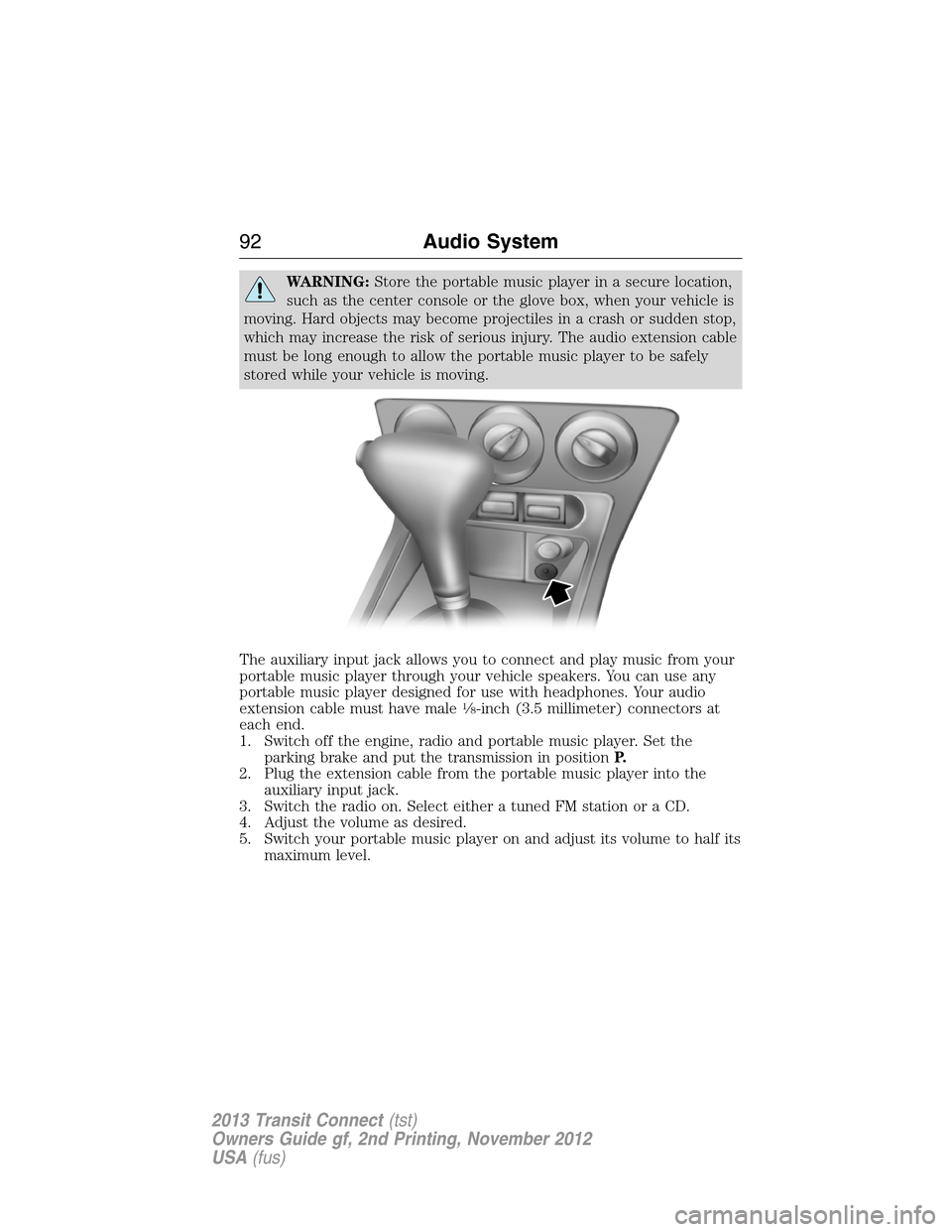
The auxiliary input jack allows you to connect and play music from your
portable music player through your vehicle speakers. You can use any
portable music player designed for use with headphones. Your audio
extension cable must have male
18-inch (3.5 millimeter) connectors at
each end.
1. Switch off the engine, radio and portable music player. Set the
parking brake and put the transmission in positionP.
2. Plug the extension cable from the portable music player into the
auxiliary input jack.
3. Switch the radio on. Select either a tuned FM station or a CD.
4. Adjust the volume as desired.
5. Switch your portable music player on and adjust its volume to half its
maximum level.
92Audio System
2013 Transit Connect(tst)
Owners Guide gf, 2nd Printing, November 2012
USA(fus)
Page 108 of 321
CENTER CONSOLE
Stow items in the cupholder carefully as items may become loose during
hard braking, acceleration or collisions, including hot drinks which may
spill.
Available console features include:
•Cupholders
•Storage area
•Power window switches
OVERHEAD CONSOLE
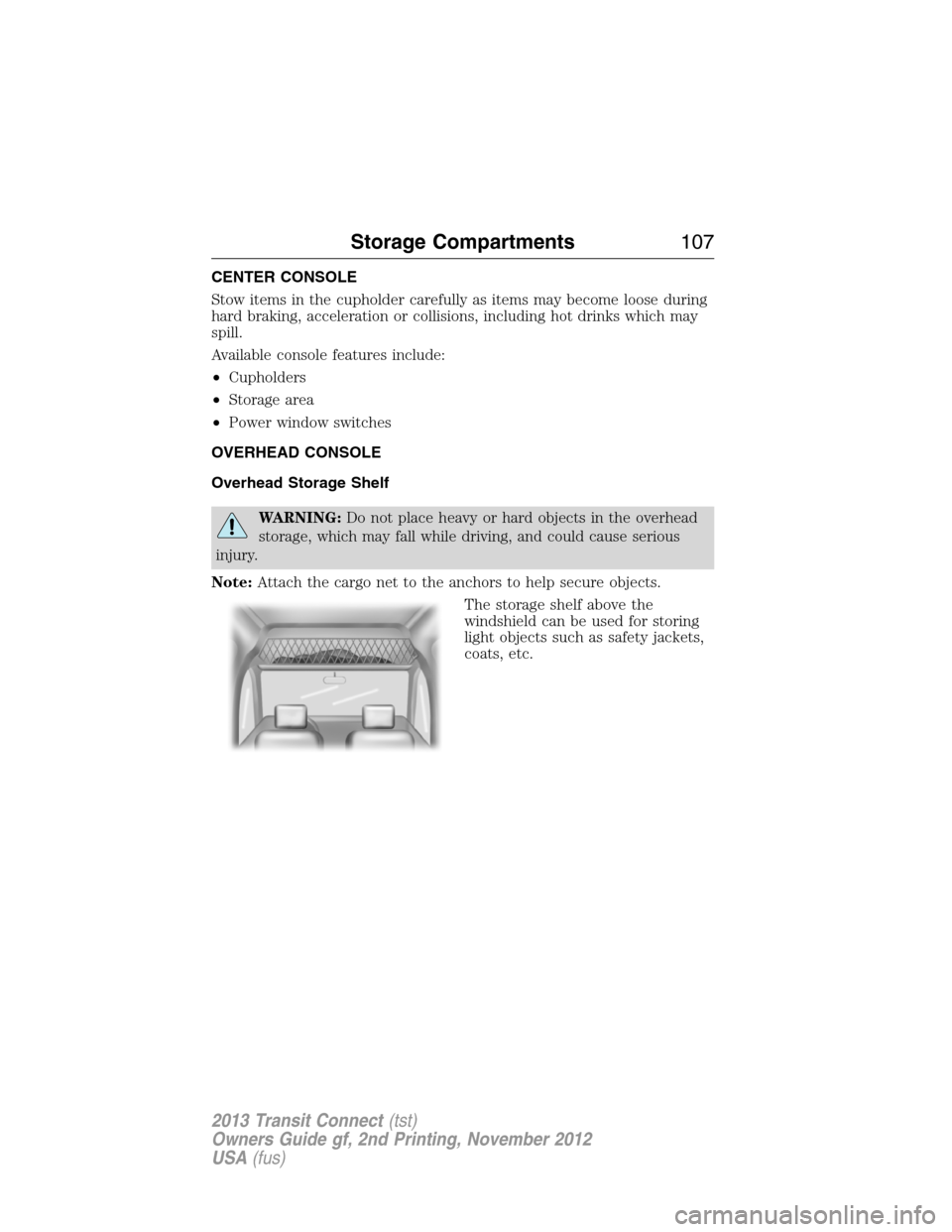
Overhead Storage Shelf
WARNING:Do not place heavy or hard objects in the overhead
storage, which may fall while driving, and could cause serious
injury.
Note:Attach the cargo net to the anchors to help secure objects.
The storage shelf above the
windshield can be used for storing
light objects such as safety jackets,
coats, etc.
Storage Compartments107
2013 Transit Connect(tst)
Owners Guide gf, 2nd Printing, November 2012
USA(fus)
Page 122 of 321
AUTOMATIC TRANSMISSION
WARNING:Always set the parking brake fully and make sure
the gearshift is latched in P (Park). Turn the ignition to the off
position and remove the key whenever you leave your vehicle.
Your vehicle has been designed to improve fuel economy by reducing
fuel usage while coasting or decelerating. When you take your foot off
the accelerator pedal and the vehicle begins to slow down, the torque
converter clutch locks up and aggressively shuts off fuel flow to the
engine while decelerating. This fuel economy benefit may be perceived
as a light to medium braking sensation when removing your foot from
the accelerator pedal.
Note:The vehicle can potentially roll back in D (Drive) on a grade.
To prevent this from occurring, it is recommended that you move the
gearshift lever into the 2 (second) position.
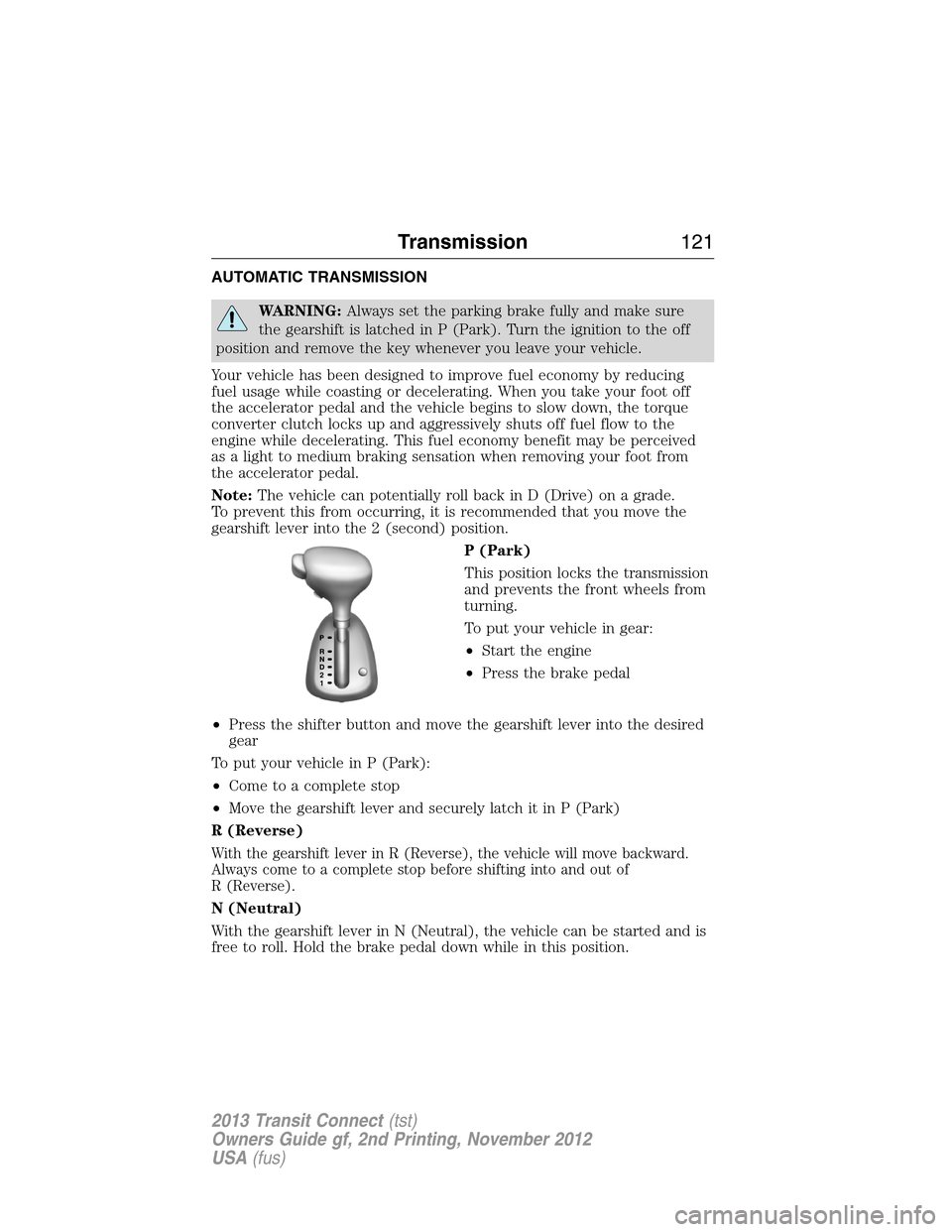
P (Park)
This position locks the transmission
and prevents the front wheels from
turning.
To put your vehicle in gear:
•Start the engine
•Press the brake pedal
•Press the shifter button and move the gearshift lever into the desired
gear
To put your vehicle in P (Park):
•Come to a complete stop
•Move the gearshift lever and securely latch it in P (Park)
R (Reverse)
With the gearshift lever in R (Reverse), the vehicle will move backward.
Always come to a complete stop before shifting into and out of
R (Reverse).
N (Neutral)
With the gearshift lever in N (Neutral), the vehicle can be started and is
free to roll. Hold the brake pedal down while in this position.
21
Transmission121
2013 Transit Connect(tst)
Owners Guide gf, 2nd Printing, November 2012
USA(fus)
Page 127 of 321

HINTS ON DRIVING WITH ANTI-LOCK BRAKES
When the system is operating, the brake pedal will pulse and may travel
further. Maintain pressure on the brake pedal. You may also hear a noise
from the system. This is normal.
The anti-lock braking system will not eliminate the dangers inherent
when:
•you drive too closely to the vehicle in front of you.
•your vehicle is hydroplaning.
•you take corners too fast.
•the road surface is poor.
PARKING BRAKE
WARNING:If the parking brake is fully released, but the brake
warning lamp remains illuminated, the brakes may not be
working properly. See your authorized dealer as soon as possible.
WARNING:Always set the parking brake fully and make sure
that the transmission selector lever is securely latched in position
P(automatic transmission) or position1(manual transmission).
To set the parking brake, pull the parking brake handle up as far as
possible.
To release the parking brake:
1. Press and hold the button located at the end of the parking brake
handle.
2. Pull the handle up slightly, then push the handle down.
126Brakes
2013 Transit Connect(tst)
Owners Guide gf, 2nd Printing, November 2012
USA(fus)
Page 148 of 321
FLOOR MATS
WARNING:Always use floor mats that are designed to fit the
footwell of your vehicle. Only use floor mats that leave the pedal
area unobstructed. Only use floor mats that are firmly secured to
retention posts so that they cannot slip out of position and interfere
with the pedals or impair safe operation of your vehicle in other ways.
•Pedals that cannot move freely can cause loss of vehicle control and
increase the risk of serious personal injury.
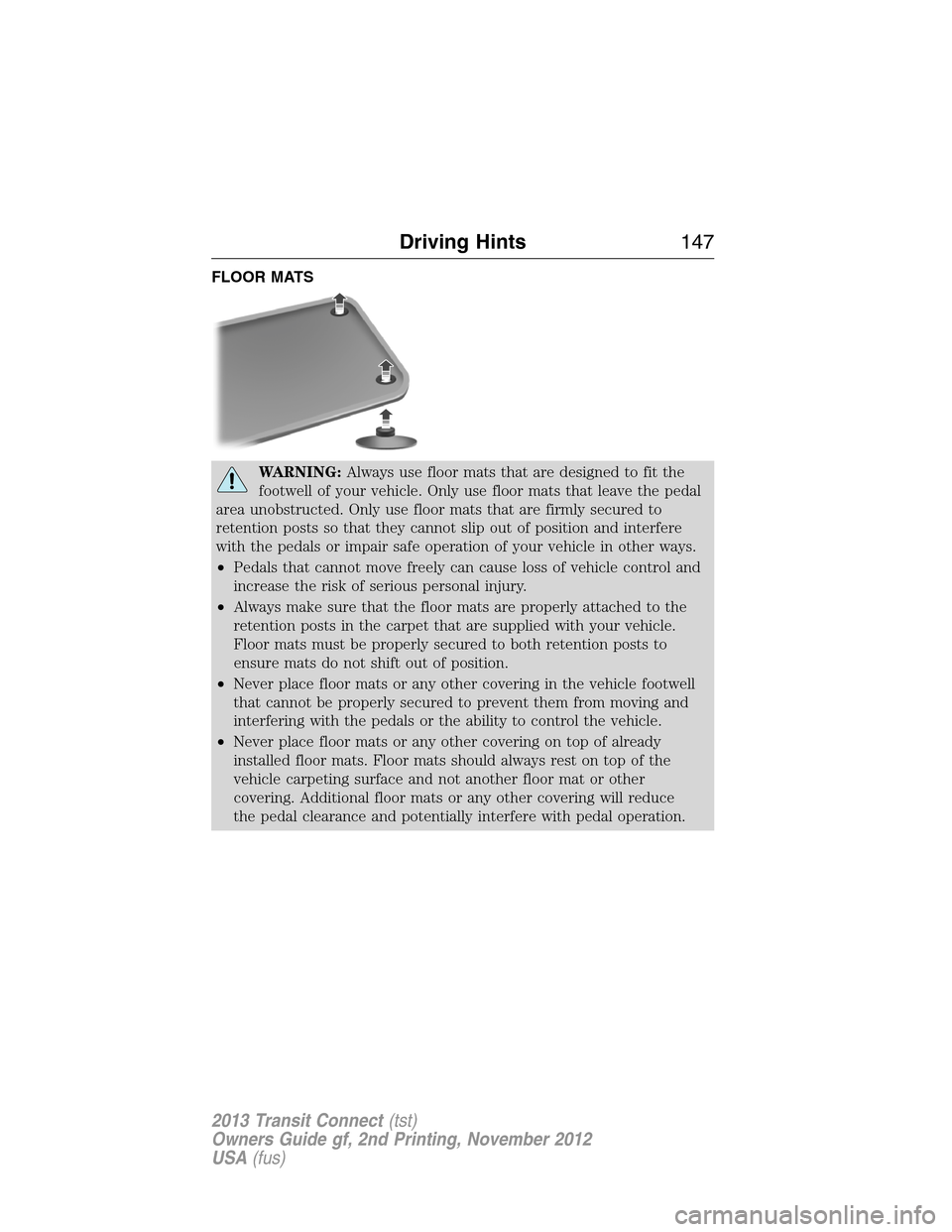
•Always make sure that the floor mats are properly attached to the
retention posts in the carpet that are supplied with your vehicle.
Floor mats must be properly secured to both retention posts to
ensure mats do not shift out of position.
•Never place floor mats or any other covering in the vehicle footwell
that cannot be properly secured to prevent them from moving and
interfering with the pedals or the ability to control the vehicle.
•Never place floor mats or any other covering on top of already
installed floor mats. Floor mats should always rest on top of the
vehicle carpeting surface and not another floor mat or other
covering. Additional floor mats or any other covering will reduce
the pedal clearance and potentially interfere with pedal operation.
Driving Hints147
2013 Transit Connect(tst)
Owners Guide gf, 2nd Printing, November 2012
USA(fus)
Page 149 of 321
WARNING(Continued)
•Check attachment of floor mats on a regular basis. Always properly
reinstall and secure floor mats that have been removed for cleaning
or replacement.
•Always make sure that objects cannot fall into the driver footwell
while the vehicle is moving. Objects that are loose can become
trapped under the pedals causing a loss of vehicle control.
•Failure to properly follow floor mat installation or attachment
instructions can potentially cause interference with pedal operation
causing loss of control of vehicle.
•To install floor mats, position the floor mat so that the eyelet is over
the retention post and press down to lock in.
•To remove the floor mat, reverse the installation procedure.
148Driving Hints
2013 Transit Connect(tst)
Owners Guide gf, 2nd Printing, November 2012
USA(fus)
Page 158 of 321
IN CALIFORNIA (U.S. ONLY)
California Civil Code Section 1793.2(d) requires that, if a manufacturer
or its representative is unable to repair a motor vehicle to conform to
the vehicle’s applicable express warranty after a reasonable number of
attempts, the manufacturer shall be required to either replace the
vehicle with one substantially identical or repurchase the vehicle and
reimburse the buyer in an amount equal to the actual price paid or
payable by the consumer (less a reasonable allowance for consumer
use). The consumer has the right to choose whether to receive a refund
or replacement vehicle.
California Civil Code Section 1793.22(b) presumes that the manufacturer
has had a reasonable number of attempts to conform the vehicle to its
applicable express warranties if, within the first 18 months of ownership of
a new vehicle or the first 18000 mi (29 000 km), whichever occurs first:
1. Two or more repair attempts are made on the same nonconformity
likely to cause death or serious bodily injury OR
2. Four or more repair attempts are made on the same nonconformity
(a defect or condition that substantially impairs the use, value or safety
of the vehicle) OR
3. The vehicle is out of service for repair of nonconformities for a total of
more than 30 calendar days (not necessarily all at one time).
In the case of 1 or 2 above, the consumer must also notify the
manufacturer of the need for the repair of the nonconformity at the
following address:
Ford Motor Company
16800 Executive Plaza Drive
Mail Drop 3NE-B
Dearborn, MI 48126
You are required to submit your warranty dispute to BBB AUTO LINE
before asserting in court any rights or remedies conferred by California
Civil Code Section 1793.22(b). You are also required to use BBB AUTO
LINE before exercising rights or seeking remedies created by the Federal
Magnuson-Moss Warranty Act, 15 U.S.C. sec. 2301 et seq. If you choose
to seek redress by pursuing rights and remedies not created by California
Civil Code Section 1793.22(b) or the Magnuson-Moss Warranty Act,
resorting to BBB AUTO LINE is not required by those statutes.
Customer Assistance157
2013 Transit Connect(tst)
Owners Guide gf, 2nd Printing, November 2012
USA(fus)