engine FORD TRANSIT CONNECT 2016 2.G Owners Manual
[x] Cancel search | Manufacturer: FORD, Model Year: 2016, Model line: TRANSIT CONNECT, Model: FORD TRANSIT CONNECT 2016 2.GPages: 439, PDF Size: 6.96 MB
Page 406 of 439
403
Tourneo Connect/Transit Connect (CHC) Canada/United States of America, enUSA, First Printing Scheduled MaintenanceE146852
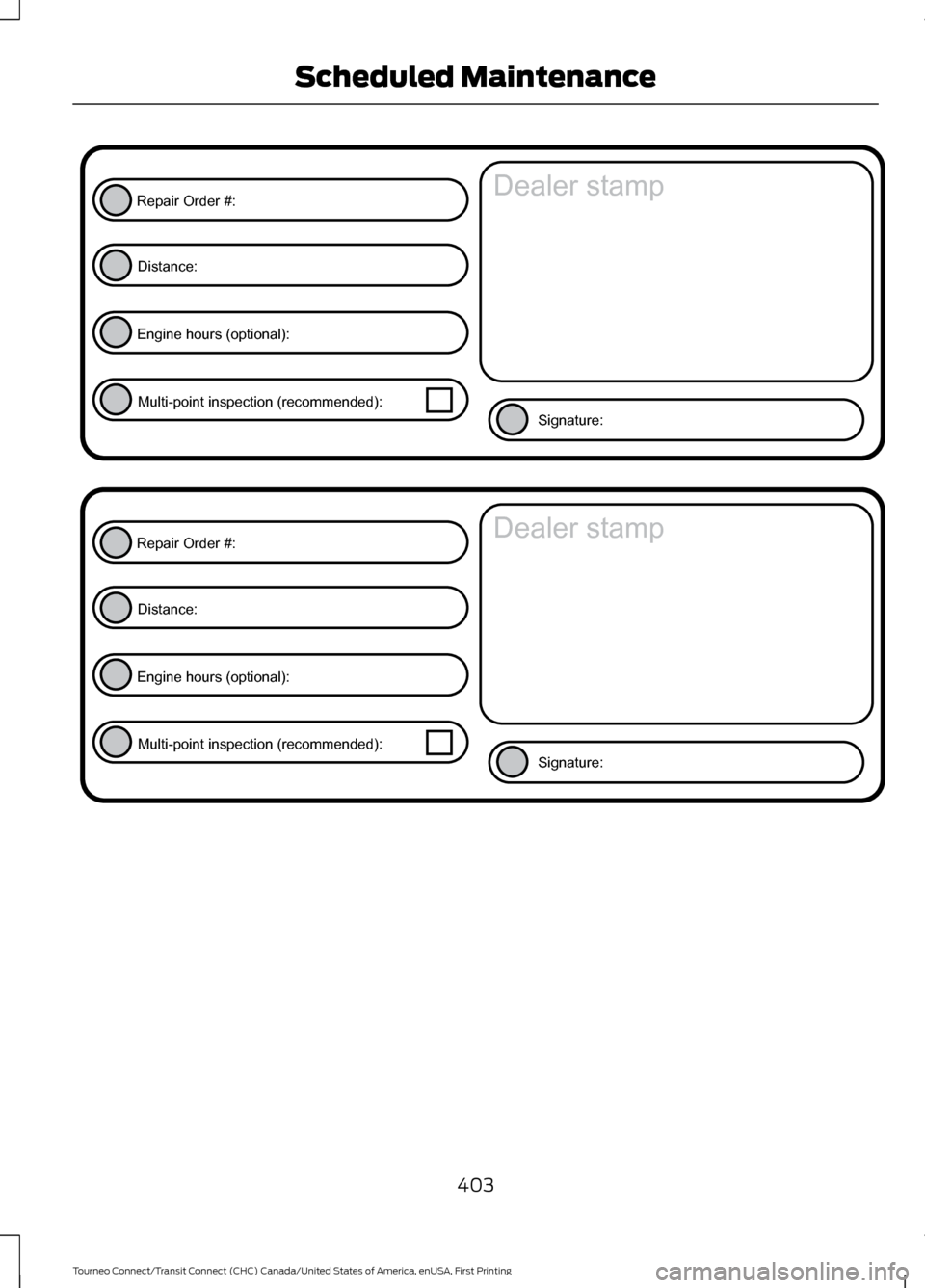
Repair Order #:Distance:
Engine hours (optional): Multi-point inspection (recommended): Signature:
Dealer stamp E146852
Repair Order #:Distance:
Engine hours (optional): Multi-point inspection (recommended): Signature:
Dealer stamp
Page 408 of 439
Description of Other Rights and
Limitations
•
Speech Recognition: If the
SOFTWARE includes speech
recognition component(s), you should
understand that speech recognition is
an inherently statistical process and
that recognition errors are inherent in
the process. Neither FORD MOTOR
COMPANY nor its suppliers shall be
liable for any damages arising out of
errors in the speech recognition
process.
• Limitations on Reverse Engineering,
Decompilation and Disassembly:
You may not reverse engineer,
decompile, or disassemble nor permit
others to reverse engineer, decompile
or disassemble the SOFTWARE, except
and only to the extent that such activity
is expressly permitted by applicable
law notwithstanding this limitation.
• Limitations on Distributing,
Copying, Modifying and Creating
Derivative Works:
You may not
distribute, copy, make modifications
to or create derivative works based on
the SOFTWARE, except and only to the
extent that such activity is expressly
permitted by applicable law
notwithstanding this limitation.
• Single EULA:
The end user
documentation for the DEVICE and
related systems and services may
contain multiple EULAs, such as
multiple translations and/or multiple
media versions (e.g., in the user
documentation and in the software).
Even if you receive multiple EULAs, you
are licensed to use only one (1) copy of
the SOFTWARE. •
SOFTWARE Transfer:
You may
permanently transfer your rights under
this EULA only as part of a sale or
transfer of the DEVICE, provided you
retain no copies, you transfer all of the
SOFTWARE (including all component
parts, the media and printed materials,
any upgrades, and, if applicable, the
Certificate(s) of Authenticity), and the
recipient agrees to the terms of this
EULA. If the SOFTWARE is an upgrade,
any transfer must include all prior
versions of the SOFTWARE.
• Termination: Without prejudice to any
other rights, FORD MOTOR COMPANY
or MS may terminate this EULA if you
fail to comply with the terms and
conditions of this EULA.
• Security Updates/Digital Rights
Management:
Content owners use
the WMDRM technology included in
your DEVICE to protect their
intellectual property, included
copyrighted content. Portions of the
SOFTWARE on your DEVICE use
WMDRM software to access
WMDRM-protected content. If the
WMDRM software fails to protect the
content, content owners may ask
Microsoft to revoke the SOFTWARE's
ability to use WMDRM to play or copy
protected content. This action does
not affect unprotected content. When
your DEVICE downloads licenses for
protected content, you agree that
Microsoft may include a revocation list
with the licenses. Content owners may
require you to upgrade the SOFTWARE
on your DEVICE to access their content.
If you decline an upgrade, you will not
be able to access content that requires
the upgrade.
405
Tourneo Connect/Transit Connect (CHC) Canada/United States of America, enUSA, First Printing Appendices
Page 411 of 439
Website
http://www.microsoft.com/exporting/
TRADEMARKS: This EULA does not grant
you any rights in connection with any
trademarks or service marks of FORD
MOTOR COMPANY, MS, Microsoft
Corporation, third party software or service
providers, their affiliates or suppliers.
PRODUCT SUPPORT: Product support
for the SOFTWARE is not provided by MS,
its parent corporation Microsoft
Corporation, or their affiliates or
subsidiaries. For product support, please
refer to FORD MOTOR COMPANY
instructions provided in the documentation
for the DEVICE. Should you have any
questions concerning this EULA, or if you
desire to contact FORD MOTOR
COMPANY for any other reason, please
refer to the address provided in the
documentation for the DEVICE.
No Liability for Certain Damages:
EXCEPT AS PROHIBITED BY LAW, FORD
MOTOR COMPANY, ANY THIRD PARTY
SOFTWARE OR SERVICES SUPPLIERS,
MS, MICROSOFT CORPORATION AND
THEIR AFFILIATES SHALL HAVE NO
LIABILITY FOR ANY INDIRECT, SPECIAL,
CONSEQUENTIAL OR INCIDENTAL
DAMAGES ARISING FROM OR IN
CONNECTION WITH THE USE OR
PERFORMANCE OF THE SOFTWARE. THIS
LIMITATION SHALL APPLY EVEN IF ANY
REMEDY FAILS OF ITS ESSENTIAL
PURPOSE. IN NO EVENT SHALL MS,
MICROSOFT CORPORATION AND/OR
THEIR AFFILIATES BE LIABLE FOR ANY
AMOUNT IN EXCESS OF U.S. TWO
HUNDRED FIFTY DOLLARS (U.S.
$250.00). •
THERE ARE NO WARRANTIES OTHER
THAN THOSE THAT MAY EXPRESSLY
BE PROVIDED FOR YOUR NEW
VEHICLE.
Adobe
Contains Adobe® [Flash® Player] or
[AIR®] technology by Adobe Systems
Incorporated. This [Licensee Product]
contains [Adobe® Flash® Player]
[Adobe® AIR®] software under license
from Adobe Systems Incorporated,
Copyright ©1995-2009 Adobe
Macromedia Software LLC. All rights
reserved. Adobe, Flash and AIR are
trademarks of Adobe Systems
Incorporated.
End User Notice
Microsoft® Windows® Mobile for
Automotive Important Safety
Information
This system Ford SYNC contains software
that is licensed to Manufacturer FORD
MOTOR COMPANY by an affiliate of
Microsoft Corporation pursuant to a license
agreement. Any removal, reproduction,
reverse engineering or other unauthorized
use of the software from this system in
violation of the license agreement is strictly
prohibited and may subject you to legal
action.
Read and follow instructions:
Before
using your Windows Automotive- based
system, read and follow all instructions
and safety information provided in this end
user manual ("User's Guide"). Not
following precautions found in this User's
Guide can lead to an accident or other
serious consequences.
408
Tourneo Connect/Transit Connect (CHC) Canada/United States of America, enUSA, First Printing Appendices
Page 414 of 439
You agree to indemnify and hold Telenav
harmless against all claims resulting from
any dangerous or otherwise inappropriate
use of the Telenav Software in any moving
vehicle, including as a result of your failure
to comply with the directions above.
2. Account Information
You agree: (a) when registering the
Telenav Software, to provide Telenav with
true, accurate, current, and complete
information about yourself, and (b) to
inform Telenav promptly of any changes
to such information, and to keep it true,
accurate, current and complete.
3. Software License
Subject to your compliance with the terms
of this Agreement, Telenav hereby grants
to you a personal, non-exclusive,
non-transferable license (except as
expressly permitted below in connection
with your permanent transfer of the
Telenav Software license), without the
right to sublicense, to use the Telenav
Software (in object code form only) in
order to access and use the Telenav
Software. This license shall terminate upon
any termination or expiration of this
Agreement. You agree that you will use the
Telenav Software only for your personal
business or leisure purposes, and not to
provide commercial navigation services to
other parties.
3.1 License Limitations
You agree not to do any of the following:
(a) reverse engineer, decompile,
disassemble, translate, modify, alter or
otherwise change the Telenav Software
or any part thereof; (b) attempt to derive
the source code, audio library or structure
of the Telenav Software without the prior
express written consent of Telenav; (c)
remove from the Telenav Software, or
alter, any of Telenav
’s or its suppliers’
trademarks, trade names, logos, patent or copyright notices, or other notices or
markings; (d) distribute, sublicense or
otherwise transfer the Telenav Software
to others, except as part of your permanent
transfer of the Telenav Software; or (e)
use the Telenav Software in any manner
that (i) infringes the intellectual property
or proprietary rights, rights of publicity or
privacy or other rights of any party, (ii)
violates any law, statute, ordinance or
regulation, including but not limited to laws
and regulations related to spamming,
privacy, consumer and child protection,
obscenity or defamation, or (iii) is harmful,
threatening, abusive, harassing, tortuous,
defamatory, vulgar, obscene, libelous, or
otherwise objectionable; and (f) lease, rent
out, or otherwise permit unauthorized
access by third parties to the Telenav
Software without advanced written
permission of Telenav.
4. Disclaimers
To the fullest extent permissible pursuant
to applicable law, in no event will Telenav,
its licensors and suppliers, or agents or
employees of any of the foregoing, be
liable for any decision made or action
taken by you or anyone else in reliance on
the information provided by the Telenav
Software. Telenav also does not warrant
the accuracy of the map or other data used
for the Telenav Software. Such data may
not always reflect reality due to, among
other things, road closures, construction,
weather, new roads and other changing
conditions. You are responsible for the
entire risk arising out of your use of the
Telenav Software. For example but
without limitation, you agree not to rely on
the Telenav Software for critical navigation
in areas where the well-being or survival
of you or others is dependent on the
accuracy of navigation, as the maps or
functionality of the Telenav Software are
not intended to support such high risk
applications, especially in more remote
geographical areas.
411
Tourneo Connect/Transit Connect (CHC) Canada/United States of America, enUSA, First Printing Appendices
Page 417 of 439
Agreement), and thus your use of the
Telenav Software is also subject to such
terms. You agree to comply with the
following additional terms and conditions,
which are applicable to Telenav
’s third
party vendor licensors:
9.1 End User Terms Required by HERE
North America, LLC
The data (“Data ”) is provided for your
personal, internal use only and not for
resale. It is protected by copyright, and is
subject to the following terms and
conditions which are agreed to by you, on
the one hand, and Telenav (“Telenav ”) and
its licensors (including their licensors and
suppliers) on the other hand.
© 2013 HERE. All rights reserved.
The Data for areas of Canada includes
information taken with permission from
Canadian authorities, including: © Her
Majesty the Queen in Right of Canada, ©
Queen's Printer for Ontario, © Canada Post
Corporation, GeoBase®, © Department of
Natural Resources Canada.
HERE holds a non-exclusive license from
the United States Postal Service® to
publish and sell ZIP+4® information.
©United States Postal Service® 2014.
Prices are not established, controlled or
approved by the United States Postal
Service®. The following trademarks and
registrations are owned by the USPS:
United States Postal Service, USPS, and
ZIP+4.
The Data for Mexico includes certain data
from Instituto Nacional de Estadística y
Geografía.
TERMS AND CONDITIONS 9.2 End User Terms Required by NAV2
(Shanghai) Co., Ltd
The data (“Data
”) is provided for your
personal, internal use only and not for
resale. It is protected by copyright, and is
subject to the following terms and
conditions which are agreed to by you, on
the one hand, and NAV2 (Shanghai) Co.,
Ltd (“NAV2”) and its licensors (including
their licensors and suppliers) on the other
hand.
© 20xx. All rights reserved.
Permitted Use.
You agree to use this Data together with
the Telenav Software solely for the internal
business and personal purposes for which
you were licensed, and not for service
bureau, time-sharing or other similar
purposes. Accordingly, but subject to the
restrictions set forth in the following
paragraphs, you agree not to otherwise
reproduce, copy, modify, decompile,
disassemble, create any derivative works
of, or reverse engineer any portion of this
Data, and may not transfer or distribute it
in any form, for any purpose, except to the
extent permitted by mandatory laws.
Restrictions.
Except where you have been specifically
licensed to do so by Telenav, and without
limiting the preceding paragraph, you may
not use this Data (a) with any products,
systems, or applications installed or
otherwise connected to or in
communication with vehicles, capable of
vehicle navigation, positioning, dispatch,
real time route guidance, fleet
management or similar applications; or (b)
with or in communication with any
414
Tourneo Connect/Transit Connect (CHC) Canada/United States of America, enUSA, First Printing Appendices
Page 424 of 439
“Información geográfica
propiedad del CNIG”
Spain
“Based upon electronic
data © National Land
Survey Sweden. ”
Sweden
“Topografische
Grundlage: © Bundesamt
für Landestopographie.
Switzerland
E. Respective Country Distribution. Client
acknowledges that HERE has not
received approvals to distribute map
data for the following countries in such
respective countries: Albania, Belarus,
Kyrgyzstan, Moldova and Uzbekistan.
HERE may update such list from time to
time. The license rights granted to Client
under this TL with respect to the Data
for such countries are contingent upon
Client’
s compliance with all applicable
laws and regulations, including, without
limitation, any required licenses or
approvals to distribute the Application
incorporating such Data in such
respective countries.
VI. Australia Territory A. Third Party Notices. Any and all copies
of the Data and/or packaging relating
thereto shall include the respective Third
Party Notices set forth below and used
as described below corresponding to
the Territory (or portion thereof)
included in such copy: Copyright. Based on data provided
under license from PSMA Australia
Limited (www.psma.com.au). Product incorporates data which is ©
20XX Telstra Corporation Limited, GM
Holden Limited, Intelematics Australia
Pty Ltd and Continental Pty Ltd.
B. Third Party Notices for Australia. In
addition to the foregoing, the End-User
Terms for any Application containing
RDS-TMC Traffic Codes for Australia
shall contain the following notice:
“Product incorporates traffic location
codes which is © 20XX Telstra Corpora-
tion Limited and its licensors. ”
VII. China Territory
Personal Use Only
You agree to use this Data together with
[insert name of Client Application] for the
solely personal, non-commercial purposes
for which you were licensed, and not for
service bureau, time-sharing or other
similar purposes. Accordingly, but subject
to the restrictions set forth in the following
paragraphs, you may copy this Data only
as necessary for your personal use to (i)
view it, and (ii) save it, provided that you
do not remove any copyright notices that
appear and do not modify the Data in any
way. You agree not to otherwise reproduce,
copy, modify, decompile, disassemble or
reverse engineer any portion of this Data,
and may not transfer or distribute it in any
form, for any purpose, except to the extent
permitted by mandatory laws.
Restrictions
Except where you have been specifically
licensed to do so by NAV2 , and without
limiting the preceding paragraph, you may
not (a) use this Data with any products,
systems, or applications installed or
otherwise connected to or in
communication with vehicles, capable of
vehicle navigation, positioning, dispatch,
real time route guidance, fleet
management or similar applications; or (b)
421
Tourneo Connect/Transit Connect (CHC) Canada/United States of America, enUSA, First Printing Appendices
Page 425 of 439
with or in communication with any
positioning devices or any mobile or
wireless-connected electronic or computer
devices, including without limitation
cellular phones, palmtop and handheld
computers, pagers, and personal digital
assistants or PDAs. You agree to cease
using this Data if you fail to comply with
these terms and conditions.
Limited Warranty
NAV2 warrants that (a) the Data will
perform substantially in accordance with
the accompanying written materials for a
period of ninety (90) days from the date
of receipt, and (b) any support services
provided by NAV2 shall be substantially as
described in applicable written materials
provided to you by NAV2, and NAV2’
s
support engineers will make commercially
reasonable efforts to solve any problem
issues.
rigCustomer Remedies
NAV2 and its suppliers’ entire liability and
your exclusive remedy shall be, at NAV2’ s
sole discretion, either (a) return of the price
paid, if any, or (b) repair or replacement of
the Data that do not meet NAV2’ s Limited
Warranty and that are returned to NAV2
with a copy of your receipt. This Limited
Warranty is void if failure of the Data has
resulted from accident, abuse, or
misapplication. Any replacement Data will
be warranted for the remainder of the
original warranty period or thirty (30) days,
whichever is longer. Neither these remedies
nor any product support services offered
by NAV2 are available without proof of
purchase from an authorized international
source. No Other Warranty:
EXCEPT FOR THE LMITED WARRANTY
SET FORTH ABOVE AND TO THE EXTENT
PERMITTED BY APPLICABLE LAW, NAV2
AND ITS LICENSORS (INCLUDING THEIR
LICENSORS AND SUPPLIERS) DISCLAIM
ANY WARRANTIES, EXPRESS OR IMPLIED,
OF QUALITY, PERFORMANCE,
MERCHANTABILITY, FITNESS FOR A
PARTICULAR PURPOSE, OWNERSHIP OR
NON-INFRINGEMENT. Certain warranty
exclusions may not be permitted under
applicable law, so to that extent the above
exclusion may not apply to you.
Limited Liability:
TO THE EXTENT PERMITTED BY
APPLICABLE LAW, NAV2 AND ITS
LICENSORS (INCLUDING THEIR
LICENSORS AND SUPPLIERS) SHALL NOT
BE LIABLE TO YOU: IN RESPECT OF ANY
CLAIM, DEMAND OR ACTION,
IRRESPECTIVE OF THE NATURE OF THE
CAUSE OF THE CLAIM, DEMAND OR
ACTION ALLEGING ANY LOSS, INJURY OR
DAMAGES, DIRECT OR INDIRECT, WHICH
MAY RESULT FROM THE USE OR
POSSESSION OF THE INFORMATION; OR
FOR ANY LOSS OF PROFIT, REVENUE,
CONTRACTS OR SAVINGS, OR ANY
OTHER DIRECT, INDIRECT, INCIDENTAL,
SPECIAL OR CONSEQUENTIAL DAMAGES
ARISING OUT OF YOUR USE OF OR
INABILITY TO USE THIS INFORMATION,
ANY DEFECT IN THE INFROMATION, OR
THE BREACH OF THESE TERMS OR
CONDITIONS, WHETHER IN AN ACTION
IN CONTRACT OR TORT OR BASED ON A
WARRANTY, EVEN IF NAV2 OR ITS
LICENSORS HAVE BEEN ADVISED OF THE
POSSIBILITY OF SUCH DAMAGES. UNDER
NO CIRCUMSTANCES SHALL NAV2’
s OR
ITS SUPPLIERS ’ LIABILITY HEREUNDER
EXCEED THE PRICE PAID. Certain liability
exclusions may not be permitted under
applicable law, so to that extent the above
exclusion may not apply to you.
422
Tourneo Connect/Transit Connect (CHC) Canada/United States of America, enUSA, First Printing Appendices
Page 430 of 439
A
A/C
See: Climate Control........................................... 95
About This Manual...........................................7
ABS See: Brakes............................................................ 129
ABS driving hints See: Hints on Driving With Anti-Lock
Brakes................................................................. 129
Accessories....................................................382 Exterior Style....................................................... 382
Interior Style........................................................ 382
Lifestyle................................................................. 382
Peace of Mind..................................................... 382
Accessories See: Replacement Parts
Recommendation............................................. 11
Adjusting the Headlamps........................205 Horizontal Aim Adjustment.......................... 206
Vertical Aim Adjustment................................ 205
Adjusting the Steering Wheel...................60
Airbag Disposal...............................................44
Air Conditioning See: Climate Control........................................... 95
Air Filter See: Changing the Engine Air Filter..............212
Air Vents............................................................95 Center Air Vents.................................................... 95
Side Air Vents........................................................ 96
Appendices...................................................404
Audible Warnings and Indicators.............84 Automatic Transmission Warning
Chime.................................................................. 84
Headlamps On Warning Chime..................... 84
Key in Ignition Warning Chime........................ 84
Parking Brake On Warning Chime.................84
Audio Control..................................................60
Audio Input Jack...........................................272
Audio System................................................258 General Information......................................... 258
Audio Troubleshooting...............................273
Audio Unit - Vehicles With: AM/FM/CD/ SYNC/Satellite Radio
.............................265
Audio Unit - Vehicles With: AM/FM/CD/ SYNC.............................................................263 Audio Unit - Vehicles With: AM/
FM...................................................................259
AUX Button.......................................................... 262
Clock Button......................................................... 261
Frequency Band Buttons................................. 261
Menu Button........................................................ 262
Sound Button....................................................... 261
Station Preset Buttons..................................... 261
Station Tuning Buttons.................................... 261
Audio Unit - Vehicles With: Premium AM/FM/CD..................................................262
Autolamps
........................................................68
Windshield Wiper Activated
Headlamps........................................................ 68
Automatic Climate Control........................97 Mono Mode............................................................ 99
Switching Mono Mode Back On..................... 99
Switching Mono Mode Off............................... 99
Temperature Control.......................................... 99
Automatic Transmission
............................126
Brake-Shift Interlock.......................................... 127
If Your Vehicle Gets Stuck In Mud or Snow................................................................... 128
SelectShift Automatic® Transmission................................................... 126
Understanding the Positions of Your Automatic Transmission............................. 126
Automatic Transmission Fluid Check
............................................................200
Autowipers.......................................................63
Auxiliary Power Points.................................113 12 Volt DC Power Point...................................... 113
Locations................................................................. 113
B
Battery See: Changing the 12V Battery...................... 201
Blind Spot Information System................141 Switching the System Off and On...............143
System Errors....................................................... 143
Using the System................................................. 141
Bonnet Lock See: Opening and Closing the Hood...........193
Booster Seats
..................................................23
Types of Booster Seats...................................... 24
Brake Fluid Check.......................................200
427
Tourneo Connect/Transit Connect (CHC) Canada/United States of America, enUSA, First Printing Index
Page 431 of 439
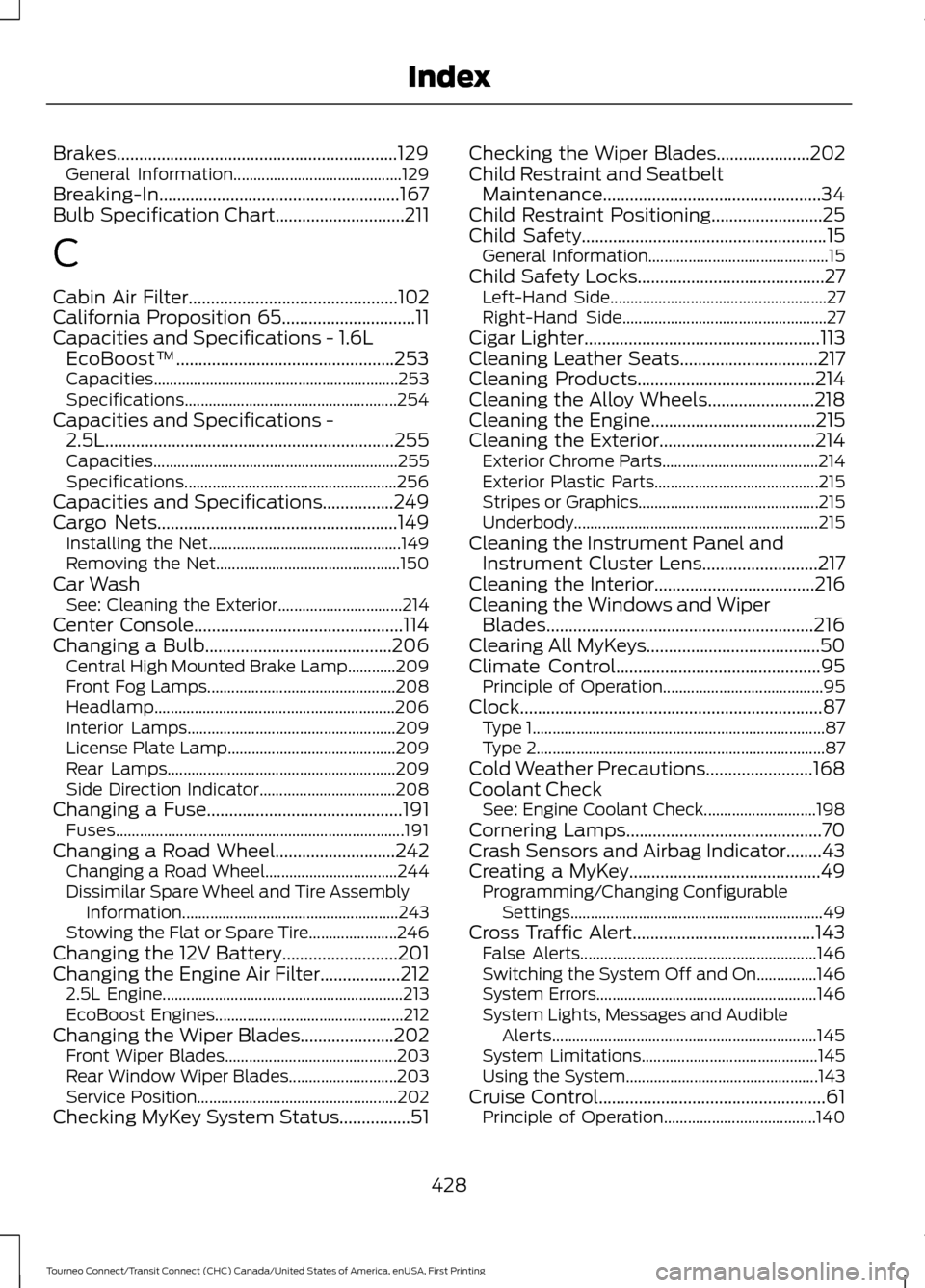
Brakes...............................................................129
General Information.......................................... 129
Breaking-In......................................................167
Bulb Specification Chart.............................211
C
Cabin Air Filter...............................................102
California Proposition 65..............................11
Capacities and Specifications - 1.6L EcoBoost™.................................................253
Capacities............................................................. 253
Specifications..................................................... 254
Capacities and Specifications - 2.5L.................................................................255
Capacities............................................................. 255
Specifications..................................................... 256
Capacities and Specifications................249
Cargo Nets......................................................149 Installing the Net................................................ 149
Removing the Net.............................................. 150
Car Wash See: Cleaning the Exterior............................... 214
Center Console...............................................114
Changing a Bulb..........................................206 Central High Mounted Brake Lamp............209
Front Fog Lamps............................................... 208
Headlamp............................................................ 206
Interior Lamps.................................................... 209
License Plate Lamp.......................................... 209
Rear Lamps......................................................... 209
Side Direction Indicator.................................. 208
Changing a Fuse............................................191 Fuses........................................................................\
191
Changing a Road Wheel...........................242 Changing a Road Wheel................................. 244
Dissimilar Spare Wheel and Tire Assembly Information...................................................... 243
Stowing the Flat or Spare Tire...................... 246
Changing the 12V Battery
..........................201
Changing the Engine Air Filter..................212 2.5L Engine............................................................ 213
EcoBoost Engines............................................... 212
Changing the Wiper Blades.....................202 Front Wiper Blades........................................... 203
Rear Window Wiper Blades........................... 203
Service Position.................................................. 202
Checking MyKey System Status................51 Checking the Wiper Blades.....................202
Child Restraint and Seatbelt
Maintenance.................................................34
Child Restraint Positioning.........................25
Child Safety
.......................................................15
General Information............................................. 15
Child Safety Locks..........................................27 Left-Hand Side...................................................... 27
Right-Hand Side................................................... 27
Cigar Lighter
.....................................................113
Cleaning Leather Seats...............................217
Cleaning Products
........................................214
Cleaning the Alloy Wheels........................218
Cleaning the Engine
.....................................215
Cleaning the Exterior...................................214
Exterior Chrome Parts....................................... 214
Exterior Plastic Parts......................................... 215
Stripes or Graphics............................................. 215
Underbody............................................................. 215
Cleaning the Instrument Panel and Instrument Cluster Lens..........................217
Cleaning the Interior....................................216
Cleaning the Windows and Wiper Blades
............................................................216
Clearing All MyKeys.......................................50
Climate Control
..............................................95
Principle of Operation........................................ 95
Clock....................................................................87 Type 1........................................................................\
. 87
Type 2........................................................................\
87
Cold Weather Precautions
........................168
Coolant Check See: Engine Coolant Check............................ 198
Cornering Lamps............................................70
Crash Sensors and Airbag Indicator........43
Creating a MyKey
...........................................49
Programming/Changing Configurable
Settings............................................................... 49
Cross Traffic Alert.........................................143 False Alerts........................................................... 146
Switching the System Off and On...............146
System Errors....................................................... 146
System Lights, Messages and Audible Alerts.................................................................. 145
System Limitations............................................ 145
Using the System................................................ 143
Cruise Control...................................................61 Principle of Operation...................................... 140
428
Tourneo Connect/Transit Connect (CHC) Canada/United States of America, enUSA, First Printing Index
Page 432 of 439
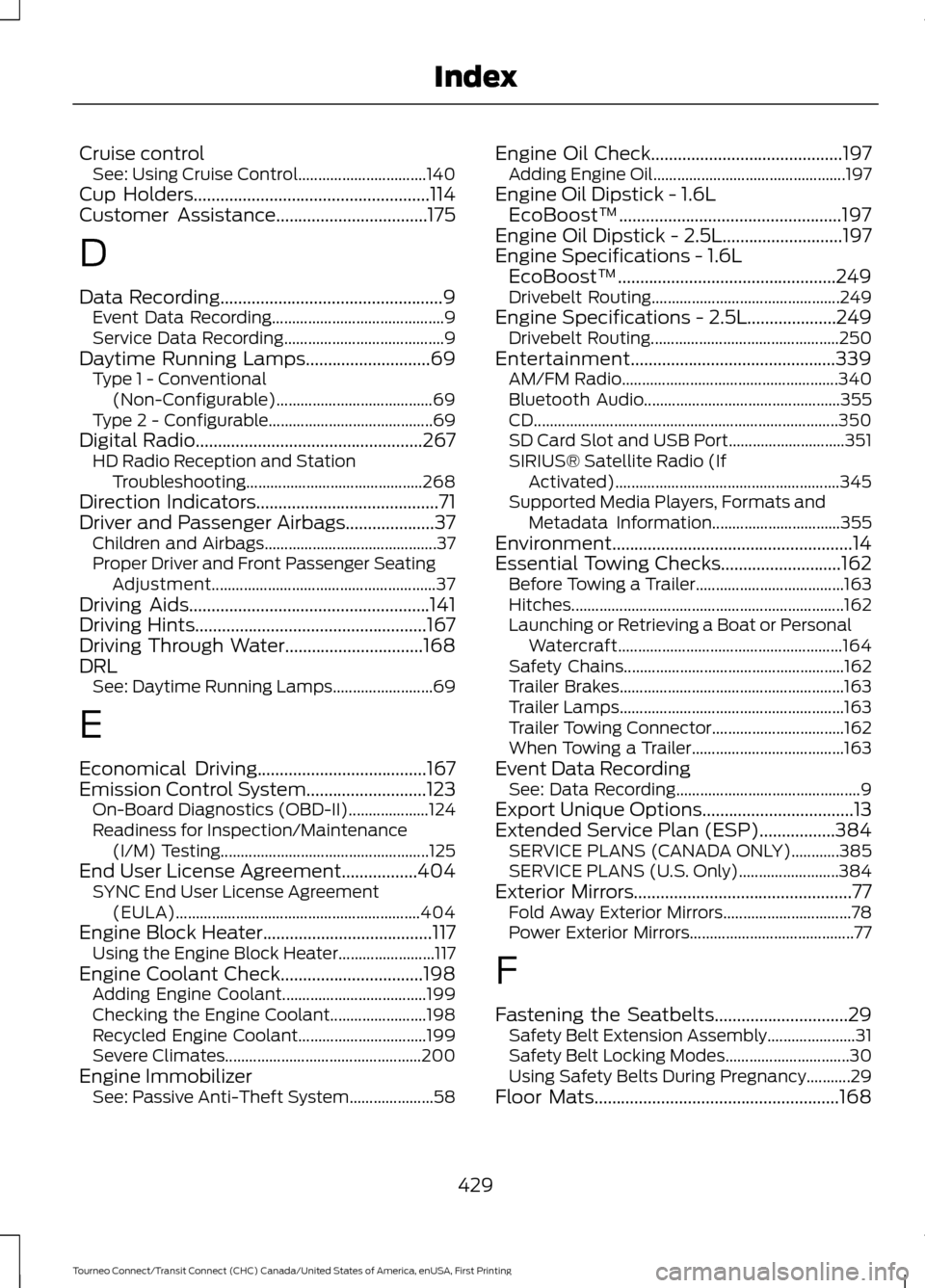
Cruise control
See: Using Cruise Control................................ 140
Cup Holders.....................................................114
Customer Assistance..................................175
D
Data Recording
..................................................9
Event Data Recording........................................... 9
Service Data Recording........................................ 9
Daytime Running Lamps............................69 Type 1 - Conventional
(Non-Configurable)....................................... 69
Type 2 - Configurable......................................... 69
Digital Radio
...................................................267
HD Radio Reception and Station
Troubleshooting............................................ 268
Direction Indicators
.........................................71
Driver and Passenger Airbags....................37 Children and Airbags........................................... 37
Proper Driver and Front Passenger Seating Adjustment........................................................ 37
Driving Aids......................................................141
Driving Hints....................................................167
Driving Through Water...............................168
DRL See: Daytime Running Lamps......................... 69
E
Economical Driving
......................................167
Emission Control System...........................123 On-Board Diagnostics (OBD-II).................... 124
Readiness for Inspection/Maintenance (I/M) Testing.................................................... 125
End User License Agreement.................404 SYNC End User License Agreement
(EULA)............................................................. 404
Engine Block Heater
......................................117
Using the Engine Block Heater........................ 117
Engine Coolant Check
................................198
Adding Engine Coolant.................................... 199
Checking the Engine Coolant........................ 198
Recycled Engine Coolant................................ 199
Severe Climates................................................. 200
Engine Immobilizer See: Passive Anti-Theft System..................... 58Engine Oil Check
...........................................197
Adding Engine Oil................................................ 197
Engine Oil Dipstick - 1.6L EcoBoost™..................................................197
Engine Oil Dipstick - 2.5L...........................197
Engine Specifications - 1.6L EcoBoost™
.................................................249
Drivebelt Routing............................................... 249
Engine Specifications - 2.5L....................249 Drivebelt Routing............................................... 250
Entertainment..............................................339 AM/FM Radio...................................................... 340
Bluetooth Audio................................................. 355
CD........................................................................\
.... 350
SD Card Slot and USB Port............................. 351
SIRIUS® Satellite Radio (If Activated)........................................................ 345
Supported Media Players, Formats and Metadata Information................................ 355
Environment......................................................14
Essential Towing Checks...........................162 Before Towing a Trailer..................................... 163
Hitches.................................................................... 162
Launching or Retrieving a Boat or Personal Watercraft........................................................ 164
Safety Chains....................................................... 162
Trailer Brakes........................................................ 163
Trailer Lamps........................................................ 163
Trailer Towing Connector................................. 162
When Towing a Trailer...................................... 163
Event Data Recording See: Data Recording.............................................. 9
Export Unique Options..................................13
Extended Service Plan (ESP)
.................384
SERVICE PLANS (CANADA ONLY)............385
SERVICE PLANS (U.S. Only)......................... 384
Exterior Mirrors
.................................................77
Fold Away Exterior Mirrors................................ 78
Power Exterior Mirrors......................................... 77
F
Fastening the Seatbelts
..............................29
Safety Belt Extension Assembly...................... 31
Safety Belt Locking Modes............................... 30
Using Safety Belts During Pregnancy...........29
Floor Mats
.......................................................168
429
Tourneo Connect/Transit Connect (CHC) Canada/United States of America, enUSA, First Printing Index