audio FORD WINDSTAR 2002 2.G Owner's Manual
[x] Cancel search | Manufacturer: FORD, Model Year: 2002, Model line: WINDSTAR, Model: FORD WINDSTAR 2002 2.GPages: 296, PDF Size: 2.45 MB
Page 57 of 296

RADIO FREQUENCY INFORMATION
The Federal Communications Commission (FCC) and the Canadian Radio
and Telecommunications Commission(CRTC) establish the frequencies
AM and FM stations may use for their broadcasts. Allowable frequencies
are:
AM 530, 540±1600, 1610 kHz
FM 87.7, 87.9±107.7, 107.9 MHz
Not all frequencies are used in a given area.
RADIO RECEPTION FACTORS
Three factors can affect radio reception:
²Distance/strength.The further an FM signal travels, the weaker it is.
The listenable range of the average FM station is approximately 40 km
(24 miles). This range can be affected by ªsignal modulation.º Signal
modulation is a process radio stations use to increase their
strength/volume relative to other stations.
²Terrain.Hills, mountains and tall buildings between your vehicle's
antenna and the radio station signal can cause FM reception problems.
Static can be caused on AM stations by power lines, electric fences,
traffic lights and thunderstorms. Moving away from an interfering
structure (out of its ªshadowº) returns your reception to normal.
²Station overload.Weak signals are sometimes captured by stronger
signals when you pass a broadcast tower. A stronger signal may
temporarily overtake a weaker signal and play while the weak station
frequency is displayed.
The audio system automatically switches to single channel reception if it
will improve the reception of a station normally received in stereo.
AUDIO SYSTEM WARRANTIES AND SERVICE
Refer to theWarranty Guidefor audio system warranty information.
If service is necessary, see your dealer or a qualified technician.
Entertainment Systems
57
Page 94 of 296
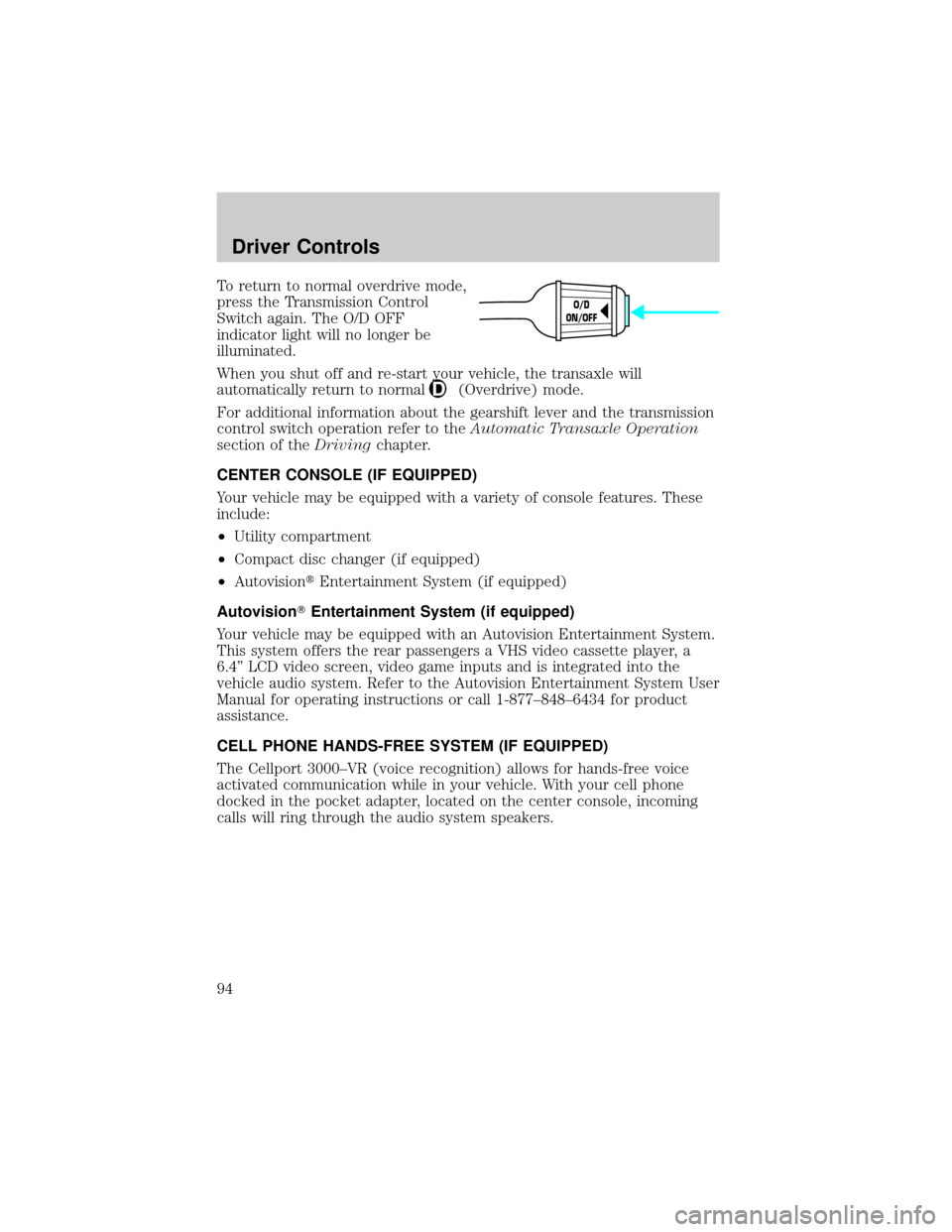
To return to normal overdrive mode,
press the Transmission Control
Switch again. The O/D OFF
indicator light will no longer be
illuminated.
When you shut off and re-start your vehicle, the transaxle will
automatically return to normal
(Overdrive) mode.
For additional information about the gearshift lever and the transmission
control switch operation refer to theAutomatic Transaxle Operation
section of theDrivingchapter.
CENTER CONSOLE (IF EQUIPPED)
Your vehicle may be equipped with a variety of console features. These
include:
²Utility compartment
²Compact disc changer (if equipped)
²AutovisiontEntertainment System (if equipped)
AutovisionTEntertainment System (if equipped)
Your vehicle may be equipped with an Autovision Entertainment System.
This system offers the rear passengers a VHS video cassette player, a
6.4º LCD video screen, video game inputs and is integrated into the
vehicle audio system. Refer to the Autovision Entertainment System User
Manual for operating instructions or call 1-877±848±6434 for product
assistance.
CELL PHONE HANDS-FREE SYSTEM (IF EQUIPPED)
The Cellport 3000±VR (voice recognition) allows for hands-free voice
activated communication while in your vehicle. With your cell phone
docked in the pocket adapter, located on the center console, incoming
calls will ring through the audio system speakers.
O/D
ON/OFF
Driver Controls
94
Page 95 of 296
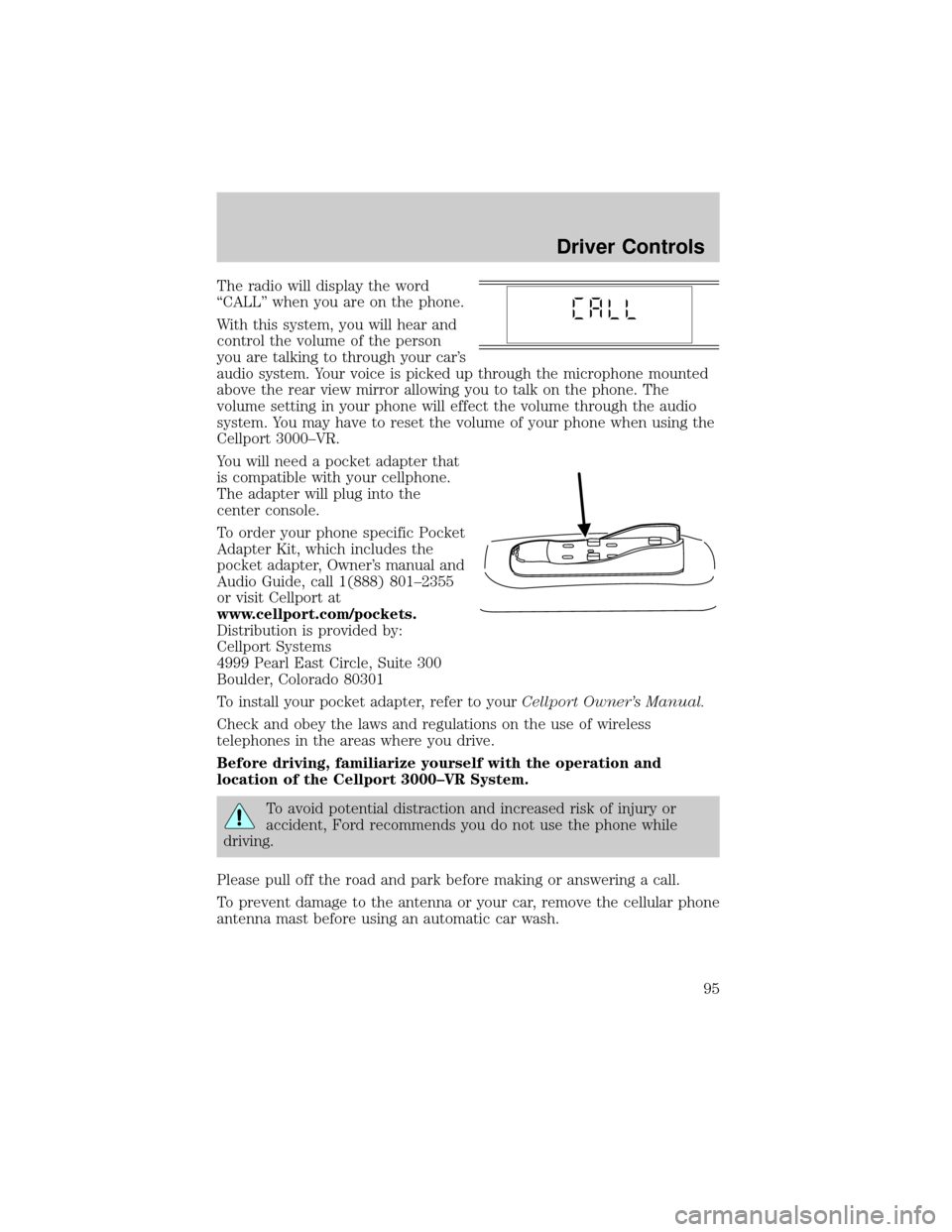
The radio will display the word
ªCALLº when you are on the phone.
With this system, you will hear and
control the volume of the person
you are talking to through your car's
audio system. Your voice is picked up through the microphone mounted
above the rear view mirror allowing you to talk on the phone. The
volume setting in your phone will effect the volume through the audio
system. You may have to reset the volume of your phone when using the
Cellport 3000±VR.
You will need a pocket adapter that
is compatible with your cellphone.
The adapter will plug into the
center console.
To order your phone specific Pocket
Adapter Kit, which includes the
pocket adapter, Owner's manual and
Audio Guide, call 1(888) 801±2355
or visit Cellport at
www.cellport.com/pockets.
Distribution is provided by:
Cellport Systems
4999 Pearl East Circle, Suite 300
Boulder, Colorado 80301
To install your pocket adapter, refer to yourCellport Owner's Manual.
Check and obey the laws and regulations on the use of wireless
telephones in the areas where you drive.
Before driving, familiarize yourself with the operation and
location of the Cellport 3000±VR System.
To avoid potential distraction and increased risk of injury or
accident, Ford recommends you do not use the phone while
driving.
Please pull off the road and park before making or answering a call.
To prevent damage to the antenna or your car, remove the cellular phone
antenna mast before using an automatic car wash.
Driver Controls
95
Page 287 of 296

A
Accessory delay ..........................87
AdvanceTrac ..............................183
Air bag supplemental
restraint system ........155±156, 160
and child safety seats ............157
description ......................156, 160
disposal ....................................162
driver air bag ..................158, 161
indicator light ...................12, 158
operation .........................158, 161
passenger air bag ...........158, 161
side air bag ..............................160
Air cleaner filter .......................277
Air conditioning
manual heating and air
conditioning system .................60
Air filter, cabin ............................66
Antifreeze
(see Engine coolant) ................252
Anti-lock brake system
(see Brakes) ..............................180
Anti-theft system ......................127
arming the system ..................128
disarming a triggered
system .....................................128
warning light .............................14
Audio system (see Radio) .........44
Automatic transaxle .................186
driving with .............................187
fluid, adding ............................269
fluid, checking ........................269
fluid, refill capacities ..............278
fluid, specification ..................280
Auxiliary power point ...........86, 94
Axle
lubricant specifications ..........279B
Battery .......................................249
acid, treating emergencies .....249
charging system
warning light .............................12
jumping a disabled battery ....218
maintenance-free ....................249
replacement,
specifications ..........................277
servicing ..................................249
Belt minder ...............................150
Brakes ........................................179
anti-lock ...................................180
anti-lock brake system
(ABS) warning light .........12, 181
brake warning light ..................12
fluid, checking and adding ....268
fluid, refill capacities ..............278
fluid, specifications .........279±280
lubricant
specifications ..................279±280
parking ....................................181
pedals (see Power
adjustable foot pedals) ............90
shift interlock ..........................186
Break-in period .............................6
C
Capacities for refilling fluids ....278
Cargo net ...................................111
Cellular telephone (see your
Cellular Phone Guide) ................94
Certification Label ....................282
Child safety restraints ..............163
child safety belts ....................163
Child safety seats ......................164
in front seat ............................165
Index
287