check GENESIS G70 2021 User's Manual
[x] Cancel search | Manufacturer: GENESIS, Model Year: 2021, Model line: G70, Model: GENESIS G70 2021Pages: 18, PDF Size: 1.53 MB
Page 11 of 18
Genesis Connected Services User’s Manual I 18
17 I Genesis Connected Services User’s Manual
Features accessible via
the Genesis Intelligent
Assistant App
Automatic Diagnostic Trouble Code Notification
In the event a vehicle system or component malfunction occurs,
Automatic Diagnostic Trouble Code (DTC) Notification correlates vehicle
data and diagnostics to better inform you of a possible vehicle condition.
Using in-vehicle display alerts, it will indicate the significance of the issue
and provide you with instructions, including appropriate next steps. In
addition, this information is also sent to your preferred Genesis retailer in
order to help with the repair process.
•
In order to receive notifications, you must first log on to
MyGenesisUSA.com, select the Blue Link logo for your applicable
vehicle, then select Notification Settings, and set your notification
preference.
•
Should a vehicle component malfunction, you will be
automatically notified by your selected methods.
• If needed, you will have the option to call for Roadside Assistance
and/or schedule a Genesis retailer service appointment.
Service Link
Service Link allows you to schedule a Genesis retailer service appointment.
In order to activate this feature, you must first log on to
MyGenesisUSA.com and confirm your Preferred Genesis retailer.
• Select My Account from the top menu on
MyGenesisUSA.com menu.
• View your current Preferred retailer under “My Preferred Retailer”.
• If desired, select “Change Retailer” to the search for retailers in your
area using the Zip Code/Search functions.
• Select the retailer by clicking the star next to the retailer name.
How to Use Service Link in Your Vehicle
• Press the Genesis Connected Services button or located
on your rearview mirror.
• At the prompt, say “Service Link.”
•
A trained specialist will offer to make a retailer service appointment.
The agent will ask for information needed in order to schedule
the appointment appropriately.
• Your Preferred Genesis retailer will be notified of your appointment
and may contact you if needed.
•
An email reminder with the appointment will also be sent to you.
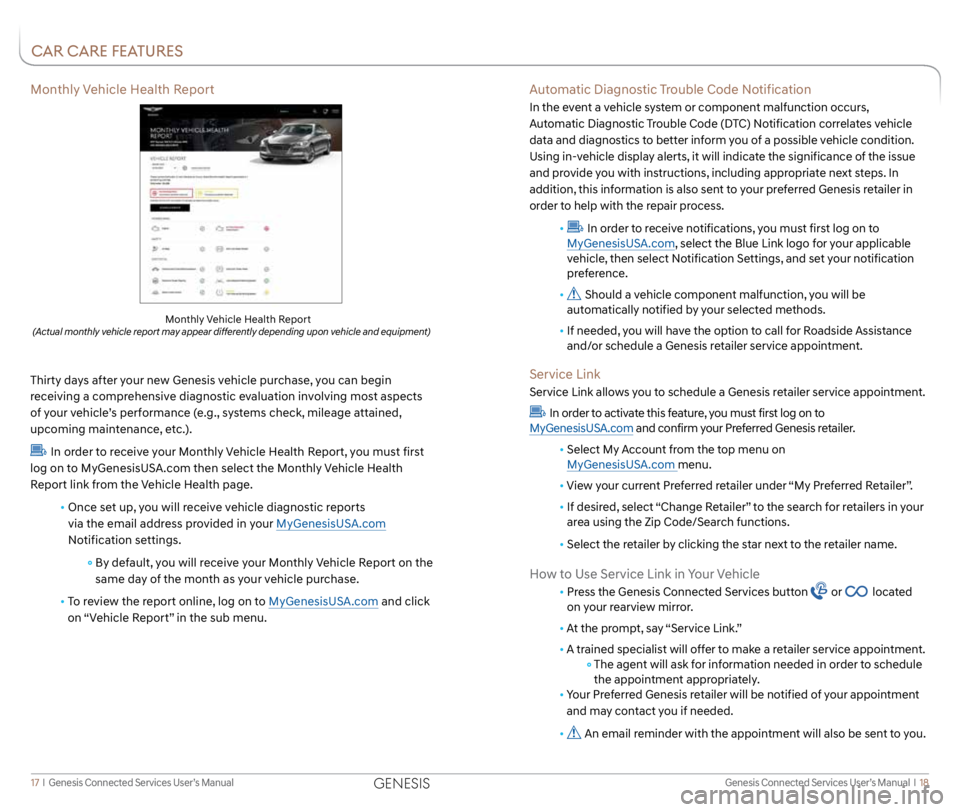
Monthly Vehicle Health Report
Thirty days after your new Genesis vehicle purchase, you can begin
receiving a comprehensive diagnostic evaluation involving most aspects
of your vehicle’s performance (e.g., systems check, mileage attained,
upcoming maintenance, etc.).
In order to receive your Monthly Vehicle Health Report, you must first
log on to MyGenesisUSA.com then select the Monthly Vehicle Health
Report link from the Vehicle Health page.
• Once set up, you will receive vehicle diagnostic reports
via the email address provided in your MyGenesisUSA.com
Notification settings.
By default, you will receive your Monthly Vehicle Report on the
same day of the month as your vehicle purchase.
• To review the report online, log on to MyGenesisUSA.com and click
on “Vehicle Report” in the sub menu.
Monthly Vehicle Health Report (Actual monthly vehicle report may appear differently depending upon vehicle and equipment)
CAR CARE FEATURES
GENESIS
Page 14 of 18
Genesis Connected Services User’s Manual I 24
23 I Genesis Connected Services User’s Manual
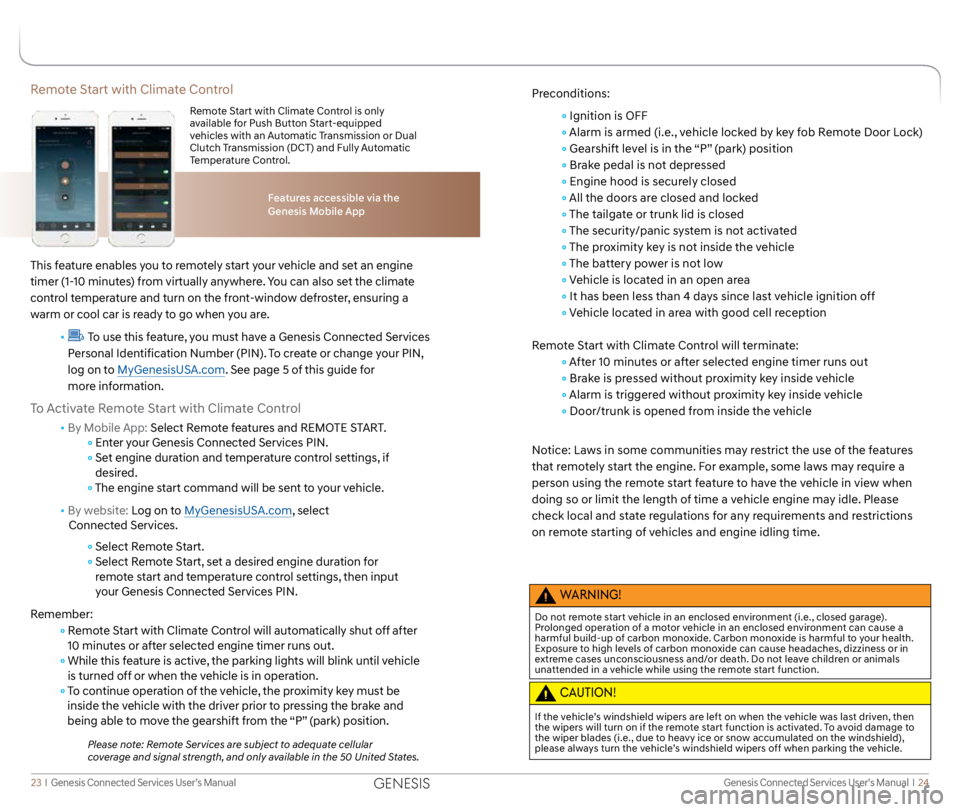
Remote Start with Climate Control
This feature enables you to remotely start your vehicle and set an engine
timer (1-10 minutes) from virtually anywhere. You can also set the climate
control temperature and turn on the front-window defroster, ensuring a
warm or cool car is ready to go when you are.
•
To use this feature, you must have a Genesis Connected Services
Personal Identification Number (PIN). To create or change your PIN,
log on to MyGenesisUSA.com. See page 5 of this guide for
more information.
To Activate Remote Start with Climate Control
• By Mobile App: Select Remote features and REMOTE START.
Enter your Genesis Connected Services PIN.
Set engine duration and temperature control settings, if
desired.
The engine start command will be sent to your vehicle.
• By website: Log on to MyGenesisUSA.com, select
Connected Services.
Select Remote Start.
Select Remote Start, set a desired engine duration for
remote start and temperature control settings, then input
your Genesis Connected Services PIN.
Remember:
Remote Start with Climate Control will automatically shut off after
10 minutes or after selected engine timer runs out.
While this feature is active, the parking lights will blink until vehicle
is turned off or when the vehicle is in operation.
To continue operation of the vehicle, the proximity key must be
inside the vehicle with the driver prior to pressing the brake and
being able to move the gearshift from the “P” (park) position.
Please note: Remote Services are subject to adequate cellular
coverage and signal strength, and only available in the 50 United States.
Features accessible via the
Genesis Mobile App
Remote Start with Climate Control is only
available for Push Button Start-equipped
vehicles with an Automatic Transmission or Dual
Clutch Transmission (DCT) and Fully Automatic
Temperature Control.
Preconditions:
Ignition is OFF
Alarm is armed (i.e., vehicle locked by key fob Remote Door Lock)
Gearshift level is in the “P” (park) position
Brake pedal is not depressed
Engine hood is securely closed
All the doors are closed and locked
The tailgate or trunk lid is closed
The security/panic system is not activated
The proximity key is not inside the vehicle
The battery power is not low
Vehicle is located in an open area
It has been less than 4 days since last vehicle ignition off
Vehicle located in area with good cell reception
Remote Start with Climate Control will terminate:
After 10 minutes or after selected engine timer runs out
Brake is pressed without proximity key inside vehicle
Alarm is triggered without proximity key inside vehicle
Door/trunk is opened from inside the vehicle
Notice: Laws in some communities may restrict the use of the features
that remotely start the engine. For example, some laws may require a
person using the remote start feature to have the vehicle in view when
doing so or limit the length of time a vehicle engine may idle. Please
check local and state regulations for any requirements and restrictions
on remote starting of vehicles and engine idling time.
WARNING!
Do not remote start vehicle in an enclosed environment (i.e., closed garage).
Prolonged operation of a motor vehicle in an enclosed environment can cause a
harmful build-up of carbon monoxide. Carbon monoxide is harmful to your health.
Exposure to high levels of carbon monoxide can cause headaches, dizziness or in
extreme cases unconsciousness and/or death. Do not leave children or animals
unattended in a vehicle while using the remote start function.
CAUTION!
If the vehicle’s windshield wipers are left on when the vehicle was last driven, then
the wipers will turn on if the remote start function is activated. To avoid damage to
the wiper blades (i.e., due to heavy ice or snow accumulated on the windshield),
please always turn the vehicle’s windshield wipers off when parking the vehicle.
GENESIS