light GENESIS G80 2018 Workshop Manual
[x] Cancel search | Manufacturer: GENESIS, Model Year: 2018, Model line: G80, Model: GENESIS G80 2018Pages: 516, PDF Size: 81.01 MB
Page 182 of 516

3-94
Convenient features of your vehicle
Malfunction Indicator
Lamp (MIL)
This warning light illuminates:
Once you set the or Engine Start/
Stop button to the ON position.
- It remains on until the engine is
started.
When there is a malfunction with
the emission control system.
In this case, have your vehicle
inspected by an authorized retailer
of Genesis Branded products.
Charging System
Warning Light
If this warning light comes on while
the engine is running, the battery is
not being charged. Immediately turn
off all electrical accessories. Try not
to use electrically operated controls,
such as the power windows. Keep the
engine running; starting the engine
will quickly discharge the battery.
If there is a malfunction with either
the alternator or electrical charging
system:
1. Drive carefully to the nearest safe
location and stop your vehicle.
2. Turn the engine off and check the
alternator drive belt for looseness
or breakage.
If the belt is adjusted properly,
there may be a problem in the
electrical charging system.
In this case, have your vehicle
inspected by an authorized retailer
of Genesis Branded products.
Malfunction Indicator Lamp
(MIL)
Driving with the Malfunction
Indicator Lamp (MIL) on may
cause damage to the emission
control systems which could
affect drivability and/or fuel
economy.
CAUTION
Gasoline Engine
If the Malfunction Indicator
Lamp (MIL) illuminates, poten-
tial catalytic converter damage
is possible which could result in
loss of engine power.
In this case, have your vehicle
inspected by an authorized
retailer of Genesis Branded
products.
CAUTION
Page 183 of 516
3-95
Convenient features of your vehicle
3
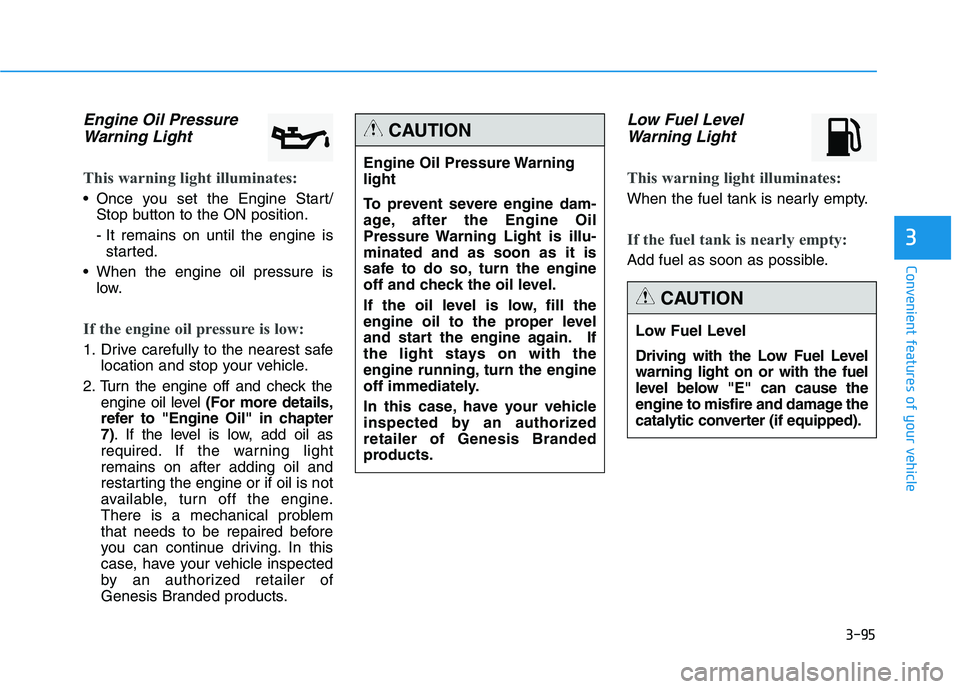
Engine Oil Pressure
Warning Light
This warning light illuminates:
Once you set the Engine Start/
Stop button to the ON position.
- It remains on until the engine is
started.
When the engine oil pressure is
low.
If the engine oil pressure is low:
1. Drive carefully to the nearest safe
location and stop your vehicle.
2. Turn the engine off and check the
engine oil level (For more details,
refer to "Engine Oil" in chapter
7). If the level is low, add oil as
required. If the warning light
remains on after adding oil and
restarting the engine or if oil is not
available, turn off the engine.
There is a mechanical problem
that needs to be repaired before
you can continue driving. In this
case, have your vehicle inspected
by an authorized retailer of
Genesis Branded products.
Low Fuel Level
Warning Light
This warning light illuminates:
When the fuel tank is nearly empty.
If the fuel tank is nearly empty:
Add fuel as soon as possible.
Engine Oil Pressure Warning
light
To prevent severe engine dam-
age, after the Engine Oil
Pressure Warning Light is illu-
minated and as soon as it is
safe to do so, turn the engine
off and check the oil level.
If the oil level is low, fill the
engine oil to the proper level
and start the engine again. If
the light stays on with the
engine running, turn the engine
off immediately.
In this case, have your vehicle
inspected by an authorized
retailer of Genesis Branded
products.
CAUTION
Low Fuel Level
Driving with the Low Fuel Level
warning light on or with the fuel
level below "E" can cause the
engine to misfire and damage the
catalytic converter (if equipped).
CAUTION
Page 184 of 516
3-96
Convenient features of your vehicle
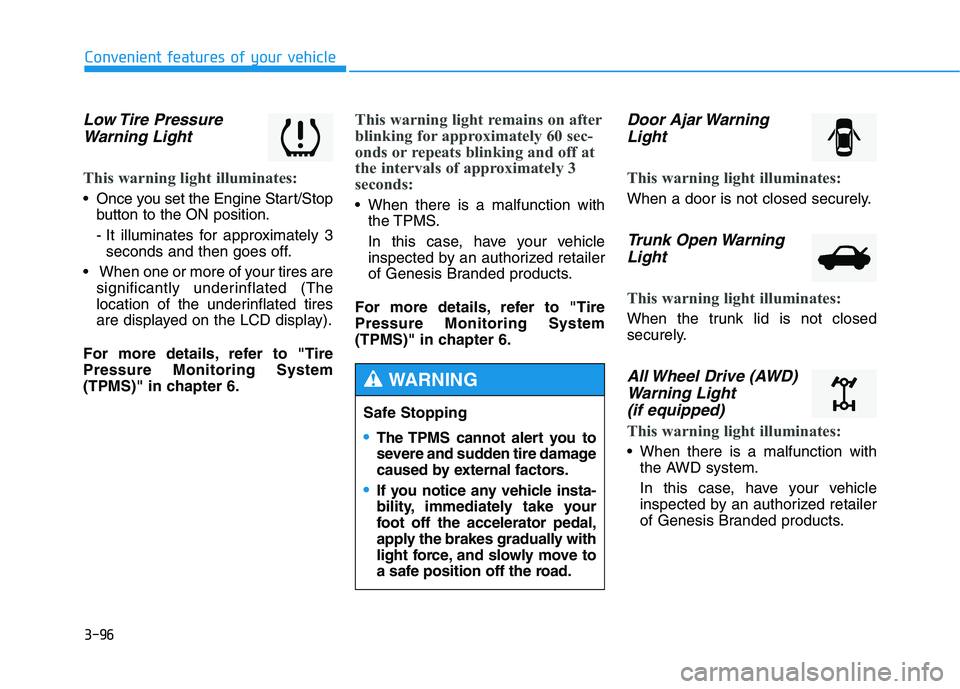
Low Tire Pressure
Warning Light
This warning light illuminates:
Once you set the Engine Start/Stop
button to the ON position.
- It illuminates for approximately 3
seconds and then goes off.
When one or more of your tires are
significantly underinflated (The
location of the underinflated tires
are displayed on the LCD display).
For more details, refer to "Tire
Pressure Monitoring System
(TPMS)" in chapter 6.
This warning light remains on after
blinking for approximately 60 sec-
onds or repeats blinking and off at
the intervals of approximately 3
seconds:
When there is a malfunction with
the TPMS.
In this case, have your vehicle
inspected by an authorized retailer
of Genesis Branded products.
For more details, refer to "Tire
Pressure Monitoring System
(TPMS)" in chapter 6.
Door Ajar Warning
Light
This warning light illuminates:
When a door is not closed securely.
Trunk Open Warning
Light
This warning light illuminates:
When the trunk lid is not closed
securely.
All Wheel Drive (AWD)
Warning Light
(if equipped)
This warning light illuminates:
When there is a malfunction with
the AWD system.
In this case, have your vehicle
inspected by an authorized retailer
of Genesis Branded products.
Safe Stopping
The TPMS cannot alert you to
severe and sudden tire damage
caused by external factors.
If you notice any vehicle insta-
bility, immediately take your
foot off the accelerator pedal,
apply the brakes gradually with
light force, and slowly move to
a safe position off the road.
WARNING
Page 185 of 516

3-97
Convenient features of your vehicle
3
Electronic Parking
Brake (EPB) Warning
Light (if equipped)
This warning light illuminates:
Once you set the Engine Start/Stop
button to the ON position.
- It illuminates for approximately 3
seconds and then goes off.
When there is a malfunction with
the EPB.
In this case, have your vehicle
inspected by an authorized retailer of
Genesis Branded products.
✽ ✽
NOTICE - Electronic Parking
Brake (EPB) Warning Light
The Electronic Parking Brake
(EPB) Warning Light may illumi-
nate when the Electronic Stability
control (ESC) Indicator Light comes
on to indicates that the ESC is not
working properly (This does not
indicate malfunction of the EPB).
Automatic Emergency
Braking (AEB) Warning
light (if equipped)
This warning light illuminates :
When the AEB system is turned off.
When the radar or its cover is
stained. Remove the stains with a
soft cloth.
When there is a malfunction with
AEB. In this case, have your vehi-
cle inspected by an authorized
retailer of Genesis Branded prod-
ucts.
Master Warning Light
This indicator light illuminates
When there is a malfunction on the
pre-active seat belt, low washer,
electronic control suspension, or
advanced smart cruise control. To
identify the details of the warning,
look at the LCD display.
EPB
Page 186 of 516

3-98
Convenient features of your vehicle
Indicator Lights
Electronic Stability
Control (ESC) Indicator
Light
This indicator light illuminates:
Once you set the Engine Start/Stop
button to the ON position.
- It illuminates for approximately 3
seconds and then goes off.
When there is a malfunction with
the ESC system.
In this case, have your vehicle
inspected by an authorized retailer
of Genesis Branded products.
This indicator light blinks:
While the ESC is operating.
For more details, refer to
"Electronic Stability Control (ESC)"
in chapter 5.
Electronic Stability
Control (ESC) OFF
Indicator Light
This indicator light illuminates:
Once you set the Engine Start/Stop
button to the ON position.
- It illuminates for approximately 3
seconds and then goes off.
When you deactivate the ESC sys-
tem by pressing the ESC OFF but-
ton.
For more details, refer to
"Electronic Stability Control (ESC)"
in chapter 5.
Immobilizer Indicator
Light
This indicator light illuminates for
up to 30 seconds:
When the vehicle detects the
smart key in the vehicle properly
while the Engine Start/Stop button
is ACC or ON.
- At this time, you can start the
engine.
- The indicator light goes off after
starting the engine.
This indicator light blinks for a few
seconds:
When the smart key is not in the
vehicle.
- At this time, you can not start the
engine.
Page 187 of 516

3-99
Convenient features of your vehicle
3
This indicator light illuminates for
2 seconds and goes off:
When the vehicle can not detect
the smart key which is in the vehi-
cle while the Engine Start/Stop
button is ON.
In this case, have your vehicle
inspected by an authorized retailer
of Genesis Branded products.
This indicator light blinks:
When the battery of the smart key
is weak.
- At this time, you can not start the
engine. However, you can start the
engine if you press the Engine
Start/Stop button with the smart
key.(For more details, refer to
"Starting the Engine" in chapter
5).
When there is a malfunction with
the immobilizer system.
In this case, have your vehicle
inspected by an authorized retailer
of Genesis Branded products.
Turn Signal Indicator
Light
This indicator light blinks:
When you turn the turn signal light
on.
If any of the following occurs, there
may a malfunction with the turn sig-
nal system. In this case, have your
vehicle inspected by an authorized
retailer of Genesis Branded prod-
ucts.
- The indicator light does not blink
but illuminates.
- The indicator light blinks more
rapidly.
- The indicator light does not illumi-
nate at all.
High Beam Indicator
Light
This indicator light illuminates:
When the headlights are on and in
the high beam position.
When the turn signal lever is pulled
into the Flash-to-Pass position.
Smart High Beam indi-
cator
This warning light illuminates :
When the high-Beam is on with the
light switch in the AUTO light posi-
tion.
If your vehicle detects oncoming or
preceding vehicles, the Smart High
Beam system will switch the high
beam to low beam automatically.
For more details, refer to "Smart
High Beam" in this chapter.
Page 188 of 516
3-100
Convenient features of your vehicle
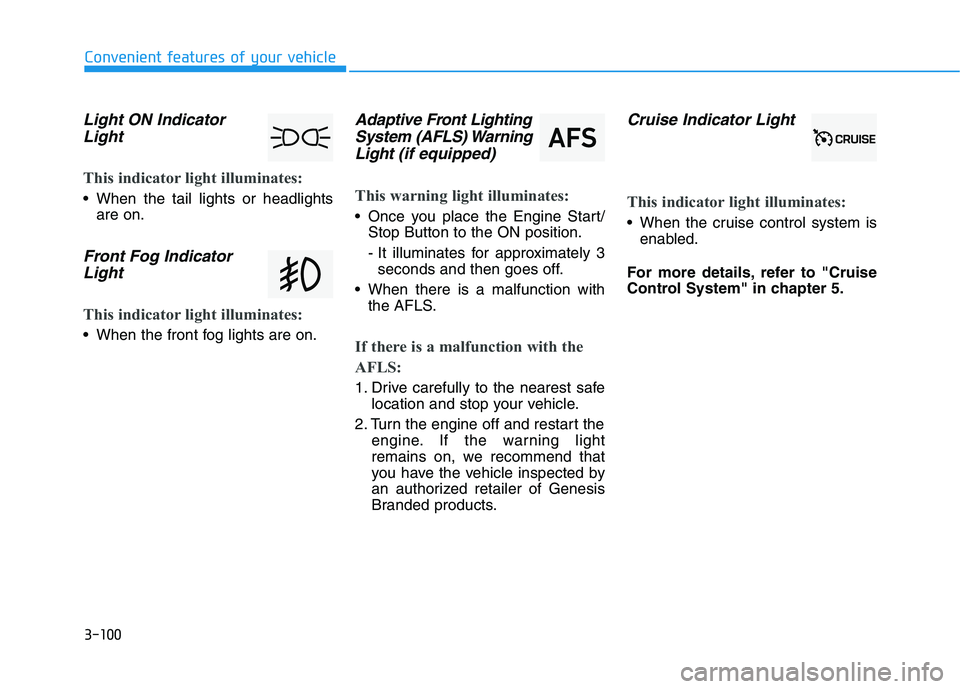
Light ON Indicator
Light
This indicator light illuminates:
When the tail lights or headlights
are on.
Front Fog Indicator
Light
This indicator light illuminates:
When the front fog lights are on.
Adaptive Front Lighting
System (AFLS) Warning
Light(if equipped)
This warning light illuminates:
Once you place the Engine Start/
Stop Button to the ON position.
- It illuminates for approximately 3
seconds and then goes off.
When there is a malfunction with
the AFLS.
If there is a malfunction with the
AFLS:
1. Drive carefully to the nearest safe
location and stop your vehicle.
2. Turn the engine off and restart the
engine. If the warning light
remains on, we recommend that
you have the vehicle inspected by
an authorized retailer of Genesis
Branded products.
Cruise Indicator Light
This indicator light illuminates:
When the cruise control system is
enabled.
For more details, refer to "Cruise
Control System" in chapter 5.
Page 189 of 516
![GENESIS G80 2018 Workshop Manual 3-101
Convenient features of your vehicle
3
AUTO HOLD Indicator
Light (if equipped)
This indicator light illuminates:
[White] When you activate the auto
hold system by pressing the AUTO
HOLD button.](/img/46/35641/w960_35641-188.png "GENESIS G80 2018 Workshop Manual 3-101
Convenient features of your vehicle
3
AUTO HOLD Indicator
Light (if equipped)
This indicator light illuminates:
[White] When you activate the auto
hold system by pressing the AUTO
HOLD button.")
3-101
Convenient features of your vehicle
3
AUTO HOLD Indicator
Light (if equipped)
This indicator light illuminates:
[White] When you activate the auto
hold system by pressing the AUTO
HOLD button.
[Green] When you stop the vehicle
completely by depressing the
brake pedal with the auto hold sys-
tem activated.
[Yellow] When there is a malfunc-
tion with the auto hold system.
In this case, have your vehicle
inspected by an authorized retailer
of Genesis Branded products.
For more details, refer to "Auto
Hold" in chapter 5.
SPORT/SNOW Mode
Indicator Light
This indicator light illuminates:
When you select "SPORT/SNOW"
mode as drive mode.
For more details, refer to "Drive
Mode Integrated Control System"
in chapter 5.
ECO mode indicator
Light
This indicator light illuminates :
When you select "ECO" mode as
drive mode.
For more details, refer to "LCD
Display" in this chapter.
SPORT
SNOW
ECO
Do not watch the ECO indicator
light while driving. This will dis-
tract you and may cause an
accident that results in severe
personal injury.
WARNING
AUTO
HOLD
Page 191 of 516

3-103
Convenient features of your vehicle
3
The head up display is a transparent
display which projects a shadow of
some information of the instrument
cluster and navigation on the wind-
shield glass.
Precautions while using the
head up display
It may be difficult to read information
on the head up display in the follow-
ing situations.
- The driver is improperly positioned
in the driver's seat.
- The diver wears polarizing-filter
sunglasses.
- An object is located above the
head up display cover.
- The vehicle is driven on a wet road.
- Any improper lighting accessory is
installed inside the vehicle, or there
is incoming light from outside of
the vehicle.
- The driver wears glasses.
- The driver wears contact lenses.
When it is difficult to read the head
up display information, adjust the
head up display angle or the head up
display brightness level in the User
Settings Mode. For more information,
refer to "LCD Display" in this chapter.
H HE
EA
AD
D
U
UP
P
D
DI
IS
SP
PL
LA
AY
Y
(
(H
HU
UD
D)
)
(
(I
IF
F
E
EQ
QU
UI
IP
PP
PE
ED
D)
)
Do not tint the front wind-
shield glass or add other
types of metallic coating.
Otherwise, the head up dis-
play image may be invisible.
Do not place any accessories
on the crash pad or attach any
objects on the windshield
glass.
The blind spot detection
warnings on the head up dis-
play are mere supplemental.
Do not solely depend on them
to change lanes. Always take
a look around before chang-
ing lanes.
WARNING
ODH047065N
Page 192 of 516

3-104
Convenient features of your vehicle
Head Up Display ON/OFF
To activate the head up display,
select "Head-up Display" on the
"User Settings Mode" in the cluster.
If you do not select "Head-up
Display", the head up display will be
deactivated.
Head Up Display Information
1. Turn By Turn (TBT) navigation
information
2. Road signs
3. Speedometer
4. Cruise setting speed
5. Advanced Smart Cruise Control
(ASCC) information
6. Lane Keeping Assist System
(LKAS) information
7. Blind Spot Detection (BSD) sys-
tem information
8. Warning lights
9. Audio/Video information When replacing the front wind-
shield glass of the vehicles
equipped with the head up dis-
play, replace it with a wind-
shield glass designed for the
head up display operation.
Otherwise, duplicated images
may be displayed on the wind-
shield glass.
CAUTION
ODH047434LODH047565N