warning GENESIS G90 2017 Owner's Manual
[x] Cancel search | Manufacturer: GENESIS, Model Year: 2017, Model line: G90, Model: GENESIS G90 2017Pages: 524, PDF Size: 19.3 MB
Page 184 of 524
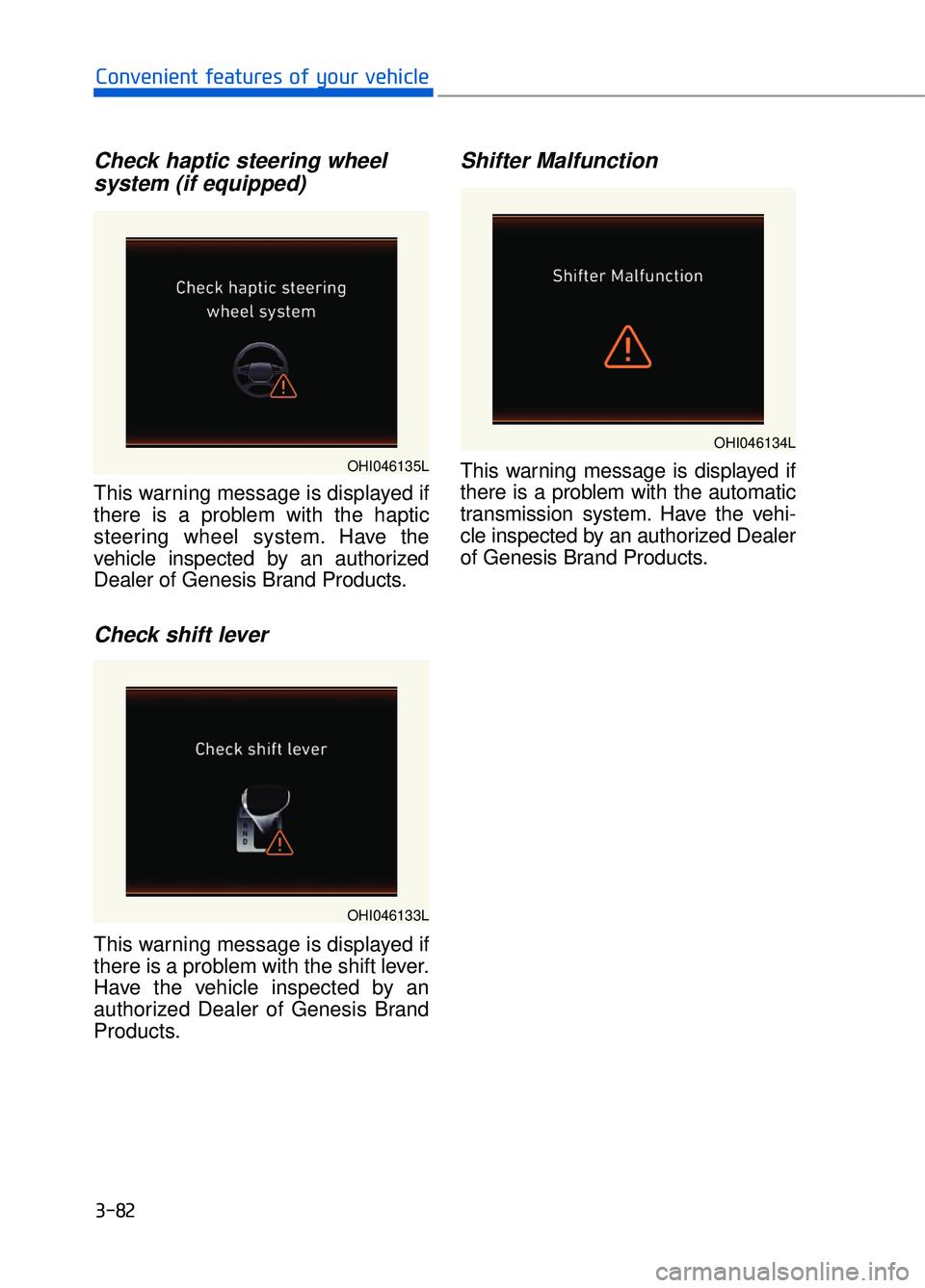
Check haptic steering wheelsystem (if equipped)
This warning message is displayed if
there is a problem with the haptic
steering wheel system. Have the
vehicle inspected by an authorized
Dealer of Genesis Brand Products.
Check shift lever
This warning message is displayed if
there is a problem with the shift lever.
Have the vehicle inspected by an
authorized Dealer of Genesis Brand
Products.
Shifter Malfunction
This warning message is displayed if
there is a problem with the automatic
transmission system. Have the vehi-
cle inspected by an authorized Dealer
of Genesis Brand Products.
3-82
Convenient features of your vehicle
OHI046135L
OHI046133L
OHI046134L
Page 185 of 524
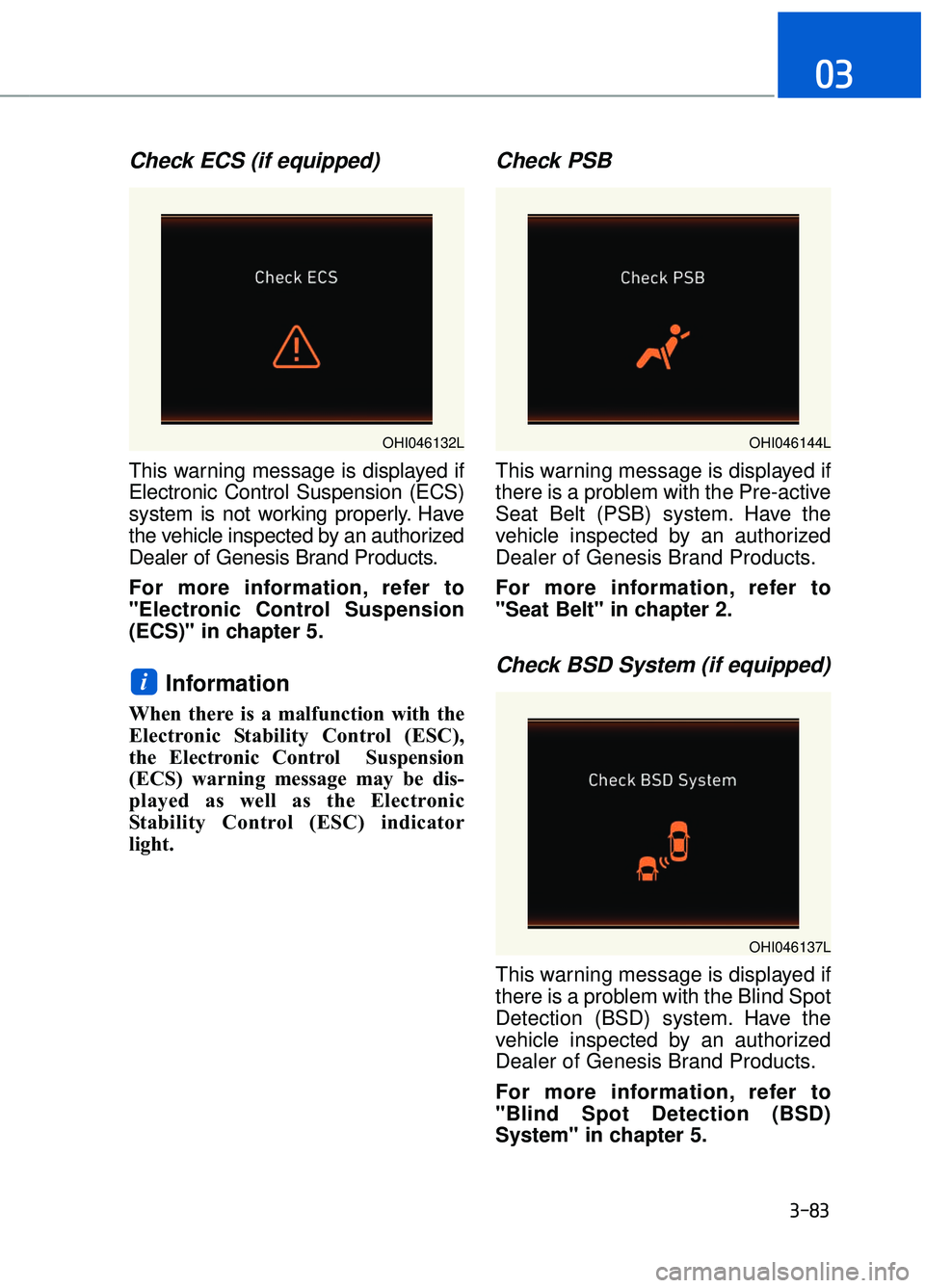
Check ECS (if equipped)
This warning message is displayed if
Electronic Control Suspension (ECS)
system is not working properly. Have
the vehicle inspected by an authorized
Dealer of Genesis Brand Products.
For more information, refer to
"Electronic Control Suspension
(ECS)" in chapter 5.
Information
When there is a malfunction with the
Electronic Stability Control (ESC),
the Electronic Control Suspension
(ECS) warning message may be dis-
played as well as the Electronic
Stability Control (ESC) indicator
light.
Check PSB
This warning message is displayed if
there is a problem with the Pre-active
Seat Belt (PSB) system. Have the
vehicle inspected by an authorized
Dealer of Genesis Brand Products.
For more information, refer to
"Seat Belt" in chapter 2.
Check BSD System (if equipped)
This warning message is displayed if
there is a problem with the Blind Spot
Detection (BSD) system. Have the
vehicle inspected by an authorized
Dealer of Genesis Brand Products.
For more information, refer to
"Blind Spot Detection (BSD)
System" in chapter 5.
i
3-83
03
OHI046137L
OHI046132LOHI046144L
Page 186 of 524

Check AEB system
This warning message is displayed if
there is a problem with the Automatic
Emergency Braking (AEB) system.
In some cases, the AEB sensor or the
cover located in the lower front grille
may be dirty or obscured with dirt or
snow. Check the sensor and cover and
clean them by using a soft cloth.
If the warning message persists, have
your vehicle inspected by an authorized
Dealer of Genesis Brand Products.
For more information, refer to
"Automatic Emergency Braking
(AEB) System" in chapter 5.
Cruise indicator
The indicator is displayed when the
cruise control system is enabled(1)
and the cruise control speed is set(2).
For more information, refer to
"Advanced Smart Cruise Control
System" in chapter 5.
Check LKAS (if equipped)
This warning message is displayed if
there is a problem with the Lane
Keeping Assist System (LKAS). We
recommend you to have the vehicle
inspected by an authorized Dealer of
Genesis Brand Products.
For more information, refer to
"Lane Keeping Assist System
(LKAS)" in chapter 5.
3-84
Convenient features of your vehicle
OHI046143LOHI056134
OHI056117L
Page 187 of 524
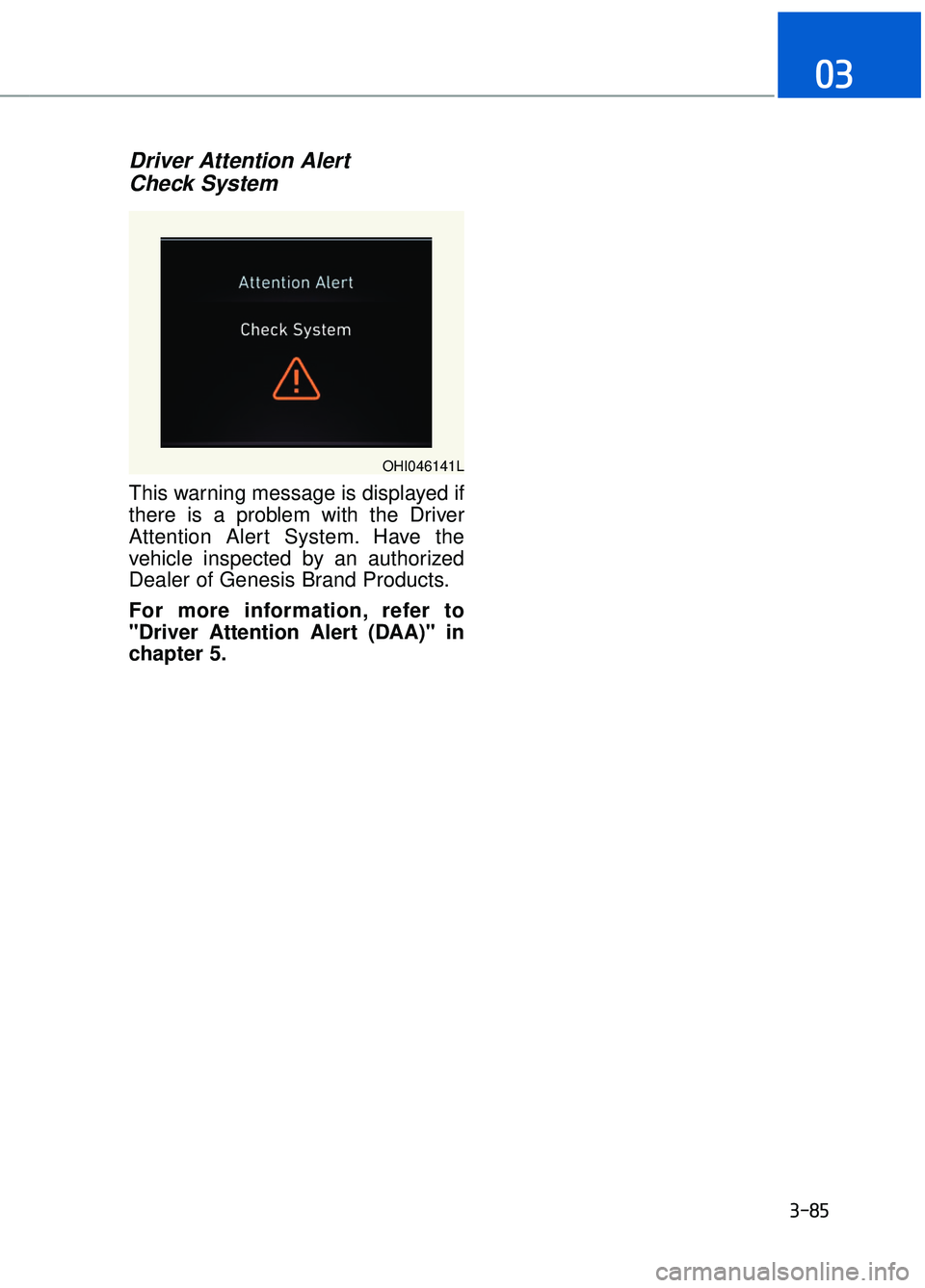
Driver Attention Alert Check System
This warning message is displayed if
there is a problem with the Driver
Attention Alert System. Have the
vehicle inspected by an authorized
Dealer of Genesis Brand Products.
For more information, refer to
"Driver Attention Alert (DAA)" in
chapter 5.
3-85
03
OHI046141L
Page 189 of 524
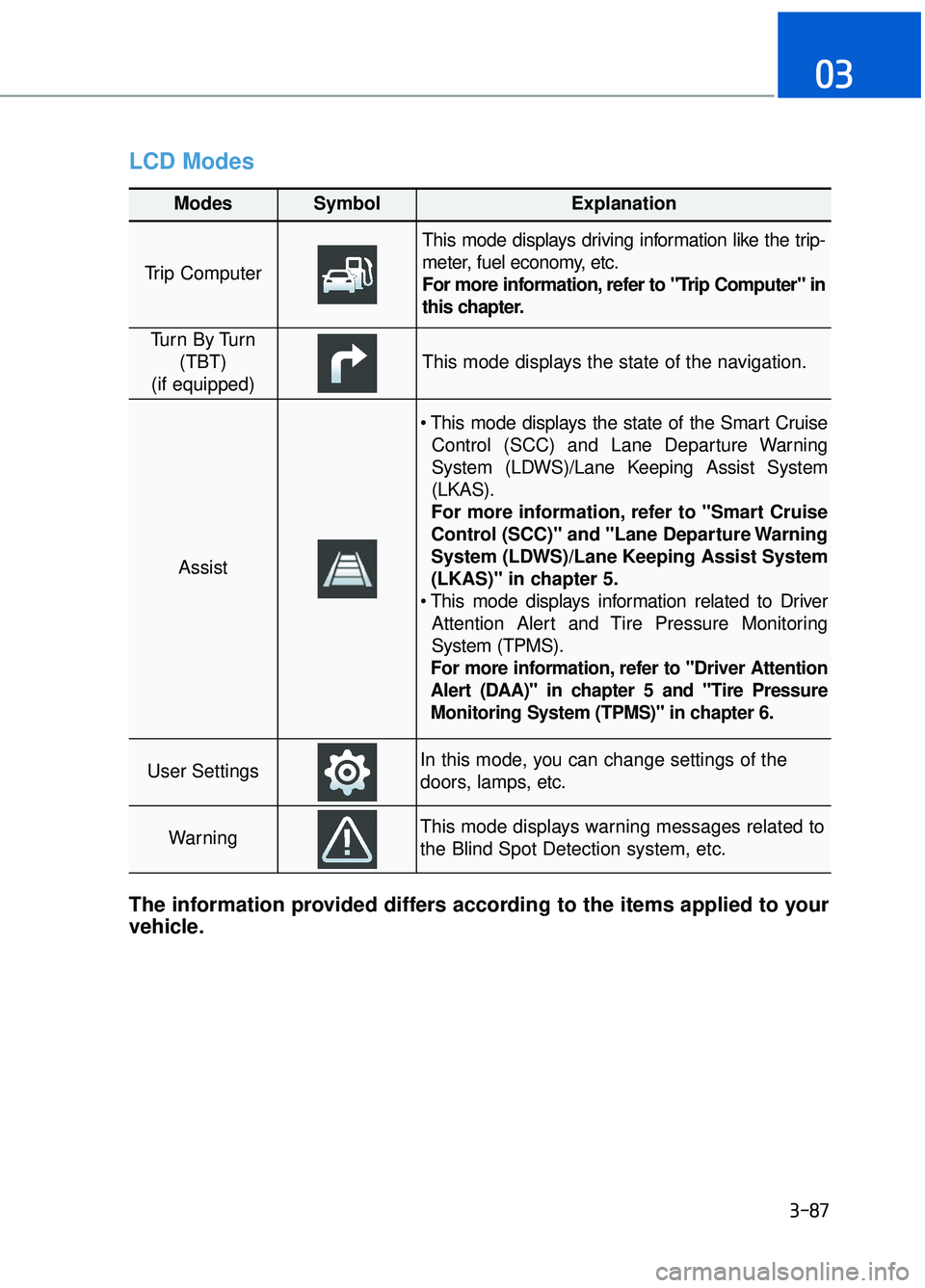
LCD Modes
3-87
03
Modes SymbolExplanation
Trip Computer
This mode displays driving information like the trip-
meter, fuel economy, etc.
For more information, refer to "Trip Computer" in
this chapter.
Tu r n B y Tu r n(TBT)
(if equipped)
This mode displays the state of the navigation.
Assist
Control (SCC) and Lane Departure Warning
System (LDWS)/Lane Keeping Assist System
(LKAS).
For more information, refer to "Smart Cruise
Control (SCC)" and "Lane Departure Warning
System (LDWS)/Lane Keeping Assist System
(LKAS)" in chapter 5.
Attention Alert and Tire Pressure Monitoring
System (TPMS).
For more information, refer to "Driver Attention
Alert (DAA)" in chapter 5 and "Tire Pressure
Monitoring System (TPMS)" in chapter 6.
User SettingsIn this mode, you can change settings of the
doors, lamps, etc.
WarningThis mode displays warning messages related to
the Blind Spot Detection system, etc.
The information provided differs according to the items applied to your
vehicle.
Page 190 of 524
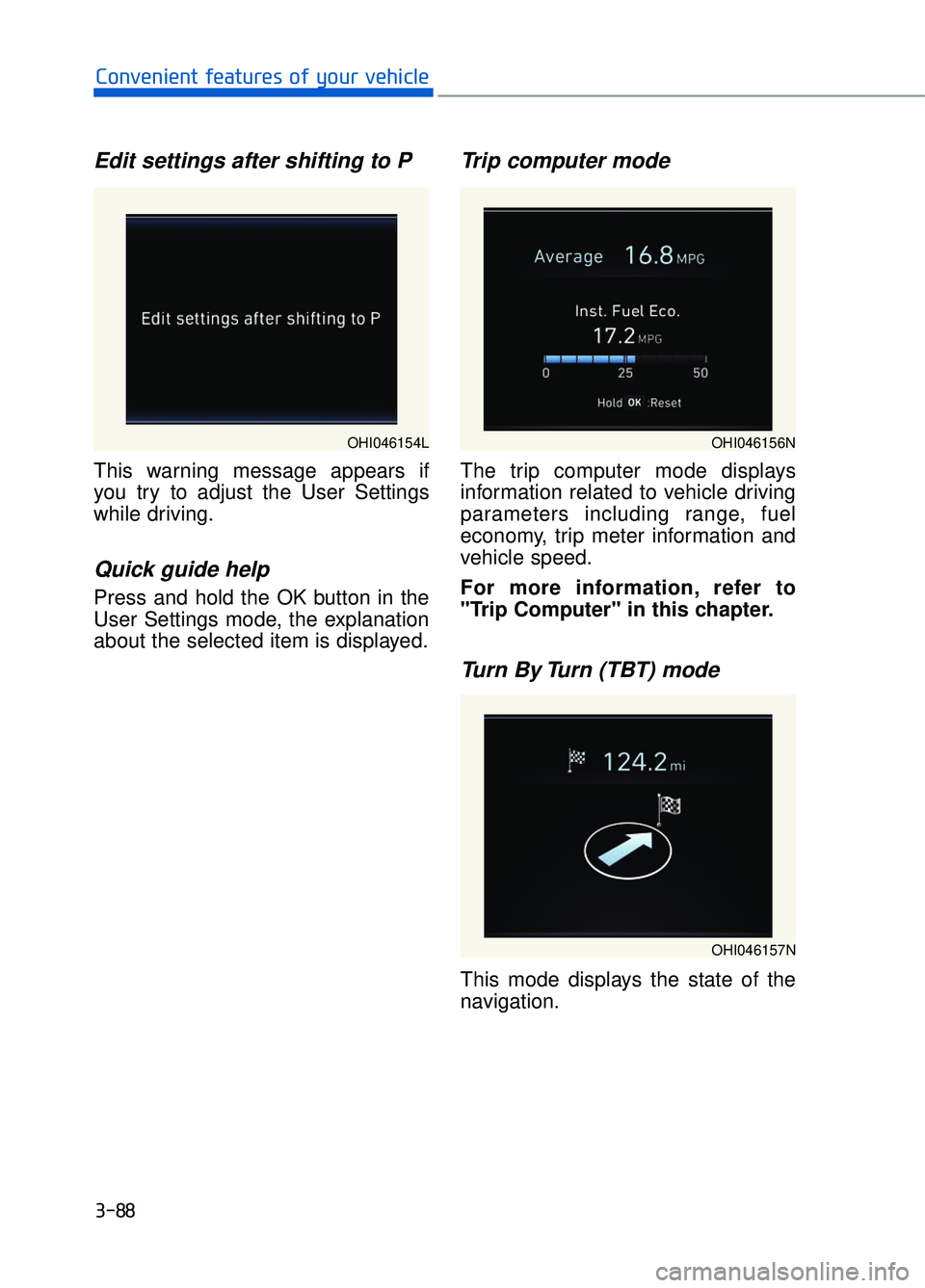
Edit settings after shifting to P
This warning message appears if
you try to adjust the User Settings
while driving.
Quick guide help
Press and hold the OK button in the
User Settings mode, the explanation
about the selected item is displayed.
Trip computer mode
The trip computer mode displays
information related to vehicle driving
parameters including range, fuel
economy, trip meter information and
vehicle speed.
For more information, refer to
"Trip Computer" in this chapter.
Turn By Turn (TBT) mode
This mode displays the state of the
navigation.
3-88
Convenient features of your vehicle
OHI046154LOHI046156N
OHI046157N
Page 191 of 524
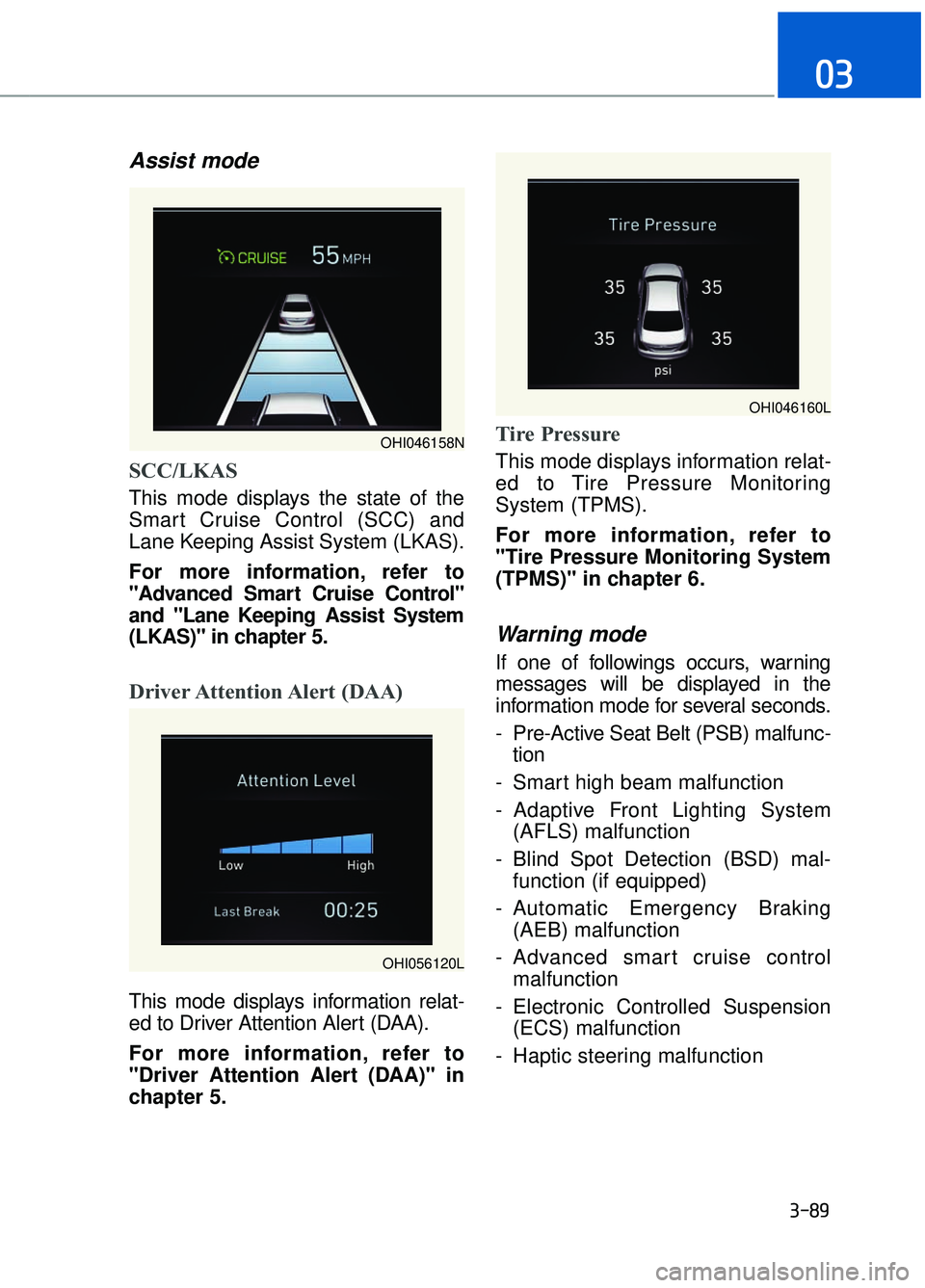
Assist mode
SCC/LKAS
This mode displays the state of the
Smart Cruise Control (SCC) and
Lane Keeping Assist System (LKAS).
For more information, refer to
"Advanced Smart Cruise Control"
and "Lane Keeping Assist System
(LKAS)" in chapter 5.
Driver Attention Alert (DAA)
This mode displays information relat-
ed to Driver Attention Alert (DAA).
For more information, refer to
"Driver Attention Alert (DAA)" in
chapter 5.
Tire Pressure
This mode displays information relat-
ed to Tire Pressure Monitoring
System (TPMS).
For more information, refer to
"Tire Pressure Monitoring System
(TPMS)" in chapter 6.
Warning mode
If one of followings occurs, warning
messages will be displayed in the
information mode for several seconds.
- Pre-Active Seat Belt (PSB) malfunc-tion
- Smart high beam malfunction
- Adaptive Front Lighting System (AFLS) malfunction
- Blind Spot Detection (BSD) mal- function (if equipped)
- Automatic Emergency Braking (AEB) malfunction
- Advanced smart cruise control malfunction
- Electronic Controlled Suspension (ECS) malfunction
- Haptic steering malfunction
3-89
03
OHI046158N
OHI046160L
OHI056120L
Page 193 of 524

2. Driving Assist
To adjust the sensitivity of the Lane
Keeping Assist System.
- Lane Departure/Standard LKA/ActiveLKA
For more information, refer to the
"Lane Keeping Assist System" in
chapter 5.
To adjust the sensitivity of the Driver
Attention Alert (DAA). - Off/Normal/Early
For more information, refer to the
"Driver Attention Alert (DAA)" in
chapter 5.
To adjust the sensitivity of the Smart
Cruise Control system.
- Slow/Normal/Fast
For more information, refer to the
"Advanced Smart Cruise Control"
in chapter 5.
To activate or deactivate the Automatic
Emergency Braking (AEB).
For more information, refer to
"Automatic Emergency Braking
(AEB)" in chapter 5.
To adjust the initial warning alert time
for Automatic Emergency Braking
system.
- Late/Normal/Early
For more information, refer to
"Automatic Emergency Braking
(AEB)" in chapter 5.
To adjust the initial warning alert time
for the Lane Change Assist.
- Normal/Late
For more information, refer to
"Blind Spot Detection" in chapter 5.
To activate or deactivate the Rear
Cross Traffic Alert system.
For more information, refer to
"Blind Spot Detection" in chapter 5.
To activate or deactivate the Blind
Spot Detection sound.
For more information, refer to
"Blind Spot Detection" in chapter 5.
3-91
03
OHI046208L
Page 200 of 524
3-98
Convenient features of your vehicle
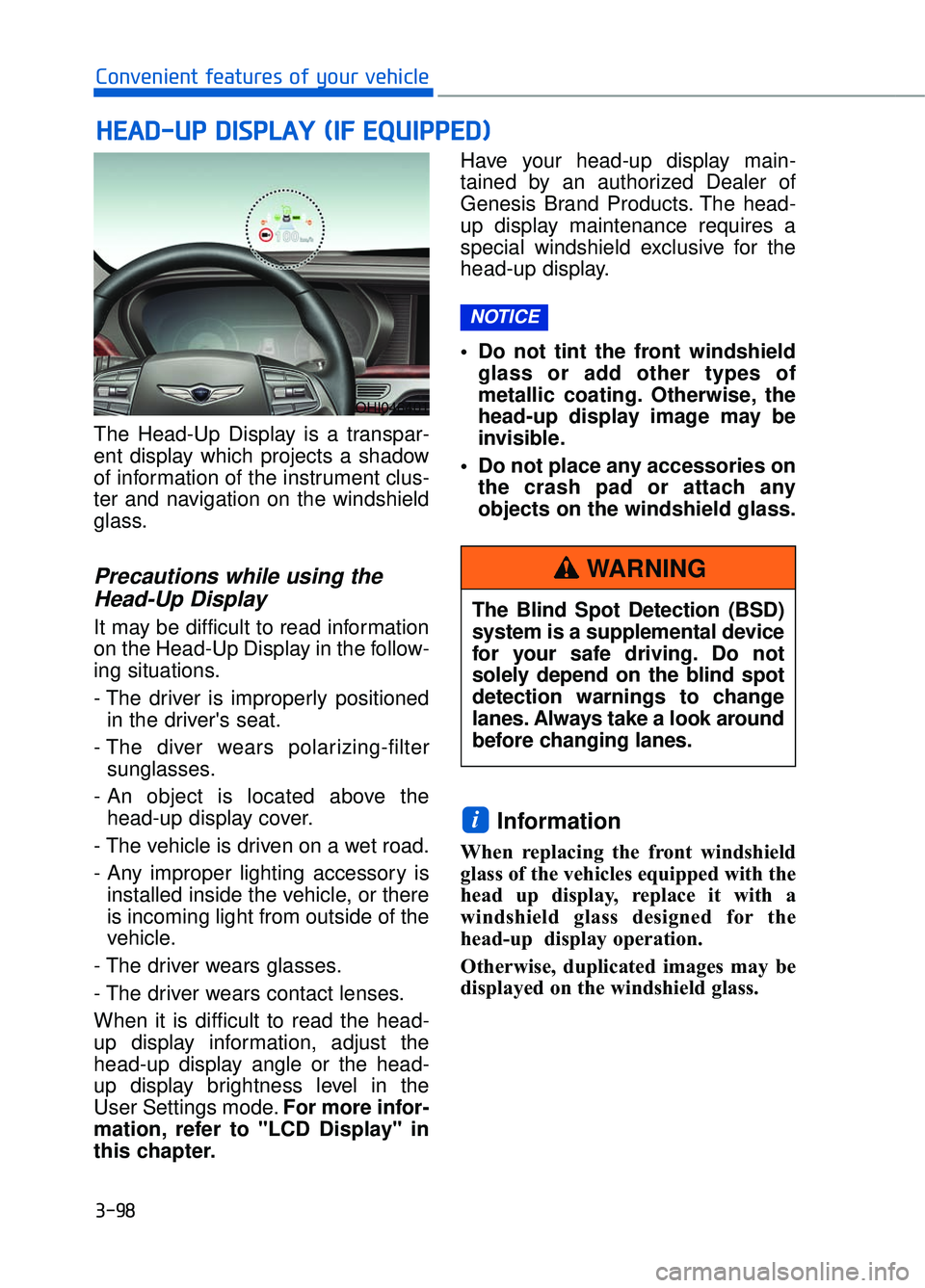
The Head-Up Display is a transpar-
ent display which projects a shadow
of information of the instrument clus-
ter and navigation on the windshield
glass.
Precautions while using the Head-Up Display
It may be difficult to read information
on the Head-Up Display in the follow-
ing situations.
- The driver is improperly positioned
in the driver's seat.
- The diver wears polarizing-filter sunglasses.
- An object is located above the head-up display cover.
- The vehicle is driven on a wet road.
- Any improper lighting accessory is installed inside the vehicle, or there
is incoming light from outside of the
vehicle.
- The driver wears glasses.
- The driver wears contact lenses.
When it is difficult to read the head-
up display information, adjust the
head-up display angle or the head-
up display brightness level in the
User Settings mode. For more infor-
mation, refer to "LCD Display" in
this chapter. Have your head-up display main-
tained by an authorized Dealer of
Genesis Brand Products. The head-
up display maintenance requires a
special windshield exclusive for the
head-up display.
• Do not tint the front windshield
glass or add other types of
metallic coating. Otherwise, the
head-up display image may be
invisible.
Do not place any accessories on the crash pad or attach any
objects on the windshield glass.
Information
When replacing the front windshield
glass of the vehicles equipped with the
head up display, replace it with a
windshield glass designed for the
head-up display operation.
Otherwise, duplicated images may be
displayed on the windshield glass.
i
NOTICE
H HE
EA
A D
D-
-U
U P
P
D
D I
IS
S P
P L
LA
A Y
Y
(
( I
IF
F
E
E Q
Q U
UI
IP
P P
PE
ED
D )
)
OHI046401
The Blind Spot Detection (BSD)
system is a supplemental device
for your safe driving. Do not
solely depend on the blind spot
detection warnings to change
lanes. Always take a look around
before changing lanes.
WARNING
Page 201 of 524

3-99
03
Head-Up Display ON/OFF
To activate the head-up display,
select "Head-Up Display" on the
User Settings mode in the cluster.
If you do not select "Head-Up
Display", the head-up display will be
deactivated.
Head-Up Display information
1. Turn-by-turn (TBT) navigationinformation
2. Road information
3. Driving speed information
4. Cruise system set speed informa- tion
5. Advanced smart cruise informa- tion
6. Lane Keeping Assist System (LKAS) information
7. Blind spot detection warnings
8. Warning lights
9. AV information
Information
If you select the Turn By Turn (TBT)
navigation information as Head-Up
Display contents, the Turn By Turn
(TBT) navigation information will not
be displayed on the LCD Display.
i
OHI046175L
OHI046404N