brake GENESIS G90 2021 Manual PDF
[x] Cancel search | Manufacturer: GENESIS, Model Year: 2021, Model line: G90, Model: GENESIS G90 2021Pages: 538, PDF Size: 13.02 MB
Page 345 of 538
![GENESIS G90 2021 Manual PDF 5-93
05
[A] : Structure, [B] : Wall
• Pulling into the parking space
where there is a structure
The system may not operate prop-
erly when pulling in the vehicle to
the parking space where there is](/img/46/35620/w960_35620-344.png "GENESIS G90 2021 Manual PDF 5-93
05
[A] : Structure, [B] : Wall
• Pulling into the parking space
where there is a structure
The system may not operate prop-
erly when pulling in the vehicle to
the parking space where there is")
5-93
05
[A] : Structure, [B] : Wall
• Pulling into the parking space
where there is a structure
The system may not operate prop-
erly when pulling in the vehicle to
the parking space where there is a
structure at the back or side of your
vehicle.
In certain instances, when backing
into the parking space, the system
may falsely detect the vehicle mov-
ing in front of your vehicle. In this
case, the warning or brake may
operate.
Always pay attention to the parking
space while driving.• When the vehicle is parked rear-
ward
If the vehicle is parked rearward
and the sensor detects the another
vehicle in the rear area of the park-
ing space, the system can warn or
control braking. Always pay atten-
tion to the parking space while
driving.
Information
This device complies with Part 15 of
the FCC rules.
Operation is subject to the following
three conditions:
1. This device may not cause harmful
interference, and
2. This device must accept any inter-
ference received, including interfer-
ence that may cause undesired
operation.
3. Changes or modifications not
expressly approved by the party
responsible for compliance could
void the user's authority to operate
the device.
i
OHI058319LOHI058320L
Page 348 of 538

Operating conditions
Parking Collision-Avoidance Assist-
Reverse system enters the ready
status, when 'Active Assist' or
'Warning Only' is selected in the AVN
system screen and the following con-
ditions are satisfied:
• The trunk is closed
• The shift lever is in R (Reverse)
• Vehicle speed is below 6 mph (10
km/h)
• System components such as the
rear view camera and the rear
ultrasonic sensors are in normal
conditions
The driver needs to select 'Active
Assist' on the AVN system screen for
collision-avoidance assist.
The solid lines behind the vehicle in
the cluster LCD display indicates that
the system is ready to assist the driv-
er.
Note that the system assists the driver
only once. The driver has to shift the
gear to R (Reverse) from another gear
position to reactivate the system.
The performance of the Parking
Collision Avoidance Assist-Reverse
system may vary under certain con-
ditions. If the vehicle speed exceeds
2 mph (3 km/h), the system can
assist only pedestrian collision avoid-
ance.
As always, be careful when backing
up your vehicle and be aware of your
surroundings.
Warning and System Control
Active assist
• If the system detects a risk of colli-
sion with a pedestrian or an object
behind the vehicle, the system will
warn the driver with audible warning,
steering wheel vibration, and warn-
ings on the cluster LCD display and
the AVN system screen.
• If the system detects imminent col-
lision with a pedestrian or an object
behind the vehicle, the system may
apply braking power. The driver
needs to pay attention as the brake
will release within 2 seconds. The
driver must immediately depress
the brake pedal and check sur-
roundings.
5-96
Driving your vehicle
OHI048563
OHI059324N
■Cluster LCD display
■ AVN system screen
Page 349 of 538

The brake assist will turn off when:
- The driver shifts the gear to P
(Park) or D (Drive)
- The driver depresses the brake
pedal with sufficient power
- The braking has been assisted for
approximately 2 seconds
The warning will turn off when:
- The driver shifts the gear to P
(Park), N (Neutral), or D (Drive)
The brake control may not operate
properly depending on the status of
the ESC (Electronic Stability Control).
There will only be a warning when:
- The ESC (Electronic Stability
Control) warning light is on
- The ESC (Electronic Stability
Control) is engaged in a different
functionWarning only
• If the system detects a risk of colli-
sion with a pedestrian or an object,
the system will warn the driver with
audible warning, steering wheel
vibration, and warnings on the
cluster LCD display and the AVN
system screen.
• If ‘Warning Only’ is selected, brak-
ing will not be assisted.
The warning will turn off when:
- The driver shifts the gear to P
(Park), N (Neutral), or D (Drive)
5-97
05
• Parking Collision-Avoidance
Assist-Reverse system may
not operate properly or may
operate unnecessarily in
some circumstances.
• Always pay extreme caution
while driving. The driver is
responsible for controlling the
brake appropriately.
WARNING
Page 352 of 538

System Malfunction
Check PCA (Parking Collision
Avoid. Assist)
If there is a problem with the Parking
Collision-Avoidance Assist-Reverse
system or other related systems, a
warning message will appear and
the system will turn off automatically.
We recommend that you immediate-
ly have the vehicle inspected by an
authorized retailer of Genesis
Branded products.
Limitations of the System
Parking Collision-Avoidance Assist-
Reverse system may not assist brak-
ing or alert the driver under the fol-
lowing conditions even if there are
pedestrians or objects.
• Any non-factory equipment or
accessories have been installed.
• The condition of the vehicle is
unstable due to an accident or
other causes.
• The height of the bumper or the
sensor installation has been modi-
fied.
• The rear view camera or the ultra-
sonic sensor(s) is damaged.
• The rear view camera or the ultra-
sonic sensor(s) is stained with for-
eign matter, such as snow, dirt, etc.
• The rear view camera is obscured
by a light source or by bad weath-
er conditions, such as heavy rain,
fog, snow, etc.
• The surrounding is either too dark
or too bright.
• Outside air temperature is hot or
cold.
• The wind is either strong (over 12
mph (20 km/h)) or blowing perpen-
dicular to the rear bumper.
• Objects generating excessive
noise, such as vehicle horns, loud
motorcycle engines, or truck air
brakes, are near the vehicle.
• An ultrasonic sensor with a similar
frequency is near the vehicle.
• There is ground height difference
between the vehicle and the
pedestrian.
• The image of the pedestrian in the
rear view camera is indistinguish-
able from the background.
5-100
Driving your vehicle
OHI059327N
Page 353 of 538
• The pedestrian is near the rear
edge of the vehicle.
• The pedestrian is not standing
upright.
• The pedestrian is either too short
or too tall for the system to recog-
nize.
• The pedestrian is wearing clothes
that are hard for the system to rec-
ognize.
• The pedestrian is wearing a cloth
that does not reflect ultrasound
well.
• The size, thickness, height, or
shape of the object does not reflect
ultrasound well (e.g., pole, bush,
curbs, carts, edge of a wall, etc.).
• The pedestrian or the object is
moving.
• The pedestrian or the object is very
close to the rear of the vehicle.
• A wall is behind the pedestrian or
the object.
• The object is not at the rear center
of the vehicle.
• The plane of the obstacle is not
parallel to the rear bumper.
• The road is slippery or inclined.
• The driver backs up the vehicle
immediately after shifting to R
(Reverse).
• The driver accelerates or turns the
vehicle.
Parking Collision-Avoidance Assist-
Reverse system may alert the driv-
er or apply brake power unneces-
sarily under the following conditions
even if there are "no" pedestrians
or objects.
• Any non-factory equipment or
accessories have been installed.• The condition of the vehicle is
unstable due to an accident or
other causes.
• The height of the bumper or the
sensor installation has been modi-
fied.
• The bumper height has changed
due to heavy loads, tire pressure
change, etc.
• The rear view camera or the ultra-
sonic sensor(s) is stained with for-
eign matter, such as snow, dirt, etc.
• The pattern on the road is mistak-
en for a pedestrian.
• There is a shadow or a light reflect-
ing on the ground.
• Pedestrians or objects are around
the path of the vehicle.
• Objects generating excessive
noise, such as vehicle horns, loud
motorcycle engines, or truck air
brakes, are near the vehicle.
• The vehicle is backing towards a
narrow passage or parking space.
• The vehicle is backing towards an
uneven road surface, such as
unpaved road, gravel, bump, gradi-
ent, etc.
• A trailer is attached to the vehicle.
5-101
05
Page 354 of 538

5-102
Driving your vehicle
(1) Cruise indicator
(2) Set speed
(3) Vehicle-to-vehicle distance
To see the SCC screen on the LCD
display on the cluster, select Assist
mode ( ). For more details, refer to
"LCD Display Modes" in chapter 3.
The Smart Cruise Control system
allows you to program the vehicle to
help maintain the desired speed and
minimum distance between the vehi-
cle ahead.
The Smart Cruise Control system
will automatically adjust your vehicle
speed to maintain your programmed
speed and following distance without
requiring you to depress the acceler-
ator or brake pedals.
SMART CRUISE CONTROL WITH STOP & GO SYSTEM
OHI059259N
For your safety, please read the
owner's manual before using the
Smart Cruise Control system.
WARNING
The Smart Cruise Control sys-
tem is not a substitute for safe
driving practices, but a conven-
ience function only. It is the
responsibility of the driver to
always check the speed and
distance to the vehicle ahead.
WARNING
Take the following precautions :
•Always set the vehicle speed
under the speed limit.
•If the Smart Cruise Control is
left on, ( indicator
light in the instrument cluster
is illuminated) the Smart
Cruise Control can be activat-
ed unintentionally. Keep the
Smart Cruise Control system
off ( indicator light
OFF) when the Smart Cruise
Control is not in use, to avoid
inadvertently setting a speed.
•Use the Smart Cruise Control
system only when traveling
on open highways in good
weather.
WARNING
Smart Cruise Control is not a
collision avoidance or warning
device.
Smart Cruise Control is
designed to only detect vehi-
cles as it cannot detect motor-
cycles, bicycles, or pedestrians.
WARNING
Page 356 of 538

5-104
Adjusting the Sensitivity of
Smart Cruise Control
The sensitivity of vehicle speed
when following the front vehicle to
maintain the set distance can be
adjusted. Select 'Setup →Vehicle
Settings →Driver Assistance →
SCC Reaction → Fast / Normal /
Slow' from the Settings menu in the
AVN system screen.
For detailed information, scan the
QR code in a separately supplied
simple manual.
You may select one of the three
stages you prefer.
- Fast:
Vehicle speed following the front
vehicle to maintain the set distance
is faster than normal speed.
- Normal:
Vehicle speed following the front
vehicle to maintain the set distance
is normal.
- Slow:
Vehicle speed following the front
vehicle to maintain the set distance
is slower than normal speed.
Information
The last selected speed sensitivity of
the smart cruise control is remained in
the system.
Converting to Cruise Control
Mode
The driver may choose to only use
the conventional Cruise Control
mode (speed control function) by
doing as follows:
1. Turn the Smart Cruise Control
System on (the cruise indicator
light will be on but the system will
not be activated).
2. Push and hold the Vehicle-to-
Vehicle Distance button for more
than 2 seconds.
3. Choose between "Smart Cruise
Control" and "Cruise Control".
When the system is canceled using
the CRUISE button or the CRUISE
button is used after the engine is
turned on, the Smart Cruise Control
mode will turn on.
i
When using the Cruise Control
mode, you must manually
adjust the distance to other
vehicles by depressing the
brake pedal. The system does
not automatically adjust the dis-
tance to vehicles in front of you.
WARNING
Driving your vehicle
Page 359 of 538

5-107
05
To temporarily accelerate with
the Smart Cruise Control on
If you want to speed up temporarily
when the Smart Cruise Control is on,
depress the accelerator pedal.
Increased speed will not interfere
with Smart Cruise Control operation
or change the set speed.
To return to the set speed, take your
foot off the accelerator pedal.
If you push the toggle switch down
(SET-) at increased speed, the cruis-
ing speed will be set again.
Information
Be careful when accelerating tem-
porarily, because the speed is not con-
trolled automatically at this time even
if there is a vehicle in front of you.
Smart Cruise Control will be
temporarily canceled when:
Canceled manually
• Depressing the brake pedal.
• Pushing the CANCEL button locat-
ed on the steering wheel.
The Smart Cruise Control turns off
temporarily when the Set Speed and
Vehicle-to-Vehicle Distance indicator
on the cluster LCD display turns off.
The cruise indicator ( ) is illu-
minated continuously.
Canceled automatically
• The driver's door is opened.
• The vehicle is shifted to N
(Neutral), R (Reverse) or P (Park).
• EPB (Electronic Parking Brake) is
applied.
• The vehicle speed is over 130 mph
(210 km/h).
• The ESC (Electronic Stability
Control), TCS (Traction Control
System) or ABS is operating.
• The ESC is turned off.
• The sensor or the cover is dirty or
covered with foreign matter.
• The vehicle is stopped for more
than 5 minutes.i
OHI058072
Page 360 of 538
5-108
• The vehicle stops and goes repeat-
edly for a long period of time.
• The accelerator pedal is continu-
ously depressed for a long period
of time.
• The engine performance is abnor-
mal.
• Engine rpm is in the red zone.
• The driver starts driving by pushing
the toggle switch up (RES+)/down
(SET-) or depressing the accelera-
tor pedal, after the vehicle is
stopped by the Smart Cruise
Control system with no other vehi-
cle ahead.
• The driver starts driving by pushing
the toggle switch up (RES+)/down
(SET-) or depressing the accelera-
tor pedal, after stopping the vehicle
with a vehicle stopped far away in
front.
• The braking control is operated for
FCA (Forward Collision-Avoidance
Assist)
• The engine is stopped by ISG (Idle
Stop & Go) (if equipped).
Each of these actions will cancel the
Smart Cruise Control operation. The
Set Speed and Vehicle-to-Vehicle
Distance on the cluster LCD display
will go off.
In a condition the Smart Cruise
Control is canceled automatically,
the Smart Cruise Control will not
resume even though the RES+ or
SET- toggle switch is pushed.
Also, if the Smart Cruise Control is
canceled automatically while the
vehicle is at a standstill, EPB
(Electronic Parking Brake) will be
applied.Information
If the Smart Cruise Control is can-
celed during a situation that is not
described, have the system checked by
an authorized retailer of Genesis
Branded products.
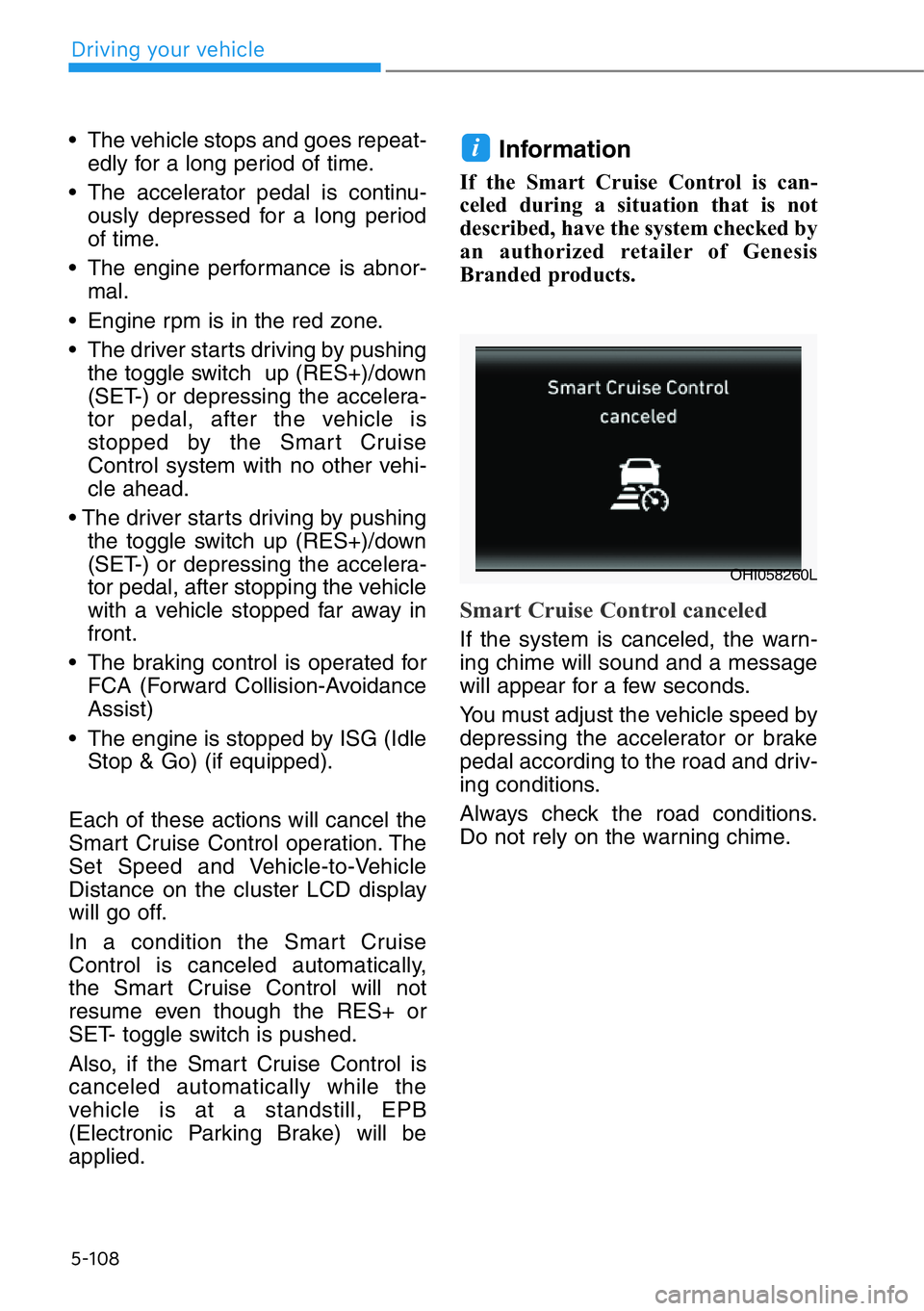
Smart Cruise Control canceled
If the system is canceled, the warn-
ing chime will sound and a message
will appear for a few seconds.
You must adjust the vehicle speed by
depressing the accelerator or brake
pedal according to the road and driv-
ing conditions.
Always check the road conditions.
Do not rely on the warning chime.
i
OHI058260L
Driving your vehicle
Page 361 of 538

5-109
05
To resume Smart Cruise Control
set speed
If any method other than the cruise
toggle switch was used to cancel
cruising speed and the system is still
activated, the cruising speed will
automatically resume when you
push the toggle switch up (RES+) or
down (SET-).
If you push the toggle switch up
(RES+), the speed will resume to the
recently set speed. However, if vehi-
cle speed drops below 5 mph (10
km/h), it will resume when there is a
vehicle in front of your vehicle.
To turn Cruise Control off
• Push the CRUISE button. The
cruise indicator will go off.
If you wish not to use the cruise
control system, always turn the
system off by pushing the CRUISE
button.
OHI058069
• To avoid collisions, always be
aware of the selected speed
and vehicle to vehicle dis-
tance settings when activat-
ing your smart cruise control
system.
• Always maintain sufficient
braking distance and deceler-
ate your vehicle by applying
the brakes if necessary.
WARNING