radio controls GMC ACADIA 2007 User Guide
[x] Cancel search | Manufacturer: GMC, Model Year: 2007, Model line: ACADIA, Model: GMC ACADIA 2007Pages: 554, PDF Size: 2.76 MB
Page 291 of 554
Z(Eject):Press this button to eject a CD or
DVD. If a CD or DVD is ejected, but not removed,
the player automatically pulls it back in after
15 seconds.
If loading and reading of a CD cannot be
completed, because of an unknown format, etc.,
and the disc fails to eject, press and hold the
CD eject button for more than ve seconds to
force the disc to eject.
DVD-V (Video) Display Buttons
Once a DVD-V is inserted, the radio display menu
shows several tag options for DVD playing.
Press the pushbuttons located under any desired
tag option during DVD playback. See the tag
options listed below for more information.
The rear seat passenger can navigate the DVD-V
menus and controls through the remote control.
See “Remote Control”, underRear Seat
Entertainment System on page 311for more
information. The Video Screen automatically
turns on when the DVD-V is inserted into the
DVD slot.
r/j(Play/Pause):Press either the play or
pause icon displayed on the radio system,
to toggle between pausing or restarting playback
of a DVD. If the forward arrow is showing on
display, the system is in pause mode. If the pause
icon is showing on display, the system is in
playback mode. If the DVD screen is off, press
the play button to turn the screen on.
Some DVDs begin playing after the previews have
nished, although there could be a delay of up
to 30 seconds. If the DVD does not begin playing
the movie automatically, press the pushbutton
located under the play/pause symbol tag displayed
on the radio. If the DVD still does not play, refer
to the on-screen instructions, if available.
c(Stop):Press this button to stop playing,
rewinding, or fast forwarding a DVD.
r(Enter):Press this button to select the
choices that are highlighted in any menu.
291
Page 292 of 554
y(Menu):Press this button to access the DVD
menu. The DVD menu is different on every
DVD. Use the pushbuttons located under the
navigation arrows to navigate the cursor through
the DVD menu. After making a selection press
the enter button. This button only operates when
using a DVD.
Nav (Navigate):Press this button to display
directional arrows for navigating through the
menus.
q(Return):Press this button to exit the
current active menu and return to the previous
menu. This button operates only when a DVD is
playing and a menu is active.
DVD-A (Audio) Display Buttons
Once a DVD-A is inserted, radio display menu
shows several tag options for DVD playing. Press
the pushbuttons located under any desired tag
option during DVD playback. See the tag options
listed below for more information.The rear seat operator can navigate the DVD-A
menus and controls through the remote control.
See “Remote Control”, underRear Seat
Entertainment System on page 311for more
information. The Video Screen does not
automatically power on when the DVD-A is
inserted into the DVD slot. It must be manually
turned on by the rear seat occupant through
the remote control power button.
r/j(Play/Pause):Press either the play or
pause icon displayed on the radio system,
to toggle between pausing or restarting playback
of a DVD. If the forward arrow is showing on
display, the system is in pause mode. If the pause
icon is showing on display, the system is in
playback mode.
qGroupr:Press this button to cycle through
musical groupings on the DVD-A disc.
Nav (Navigate):Press this button to display
directional arrows for navigating through the
menus.
292
Page 323 of 554
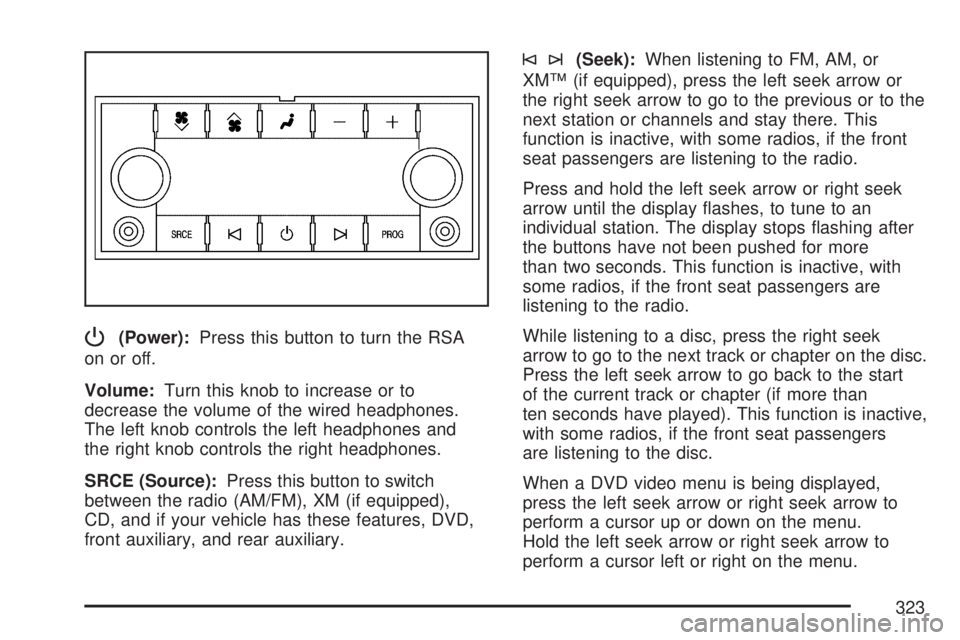
P(Power):Press this button to turn the RSA
on or off.
Volume:Turn this knob to increase or to
decrease the volume of the wired headphones.
The left knob controls the left headphones and
the right knob controls the right headphones.
SRCE (Source):Press this button to switch
between the radio (AM/FM), XM (if equipped),
CD, and if your vehicle has these features, DVD,
front auxiliary, and rear auxiliary.
©¨(Seek):When listening to FM, AM, or
XM™ (if equipped), press the left seek arrow or
the right seek arrow to go to the previous or to the
next station or channels and stay there. This
function is inactive, with some radios, if the front
seat passengers are listening to the radio.
Press and hold the left seek arrow or right seek
arrow until the display ashes, to tune to an
individual station. The display stops ashing after
the buttons have not been pushed for more
than two seconds. This function is inactive, with
some radios, if the front seat passengers are
listening to the radio.
While listening to a disc, press the right seek
arrow to go to the next track or chapter on the disc.
Press the left seek arrow to go back to the start
of the current track or chapter (if more than
ten seconds have played). This function is inactive,
with some radios, if the front seat passengers
are listening to the disc.
When a DVD video menu is being displayed,
press the left seek arrow or right seek arrow to
perform a cursor up or down on the menu.
Hold the left seek arrow or right seek arrow to
perform a cursor left or right on the menu.
323
Page 325 of 554
©SEEK¨:Press the SEEK arrows to go to the
previous or to the next radio station while in
AM, FM, or XM™ (if equipped). Press the SEEK
arrows to go to the previous or to the next track or
chapter while sourced to the DVD slot.
SRCE (Source):Press this button to switch
between the radio (AM, FM), XM™ (if equipped),
CD, and if your vehicle has these features,
DVD, front auxiliary, and rear auxiliary.
>(Mute):Press this button to silence the
system. Press this button again, or any other
radio button, to turn the sound on.
+/−
x(Volume):Press the plus or minus volume
buttons to increase or to decrease the volume.
Theft-Deterrent Feature
THEFTLOCK®is designed to discourage theft
of your vehicle’s radio. The feature works
automatically by learning a portion of the Vehicle
Identication Number (VIN). If the radio is moved
to a different vehicle, it does not operate and
LOCKED displays.
Audio Steering Wheel Controls
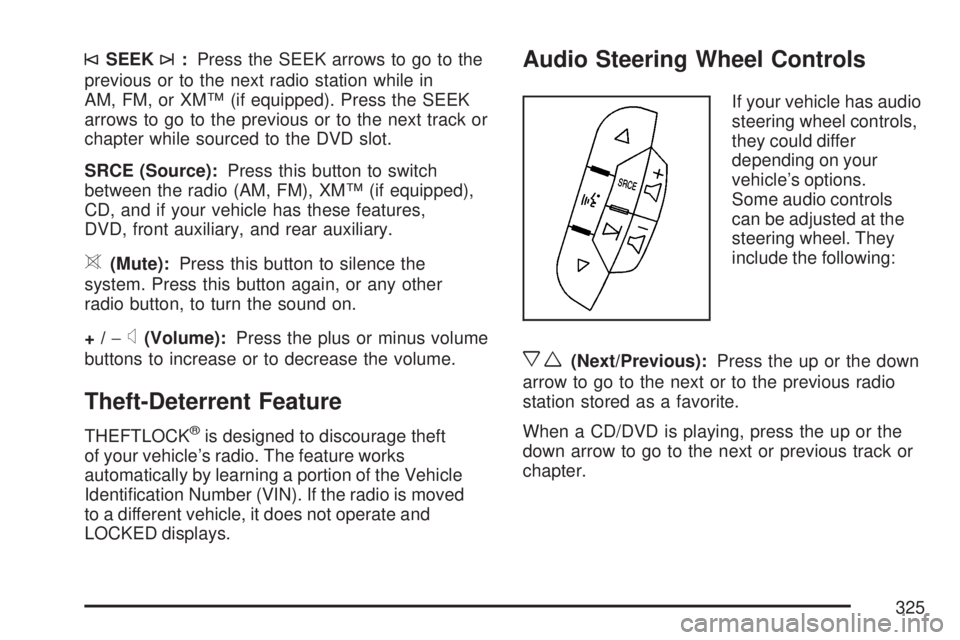
If your vehicle has audio
steering wheel controls,
they could differ
depending on your
vehicle’s options.
Some audio controls
can be adjusted at the
steering wheel. They
include the following:
xw(Next/Previous):Press the up or the down
arrow to go to the next or to the previous radio
station stored as a favorite.
When a CD/DVD is playing, press the up or the
down arrow to go to the next or previous track or
chapter.
325
Page 540 of 554
Audio System.............................................. 264
Audio Steering Wheel Controls................. 325
Care of Your CD and DVD Player............ 328
Care of Your CDs and DVDs................... 328
Navigation/Radio System,
see Navigation Manual......................... 311
Radio with CD......................................... 268
Rear Audio Controller (RAC).................... 324
Rear Seat Audio (RSA)............................ 322
Setting the Time...................................... 266
Theft-Deterrent Feature............................ 325
Understanding Radio Reception............... 326
Audio System(s)
Radio with CD and DVD.......................... 278
Automatic Transmission
Fluid........................................................ 404
Operation................................................. 129B
Battery........................................................ 424
Electric Power Management..................... 188
Run-Down Protection............................... 189
Before Leaving on a Long Trip.................... 352
Brake
Emergencies............................................ 336
Parking.................................................... 134
Brakes........................................................ 421
System Warning Light.............................. 222
Braking....................................................... 334
Braking in Emergencies............................... 336
Break-In, New Vehicle................................. 123
Bulb Replacement....................................... 432
Halogen Bulbs......................................... 432
Headlamp Aiming..................................... 431
High Intensity Discharge (HID) Lighting.... 432
License Plate Lamps................................ 433
Replacement Bulbs.................................. 433
Buying New Tires........................................ 450
540
Page 548 of 554
Maintenance Schedule (cont.)
Maintenance Record................................ 514
Maintenance Requirements...................... 500
Normal Maintenance Replacement Parts ... 512
Owner Checks and Services.................... 507
Recommended Fluids and Lubricants....... 511
Scheduled Maintenance........................... 502
Using....................................................... 501
Your Vehicle and the Environment............ 500
Malfunction Indicator Light........................... 226
Manual Lumbar Controls............................... 11
Manual Seats.................................................. 9
Memory Seat and Mirrors.............................. 13
Message
DIC Warnings and Messages................... 244
Mirrors
Automatic Dimming Rearview with
OnStar
®and Compass......................... 140
Manual Rearview Mirror with OnStar®...... 140
Outside Convex Mirror............................. 144
Outside Heated Mirrors............................ 145
Outside Power Foldaway Mirrors.............. 143
Outside Power Mirrors............................. 142
MP3 ...................................................295, 301
MyGMLink.com............................................ 521
N
Navigation System, Privacy ......................... 538
Navigation/Radio System,
see Navigation Manual............................. 311
New Vehicle Break-In.................................. 123
Normal Maintenance Replacement Parts..... 512
O
Odometer.................................................... 216
Off-Road Recovery...................................... 342
Oil
Engine..................................................... 397
Pressure Light.......................................... 229
Oil, Engine Oil Life System ......................... 400
Older Children, Restraints............................. 48
Online Owner Center................................... 521
OnStar, Privacy........................................... 538
OnStar
®System, see OnStar®Manual........ 145
Operation, Universal Home
Remote System..............................150, 154
Orange Covered Wiring............................... 489
Other Warning Devices................................ 173
Outlet Adjustment........................................ 210
548
Page 549 of 554
Outlets
Accessory Power..................................... 197
Outside
Convex Mirror.......................................... 144
Heated Mirrors......................................... 145
Power Foldaway Mirrors........................... 143
Power Mirrors.......................................... 142
Overheated Engine Protection
Operating Mode....................................... 412
Owner Checks and Services....................... 507
Owners, Canadian.......................................... 3
P
Paint, Damage............................................ 486
Parade Dimming.......................................... 188
Park Aid...................................................... 194
Park (P)
Shifting Into............................................. 135
Shifting Out of......................................... 137
Parking
Assist....................................................... 194
Brake....................................................... 134
Over Things That Burn............................ 137Passenger Airbag Status Indicator............... 218
Passenger Sensing System........................... 85
Passing....................................................... 342
PASS-Key
®III+........................................... 120
PASS-Key®III+ Operation........................... 121
Power
Door Locks.............................................. 107
Electrical System..................................... 490
Liftgate..................................................... 110
Lumbar Controls........................................ 12
Outlet 115 Volt Alternating Current ........... 198
Retained Accessory (RAP)....................... 125
Seat.......................................................... 10
Steering Fluid.......................................... 419
Tilt Wheel and Telescopic
Steering Column................................... 174
Windows.................................................. 115
Pretensioners, Safety Belt............................. 47
Privacy........................................................ 536
Event Data Recorders.............................. 537
Navigation System................................... 538
OnStar..................................................... 538
Radio Frequency Identication.................. 538
Programmable Automatic Door Locks.......... 107
549
Page 550 of 554
Q
Questions and Answers About Safety Belts.... 28
R
Radiator Pressure Cap................................ 410
Radio Frequency Identication (RFID),
Privacy..................................................... 538
Radios........................................................ 264
Care of Your CD and DVD Player............ 328
Care of Your CDs and DVDs................... 328
Navigation/Radio System,
see Navigation Manual......................... 311
Radio with CD......................................... 268
Radio with CD and DVD.......................... 278
Rear Audio Controller (RAC).................... 324
Rear Seat Audio...................................... 322
Setting the Time...................................... 266
Theft-Deterrent......................................... 325
Understanding Reception......................... 326
Reading Lamps........................................... 188
Rear Air Conditioning and Heating System ... 211
Rear Air Conditioning and Heating System
and Electronic Climate Controls............... 212
Rear Audio Controller (RAC)....................... 324Rear Door Security Locks........................... 108
Rear Safety Belt Comfort Guides.................. 43
Rear Seat Armrest...................................... 163
Rear Seat Audio (RSA)............................... 322
Rear Seat Entertainment System................. 311
Rear Seat Operation..................................... 18
Rear Seat Passengers, Safety Belts.............. 40
Rear Windshield Washer/Wiper.................... 179
Rearview Mirror, Automatic Dimming
with OnStar
®and Compass..................... 140
Rearview Mirror with OnStar®...................... 140
Reclining Seatbacks...................................... 15
Recommended Fluids and Lubricants.......... 511
Recreational Vehicle Towing........................ 367
Remote Keyless Entry (RKE) System............ 98
Remote Keyless Entry (RKE) System,
Operation................................................. 100
Removing the Flat Tire and
Installing the Spare Tire........................... 463
Removing the Spare Tire and Tools............ 459
Replacement Bulbs..................................... 433
Reporting Safety Defects
Canadian Government............................. 534
General Motors........................................ 534
United States Government....................... 533
550
Page 552 of 554
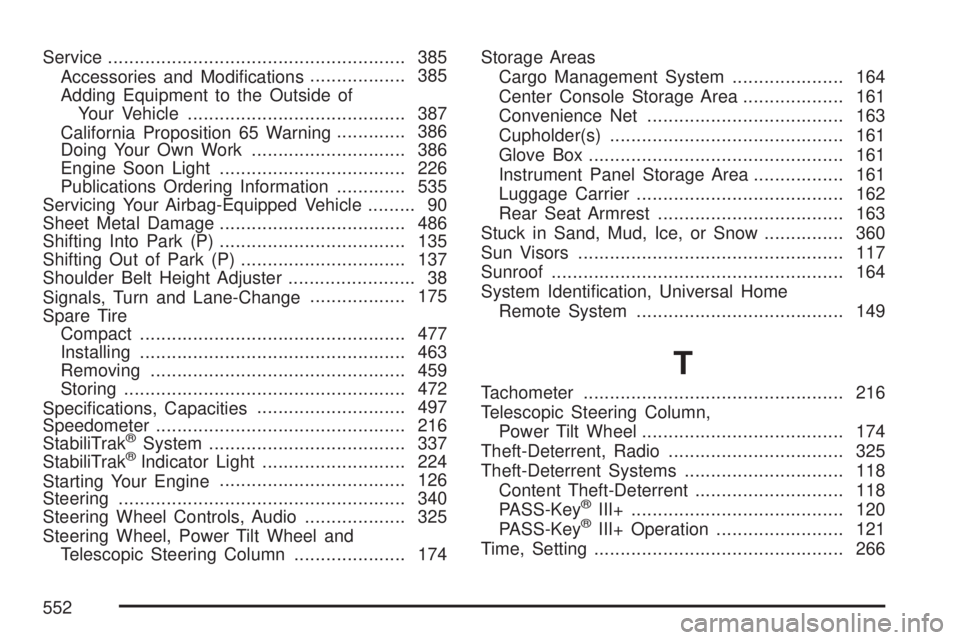
Service........................................................ 385
Accessories and Modications.................. 385
Adding Equipment to the Outside of
Your Vehicle......................................... 387
California Proposition 65 Warning............. 386
Doing Your Own Work............................. 386
Engine Soon Light................................... 226
Publications Ordering Information............. 535
Servicing Your Airbag-Equipped Vehicle......... 90
Sheet Metal Damage................................... 486
Shifting Into Park (P)................................... 135
Shifting Out of Park (P)............................... 137
Shoulder Belt Height Adjuster........................ 38
Signals, Turn and Lane-Change.................. 175
Spare Tire
Compact.................................................. 477
Installing.................................................. 463
Removing................................................ 459
Storing..................................................... 472
Specications, Capacities............................ 497
Speedometer............................................... 216
StabiliTrak
®System..................................... 337
StabiliTrak®Indicator Light........................... 224
Starting Your Engine................................... 126
Steering...................................................... 340
Steering Wheel Controls, Audio................... 325
Steering Wheel, Power Tilt Wheel and
Telescopic Steering Column..................... 174Storage Areas
Cargo Management System..................... 164
Center Console Storage Area................... 161
Convenience Net..................................... 163
Cupholder(s)............................................ 161
Glove Box................................................ 161
Instrument Panel Storage Area................. 161
Luggage Carrier....................................... 162
Rear Seat Armrest................................... 163
Stuck in Sand, Mud, Ice, or Snow............... 360
Sun Visors.................................................. 117
Sunroof....................................................... 164
System Identication, Universal Home
Remote System....................................... 149
T
Tachometer................................................. 216
Telescopic Steering Column,
Power Tilt Wheel...................................... 174
Theft-Deterrent, Radio................................. 325
Theft-Deterrent Systems.............................. 118
Content Theft-Deterrent............................ 118
PASS-Key
®III+........................................ 120
PASS-Key®III+ Operation........................ 121
Time, Setting............................................... 266
552