center console GMC ACADIA 2010 Owner's Manual
[x] Cancel search | Manufacturer: GMC, Model Year: 2010, Model line: ACADIA, Model: GMC ACADIA 2010Pages: 444, PDF Size: 2.58 MB
Page 9 of 444
In Brief 1-3
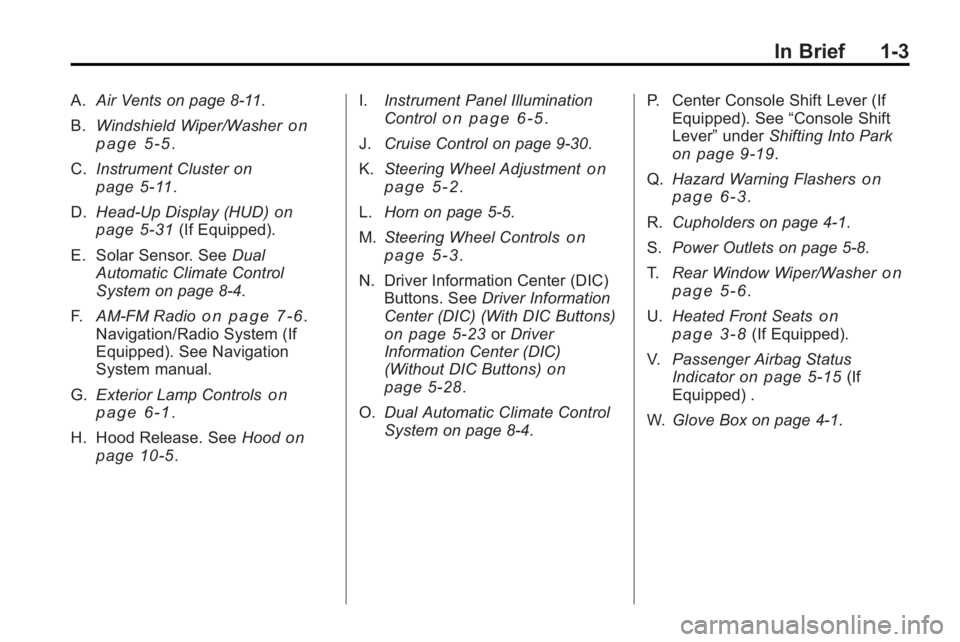
A.Air Vents on page 8‑11.
B. Windshield Wiper/Washer
on
page 5‑5.
C. Instrument Cluster
on
page 5‑11.
D. Head-Up Display (HUD)
on
page 5‑31(If Equipped).
E. Solar Sensor. See Dual
Automatic Climate Control
System on page 8‑4.
F. AM-FM Radio
on page 7‑6.
Navigation/Radio System (If
Equipped). See Navigation
System manual.
G. Exterior Lamp Controls
on
page 6‑1.
H. Hood Release. See Hood
on
page 10‑5. I.
Instrument Panel Illumination
Control
on page 6‑5.
J. Cruise Control on page 9‑30.
K. Steering Wheel Adjustment
on
page 5‑2.
L. Horn on page 5‑5.
M. Steering Wheel Controls
on
page 5‑3.
N. Driver Information Center (DIC) Buttons. See Driver Information
Center (DIC) (With DIC Buttons)
on page 5‑23or Driver
Information Center (DIC)
(Without DIC Buttons)
on
page 5‑28.
O. Dual Automatic Climate Control
System on page 8‑4. P. Center Console Shift Lever (If
Equipped). See “Console Shift
Lever” underShifting Into Park
on page 9‑19.
Q. Hazard Warning Flashers
on
page 6‑3.
R. Cupholders on page 4‑1.
S. Power Outlets on page 5‑8.
T. Rear Window Wiper/Washer
on
page 5‑6.
U. Heated Front Seats
on
page 3‑8(If Equipped).
V. Passenger Airbag Status
Indicator
on page 5‑15(If
Equipped) .
W. Glove Box on page 4‑1.
Page 12 of 444
1-6 In Brief
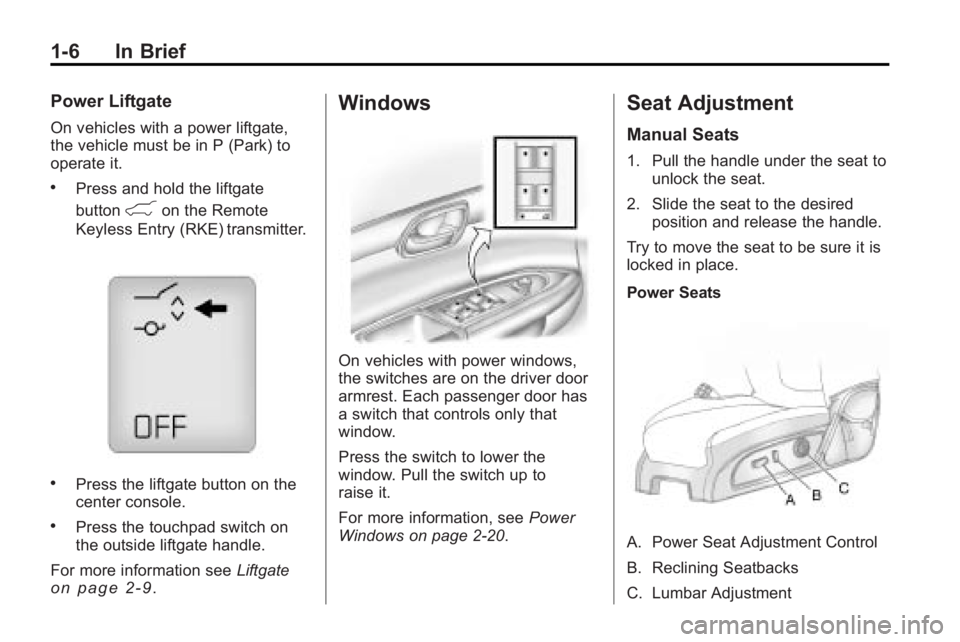
Power Liftgate
On vehicles with a power liftgate,
the vehicle must be in P (Park) to
operate it.
.Press and hold the liftgate
button
&on the Remote
Keyless Entry (RKE) transmitter.
.Press the liftgate button on the
center console.
.Press the touchpad switch on
the outside liftgate handle.
For more information see Liftgate
on page 2‑9.
Windows
On vehicles with power windows,
the switches are on the driver door
armrest. Each passenger door has
a switch that controls only that
window.
Press the switch to lower the
window. Pull the switch up to
raise it.
For more information, see Power
Windows on page 2‑20.
Seat Adjustment
Manual Seats
1. Pull the handle under the seat to unlock the seat.
2. Slide the seat to the desired position and release the handle.
Try to move the seat to be sure it is
locked in place.
Power Seats
A. Power Seat Adjustment Control
B. Reclining Seatbacks
C. Lumbar Adjustment
Page 14 of 444
1-8 In Brief
Heated Seats
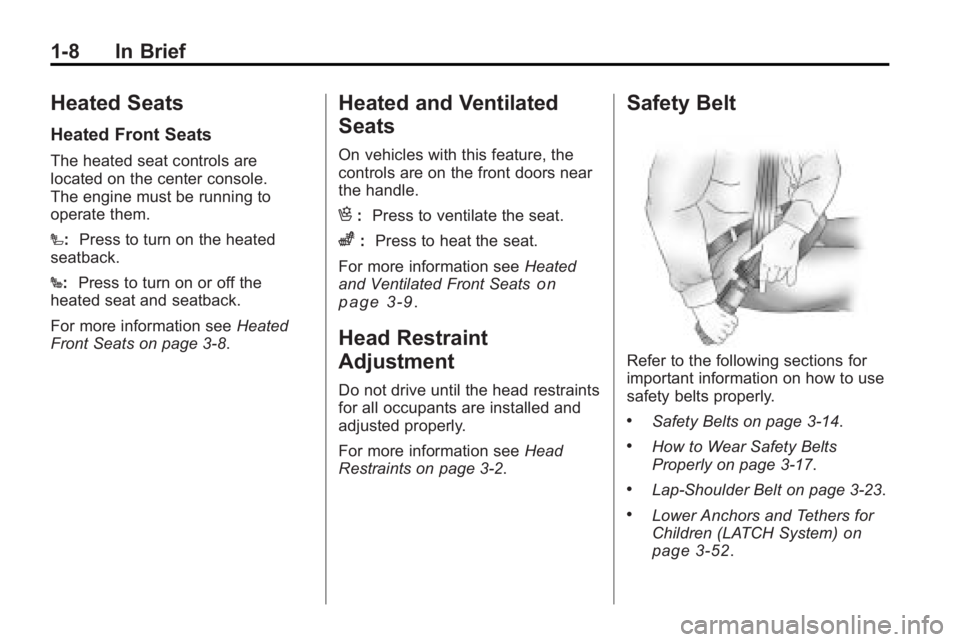
Heated Front Seats
The heated seat controls are
located on the center console.
The engine must be running to
operate them.
I:Press to turn on the heated
seatback.
J: Press to turn on or off the
heated seat and seatback.
For more information see Heated
Front Seats on page 3‑8.
Heated and Ventilated
Seats
On vehicles with this feature, the
controls are on the front doors near
the handle.
H: Press to ventilate the seat.
z:Press to heat the seat.
For more information see Heated
and Ventilated Front Seats
on
page 3‑9.
Head Restraint
Adjustment
Do not drive until the head restraints
for all occupants are installed and
adjusted properly.
For more information see Head
Restraints on page 3‑2.
Safety Belt
Refer to the following sections for
important information on how to use
safety belts properly.
.Safety Belts on page 3‑14.
.How to Wear Safety Belts
Properly on page 3‑17.
.Lap-Shoulder Belt on page 3‑23.
.Lower Anchors and Tethers for
Children (LATCH System)on
page 3‑52.
Page 16 of 444
1-10 In Brief
Interior Mirror
If equipped, a manual inside
rearview mirror can be adjusted so
that the driver can see behind the
vehicle more clearly. Hold the mirror
in the center to move it up or down
and side to side. Use the day/night
adjustment to help prevent glare
from the headlamps behind you.
Move the lever located at the base
of the mirror, to the right for
nighttime use and to the left for
daytime use.
For vehicles with an automatic
dimming rearview mirror, the mirror
will move automatically to reduce
the glare from the headlamps of the
vehicle behind. The dimming feature
comes on and the indicator light
illuminates each time the ignition is
turned to start.
SeeAutomatic Dimming Rearview
Mirror on page 2‑18.
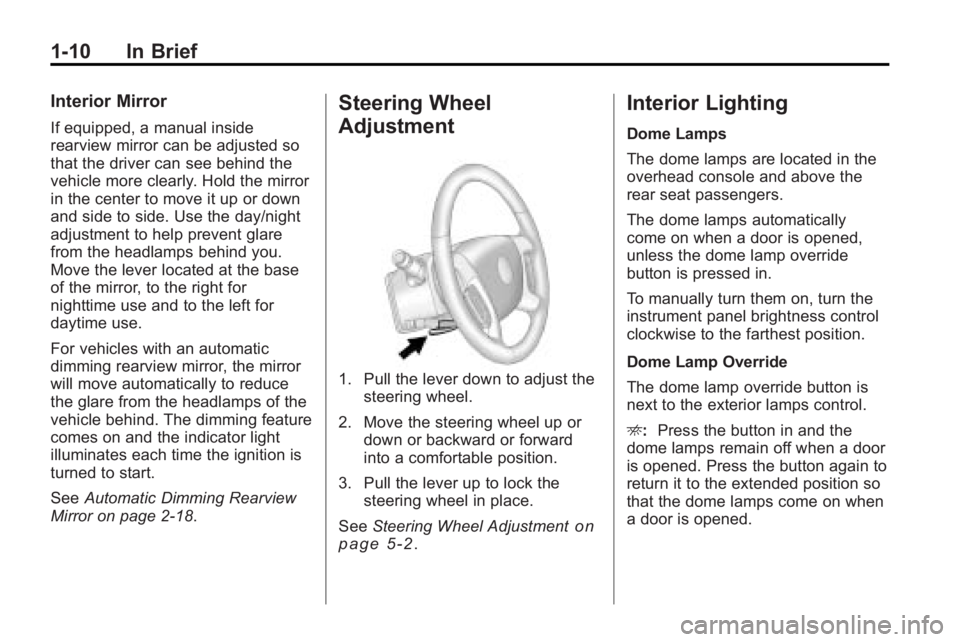
Steering Wheel
Adjustment
1. Pull the lever down to adjust the steering wheel.
2. Move the steering wheel up or down or backward or forward
into a comfortable position.
3. Pull the lever up to lock the steering wheel in place.
See Steering Wheel Adjustment
on
page 5‑2.
Interior Lighting
Dome Lamps
The dome lamps are located in the
overhead console and above the
rear seat passengers.
The dome lamps automatically
come on when a door is opened,
unless the dome lamp override
button is pressed in.
To manually turn them on, turn the
instrument panel brightness control
clockwise to the farthest position.
Dome Lamp Override
The dome lamp override button is
next to the exterior lamps control.
E: Press the button in and the
dome lamps remain off when a door
is opened. Press the button again to
return it to the extended position so
that the dome lamps come on when
a door is opened.
Page 21 of 444
In Brief 1-15
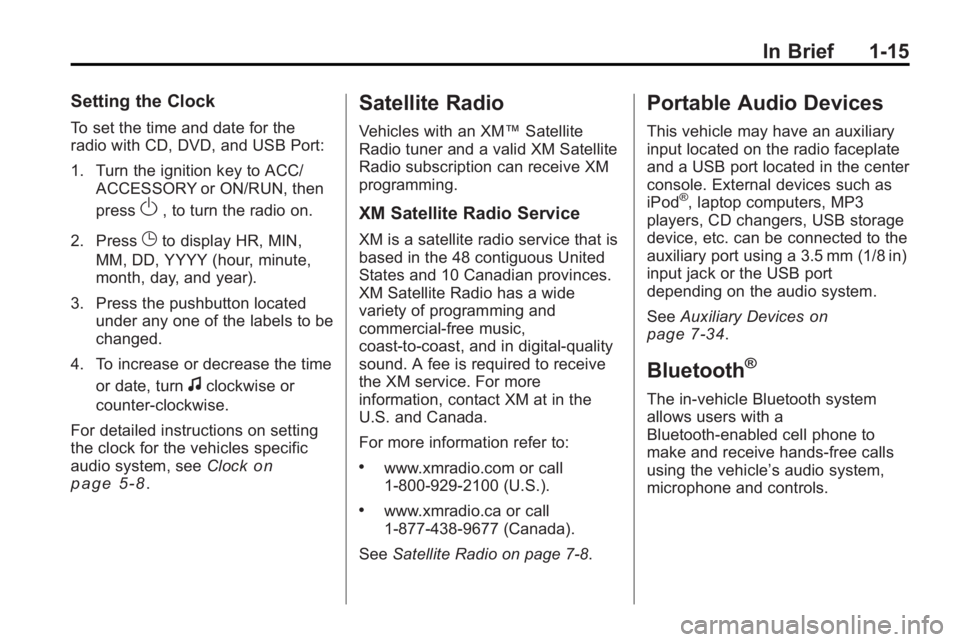
Setting the Clock
To set the time and date for the
radio with CD, DVD, and USB Port:
1. Turn the ignition key to ACC/ACCESSORY or ON/RUN, then
press
O, to turn the radio on.
2. Press
Gto display HR, MIN,
MM, DD, YYYY (hour, minute,
month, day, and year).
3. Press the pushbutton located under any one of the labels to be
changed.
4. To increase or decrease the time or date, turn
fclockwise or
counter-clockwise.
For detailed instructions on setting
the clock for the vehicles specific
audio system, see Clock
on
page 5‑8.
Satellite Radio
Vehicles with an XM™ Satellite
Radio tuner and a valid XM Satellite
Radio subscription can receive XM
programming.
XM Satellite Radio Service
XM is a satellite radio service that is
based in the 48 contiguous United
States and 10 Canadian provinces.
XM Satellite Radio has a wide
variety of programming and
commercial-free music,
coast-to-coast, and in digital-quality
sound. A fee is required to receive
the XM service. For more
information, contact XM at in the
U.S. and Canada.
For more information refer to:
.www.xmradio.com or call
1-800-929-2100 (U.S.).
.www.xmradio.ca or call
1-877-438-9677 (Canada).
See Satellite Radio on page 7‑8.
Portable Audio Devices
This vehicle may have an auxiliary
input located on the radio faceplate
and a USB port located in the center
console. External devices such as
iPod
®, laptop computers, MP3
players, CD changers, USB storage
device, etc. can be connected to the
auxiliary port using a 3.5 mm (1/8 in)
input jack or the USB port
depending on the audio system.
See Auxiliary Devices
on
page 7‑34.
Bluetooth®
The in-vehicle Bluetooth system
allows users with a
Bluetooth-enabled cell phone to
make and receive hands-free calls
using the vehicle’ s audio system,
microphone and controls.
Page 23 of 444
In Brief 1-17
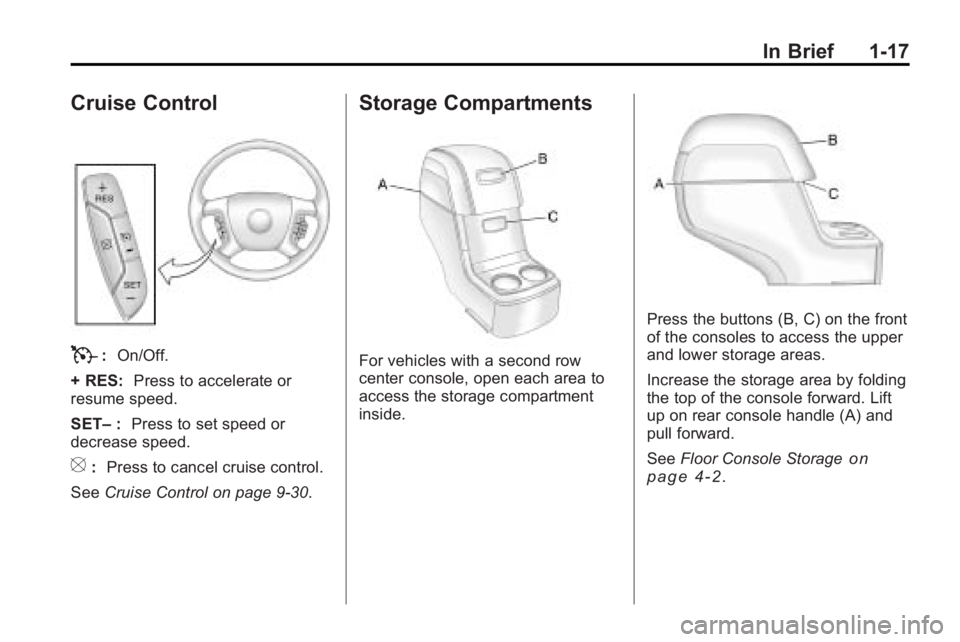
Cruise Control
T:On/Off.
+ RES: Press to accelerate or
resume speed.
SET– :Press to set speed or
decrease speed.
[: Press to cancel cruise control.
See Cruise Control on page 9‑30.
Storage Compartments
For vehicles with a second row
center console, open each area to
access the storage compartment
inside.
Press the buttons (B, C) on the front
of the consoles to access the upper
and lower storage areas.
Increase the storage area by folding
the top of the console forward. Lift
up on rear console handle (A) and
pull forward.
SeeFloor Console Storage
on
page 4‑2.
Page 24 of 444
1-18 In Brief
Power Outlets
The vehicle has three 12-volt
accessory power outlets which can
be used to plug in electrical
equipment, such as a cellular
telephone.
The power outlets are located:
.On the instrument panel below
the climate controls.
.At the rear of the center floor
console.
.In the rear cargo area.
To use the outlets, remove the
cover.
See Power Outlets on page 5‑8.
Sunroof
The ignition must be in ON/RUN or
ACC/ACCESSORY to operate the
sunroof and power sunshade. See
Retained Accessory Power (RAP)
on page 9‑17
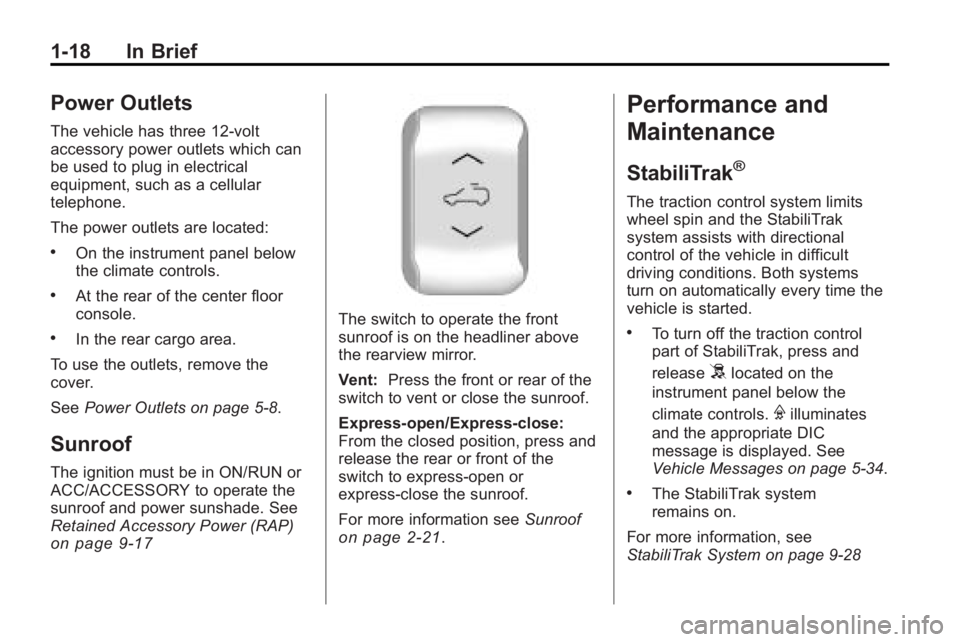
The switch to operate the front
sunroof is on the headliner above
the rearview mirror.
Vent: Press the front or rear of the
switch to vent or close the sunroof.
Express-open/Express-close:
From the closed position, press and
release the rear or front of the
switch to express-open or
express-close the sunroof.
For more information see Sunroof
on page 2‑21.
Performance and
Maintenance
StabiliTrak®
The traction control system limits
wheel spin and the StabiliTrak
system assists with directional
control of the vehicle in difficult
driving conditions. Both systems
turn on automatically every time the
vehicle is started.
.To turn off the traction control
part of StabiliTrak, press and
release
5located on the
instrument panel below the
climate controls.
Filluminates
and the appropriate DIC
message is displayed. See
Vehicle Messages on page 5‑34.
.The StabiliTrak system
remains on.
For more information, see
StabiliTrak System on page 9‑28
Page 39 of 444
Keys, Doors and Windows 2-11
The power liftgate can be power
opened and closed in the
following ways:
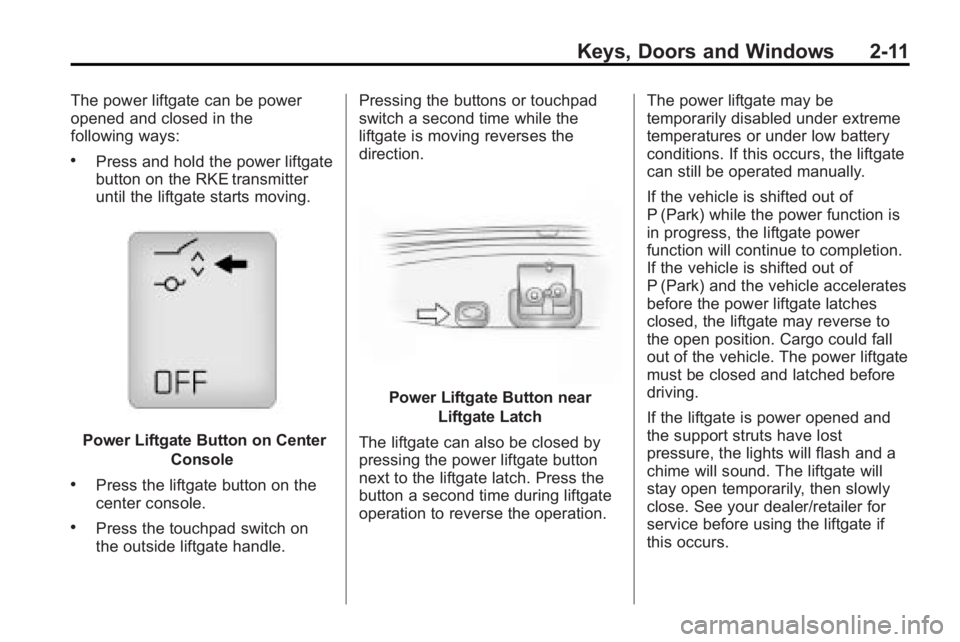
.Press and hold the power liftgate
button on the RKE transmitter
until the liftgate starts moving.
Power Liftgate Button on CenterConsole
.Press the liftgate button on the
center console.
.Press the touchpad switch on
the outside liftgate handle. Pressing the buttons or touchpad
switch a second time while the
liftgate is moving reverses the
direction.
Power Liftgate Button near
Liftgate Latch
The liftgate can also be closed by
pressing the power liftgate button
next to the liftgate latch. Press the
button a second time during liftgate
operation to reverse the operation. The power liftgate may be
temporarily disabled under extreme
temperatures or under low battery
conditions. If this occurs, the liftgate
can still be operated manually.
If the vehicle is shifted out of
P (Park) while the power function is
in progress, the liftgate power
function will continue to completion.
If the vehicle is shifted out of
P (Park) and the vehicle accelerates
before the power liftgate latches
closed, the liftgate may reverse to
the open position. Cargo could fall
out of the vehicle. The power liftgate
must be closed and latched before
driving.
If the liftgate is power opened and
the support struts have lost
pressure, the lights will flash and a
chime will sound. The liftgate will
stay open temporarily, then slowly
close. See your dealer/retailer for
service before using the liftgate if
this occurs.
Page 40 of 444
2-12 Keys, Doors and Windows
Obstacle Detection Features
A warning chime will sound and the
liftgate will automatically reverse
direction to the full closed or open
position if the liftgate encounters an
obstacle during a power open or
close cycle. After removing the
obstruction, the power liftgate
operation can be used again.
If the liftgate comes across more
obstacles on the same power cycle,
the power function deactivates, and
you must manually open or close
the liftgate. A message displays,
LIFTGATE OPEN, to indicate that
the liftgate is open. SeeDriver
Information Center (DIC) (With DIC
Buttons)
on page 5‑23or Driver
Information Center (DIC) (Without
DIC Buttons)
on page 5‑28for
more information. After removing
the obstructions, manually open the
liftgate to the full open position or
close the liftgate to the fully closed
and latched position. The liftgate
resumes normal power operation. Pinch sensors are located on the
side edges of the liftgate. If an
object is caught between the liftgate
and the vehicle and presses against
this sensor, the liftgate will reverse
direction and open fully. The liftgate
will remain open until it is activated
again or closed manually. Do not
force the liftgate open or closed
during a power cycle.
Manual Operation of Power
Liftgate
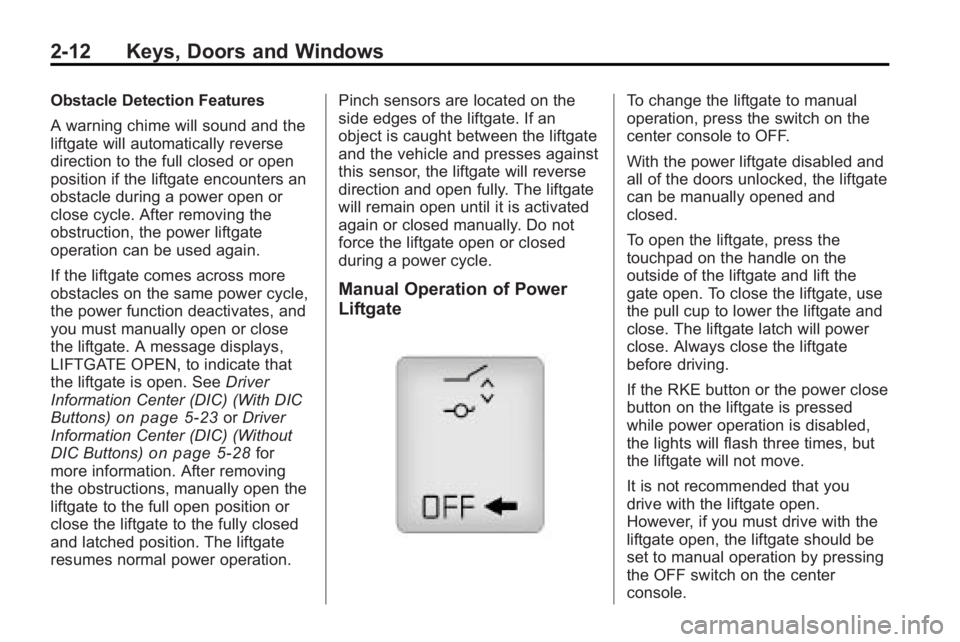
To change the liftgate to manual
operation, press the switch on the
center console to OFF.
With the power liftgate disabled and
all of the doors unlocked, the liftgate
can be manually opened and
closed.
To open the liftgate, press the
touchpad on the handle on the
outside of the liftgate and lift the
gate open. To close the liftgate, use
the pull cup to lower the liftgate and
close. The liftgate latch will power
close. Always close the liftgate
before driving.
If the RKE button or the power close
button on the liftgate is pressed
while power operation is disabled,
the lights will flash three times, but
the liftgate will not move.
It is not recommended that you
drive with the liftgate open.
However, if you must drive with the
liftgate open, the liftgate should be
set to manual operation by pressing
the OFF switch on the center
console.
Page 58 of 444
3-8 Seats and Restraints
Heated Front Seats
{WARNING
If you cannot feel temperature
change or pain to the skin, the
seat heater may cause burns
even at low temperatures. To
reduce the risk of burns, people
with such a condition should use
care when using the seat heater,
especially for long periods of
time. Do not place anything on
the seat that insulates against
heat, such as a blanket, cushion,
cover or similar item. This may
cause the seat heater to
overheat. An overheated seat
heater may cause a burn or may
damage the seat.On vehicles with heated front seats,
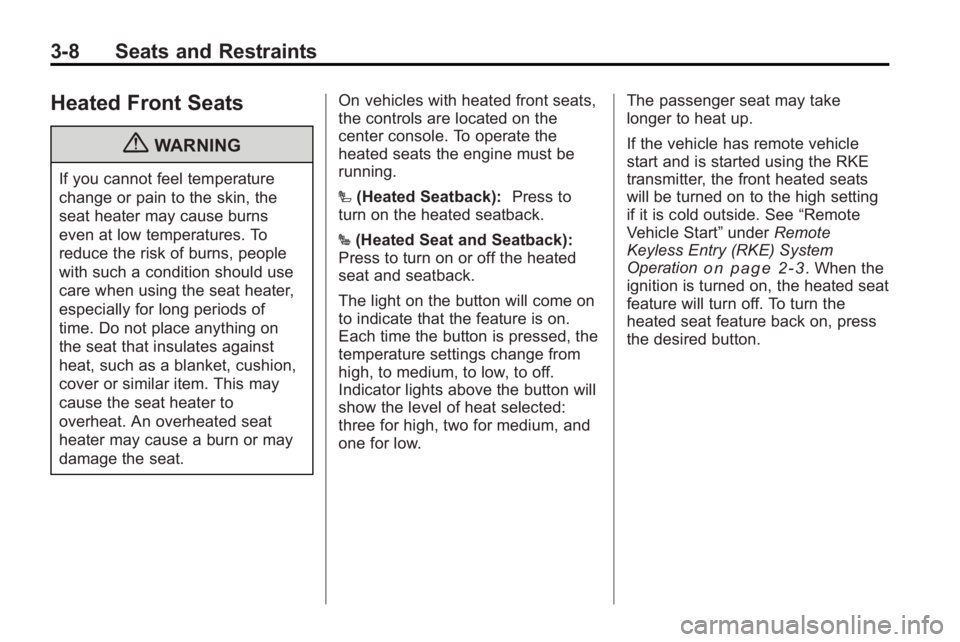
the controls are located on the
center console. To operate the
heated seats the engine must be
running.
I
(Heated Seatback): Press to
turn on the heated seatback.
J (Heated Seat and Seatback):
Press to turn on or off the heated
seat and seatback.
The light on the button will come on
to indicate that the feature is on.
Each time the button is pressed, the
temperature settings change from
high, to medium, to low, to off.
Indicator lights above the button will
show the level of heat selected:
three for high, two for medium, and
one for low. The passenger seat may take
longer to heat up.
If the vehicle has remote vehicle
start and is started using the RKE
transmitter, the front heated seats
will be turned on to the high setting
if it is cold outside. See
“Remote
Vehicle Start” underRemote
Keyless Entry (RKE) System
Operation
on page 2‑3. When the
ignition is turned on, the heated seat
feature will turn off. To turn the
heated seat feature back on, press
the desired button.