instrument cluster GMC ACADIA 2011 Owner's Guide
[x] Cancel search | Manufacturer: GMC, Model Year: 2011, Model line: ACADIA, Model: GMC ACADIA 2011Pages: 478, PDF Size: 5.52 MB
Page 306 of 478
Black plate (34,1)GMC Acadia/Acadia Denali Owner Manual - 2011
9-34 Driving and Operating
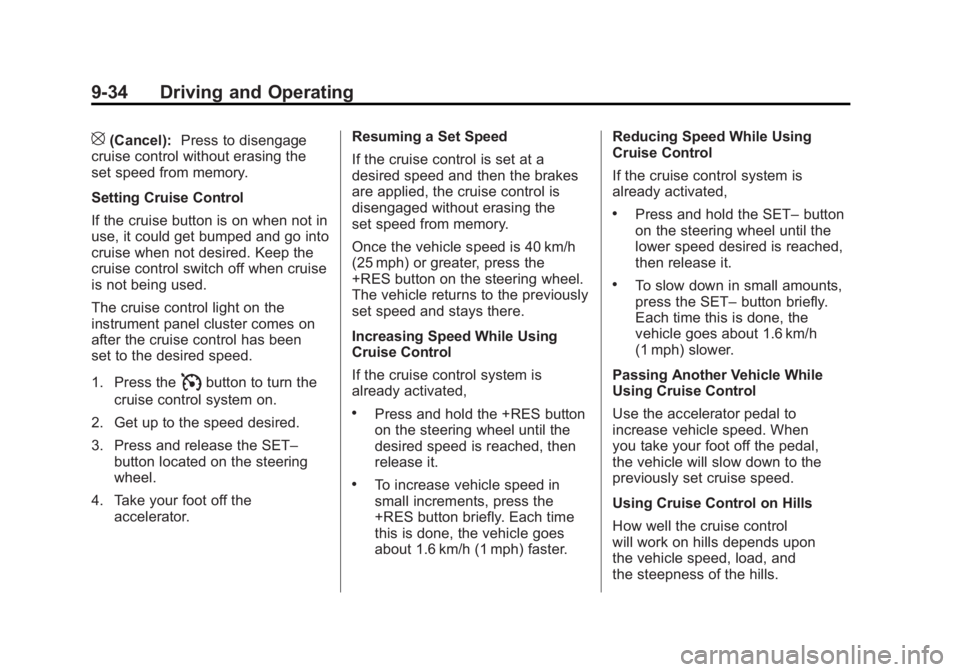
[(Cancel):Press to disengage
cruise control without erasing the
set speed from memory.
Setting Cruise Control
If the cruise button is on when not in
use, it could get bumped and go into
cruise when not desired. Keep the
cruise control switch off when cruise
is not being used.
The cruise control light on the
instrument panel cluster comes on
after the cruise control has been
set to the desired speed.
1. Press the
Ibutton to turn the
cruise control system on.
2. Get up to the speed desired.
3. Press and release the SET– button located on the steering
wheel.
4. Take your foot off the accelerator. Resuming a Set Speed
If the cruise control is set at a
desired speed and then the brakes
are applied, the cruise control is
disengaged without erasing the
set speed from memory.
Once the vehicle speed is 40 km/h
(25 mph) or greater, press the
+RES button on the steering wheel.
The vehicle returns to the previously
set speed and stays there.
Increasing Speed While Using
Cruise Control
If the cruise control system is
already activated,
.Press and hold the +RES button
on the steering wheel until the
desired speed is reached, then
release it.
.To increase vehicle speed in
small increments, press the
+RES button briefly. Each time
this is done, the vehicle goes
about 1.6 km/h (1 mph) faster.Reducing Speed While Using
Cruise Control
If the cruise control system is
already activated,
.Press and hold the SET–
button
on the steering wheel until the
lower speed desired is reached,
then release it.
.To slow down in small amounts,
press the SET– button briefly.
Each time this is done, the
vehicle goes about 1.6 km/h
(1 mph) slower.
Passing Another Vehicle While
Using Cruise Control
Use the accelerator pedal to
increase vehicle speed. When
you take your foot off the pedal,
the vehicle will slow down to the
previously set cruise speed.
Using Cruise Control on Hills
How well the cruise control
will work on hills depends upon
the vehicle speed, load, and
the steepness of the hills.
Page 347 of 478
Black plate (19,1)GMC Acadia/Acadia Denali Owner Manual - 2011
Vehicle Care 10-19
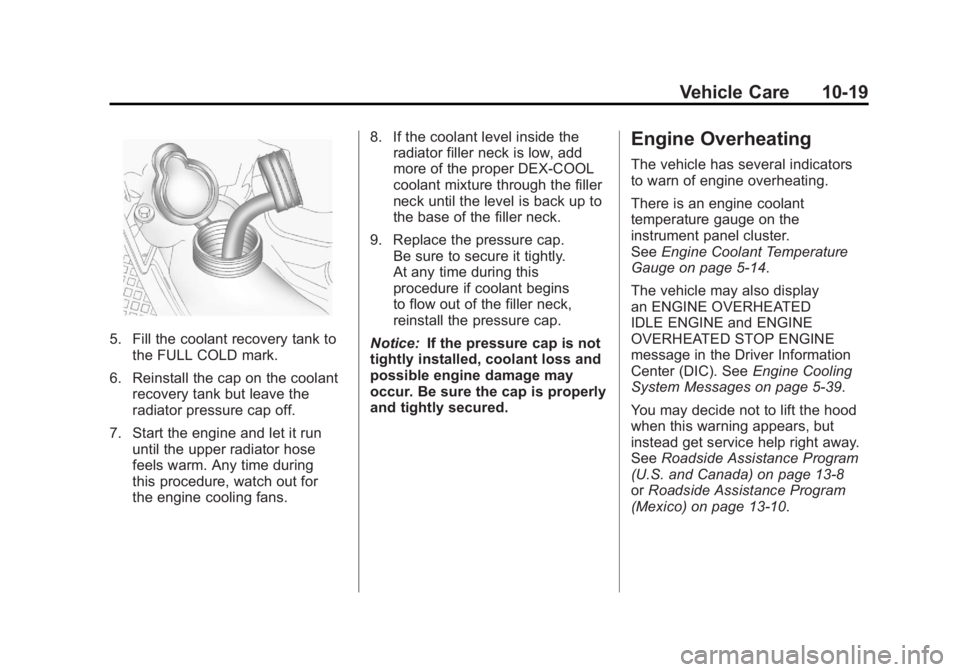
5. Fill the coolant recovery tank tothe FULL COLD mark.
6. Reinstall the cap on the coolant recovery tank but leave the
radiator pressure cap off.
7. Start the engine and let it run until the upper radiator hose
feels warm. Any time during
this procedure, watch out for
the engine cooling fans. 8. If the coolant level inside the
radiator filler neck is low, add
more of the proper DEX-COOL
coolant mixture through the filler
neck until the level is back up to
the base of the filler neck.
9. Replace the pressure cap. Be sure to secure it tightly.
At any time during this
procedure if coolant begins
to flow out of the filler neck,
reinstall the pressure cap.
Notice: If the pressure cap is not
tightly installed, coolant loss and
possible engine damage may
occur. Be sure the cap is properly
and tightly secured.
Engine Overheating
The vehicle has several indicators
to warn of engine overheating.
There is an engine coolant
temperature gauge on the
instrument panel cluster.
See Engine Coolant Temperature
Gauge on page 5‑14.
The vehicle may also display
an ENGINE OVERHEATED
IDLE ENGINE and ENGINE
OVERHEATED STOP ENGINE
message in the Driver Information
Center (DIC). See Engine Cooling
System Messages on page 5‑39.
You may decide not to lift the hood
when this warning appears, but
instead get service help right away.
See Roadside Assistance Program
(U.S. and Canada) on page 13‑8
or Roadside Assistance Program
(Mexico) on page 13‑10.
Page 376 of 478
Black plate (48,1)GMC Acadia/Acadia Denali Owner Manual - 2011
10-48 Vehicle Care
Federal Communications
Commission (FCC) and
Industry Canada
SeeRadio Frequency Statement on
page 13‑20 for information
regarding Part 15 of the Federal
Communications Commission
(FCC) rules and Industry Canada
Standards RSS-210/220/310.
Tire Pressure Monitor
Operation
This vehicle may have a Tire
Pressure Monitor System (TPMS).
The TPMS is designed to warn
the driver when a low tire pressure
condition exists. TPMS sensors are
mounted onto each tire and wheel
assembly, excluding the spare tire
and wheel assembly, if the vehicle
has one. The TPMS sensors
monitor the air pressure in the
tires and transmits the tire pressure
readings to a receiver located in
the vehicle.
When a low tire pressure condition
is detected, the TPMS illuminates
the low tire pressure warning light
located on the instrument cluster.
If the warning light comes on, stop
as soon as possible and inflate
the tires to the recommended
pressure shown on the tire loading
information label. See Vehicle Load
Limits on page 9‑12.
A message to check the pressure in
a specific tire displays in the Driver
Information Center (DIC). The low
tire pressure warning light and the
DIC warning message come on at
each ignition cycle until the tires
are inflated to the correct inflation
pressure. Using the DIC, tire
pressure levels can be viewed. For additional information and
details about the DIC operation
and displays see
Driver Information
Center (DIC) (With DIC Buttons) on
page 5‑25 orDriver Information
Center (DIC) (Without DIC Buttons)
on page 5‑30 andTire Messages on
page 5‑44.
The low tire pressure warning light
may come on in cool weather when
the vehicle is first started, and then
turn off as the vehicle is driven.
This could be an early indicator that
the air pressure is getting low and
needs to be inflated to the proper
pressure.
A Tire and Loading Information
label shows the size of the original
equipment tires and the correct
inflation pressure for the tires when
they are cold. See Vehicle Load
Limits on page 9‑12, for an example
of the Tire and Loading Information
label and its location. Also see Tire
Pressure on page 10‑45.
Page 467 of 478
Black plate (3,1)GMC Acadia/Acadia Denali Owner Manual - 2011
INDEX i-3
Circuit Breakers . . . . . . . . . . . . . . 10-32
CleaningExterior Care . . . . . . . . . . . . . . . 10-90
Interior Care . . . . . . . . . . . . . . . . 10-95
Climate Control Systems . . . . . . . 8-1 Air Conditioning . . . . . . . . . . . . . . . 8-1
Dual Automatic . . . . . . . . . . . . . . . . 8-4
Heating . . . . . . . . . . . . . . . . . . . . . . . . 8-1
Rear . . . . . . . . . . . . . . . . . . . . 8-10, 8-11
Clock . . . . . . . . . . . . . . . . . . . . . . . . . . . 5-8
Cluster, Instrument . . . . . . . . . . . . 5-12
Collision Damage Repair . . . . . 13-13
Compact Spare Tire . . . . . . . . . . 10-82
Compass . . . . . . . . . . . . . . . . . . . . . . . 5-6
Compressor Kit, Tire Sealant . . . . . . . . . . . . . . . . . . . . . . 10-63
Control of a Vehicle . . . . . . . . . . . . . 9-3
Convenience Net . . . . . . . . . . . . . . . 4-4
Convex Mirrors . . . . . . . . . . . . . . . . 2-16
Coolant Engine . . . . . . . . . . . . . . . . . . . . . . 10-15
Engine Temperature
Gauge . . . . . . . . . . . . . . . . . . . . . . 5-14
Engine Temperature Warning Light . . . . . . . . . . . . . . . 5-22 Cooling System . . . . . . . . . . . . . . . 10-15
Engine Messages . . . . . . . . . . . . 5-39
Courtesy Lamps . . . . . . . . . . . . . . . . 6-5
Courtesy Transportation Program . . . . . . . . . . . . . . . . . . . . . 13-11
Cover Cargo . . . . . . . . . . . . . . . . . . . . . . . . . . 4-3
Engine . . . . . . . . . . . . . . . . . . . . . . . . 10-7
Cruise Control . . . . . . . . . . . . . . . . . 9-33 Light . . . . . . . . . . . . . . . . . . . . . . . . . . 5-24
Messages . . . . . . . . . . . . . . . . . . . . 5-38
Cupholders . . . . . . . . . . . . . . . . . . . . . 4-1
Customer Assistance . . . . . . . . . . 13-6 Offices . . . . . . . . . . . . . . . . . . 13-5, 13-6
Text Telephone (TTY)Users . . . . . . . . . . . . . . . . . . . . . . . 13-6
Customer Information Service PublicationsOrdering Information . . . . . . 13-15
Customer Satisfaction Procedure . . . . . . . . . . . . . . 13-1, 13-3D
Damage Repair, Collision . . . . . 13-13
Danger, Warnings, and
Cautions . . . . . . . . . . . . . . . . . . . . . . . . iv
Data Recorders, Event . . . . . . . 13-18
Daytime Running Lamps/Automatic
Headlamp System . . . . . . . . . . . . 6-3
Defensive Driving . . . . . . . . . . . . . . . 9-2
Delayed Entry Lighting . . . . . . . . . 6-6
Delayed Exit Lighting . . . . . . . . . . . 6-7
Delayed Locking . . . . . . . . . . . . . . . . 2-8
Devices, Auxiliary . . . . . . . . . . . . . 7-37
Displays . . . . . . . . . . . . . . . . . . . . . . . 5-33
Dome Lamps . . . . . . . . . . . . . . . . . . . 6-5
Door Ajar Messages . . . . . . . . . . . . . . . 5-38
Delayed Locking . . . . . . . . . . . . . . . 2-8
Locks . . . . . . . . . . . . . . . . . . . . . . . . . . 2-8
Power Locks . . . . . . . . . . . . . . . . . . . 2-8
Drive Systems All-Wheel Drive . . . . . . . 10-27, 9-28
Page 470 of 478
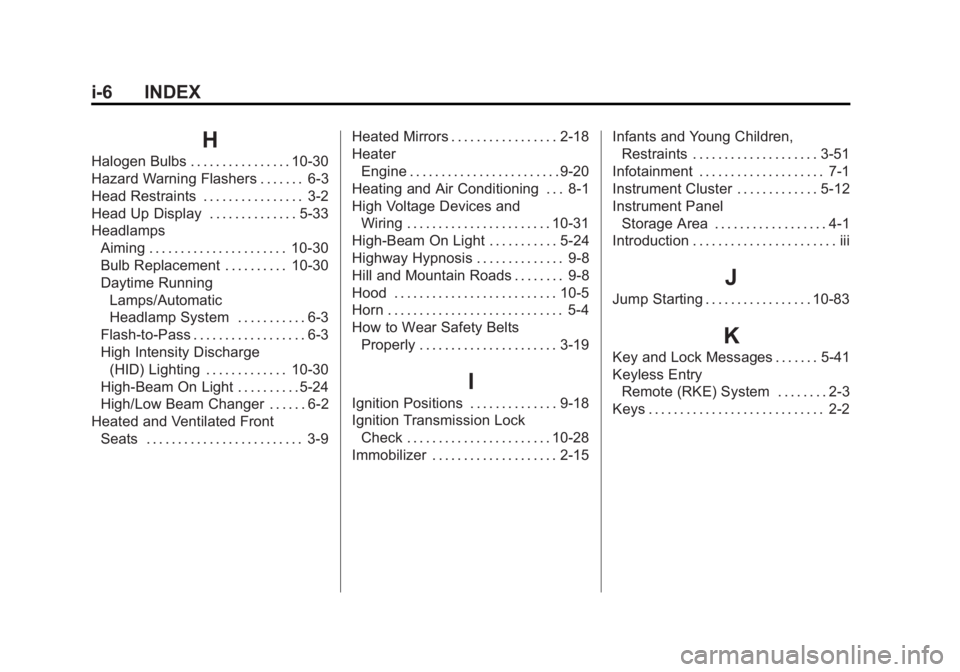
Black plate (6,1)GMC Acadia/Acadia Denali Owner Manual - 2011
i-6 INDEX
H
Halogen Bulbs . . . . . . . . . . . . . . . . 10-30
Hazard Warning Flashers . . . . . . . 6-3
Head Restraints . . . . . . . . . . . . . . . . 3-2
Head Up Display . . . . . . . . . . . . . . 5-33
HeadlampsAiming . . . . . . . . . . . . . . . . . . . . . . 10-30
Bulb Replacement . . . . . . . . . . 10-30
Daytime Running
Lamps/Automatic
Headlamp System . . . . . . . . . . . 6-3
Flash-to-Pass . . . . . . . . . . . . . . . . . . 6-3
High Intensity Discharge (HID) Lighting . . . . . . . . . . . . . 10-30
High-Beam On Light . . . . . . . . . . 5-24
High/Low Beam Changer . . . . . . 6-2
Heated and Ventilated Front Seats . . . . . . . . . . . . . . . . . . . . . . . . . 3-9 Heated Mirrors . . . . . . . . . . . . . . . . . 2-18
Heater
Engine . . . . . . . . . . . . . . . . . . . . . . . . 9-20
Heating and Air Conditioning . . . 8-1
High Voltage Devices and Wiring . . . . . . . . . . . . . . . . . . . . . . . 10-31
High-Beam On Light . . . . . . . . . . . 5-24
Highway Hypnosis . . . . . . . . . . . . . . 9-8
Hill and Mountain Roads . . . . . . . . 9-8
Hood . . . . . . . . . . . . . . . . . . . . . . . . . . 10-5
Horn . . . . . . . . . . . . . . . . . . . . . . . . . . . . 5-4
How to Wear Safety Belts
Properly . . . . . . . . . . . . . . . . . . . . . . 3-19
I
Ignition Positions . . . . . . . . . . . . . . 9-18
Ignition Transmission LockCheck . . . . . . . . . . . . . . . . . . . . . . . 10-28
Immobilizer . . . . . . . . . . . . . . . . . . . . 2-15 Infants and Young Children,
Restraints . . . . . . . . . . . . . . . . . . . . 3-51
Infotainment . . . . . . . . . . . . . . . . . . . . 7-1
Instrument Cluster . . . . . . . . . . . . . 5-12
Instrument Panel Storage Area . . . . . . . . . . . . . . . . . . 4-1
Introduction . . . . . . . . . . . . . . . . . . . . . . . iii
J
Jump Starting . . . . . . . . . . . . . . . . . 10-83
K
Key and Lock Messages . . . . . . . 5-41
Keyless Entry
Remote (RKE) System . . . . . . . . 2-3
Keys . . . . . . . . . . . . . . . . . . . . . . . . . . . . 2-2