service GMC ACADIA 2011 Repair Manual
[x] Cancel search | Manufacturer: GMC, Model Year: 2011, Model line: ACADIA, Model: GMC ACADIA 2011Pages: 478, PDF Size: 5.52 MB
Page 332 of 478
Black plate (4,1)GMC Acadia/Acadia Denali Owner Manual - 2011
10-4 Vehicle Care
Damage to vehicle components
resulting from the installation or use
of non‐GM certified parts, including
control module modifications, is
not covered under the terms of the
vehicle warranty and may affect
remaining warranty coverage for
affected parts.
GM Accessories are designed to
complement and function with other
systems on the vehicle. Your GM
dealer can accessorize the vehicle
using genuine GM Accessories.
When you go to your GM dealer
and ask for GM Accessories,
you will know that GM-trained
and supported service technicians
will perform the work using genuine
GM Accessories.
Also, seeAdding Equipment to
the Airbag-Equipped Vehicle on
page 3‑46.Vehicle Checks
Doing Your Own
Service Work
{WARNING
You can be injured and the
vehicle could be damaged if you
try to do service work on a vehicle
without knowing enough about it.
.Be sure you have sufficient
knowledge, experience,
the proper replacement
parts, and tools before
attempting any vehicle
maintenance task.
(Continued)
WARNING (Continued)
.Be sure to use the proper
nuts, bolts, and other
fasteners. Metric and
English fasteners can be
easily confused. If the wrong
fasteners are used, parts
can later break or fall off.
You could be hurt.
If doing some of your own
service work, use the proper
service manual. It tells you much
more about how to service the
vehicle than this manual can.
Page 333 of 478
Black plate (5,1)GMC Acadia/Acadia Denali Owner Manual - 2011
Vehicle Care 10-5
To order the proper service manual,
seeService Publications Ordering
Information on page 13‑15.
This vehicle has an airbag system.
Before attempting to do your own
service work, see Servicing the
Airbag-Equipped Vehicle on
page 3‑45.
Keep a record with all parts receipts
and list the mileage and the date
of any service work performed.
See Maintenance Records on
page 11‑10.Hood
To open the hood, do the following:
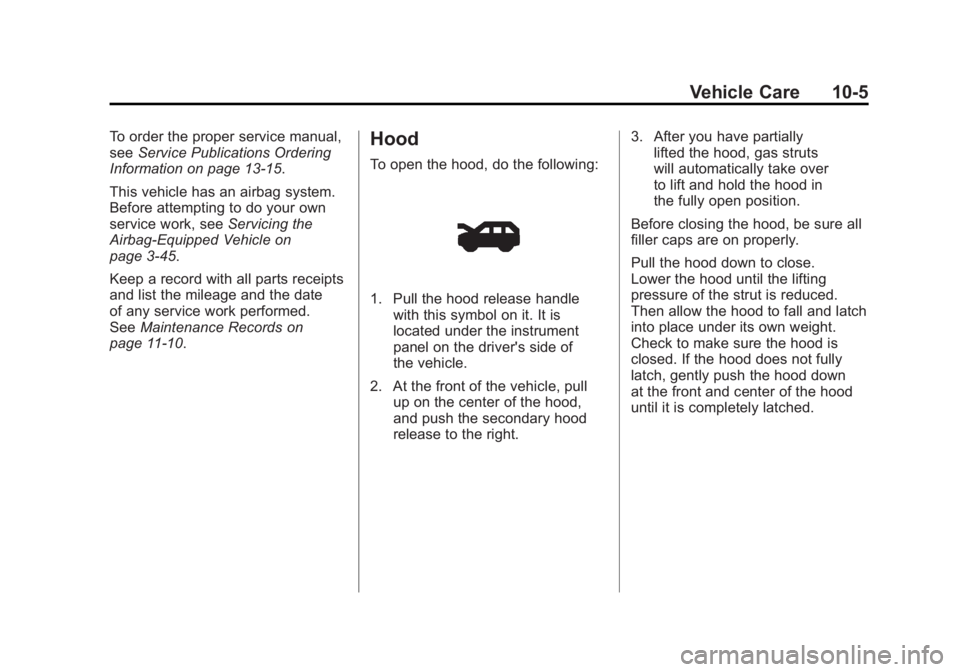
1. Pull the hood release handle
with this symbol on it. It is
located under the instrument
panel on the driver's side of
the vehicle.
2. At the front of the vehicle, pull up on the center of the hood,
and push the secondary hood
release to the right. 3. After you have partially
lifted the hood, gas struts
will automatically take over
to lift and hold the hood in
the fully open position.
Before closing the hood, be sure all
filler caps are on properly.
Pull the hood down to close.
Lower the hood until the lifting
pressure of the strut is reduced.
Then allow the hood to fall and latch
into place under its own weight.
Check to make sure the hood is
closed. If the hood does not fully
latch, gently push the hood down
at the front and center of the hood
until it is completely latched.
Page 337 of 478
Black plate (9,1)GMC Acadia/Acadia Denali Owner Manual - 2011
Vehicle Care 10-9
Notice:Do not add too much
oil. Oil levels above or below
the acceptable operating range
shown on the dipstick are harmful
to the engine. If you find that
you have an oil level above the
operating range, i.e., the engine
has so much oil that the oil level
gets above the cross-hatched
area that shows the proper
operating range, the engine
could be damaged. You should
drain out the excess oil or limit
driving of the vehicle and seek a
service professional to remove
the excess amount of oil.
See Engine Compartment Overview
on page 10‑6 for the location of the
engine oil fill cap.
Add enough oil to put the level
somewhere in the proper operating
range. Push the dipstick all the way
back in when through.Selecting the Right Engine Oil
Selecting the right engine oil
depends on both the proper oil
specification and viscosity grade:
Specification
Use and ask for engine oils with
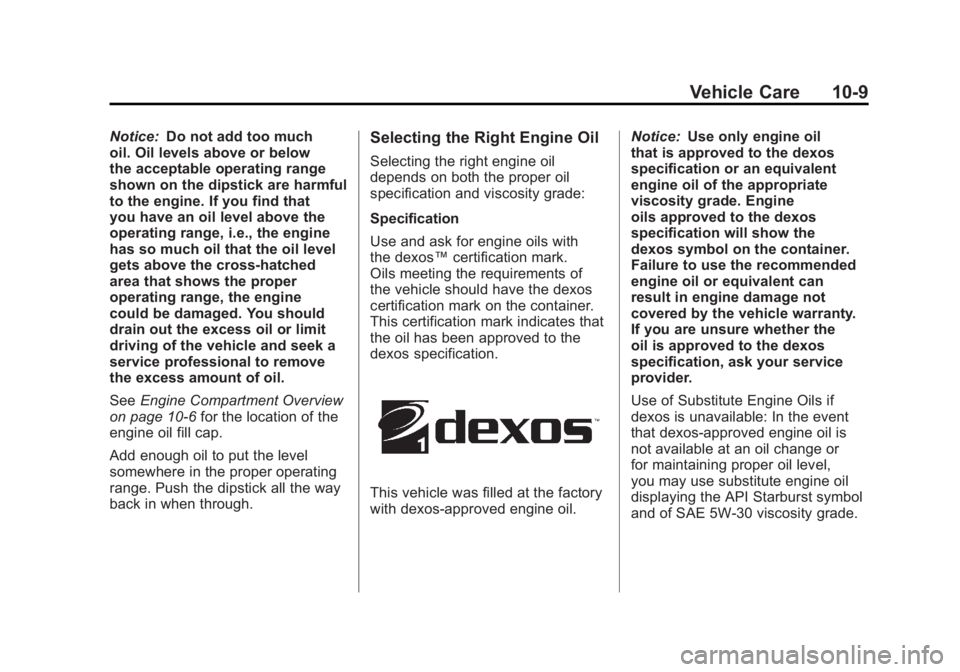
the dexos™ certification mark.
Oils meeting the requirements of
the vehicle should have the dexos
certification mark on the container.
This certification mark indicates that
the oil has been approved to the
dexos specification.
This vehicle was filled at the factory
with dexos‐approved engine oil. Notice:
Use only engine oil
that is approved to the dexos
specification or an equivalent
engine oil of the appropriate
viscosity grade. Engine
oils approved to the dexos
specification will show the
dexos symbol on the container.
Failure to use the recommended
engine oil or equivalent can
result in engine damage not
covered by the vehicle warranty.
If you are unsure whether the
oil is approved to the dexos
specification, ask your service
provider.
Use of Substitute Engine Oils if
dexos is unavailable: In the event
that dexos‐approved engine oil is
not available at an oil change or
for maintaining proper oil level,
you may use substitute engine oil
displaying the API Starburst symbol
and of SAE 5W-30 viscosity grade.
Page 340 of 478
Black plate (12,1)GMC Acadia/Acadia Denali Owner Manual - 2011
10-12 Vehicle Care
It is possible that, if driving under
the best conditions, the oil life
system might indicate that an oil
change is not necessary for up to a
year. The engine oil and filter must
be changed at least once a year
and, at this time, the system must
be reset. Your dealer has trained
service people who will perform
this work and reset the system.
It is also important to check the
oil regularly over the course of
an oil drain interval and keep it
at the proper level.
If the system is ever reset
accidentally, the oil must be
changed at 3,000 miles (5 000 km)
since the last oil change.
Remember to reset the oil life
system whenever the oil is changed.How to Reset the Engine Oil
Life System
Reset the system whenever the
engine oil is changed so that the
system can calculate the next
engine oil change. To reset the
system:
If the vehicle does not have Driver
Information Center (DIC) buttons:
1. Turn the ignition to ON/RUN,with the engine off. The vehicle
must be in P (Park) to access
this display. Press the trip
odometer reset stem until OIL
LIFE REMAINING displays.
2. Press and hold the trip odometer reset stem until OIL LIFE
REMAINING shows “100%.”
Three chimes sound and the
CHANGE ENGINE OIL SOON
message goes off. 3. Turn the key to LOCK/OFF.
If the CHANGE ENGINE OIL
SOON message comes back
on when the vehicle is started,
the engine oil life system has
not been reset. Repeat the
procedure.
If the vehicle has Driver Information
Center (DIC) buttons:
1. Turn the ignition to ON/RUN, with the engine off.
2. Press the vehicle information button until OIL LIFE
REMAINING displays.
3. Press and hold the set/reset button until “100%”is displayed.
Three chimes sound and the
CHANGE ENGINE OIL SOON
message goes off.
4. Turn the key to LOCK/OFF.
If the CHANGE ENGINE OIL SOON
message comes back on when the
vehicle is started, the engine oil life
system has not been reset. Repeat
the procedure.
Page 344 of 478
Black plate (16,1)GMC Acadia/Acadia Denali Owner Manual - 2011
10-16 Vehicle Care
What to Use
{WARNING
Adding only plain water or some
other liquid to the cooling system
can be dangerous. Plain water
and other liquids, can boil before
the proper coolant mixture will.
The coolant warning system is
set for the proper coolant mixture.
With plain water or the wrong
mixture, the engine could get
too hot but you would not get the
overheat warning. The engine
could catch fire and you or
others could be burned.
Use a 50/50 mixture of clean,
drinkable water and DEX-COOL
coolant.Use a 50/50 mixture of clean,
drinkable water and DEX-COOL
coolant. If using this mixture,
nothing else needs to be added.
This mixture:.Gives freezing protection down
to
−37°C (−34°F), outside
temperature.
.Gives boiling protection up
to 129°C (265°F), engine
temperature.
.Protects against rust and
corrosion.
.Will not damage aluminum parts.
.Helps keep the proper engine
temperature.
Notice: If an improper coolant
mixture is used, the engine could
overheat and be badly damaged.
The repair cost would not be
covered by the vehicle warranty.
Too much water in the mixture
can freeze and crack the engine,
radiator, heater core, and other
parts. Notice:
If extra inhibitors
and/or additives are used in
the vehicle's cooling system,
the vehicle could be damaged.
Use only the proper mixture of
the engine coolant listed in this
manual for the cooling system.
See Recommended Fluids and
Lubricants on page 11‑7 for more
information.
Never dispose of engine coolant
by putting it in the trash, pouring
it on the ground, or into sewers,
streams, or bodies of water.
Have the coolant changed by an
authorized service center, familiar
with legal requirements regarding
used coolant disposal. This will help
protect the environment and your
health.
Page 345 of 478
Black plate (17,1)GMC Acadia/Acadia Denali Owner Manual - 2011
Vehicle Care 10-17
Checking Coolant
The vehicle must be on a level
surface when checking the coolant
level.
Check to see if coolant is visible in
the coolant recovery tank. If the
coolant inside the coolant recovery
tank is boiling, do not do anything
else until it cools down. If coolant is
visible but the coolant level is not at
or above the FULL COLD mark, add
a 50/50 mixture of clean, drinkable
water and DEX-COOL coolant at the
coolant recovery tank, but be sure
the cooling system is cool before
this is done. SeeCooling System on
page 10‑15 for more information.
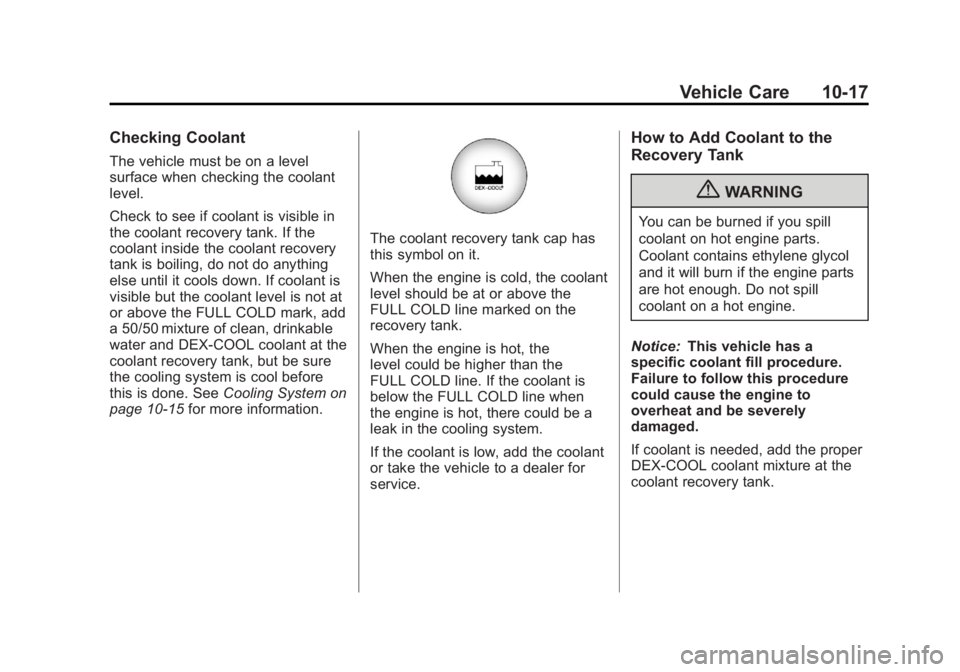
The coolant recovery tank cap has
this symbol on it.
When the engine is cold, the coolant
level should be at or above the
FULL COLD line marked on the
recovery tank.
When the engine is hot, the
level could be higher than the
FULL COLD line. If the coolant is
below the FULL COLD line when
the engine is hot, there could be a
leak in the cooling system.
If the coolant is low, add the coolant
or take the vehicle to a dealer for
service.
How to Add Coolant to the
Recovery Tank
{WARNING
You can be burned if you spill
coolant on hot engine parts.
Coolant contains ethylene glycol
and it will burn if the engine parts
are hot enough. Do not spill
coolant on a hot engine.
Notice: This vehicle has a
specific coolant fill procedure.
Failure to follow this procedure
could cause the engine to
overheat and be severely
damaged.
If coolant is needed, add the proper
DEX-COOL coolant mixture at the
coolant recovery tank.
Page 347 of 478
Black plate (19,1)GMC Acadia/Acadia Denali Owner Manual - 2011
Vehicle Care 10-19
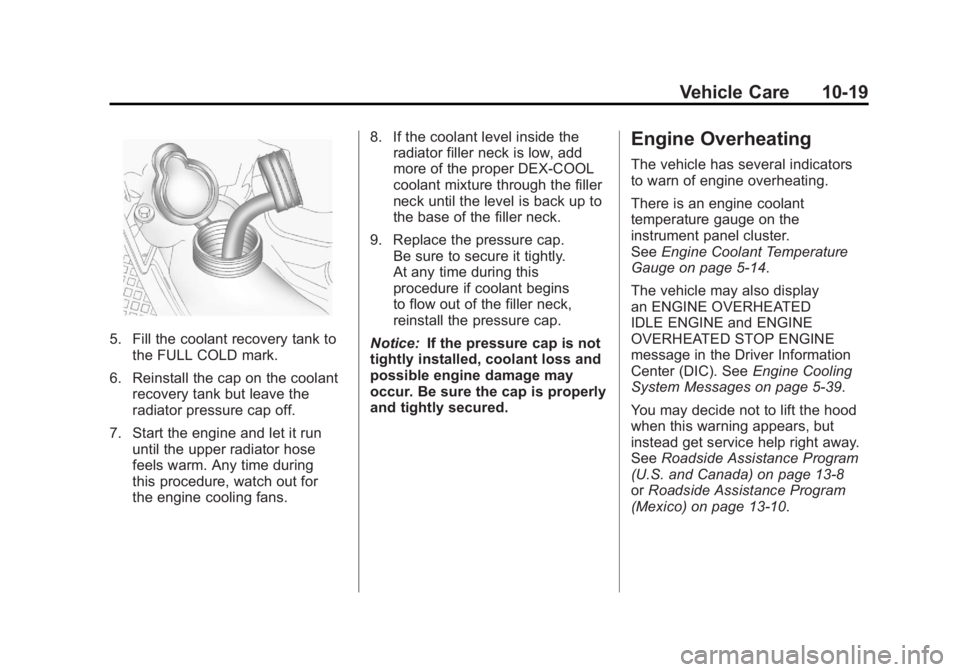
5. Fill the coolant recovery tank tothe FULL COLD mark.
6. Reinstall the cap on the coolant recovery tank but leave the
radiator pressure cap off.
7. Start the engine and let it run until the upper radiator hose
feels warm. Any time during
this procedure, watch out for
the engine cooling fans. 8. If the coolant level inside the
radiator filler neck is low, add
more of the proper DEX-COOL
coolant mixture through the filler
neck until the level is back up to
the base of the filler neck.
9. Replace the pressure cap. Be sure to secure it tightly.
At any time during this
procedure if coolant begins
to flow out of the filler neck,
reinstall the pressure cap.
Notice: If the pressure cap is not
tightly installed, coolant loss and
possible engine damage may
occur. Be sure the cap is properly
and tightly secured.
Engine Overheating
The vehicle has several indicators
to warn of engine overheating.
There is an engine coolant
temperature gauge on the
instrument panel cluster.
See Engine Coolant Temperature
Gauge on page 5‑14.
The vehicle may also display
an ENGINE OVERHEATED
IDLE ENGINE and ENGINE
OVERHEATED STOP ENGINE
message in the Driver Information
Center (DIC). See Engine Cooling
System Messages on page 5‑39.
You may decide not to lift the hood
when this warning appears, but
instead get service help right away.
See Roadside Assistance Program
(U.S. and Canada) on page 13‑8
or Roadside Assistance Program
(Mexico) on page 13‑10.
Page 348 of 478
Black plate (20,1)GMC Acadia/Acadia Denali Owner Manual - 2011
10-20 Vehicle Care
If you do decide to lift the hood,
make sure the vehicle is parked
on a level surface.
Then check to see if the engine
cooling fans are running. If the
engine is overheating, both fans
should be running. If they are not,
do not continue to run the engine
and have the vehicle serviced.
Notice:Engine damage from
running the engine without
coolant is not covered by the
warranty.
Notice: If the engine catches fire
while driving with no coolant, the
vehicle can be badly damaged.
The costly repairs would not be
covered by the vehicle warranty.
See Overheated Engine
Protection Operating Mode on
page 10‑22 for information on
driving to a safe place in an
emergency.If Steam Is Coming from the
Engine Compartment
{WARNING
Steam from an overheated engine
can burn you badly, even if you
just open the hood. Stay away
from the engine if you see or
hear steam coming from it.
Turn it off and get everyone
away from the vehicle until it
cools down. Wait until there is
no sign of steam or coolant
before you open the hood.
(Continued)
WARNING (Continued)
If you keep driving when the
vehicles engine is overheated,
the liquids in it can catch fire.
You or others could be badly
burned. Stop the engine if it
overheats, and get out of the
vehicle until the engine is cool.
SeeOverheated Engine
Protection Operating Mode on
page 10‑22 for information on
driving to a safe place in an
emergency.
Page 352 of 478
Black plate (24,1)GMC Acadia/Acadia Denali Owner Manual - 2011
10-24 Vehicle Care
Brakes
This vehicle has disc brakes.
Disc brake pads have built-in wear
indicators that make a high-pitched
warning sound when the brake pads
are worn and new pads are needed.
The sound can come and go or be
heard all the time the vehicle is
moving, except when applying
the brake pedal firmly.
{WARNING
The brake wear warning sound
means that soon the brakes will
not work well. That could lead to
a crash. When the brake wear
warning sound is heard, have the
vehicle serviced.
Notice: Continuing to drive with
worn-out brake pads could result
in costly brake repair. Some driving conditions or climates
can cause a brake squeal when
the brakes are first applied or
lightly applied. This does not mean
something is wrong with the brakes.
Properly torqued wheel nuts are
necessary to help prevent brake
pulsation. When tires are rotated,
inspect brake pads for wear and
evenly tighten wheel nuts in
the proper sequence to torque
specifications in
Capacities and
Specifications on page 12‑2.
Brake linings should always be
replaced as complete axle sets.
Brake Pedal Travel
See your dealer if the brake pedal
does not return to normal height,
or if there is a rapid increase in
pedal travel. This could be a
sign that brake service might be
required.
Brake Adjustment
Every time the brakes are applied,
with or without the vehicle moving,
the brakes adjust for wear.
Replacing Brake System Parts
The braking system on a vehicle is
complex. Its many parts have to be
of top quality and work well together
if the vehicle is to have really good
braking. The vehicle was designed
and tested with top-quality brake
parts. When parts of the braking
system are replaced, be sure to get
new, approved replacement parts.
If this is not done, the brakes might
not work properly. For example,
installing disc brake pads that are
wrong for the vehicle, can change
the balance between the front and
rear brakes —for the worse. The
braking performance expected can
change in many other ways if the
wrong replacement brake parts are
installed.
Page 355 of 478
Black plate (27,1)GMC Acadia/Acadia Denali Owner Manual - 2011
Vehicle Care 10-27
Vehicle Storage
{WARNING
Batteries have acid that can burn
you and gas that can explode.
You can be badly hurt if you are
not careful. SeeJump Starting on
page 10‑83 for tips on working
around a battery without
getting hurt.
Infrequent Usage: Remove the
black, negative (−) cable from the
battery to keep the battery from
running down.
Extended Storage: Remove the
black, negative (−) cable from the
battery or use a battery trickle
charger.
All-Wheel Drive
It is not necessary to check the
all–wheel drive lubricant levels.
A fluid leak is the only reason for
fluid loss. If a leak occurs, take the
vehicle to the dealer as soon as
possible.
Starter Switch Check
{WARNING
When you are doing this
inspection, the vehicle could
move suddenly. If the vehicle
moves, you or others could be
injured.
1. Before starting this check, be sure there is enough room
around the vehicle. 2. Firmly apply both the parking
brake and the regular brake.
See Parking Brake on
page 9‑30.
Do not use the accelerator
pedal, and be ready to turn off
the engine immediately if it
starts.
3. Try to start the engine in each gear. The vehicle should start
only in P (Park) or N (Neutral).
If the vehicle starts in any other
position, contact your dealer for
service.