check oil GMC ACADIA 2012 User Guide
[x] Cancel search | Manufacturer: GMC, Model Year: 2012, Model line: ACADIA, Model: GMC ACADIA 2012Pages: 468, PDF Size: 5.57 MB
Page 323 of 468
Black plate (11,1)GMC Acadia/Acadia Denali Owner Manual - 2012
Vehicle Care 10-11
It is possible that, if driving under
the best conditions, the oil life
system might indicate that an oil
change is not necessary for up to a
year. The engine oil and filter must
be changed at least once a year
and, at this time, the system must
be reset. Your dealer has trained
service people who will perform this
work and reset the system. It is also
important to check the oil regularly
over the course of an oil drain
interval and keep it at the proper
level.
If the system is ever reset
accidentally, the oil must be
changed at 5 000 km (3,000 mi)
since the last oil change.
Remember to reset the oil life
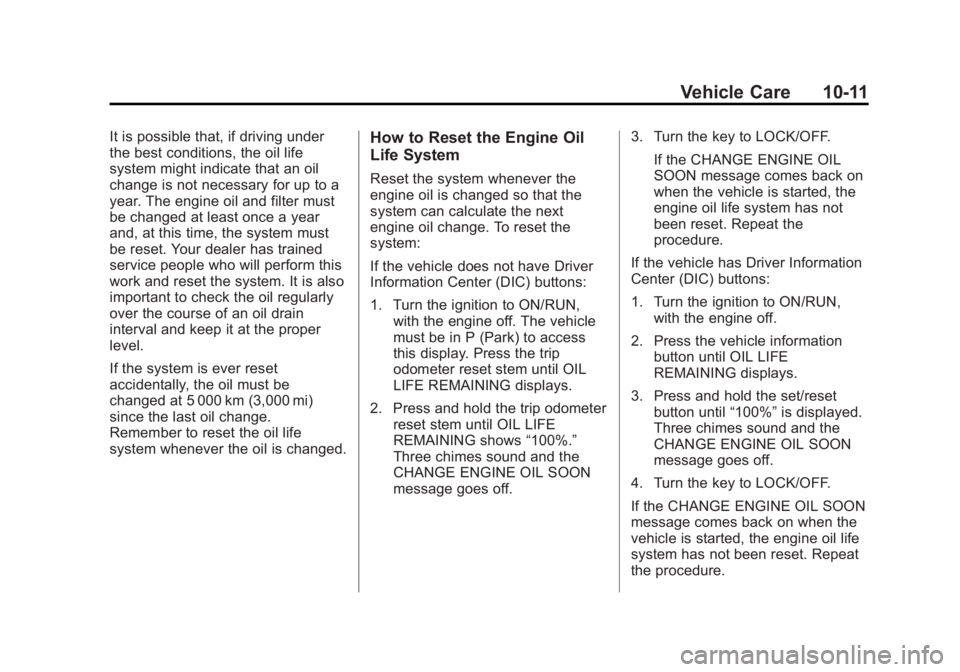
system whenever the oil is changed.How to Reset the Engine Oil
Life System
Reset the system whenever the
engine oil is changed so that the
system can calculate the next
engine oil change. To reset the
system:
If the vehicle does not have Driver
Information Center (DIC) buttons:
1. Turn the ignition to ON/RUN,with the engine off. The vehicle
must be in P (Park) to access
this display. Press the trip
odometer reset stem until OIL
LIFE REMAINING displays.
2. Press and hold the trip odometer reset stem until OIL LIFE
REMAINING shows “100%.”
Three chimes sound and the
CHANGE ENGINE OIL SOON
message goes off. 3. Turn the key to LOCK/OFF.
If the CHANGE ENGINE OIL
SOON message comes back on
when the vehicle is started, the
engine oil life system has not
been reset. Repeat the
procedure.
If the vehicle has Driver Information
Center (DIC) buttons:
1. Turn the ignition to ON/RUN, with the engine off.
2. Press the vehicle information button until OIL LIFE
REMAINING displays.
3. Press and hold the set/reset button until “100%”is displayed.
Three chimes sound and the
CHANGE ENGINE OIL SOON
message goes off.
4. Turn the key to LOCK/OFF.
If the CHANGE ENGINE OIL SOON
message comes back on when the
vehicle is started, the engine oil life
system has not been reset. Repeat
the procedure.
Page 324 of 468
Black plate (12,1)GMC Acadia/Acadia Denali Owner Manual - 2012
10-12 Vehicle Care
Automatic Transmission
Fluid
It is not necessary to check the
transmission fluid level.
A transmission fluid leak is the
only reason for fluid loss. If a leak
occurs, take the vehicle to the
dealer and have it repaired as soon
as possible.
Change the fluid at the intervals
listed inMaintenance Schedule on
page 11‑3, and be sure to use
the transmission fluid listed in
Recommended Fluids and
Lubricants on page 11‑12.
Notice: Use of the incorrect
automatic transmission fluid may
damage the vehicle, and the
damages may not be covered
by the vehicle warranty. Always use the automatic
transmission fluid listed in
Recommended Fluids and
Lubricants on page 11‑12.
The transmission fluid will not reach
the end of the dipstick unless the
transmission is at operating
temperature. If you need to check
the transmission fluid level, please
take the vehicle to your dealer.
Engine Air Cleaner/Filter
When to Inspect the Engine
Air Cleaner/Filter
Inspect the air cleaner/filter at the
scheduled maintenance intervals
and replace it at the first oil change
after each 80 000 km (50,000 mi)
interval. See
Maintenance Schedule
on page 11‑3 for more information. If driving in dusty/dirty conditions,
inspect the filter at each engine oil
change.
See
Engine Compartment Overview
on page 10‑6 for the location of the
engine air cleaner/filter.
How to Inspect the Engine
Air Cleaner/Filter
To inspect the air cleaner/filter,
remove the filter from the vehicle
and lightly shake the filter (away
from vehicle) to release loose dust
and dirt. If the filter remains covered
with dirt, a new filter is required.
Page 328 of 468
Black plate (16,1)GMC Acadia/Acadia Denali Owner Manual - 2012
10-16 Vehicle Care
Checking Coolant
The vehicle must be on a level
surface when checking the coolant
level.
Check to see if coolant is visible in
the coolant recovery tank. If the
coolant inside the coolant recovery
tank is boiling, do not do anything
else until it cools down. If coolant is
visible but the coolant level is not at
or above the FULL COLD mark, add
a 50/50 mixture of clean, drinkable
water and DEX-COOL coolant at the
coolant recovery tank, but be sure
the cooling system is cool before
this is done. SeeCooling System on
page 10‑14 for more information.
The coolant recovery tank cap has
this symbol on it.
When the engine is cold, the coolant
level should be at or above the
FULL COLD line marked on the
recovery tank.
When the engine is hot, the level
could be higher than the FULL
COLD line. If the coolant is below
the FULL COLD line when the
engine is hot, there could be a leak
in the cooling system.
If the coolant is low, add the coolant
or take the vehicle to a dealer for
service.
How to Add Coolant to the
Recovery Tank
{WARNING
You can be burned if you spill
coolant on hot engine parts.
Coolant contains ethylene glycol
and it will burn if the engine parts
are hot enough. Do not spill
coolant on a hot engine.
Notice: This vehicle has a
specific coolant fill procedure.
Failure to follow this procedure
could cause the engine to
overheat and be severely
damaged.
If coolant is needed, add the proper
DEX-COOL coolant mixture at the
coolant recovery tank.
Page 407 of 468
Black plate (1,1)GMC Acadia/Acadia Denali Owner Manual - 2012
Service and Maintenance 11-1
Service and
Maintenance
General Information
General Information . . . . . . . . . . 11-1
Maintenance Schedule
Maintenance Schedule . . . . . . . 11-3
Special Application Services
Special ApplicationServices . . . . . . . . . . . . . . . . . . . . 11-8
Additional Maintenance
and Care
Additional Maintenanceand Care . . . . . . . . . . . . . . . . . . . 11-9
Recommended Fluids,
Lubricants, and Parts
Recommended Fluids andLubricants . . . . . . . . . . . . . . . . . 11-12
Maintenance Replacement Parts . . . . . . . . . . . . . . . . . . . . . . 11-13
Maintenance Records
Maintenance Records . . . . . . 11-14
General Information
Your vehicle is an important
investment. This section describes
the required maintenance for the
vehicle. Follow this schedule to
help protect against major repair
expenses resulting from neglect or
inadequate maintenance. It may
also help to maintain the value of
the vehicle if it is sold. It is the
responsibility of the owner to have
all required maintenance performed.
Your dealer has trained technicians
who can perform required
maintenance using genuine
replacement parts. They have
up‐to‐date tools and equipment
for fast and accurate diagnostics.
Many dealers have extended
evening and Saturday hours,
courtesy transportation, and online
scheduling to assist with service
needs. Your dealer recognizes the
importance of providing
competitively priced maintenance
and repair services. With trained
technicians, the dealer is the place
for routine maintenance such as oil
changes and tire rotations and
additional maintenance items like
tires, brakes, batteries, and wiper
blades.
Notice:
Damage caused by
improper maintenance can lead to
costly repairs and may not be
covered by the vehicle warranty.
Maintenance intervals, checks,
inspections, recommended fluids,
and lubricants are important to
keep the vehicle in good working
condition.
The Tire Rotation and Required
Services are the responsibility of the
vehicle owner. It is recommended
to have your dealer perform these
services every 12 000 km/7,500 mi.
Page 409 of 468
Black plate (3,1)GMC Acadia/Acadia Denali Owner Manual - 2012
Service and Maintenance 11-3
Maintenance
Schedule
Owner Checks and Services
At Each Fuel Stop
.Check the engine oil level.
SeeEngine Oil on page 10‑8.
Once a Month
.Check the tire inflation
pressures. See Tire Pressure on
page 10‑44.
.Inspect the tires for wear.
See Tire Inspection on
page 10‑50.
.Check the windshield washer
fluid level. See Washer Fluid on
page 10‑22.
Engine Oil Change
When the CHANGE ENGINE OIL
SOON message displays, have the
engine oil and filter changed within
the next 1 000 km/600 mi. If driven
under the best conditions, the
engine oil life system might not
indicate the need for vehicle service
for more than a year. The engine oil
and filter must be changed at least
once a year and the oil life system
must be reset. Your trained dealer
technician can perform this work.
If the engine oil life system is reset
accidentally, service the vehicle
within 5 000 km/3,000 mi since the
last service. Reset the oil life
system when the oil is changed.
See Engine Oil Life System on
page 10‑10.
Tire Rotation and
Required Services Every
12 000 km/7,500 mi
Rotate the tires, if recommended
for the vehicle, and perform the
following services. See Tire
Rotation on page 10‑50.
.Check engine oil level and oil
life percentage. If needed,
change engine oil and filter, and
reset oil life system. See Engine
Oil on page 10‑8 andEngine Oil
Life System on page 10‑10.
.Check engine coolant level.
See Engine Coolant on
page 10‑14.
.Check windshield washer fluid
level. See Washer Fluid on
page 10‑22.
Page 416 of 468
Black plate (10,1)GMC Acadia/Acadia Denali Owner Manual - 2012
11-10 Service and Maintenance
Fluids
Proper fluid levels and approved
fluids protect the vehicle’s
systems and components.
SeeRecommended Fluids and
Lubricants on page 11‑12 for
GM approved fluids.
.Engine oil and windshield
washer fluid levels should be
checked at every fuel fill.
.Instrument cluster lights may
come on to indicate that fluids
may be low and need to be
filled. Hoses
Hoses transport fluids and should
be regularly inspected to ensure
that there are no cracks or leaks.
With a multi‐point inspection, your
dealer can inspect the hoses and
advise if replacement is needed.
Lamps
Properly working headlamps,
taillamps, and brake lamps are
important to see and be seen on
the road.
.Signs that the headlamps need
attention include dimming, failure
to light, cracking, or damage.
The brake lamps need to be
checked periodically to ensure
that they light when braking.
.With a multi‐point inspection,
your dealer can check the lamps
and note any concerns.Shocks and Struts
Shocks and struts help aid in control
for a smoother ride.
.Signs of wear may include
steering wheel vibration,
bounce/sway while braking,
longer stopping distance,
or uneven tire wear.
.As part of the multi‐point
inspection, trained dealer
technicians can visually inspect
the shocks and struts for signs
of leaking, blown seals,
or damage, and can advise
when service is needed.
Page 424 of 468
Black plate (2,1)GMC Acadia/Acadia Denali Owner Manual - 2012
12-2 Technical Data
Vehicle Data
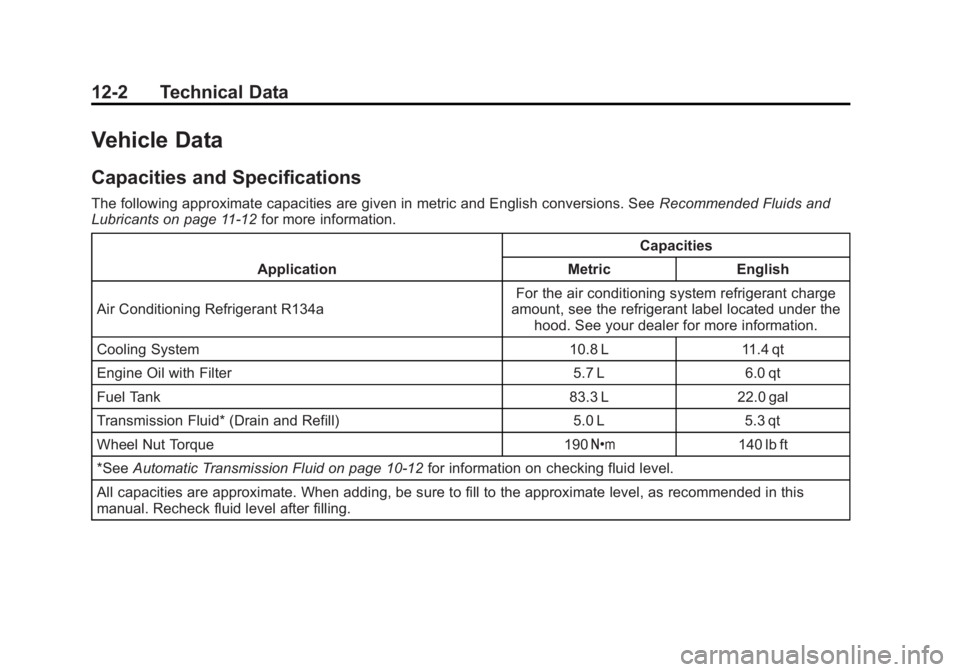
Capacities and Specifications
The following approximate capacities are given in metric and English conversions. SeeRecommended Fluids and
Lubricants on page 11‑12 for more information.
Application Capacities
Metric English
Air Conditioning Refrigerant R134a For the air conditioning system refrigerant charge
amount, see the refrigerant label located under the hood. See your dealer for more information.
Cooling System 10.8 L 11.4 qt
Engine Oil with Filter 5.7 L 6.0 qt
Fuel Tank 83.3 L 22.0 gal
Transmission Fluid* (Drain and Refill) 5.0 L 5.3 qt
Wheel Nut Torque 190 Y140 lb ft
*See Automatic Transmission Fluid on page 10‑12 for information on checking fluid level.
All capacities are approximate. When adding, be sure to fill to the approximate level, as recommended in this
manual. Recheck fluid level after filling.
Page 452 of 468
Black plate (4,1)GMC Acadia/Acadia Denali Owner Manual - 2012
14-4 OnStar
Connections
OnStar Hands-Free Calling allows
calls to be made and received from
the vehicle. The vehicle can also be
controlled from a cell phone through
the OnStar mobile app. See
www.onstar.com for coverage maps.
Hands-Free Calling
1. PushX. System responds:
“OnStar ready.”
2. Say “Dial.”System responds:
“Please say the name or number
to call.”
3. Say the entire number without pausing, including a “1”and the
area code. System responds:
“OK calling.”
Retrieve My Number
1. PushX. System responds:
“OnStar ready.”
2. Say “My Number.” System
responds: “Your OnStar
Hands-Free Calling number is.”
End a Call
PushX. System responds:
“Call ended.”
Store a Name Tag for Speed
Dialing
1. PushX. System responds:
“OnStar ready.”
2. Say “Store.” System responds:
“Please say the number you
would like to store.”
3. Say the entire number without pausing. System responds:
“Please say the name tag.”
4. Pick a name tag. “System
responds: ”About to store
5. Say “Yes”or“No” to try again.
System responds: “OK, storing
Place a Call Using a Stored
Number
1. PushX. System responds:
“OnStar ready.”
2. Say “Call
System responds: “OK, calling
Verify Minutes and Expiration
PushXand say “minutes” then
“verify” to check how many minutes
remain and their expiration date.
OnStar Mobile App
With an iPhone® or
Android™-based mobile device,
an OnStar mobile app can be
downloaded. The vehicle can be
remote started, if equipped, or the
doors can be unlocked from
anywhere there is cell phone
service. It can also check the fuel
level, tire pressure, and oil life.
Page 460 of 468
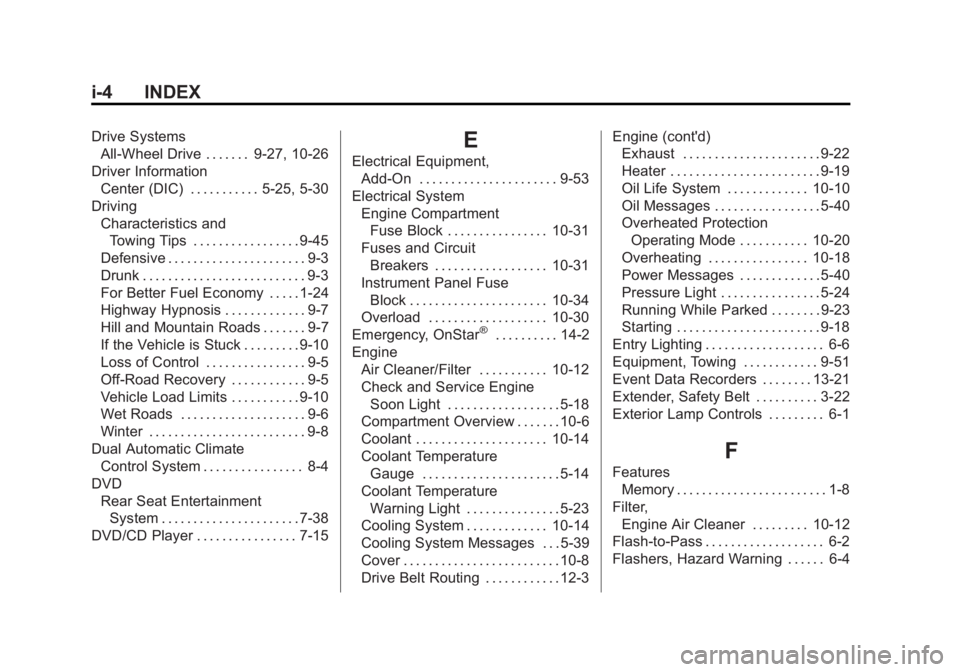
Black plate (4,1)GMC Acadia/Acadia Denali Owner Manual - 2012
i-4 INDEX
Drive SystemsAll-Wheel Drive . . . . . . . 9-27, 10-26
Driver Information Center (DIC) . . . . . . . . . . . 5-25, 5-30
Driving Characteristics andTowing Tips . . . . . . . . . . . . . . . . . 9-45
Defensive . . . . . . . . . . . . . . . . . . . . . . 9-3
Drunk . . . . . . . . . . . . . . . . . . . . . . . . . . 9-3
For Better Fuel Economy . . . . . 1-24
Highway Hypnosis . . . . . . . . . . . . . 9-7
Hill and Mountain Roads . . . . . . . 9-7
If the Vehicle is Stuck . . . . . . . . . 9-10
Loss of Control . . . . . . . . . . . . . . . . 9-5
Off-Road Recovery . . . . . . . . . . . . 9-5
Vehicle Load Limits . . . . . . . . . . . 9-10
Wet Roads . . . . . . . . . . . . . . . . . . . . 9-6
Winter . . . . . . . . . . . . . . . . . . . . . . . . . 9-8
Dual Automatic Climate Control System . . . . . . . . . . . . . . . . 8-4
DVD
Rear Seat EntertainmentSystem . . . . . . . . . . . . . . . . . . . . . . 7-38
DVD/CD Player . . . . . . . . . . . . . . . . 7-15E
Electrical Equipment, Add-On . . . . . . . . . . . . . . . . . . . . . . 9-53
Electrical System Engine CompartmentFuse Block . . . . . . . . . . . . . . . . 10-31
Fuses and Circuit
Breakers . . . . . . . . . . . . . . . . . . 10-31
Instrument Panel Fuse Block . . . . . . . . . . . . . . . . . . . . . . 10-34
Overload . . . . . . . . . . . . . . . . . . . 10-30
Emergency, OnStar
®. . . . . . . . . . 14-2
Engine Air Cleaner/Filter . . . . . . . . . . . 10-12
Check and Service EngineSoon Light . . . . . . . . . . . . . . . . . . 5-18
Compartment Overview . . . . . . . 10-6
Coolant . . . . . . . . . . . . . . . . . . . . . 10-14
Coolant Temperature Gauge . . . . . . . . . . . . . . . . . . . . . . 5-14
Coolant Temperature Warning Light . . . . . . . . . . . . . . . 5-23
Cooling System . . . . . . . . . . . . . 10-14
Cooling System Messages . . . 5-39
Cover . . . . . . . . . . . . . . . . . . . . . . . . . 10-8
Drive Belt Routing . . . . . . . . . . . . 12-3 Engine (cont'd)
Exhaust . . . . . . . . . . . . . . . . . . . . . . 9-22
Heater . . . . . . . . . . . . . . . . . . . . . . . . 9-19
Oil Life System . . . . . . . . . . . . . 10-10
Oil Messages . . . . . . . . . . . . . . . . . 5-40
Overheated Protection
Operating Mode . . . . . . . . . . . 10-20
Overheating . . . . . . . . . . . . . . . . 10-18
Power Messages . . . . . . . . . . . . . 5-40
Pressure Light . . . . . . . . . . . . . . . . 5-24
Running While Parked . . . . . . . . 9-23
Starting . . . . . . . . . . . . . . . . . . . . . . . 9-18
Entry Lighting . . . . . . . . . . . . . . . . . . . 6-6
Equipment, Towing . . . . . . . . . . . . 9-51
Event Data Recorders . . . . . . . . 13-21
Extender, Safety Belt . . . . . . . . . . 3-22
Exterior Lamp Controls . . . . . . . . . 6-1
F
Features Memory . . . . . . . . . . . . . . . . . . . . . . . . 1-8
Filter, Engine Air Cleaner . . . . . . . . . 10-12
Flash-to-Pass . . . . . . . . . . . . . . . . . . . 6-2
Flashers, Hazard Warning . . . . . . 6-4
Page 464 of 468
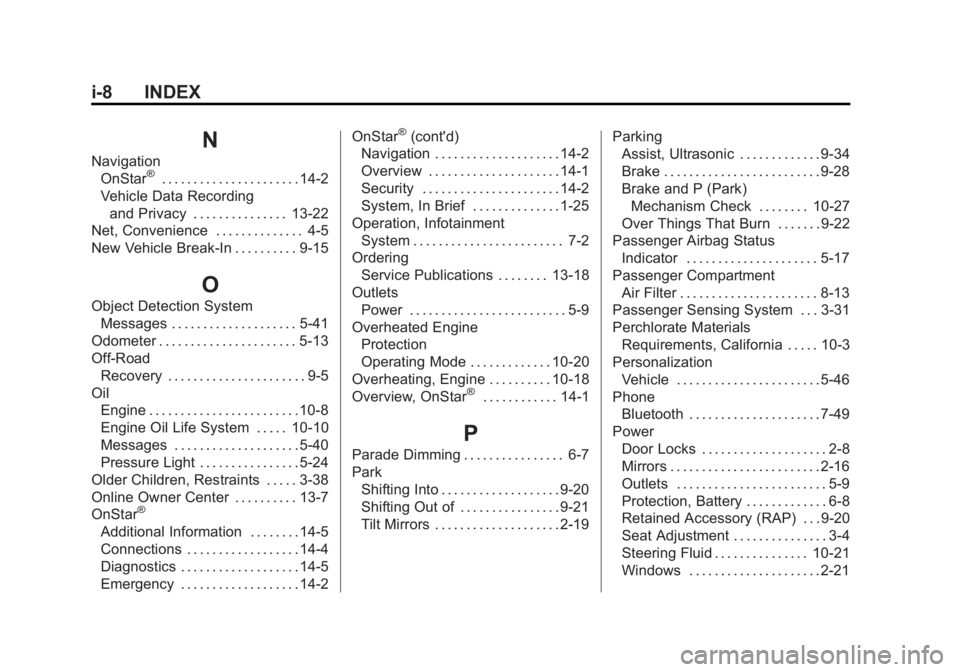
Black plate (8,1)GMC Acadia/Acadia Denali Owner Manual - 2012
i-8 INDEX
N
NavigationOnStar®. . . . . . . . . . . . . . . . . . . . . . 14-2
Vehicle Data Recording and Privacy . . . . . . . . . . . . . . . 13-22
Net, Convenience . . . . . . . . . . . . . . 4-5
New Vehicle Break-In . . . . . . . . . . 9-15
O
Object Detection System Messages . . . . . . . . . . . . . . . . . . . . 5-41
Odometer . . . . . . . . . . . . . . . . . . . . . . 5-13
Off-Road Recovery . . . . . . . . . . . . . . . . . . . . . . 9-5
Oil Engine . . . . . . . . . . . . . . . . . . . . . . . . 10-8
Engine Oil Life System . . . . . 10-10
Messages . . . . . . . . . . . . . . . . . . . . 5-40
Pressure Light . . . . . . . . . . . . . . . . 5-24
Older Children, Restraints . . . . . 3-38
Online Owner Center . . . . . . . . . . 13-7
OnStar
®
Additional Information . . . . . . . . 14-5
Connections . . . . . . . . . . . . . . . . . . 14-4
Diagnostics . . . . . . . . . . . . . . . . . . . 14-5
Emergency . . . . . . . . . . . . . . . . . . . 14-2 OnStar
®(cont'd)
Navigation . . . . . . . . . . . . . . . . . . . . 14-2
Overview . . . . . . . . . . . . . . . . . . . . . 14-1
Security . . . . . . . . . . . . . . . . . . . . . . 14-2
System, In Brief . . . . . . . . . . . . . . 1-25
Operation, Infotainment System . . . . . . . . . . . . . . . . . . . . . . . . 7-2
Ordering Service Publications . . . . . . . . 13-18
Outlets Power . . . . . . . . . . . . . . . . . . . . . . . . . 5-9
Overheated Engine Protection
Operating Mode . . . . . . . . . . . . . 10-20
Overheating, Engine . . . . . . . . . . 10-18
Overview, OnStar
®. . . . . . . . . . . . 14-1
P
Parade Dimming . . . . . . . . . . . . . . . . 6-7
Park Shifting Into . . . . . . . . . . . . . . . . . . . 9-20
Shifting Out of . . . . . . . . . . . . . . . . 9-21
Tilt Mirrors . . . . . . . . . . . . . . . . . . . . 2-19 Parking
Assist, Ultrasonic . . . . . . . . . . . . . 9-34
Brake . . . . . . . . . . . . . . . . . . . . . . . . . 9-28
Brake and P (Park)
Mechanism Check . . . . . . . . 10-27
Over Things That Burn . . . . . . . 9-22
Passenger Airbag Status
Indicator . . . . . . . . . . . . . . . . . . . . . 5-17
Passenger Compartment Air Filter . . . . . . . . . . . . . . . . . . . . . . 8-13
Passenger Sensing System . . . 3-31
Perchlorate Materials
Requirements, California . . . . . 10-3
Personalization Vehicle . . . . . . . . . . . . . . . . . . . . . . . 5-46
Phone
Bluetooth . . . . . . . . . . . . . . . . . . . . . 7-49
Power Door Locks . . . . . . . . . . . . . . . . . . . . 2-8
Mirrors . . . . . . . . . . . . . . . . . . . . . . . . 2-16
Outlets . . . . . . . . . . . . . . . . . . . . . . . . 5-9
Protection, Battery . . . . . . . . . . . . . 6-8
Retained Accessory (RAP) . . . 9-20
Seat Adjustment . . . . . . . . . . . . . . . 3-4
Steering Fluid . . . . . . . . . . . . . . . 10-21
Windows . . . . . . . . . . . . . . . . . . . . . 2-21