lights GMC CANYON 2005 User Guide
[x] Cancel search | Manufacturer: GMC, Model Year: 2005, Model line: CANYON, Model: GMC CANYON 2005Pages: 420, PDF Size: 2.73 MB
Page 143 of 420
Exterior Cargo Lamps
You can use the cargo lamps if you need more light in
the cargo area of your vehicle or in the top-box
storage units.
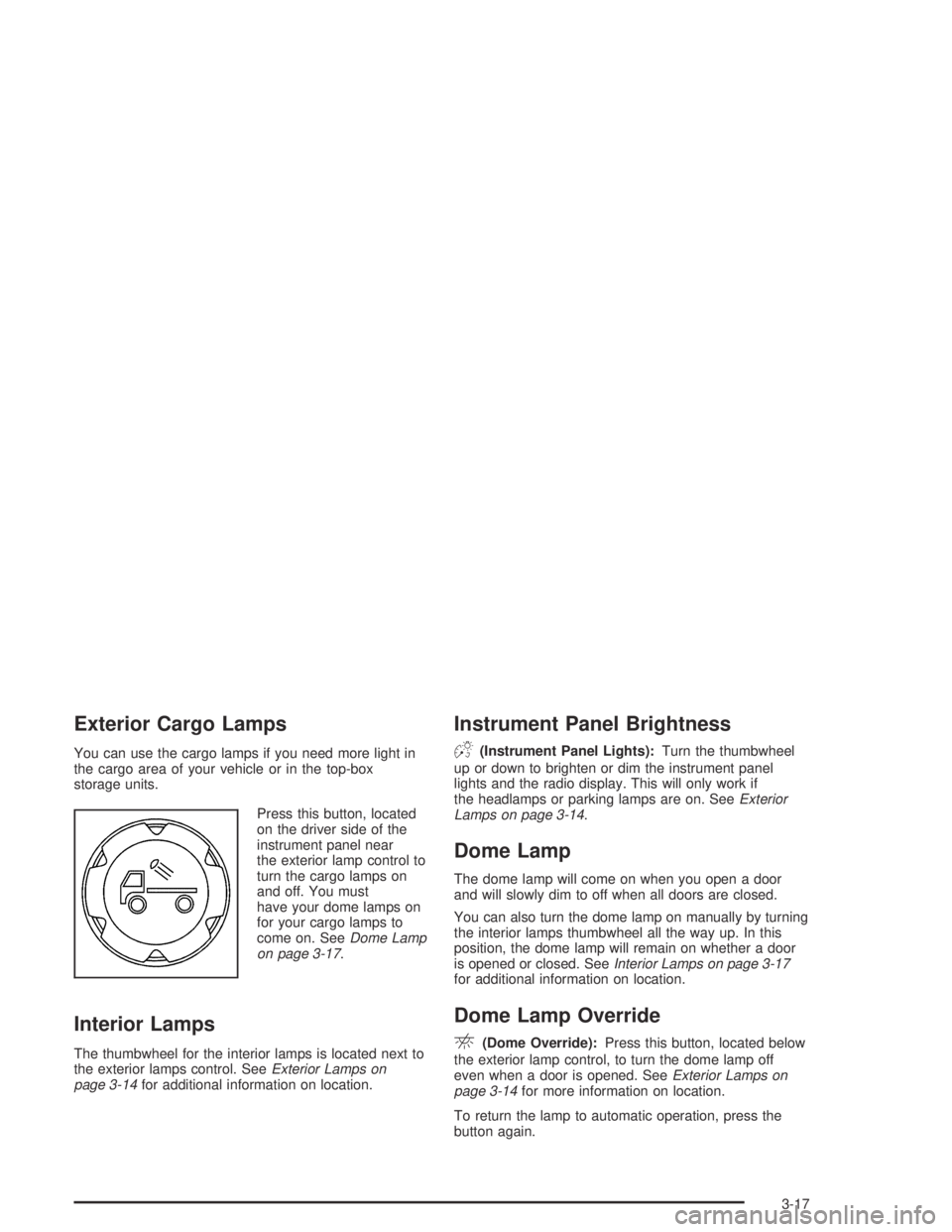
Press this button, located
on the driver side of the
instrument panel near
the exterior lamp control to
turn the cargo lamps on
and off. You must
have your dome lamps on
for your cargo lamps to
come on. SeeDome Lamp
on page 3-17.
Interior Lamps
The thumbwheel for the interior lamps is located next to
the exterior lamps control. SeeExterior Lamps on
page 3-14for additional information on location.
Instrument Panel Brightness
D(Instrument Panel Lights):Turn the thumbwheel
up or down to brighten or dim the instrument panel
lights and the radio display. This will only work if
the headlamps or parking lamps are on. SeeExterior
Lamps on page 3-14.
Dome Lamp
The dome lamp will come on when you open a door
and will slowly dim to off when all doors are closed.
You can also turn the dome lamp on manually by turning
the interior lamps thumbwheel all the way up. In this
position, the dome lamp will remain on whether a door
is opened or closed. SeeInterior Lamps on page 3-17
for additional information on location.
Dome Lamp Override
E(Dome Override):Press this button, located below
the exterior lamp control, to turn the dome lamp off
even when a door is opened. SeeExterior Lamps on
page 3-14for more information on location.
To return the lamp to automatic operation, press the
button again.
3-17
Page 148 of 420
Warning Lights, Gages,
and Indicators
This part describes the warning lights and gages that
may be on your vehicle. The pictures will help you
locate them.
Warning lights and gages can signal that something is
wrong before it becomes serious enough to cause
an expensive repair or replacement. Paying attention to
your warning lights and gages could also save you
or others from injury.
Warning lights come on when there may be or is a
problem with one of your vehicle’s functions. As you
will see in the details on the next few pages, some
warning lights come on briey when you start the
engine just to let you know they are working. If you are
familiar with this section, you should not be alarmed
when this happens.Gages can indicate when there may be or is a problem
with one of your vehicle’s functions. Often gages
and warning lights work together to let you know when
there is a problem with your vehicle.
When one of the warning lights comes on and stays on
when you are driving, or when one of the gages
shows there may be a problem, check the section
that tells you what to do about it. Please follow this
manual’s advice. Waiting to do repairs can be
costly — and even dangerous. So please get to know
your warning lights and gages. They are a big help.
Your vehicle may also have a DIC that works along with
the warning lights and gages. SeeDriver Information
Center (DIC) on page 3-37for more information.
3-22
Page 221 of 420
When you drive over obstacles or rough terrain, keep a
rm grip on the steering wheel. Ruts, troughs or
other surface features can jerk the wheel out of your
hands if you are not prepared.
When you drive over bumps, rocks, or other obstacles,
your wheels can leave the ground. If this happens,
even with one or two wheels, you cannot control the
vehicle as well or at all.
Because you will be on an unpaved surface, it is
especially important to avoid sudden acceleration,
sudden turns or sudden braking.
In a way, off-road driving requires a different kind of
alertness from driving on paved roads and highways.
There are no road signs, posted speed limits or
signal lights. You have to use your own good judgment
about what is safe and what is not.
Drinking and driving can be very dangerous on any
road. And this is certainly true for off-road driving.
At the very time you need special alertness and driving
skills, your reexes, perceptions and judgment can
be affected by even a small amount of alcohol.
You could have a serious — or even fatal — accident
if you drink and drive or ride with a driver who has been
drinking. SeeDrunken Driving on page 4-3.Driving on Off-Road Hills
Off-road driving often takes you up, down or across a
hill. Driving safely on hills requires good judgment
and an understanding of what your vehicle can and
cannot do. There are some hills that simply cannot be
driven, no matter how well built the vehicle.
{CAUTION:
Many hills are simply too steep for any vehicle.
If you drive up them, you will stall. If you drive
down them, you cannot control your speed.
If you drive across them, you will roll over.
You could be seriously injured or killed. If you
have any doubt about the steepness, do not
drive the hill.
4-19
Page 231 of 420
You can be temporarily blinded by approaching
headlamps. It can take a second or two, or even
several seconds, for your eyes to re-adjust to the dark.
When you are faced with severe glare, as from a
driver who does not lower the high beams, or a vehicle
with misaimed headlamps, slow down a little. Avoid
staring directly into the approaching headlamps.
Keep your windshield and all the glass on your vehicle
clean — inside and out. Glare at night is made much
worse by dirt on the glass. Even the inside of the glass
can build up a lm caused by dust. Dirty glass makes
lights dazzle and ash more than clean glass would,
making the pupils of your eyes contract repeatedly.
Remember that your headlamps light up far less of a
roadway when you are in a turn or curve. Keep your
eyes moving; that way, it is easier to pick out dimly
lighted objects. Just as your headlamps should
be checked regularly for proper aim, so should your
eyes be examined regularly. Some drivers suffer from
night blindness — the inability to see in dim light — and
are not even aware of it.Driving in Rain and on Wet Roads
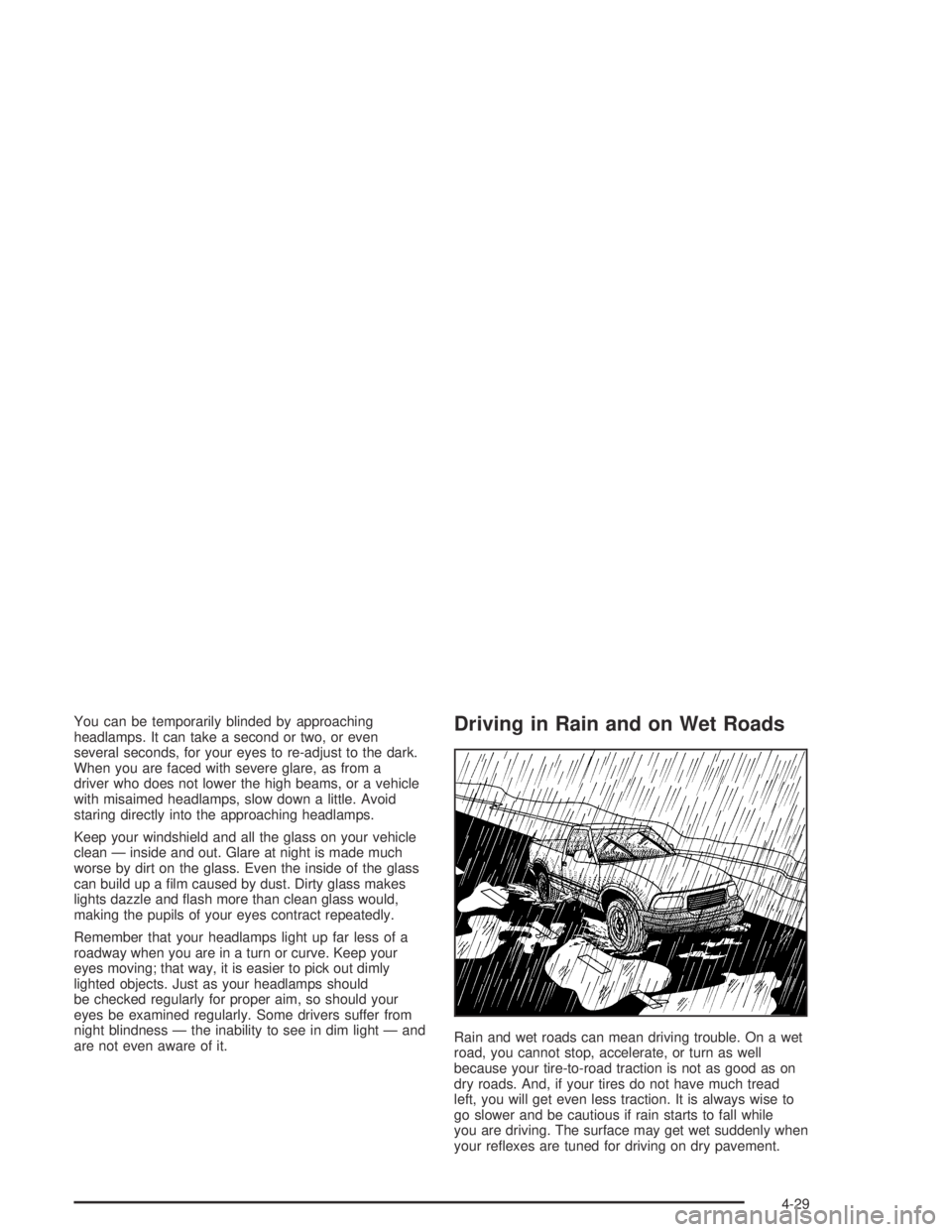
Rain and wet roads can mean driving trouble. On a wet
road, you cannot stop, accelerate, or turn as well
because your tire-to-road traction is not as good as on
dry roads. And, if your tires do not have much tread
left, you will get even less traction. It is always wise to
go slower and be cautious if rain starts to fall while
you are driving. The surface may get wet suddenly when
your reexes are tuned for driving on dry pavement.
4-29
Page 297 of 420
How to Check and Add Fluid
The proper uid should be added if the level does not
reach the bottom of the diaphragm when it is in place in
the reservoir. See the instructions on the reservoir cap.
Engine Coolant
The cooling system in your vehicle is lled with
DEX-COOL®engine coolant. This coolant is designed
to remain in your vehicle for 5 years or 150,000 miles
(240 000 km), whichever occurs rst, if you add
only DEX-COOL
®extended life coolant.
The following explains your cooling system and how to
add coolant when it is low. If you have a problem
with engine overheating, seeEngine Overheating on
page 5-28.A 50/50 mixture of clean, drinkable water and
DEX-COOL
®coolant will:
Give freezing protection down to−34°F (−37°C).
Give boiling protection up to 265°F (129°C).
Protect against rust and corrosion.
Help keep the proper engine temperature.
Let the warning lights and gages work as they
should.
Notice:Using coolant other than DEX-COOL
®may
cause premature engine, heater core or radiator
corrosion. In addition, the engine coolant may
require changing sooner, at 30,000 miles (50 000 km)
or 24 months, whichever occurs rst. Any repairs
would not be covered by your warranty. Always use
DEX-COOL
®(silicate-free) coolant in your vehicle.
5-25
Page 373 of 420
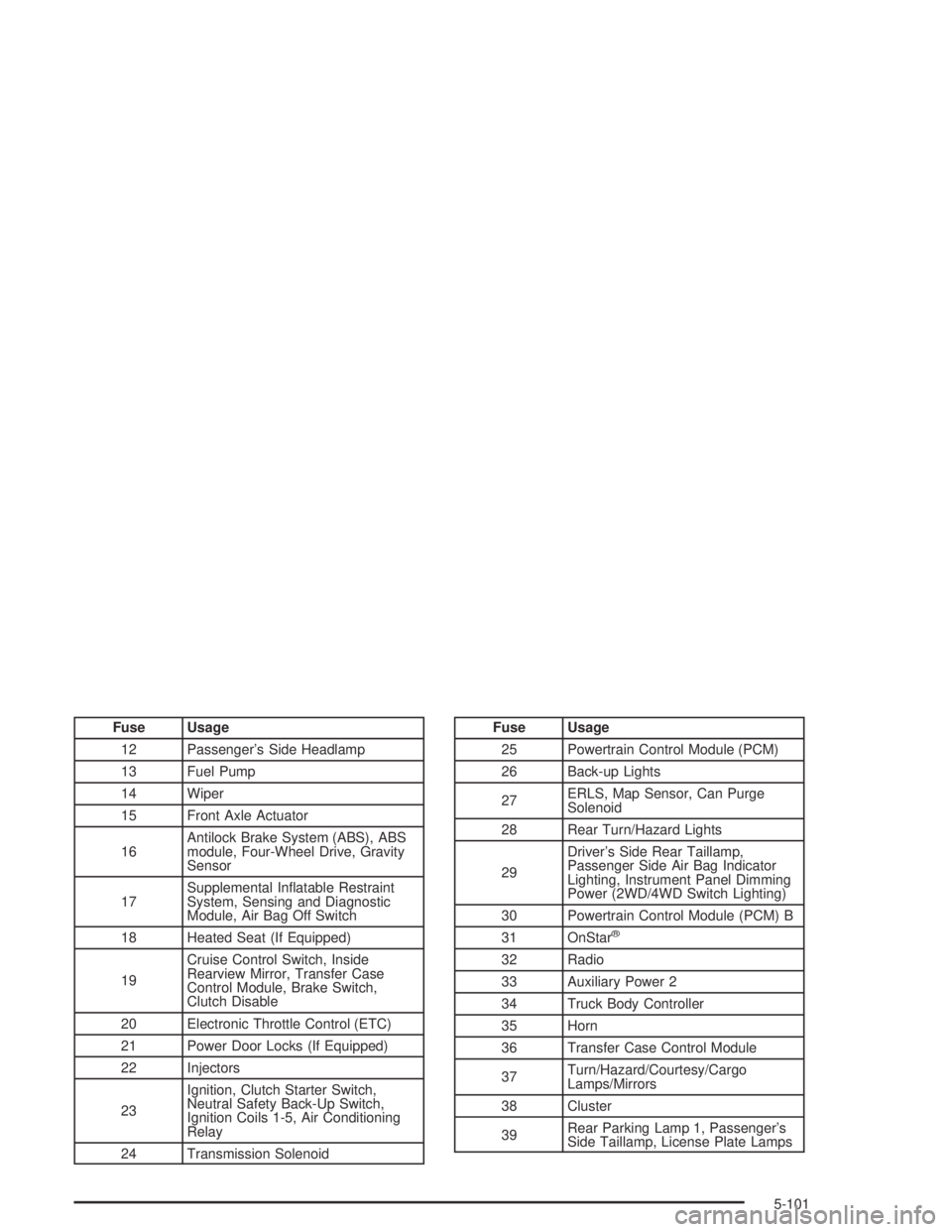
Fuse Usage
12 Passenger’s Side Headlamp
13 Fuel Pump
14 Wiper
15 Front Axle Actuator
16Antilock Brake System (ABS), ABS
module, Four-Wheel Drive, Gravity
Sensor
17Supplemental Inatable Restraint
System, Sensing and Diagnostic
Module, Air Bag Off Switch
18 Heated Seat (If Equipped)
19Cruise Control Switch, Inside
Rearview Mirror, Transfer Case
Control Module, Brake Switch,
Clutch Disable
20 Electronic Throttle Control (ETC)
21 Power Door Locks (If Equipped)
22 Injectors
23Ignition, Clutch Starter Switch,
Neutral Safety Back-Up Switch,
Ignition Coils 1-5, Air Conditioning
Relay
24 Transmission SolenoidFuse Usage
25 Powertrain Control Module (PCM)
26 Back-up Lights
27ERLS, Map Sensor, Can Purge
Solenoid
28 Rear Turn/Hazard Lights
29Driver’s Side Rear Taillamp,
Passenger Side Air Bag Indicator
Lighting, Instrument Panel Dimming
Power (2WD/4WD Switch Lighting)
30 Powertrain Control Module (PCM) B
31 OnStar
®
32 Radio
33 Auxiliary Power 2
34 Truck Body Controller
35 Horn
36 Transfer Case Control Module
37Turn/Hazard/Courtesy/Cargo
Lamps/Mirrors
38 Cluster
39Rear Parking Lamp 1, Passenger’s
Side Taillamp, License Plate Lamps
5-101
Page 420 of 420
Vehicle Identication
Number (VIN).............................................5-98
Service Parts Identication Label...................5-98
Ventilation Adjustment......................................3-21
Visors...........................................................2-14
W
Warning Lights, Gages and Indicators................3-22
Warnings
DIC Warnings and Messages........................3-41
Hazard Warning Flashers............................... 3-6
Other Warning Devices.................................. 3-6
Safety and Symbols......................................... iii
Vehicle Damage.............................................. iv
Wheels
Alignment and Tire Balance..........................5-66
Replacement...............................................5-66
Where to Put the Restraint...............................1-40Windows.......................................................2-12
Manual......................................................2-12
Power........................................................2-13
Sliding Rear................................................2-14
Windshield
Wiper Blades, Cleaning................................5-94
Windshield Washer.........................................3-10
Fluid..........................................................5-36
Windshield Wiper
Blade Replacement......................................5-52
Fuses........................................................5-99
Windshield Wipers.......................................3-10
Winter Driving................................................4-38
X
XM™ Satellite Radio Antenna System................3-75
Y
Your Vehicle and the Environment....................... 6-2
14