radio GMC ENVOY XL 2004 Repair Manual
[x] Cancel search | Manufacturer: GMC, Model Year: 2004, Model line: ENVOY XL, Model: GMC ENVOY XL 2004Pages: 466, PDF Size: 3 MB
Page 242 of 466
Care of Your CDs and DVDs
Handle discs carefully. Store them in their original cases
or other protective cases and away from direct sunlight
and dust. If the surface of a disc is soiled, dampen
a clean, soft cloth in a mild, neutral detergent solution
and clean it, wiping from the center to the edge.
Be sure never to touch the side without writing when
handling discs. Pick up discs by grasping the outer
edges or the edge of the hole and the outer edge.
Care of Your CD and DVD Player
The use of CD lens cleaners for CDs is not advised,
due to the risk of contaminating the lens of the CD optics
with lubricants internal to the CD mechanism.
Fixed Mast Antenna
The xed mast antenna can withstand most car
washes without being damaged. If the mast should
ever become slightly bent, straighten it out by hand.
If the mast is badly bent, replace it.
Check occasionally to make sure the mast is still
tightened to the fender. If tightening is required, tighten
by hand, then with a wrench one quarter turn.
XM™ Satellite Radio Antenna
System
The XM™ Satellite Radio antenna is located on the roof
of your vehicle. Keep this antenna clear of snow and
ice build up for clear radio reception.
The performance of the XM™ system may be affected if
the sunroof is open.
Loading items onto the roof of your vehicle can interfere
with the performance of the XM™ system. Make sure
that the XM™ satellite antenna is not obstructed.
Chime Level Adjustment
The radio is the vehicle’s chime producer. To change
the volume level, press and hold pushbutton 6 with the
ignition on and the radio power off. The chime volume
level will change from the normal level to loud, and LOUD
will appear on the radio display. To change back to the
default or normal setting, press and hold pushbutton 6
again. The chime level will change from the loud level to
normal, and NORMAL will appear on the radio display.
Removing the radio and not replacing it with a factory
radio or chime will disable vehicle chimes.
3-122
Page 352 of 466

Notice:If you leave your radio or other accessories
on during the jump starting procedure, they could
be damaged. The repairs would not be covered
by your warranty. Always turn off your radio and
other accessories when jump starting your vehicle.
3. Turn off the ignition on both vehicles. Unplug
unnecessary accessories plugged into the cigarette
lighter or accessory power outlets (if equipped).
Turn off the radio and all lamps that aren’t needed.
This will avoid sparks and help to save both
batteries. And it could save your radio!
4. Open both hoods and locate the batteries. Find the
positive (+) and negative (−) terminals on each
battery. Your vehicle has a remote negative (−) jump
starting terminal. You should always use this
remote terminal instead of the terminal on the
battery. The remote negative (−) terminal is located
on the front engine lift bracket on vehicles with
the L6 engine or the engine accessory drive bracket
for vehicles with the V8 engine, and is marked
GND. SeeEngine Compartment Overview on
page 5-12for more information on location.
{CAUTION:
Using a match near a battery can cause battery
gas to explode. People have been hurt doing
this, and some have been blinded. Use a
ashlight if you need more light.
Be sure the battery has enough water. You do
not need to add water to the ACDelco
®battery
installed in your new vehicle. But if a battery
has ller caps, be sure the right amount of
uid is there. If it is low, add water to take care
of that rst. If you do not, explosive gas could
be present.
Battery uid contains acid that can burn you.
Do not get it on you. If you accidentally get it
in your eyes or on your skin, ush the place
with water and get medical help immediately.
5-44
Page 398 of 466
Cleaning Vinyl
Use warm water and a clean cloth.
Rub with a clean, damp cloth to remove dirt.
You may have to do this more than once.
Things like tar, asphalt and shoe polish will stain
if you do not get them off quickly. Use a clean
cloth and vinyl cleaner. See your dealer for
this product.
Cleaning Leather
Use a soft cloth with lukewarm water and a mild soap
or saddle soap and wipe dry with a soft cloth. Then,
let the leather dry naturally. Do not use heat to dry.
For stubborn stains, use a leather cleaner.
Neveruse oils, varnishes, solvent-based or abrasive
cleaners, furniture polish or shoe polish on leather.
Soiled or stained leather should be cleaned
immediately. If dirt is allowed to work into the
nish, it can harm the leather.
Cleaning the Top of the Instrument
Panel
Use only mild soap and water to clean the top surfaces
of the instrument panel. Sprays containing silicones
or waxes may cause annoying reections in the
windshield and even make it difficult to see through the
windshield under certain conditions.
Cleaning Interior Plastic Components
Use only a mild soap and water solution on a soft
cloth or sponge. Commercial cleaners may affect the
surface nish.
Cleaning Glass Surfaces
Glass should be cleaned often. GM Glass Cleaner or
a liquid household glass cleaner will remove normal
tobacco smoke and dust lms on interior glass.
SeeVehicle Care/Appearance Materials on page 5-94.
Notice:If you use abrasive cleaners when
cleaning glass surfaces on your vehicle, you could
scratch the glass and/or cause damage to the
rear window defogger and the integrated radio
antenna. When cleaning the glass on your vehicle,
use only a soft cloth and glass cleaner.
5-90
Page 405 of 466

Fuses and Circuit Breakers
The wiring circuits in your vehicle are protected from
short circuits by a combination of fuses and circuit
breakers. This greatly reduces the chance of res
caused by electrical problems.
Look at the silver-colored band inside the fuse. If the
band is broken or melted, replace the fuse. Be sure you
replace a bad fuse with a new one of the identical
size and rating.
If you ever have a problem on the road and don’t have
a spare fuse, you can borrow one that has the same
amperage. Just pick some feature of your vehicle
that you can get along without — like the radio or
cigarette lighter— and use its fuse, if it is the correct
amperage. Replace it as soon as you can.
Engine Compartment Fuse Block
The fuse block is located under the hood in the engine
compartment on the driver’s side of the vehicle. See
Engine Compartment Overview on page 5-12for more
information on location.
Remove the primary cover by pressing the two locking
tabs. Remove the secondary cover by snapping off
while lifting. To reinstall the fuse panel cover, reverse
the sequence.
5-97
Page 414 of 466
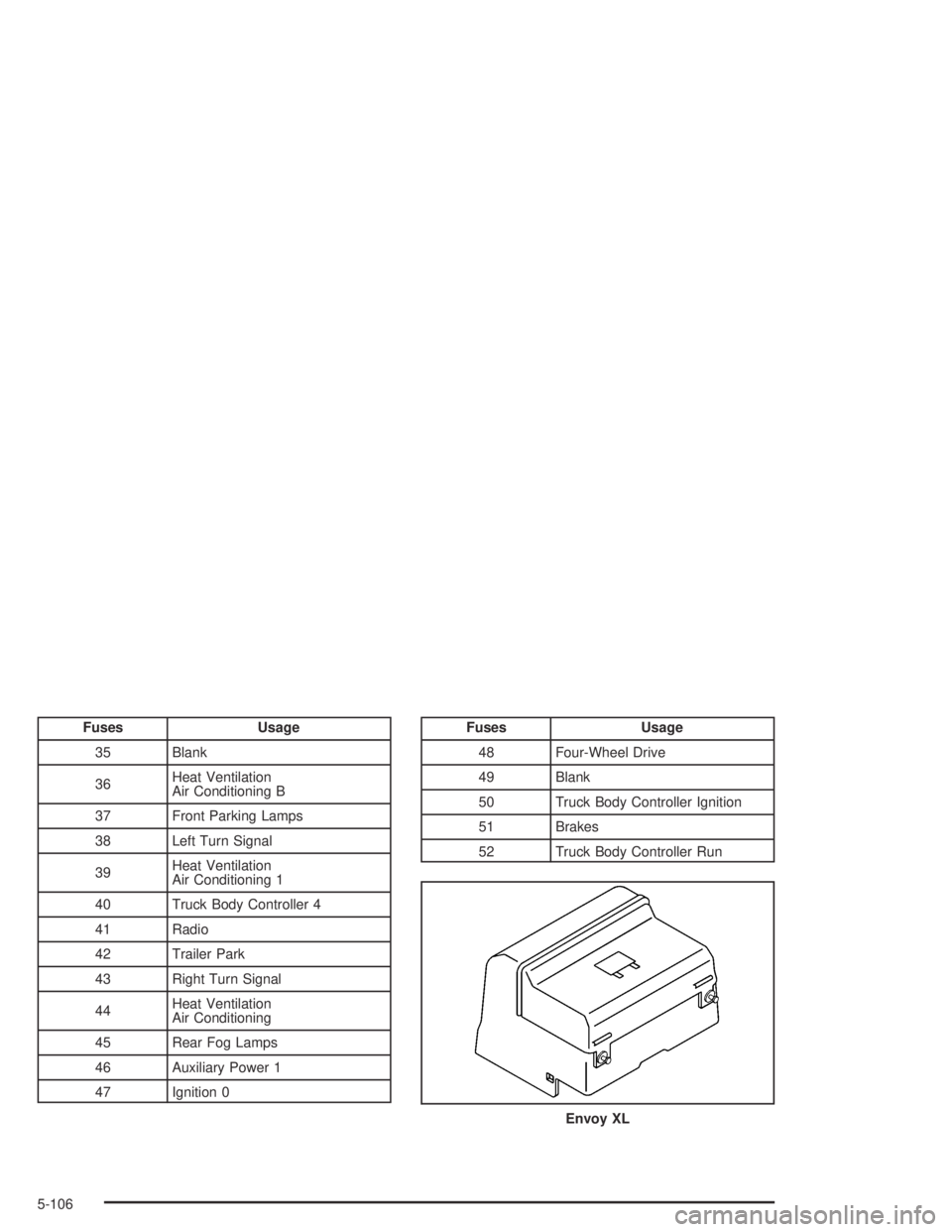
Fuses Usage
35 Blank
36Heat Ventilation
Air Conditioning B
37 Front Parking Lamps
38 Left Turn Signal
39Heat Ventilation
Air Conditioning 1
40 Truck Body Controller 4
41 Radio
42 Trailer Park
43 Right Turn Signal
44Heat Ventilation
Air Conditioning
45 Rear Fog Lamps
46 Auxiliary Power 1
47 Ignition 0Fuses Usage
48 Four-Wheel Drive
49 Blank
50 Truck Body Controller Ignition
51 Brakes
52 Truck Body Controller Run
Envoy XL
5-106
Page 416 of 466
Fuses Usage
18 Locks
19Liftgate Module/Driver Seat
Module
20 Vent Window
21 Lock
22 Retained Accessory Power
23 Blank
24 Unlock
25 Blank
26 Blank
27 OH Battery/OnStar
®System
28 Sunroof
29 Rainsense™ Wipers
30 Parking Lamps
31 Truck Body Controller Accessory
32 Truck Body Controller 5
33 Front Wipers
34 Vehicle Stop
35 Blank
Fuses Usage
36Heat Ventilation
Air Conditioning B
37 Front Parking Lamps
38 Left Turn Signal
39Heat Ventilation
Air Conditioning 1
40 Truck Body Controller 4
41 Radio
42 Trailer Park
43 Right Turn Signal
44Heat Ventilation
Air Conditioning
45 Rear Fog Lamps
46 Auxiliary Power 1
47 Ignition 0
48 Four-Wheel Drive
49 Blank
50 Truck Body Controller Ignition
51 Brakes
52 Truck Body Controller Run
5-108
Page 451 of 466
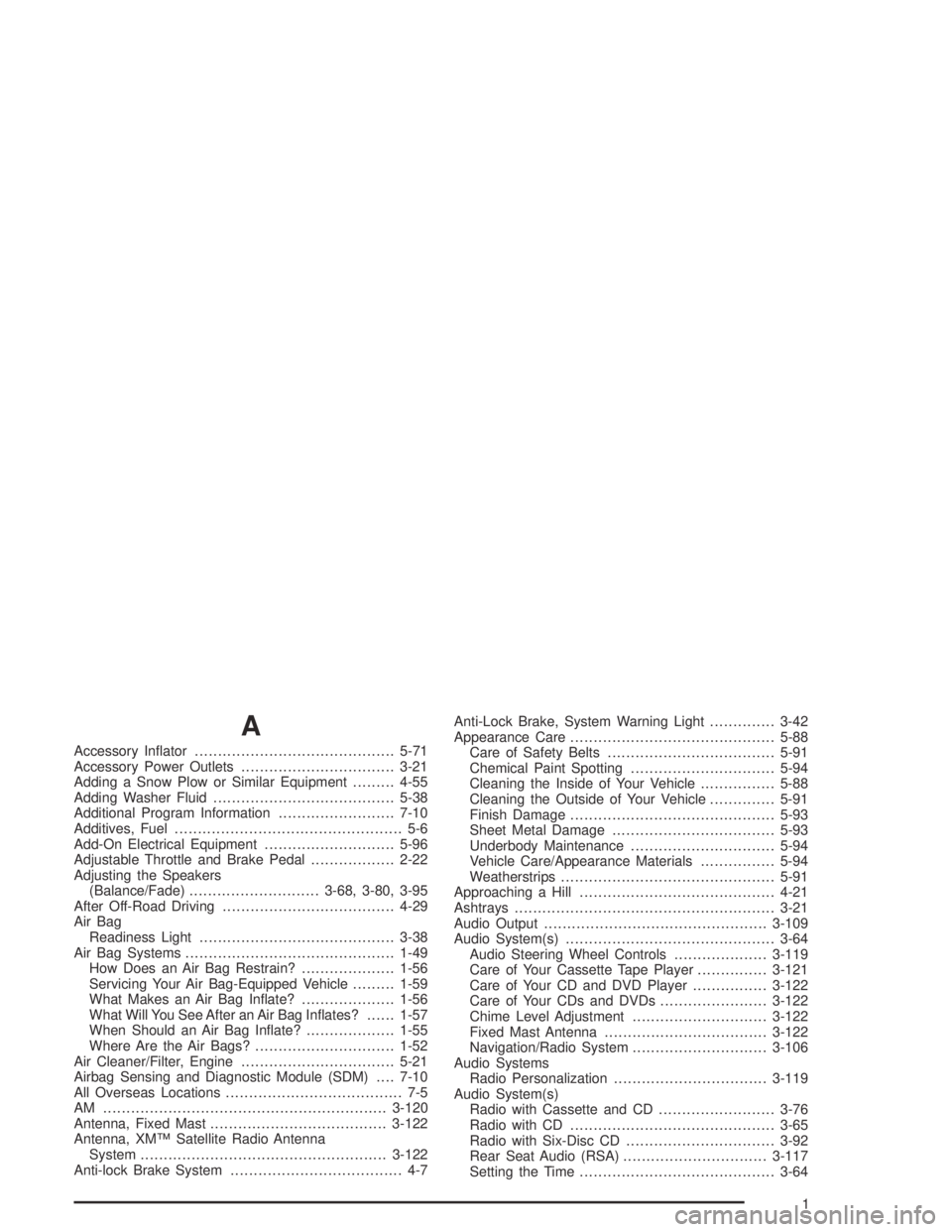
A
Accessory Inator...........................................5-71
Accessory Power Outlets.................................3-21
Adding a Snow Plow or Similar Equipment.........4-55
Adding Washer Fluid.......................................5-38
Additional Program Information.........................7-10
Additives, Fuel................................................. 5-6
Add-On Electrical Equipment............................5-96
Adjustable Throttle and Brake Pedal..................2-22
Adjusting the Speakers
(Balance/Fade)............................3-68, 3-80, 3-95
After Off-Road Driving.....................................4-29
Air Bag
Readiness Light..........................................3-38
Air Bag Systems.............................................1-49
How Does an Air Bag Restrain?....................1-56
Servicing Your Air Bag-Equipped Vehicle.........1-59
What Makes an Air Bag Inate?....................1-56
What Will You See After an Air Bag Inates?......1-57
When Should an Air Bag Inate?...................1-55
Where Are the Air Bags?..............................1-52
Air Cleaner/Filter, Engine.................................5-21
Airbag Sensing and Diagnostic Module (SDM)....7-10
All Overseas Locations...................................... 7-5
AM .............................................................3-120
Antenna, Fixed Mast......................................3-122
Antenna, XM™ Satellite Radio Antenna
System.....................................................3-122
Anti-lock Brake System..................................... 4-7Anti-Lock Brake, System Warning Light..............3-42
Appearance Care............................................5-88
Care of Safety Belts....................................5-91
Chemical Paint Spotting...............................5-94
Cleaning the Inside of Your Vehicle................5-88
Cleaning the Outside of Your Vehicle..............5-91
Finish Damage............................................5-93
Sheet Metal Damage...................................5-93
Underbody Maintenance...............................5-94
Vehicle Care/Appearance Materials................5-94
Weatherstrips..............................................5-91
Approaching a Hill..........................................4-21
Ashtrays........................................................3-21
Audio Output................................................3-109
Audio System(s).............................................3-64
Audio Steering Wheel Controls....................3-119
Care of Your Cassette Tape Player...............3-121
Care of Your CD and DVD Player................3-122
Care of Your CDs and DVDs.......................3-122
Chime Level Adjustment.............................3-122
Fixed Mast Antenna...................................3-122
Navigation/Radio System.............................3-106
Audio Systems
Radio Personalization.................................3-119
Audio System(s)
Radio with Cassette and CD.........................3-76
Radio with CD............................................3-65
Radio with Six-Disc CD................................3-92
Rear Seat Audio (RSA)...............................3-117
Setting the Time..........................................3-64
1
Page 452 of 466

Audio System(s) (cont.)
Theft-Deterrent Feature...............................3-119
Understanding Radio Reception...................3-120
XM™ Satellite Radio Antenna System...........3-122
Automatic Headlamp System............................3-16
Automatic Transfer Case..................................2-26
Automatic Transmission
Fluid..........................................................5-22
Operation...................................................2-24
B
Backglass Wiper Blade Replacement.................5-55
Backing Up....................................................4-62
Battery..........................................................5-42
BATTERY NOT CHARGING.............................3-61
Battery Replacement......................................... 2-7
Battery Run-Down Protection............................3-20
Before Leaving on a Long Trip.........................4-36
Before You Drive...........................................3-107
Before You Go Off-Roading..............................4-16
Brake
Parking......................................................2-29
System Warning Light..................................3-40
Brake Adjustment............................................5-41
Brake Fluid....................................................5-39
Brake Pedal, Throttle.......................................2-22
Brake Pedal Travel.........................................5-41Brake Wear...................................................5-41
Brakes..........................................................5-39
Braking........................................................... 4-6
Braking in Emergencies..................................... 4-9
Break-In, New Vehicle.....................................2-19
Bulb Replacement...........................................5-51
Front Turn Signal and Sidemarker Lamps.......5-51
Halogen Bulbs............................................5-51
Headlamps.................................................5-51
Replacement Bulbs......................................5-53
Taillamps and Turn Signal Lamps..................5-52
Buying New Tires...........................................5-67
C
California Fuel.................................................. 5-5
Canada........................................................... 7-5
Canadian Owners................................................ ii
Canadian Roadside Assistance........................... 7-8
Capacities and Specications..........................5-109
Carbon Monoxide...................2-14, 2-34, 4-40, 4-55
Care of
Safety Belts................................................5-91
Your Cassette Tape Player..........................3-121
Your CD and DVD Player...........................3-122
Your CDs and DVDs..................................3-122
Cargo Cover..................................................2-52
Cargo Tie Downs............................................2-52
2
Page 459 of 466
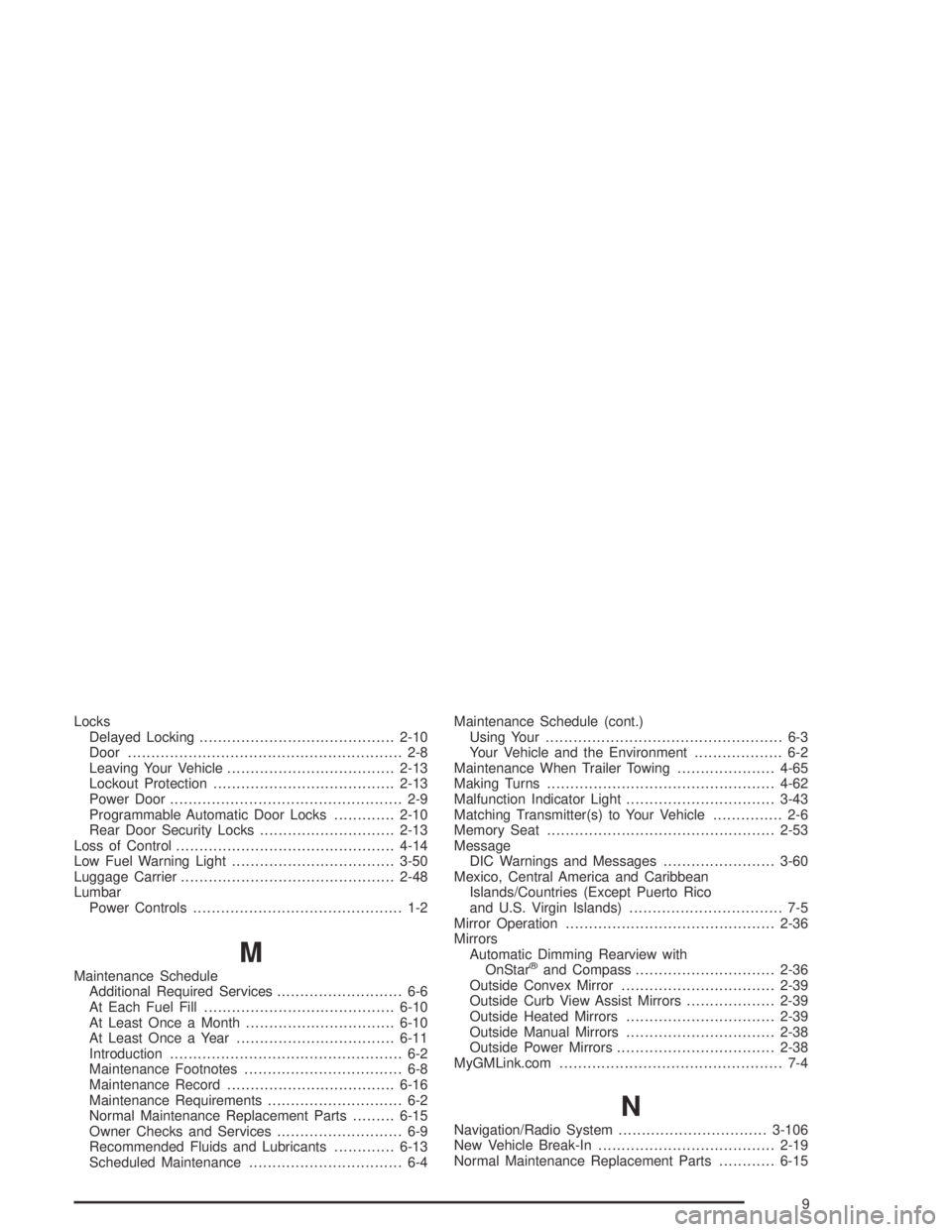
Locks
Delayed Locking..........................................2-10
Door........................................................... 2-8
Leaving Your Vehicle....................................2-13
Lockout Protection.......................................2-13
Power Door.................................................. 2-9
Programmable Automatic Door Locks.............2-10
Rear Door Security Locks.............................2-13
Loss of Control...............................................4-14
Low Fuel Warning Light...................................3-50
Luggage Carrier..............................................2-48
Lumbar
Power Controls............................................. 1-2
M
Maintenance Schedule
Additional Required Services........................... 6-6
At Each Fuel Fill.........................................6-10
At Least Once a Month................................6-10
At Least Once a Year..................................6-11
Introduction.................................................. 6-2
Maintenance Footnotes.................................. 6-8
Maintenance Record....................................6-16
Maintenance Requirements............................. 6-2
Normal Maintenance Replacement Parts.........6-15
Owner Checks and Services........................... 6-9
Recommended Fluids and Lubricants.............6-13
Scheduled Maintenance................................. 6-4Maintenance Schedule (cont.)
Using Your................................................... 6-3
Your Vehicle and the Environment................... 6-2
Maintenance When Trailer Towing.....................4-65
Making Turns.................................................4-62
Malfunction Indicator Light................................3-43
Matching Transmitter(s) to Your Vehicle............... 2-6
Memory Seat.................................................2-53
Message
DIC Warnings and Messages........................3-60
Mexico, Central America and Caribbean
Islands/Countries (Except Puerto Rico
and U.S. Virgin Islands)................................. 7-5
Mirror Operation.............................................2-36
Mirrors
Automatic Dimming Rearview with
OnStar®and Compass..............................2-36
Outside Convex Mirror.................................2-39
Outside Curb View Assist Mirrors...................2-39
Outside Heated Mirrors................................2-39
Outside Manual Mirrors................................2-38
Outside Power Mirrors..................................2-38
MyGMLink.com................................................ 7-4
N
Navigation/Radio System................................3-106
New Vehicle Break-In......................................2-19
Normal Maintenance Replacement Parts............6-15
9
Page 460 of 466
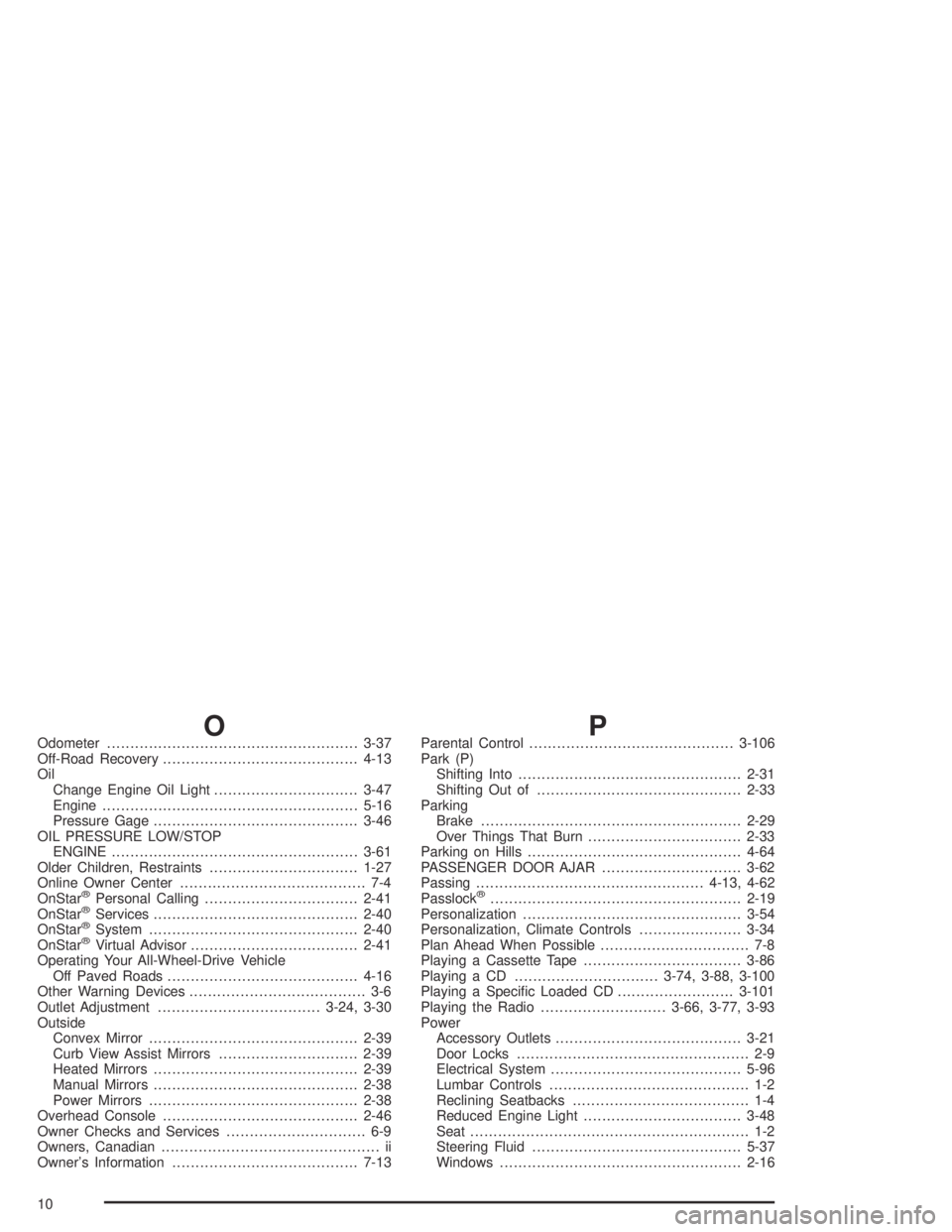
OOdometer......................................................3-37
Off-Road Recovery..........................................4-13
Oil
Change Engine Oil Light...............................3-47
Engine.......................................................5-16
Pressure Gage............................................3-46
OIL PRESSURE LOW/STOP
ENGINE.....................................................3-61
Older Children, Restraints................................1-27
Online Owner Center........................................ 7-4
OnStar
®Personal Calling.................................2-41
OnStar®Services............................................2-40
OnStar®System.............................................2-40
OnStar®Virtual Advisor....................................2-41
Operating Your All-Wheel-Drive Vehicle
Off Paved Roads.........................................4-16
Other Warning Devices...................................... 3-6
Outlet Adjustment...................................3-24, 3-30
Outside
Convex Mirror.............................................2-39
Curb View Assist Mirrors..............................2-39
Heated Mirrors............................................2-39
Manual Mirrors............................................2-38
Power Mirrors.............................................2-38
Overhead Console..........................................2-46
Owner Checks and Services.............................. 6-9
Owners, Canadian............................................... ii
Owner’s Information........................................7-13
PParental Control............................................3-106
Park (P)
Shifting Into................................................2-31
Shifting Out of............................................2-33
Parking
Brake........................................................2-29
Over Things That Burn.................................2-33
Parking on Hills..............................................4-64
PASSENGER DOOR AJAR..............................3-62
Passing.................................................4-13, 4-62
Passlock
®......................................................2-19
Personalization...............................................3-54
Personalization, Climate Controls......................3-34
Plan Ahead When Possible................................ 7-8
Playing a Cassette Tape..................................3-86
Playing a CD...............................3-74, 3-88, 3-100
Playing a Specic Loaded CD.........................3-101
Playing the Radio...........................3-66, 3-77, 3-93
Power
Accessory Outlets........................................3-21
Door Locks.................................................. 2-9
Electrical System.........................................5-96
Lumbar Controls........................................... 1-2
Reclining Seatbacks...................................... 1-4
Reduced Engine Light..................................3-48
Seat............................................................ 1-2
Steering Fluid.............................................5-37
Windows....................................................2-16
10