ignition GMC SAVANA 2004 User Guide
[x] Cancel search | Manufacturer: GMC, Model Year: 2004, Model line: SAVANA, Model: GMC SAVANA 2004Pages: 398, PDF Size: 4.4 MB
Page 108 of 398
Starting Your Engine
Move your shift lever to PARK (P) or NEUTRAL (N).
Your engine won’t start in any other position – that’s a
safety feature. To restart when you’re already moving,
use NEUTRAL (N) only.
Notice:Do not try to shift to PARK (P) if your
vehicle is moving. If you do, you could damage the
transmission. Shift to PARK (P) only when your
vehicle is stopped.
1. With your foot off the accelerator pedal, turn the
ignition key to START. When the engine starts,
let go of the key. The idle speed will go down as
your engine gets warm.
Notice:Holding your key in START for longer than
15 seconds at a time will cause your battery to
be drained much sooner. And the excessive heat
can damage your starter motor. Wait about
15 seconds between each try to help avoid draining
your battery or damaging your starter.
2. If it doesn’t start within 10 seconds, push the
accelerator pedal all the way to the oor, while you
hold the ignition key in START. When the engine
starts, let go of the key and let up on the accelerator
pedal. Wait about 15 seconds between each try.When starting your engine in very cold weather (below
0°F or−18°C), do this:
1. With your foot off the accelerator pedal, turn the
ignition key to START and hold it there up to
15 seconds. When the engine starts, let go of
the key.
2. If your engine still won’t start (or starts but then
stops), it could be ooded with too much gasoline.
Try pushing your accelerator pedal all the way to the
oor and holding it there as you hold the key in
START for about three seconds. When the engine
starts, let go of the key and accelerator. If the
vehicle starts briey but then stops again, do the
same thing, but this time keep the pedal down
for ve or six seconds. This clears the extra
gasoline from the engine.
Notice:Your engine is designed to work with the
electronics in your vehicle. If you add electrical
parts or accessories, you could change the way the
engine operates. Before adding electrical equipment,
check with your dealer. If you do not, your engine
might not perform properly.
Fuel Regulator
You have a fuel regulator that shuts the fuel off when
the engine reaches 5,600 rpm.
2-22
Page 110 of 398
Automatic Transmission Operation
There are several different positions for your shift lever.
PARK (P):This position locks your rear wheels. It’s
the best position to use when you start your engine
because your vehicle can’t move easily.
{CAUTION:
It is dangerous to get out of your vehicle if the
shift lever is not fully in PARK (P) with the
parking brake rmly set. Your vehicle can roll.
Do not leave your vehicle when the engine is
running unless you have to. If you have left the
engine running, the vehicle can move
suddenly. You or others could be injured. To
be sure your vehicle will not move, even when
you are on fairly level ground, always set your
parking brake and move the shift lever to
PARK (P). SeeShifting Into Park (P) on
page 2-27. If you are pulling a trailer, see
Towing a Trailer on page 4-37.Ensure the shift lever is fully in PARK (P) before starting
the engine. Your vehicle has an automatic transmission
shift lock control system. With the ignition in RUN,
you must fully apply your regular brakes before you can
shift from PARK (P).
If you cannot shift out of PARK (P), ease pressure on
the shift lever and push the shift lever all the way
into PARK (P) as you continue pressing the brake pedal.
Then move the shift lever into the gear you want. See
Shifting Out of Park (P) on page 2-29.
REVERSE (R):Use this gear to back up.
Notice:Shifting to REVERSE (R) while your vehicle
is moving forward could damage the transmission.
The repairs would not be covered by your warranty.
Shift to REVERSE (R) only after your vehicle is
stopped.
To rock your vehicle back and forth to get out of snow,
ice or sand without damaging your transmission,
see If You Are Stuck: In Sand, Mud, Ice or Snow on
page 4-30.
2-24
Page 112 of 398
FIRST (1):This position gives you even more power
but lower fuel economy than SECOND (2). You can use
it on very steep hills, or in deep snow or mud. If the
shift lever is put in FIRST (1), the transmission
won’t shift into rst gear until the vehicle is going slowly
enough.
Notice:Spinning the tires or holding the vehicle in
one place on a hill using only the accelerator
pedal may damage the transmission. If you are
stuck, do not spin the tires. When stopping on a hill,
use the brakes to hold the vehicle in place.
All-Wheel Drive
If your vehicle has all-wheel drive, your engine’s driving
power is sent to all four wheels for extra traction
when needed.
This is like four-wheel drive, but there is no separate
lever or switch to engage or disengage the front axle. It
is fully automatic, and adjusts itself as needed for
road conditions.
You may experience a brief vehicle vibration upon
acceleration when driving in slippery conditions. This is
normal and is an indication that the all-wheel drive
system is functioning properly.
Parking Brake
To set the parking brake, hold the regular brake pedal
down with your right foot. Push down the parking
brake pedal with your left foot.
If the ignition is on, the brake system warning light will
come on.
To release the parking brake, hold the regular brake
pedal down. Pull the handle, located just above
the parking brake pedal, marked BRAKE RELEASE to
release the parking brake.
If the ignition is on when the parking brake is released,
the brake system warning light will go off.
Notice:Driving with the parking brake on can
overheat the brake system and cause premature
wear or damage to brake system parts. Verify that
the parking brake is fully released and the brake
warning light is off before driving.
If you are towing a trailer and are parking on any hill,
seeTowing a Trailer on page 4-37. That section shows
what to do rst to keep the trailer from moving.
2-26
Page 114 of 398
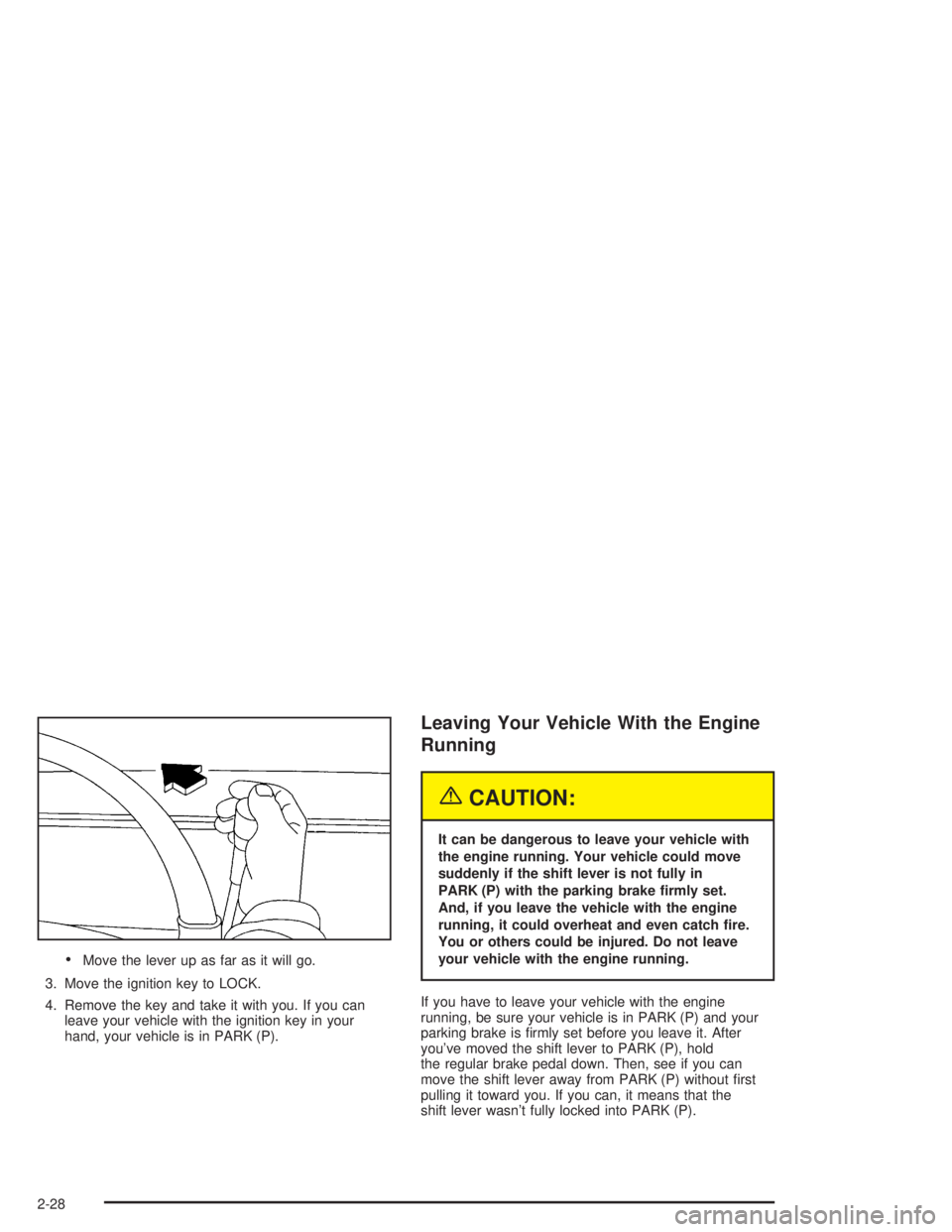
Move the lever up as far as it will go.
3. Move the ignition key to LOCK.
4. Remove the key and take it with you. If you can
leave your vehicle with the ignition key in your
hand, your vehicle is in PARK (P).
Leaving Your Vehicle With the Engine
Running
{CAUTION:
It can be dangerous to leave your vehicle with
the engine running. Your vehicle could move
suddenly if the shift lever is not fully in
PARK (P) with the parking brake rmly set.
And, if you leave the vehicle with the engine
running, it could overheat and even catch re.
You or others could be injured. Do not leave
your vehicle with the engine running.
If you have to leave your vehicle with the engine
running, be sure your vehicle is in PARK (P) and your
parking brake is rmly set before you leave it. After
you’ve moved the shift lever to PARK (P), hold
the regular brake pedal down. Then, see if you can
move the shift lever away from PARK (P) without rst
pulling it toward you. If you can, it means that the
shift lever wasn’t fully locked into PARK (P).
2-28
Page 115 of 398
Torque Lock
If you are parking on a hill and you don’t shift your
transmission into PARK (P) properly, the weight of the
vehicle may put too much force on the parking pawl
in the transmission. You may nd it difficult to pull the
shift lever out of PARK (P). This is called “torque
lock.” To prevent torque lock, set the parking brake and
then shift into PARK (P) properly before you leave
the driver’s seat. To nd out how, seeShifting Into
Park (P) on page 2-27.
When you are ready to drive, move the shift lever out of
PARK (P)beforeyou release the parking brake.
If torque lock does occur, you may need to have another
vehicle push yours a little uphill to take some of the
pressure from the parking pawl in the transmission, so
you can pull the shift lever out of PARK (P).
Shifting Out of Park (P)
Your vehicle has an automatic transmission shift lock
control system. You have to fully apply your regular
brakes before you can shift from PARK (P) when the
ignition is in RUN. SeeAutomatic Transmission
Operation on page 2-24.
If you cannot shift out of PARK (P), ease pressure on
the shift lever and push the shift lever all the way up into
PARK (P) as you maintain brake application. Then,
move the shift lever into the gear you want.
If you ever hold the brake pedal down but still can’t shift
out of PARK (P), try this:
1. Turn the key to OFF.
2. Apply and hold the brake until the end of Step 4.
3. Shift to NEUTRAL (N).
4. Start the vehicle and then shift to the drive gear
you want.
5. Have the system xed as soon as you can.
2-29
Page 135 of 398
Reducing Speed While Using Cruise
Control
Press and hold the set button at the end of the
lever until you reach the lower speed you want, then
release it.
To slow down in very small amounts, press the set
button briey. Each time you do this, you’ll go
about 1 mph (1.6 km/h) slower.
Passing Another Vehicle While Using
Cruise Control
Use the accelerator pedal to increase your speed.
When you take your foot off the pedal, your vehicle will
slow down to the cruise control speed you set earlier.
Using Cruise Control on Hills
How well your cruise control will work on hills depends
upon your speed, load and the steepness of the
hills. When going up steep hills, you may want to step
on the accelerator pedal to maintain your speed.
When going downhill, you may have to brake or shift to
a lower gear to keep your speed down. Of course,
applying the brake takes you out of cruise control. Many
drivers nd this to be too much trouble and don’t use
cruise control on steep hills.
Ending Cruise Control
There are three ways to turn off the cruise control:
Step lightly on the brake pedal.
Move the cruise control switch to off.
If your vehicle has the Stabilitrak®feature, cruise
control will deactivate if road conditions cause
Stabilitrak
®to activate.
Erasing Speed Memory
When you turn off the cruise control or the ignition, your
cruise control set speed memory is erased.
3-13
Page 137 of 398
5(Headlamps):Turn the control to this position to
turn on the headlamps together with the parking
lamps and turn off the daytime running lamps.
You can switch your headlamps from high to
low-beam by pulling the turn signal/high-beam lever
toward you.
A circuit breaker protects your headlamps. If you have
an electrical overload, your headlamps will icker on and
off. Have your headlamp wiring checked right away if
this happens.
Lamps On Reminder
A reminder chime will sound when your control is turned
to the headlamps or parking lamps position, your key
is out of the ignition, and your driver’s door is open. To
disable the chime, turn the control to the Daytime
Running Lamp (DRL) position and then back to the
parking lamps or headlamps position.
Daytime Running Lamps
Daytime Running Lamps (DRL) can make it easier for
others to see the front of your vehicle during the
day. DRL can be helpful in many different driving
conditions, but they can be especially helpful in the short
periods after dawn and before sunset. Fully functional
daytime running lamps are required on all vehicles
rst sold in Canada.
The DRL system will come on when the following
conditions are met:
the ignition is on,
the exterior lamps control in DRL mode and not in
the defeat position.
When the DRL are on, only your headlamps will be on.
The taillamps, sidemarker and other lamps won’t be
on. The instrument panel will be lit.
When you turn the headlamp switch off, the headlamps
will go off, and your DRL lamps will illuminate.
Turn the exterior lamp control to the defeat position or
shift into PARK (P). The DRLs will stay off until the
control is toggled again or the vehicle is shifted out of
PARK (P).
This procedure applies only to vehicles rst sold in the
United States.
3-15
Page 139 of 398
Dome Lamp Override
You can use the dome
override button, located
below the exterior
lamp control, to set the
dome lamps to come
on automatically while a
door is opened, or to
remain off.
To turn the automatic operation of the lamps off, press
the button. The dome lamps will remain off while a
door is open. To return the lamps to automatic
operation, press the button again.
While pressed in, this will override the illuminated entry
feature unless you use your keyless entry transmitter
to unlock the vehicle.
Exit Lighting
With exit lighting, the interior lamps will come on for a
period of forty seconds when you remove the key
from the ignition. The lights will not come on if the dome
override button is pressed in.
Entry Lighting
Your vehicle is equipped with an illuminated entry
feature.
When a door is opened, the dome lamps will come on if
the dome override button is in the out position. If the
dome override button is pressed in, the lamps will
not come on. When the door is closed, the interior lamps
will remain on for a period of fteen seconds or until
the vehicle is started.
Reading Lamps
To turn on the reading lamps, press the button
located next to each lamp. To turn them off, press the
button again.
Dome Lamps
The dome lamps will come on when you open a door.
See “Dome Lamp Override” in this part for more
information.
Battery Run-Down Protection
This feature shuts off the exterior and interior lamps if
they are left on after the ignition is turned off. All exterior
lamps will shut off after ten minutes. Interior cargo
lamps will shut down after twenty minutes and all other
interior lamps after ten minutes.
3-17
Page 143 of 398
Rear Window Defogger
<
R. DEF (Rear Defrost):Press this button to turn
the rear window defogger on or off. Be sure to clear
as much snow from the window as possible.
The rear window defogger uses a warming grid to
remove fog or frost from the rear window and will only
work when the ignition is RUN.
The rear window defogger will turn off several minutes
after the button is pressed. If turned on again, the
defogger will run for several more minutes before turning
off. The defogger can also be turned off by pressing
the button again or by turning off the engine.
Notice:Using a razor blade or sharp object to clear
the inside rear window may damage the rear
window defogger. Repairs would not be covered by
your warranty. Do not clear the inside of the rear
window with sharp objects.
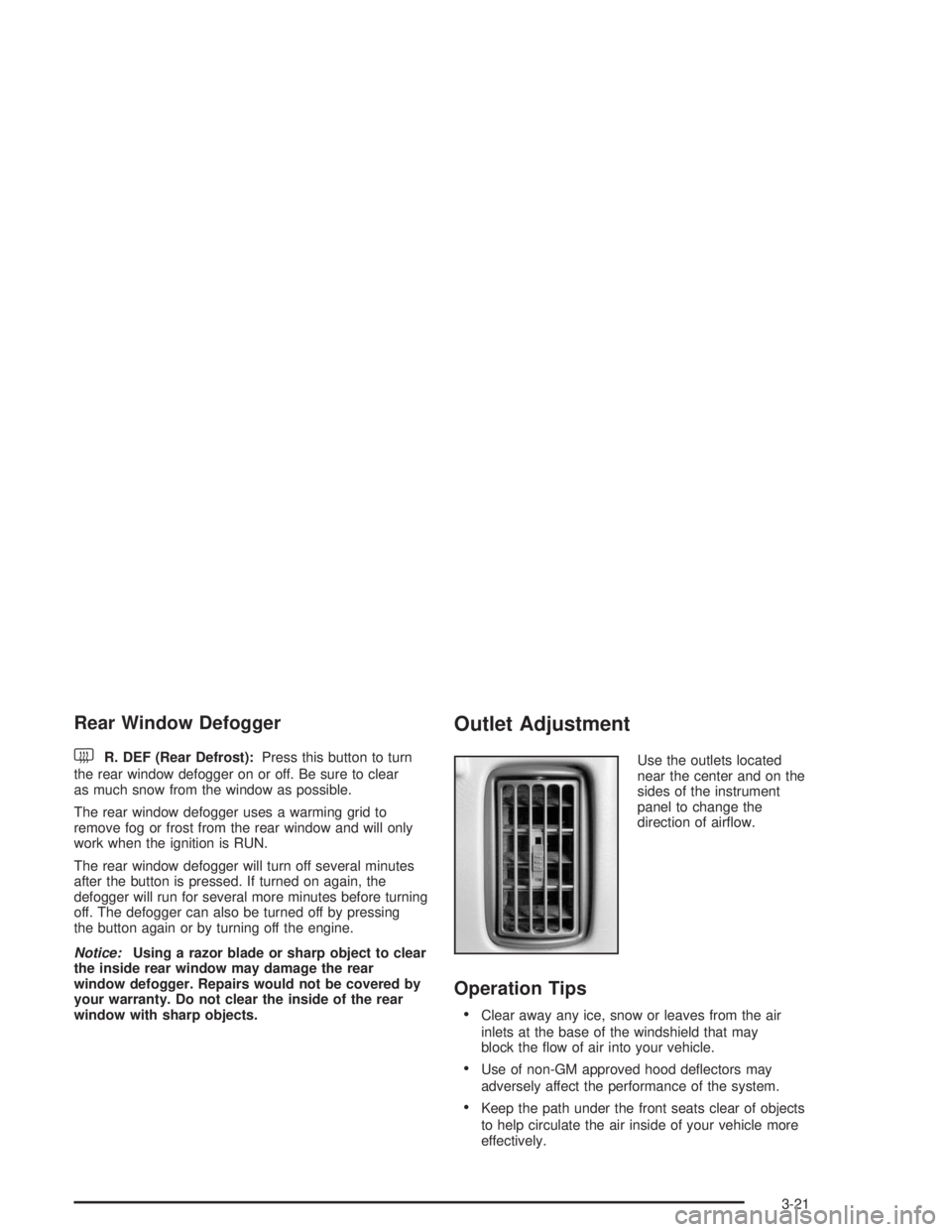
Outlet Adjustment
Use the outlets located
near the center and on the
sides of the instrument
panel to change the
direction of airow.
Operation Tips
Clear away any ice, snow or leaves from the air
inlets at the base of the windshield that may
block the ow of air into your vehicle.
Use of non-GM approved hood deectors may
adversely affect the performance of the system.
Keep the path under the front seats clear of objects
to help circulate the air inside of your vehicle more
effectively.
3-21
Page 150 of 398
Air Bag Readiness Light
There is an air bag readiness light on the instrument
panel, which shows the air bag symbol. The system
checks the air bag’s electrical system for malfunctions.
The light tells you if there is an electrical problem.
The system check includes the air bag sensor, the air
bag modules, the wiring and the crash sensing and
diagnostic module. For more information on the air bag
system, seeAir Bag System on page 1-63.
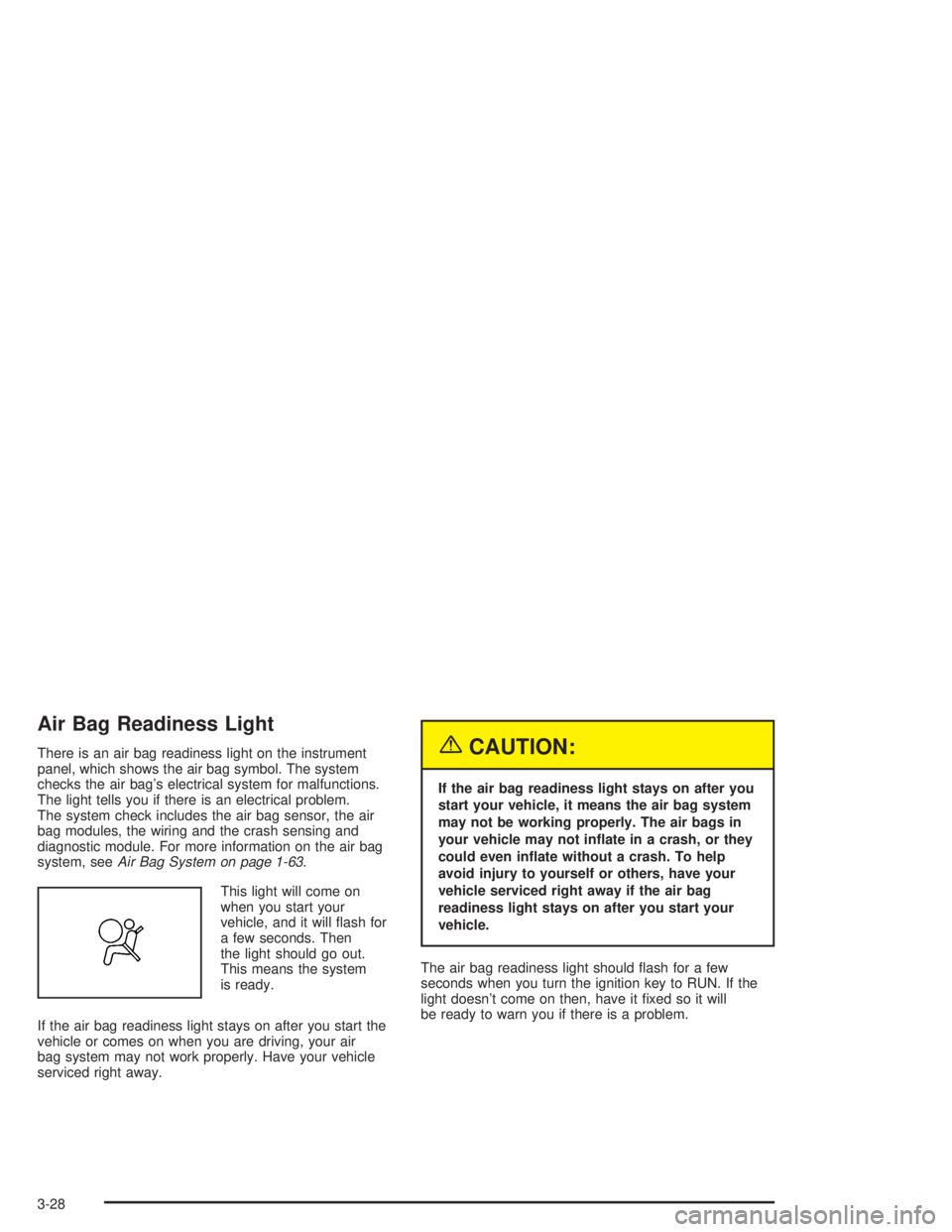
This light will come on
when you start your
vehicle, and it will ash for
a few seconds. Then
the light should go out.
This means the system
is ready.
If the air bag readiness light stays on after you start the
vehicle or comes on when you are driving, your air
bag system may not work properly. Have your vehicle
serviced right away.{CAUTION:
If the air bag readiness light stays on after you
start your vehicle, it means the air bag system
may not be working properly. The air bags in
your vehicle may not inate in a crash, or they
could even inate without a crash. To help
avoid injury to yourself or others, have your
vehicle serviced right away if the air bag
readiness light stays on after you start your
vehicle.
The air bag readiness light should ash for a few
seconds when you turn the ignition key to RUN. If the
light doesn’t come on then, have it xed so it will
be ready to warn you if there is a problem.
3-28