lock GMC SAVANA 2004 Service Manual
[x] Cancel search | Manufacturer: GMC, Model Year: 2004, Model line: SAVANA, Model: GMC SAVANA 2004Pages: 398, PDF Size: 4.4 MB
Page 145 of 398
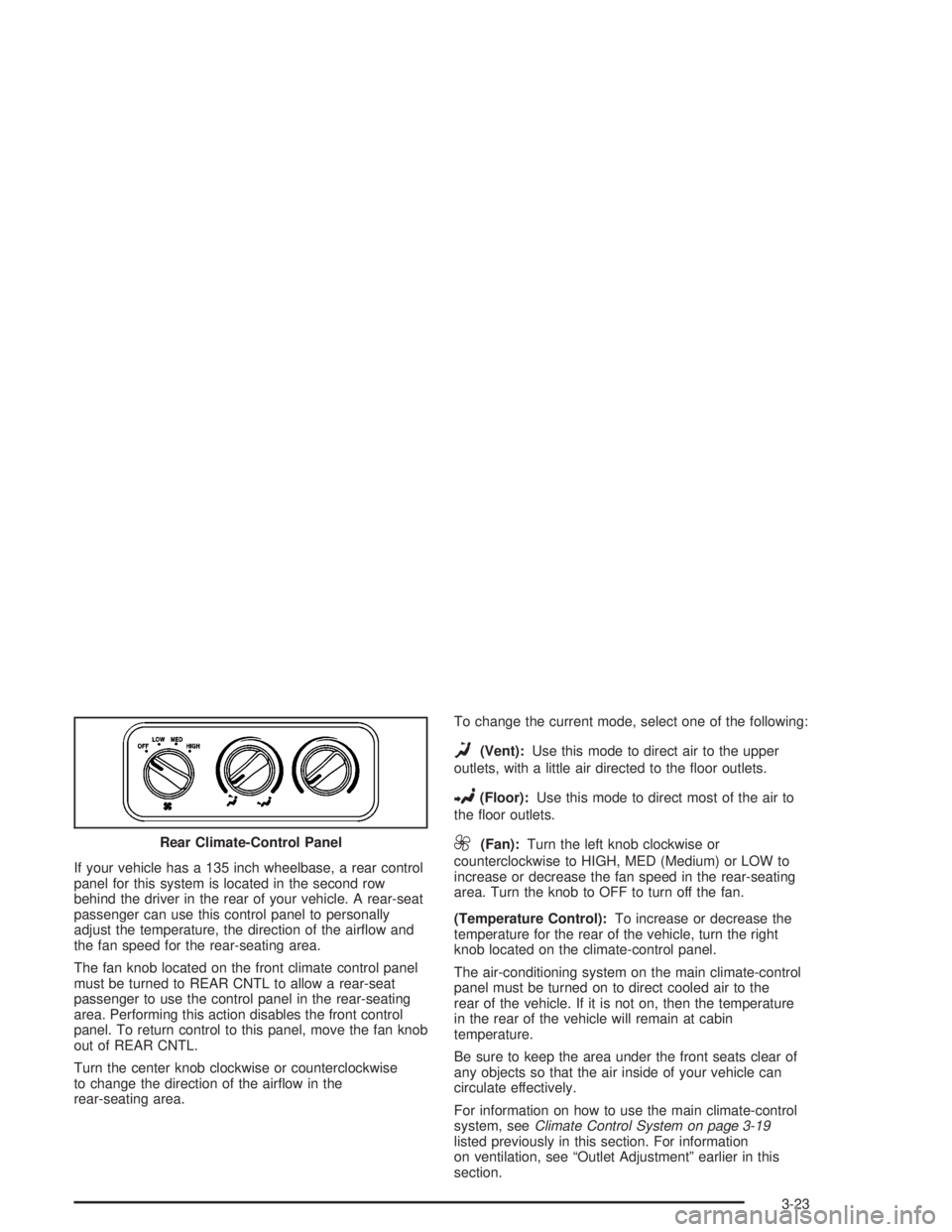
If your vehicle has a 135 inch wheelbase, a rear control
panel for this system is located in the second row
behind the driver in the rear of your vehicle. A rear-seat
passenger can use this control panel to personally
adjust the temperature, the direction of the airow and
the fan speed for the rear-seating area.
The fan knob located on the front climate control panel
must be turned to REAR CNTL to allow a rear-seat
passenger to use the control panel in the rear-seating
area. Performing this action disables the front control
panel. To return control to this panel, move the fan knob
out of REAR CNTL.
Turn the center knob clockwise or counterclockwise
to change the direction of the airow in the
rear-seating area.To change the current mode, select one of the following:
D(Vent):Use this mode to direct air to the upper
outlets, with a little air directed to the oor outlets.
2(Floor):Use this mode to direct most of the air to
the oor outlets.
9(Fan):Turn the left knob clockwise or
counterclockwise to HIGH, MED (Medium) or LOW to
increase or decrease the fan speed in the rear-seating
area. Turn the knob to OFF to turn off the fan.
(Temperature Control):To increase or decrease the
temperature for the rear of the vehicle, turn the right
knob located on the climate-control panel.
The air-conditioning system on the main climate-control
panel must be turned on to direct cooled air to the
rear of the vehicle. If it is not on, then the temperature
in the rear of the vehicle will remain at cabin
temperature.
Be sure to keep the area under the front seats clear of
any objects so that the air inside of your vehicle can
circulate effectively.
For information on how to use the main climate-control
system, seeClimate Control System on page 3-19
listed previously in this section. For information
on ventilation, see “Outlet Adjustment” earlier in this
section. Rear Climate-Control Panel
3-23
Page 155 of 398
Anti-Lock Brake System
Warning Light
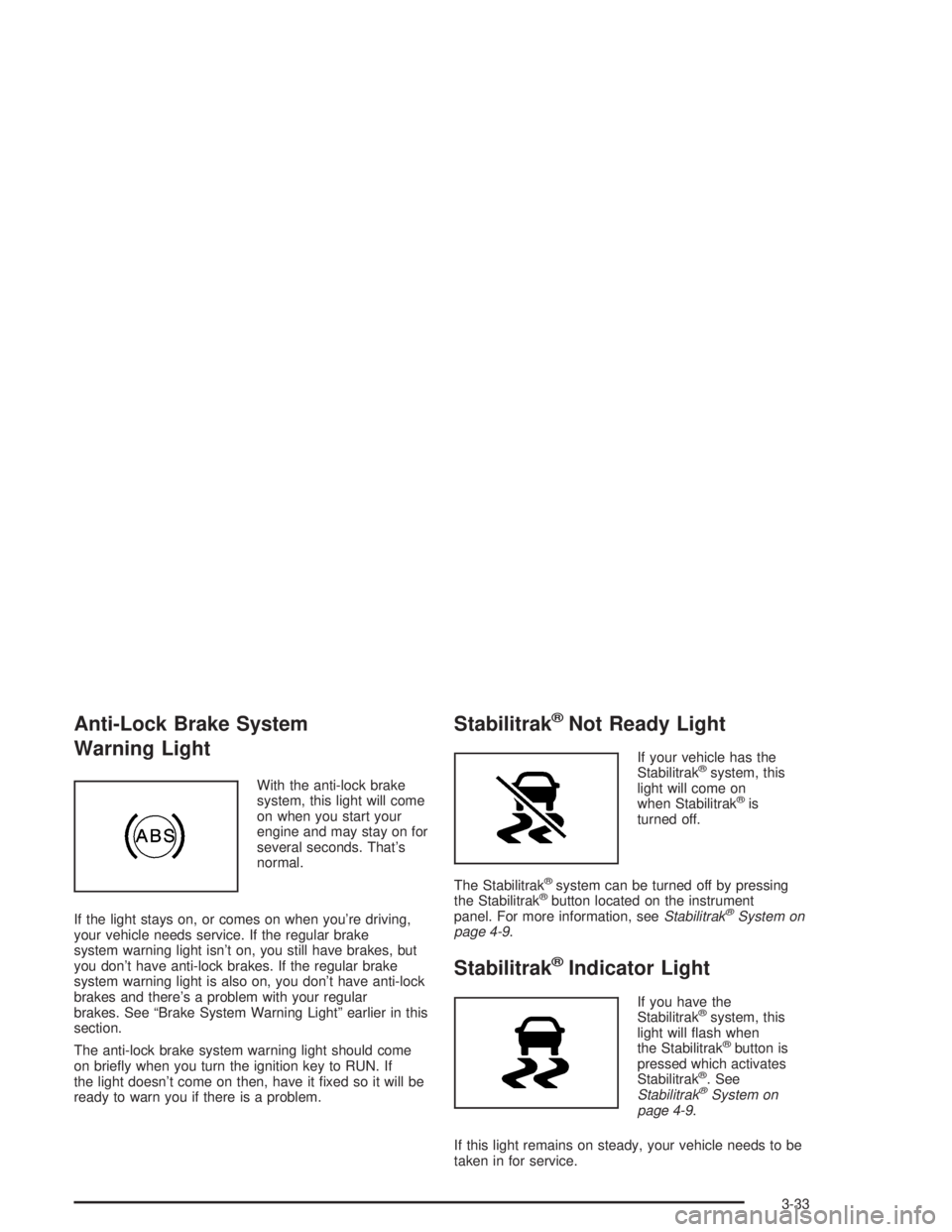
With the anti-lock brake
system, this light will come
on when you start your
engine and may stay on for
several seconds. That’s
normal.
If the light stays on, or comes on when you’re driving,
your vehicle needs service. If the regular brake
system warning light isn’t on, you still have brakes, but
you don’t have anti-lock brakes. If the regular brake
system warning light is also on, you don’t have anti-lock
brakes and there’s a problem with your regular
brakes. See “Brake System Warning Light” earlier in this
section.
The anti-lock brake system warning light should come
on briey when you turn the ignition key to RUN. If
the light doesn’t come on then, have it xed so it will be
ready to warn you if there is a problem.
Stabilitrak®Not Ready Light
If your vehicle has the
Stabilitrak®system, this
light will come on
when Stabilitrak
®is
turned off.
The Stabilitrak
®system can be turned off by pressing
the Stabilitrak®button located on the instrument
panel. For more information, seeStabilitrak®System on
page 4-9.
Stabilitrak®Indicator Light
If you have the
Stabilitrak®system, this
light will ash when
the Stabilitrak
®button is
pressed which activates
Stabilitrak
®. See
Stabilitrak®System on
page 4-9.
If this light remains on steady, your vehicle needs to be
taken in for service.
3-33
Page 161 of 398
Security Light
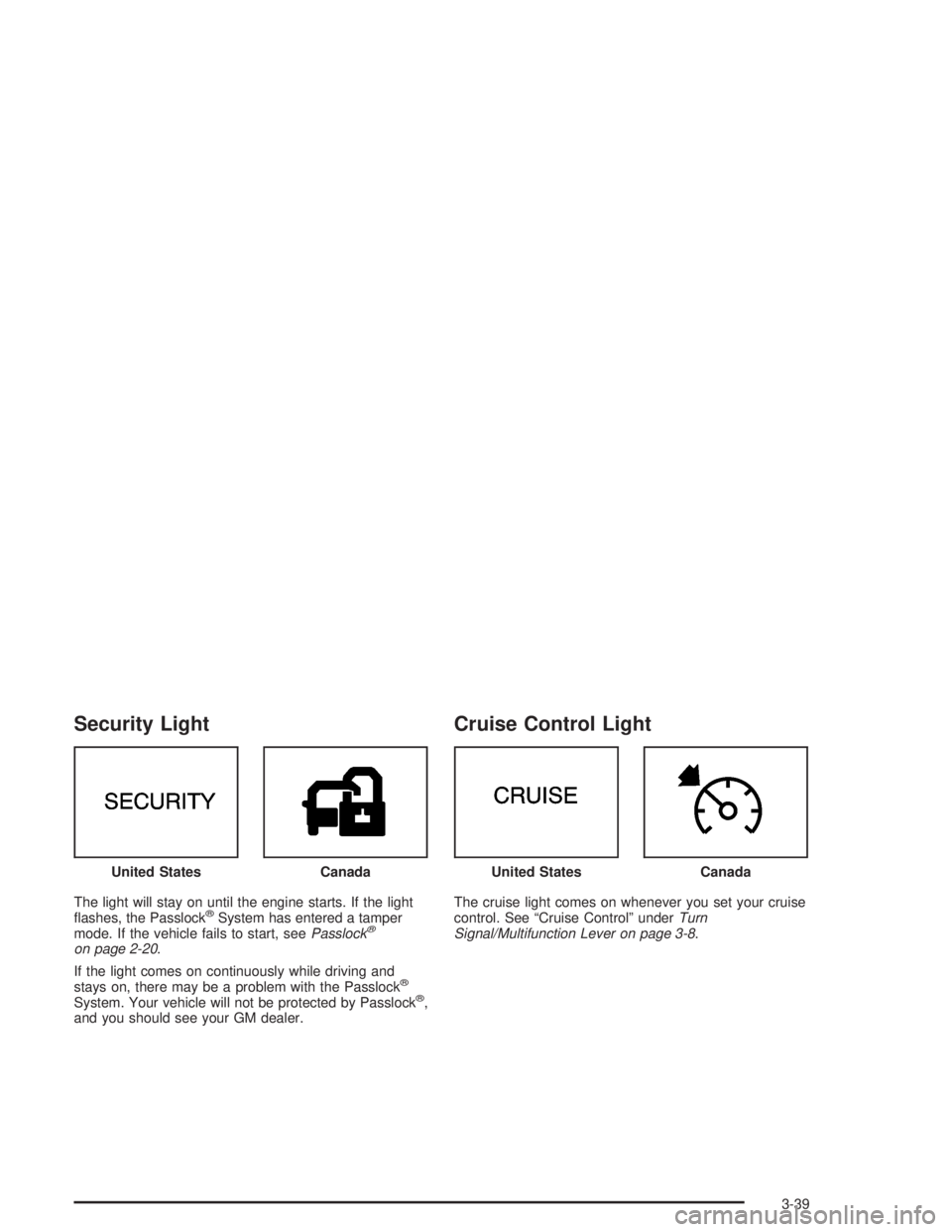
The light will stay on until the engine starts. If the light
ashes, the Passlock®System has entered a tamper
mode. If the vehicle fails to start, seePasslock®
on page 2-20.
If the light comes on continuously while driving and
stays on, there may be a problem with the Passlock
®
System. Your vehicle will not be protected by Passlock®,
and you should see your GM dealer.
Cruise Control Light
The cruise light comes on whenever you set your cruise
control. See “Cruise Control” underTurn
Signal/Multifunction Lever on page 3-8. United States
CanadaUnited StatesCanada
3-39
Page 167 of 398
To adjust both tone controls and both speaker controls
to the middle position, rst end out of audio mode
by pressing another button, causing the radio to perform
that function, or by waiting ve seconds for the display
to return to time of day. Then press and hold the AUDIO
button for more than two seconds until you hear a
beep. CEN will appear on the display.
Adjusting the Speakers (Balance/Fade)
AUDIO:To adjust the balance between the right
and the left speakers, press and release the AUDIO
button until BAL appears on the display. Then press and
hold the up or the down arrow to move the sound
toward the right or the left speakers.
To adjust the fade between the front and the rear
speakers, press and release the AUDIO button until
FAD appears on the display. Then press and hold the up
or the down arrow to move the sound toward the front
or the rear speakers.To adjust balance or fade to the middle position, select
BAL or FAD. Then press and hold the AUDIO button
for more than two seconds until you hear a beep. L and
a zero or F and a zero will appear on the display.
To adjust both tone controls and both speaker controls
to the middle position, rst end out of audio mode
by pressing another button, causing the radio to perform
that function, or by waiting ve seconds for the display
to return to time of day. Then press and hold the AUDIO
button for more than two seconds until you hear a
beep. CEN will appear on the display.
Radio Messages
CAL (Calibration):Your audio system has been
calibrated for your vehicle from the factory. If CAL
appears on the display it means that your radio has not
been congured properly for your vehicle and must
be returned to the dealer for service.
LOC (Locked):This message is displayed when the
THEFTLOCK
®system has locked up. You must
return to the dealer for service.
3-45
Page 170 of 398
To adjust balance or fade to the middle position, select
BAL or FAD. Then press and hold AUDIO for more
than two seconds until you hear a beep. L and a zero
or F and a zero will appear on the display.
To adjust both tone controls and both speaker controls
to the middle position, rst end out of audio mode
by pressing another button, causing the radio to perform
that function, or by waiting ve seconds for the display
to return to time of day. Then press and hold AUDIO for
more than two seconds until you hear a beep. CEN
will appear on the display.
Radio Messages
CAL (Calibration):Your audio system has been
calibrated for your vehicle from the factory. If CAL
appears on the display it means that your radio has not
been congured properly for your vehicle and must
be returned to the dealer for service.
LOC (Locked):This message is displayed when the
THEFTLOCK
®system has locked up. You must
return to the dealer for service.
Playing a CD
Insert a CD partway into the slot, label side up. The
player will pull it in and the CD should begin playing. CD
will appear on the display. If you want to insert a CD
when the ignition is off, rst press the eject button or the
RCL knob.
If you insert a CD with the radio off and the ignition on,
it will start to play.
If you turn off the ignition with a CD in the player, it will
stay in the player. When you turn on the ignition or
radio, the CD will start playing where it stopped, if it was
the last selected audio source.
As each new track starts to play, the track number will
appear on the display.
The CD player can play the smaller 8 cm single CDs
with an adapter ring. Full-size CDs and the smaller CDs
are loaded in the same manner.
If playing a CD-R the sound quality may be reduced
due to CD-R quality, the method of recording, the quality
of the music that has been recorded, and the way the
CD-R has been handled. You may experience an
increase in skipping, difficulty in nding tracks, and/or
difficulty in loading and ejecting. If these problems occur
try a known good CD.
3-48
Page 178 of 398
Radio Messages
CAL ERR (Calibration Error):Your audio system has
been calibrated for your vehicle from the factory. If
CAL ERR appears on the display it means that your
radio has not been congured properly for your vehicle
and must be returned to the dealer for service.
LOCKED:This message is displayed when the
THEFTLOCK
®system has locked up. You must return
to the dealer for service.
Playing a Cassette Tape
Your tape player is built to work best with tapes that are
up to 30 to 45 minutes long on each side. Tapes
longer than that are so thin they may not work well in
this player. The longer side with the tape visible should
face to the right. If the ignition is on, but the radio is
off, the tape can be inserted and will begin playing. A
tape symbol will appear on the display whenever a tape
is inserted. If you hear nothing or hear a garbled
sound, the tape may not be in squarely. Press the eject
button to remove the tape and start over.
While the tape is playing, use the VOL, AUDIO, and
SEEK controls just as you do for the radio. The display
will show TAPE and an arrow showing which side of the
tape is playing. The tape player automatically begins
playing the other side when it reaches the end of
the tape.If you want to insert a tape while the ignition is off, rst
press the eject button or the DISP knob. Cassette
tape adapter kits for portable CD players will work in
your cassette tape player.
Your tape bias is set automatically when a metal or
chrome tape is inserted.
If an error appears on the display, see “Cassette Tape
Messages” later in this section.
1 PREV (Previous):Your tape must have at least three
seconds of silence between each selection for previous
to work. Press this pushbutton to go to the previous
selection on the tape if the current selection has been
playing for less than three seconds. If pressed when the
current selection has been playing from 3 to 13 seconds,
it will go to the beginning of the previous selection or
the beginning of the current selection, depending upon
the position on the tape. If pressed when the current
selection has been playing for more than 13 seconds, it
will go to the beginning of the current selection.
SEEK and a negative number will appear on the display
while the cassette player is in the previous mode.
Pressing this pushbutton multiple times will increase the
number of selections to be searched back, up to -9.
3-56
Page 180 of 398
Cassette Tape Messages
CHK TAPE (Check Tape):If CHK TAPE appears on
the radio display, the tape will not play because of
one of the following errors:
The tape is tight and the player cannot turn the
tape hubs. Remove the tape. Hold the tape with
the open end down and try to turn the right
hub counterclockwise with a pencil. Turn the tape
over and repeat. If the hubs do not turn easily, your
tape may be damaged and should not be used in
the player. Try a new tape to make sure your player
is working properly.
The tape is broken. Try a new tape.
The tape is wrapped around the tape head. Attempt
to get the cassette out. Try a new tape.
CLEAN:If this message appears on the display, the
cassette tape player needs to be cleaned. It will still play
tapes, but you should clean it as soon as possible to
prevent damage to the tapes and player. SeeCare
of Your Cassette Tape Player on page 3-72.
If the cassette tape is not playing correctly, for any other
reason, try a known good tape.
If any error occurs repeatedly or if an error cannot be
corrected, contact your dealer. If your radio displays an
error message, write it down and provide it to your
dealer when reporting the problem.
CD Adapter Kits
It is possible to use a portable CD player with your
cassette tape player after activating the bypass feature
on your tape player.
To activate the bypass feature, perform the following
steps:
1. Turn the ignition on.
2. Turn the radio off.
3. Press and hold the TAPE DISC button for ve
seconds. READY will appear on the display and
the tape symbol on the display will ash, indicating
the feature is active.
4. Insert the adapter into the cassette tape slot. It will
power up the radio and begin playing.
The override feature will remain active until the eject
button is pressed.
Playing a CD
Insert a CD partway into the slot, label side up. The
player will pull it in and the CD should begin playing. The
CD symbol will appear on the display. If you want to
insert a CD with the ignition off, rst press the eject
button or the DISP knob.
3-58
Page 194 of 398
Theft-Deterrent Feature
(Non-RDS Radios)
THEFTLOCK®is designed to discourage theft of your
radio. The feature works automatically by learning
a portion of the Vehicle Identication Number (VIN). If
the radio is moved to a different vehicle, it will not
operate and LOC will appear on the display.
With THEFTLOCK
®activated, your radio will not
operate if stolen.
Theft-Deterrent Feature
(RDS Radios)
THEFTLOCK®is designed to discourage theft of your
radio. The feature works automatically by learning
a portion of the Vehicle Identication Number (VIN). If
the radio is moved to a different vehicle, it will not
operate and LOCKED will appear on the display.
When the radio and vehicle are turned off, the blinking
red light indicates that THEFTLOCK
®is armed.
With THEFTLOCK
®activated, your radio will not operate
if stolen.
Radio Reception
AM
The range for most AM stations is greater than for FM,
especially at night. The longer range, however, can
cause stations to interfere with each other. AM can pick
up noise from things like storms and power lines. Try
reducing the treble to reduce this noise.
FM
FM stereo will give you the best sound, but FM signals
will reach only about 10 to 40 miles (16 to 65 km).
Tall buildings or hills can interfere with FM signals,
causing the sound to come and go.
Care of Your Cassette Tape Player
A tape player that is not cleaned regularly can cause
reduced sound quality, ruined cassettes, or a damaged
mechanism. Cassette tapes should be stored in their
cases away from contaminants, direct sunlight, and
extreme heat. If they are not, they may not operate
properly or may cause failure of the tape player.
3-72
Page 197 of 398
Your Driving, the Road, and Your Vehicle..........4-2
Defensive Driving...........................................4-2
Drunken Driving.............................................4-3
Control of a Vehicle........................................4-6
Braking.........................................................4-6
Locking Rear Axle..........................................4-9
Stabilitrak
®System.........................................4-9
Steering......................................................4-11
Off-Road Recovery.......................................4-13
Passing.......................................................4-14
Loss of Control.............................................4-15
Driving at Night............................................4-16
Driving in Rain and on Wet Roads..................4-18City Driving..................................................4-21
Freeway Driving...........................................4-22
Before Leaving on a Long Trip.......................4-23
Highway Hypnosis........................................4-24
Hill and Mountain Roads................................4-24
Winter Driving..............................................4-26
If You Are Stuck: In Sand, Mud,
Ice or Snow..............................................4-30
Towing..........................................................4-31
Towing Your Vehicle.....................................4-31
Recreational Vehicle Towing...........................4-31
Loading Your Vehicle....................................4-31
Towing a Trailer...........................................4-37
Section 4 Driving Your Vehicle
4-1
Page 203 of 398
Avoid needless heavy braking. Some people drive
in spurts — heavy acceleration followed by heavy
braking — rather than keeping pace with traffic. This is
a mistake. Your brakes may not have time to cool
between hard stops. Your brakes will wear out much
faster if you do a lot of heavy braking. If you keep pace
with the traffic and allow realistic following distances,
you will eliminate a lot of unnecessary braking.
That means better braking and longer brake life.
If your engine ever stops while you are driving, brake
normally but do not pump your brakes. If you do,
the pedal may get harder to push down. If your engine
stops, you will still have some power brake assist.
But you will use it when you brake. Once the power
assist is used up, it may take longer to stop and
the brake pedal will be harder to push.Anti-lock Brake System
Your vehicle has anti-lock brakes. ABS is an advanced
electronic braking system that will help prevent a
braking skid.
When you start your engine and begin to drive away,
your anti-lock brake system will check itself. You
may hear a momentary motor or clicking noise while
this test is going on. This is normal.
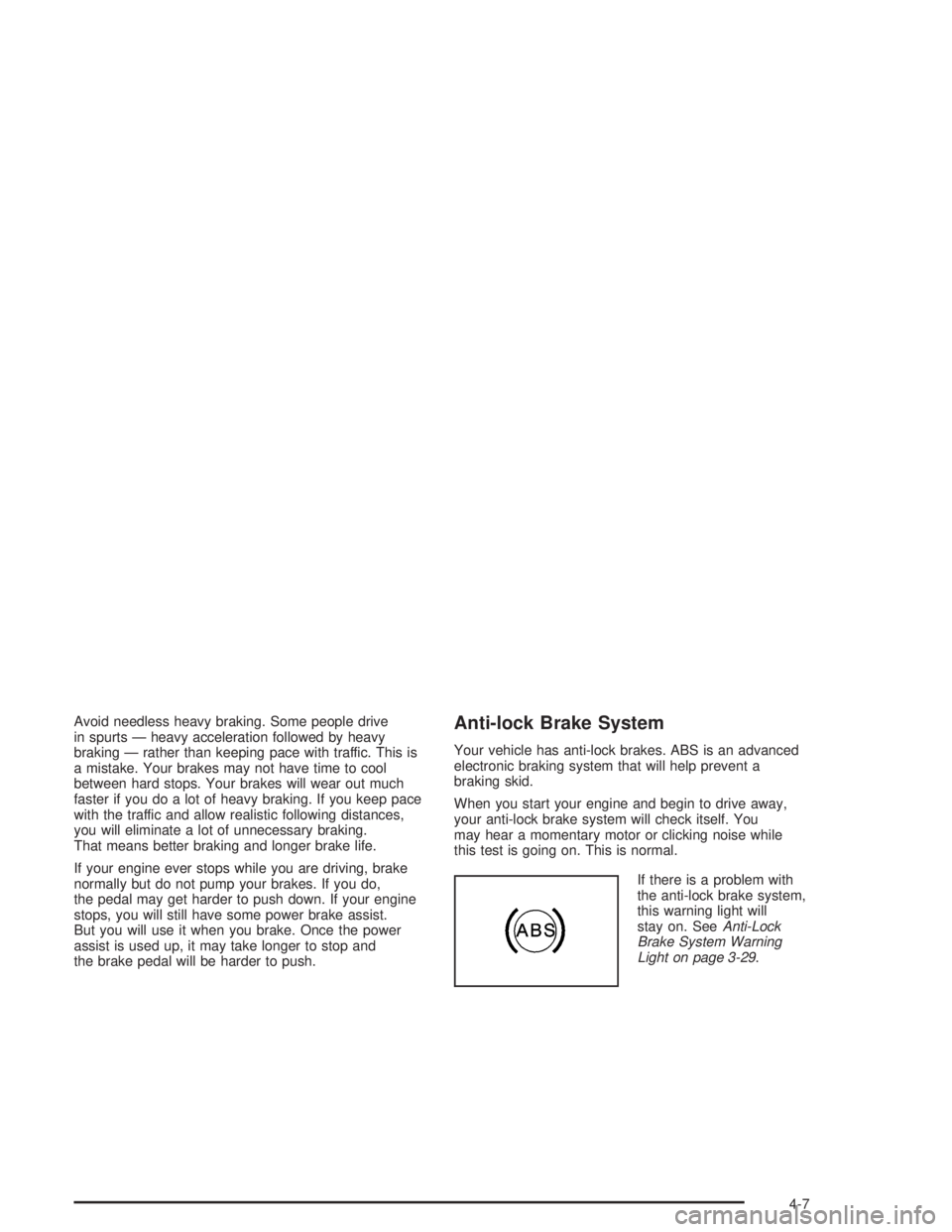
If there is a problem with
the anti-lock brake system,
this warning light will
stay on. SeeAnti-Lock
Brake System Warning
Light on page 3-29.
4-7