lock GMC SAVANA 2005 Workshop Manual
[x] Cancel search | Manufacturer: GMC, Model Year: 2005, Model line: SAVANA, Model: GMC SAVANA 2005Pages: 384, PDF Size: 2.41 MB
Page 195 of 384
Anti-Lock Brake System (ABS)
Your vehicle has anti-lock brakes. ABS is an advanced
electronic braking system that will help prevent a
braking skid.
When you start your engine and begin to drive away,
your anti-lock brake system will check itself. You
may hear a momentary motor or clicking noise while
this test is going on. This is normal.
If there is a problem with
the anti-lock brake system,
this warning light will
stay on. SeeAnti-Lock
Brake System Warning
Light on page 3-31.
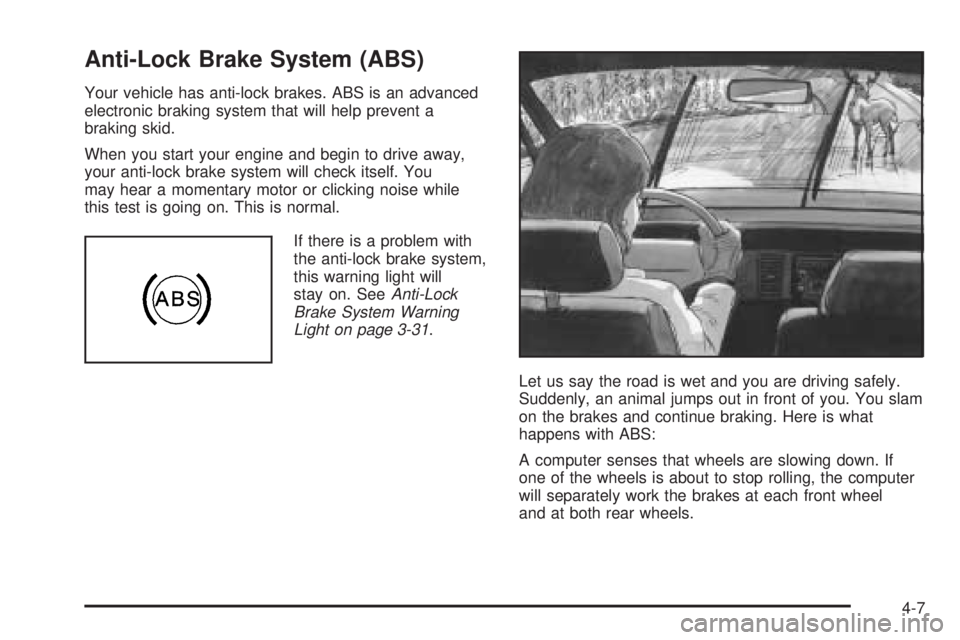
Let us say the road is wet and you are driving safely.
Suddenly, an animal jumps out in front of you. You slam
on the brakes and continue braking. Here is what
happens with ABS:
A computer senses that wheels are slowing down. If
one of the wheels is about to stop rolling, the computer
will separately work the brakes at each front wheel
and at both rear wheels.
4-7
Page 196 of 384
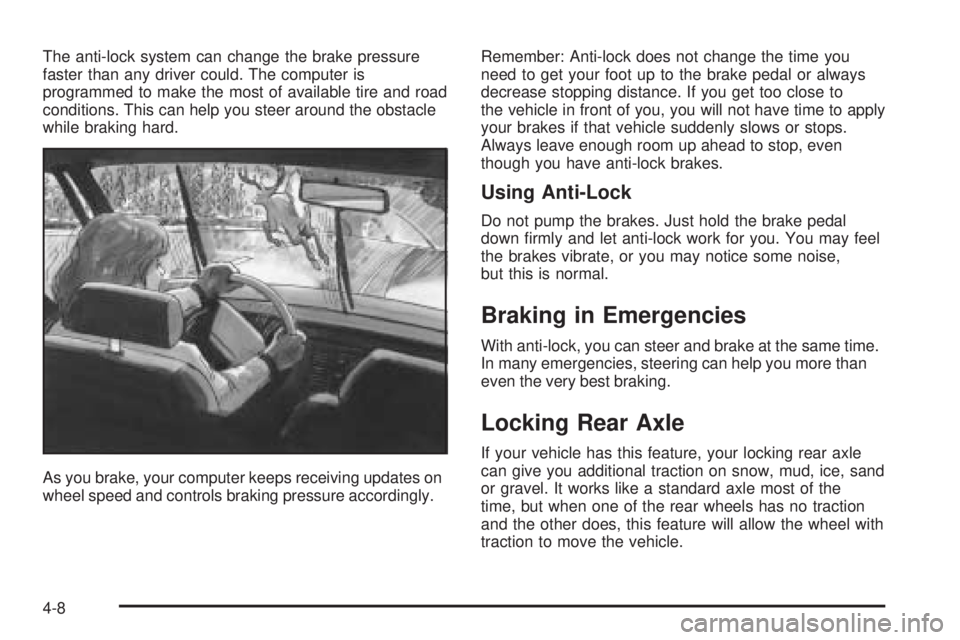
The anti-lock system can change the brake pressure
faster than any driver could. The computer is
programmed to make the most of available tire and road
conditions. This can help you steer around the obstacle
while braking hard.
As you brake, your computer keeps receiving updates on
wheel speed and controls braking pressure accordingly.Remember: Anti-lock does not change the time you
need to get your foot up to the brake pedal or always
decrease stopping distance. If you get too close to
the vehicle in front of you, you will not have time to apply
your brakes if that vehicle suddenly slows or stops.
Always leave enough room up ahead to stop, even
though you have anti-lock brakes.
Using Anti-Lock
Do not pump the brakes. Just hold the brake pedal
down rmly and let anti-lock work for you. You may feel
the brakes vibrate, or you may notice some noise,
but this is normal.
Braking in Emergencies
With anti-lock, you can steer and brake at the same time.
In many emergencies, steering can help you more than
even the very best braking.
Locking Rear Axle
If your vehicle has this feature, your locking rear axle
can give you additional traction on snow, mud, ice, sand
or gravel. It works like a standard axle most of the
time, but when one of the rear wheels has no traction
and the other does, this feature will allow the wheel with
traction to move the vehicle.
4-8
Page 197 of 384
StabiliTrak®System
If your vehicle has StabiliTrak®, it combines anti-lock
brake, traction and stability control systems and
helps the driver maintain directional control of the
vehicle in most driving conditions.
When you rst start your vehicle and begin to drive
away, the system performs several diagnostic checks toensure that it is working properly. You may hear or feel
the system working. This is normal and does not
mean there is a problem with your vehicle. The system
should initialize before the vehicle reaches 20 mph
(32 km/h). In some cases, it may take approximately
2 miles (3.2 km) of driving before the system initializes.
The following chart describes the StabiliTrak
®not
ready light and the StabiliTrak®indicator light.
StabiliTrak®Not Ready Light StabiliTrak®Indicator Light Meaning
Off OffStabiliTrak
®is enabled, but not active.
The traction control is not active.
Off FlashingStabiliTrak
®is active, or the traction
control is active.
Off OnStabiliTrak
®is disabled due to system
fault. When on after restarting,
the vehicle needs to be serviced.
On OffStabiliTrak
®is disabled due to system
initialization or the driver has disabled
with switch.
On FlashingStabiliTrak
®is not initialized and
not disabled.
The traction control is active.
For more information, seeStabiliTrak Not Ready Light on page 3-31andStabiliTrak Indicator Light on page 3-32.
4-9
Page 201 of 384
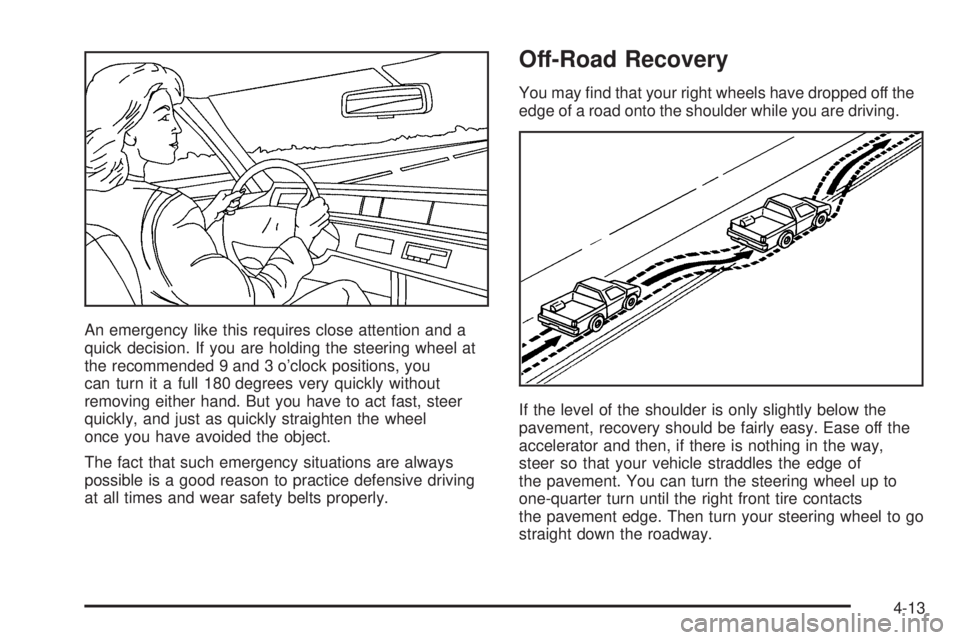
An emergency like this requires close attention and a
quick decision. If you are holding the steering wheel at
the recommended 9 and 3 o’clock positions, you
can turn it a full 180 degrees very quickly without
removing either hand. But you have to act fast, steer
quickly, and just as quickly straighten the wheel
once you have avoided the object.
The fact that such emergency situations are always
possible is a good reason to practice defensive driving
at all times and wear safety belts properly.
Off-Road Recovery
You may nd that your right wheels have dropped off the
edge of a road onto the shoulder while you are driving.
If the level of the shoulder is only slightly below the
pavement, recovery should be fairly easy. Ease off the
accelerator and then, if there is nothing in the way,
steer so that your vehicle straddles the edge of
the pavement. You can turn the steering wheel up to
one-quarter turn until the right front tire contacts
the pavement edge. Then turn your steering wheel to go
straight down the roadway.
4-13
Page 204 of 384
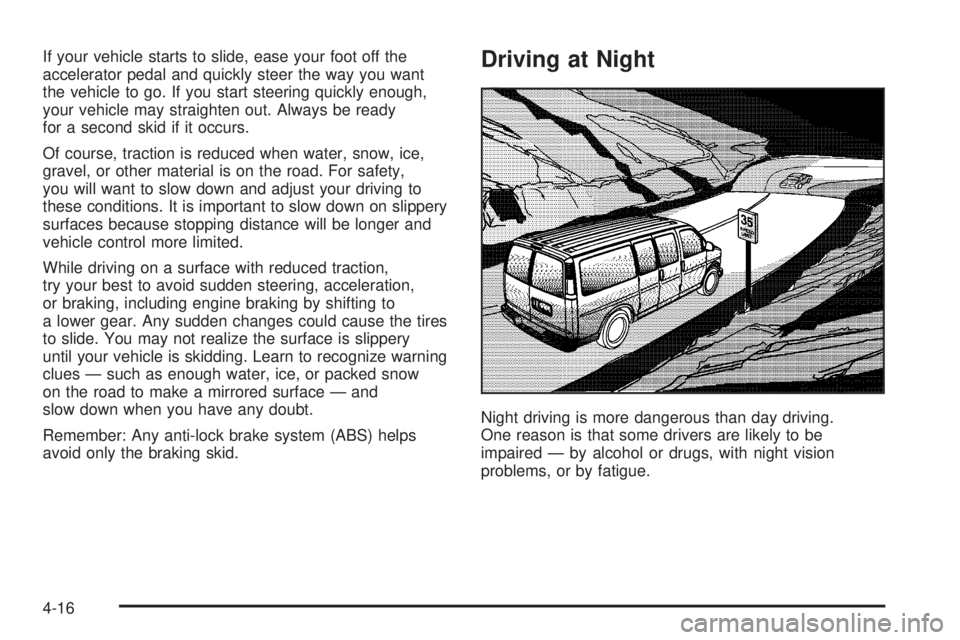
If your vehicle starts to slide, ease your foot off the
accelerator pedal and quickly steer the way you want
the vehicle to go. If you start steering quickly enough,
your vehicle may straighten out. Always be ready
for a second skid if it occurs.
Of course, traction is reduced when water, snow, ice,
gravel, or other material is on the road. For safety,
you will want to slow down and adjust your driving to
these conditions. It is important to slow down on slippery
surfaces because stopping distance will be longer and
vehicle control more limited.
While driving on a surface with reduced traction,
try your best to avoid sudden steering, acceleration,
or braking, including engine braking by shifting to
a lower gear. Any sudden changes could cause the tires
to slide. You may not realize the surface is slippery
until your vehicle is skidding. Learn to recognize warning
clues — such as enough water, ice, or packed snow
on the road to make a mirrored surface — and
slow down when you have any doubt.
Remember: Any anti-lock brake system (ABS) helps
avoid only the braking skid.Driving at Night
Night driving is more dangerous than day driving.
One reason is that some drivers are likely to be
impaired — by alcohol or drugs, with night vision
problems, or by fatigue.
4-16
Page 215 of 384
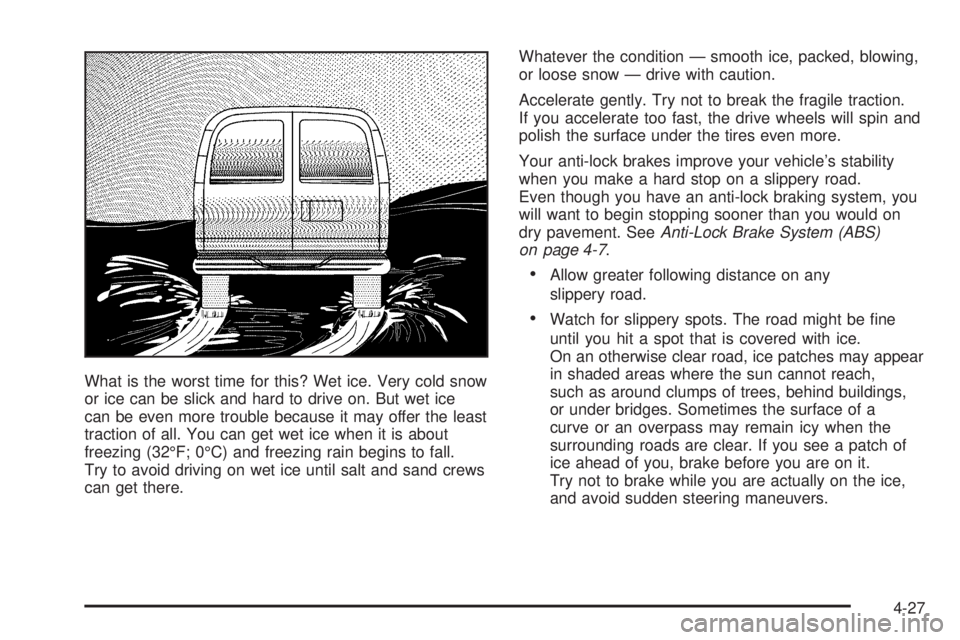
What is the worst time for this? Wet ice. Very cold snow
or ice can be slick and hard to drive on. But wet ice
can be even more trouble because it may offer the least
traction of all. You can get wet ice when it is about
freezing (32°F; 0°C) and freezing rain begins to fall.
Try to avoid driving on wet ice until salt and sand crews
can get there.Whatever the condition — smooth ice, packed, blowing,
or loose snow — drive with caution.
Accelerate gently. Try not to break the fragile traction.
If you accelerate too fast, the drive wheels will spin and
polish the surface under the tires even more.
Your anti-lock brakes improve your vehicle’s stability
when you make a hard stop on a slippery road.
Even though you have an anti-lock braking system, you
will want to begin stopping sooner than you would on
dry pavement. SeeAnti-Lock Brake System (ABS)
on page 4-7.
Allow greater following distance on any
slippery road.
Watch for slippery spots. The road might be ne
until you hit a spot that is covered with ice.
On an otherwise clear road, ice patches may appear
in shaded areas where the sun cannot reach,
such as around clumps of trees, behind buildings,
or under bridges. Sometimes the surface of a
curve or an overpass may remain icy when the
surrounding roads are clear. If you see a patch of
ice ahead of you, brake before you are on it.
Try not to brake while you are actually on the ice,
and avoid sudden steering maneuvers.
4-27
Page 217 of 384
{CAUTION:
Snow can trap exhaust gases under your
vehicle. This can cause deadly CO (carbon
monoxide) gas to get inside. CO could
overcome you and kill you. You cannot see it
or smell it, so you might not know it is in your
vehicle. Clear away snow from around the
base of your vehicle, especially any that is
blocking your exhaust pipe. And check around
again from time to time to be sure snow does
not collect there.
Open a window just a little on the side of the
vehicle that is away from the wind. This will
help keep CO out.Run your engine only as long as you must. This saves
fuel. When you run the engine, make it go a little
faster than just idle. That is, push the accelerator
slightly. This uses less fuel for the heat that you get and
it keeps the battery (or batteries) charged. You will
need a well-charged battery (or batteries) to restart the
vehicle, and possibly for signaling later on with your
headlamps. Let the heater run for a while.
Then, shut the engine off and close the window almost
all the way to preserve the heat. Start the engine
again and repeat this only when you feel really
uncomfortable from the cold. But do it as little as
possible. Preserve the fuel as long as you can. To help
keep warm, you can get out of the vehicle and do
some fairly vigorous exercises every half hour or so until
help comes.
4-29
Page 219 of 384
Loading Your Vehicle
It is very important to know how much weight your
vehicle can carry. This weight is called the vehicle
capacity weight and includes the weight of all occupants,
cargo and all nonfactory-installed options. Two labels
on your vehicle show how much weight it was designed
to carry, the Tire and Loading Information label and
the Certication/Tire label.
{CAUTION:
Do not load your vehicle any heavier than the
Gross Vehicle Weight Rating (GVWR), or either
the maximum front or rear Gross Axle Weight
Rating (GAWR). If you do, parts on your
vehicle can break, and it can change the way
your vehicle handles. These could cause you
to lose control and crash. Also, overloading
can shorten the life of your vehicle.
Tire and Loading Information Label
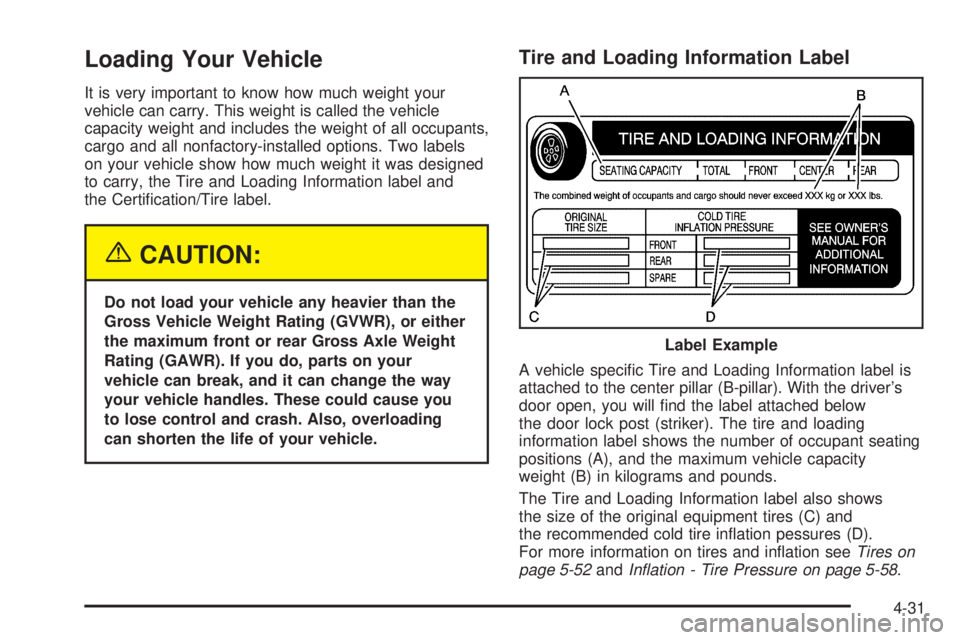
A vehicle specic Tire and Loading Information label is
attached to the center pillar (B-pillar). With the driver’s
door open, you will nd the label attached below
the door lock post (striker). The tire and loading
information label shows the number of occupant seating
positions (A), and the maximum vehicle capacity
weight (B) in kilograms and pounds.
The Tire and Loading Information label also shows
the size of the original equipment tires (C) and
the recommended cold tire ination pessures (D).
For more information on tires and ination seeTires on
page 5-52andInation - Tire Pressure on page 5-58. Label Example
4-31
Page 240 of 384
Windshield Wiper Blade Replacement..............5-51
Tires..............................................................5-52
Tire Sidewall Labelling...................................5-53
Tire Terminology and Denitions.....................5-56
Ination - Tire Pressure.................................5-58
Dual Tire Operation.......................................5-60
Tire Inspection and Rotation...........................5-60
When It Is Time for New Tires.......................5-62
Buying New Tires.........................................5-63
Uniform Tire Quality Grading..........................5-64
Wheel Alignment and Tire Balance..................5-65
Wheel Replacement......................................5-65
Tire Chains..................................................5-67
If a Tire Goes Flat........................................5-68
Changing a Flat Tire.....................................5-68
Removing the Spare Tire and Tools................5-70
Removing the Flat Tire and Installing
the Spare Tire..........................................5-73
Secondary Latch System...............................5-79
Storing a Flat or Spare Tire and Tools............5-82
Spare Tire...................................................5-83
Appearance Care............................................5-84
Fabric/Carpet...............................................5-85
Vinyl...........................................................5-86
Instrument Panel..........................................5-86
Interior Plastic Components............................5-86Glass Surfaces.............................................5-86
Care of Safety Belts......................................5-87
Weatherstrips...............................................5-87
Washing Your Vehicle...................................5-87
Cleaning Exterior Lamps/Lenses.....................5-88
Finish Care..................................................5-88
Windshield and Wiper Blades.........................5-89
Aluminum Wheels.........................................5-89
Tires...........................................................5-90
Sheet Metal Damage.....................................5-90
Finish Damage.............................................5-90
Underbody Maintenance................................5-90
Chemical Paint Spotting.................................5-90
Vehicle Care/Appearance Materials..................5-91
Vehicle Identication......................................5-92
Vehicle Identication Number (VIN).................5-92
Service Parts Identication Label.....................5-92
Electrical System............................................5-93
Add-On Electrical Equipment..........................5-93
Headlamp Wiring..........................................5-93
Windshield Wiper Fuses................................5-93
Fuses and Circuit Breakers............................5-93
Floor Console Fuse Block..............................5-94
Engine Compartment Fuse Block....................5-95
Capacities and Specications..........................5-98
Section 5 Service and Appearance Care
5-2
Page 246 of 384
Filling Your Tank
{CAUTION:
Fuel vapor burns violently and a fuel re can
cause bad injuries. To help avoid injuries to
you and others, read and follow all the
instructions on the pump island. Turn off your
engine when you are refueling. Do not smoke
if you are near fuel or refueling your vehicle.
Keep sparks, ames and smoking materials
away from fuel. Do not leave the fuel pump
unattended when refueling your vehicle — this
is against the law in some places. Keep
children away from the fuel pump; never let
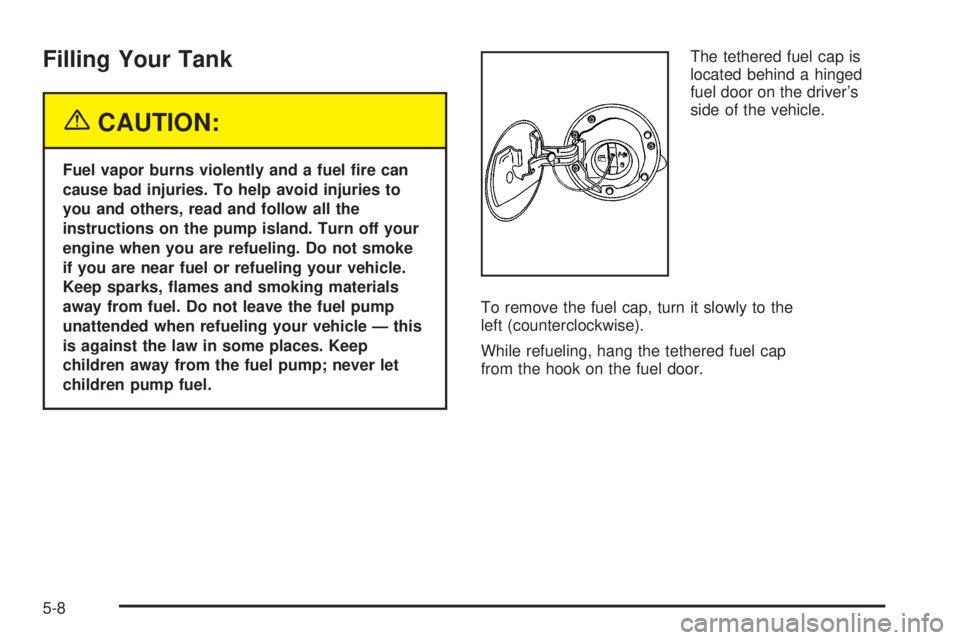
children pump fuel.The tethered fuel cap is
located behind a hinged
fuel door on the driver’s
side of the vehicle.
To remove the fuel cap, turn it slowly to the
left (counterclockwise).
While refueling, hang the tethered fuel cap
from the hook on the fuel door.
5-8