ignition GMC SAVANA 2011 User Guide
[x] Cancel search | Manufacturer: GMC, Model Year: 2011, Model line: SAVANA, Model: GMC SAVANA 2011Pages: 414, PDF Size: 5.27 MB
Page 43 of 414
Black plate (13,1)GMC Savana Owner Manual - 2011
Keys, Doors and Windows 2-13
It is possible for the PASS-Key III+
decoder to learn the transponder
value of a new or replacement key.
Up to 10 keys may be programmed
for the vehicle. This procedure is for
learning additional keys only. If all
the currently programmed keys are
lost or do not operate, you must see
your dealer or a locksmith who can
service PASS-Key III+ to have keys
made and programmed to the
system.
See your dealer or a locksmith who
can service PASS-Key III+ to get a
new key blank that is cut exactly as
the ignition key that operates the
system.To program the new key:
1. Verify the new key has
1
stamped on it.
2. Insert the original, already programmed key into the ignition
lock cylinder and start the
engine. If the engine will not
start, see your dealer for service.
3. After the engine has started, turn the key to LOCK/OFF and
remove the key.
4. Insert the key to be programmed and turn it to ON/RUN within
10 seconds of removing the
previous key.
The security message will turn
off once the key has been
programmed. It may not be
apparent that the security
message went on due to how
quickly the key is programmed. 5. Repeat Steps 1 through 4 if
additional keys are to be
programmed.
If you lose or damage a
PASS-Key III+ key, see your dealer
or a locksmith who can service
PASS-Key III+ to have a new
key made.
Do not leave the key or device that
disarms or deactivates the
theft-deterrent system in the vehicle.
Page 47 of 414
Black plate (17,1)GMC Savana Owner Manual - 2011
Keys, Doors and Windows 2-17
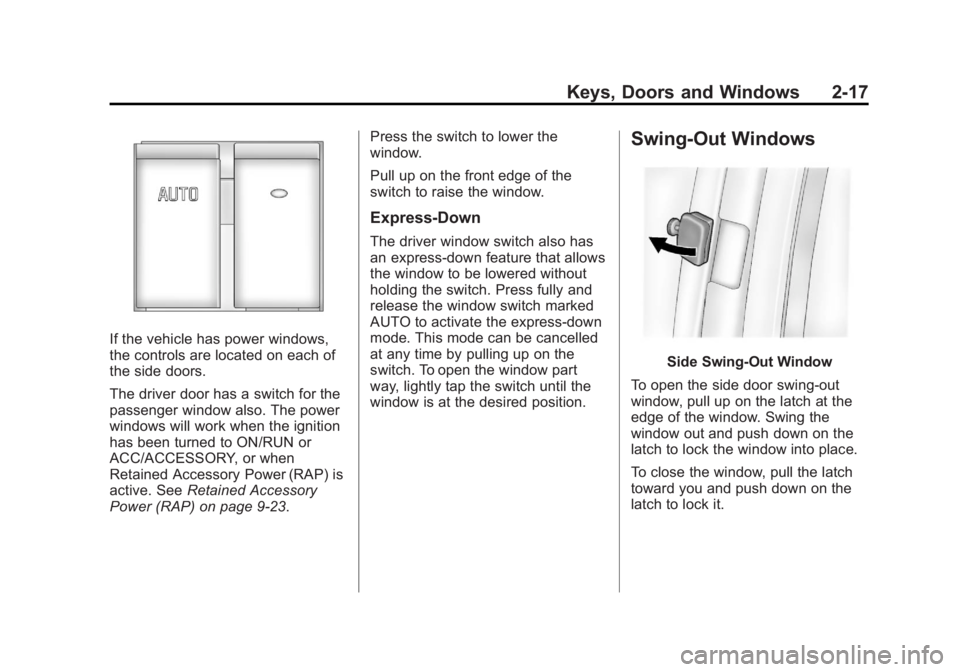
If the vehicle has power windows,
the controls are located on each of
the side doors.
The driver door has a switch for the
passenger window also. The power
windows will work when the ignition
has been turned to ON/RUN or
ACC/ACCESSORY, or when
Retained Accessory Power (RAP) is
active. SeeRetained Accessory
Power (RAP) on page 9‑23. Press the switch to lower the
window.
Pull up on the front edge of the
switch to raise the window.
Express‐Down
The driver window switch also has
an express-down feature that allows
the window to be lowered without
holding the switch. Press fully and
release the window switch marked
AUTO to activate the express-down
mode. This mode can be cancelled
at any time by pulling up on the
switch. To open the window part
way, lightly tap the switch until the
window is at the desired position.
Swing-Out Windows
Side Swing-Out Window
To open the side door swing-out
window, pull up on the latch at the
edge of the window. Swing the
window out and push down on the
latch to lock the window into place.
To close the window, pull the latch
toward you and push down on the
latch to lock it.
Page 86 of 414
Black plate (36,1)GMC Savana Owner Manual - 2011
3-36 Seats and Restraints
Canada and Mexico
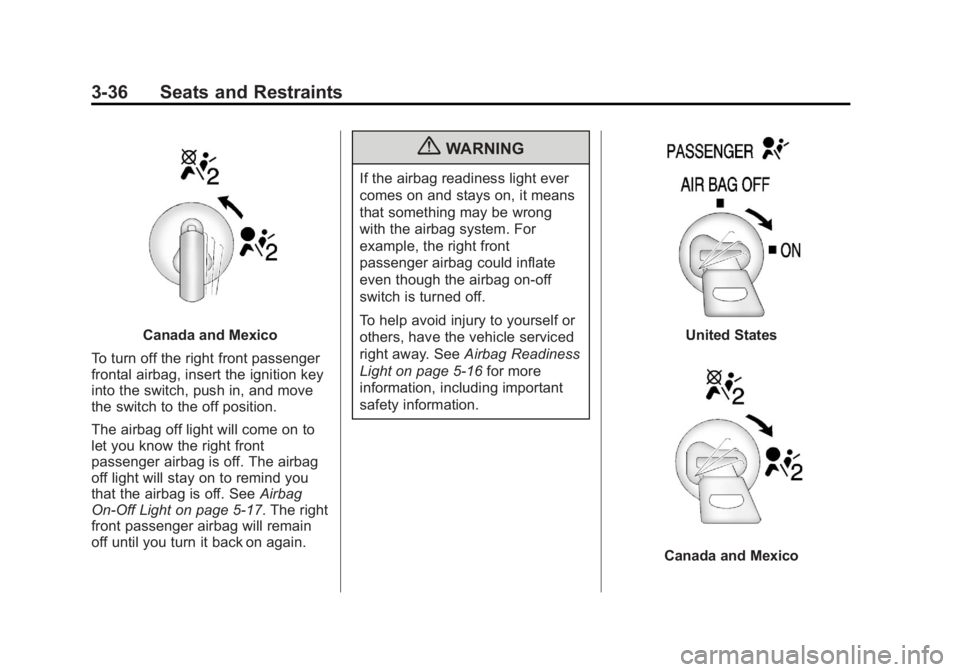
To turn off the right front passenger
frontal airbag, insert the ignition key
into the switch, push in, and move
the switch to the off position.
The airbag off light will come on to
let you know the right front
passenger airbag is off. The airbag
off light will stay on to remind you
that the airbag is off. See Airbag
On-Off Light on page 5‑17. The right
front passenger airbag will remain
off until you turn it back on again.
{WARNING
If the airbag readiness light ever
comes on and stays on, it means
that something may be wrong
with the airbag system. For
example, the right front
passenger airbag could inflate
even though the airbag on-off
switch is turned off.
To help avoid injury to yourself or
others, have the vehicle serviced
right away. See Airbag Readiness
Light on page 5‑16 for more
information, including important
safety information.
United States
Canada and Mexico
Page 87 of 414
Black plate (37,1)GMC Savana Owner Manual - 2011
Seats and Restraints 3-37
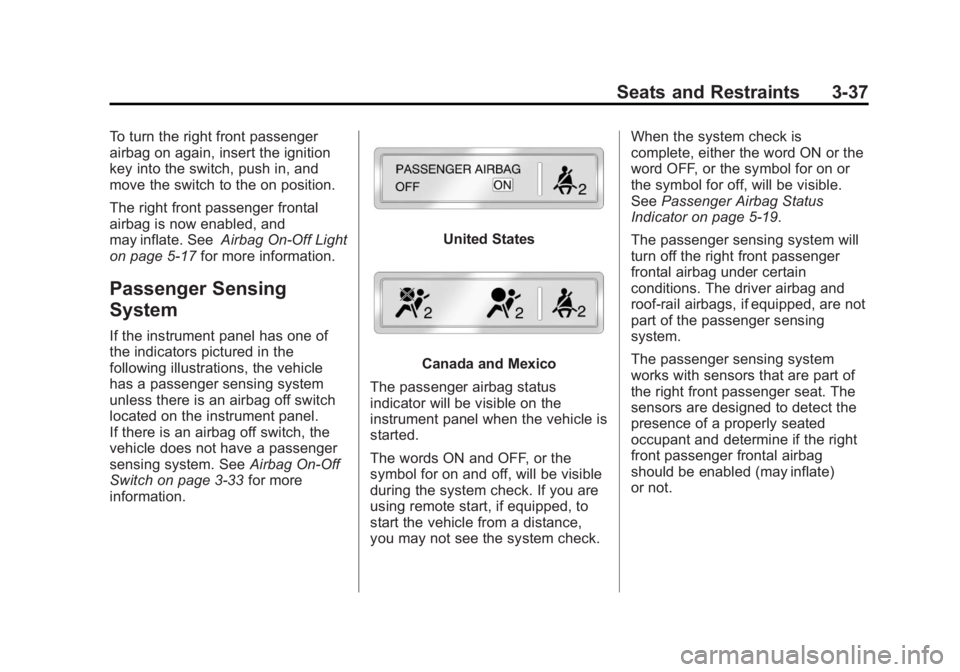
To turn the right front passenger
airbag on again, insert the ignition
key into the switch, push in, and
move the switch to the on position.
The right front passenger frontal
airbag is now enabled, and
may inflate. SeeAirbag On-Off Light
on page 5‑17 for more information.
Passenger Sensing
System
If the instrument panel has one of
the indicators pictured in the
following illustrations, the vehicle
has a passenger sensing system
unless there is an airbag off switch
located on the instrument panel.
If there is an airbag off switch, the
vehicle does not have a passenger
sensing system. See Airbag On-Off
Switch on page 3‑33 for more
information.
United States
Canada and Mexico
The passenger airbag status
indicator will be visible on the
instrument panel when the vehicle is
started.
The words ON and OFF, or the
symbol for on and off, will be visible
during the system check. If you are
using remote start, if equipped, to
start the vehicle from a distance,
you may not see the system check. When the system check is
complete, either the word ON or the
word OFF, or the symbol for on or
the symbol for off, will be visible.
See
Passenger Airbag Status
Indicator on page 5‑19.
The passenger sensing system will
turn off the right front passenger
frontal airbag under certain
conditions. The driver airbag and
roof-rail airbags, if equipped, are not
part of the passenger sensing
system.
The passenger sensing system
works with sensors that are part of
the right front passenger seat. The
sensors are designed to detect the
presence of a properly seated
occupant and determine if the right
front passenger frontal airbag
should be enabled (may inflate)
or not.
Page 91 of 414
Black plate (41,1)GMC Savana Owner Manual - 2011
Seats and Restraints 3-41
Additional Factors Affecting
System Operation
Safety belts help keep the
passenger in position on the seat
during vehicle maneuvers and
braking, which helps the passenger
sensing system maintain the
passenger airbag status. See
“Safety Belts”and“Child Restraints”
in the Index for additional
information about the importance of
proper restraint use.
A thick layer of additional material,
such as a blanket or cushion,
or aftermarket equipment such as
seat covers, seat heaters, and seat
massagers can affect how well the
passenger sensing system
operates. We recommend that you
not use seat covers or other
aftermarket equipment except when
approved by GM for your specific
vehicle. See Adding Equipment to
the Airbag-Equipped Vehicle on
page 3‑42 for more information
about modifications that can affect
how the system operates. The on indicator may be lit if an
object, such as a briefcase,
handbag, grocery bag, laptop or
other electronic device, is put on an
unoccupied seat. If this is not
desired remove the object from
the seat.
{WARNING
Stowing of articles under the
passenger seat or between the
passenger seat cushion and
seatback may interfere with the
proper operation of the passenger
sensing system.
Servicing the
Airbag-Equipped Vehicle
Airbags affect how the vehicle
should be serviced. There are parts
of the airbag system in several
places around the vehicle. Your
dealer and the service manual have
information about servicing the
vehicle and the airbag system. To
purchase a service manual, see
Service Publications Ordering
Information on page 13‑12.
{WARNING
For up to 10 seconds after the
ignition is turned off and the
battery is disconnected, an airbag
can still inflate during improper
service. You can be injured if you
are close to an airbag when it
inflates. Avoid yellow connectors.
They are probably part of the
airbag system. Be sure to follow
proper service procedures, and
make sure the person performing
work for you is qualified to do so.
Page 134 of 414
Black plate (12,1)GMC Savana Owner Manual - 2011
5-12 Instruments and Controls
If the vehicle has a diesel engine,
see the Duramax diesel supplement
for more information.
Speedometer
The speedometer shows the vehicle
speed in both kilometers per hour
(km/h) and miles per hour (mph).
Odometer
The odometer shows how far the
vehicle has been driven, in either
miles or kilometers.
This vehicle has a tamper-resistant
odometer. The digital odometer will
read 999,999 if it is turned back.
If the vehicle needs a new odometer
installed, it must be set to the
mileage total of the old odometer.
If that is not possible, then it must
be set at zero and a label must be
put on the driver door to show the
old mileage reading when the new
odometer was installed.
Trip Odometer
The trip odometer can show how far
the vehicle has been driven since
the trip odometer was last set
to zero.
Press the
3on the Driver
Information Center (DIC) switch to
display the trip odometer and the
regular odometer information.
See Driver Information Center (DIC)
on page 5‑27 for more information
on resetting the trip odometer.
To display the odometer reading
with the ignition off, press the
3on the Driver Information
Center (DIC) switch.
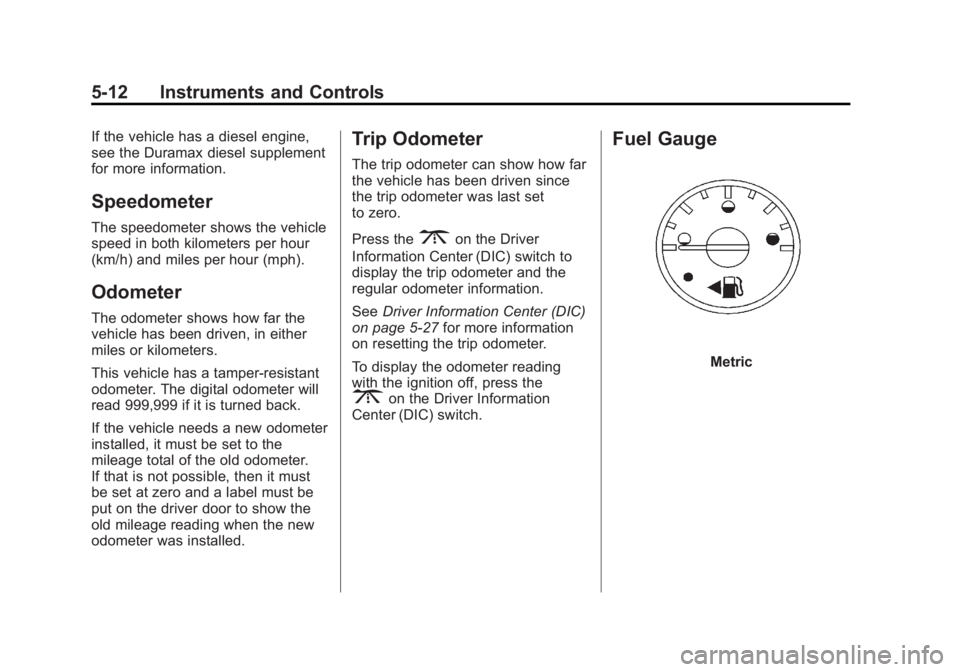
Fuel Gauge
Metric
Page 135 of 414
Black plate (13,1)GMC Savana Owner Manual - 2011
Instruments and Controls 5-13
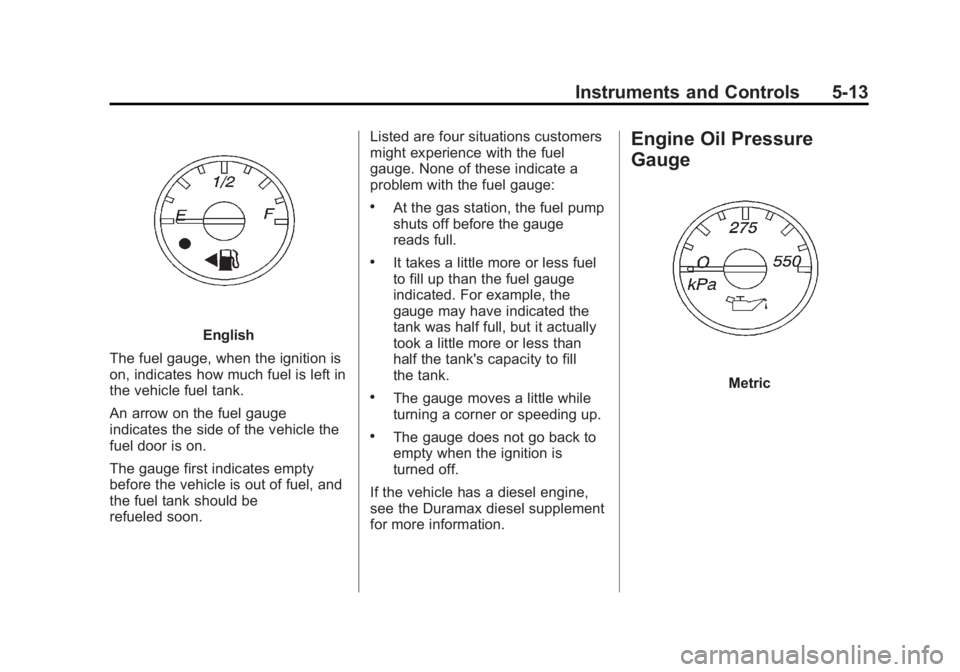
English
The fuel gauge, when the ignition is
on, indicates how much fuel is left in
the vehicle fuel tank.
An arrow on the fuel gauge
indicates the side of the vehicle the
fuel door is on.
The gauge first indicates empty
before the vehicle is out of fuel, and
the fuel tank should be
refueled soon. Listed are four situations customers
might experience with the fuel
gauge. None of these indicate a
problem with the fuel gauge:
.At the gas station, the fuel pump
shuts off before the gauge
reads full.
.It takes a little more or less fuel
to fill up than the fuel gauge
indicated. For example, the
gauge may have indicated the
tank was half full, but it actually
took a little more or less than
half the tank's capacity to fill
the tank.
.The gauge moves a little while
turning a corner or speeding up.
.The gauge does not go back to
empty when the ignition is
turned off.
If the vehicle has a diesel engine,
see the Duramax diesel supplement
for more information.
Engine Oil Pressure
Gauge
Metric
Page 137 of 414
Black plate (15,1)GMC Savana Owner Manual - 2011
Instruments and Controls 5-15
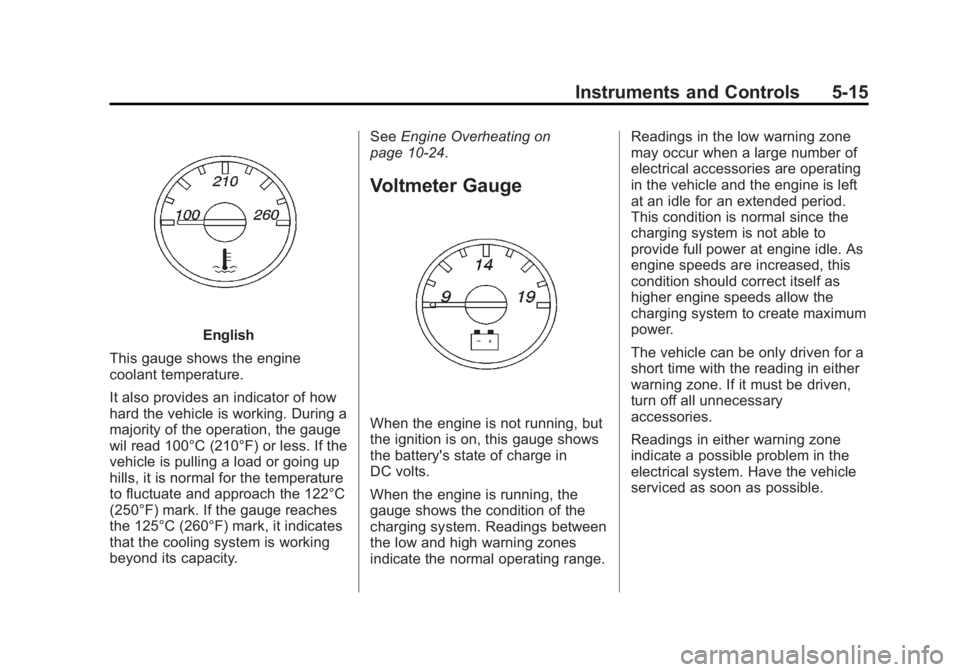
English
This gauge shows the engine
coolant temperature.
It also provides an indicator of how
hard the vehicle is working. During a
majority of the operation, the gauge
wil read 100°C (210°F) or less. If the
vehicle is pulling a load or going up
hills, it is normal for the temperature
to fluctuate and approach the 122°C
(250°F) mark. If the gauge reaches
the 125°C (260°F) mark, it indicates
that the cooling system is working
beyond its capacity. See
Engine Overheating on
page 10‑24.
Voltmeter Gauge
When the engine is not running, but
the ignition is on, this gauge shows
the battery's state of charge in
DC volts.
When the engine is running, the
gauge shows the condition of the
charging system. Readings between
the low and high warning zones
indicate the normal operating range. Readings in the low warning zone
may occur when a large number of
electrical accessories are operating
in the vehicle and the engine is left
at an idle for an extended period.
This condition is normal since the
charging system is not able to
provide full power at engine idle. As
engine speeds are increased, this
condition should correct itself as
higher engine speeds allow the
charging system to create maximum
power.
The vehicle can be only driven for a
short time with the reading in either
warning zone. If it must be driven,
turn off all unnecessary
accessories.
Readings in either warning zone
indicate a possible problem in the
electrical system. Have the vehicle
serviced as soon as possible.
Page 139 of 414
Black plate (17,1)GMC Savana Owner Manual - 2011
Instruments and Controls 5-17
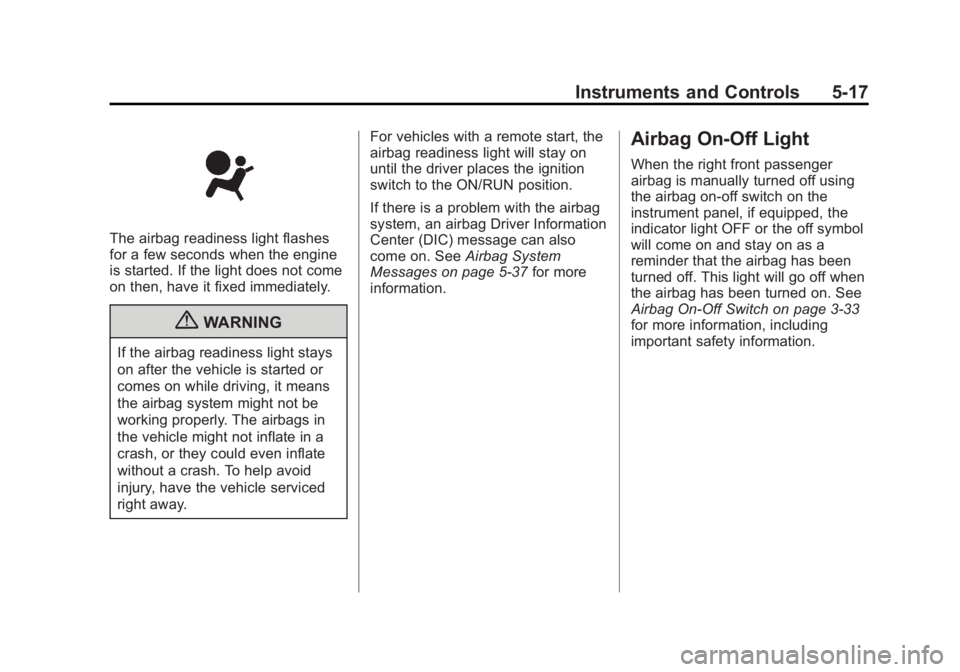
The airbag readiness light flashes
for a few seconds when the engine
is started. If the light does not come
on then, have it fixed immediately.
{WARNING
If the airbag readiness light stays
on after the vehicle is started or
comes on while driving, it means
the airbag system might not be
working properly. The airbags in
the vehicle might not inflate in a
crash, or they could even inflate
without a crash. To help avoid
injury, have the vehicle serviced
right away.For vehicles with a remote start, the
airbag readiness light will stay on
until the driver places the ignition
switch to the ON/RUN position.
If there is a problem with the airbag
system, an airbag Driver Information
Center (DIC) message can also
come on. See
Airbag System
Messages on page 5‑37 for more
information.
Airbag On-Off Light
When the right front passenger
airbag is manually turned off using
the airbag on-off switch on the
instrument panel, if equipped, the
indicator light OFF or the off symbol
will come on and stay on as a
reminder that the airbag has been
turned off. This light will go off when
the airbag has been turned on. See
Airbag On-Off Switch on page 3‑33
for more information, including
important safety information.
Page 142 of 414
Black plate (20,1)GMC Savana Owner Manual - 2011
5-20 Instruments and Controls
Charging System Light
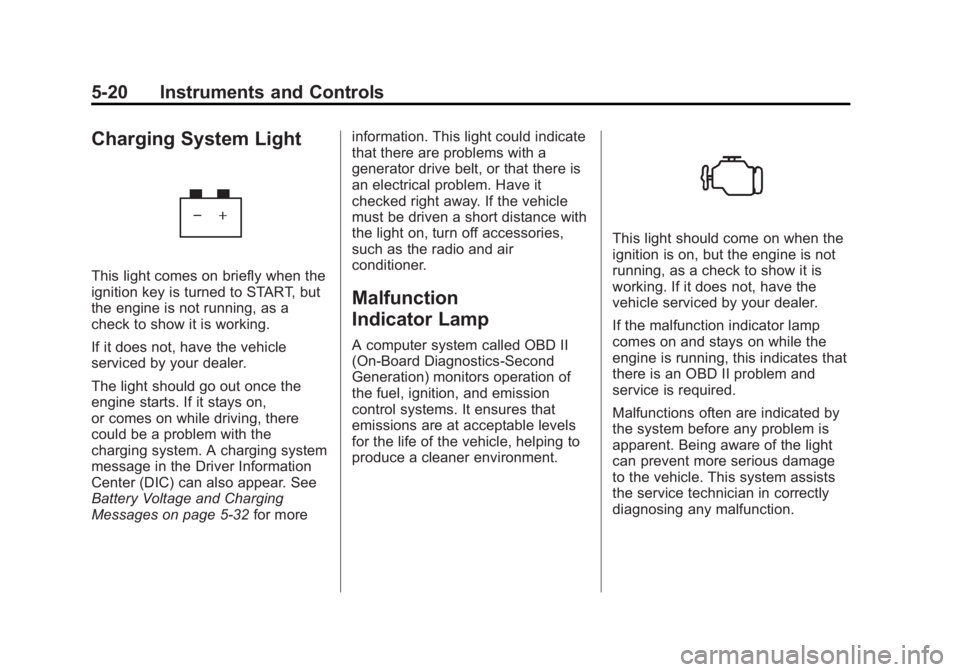
This light comes on briefly when the
ignition key is turned to START, but
the engine is not running, as a
check to show it is working.
If it does not, have the vehicle
serviced by your dealer.
The light should go out once the
engine starts. If it stays on,
or comes on while driving, there
could be a problem with the
charging system. A charging system
message in the Driver Information
Center (DIC) can also appear. See
Battery Voltage and Charging
Messages on page 5‑32for moreinformation. This light could indicate
that there are problems with a
generator drive belt, or that there is
an electrical problem. Have it
checked right away. If the vehicle
must be driven a short distance with
the light on, turn off accessories,
such as the radio and air
conditioner.
Malfunction
Indicator Lamp
A computer system called OBD II
(On-Board Diagnostics-Second
Generation) monitors operation of
the fuel, ignition, and emission
control systems. It ensures that
emissions are at acceptable levels
for the life of the vehicle, helping to
produce a cleaner environment.
This light should come on when the
ignition is on, but the engine is not
running, as a check to show it is
working. If it does not, have the
vehicle serviced by your dealer.
If the malfunction indicator lamp
comes on and stays on while the
engine is running, this indicates that
there is an OBD II problem and
service is required.
Malfunctions often are indicated by
the system before any problem is
apparent. Being aware of the light
can prevent more serious damage
to the vehicle. This system assists
the service technician in correctly
diagnosing any malfunction.