ABS GMC SAVANA PASSENGER 2010 Owners Manual
[x] Cancel search | Manufacturer: GMC, Model Year: 2010, Model line: SAVANA PASSENGER, Model: GMC SAVANA PASSENGER 2010Pages: 424, PDF Size: 2.38 MB
Page 4 of 424
Safety Warnings and Symbols
Warning Messages found on vehicle labels and in this
manual describe hazards and what to do to avoid
or reduce them.
Dangerindicates a hazard with a high level of risk
which will result in serious injury or death.
WarningorCautionindicates a hazard that could result
in injury or death.
{WARNING:
These mean there is something that could hurt
you or other people.
Notice:This means there is something that could
result in property or vehicle damage. This would not
be covered by the vehicle’s warranty.
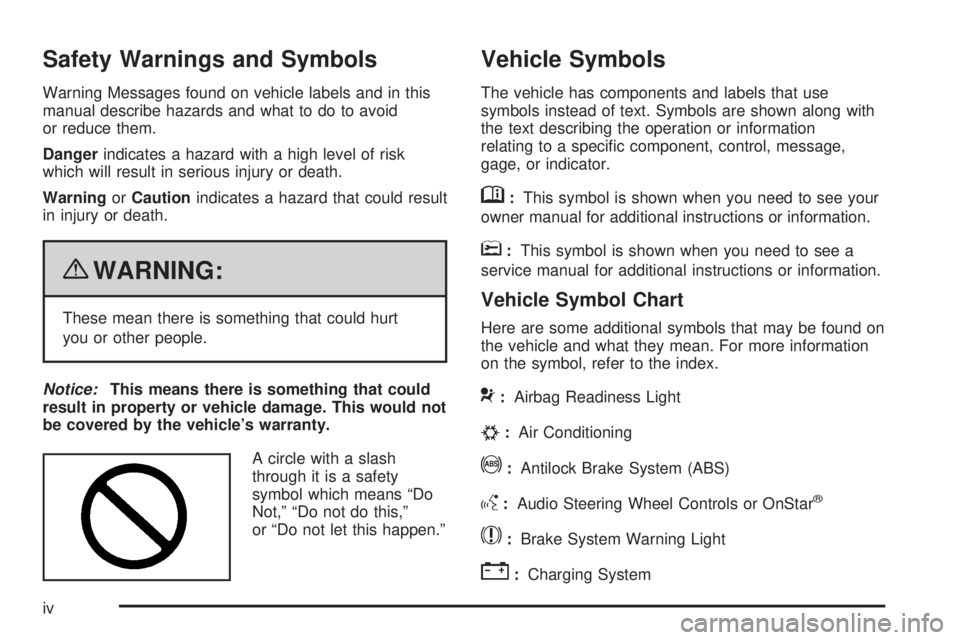
A circle with a slash
through it is a safety
symbol which means “Do
Not,” “Do not do this,”
or “Do not let this happen.”
Vehicle Symbols
The vehicle has components and labels that use
symbols instead of text. Symbols are shown along with
the text describing the operation or information
relating to a specific component, control, message,
gage, or indicator.
M:This symbol is shown when you need to see your
owner manual for additional instructions or information.
*:This symbol is shown when you need to see a
service manual for additional instructions or information.
Vehicle Symbol Chart
Here are some additional symbols that may be found on
the vehicle and what they mean. For more information
on the symbol, refer to the index.
9:Airbag Readiness Light
#:Air Conditioning
!:Antilock Brake System (ABS)
g:Audio Steering Wheel Controls or OnStar®
$:Brake System Warning Light
":Charging System
iv
Page 20 of 424
©¨:Seek or scan stations.
4:Press to display additional text information related to
the current FM-RDS station or MP3 song. A choice of
additional information such as: Channel, Song, Artist, and
CAT (category) can display. Continue pressing to
highlight the desired label, or press the softkey located
under any one of the tabs and the information about that
tab displays.
For more information about these and other radio
features, seeAudio System(s) on page 4-59.
Storing a Favorite Station
Depending on which radio the vehicle has, radio
stations are stored as either favorites or presets.
For vehicles with a FAV button, a maximum of
36 stations can be stored as favorites using the
six softkeys located below the radio station frequency
tabs and by using the radio FAV button. Press FAV
to go through up to six pages of favorites, each having
six favorite stations available per page. Each page
of favorites can contain any combination of AM and FM
stations.
If the radio does not have a FAV button, up to
18 stations (six FM1, six FM2, and six AM), can be
programmed on the six numbered buttons.
SeeRadio(s) on page 4-62.
Setting the Clock
To set the time and date for the Radio with CD (MP3):
1. Press
Hand the HR, MIN, MM, DD, YYYY
(hour, minute, month, day, and year) displays.
2. Press the pushbutton located below any one of the
tabs that you want to change.
3. Increase or decrease the time or date, depending
on the radio, by pressing
©SEEK¨arrows,
s\REV/FWD buttons, or by turningf
clockwise or counterclockwise.
For detailed instructions on setting the clock for your
specific audio system, seeSetting the Clock on
page 4-60.
Portable Audio Devices
This vehicle may have an auxiliary input jack, located
on the audio faceplate. External devices such as iPod®,
MP3 players, etc. can be connected to the auxiliary
input jack using a 3.5 mm (1/8 in) input jack cable.
See “Using the Auxiliary Input Jack” underRadio(s) on
page 4-62.
1-14
Page 148 of 424
Brake System Warning Light..........................4-28
Antilock Brake System (ABS) Warning Light.....4-29
StabiliTrak
®Indicator Light.............................4-29
Engine Coolant Temperature Gage..................4-30
Tire Pressure Light.......................................4-30
Malfunction Indicator Lamp.............................4-31
Oil Pressure Gage........................................4-34
Oil Pressure Light.........................................4-35
Security Light...............................................4-35
Cruise Control Light......................................4-36
Highbeam On Light.......................................4-36
Tow/Haul Mode Light....................................4-36
Fuel Gage...................................................4-36Driver Information Center (DIC).......................4-37
DIC Operation and Displays...........................4-38
DIC Compass..............................................4-43
DIC Warnings and Messages.........................4-44
DIC Vehicle Customization.............................4-52
Audio System(s).............................................4-59
Setting the Clock..........................................4-60
Radio(s)......................................................4-62
Using an MP3..............................................4-72
Theft-Deterrent Feature..................................4-76
Audio Steering Wheel Controls.......................4-77
Radio Reception...........................................4-77
Fixed Mast Antenna......................................4-78
Section 4 Instrument Panel
4-2
Page 175 of 424
Antilock Brake System (ABS)
Warning Light
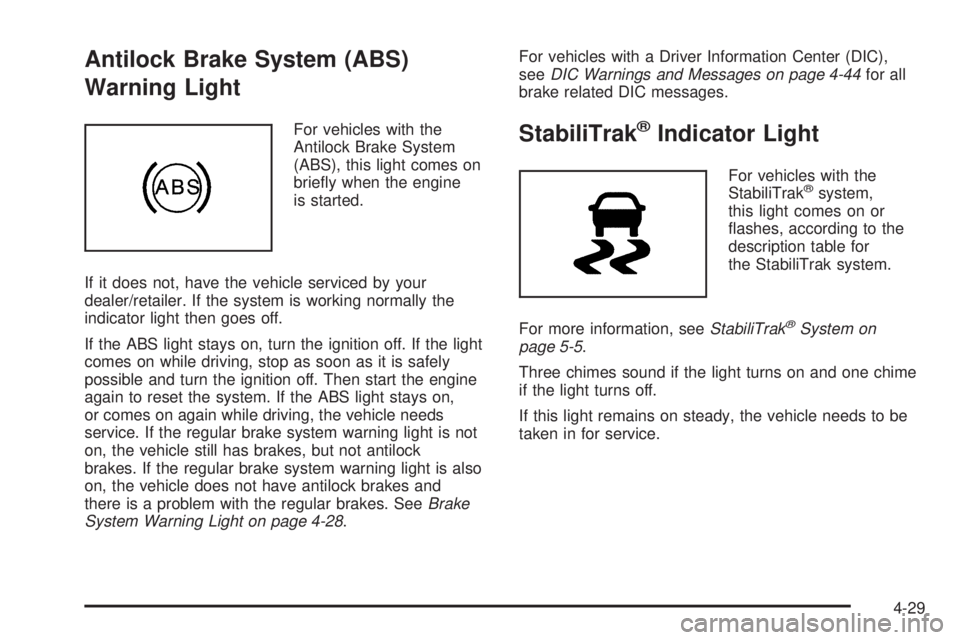
For vehicles with the
Antilock Brake System
(ABS), this light comes on
briefly when the engine
is started.
If it does not, have the vehicle serviced by your
dealer/retailer. If the system is working normally the
indicator light then goes off.
If the ABS light stays on, turn the ignition off. If the light
comes on while driving, stop as soon as it is safely
possible and turn the ignition off. Then start the engine
again to reset the system. If the ABS light stays on,
or comes on again while driving, the vehicle needs
service. If the regular brake system warning light is not
on, the vehicle still has brakes, but not antilock
brakes. If the regular brake system warning light is also
on, the vehicle does not have antilock brakes and
there is a problem with the regular brakes. SeeBrake
System Warning Light on page 4-28.For vehicles with a Driver Information Center (DIC),
seeDIC Warnings and Messages on page 4-44for all
brake related DIC messages.StabiliTrak®Indicator Light
For vehicles with the
StabiliTrak®system,
this light comes on or
flashes, according to the
description table for
the StabiliTrak system.
For more information, seeStabiliTrak
®System on
page 5-5.
Three chimes sound if the light turns on and one chime
if the light turns off.
If this light remains on steady, the vehicle needs to be
taken in for service.
4-29
Page 225 of 424
Your Driving, the Road, and the Vehicle............5-2
Defensive Driving...........................................5-2
Drunk Driving.................................................5-2
Control of a Vehicle........................................5-3
Braking.........................................................5-3
Antilock Brake System (ABS)...........................5-4
Braking in Emergencies...................................5-5
StabiliTrak
®System........................................5-5
Locking Rear Axle..........................................5-7
All-Wheel Drive (AWD) System.........................5-7
Steering........................................................5-7
Off-Road Recovery.........................................5-8
Passing........................................................5-9
Loss of Control..............................................5-9Driving at Night............................................5-10
Driving in Rain and on Wet Roads..................5-11
Before Leaving on a Long Trip.......................5-12
Highway Hypnosis........................................5-12
Hill and Mountain Roads................................5-13
Winter Driving..............................................5-14
If Your Vehicle is Stuck in Sand, Mud, Ice,
or Snow...................................................5-16
Rocking Your Vehicle to Get It Out.................5-16
Loading the Vehicle......................................5-17
Towing..........................................................5-22
Towing Your Vehicle.....................................5-22
Recreational Vehicle Towing...........................5-22
Towing a Trailer...........................................5-26
Section 5 Driving Your Vehicle
5-1
Page 228 of 424
The brakes might not have time to cool between hard
stops. The brakes will wear out much faster with
a lot of heavy braking. Keeping pace with the traffic and
allowing realistic following distances eliminates a lot
of unnecessary braking. That means better braking
and longer brake life.
If the engine ever stops while the vehicle is being
driven, brake normally but do not pump the brakes.
If the brakes are pumped, the pedal could get harder
to push down. If the engine stops, there will still be some
power brake assist but it will be used when the brake
is applied. Once the power assist is used up, it can
take longer to stop and the brake pedal will be harder
to push.
Adding non-dealer/non-retailer accessories can affect
vehicle performance. SeeAccessories and Modications
on page 6-3.
Antilock Brake System (ABS)
This vehicle has the Antilock Brake System (ABS), an
advanced electronic braking system that helps prevent a
braking skid.
When the engine is started and the vehicle begins to
drive away, ABS checks itself. A momentary motor
or clicking noise might be heard while this test is going
on. This is normal.If there is a problem with
the ABS, this warning light
stays on. SeeAntilock
Brake System (ABS)
Warning Light on
page 4-29.
Let us say the road is wet and you are driving safely.
Suddenly, an animal jumps out in front of you. You slam
on the brakes and continue braking. Here is what
happens with ABS:
A computer senses that the wheels are slowing down. If
one of the wheels is about to stop rolling, the computer
will separately work the brakes at each front wheel
and at both rear wheels.
ABS can change the brake pressure to each wheel, as
required, faster than any driver could. This can help
the driver steer around the obstacle while braking hard.
As the brakes are applied, the computer keeps
receiving updates on wheel speed and controls braking
pressure accordingly.
Remember: ABS does not change the time needed to get
a foot up to the brake pedal or always decrease stopping
distance. If you get too close to the vehicle in front of you,
there will not be enough time to apply the brakes if that
vehicle suddenly slows or stops. Always leave enough
room up ahead to stop, even with ABS.
5-4
Page 229 of 424
Using ABS
Do not pump the brakes. Just hold the brake pedal
down firmly and let antilock work. The brakes might
vibrate or some noise might be heard, but this is normal.
Braking in Emergencies
ABS allows the driver to steer and brake at the same
time. In many emergencies, steering can help more than
even the very best braking.
StabiliTrak®System
The vehicle may have a vehicle stability enhancement
system called StabiliTrak. It is an advanced computer
controlled system that assists the driver with directional
control of the vehicle in difficult driving conditions.
StabiliTrak activates when the computer senses a
discrepancy between the intended path and the direction
the vehicle is actually traveling. StabiliTrak selectively
applies braking pressure at any one of the vehicle’s
brakes to assist the driver with keeping the vehicle on
the intended path.
When the vehicle is started and begins to move, the
system performs several diagnostic checks to insure
there are no problems. The system may be heard or
felt while it is working. This is normal and does not mean
there is a problem with the vehicle. The system shouldinitialize before the vehicle reaches 20 mph (32 km/h).
In some cases, it may take approximately 2 miles
(3.2 km) of driving before the system initializes.
Press and hold the
StabiliTrak button located
on the instrument panel
for more than five seconds
to turn off StabiliTrak
and part of the traction
control system.
The StabiliTrak light comes
on the instrument panel
cluster when the system is
turned off or requires
service.
For more information, seeStabiliTrak
®Indicator Light
on page 4-29.
5-5
Page 234 of 424
slippery until the vehicle is skidding. Learn to recognize
warning clues — such as enough water, ice, or
packed snow on the road to make a mirrored
surface — and slow down when you have any doubt.
Remember: Any Antilock Brake System (ABS) helps
avoid only the braking skid.
Driving at Night
Night driving is more dangerous than day driving
because some drivers are likely to be impaired — by
alcohol or drugs, with night vision problems, or by
fatigue.
Night driving tips include:
•Drive defensively.
•Do not drink and drive.
•Reduce headlamp glare by adjusting the inside
rearview mirror.
•Slow down and keep more space between you and
other vehicles because headlamps can only light up
so much road ahead.
•Watch for animals.
•When tired, pull off the road.
•Do not wear sunglasses.
•Avoid staring directly into approaching headlamps.
•Keep the windshield and all glass on your vehicle
clean — inside and out.
•Keep your eyes moving, especially during turns or
curves.
No one can see as well at night as in the daytime.
But, as we get older, these differences increase.
A 50-year-old driver might need at least twice as much
light to see the same thing at night as a 20-year-old.
5-10
Page 238 of 424
Winter Driving
Driving on Snow or Ice
Drive carefully when there is snow or ice between the
tires and the road, creating less traction or grip. Wet ice
can occur at about 0°C (32°F) when freezing rain
begins to fall, resulting in even less traction. Avoid
driving on wet ice or in freezing rain until roads can be
treated with salt or sand.
Drive with caution, whatever the condition. Accelerate
gently so traction is not lost. Accelerating too quickly
causes the wheels to spin and makes the surface under
the tires slick, so there is even less traction.
Try not to break the fragile traction. If you accelerate too
fast, the drive wheels will spin and polish the surface
under the tires even more.
TheAntilock Brake System (ABS) on page 5-4improves
vehicle stability during hard stops on a slippery roads,
but apply the brakes sooner than when on dry
pavement.
Allow greater following distance on any slippery road
and watch for slippery spots. Icy patches can occur on
otherwise clear roads in shaded areas. The surface
of a curve or an overpass can remain icy when
the surrounding roads are clear. Avoid sudden steering
maneuvers and braking while on ice.
Turn off cruise control, if equipped, on slippery surfaces.
Blizzard Conditions
Being stuck in snow can be in a serious situation. Stay
with the vehicle unless there is help nearby. If possible,
use theRoadside Assistance Program on page 8-6.To
get help and keep everyone in the vehicle safe:
•Turn on theHazard Warning Flashers on page 4-3.
•Tie a red cloth to an outside mirror.
{WARNING:
Snow can trap engine exhaust under the vehicle.
This may cause exhaust gases to get inside. Engine
exhaust contains carbon monoxide (CO) which
cannot be seen or smelled. It can cause
unconsciousness and even death.
If the vehicle is stuck in the snow:
•Clear away snow from around the base of your
vehicle, especially any that is blocking the
exhaust pipe and/or the fuel operated heater
exhaust system, if equipped. If the vehicle has
a diesel engine and a fuel operated heater, see
“Fuel Operated Heater (FOH)” in the diesel
engine supplement.
WARNING: (Continued)
5-14
Page 260 of 424
Driving On Grades
Reduce speed and shift to a lower gearbeforestarting
down a long or steep downgrade. If the transmission is
not shifted down, the brakes might have to be used so
much that they would get hot and no longer work well.
The vehicle can tow in D (Drive). Shift the transmission
to a lower gear if the transmission shifts too often
under heavy loads and/or hilly conditions.
When towing at high altitude on steep uphill grades,
consider the following: Engine coolant will boil at a lower
temperature than at normal altitudes. If the engine is
turned off immediately after towing at high altitude
on steep uphill grades, the vehicle may show signs
similar to engine overheating. To avoid this, let
the engine run while parked, preferably on level ground,
with the automatic transmission in P (Park) for a
few minutes before turning the engine off. If the overheat
warning comes on, seeEngine Overheating on
page 6-33.
Parking on Hills
{WARNING:
Parking the vehicle on a hill with the trailer
attached can be dangerous. If something goes
wrong, the rig could start to move. People can be
injured, and both the vehicle and the trailer can be
damaged. When possible, always park the rig on a
flat surface.
If parking the rig on a hill:
1. Press the brake pedal, but do not shift the
transmission into P (Park) yet. Turn the wheels into
the curb if facing downhill or into traffic if facing
uphill.
2. Have someone place chocks under the trailer
wheels.
3. When the wheel chocks are in place, release the
brake pedal until the chocks absorb the load.
4. Reapply the brake pedal. Then apply the parking
brake and shift into P (Park).
5. Release the brake pedal.
5-36