service GMC SIERRA 1500 2006 User Guide
[x] Cancel search | Manufacturer: GMC, Model Year: 2006, Model line: SIERRA 1500, Model: GMC SIERRA 1500 2006Pages: 600, PDF Size: 3.35 MB
Page 115 of 600
Passlock®
Your vehicle is equipped with the Passlock®
theft-deterrent system.
Passlock
®is a passive theft-deterrent system.
Passlock®enables fuel if the ignition lock cylinder is
turned with a valid key. If a correct key is not used or the
ignition lock cylinder is tampered with, fuel is disabled.
If the engine stalls and the security light ashes, wait until
the light stops ashing before trying to restart the engine.
Remember to release the key from START as soon as
the engine starts.
If the engine is running and the security light comes on,
you will be able to restart the engine if you turn the engine
off. However, your Passlock
®system is not working
properly and must be serviced by your dealer. Your
vehicle is not protected by Passlock
®at this time. You
may also want to check the fuse. SeeFuses and Circuit
Breakers on page 5-123. See your dealer for service.
In an emergency, call the GM Roadside Assistance
Center. SeeRoadside Assistance Program on page 7-6.
Starting and Operating Your
Vehicle
New Vehicle Break-In
Notice:Your vehicle does not need an elaborate
break-in. But it will perform better in the long run if
you follow these guidelines:
Keep your speed at 55 mph (88 km/h) or less for
the rst 500 miles (805 km).
Do not drive at any one constant speed, fast or
slow, for the rst 500 miles (805 km). Do not
make full-throttle starts. Avoid downshifting to
brake, or slow, the vehicle.
Avoid making hard stops for the rst 200 miles
(322 km) or so. During this time your new brake
linings are not yet broken in. Hard stops with
new linings can mean premature wear and earlier
replacement. Follow this breaking-in guideline
every time you get new brake linings.
Do not tow a trailer during break-in. See
Towing a Trailer on page 4-67for the trailer
towing capabilities of your vehicle and more
information.
Following break-in, engine speed and load can be
gradually increased.
2-21
Page 116 of 600
Ignition Positions
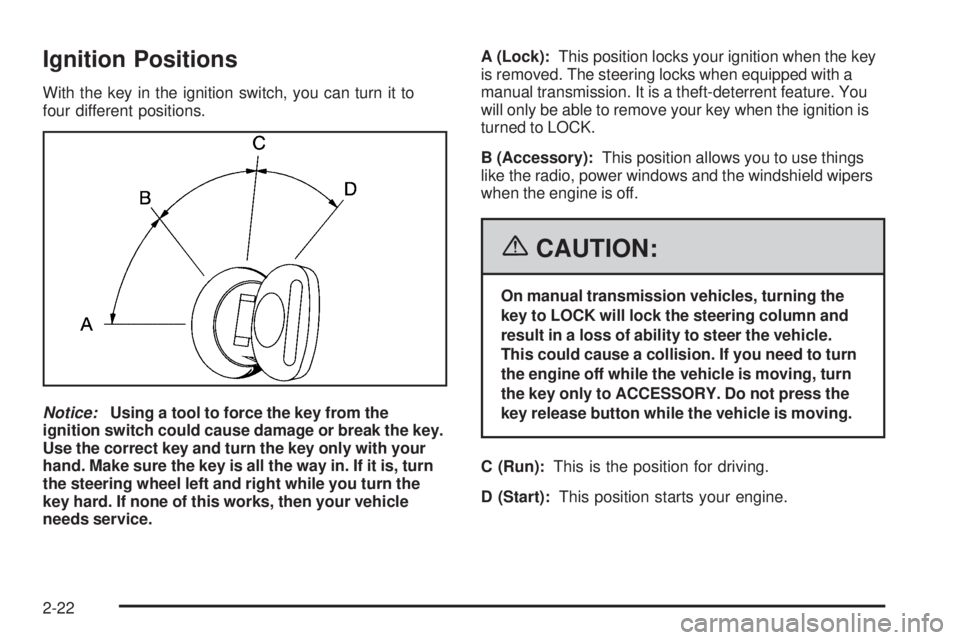
With the key in the ignition switch, you can turn it to
four different positions.
Notice:Using a tool to force the key from the
ignition switch could cause damage or break the key.
Use the correct key and turn the key only with your
hand. Make sure the key is all the way in. If it is, turn
the steering wheel left and right while you turn the
key hard. If none of this works, then your vehicle
needs service.A (Lock):This position locks your ignition when the key
is removed. The steering locks when equipped with a
manual transmission. It is a theft-deterrent feature. You
will only be able to remove your key when the ignition is
turned to LOCK.
B (Accessory):This position allows you to use things
like the radio, power windows and the windshield wipers
when the engine is off.
{CAUTION:
On manual transmission vehicles, turning the
key to LOCK will lock the steering column and
result in a loss of ability to steer the vehicle.
This could cause a collision. If you need to turn
the engine off while the vehicle is moving, turn
the key only to ACCESSORY. Do not press the
key release button while the vehicle is moving.
C (Run):This is the position for driving.
D (Start):This position starts your engine.
2-22
Page 137 of 600
When the vehicle detects a loss of traction, the system
will automatically engage four-wheel drive. Driving in
this mode results in slightly lower fuel economy than
Two-Wheel High.
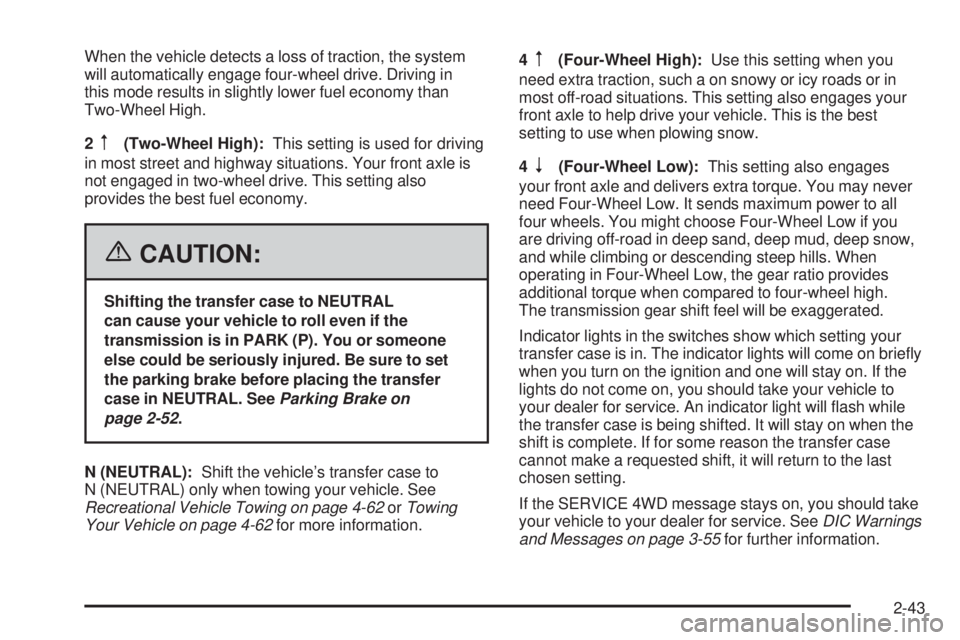
2
m(Two-Wheel High):This setting is used for driving
in most street and highway situations. Your front axle is
not engaged in two-wheel drive. This setting also
provides the best fuel economy.
{CAUTION:
Shifting the transfer case to NEUTRAL
can cause your vehicle to roll even if the
transmission is in PARK (P). You or someone
else could be seriously injured. Be sure to set
the parking brake before placing the transfer
case in NEUTRAL. SeeParking Brake on
page 2-52.
N (NEUTRAL):Shift the vehicle’s transfer case to
N (NEUTRAL) only when towing your vehicle. See
Recreational Vehicle Towing on page 4-62orTowing
Your Vehicle on page 4-62for more information.4
m(Four-Wheel High):Use this setting when you
need extra traction, such a on snowy or icy roads or in
most off-road situations. This setting also engages your
front axle to help drive your vehicle. This is the best
setting to use when plowing snow.
4
n(Four-Wheel Low):This setting also engages
your front axle and delivers extra torque. You may never
need Four-Wheel Low. It sends maximum power to all
four wheels. You might choose Four-Wheel Low if you
are driving off-road in deep sand, deep mud, deep snow,
and while climbing or descending steep hills. When
operating in Four-Wheel Low, the gear ratio provides
additional torque when compared to four-wheel high.
The transmission gear shift feel will be exaggerated.
Indicator lights in the switches show which setting your
transfer case is in. The indicator lights will come on briey
when you turn on the ignition and one will stay on. If the
lights do not come on, you should take your vehicle to
your dealer for service. An indicator light will ash while
the transfer case is being shifted. It will stay on when the
shift is complete. If for some reason the transfer case
cannot make a requested shift, it will return to the last
chosen setting.
If the SERVICE 4WD message stays on, you should take
your vehicle to your dealer for service. SeeDIC Warnings
and Messages on page 3-55for further information.
2-43
Page 142 of 600
4n(Four-Wheel Low):This setting also engages
your front axle to give you extra traction. You may never
need Four-Wheel Low. It sends the maximum power to all
four wheels. You might choose Four-Wheel Low if you
were driving off-road in sand, mud or deep snow and
while climbing or descending steep hills. When operating
in Four-Wheel Low, the gear ratio provides additional
torque when compared to Four-Wheel High. The
transmission gear shift feel will be exaggerated.
Indicator lights in the switches show you which setting
you are in. The indicator lights will come on briey when
you turn on the ignition and the last chosen setting will
stay on. If the lights do not come on, you should take your
vehicle in for service. An indicator light will ash while
shifting. Fast ashing means the conditions were not met
to make the desired shift, typically the vehicle was going
too fast, the automatic transmission was not in neutral,
or the clutch pedal was not fully pressed. Slow ashing
means the shift is in progress. It will stay on when the
shift is completed. If for some reason the transfer cannot
make a requested shift, it will return to the last chosen
setting.Shifting from Two-Wheel High to
Four-Wheel High
Press and release the Four-Wheel High switch. This
can be done at any speed, and the front axle will lock
automatically with some delay.
Shifting from Four-Wheel High to
Two-Wheel High
Press and release the Two-Wheel High switch. This
can be done at any speed, and the front axle will unlock
automatically with some delay.
It is normal to hear and feel your vehicle’s transfer case
shift into Four-Wheel Low. If you shift with the vehicle
stopped, the indicator light may remain ashing slowly.
It may be necessary to shift the transmission momentarily
into REVERSE (R) and DRIVE (D), for an automatic
transmission, or REVERSE (R) and FIRST (1) for a
manual transmission to have the light stop ashing.
2-48
Page 153 of 600
{CAUTION:
Four-wheel drive vehicles with the transfer
case in NEUTRAL will allow the vehicle to roll,
even if your automatic transmission shift lever
is in PARK (P). So, be sure the transfer case is
in a drive gear — not in NEUTRAL. Always set
your parking brake.
Follow the proper steps to be sure your vehicle
will not move. SeeShifting Into Park (P) (Automatic
Transmission) on page 2-53.
If you are pulling a trailer, seeTowing a Trailer on
page 4-67.
Mirrors
Manual Rearview Mirror
Pull or push the tab under the mirror to adjust it to the
night or daytime setting. In the nightime setting, the glare
from headlamps behind the vehicle will be less intense.
Automatic Dimming Rearview Mirror
with OnStar
®and Compass
Your vehicle may have an automatic-dimming rearview
mirror with a compass and the OnStar®system.
There are three additional buttons for the OnStar
®
system. See your dealer for more information on the
system and how to subscribe to OnStar®. SeeOnStar®
System on page 2-73for more information about the
services OnStar®provides.
Mirror Operation
When turned on, this mirror automatically dims to the
proper level to minimize glare from any headlamps
behind you after dark.
O(On/Off): This is the on/off button for the automatic
dimming feature and compass. Press the far left button,
located below the mirror face, for up to three seconds
to turn the feature on and off. A light on the mirror will
be lit while the feature is turned on.
2-59
Page 167 of 600
OnStar®System
OnStar®uses global positioning system (GPS) satellite
technology, wireless communications, and live advisors
to provide you with a wide range of safety, security,
information, and convenience services. If your airbags
deploy, the system is designed to make an automatic call
to OnStar
®Emergency where we can request emergency
services be sent to your location. If you lock your keys in
the car, call OnStar
®at 1-888-4-ONSTAR and they can
send a signal to unlock your doors. If you need roadside
assistance, press the OnStar
®button and they will get
you the help you need.
A complete OnStar
®User’s Guide and the Terms
and Conditions of the OnStar®Subscription Service
Agreement are included in the vehicle’s glove box
literature. For more information, visit www.onstar.com or
www.onstar.ca. Contact OnStar
®at 1-888-4-ONSTAR
(1-888-466-7827), or press the OnStar®button to speak
to an OnStar®advisor 24 hours a day, 7 days a week.Terms and conditions of the Subscription Service
Agreement can be found at www.onstar.com or
www.onstar.ca.
OnStar®Services
For new vehicles equipped with OnStar®, the Safe and
Sound Plan is included for one year from the date of
purchase. You can extend this plan beyond the rst year,
or upgrade to the Directions and Connections
®Plan to
meet your needs. For more information, press the
OnStar
®button to speak to an advisor.
Safe and Sound Plan
Automatic Notication of Airbag Deployment
Emergency Services
Roadside Assistance
Stolen Vehicle Tracking
AccidentAssist
Remote Door Unlock/Vehicle Alert
Remote Diagnostics
Online Concierge
2-73
Page 168 of 600
Directions and Connections®Plan
All Safe and Sound Plan Services
Driving Directions
RideAssist
Information and Convenience Services
OnStar®Personal Calling
As an OnStar®subscriber, the Personal Calling capability
allows you to make hands-free calls using a wireless
system that is integrated into the vehicle. Calls can be
placed nationwide using simple voice commands with no
additional contracts and no additional roaming charges.
To nd out more about OnStar
®Personal Calling, refer to
the OnStar®User’s Guide in the vehicle’s glove box, visit
www.onstar.com or www.onstar.ca, or speak to an
OnStar
®advisor by pressing the OnStar®button or
calling 1-888-4-ONSTAR (1-888-466-7827).
OnStar®Virtual Advisor
Your vehicle may have Virtual Advisor. It is a feature
of OnStar®Personal Calling that uses minutes to
access weather, local traffic reports, and stock quotes.
By pressing the phone button and giving a few simple
voice commands, you can browse through the
various topics. Customize your information prole at
www.myonstar.com. See the OnStar
®User’s Guide for
more information.
OnStar®Steering Wheel Controls
Your vehicle may be
equipped with a Talk/Mute
button that can be used to
interact with OnStar
®. See
the Audio Steering Wheel
Control section for your
specic vehicle operation.
When calling into voice mail systems, or to dial directory
numbers, press this button once, wait for the response,
say the number(s) to be dialed, wait for the number(s)
to be repeated and then say “dial”. See the OnStar
®
User’s Guide for more information.
2-74
Page 169 of 600
Universal Home
Remote System
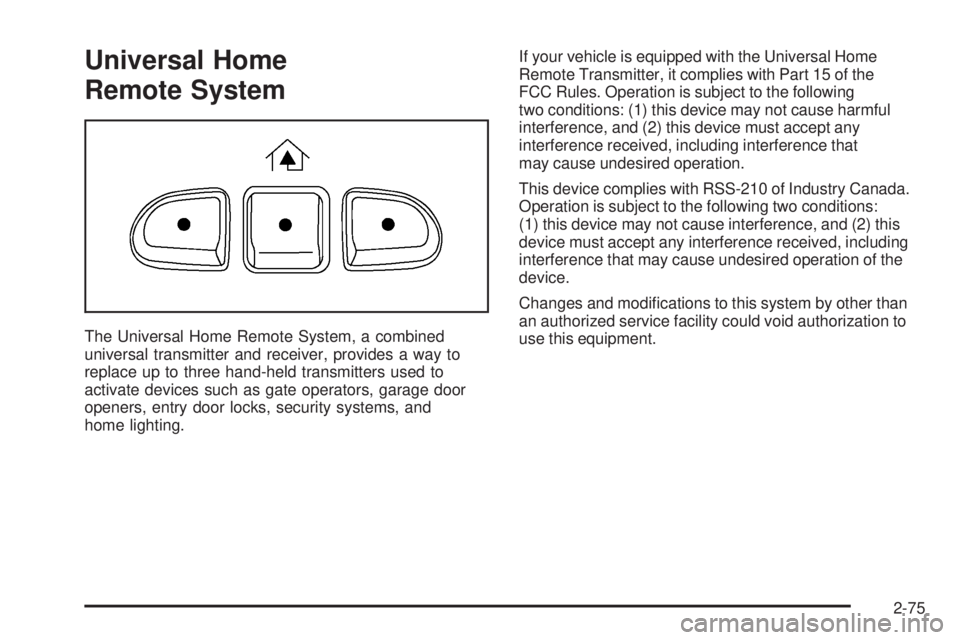
The Universal Home Remote System, a combined
universal transmitter and receiver, provides a way to
replace up to three hand-held transmitters used to
activate devices such as gate operators, garage door
openers, entry door locks, security systems, and
home lighting.If your vehicle is equipped with the Universal Home
Remote Transmitter, it complies with Part 15 of the
FCC Rules. Operation is subject to the following
two conditions: (1) this device may not cause harmful
interference, and (2) this device must accept any
interference received, including interference that
may cause undesired operation.
This device complies with RSS-210 of Industry Canada.
Operation is subject to the following two conditions:
(1) this device may not cause interference, and (2) this
device must accept any interference received, including
interference that may cause undesired operation of the
device.
Changes and modications to this system by other than
an authorized service facility could void authorization to
use this equipment.
2-75
Page 196 of 600
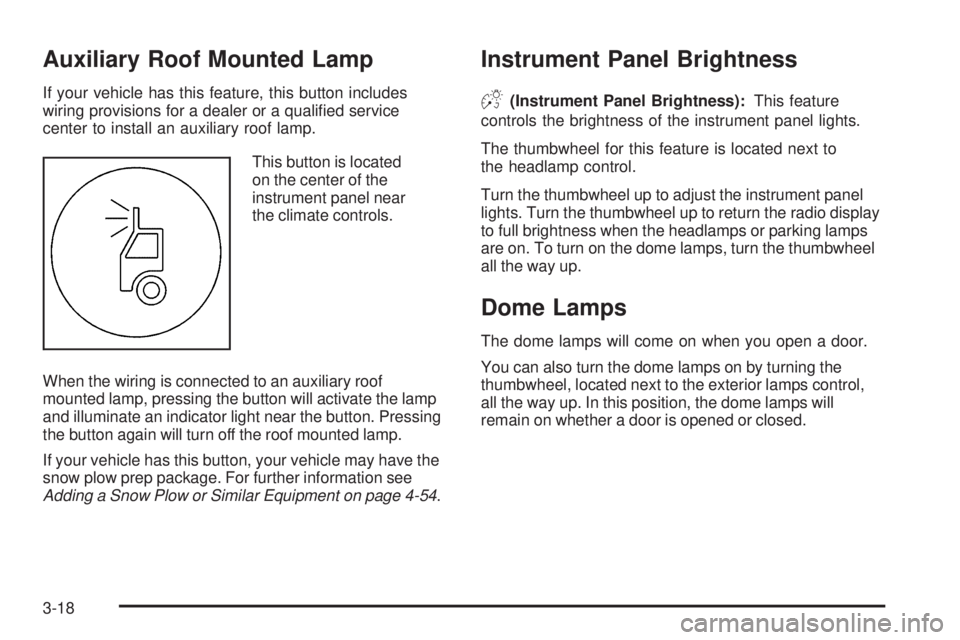
Auxiliary Roof Mounted Lamp
If your vehicle has this feature, this button includes
wiring provisions for a dealer or a qualied service
center to install an auxiliary roof lamp.
This button is located
on the center of the
instrument panel near
the climate controls.
When the wiring is connected to an auxiliary roof
mounted lamp, pressing the button will activate the lamp
and illuminate an indicator light near the button. Pressing
the button again will turn off the roof mounted lamp.
If your vehicle has this button, your vehicle may have the
snow plow prep package. For further information see
Adding a Snow Plow or Similar Equipment on page 4-54.
Instrument Panel Brightness
D(Instrument Panel Brightness):This feature
controls the brightness of the instrument panel lights.
The thumbwheel for this feature is located next to
the headlamp control.
Turn the thumbwheel up to adjust the instrument panel
lights. Turn the thumbwheel up to return the radio display
to full brightness when the headlamps or parking lamps
are on. To turn on the dome lamps, turn the thumbwheel
all the way up.
Dome Lamps
The dome lamps will come on when you open a door.
You can also turn the dome lamps on by turning the
thumbwheel, located next to the exterior lamps control,
all the way up. In this position, the dome lamps will
remain on whether a door is opened or closed.
3-18
Page 213 of 600
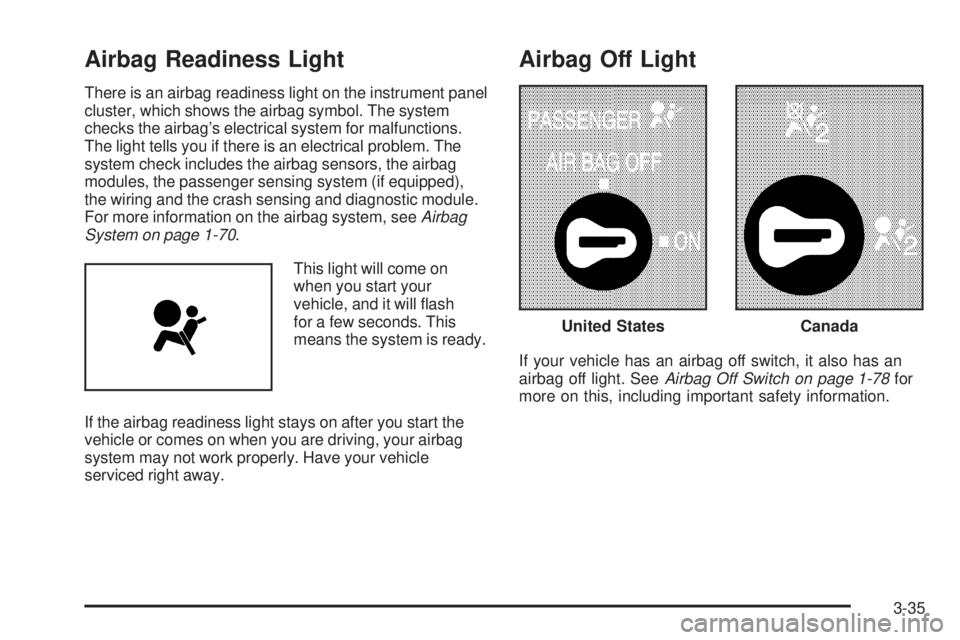
Airbag Readiness Light
There is an airbag readiness light on the instrument panel
cluster, which shows the airbag symbol. The system
checks the airbag’s electrical system for malfunctions.
The light tells you if there is an electrical problem. The
system check includes the airbag sensors, the airbag
modules, the passenger sensing system (if equipped),
the wiring and the crash sensing and diagnostic module.
For more information on the airbag system, seeAirbag
System on page 1-70.
This light will come on
when you start your
vehicle, and it will ash
for a few seconds. This
means the system is ready.
If the airbag readiness light stays on after you start the
vehicle or comes on when you are driving, your airbag
system may not work properly. Have your vehicle
serviced right away.
Airbag Off Light
If your vehicle has an airbag off switch, it also has an
airbag off light. SeeAirbag Off Switch on page 1-78for
more on this, including important safety information.
United StatesCanada
3-35