instrument panel GMC SIERRA 1993 User Guide
[x] Cancel search | Manufacturer: GMC, Model Year: 1993, Model line: SIERRA, Model: GMC SIERRA 1993Pages: 436, PDF Size: 23.88 MB
Page 149 of 436

GLOW PLUGS Light
I--
GLOW
PLUGS
K2337
Your diesel engine has a special starting system. An instrument\
panel GLOW
PLUGS light tells you when the engine is ready to be started. It is at the
upper right
of your cluster. For more details, see “Starting Your Diesel
Engine” in the Index.
Low Coolant Warning Light
LOW
K2327
If you have a diesel engine, you have a low coolant warning ligh\
t. If this light
comes on, your system is
low on coolant and the engine may overheat. See
2-8 1
ProCarManuals.com
Page 152 of 436
Features & Controls
CHECK GAGES Light
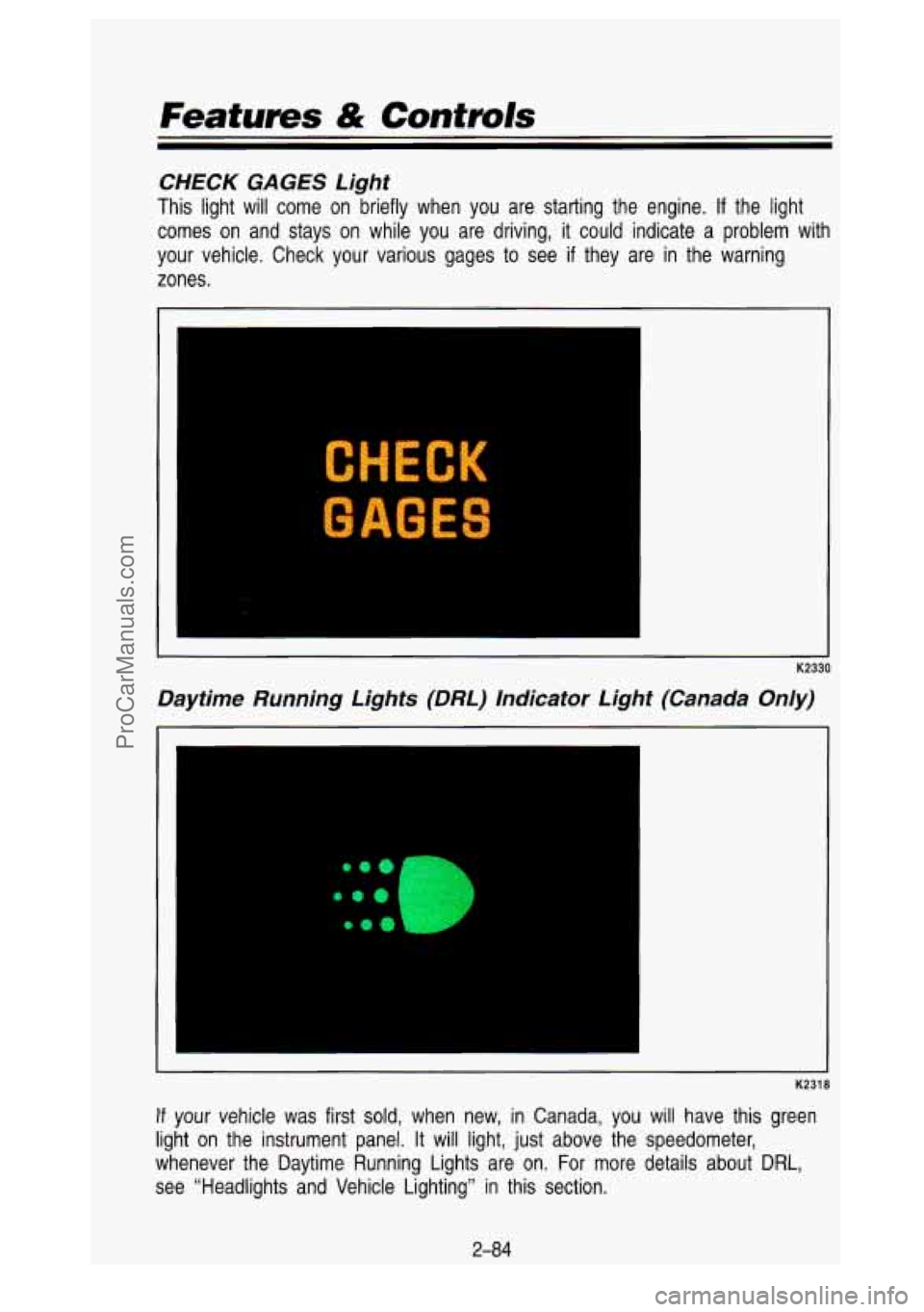
This light will come on briefly when you are starting the engine. If the light
comes on and stays
on while you are driving, it could indicate a problem with
your vehicle. Check your various gages to see
if they are in the warning
zones.
K2330
Daytime Running Lights (DRL) Indicator Light (Canada On/y)
I-
K2318
If your vehicle was first sold, when new, in Canada, you will have this green
light on the instrument panel. It will light, just above the \
speedometer,
whenever the Daytime Running Lights are on. For more details a\
bout DRL,
see “Headlights and Vehicle Lighting” in this section.
2-84
ProCarManuals.com
Page 163 of 436
Air Vents
I
I
K2315
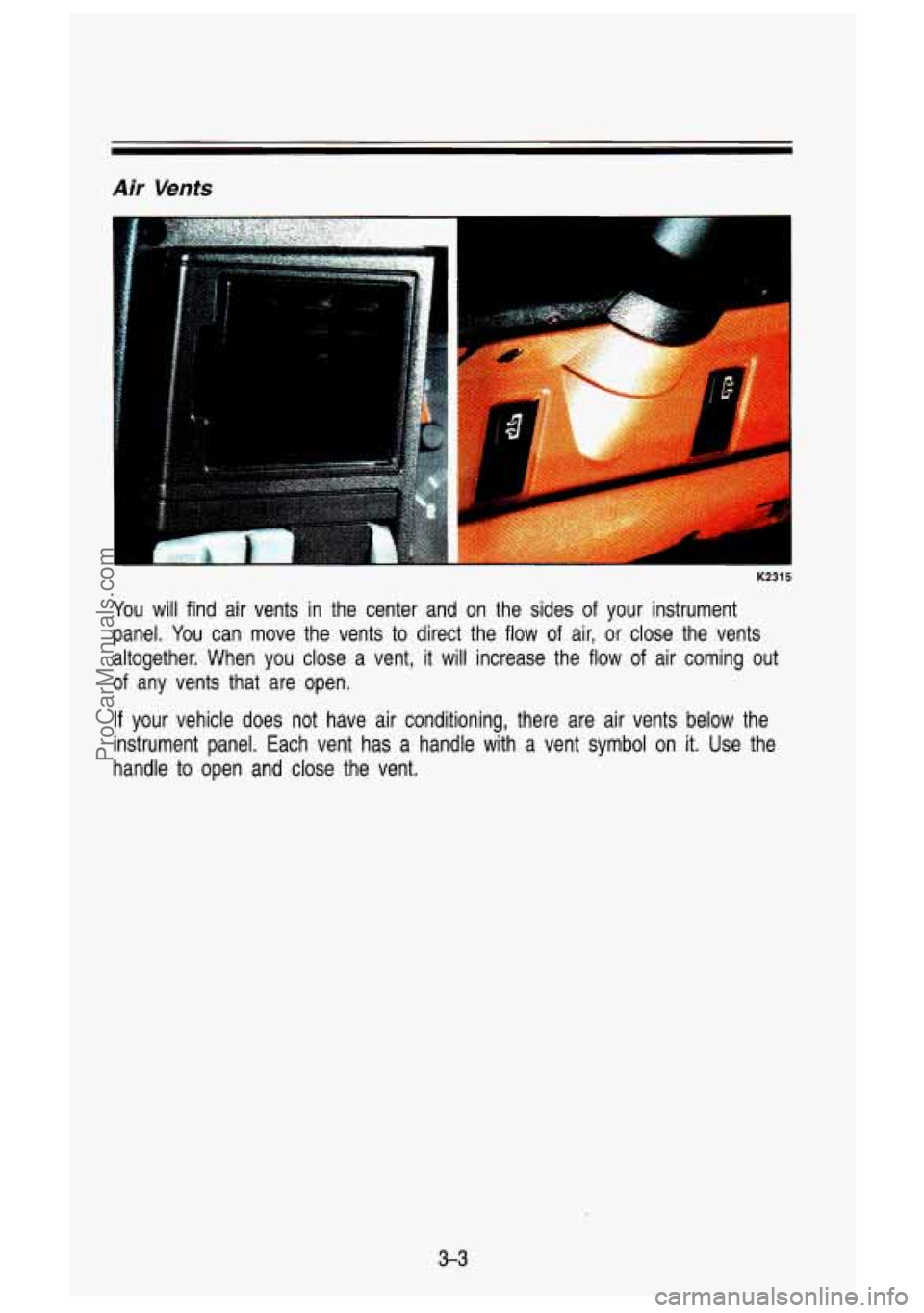
You will find air vents in the center and on the sides of your instrument
panel. You can move the vents to direct the flow of air, or close the vents
altogether. When you close a vent, it will increase the flow
of air coming out
of any vents that are open.
If your vehicle does not have air conditioning, there are air ven\
ts below the
instrument panel. Each vent has a handle with a vent symbol o\
n
it. Use the
handle to open and close the vent.
3-3
ProCarManuals.com
Page 164 of 436

K2441
If your vehicle does not have air conditioning, this is what your heat\
ing
system will
look like.")
Comfort Conhvls & Audio Systems
Heating System (Without Air Conditioning)
K2441
If your vehicle does not have air conditioning, this is what your heat\
ing
system will
look like.
Fan Knob
The knob on the right has four positions. To increase the air flow, turn it
toward
(t). To decrease the air flow, turn it toward (-).
Temperature Lever
The bottom lever lets you select the temperature of the air flowing into your
vehicle. Move the lever right toward
(t) for warmer air. Move the lever left
toward
(-) for cooler air.
Function Lever
The top lever can be moved to three different heating function\
s.
Defrost (Right): This setting operates the defroster. Heated air comes out
near the windshield. Use this when you get fog
or ice on the windshield.
Heater (Center): Heated air comes out near the floor. This is best for cold
weather.
Vent (Left): The air comes out at the vents on your instrument panel and
at your front side windows.
Placing the lever between positions sends air out both vents.
3-4
ProCarManuals.com
Page 167 of 436
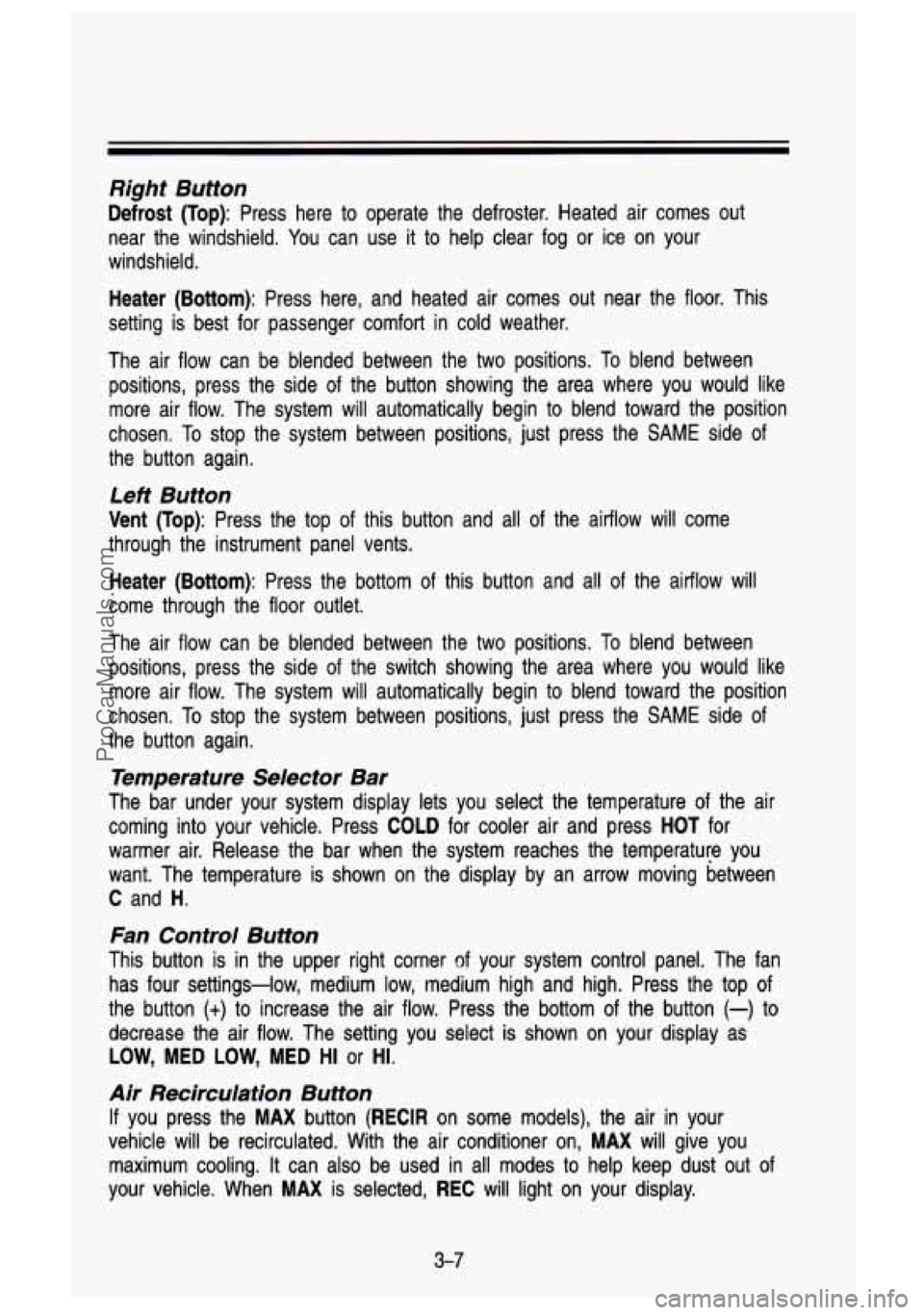
Right Button
Defrost (Top): Press here to operate the defroster. Heated air comes out
near the windshield. You can use it to help clear fog or ice on your
windshield.
Heater (Bottom): Press here, and heated air comes out near the floor. This
setting is best for passenger comfort in cold weather.
The air flow can be blended between the two positions. To blend between
positions, press the side of the button showing the area where you would like
more air flow. The system will automatically begin to blend toward the position
chosen. To stop the system between positions, just press the
SAME side of
the button again.
Left Button
Vent (Top): Press the top of this button and all of the airflow will come
through the instrument panel vents.
Heater (Bottom): Press the bottom of this button and all of the airflow will
come through the floor outlet.
The air flow can be blended between the two positions.
To blend between
positions, press the side
of the switch showing the area where you would like
more air flow. The system will automatically begin to blend toward the position
chosen. To stop the system between positions, just press the
SAME side of
the button again.
Temperature Selector Bar
The bar under your system display lets you select the temperat\
ure of the air
coming into your vehicle. Press
COLD for cooler air and press HOT for
warmer air. Release the bar when the system reaches the temperature you
want. The temperature is shown on the display by an arrow moving between
C and H.
Fan Control Button
This button is in the upper right corner of your system control panel. The fan
has four settings-low, medium
low, medium high and high. Press the top of
the button
(t) to increase the air flow. Press the bottom of the button (-) to
decrease the air flow. The setting you select is shown on your display as
LOW, MED LOW, MED HI or HI.
Air Recirculation Button
If you press the MAX button (RECIR on some models), the air in your
vehicle will be recirculated. With the air conditioner on,
MAX will give you
maximum cooling. It can also be used in all modes to help keep dust out of
your vehicle. When
MAX is selected, REC will light on your display.
3-7
ProCarManuals.com
Page 168 of 436
Comfort Controls & Audio Systems
i
Rear Window Defogger
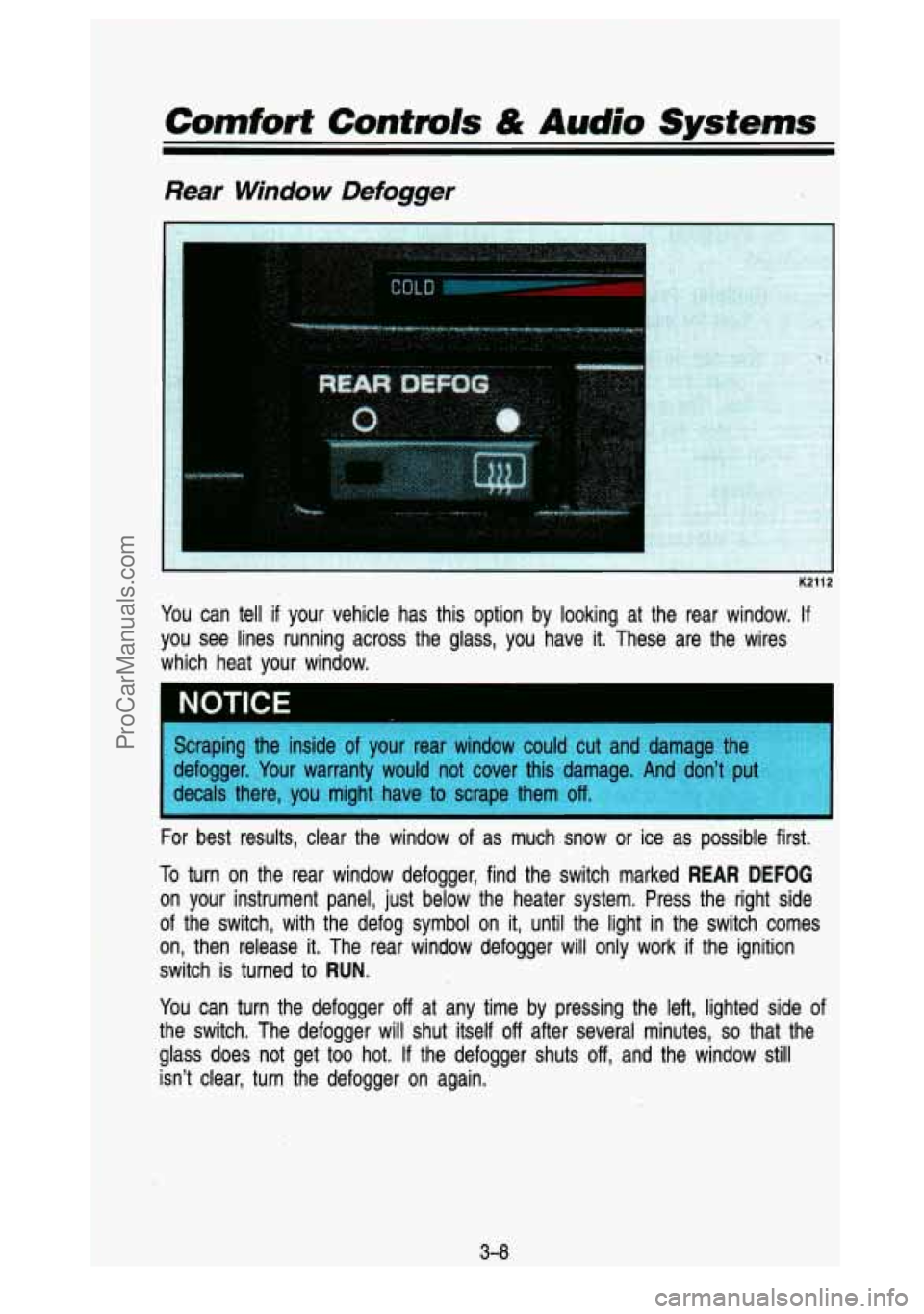
You can tell if your vehicle has this option by looking at the rear window. If
you see lines running across the glass, you have it. Thes'e a\
re the wires
which heat your window.
For best results, clear the window of as much snow or ice as possible first.
To turn on the rear window defogger, find the switch marked
REAR DEFOG
on your instrument panel, just below the heater system. Press \
the right side
of the switch, with the defog symbol on
it, until the light in the switch comes
on, then release
it. The rear window defogger will only work if the ignition
switch is turned
to RUN.
You can turn the defogger off at any time by pressing the left, lighted side of
the switch. The defogger will shut itself
off after several minutes, so that the
glass does not get
too hot. If the defogger shuts off, and the window still
isn't clear, turn the defogger on again.
-. -
I.--:
3-0
ProCarManuals.com
Page 237 of 436
Driving with a Trailer
Towing a trailer requires a certain amount of experience. Before setting out
for the open road, you’ll want to get to know your rig. Acquaint yourself with
the feel of handling and braking with the added weight of the trailer. And
always keep in mind that the vehicle you are driving is now a good deal
longer and not nearly
so responsive as your vehicle is by itself.
Before you start, check the trailer hitch and platform, safety \
chains, electrical
connector, lights, tires and mirror adjustment.
If the trailer has electric brakes,
start your vehicle and trailer moving and then apply the trailer brake controller
by hand to be sure the brakes are working. This lets you check your
electrical connection at the same time.
During your trip, check occasionally to be sure that the load is secure, and
that the lights and any trailer brakes are still working.
Following Distance
Stay at least twice as far behind the vehicle ahead as you w\
ould when
driving your vehicle without a trailer. This can help you avoid situations \
that
require heavy braking and sudden turns.
Passing
You’ll need more passing distance up ahead when you’re towing a trailer.
And, because you’re a good deal longer, you’ll need to g\
o much farther beyond the passed vehicle before you can return to your lane.
Backing Up
Hold the bottom of the steering wheel with one hand. Then, to move the
trailer left, just move your hand to the left.
To move the trailer to the right,
move your hand to the right. Always back up slowly and,
if possible, have
someone guide you.
Making Turns
When you’re turning with a trailer, make wider turns than normal. Do this so
your trailer wheels won’t strike soft shoulders, curbs, road signs\
, trees, or
other objects. Avoid jerky or sudden maneuvers. Signal well in advance.
Turn Signals When Towing a Trailer
When you tow a trailer, your vehicle has to have a different turn signal
flasher and extra wiring. The green arrows on your instrument \
panel will flash
whenever you signal a turn or lane change. Properly hooked up, the trailer
lights will also flash, telling other drivers you’re about t\
o turn, change lanes,
or stop.
When towing a trailer, the green arrows on your instrument pan\
el will flash for
turns even
if the bulbs on the trailer are burned out. Thus, you may think
4-59
ProCarManuals.com
Page 251 of 436

If your vehicle has the four-wheel-drive option and the transfer c\
ase is
engaged, a dolly must be used under the rear wheels when towi\
ng from the
front.
Engine Overheating
You will find a coolant temperature gage on your vehicle instrument\
panel. If
you have a diesel engine, you will also find a low coolant light on your
instrument panel.
If Steam Is Coming From Your Engine:
K2509
I CAUTION
A
Steam from an overheated engine can burn you badly, even if you
just open the hood. Stay away from the engine
if you see or hear
steam coming from it. Just turn
it off and get everyone away from
the vehicle until
it cools down. Wait until there is no sign of steam
or coolant before opening the hood.
If you keep driving when your engine is overheated, the liquids in it
can catch fire. You or others could be badly burned. Stop your
engine
if it overheats, and get out of the vehicle until the engine is
cool.
5-9
ProCarManuals.com
Page 343 of 436
Fuse Block
K2644
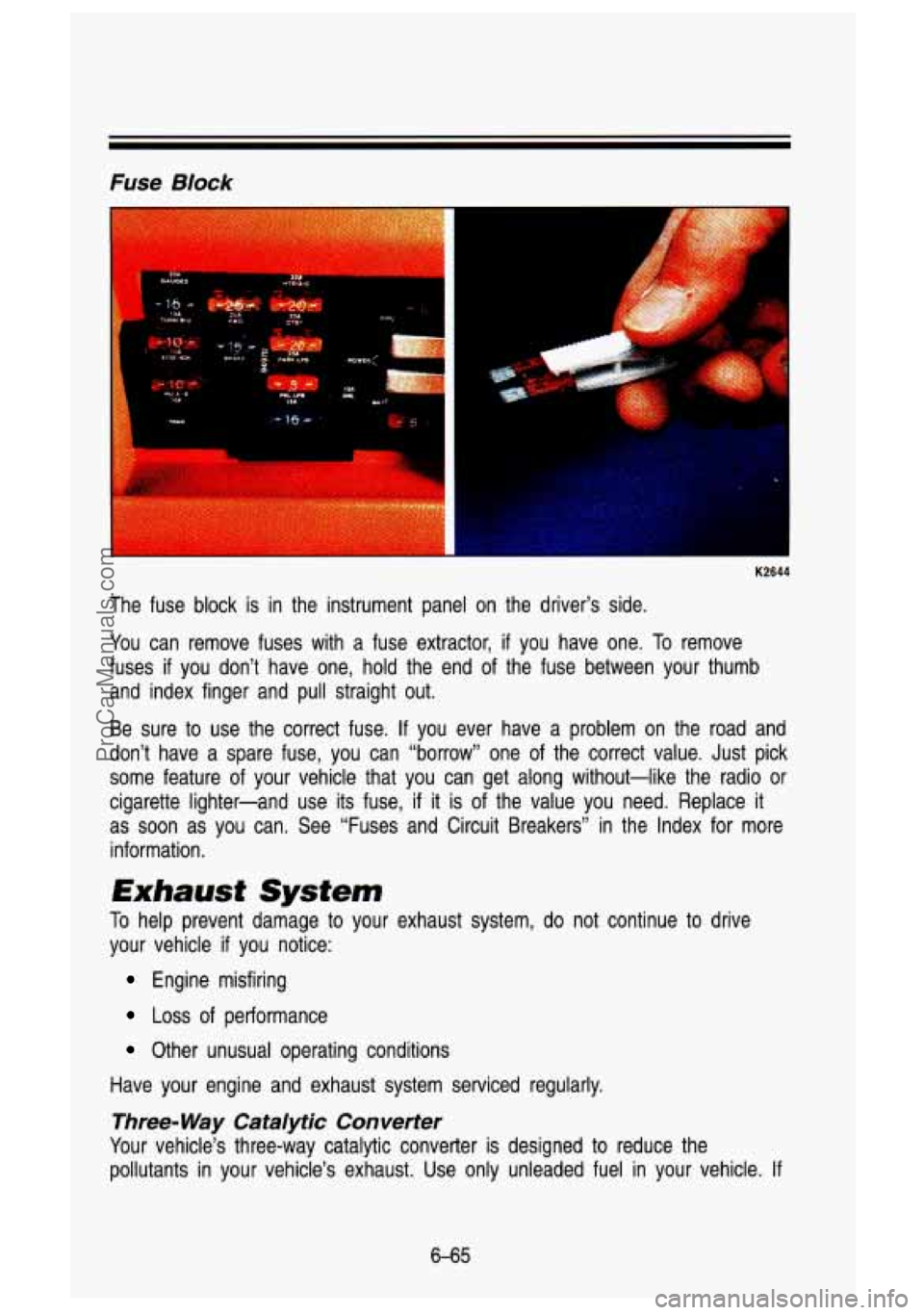
The fuse block is in the instrument panel on the driver’s side.
You can remove fuses with a fuse extractor,
if you have one. To remove
fuses
if you don’t have one, hold the end of the fuse between your thumb
and index finger and pull straight out.
Be sure
to use the correct fuse. If you ever have a problem on the road and
don’t have a spare fuse, you can “borrow’’ one of the correct value. Just pick
some feature
of your vehicle that you can get along without-like the radio or
cigarette lighter-and use its fuse,
if it is of the value you need. Replace it
as soon as you can. See “Fuses and Circuit Breakers” in the Index for more
information.
Exhaust System
To help prevent damage to your exhaust system, do not continue to drive
your vehicle
if you notice:
Engine misfiring
Loss of performance
Other unusual operating conditions
Have your engine and exhaust system serviced regularly.
Three- Way Cataiytic Converter
Your vehicle’s three-way catalytic converter is designed to reduce the
pollutants in your vehicle’s exhaust. Use only unleaded fuel in your vehicle.
If
6-65
ProCarManuals.com
Page 344 of 436
you use leaded fuel, you could damage your three-way catalytic converter,
and other engine components.
Computer Command Control System (All TBI equipped
vehicles and diesel engine vehicles below
8,500 lbs. GVWR)
Gasoline Engines
This system has an oxygen (OS) sensor that helps keep your engine’s air-fuel
mixture at a proper level. Use only unleaded fuel in your veh\
icle.
If you use
leaded fuel, you could damage your oxygen
(OS) sensor and three-way
catalytic converter.
Diesel Vehicles Below 8,500 LBS. GVWR
This system monitors engine speed and throttle position. It adj\
usts exhaust gas recirculation to limit emissions.
The Malfunction Indicator Lamp
(SERVICE ENGINE SOON) on your
instrument panel lets you know when your emission control syste\
m needs
service. The light will come on briefly when you start your e\
ngine to let you
know that the system is working. If
it does not come on when you start your
engine, or
if it comes on and stays on while you’re driving your system may \
need service. Your vehicle should still be driveable, but you should have your
system serviced right away.
Secondary Air Injection (AIR) System
You may have this system. It lets you know if your engine control module,
wiring harness or solenoid need service.
If the Malfunction Indicator Lamp
(Service Engine Soon) comes on, you need service.
6-66
ProCarManuals.com