light GMC SIERRA 1993 User Guide
[x] Cancel search | Manufacturer: GMC, Model Year: 1993, Model line: SIERRA, Model: GMC SIERRA 1993Pages: 436, PDF Size: 23.88 MB
Page 87 of 436
. If the light. doesn’t go off, wait a few seconds, then try staiting your engine
again. And, see your dealer
as soon as you- can for a starting system check.
If the light comes on and then goes out and you know your batte\
ries are
charged, but your engine still won’t start, your vehicle nee\
ds service.
If your batteries don’t have enough .charge to start ,your engine, see “Battery”
in the Index.
Be sure you have the right oil for your engine, and that you’ve changed the
oil
at the proper times. If you use the wrong oil, your engine may be harder
to start.
If the engine starts, runs a short time, then stops, your vehicle needs service.
NOTICE
Don’t use starting “aids” such as ether or gasoline, in the m~v intakc They
could damage your engine.
..- - .- * K2214
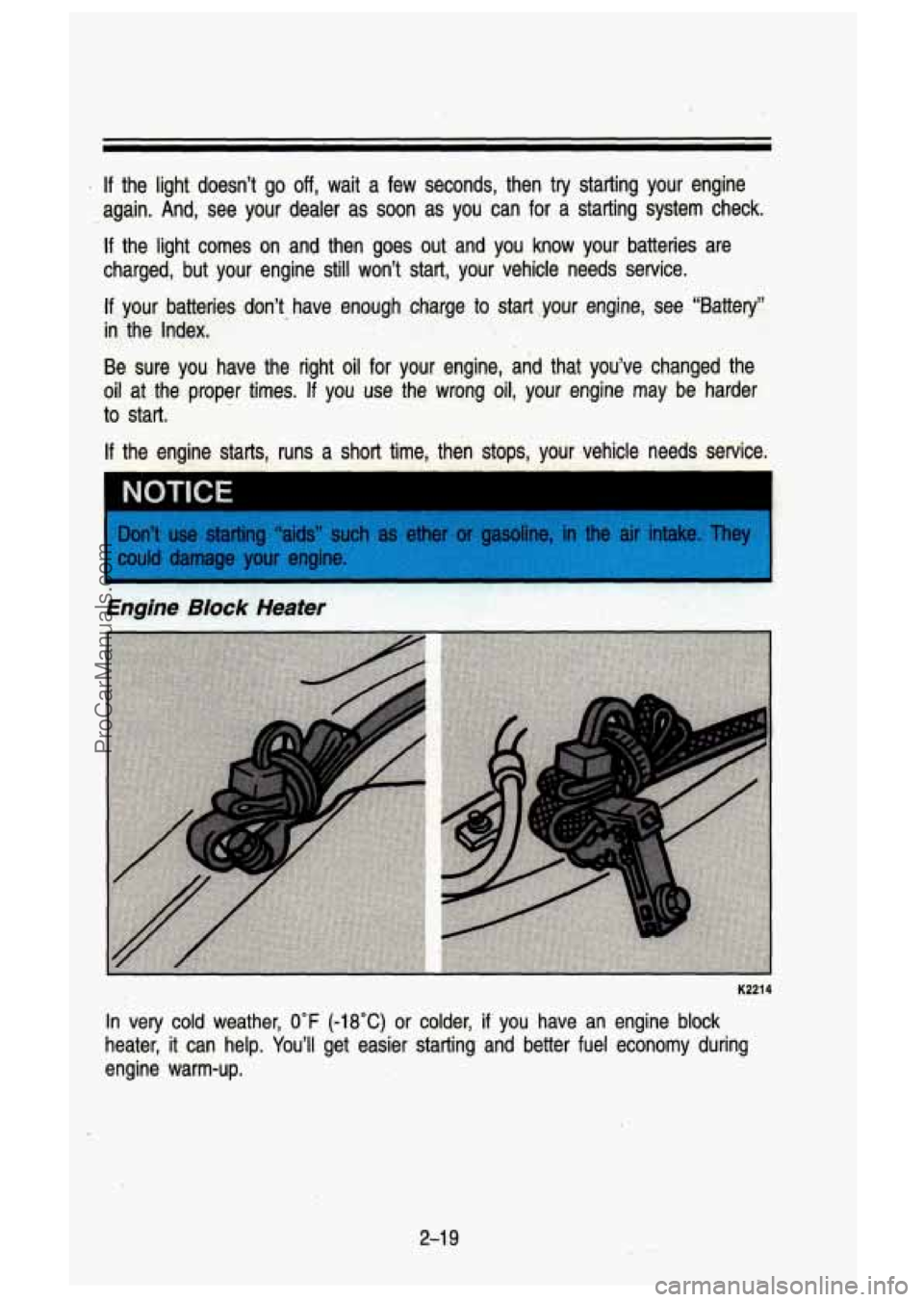
In very cold weather, 0°F (-18°C) or colder, if you have an engine block
heater, it can help. You’ll get easier starting and better fuel economy during
engine warm-up.
2-1 9
ProCarManuals.com
Page 95 of 436
.
N (")
To Stop-Let up on the accelerator pedal and press the brake pedal\
. Just
before the vehicle stops, press the clutch pedal and the brake pedal, and
shift to
N (Neutral).
N (Neutral)-Use this position when you start or idle your engine.
R (Reverse)-To back up, press the clutch pedal and shift into R. Let up on
the clutch pedal slowly while pressing the accelerator pedal. If you shift from
OD into R, the shift lever must first be placed in the N (Neutral) position
centered between
2 and 3 prior to shifting into R.
NOTICE I
Shift to R (Reverse) only after your vehicle is stopped. Shifting to R
(Reverse) while vour vehicle is movina could damaae vour transmission.
- -
Also, use Reverse, along with the parking brake, for parking your ve\
hicle.
Shift Light
I K2317
If you have a manual transmission, you may have a SHIFT light. This light
will show you when to shift to the next higher gear for best fuel economy.
When this light comes on, you can shift to the next higher gear
if weather,
road and traffic conditions let you. For the best fuel economy, accelerate
slowly and shift when the light comes on.
While you accelerate, it is normal for the light to go on and
off if you quickly
change the position
of the accelerator. Ignore the SHIFT light when you
downshift.
2-27
ProCarManuals.com
Page 96 of 436

Features & Controls
Four-Wheel-Drive Vehicles Only: If your vehicle has four-wheel drive and is
equipped with a manual transmission, disregard the shift light \
when the
transfer case is in
4 LOW.
Shift Speeds-Manual Transmission
This chart shows when to shift to the next higher gear for best fuel economy.
MANUAL TRANSMISSION RECOMMENDED SHIFT SPEED
IN MPH (KMIH)
Engine
and
VIN
45-50 25-40 50 40 15
4,3L
V6
3 to 4 2 to 3 1 to 2 3 to 4 2 to 3 1 to 2 Code
Trans. Cruise Shift Speed
Acceleration Shift Speed
(4
- (64) (40) (24) (K)
(72-80)
(40-64) - (80) (64)
(24)
5-Speed*
40 25 15 5.7L V8
- -
* Transmission with L (low) gear only. L (low) is intended for heavy loads and
is not recommended for normal driving.
I TO1 61 I
If your speed drops below 20 mph (32 km/h), or if the engine is not running
smoothly, you should downshift to the next lower gear. You may have to
downshift two or more gears
to keep the engine running smoothly or for good
performance.
I A If you skip more than one gear when you downshift, you could lose
I & control of your vehicle: And you could injure yourself or others. I
I Ju skip more than one gear when you downshift, or if you race the
;,,,ine when you downshift, you can damage the clutch or transmission. \
I
Locking Rear Axle
If you have this feature, your rear axle can give you additional \
traction on
snow, mud, ice, sand or gravel.
It works like a standard axle most of the
time,
but when one of the rear wheels has no traction and the other does,
the locking feature
will allow the wheel with traction to move the vehicle.
2-28
ProCarManuals.com
Page 97 of 436
Parking Brake
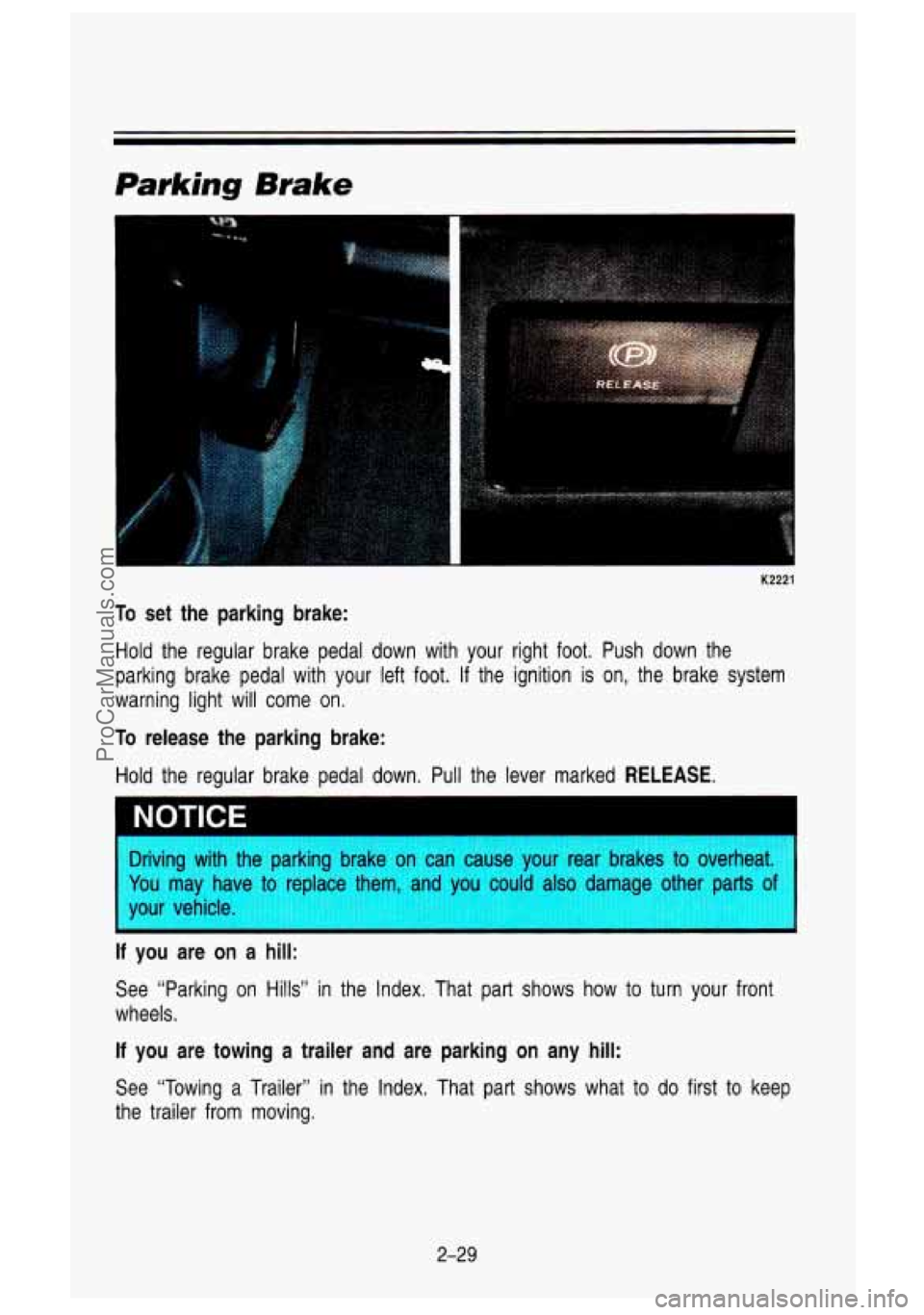
K2221
To set the parking brake:
Hold the regular brake pedal down with your right foot. Push down the
parking brake pedal with your left
foot. If the ignition is on, the brake system
warning light will come
on.
To release the parking brake:
Hold the regular brake pedal down. Pull the lever marked RELEASE.
Driving with the parking brake on can cause your rear brakes to overheat.
You may have to replace them, and you also da other p;
of I
your vehicle.
’ ‘
If you are on a hill:
See “Parking on Hills” in the Index. That part shows how to turn your front
wheels.
If you are towing a trailer and are parking on any hill:
See “Towing a Trailer” in the Index. That part shows what to do first to keep
the trailer from moving.
2-29
ProCarManuals.com
Page 106 of 436
Featwes & Contmk
The front axle portion of the indicator diagram will light up when you shift into
four-wheel drive.
A slight delay between shifting and the indicator’s lighting is
normal.
If the indicator does not light up, or if the front axle light does not go
out after you shift out of four-wheel drive, have your dealer check your
system.
When your headlights or parking lights are on, rotate the dial\
to the right of
your headlight switch up
to brighten, or down to dim, your transfer case
indicator light.
Transfer Case Shift Positions
2H (High): This setting is for driving in most street and highway situations.
Your front axle is not engaged in two-wheel drive.
4H (High): This setting engages your front axle to help drive your vehicle.
Use
4H when you need extra traction, such as on wet or icy roads, or in
most
off -road situations.
N (Neutral): Shift to this setting only when your vehicle needs to be towed or
when using a power take
off.
4L (Low): This setting also engages your front axle to give you extra traction,
but should be used only for off-road or on extremely slippery surfaces.
You can shift from
2H to 4H or from 4H to 2H while the vehicle is moving.
Your front axle will engage faster
if you take your foot off of the accelerator
for a few seconds after you shift. In extremely cold weather it may be
necessary to stop or slow the vehicle to shift out of
2H.
To shift into or out of 4L or N (Neutral):
1. Slow the vehicle to a roll, about 3 mph (5 kmlh) and shift your
2. Shift the transfer case shift lever in one continuous motion.
transmission into neutral.
Don’t pause in
N (Neutral) as you shift the transfer case into 4L, or your
aears could clash.
Kernember that driving
in 4H or 4L may reduce fuel economy. Also, driving in
four-wheel drive on dry pavement could cause your tires to wea\
r faster and
make your transfer case harder
to shift.
Front Axle Locking Feature
The front axle locks and unlocks automatically when you shift the transfer
case.
A slight delay for the axle to lock or unlock is normal. If the outside
temperature is very hot, or the vehicle has been used under hard driving
conditions, there may be a slight delay for the axle to unlock.
2-38
ProCarManuals.com
Page 110 of 436
Features & ContrOrs
To tilt the wheel, hold the steering wheel and pull the lever. Move the
steering wheel to a comfortable level, then release the lever to
lock the wheel
in place.
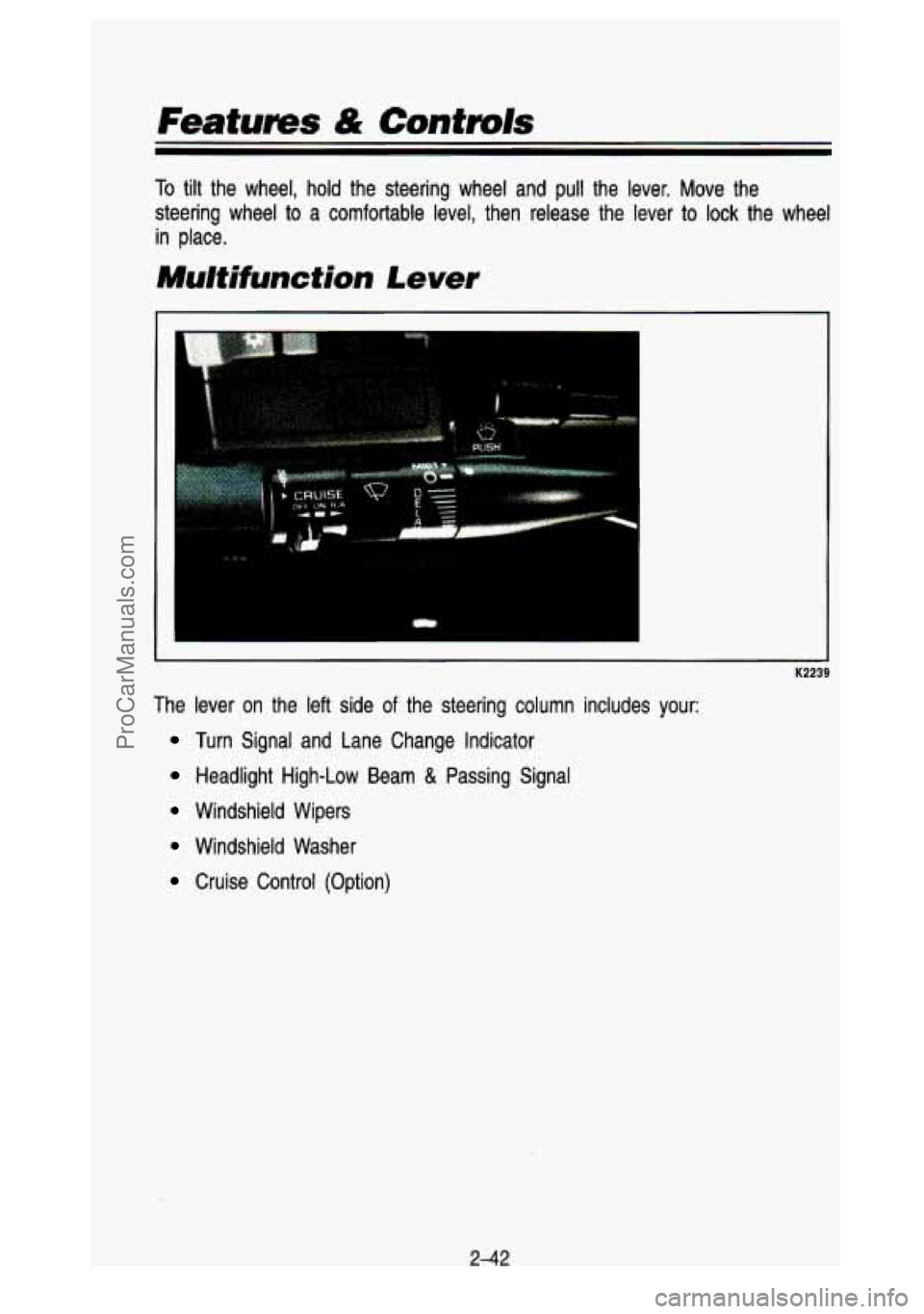
Mu/tifunction Lever
The lever on the left side of the steering column includes your:
Turn Signal and Lane Change Indicator
Headlight High-Low Beam & Passing Signal
Windshield Wipers
Windshield Washer
Cruise Control (Option)
2-42
ProCarManuals.com
Page 111 of 436
 and two downward \
(for Left)
positions. These positions allow you to signal a turn
or a")
Turn Signa/ and Lane Change Indicator
(I
The turn signal has two upward (for Right) and two downward \
(for Left)
positions. These positions allow you to signal a turn
or a lane change.
To signal a turn, move the lever all the way up or down. When the turn is
finished, the lever will return automatically.
A green arrow on the instrument panel will flash in the direction of the turn
or lane change.
To signal a lane change, just raise
or lower the lever until the green arrow
starts
to flash. Hold it there until you complete your lane change. The lever
will return by itself when you release it.
As you signal a turn or a lane change, if the arrows flash twice as fast as
normal, a signal bulb may be burned out and other drivers won't see your
turn signal.
If a bulb is burned out, replace
it to help avoid an accident. If the green
arrows don't go on at all when you signal a turn, check the \
fuse (see "Fuses" in the Index) and for burned-out bulbs.
Operation of Lighfs
Although your vehicle's lighting system (headlights, parking lig\
hts, fog lamps,
side marker lights and taillights) meet all applicable federal \
lighting
requirements, certain states and provinces may apply their own lighting
regulations that may require special attention before you operat\
e these lights.
For example, some jurisdictions may require that you operate your l\
ower
243
ProCarManuals.com
Page 112 of 436

Features & Controls
beam lights with fog lamps at all times, or that headlights b\
e turned on
whenever you must use your windshield wipers.
In addition, most jurisdictions
prohibit driving solely with parking lights, especially at dawn \
or dusk. It is
recommended that you check with your own state or provincial h\
ighway
authority for applicable lighting regulations.
Headight High-Low Beam
- K2242
To change the headlights from low beam to high or high to low, \
pull the turn
signal lever all the way toward you. Then release
it. When the high beams
are on, this blue light
on the instrument panel also will be on.
2-44
ProCarManuals.com
Page 120 of 436
Features & Confmls
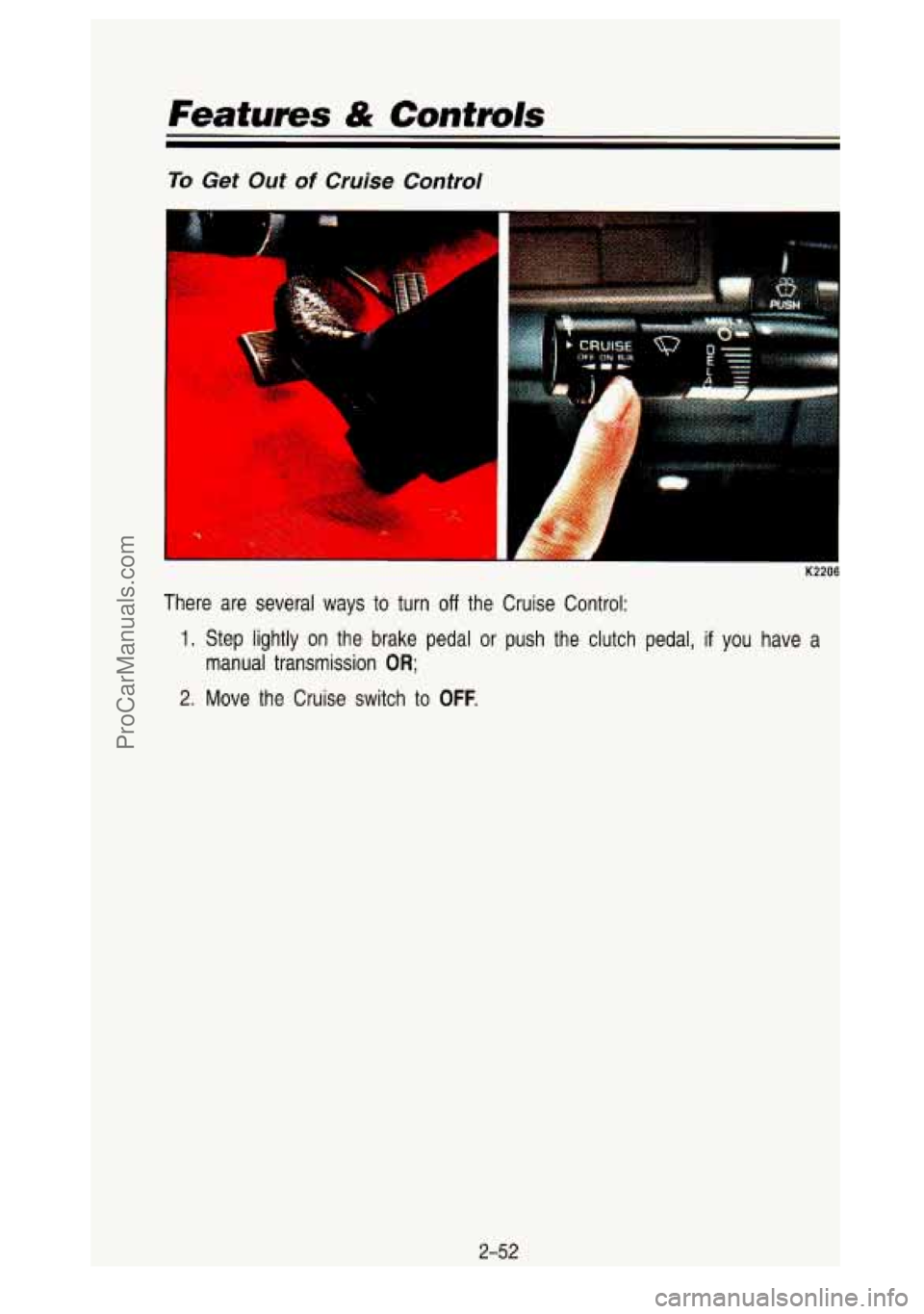
To Get Out of Cruise Control
I
K2206
There are several ways to turn off the Cruise Control:
1. Step lightly on the brake pedal or push the clutch pedal, if you have a
manual transmission
OR;
2. Move the Cruise switch to OFF.
2-52
ProCarManuals.com
Page 121 of 436
Headlights and Vehicle Lighting
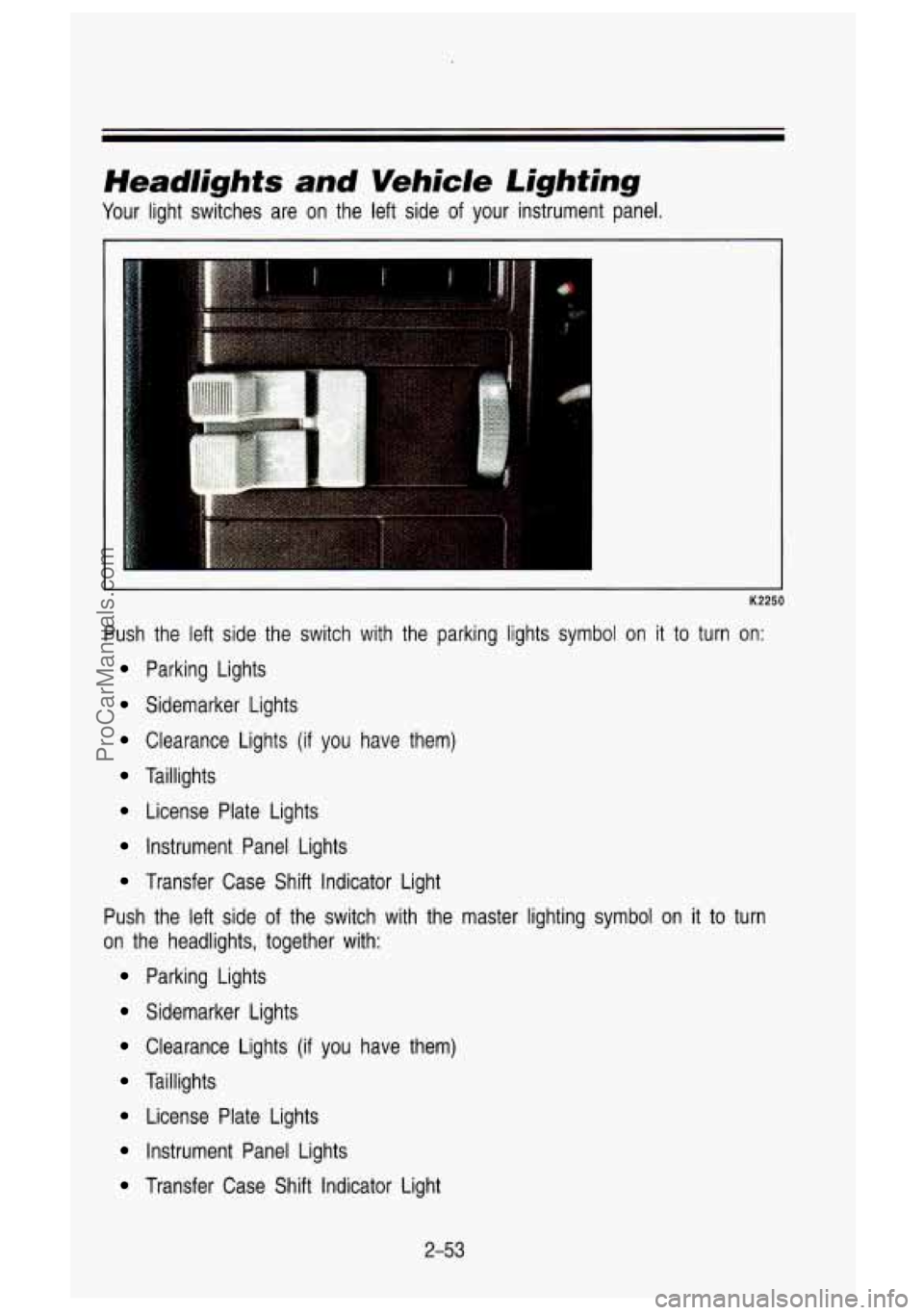
Your light switches are on the left side of your instrument panel.
Push the left side the switch with the parking lights symbol
on it to turn on:
Parking Lights
Sidemarker Lights
Clearance Lights (if you have them)
Taillights
License Plate Lights
instrument Panel Lights
Transfer Case Shift Indicator Light
Push the left side of the switch with the master lighting symbol on it
to turn
on the headlights, together with:
Parking Lights
Sidemarker Lights
Clearance Lights (if you have them)
Taillights
License Plate Lights
Instrument Panel Lights
Transfer Case Shift Indicator Light
2-53
ProCarManuals.com