service GMC SIERRA 1994 Owners Manual
[x] Cancel search | Manufacturer: GMC, Model Year: 1994, Model line: SIERRA, Model: GMC SIERRA 1994Pages: 404, PDF Size: 20.91 MB
Page 3 of 404
INTRODUCTION
1994 GMC Sierra Owner’s Manual
Welcome
This manual was prepared to acquaint you with the operation and
maintenance of your
1994 GMC Sierra and to provide important safety
information. There
is also a GMC Truck Warranty and Owner Assistance
Information booklet. In some vehicles, there can
be information manuals
from other manufacturers like body builders or special equipment
companies. We urge you
to review all these publications carefully. This will
help you enjoy safe and trouble-free operation
of your vehicle.
When it comes to service, keep in mind that your dealer knows your vehicle
best and is interested
in your complete satisfaction. Your dealer invites you
to return for all of your service needs both during and after the warranty
period.
Remember,
if you have a concern and need help handling it to your
satisfaction,
see the procedure in the GMC Truck Warranty and Owner
Assistance Information booklet.
Thanks for choosing a GMC Truck product. We value you as a member
of
the GMC Truck family. We want to assure you of our continuing interest in
your pleasure and satisfaction with your vehicle.
GMC Truck Division
General Motors Corporation
Pontiac, Michigan
@Copyright
1993 General Motors Corporation, GMC Truck Division.
All Rights Reserved
Second Edition
I
Printed in U.S.A.
ProCarManuals.com
Page 4 of 404
Important Notes to Owners and Drivers
. . . .About This Manual:
Please keep this manual in your vehicle so it will be there if you ever need it
when you’re
on the road. If you sell the vehicle, please leave this manual in
it so the new owner can use it.
This manual includes the latest information at the time it was printed. We
reserve the right to make changes
in the product after that time without
further notice. For vehicles first sold in Canada, substitute the name
“General Motors of Canada Limited” for
GMC Truck Division whenever it
appears in this manual.
For Canadian Owners Who Prefer a French Language
Manual:
Aux proprietaires canadiens: Vous pouvez vous procurer un exemplaire de
ce guide
en francais chez votre concessionaire ou au DGN Marketing
Services Ltd.,
1500 Bonhill Rd., Mississauga, Ontario L5T 1 C7.
I_ =l
I
GMCTRUCK
General Motors, GM, the GM Emblem, GMC and Sierra are registered
trademarks
of General Motors Corporation.
11 ..
ProCarManuals.com
Page 6 of 404
Table of Contents
Introduction - How to Use this Manual
This section tells you how to use your manual and includes safety
and vehicle damage warnings and symbols.
Section 1 - Seats and Safety Restraints
This section tells you how to use your seats and safety restraints
properly.
Section 2 - Features & Controls
This section explains how to start and operate your Vehicle.
Section 3 - Comfort Controls & Audio Systems
This section tells you how to adjust the ventilation and comfort
controls and how to operate your audio system.
Section 4 - Your Driving and the Road
Here you’ll find helpful information and tips about the road\
and
how to drive under different conditions.
Section 5 - Problems on the Road
This section tells you what to do if you have a problem while
driving, such as
a flat tire or engine overheating.
Section 6 - Service & Appearance Care
Here the manual tells you how to keep your Vehicle running
properly and looking good.
Section 7- Schedule Maintenance Services
This section tells you when to perform vehicle maintenance and
what fluids and lubricants to use.
Section 8 - Customer Assistance Information
This section tells you how to contact your GM division for
assistance and
how to get service publications. It also gives you
information on “Reporting Safety Defects” on page
8-4.
Index
Here’s an alphabetical listing of almost every subject in th\
is
manual. You can use
it to quickly find something you want to read.
iv
ProCarManuals.com
Page 7 of 404
How to Use This Manual
Many people read their owner’s manual from beginning to end when they
first receive their new vehicle. This will help you learn about the features
and controls for- your vehicle.
In this manual, you’ll find that pictures and
words work together to explain things quickly.
INDEX: A good place to look for what you need is the Index in back of the
manual. It’s an alphabetical list
of all that’s in the manual, and the page
number where you’ll find
it.
SECTION 1-6: Each section of this manual begins with a brief list of its
contents,
so you can often find at a glance if a section contains the
information you want.
SECTION 7: This section of the manual covers the maintenance required
for your vehicle.
SECTION 8 CUSTOMER ASSISTANCE: This section includes
important information about reporting safety defects and gives you details
about the “Roadside Assistance” program. You will also find customer
satisfaction phone numbers (including customer satisfaction numbers for the
hearing and speech impaired)
as well as the mediation/arbitration procedure.
We’ve also included ordering information for service publications in this
part.
Safety Warnings and Symbols
You will find a number of safety cautions in this book. We use a box with
gray background and
the word CAUTION to tell you about things that could
hurt
you if you were to ignore the warning.
A CAUTION:
These mean there is something that could hurt you or other
people.
In the gray caution area, we tell you what the hazard is. Then we tell you
what to do to help avoid or reduce the hazard. Please read these cautions.
If
you don’t, you or others could be hurt.
You will also
find a circle with a slash through it in this book. This safety
symbol means “Don’t,’’ “Don’t
do this,” or “Don’t let this happen.’’
V
ProCarManuals.com
Page 70 of 404
NOTICE:
If your key seems stuck in “Lock” and you can’t turn it, be sure
it is all the
way in. If it is, then turn the steering wheel left and
right while you turn the key
hard. But turn the key only with
your hand. Using a tool to force it could break the key or the
ignition switch.
If none of this works, then your vehicle needs
service.
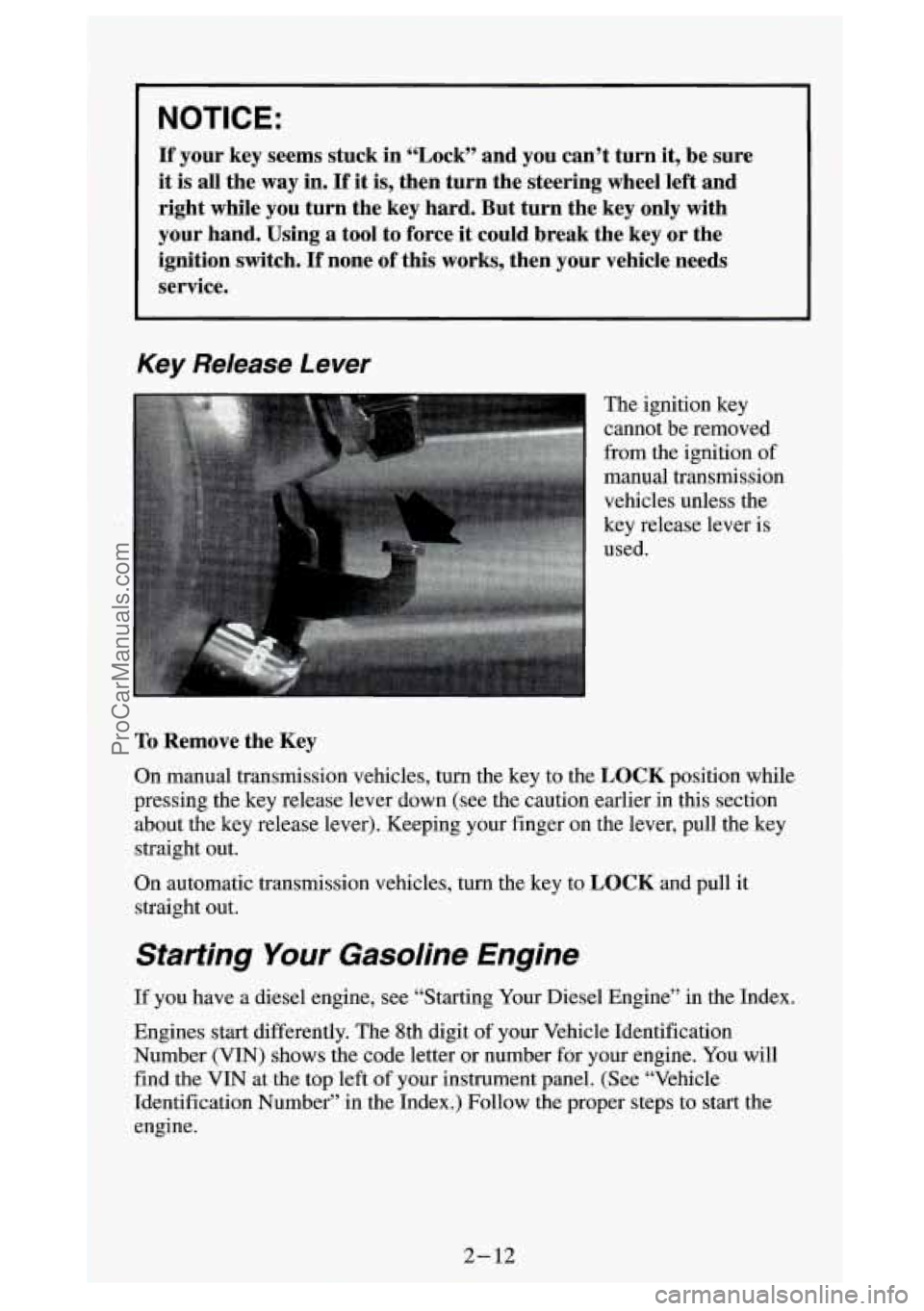
Key Release Lever
The ignition key
cannot be removed
from the ignition of
manual transmission
vehicles unless the
key release lever is
used.
To Remove the Key
On manual transmission vehicles, turn the key to the LOCK position while
pressing the key release lever down (see the caution earlier \
in
this section
about the key release lever). Keeping your finger on the leve\
r, pull the key
straight out.
On automatic transmission vehicles, turn the key to
LOCK and pull it
straight out.
Starting Your Gasoline Engine
If you have a diesel engine, see “Starting Your Diesel Engine” in the Index.
Engines start differently. The 8th digit of your Vehicle Identification
Number (VIN) shows the code letter or number for your engine. You will
find the VIN at the top left of your instrument panel. (See “Vehicle
Identification Number” in the Index.) Follow the proper step\
s to start the
engine.
2-12
-.. ProCarManuals.com
Page 74 of 404
Starting Your Diesel Englne
Your diesel engine starts differently than a gasoline engine.
1. Automatic Transmission:
Move your shift lever to “P” (Park) or “N” (Neutral). Your engine
won’t start in any other position
- that’s a safety feature. To restart
when you’re already moving, use “N” (Neutral) only.
NOTICE:
Don’t try to shift to “P” (Park) if your vehicle is moving. If you
do, you could damage the transmission. Shift to
“P” (Park) only
when your vehicle is stopped.
2. Manual Transmission:
Move your shift lever to neutral and hold the clutch pedal to the floor
while starting the engine. Your vehicle won’t start if the clutch pedal is
not
all the way down - that’s a safety feature.
Turn your ignition key to
RUN. Don’t turn it to “Start.”
With
the ignition in RUN, the “GLOW PLUGS” light will come on. If
the engine is already warm, this light may not come on. That’s normal.
During starting, your “GLOW PLUGS” light may
go on and off a few
times. This is normal. This means that part
of your engine is being
warmed
up for better starting. When the light goes off, your engine is
ready to start. Do not start the engine with this light on.
NOTICE:
If the “GLOW PLUGS” light stays on, it means that your
vehicle could have one
of several problems, so you should have it
serviced right
away.
3. If this light does not come on, or the instant the light goes off, turn your
ignition key to “Start.” When the engine starts,
let go of the key.
NOTICE:
Holding your key in “Start” for longer than 15 seconds at a time
will cause your battery to be drained much sooner. And the
excessive heat can damage your starter motor.
2-16
ProCarManuals.com
Page 77 of 404
If the light comes on and then goes off and you know your batteries are
charged, but your engine still
won’t start, your vehicle needs service.
If the light does not come on when
the engine is cold, your vehicle needs
service.
If your batteries don’t have enough charge to start your engine, see
“Battery”
in the Index.
Be sure you have the right oil for your engine, and that you’ve changed the
oil at the proper times.
If you use the wrong oil, your engine may be harder
to start.
If
the engine starts, runs a short time, then stops, your vehicle needs service.
1 A CAUTION:
Do not use gasoline or starting “aids,” such as ether, in the air
intake.
They could damage your engine. There could also be a
fire, which could cause serious personal injury.
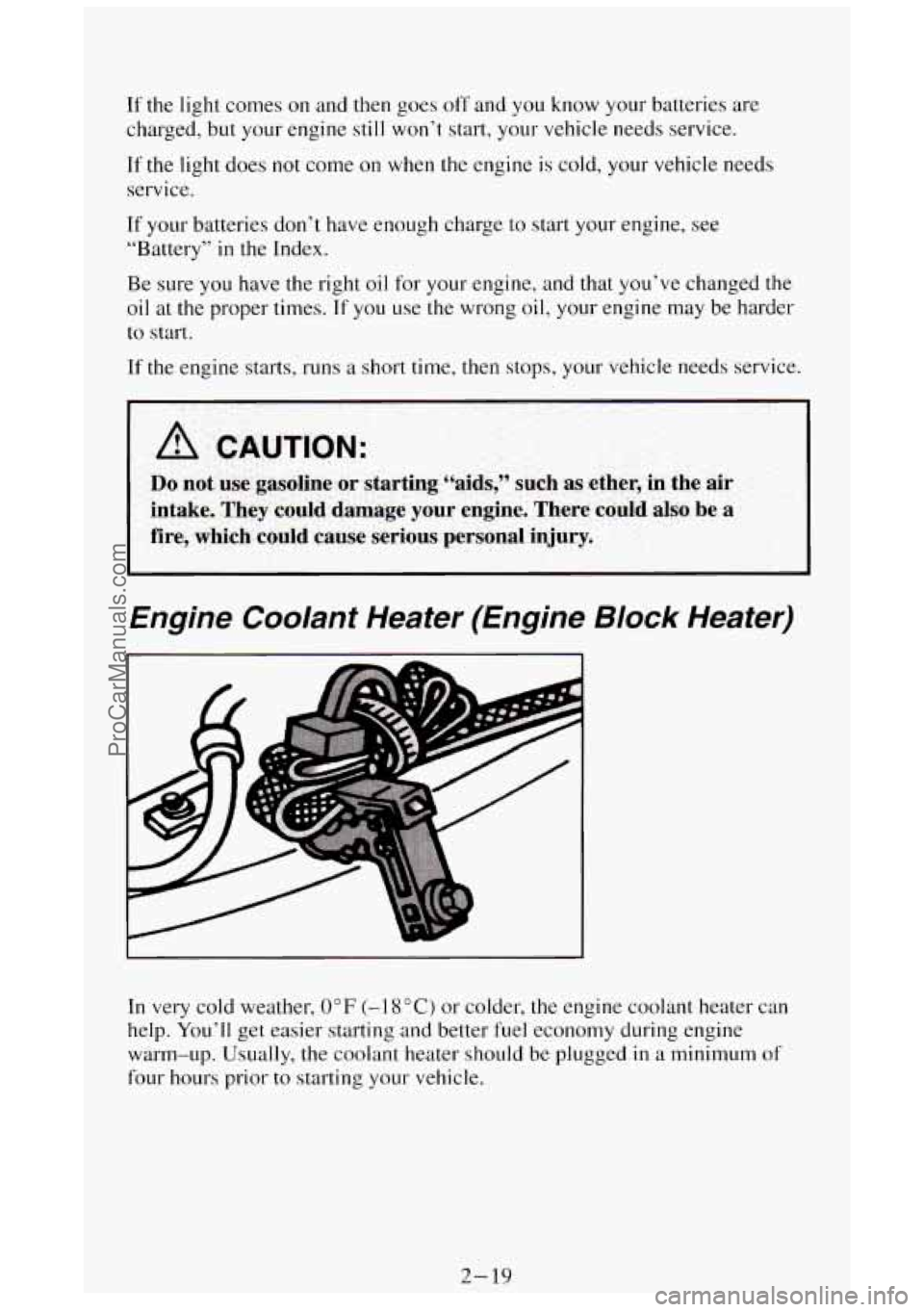
Engine Coolant Heater (Engine Block Heater)
In very cold weather, 0°F (-I 8°C) or colder, the engine coolant heater can
help. You’ll get easier starting and better fuel economy during engine
warm-up. Usually, the coolant heater should be plugged
in a minimum of
four hours prior to starting your vehicle.
2-19
ProCarManuals.com
Page 128 of 404
Gages can indicate when there may be or is a problem with one of your
vehicle’s functions. Often gages and warning lights work together to let
you
know when there’s a problem with your vehicle.
When one of the warning lights comes on and stays on when you are
driving,
or when one of the gages shows there may be a problem, check the
section that tells you what to do about
it. Please follow the manual’s advice.
Waiting
to do repairs can be costly - and even dangerous. So please get to
know your warning lights and gages. They’re
a big help.
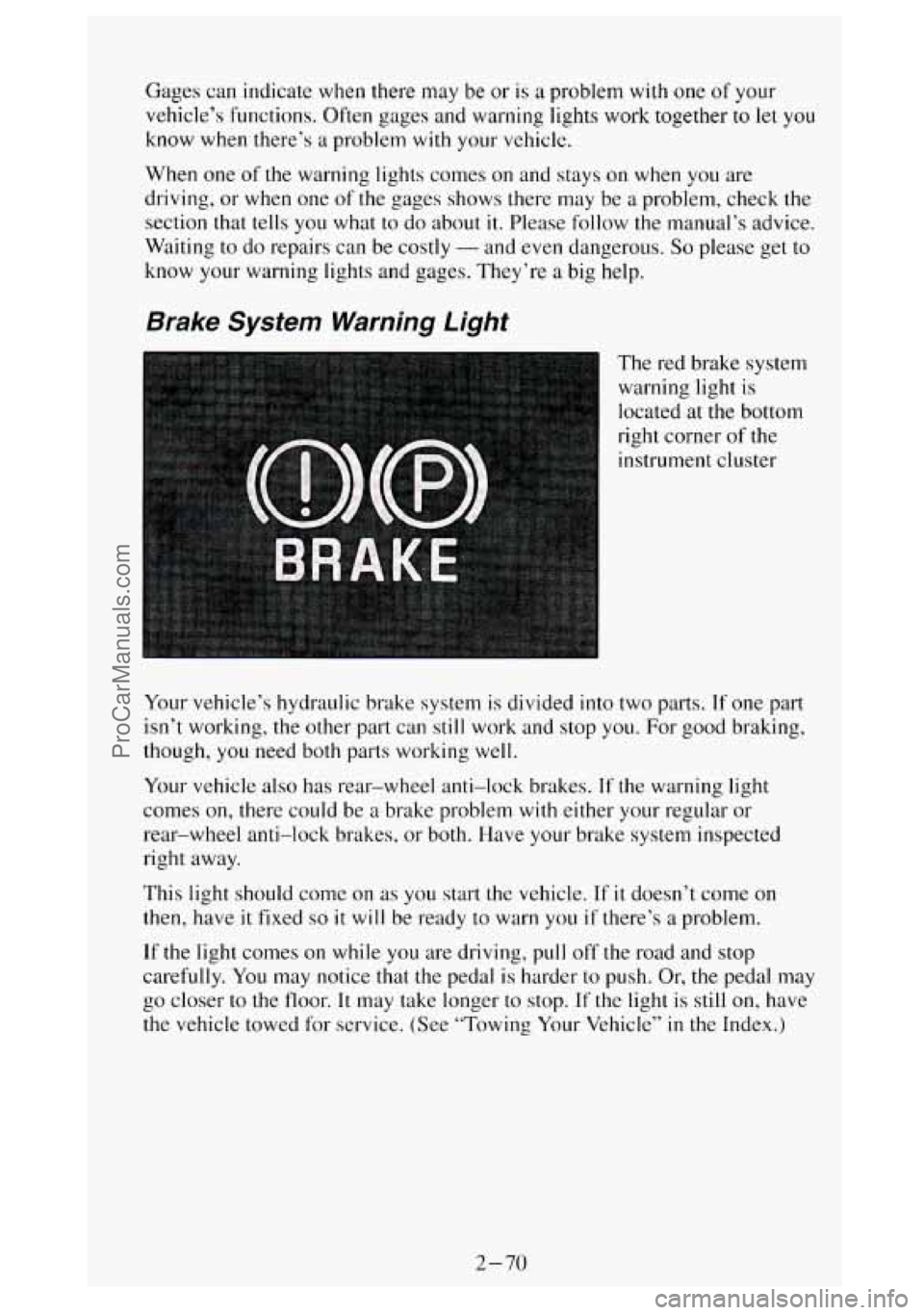
Brake System Warning Light
The red brake system
warning light is
located at the bottom
right corner
of the
instrument cluster
Your vehicle’s hydraulic brake system
is divided into two parts. If one part
isn’t working, the other part can still work and stop you. For good braking,
though, you need both parts working well.
Your vehicle also has rear-wheel anti-lock brakes.
If the warning light
comes on, there could be
a brake problem with either your regular or
rear-wheel anti-lock brakes, or both. Have your brake system inspected
right away.
This light should come on
as you start the vehicle. If it doesn’t come on
then, have it fixed so it will be ready to warn you if there’s a problem.
If the light comes on while you are driving, pull off the road and stop
carefully.
You may notice that the pedal is harder to push. Or, the pedal may
go closer
to the floor. It may take longer to stop. If the light is still on, have
the vehicle towed for service. (See “Towing Your Vehicle”
in the Index.)
2-70
ProCarManuals.com
Page 130 of 404
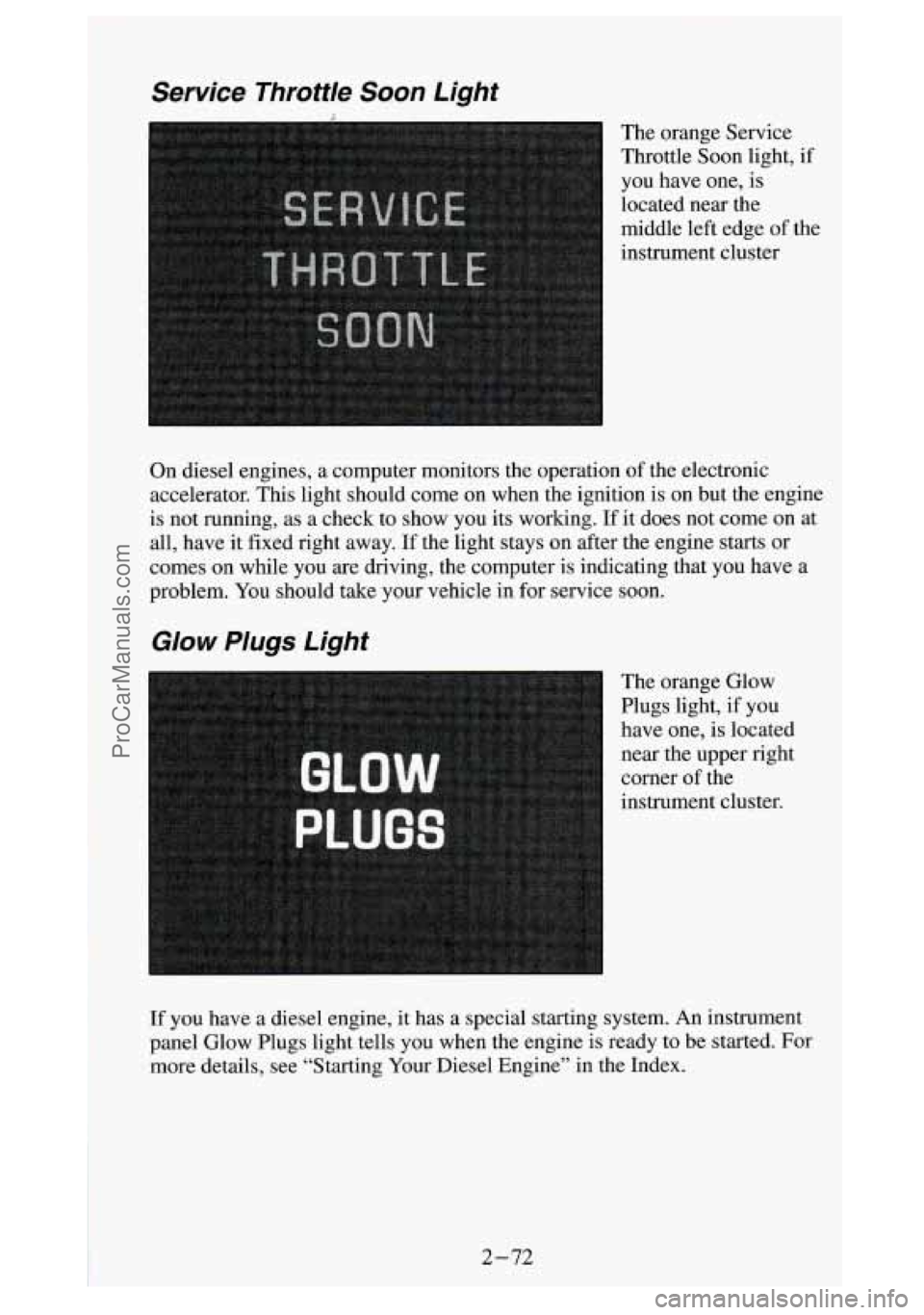
Service Throttle Soon Light
The orange Service
Throttle Soon light,
if
you have one, is
located near the
middle left edge of the
instrument cluster
On diesel engines, a computer monitors the operation of the electronic
accelerator. This light should come on when the ignition is on but the engine
is not running, as a check to show you its working.
If it does not come on at
all, have it fixed right away. If the light stays on after the engine starts or
comes on while you are driving, the computer is indicating that you have a
problem. You should take your vehicle in for service soon.
Glow Plugs Light
The orange Glow
Plugs light, if you
have one, is located
near the upper right
corner
of the
instrument cluster.
If you have a diesel engine,
it has a special starting system. An instrument
panel Glow Plugs light tells you when the engine is ready
to be started. For
more details, see “Starting Your Diesel Engine” in the Index.
2-72
~. . ProCarManuals.com
Page 131 of 404
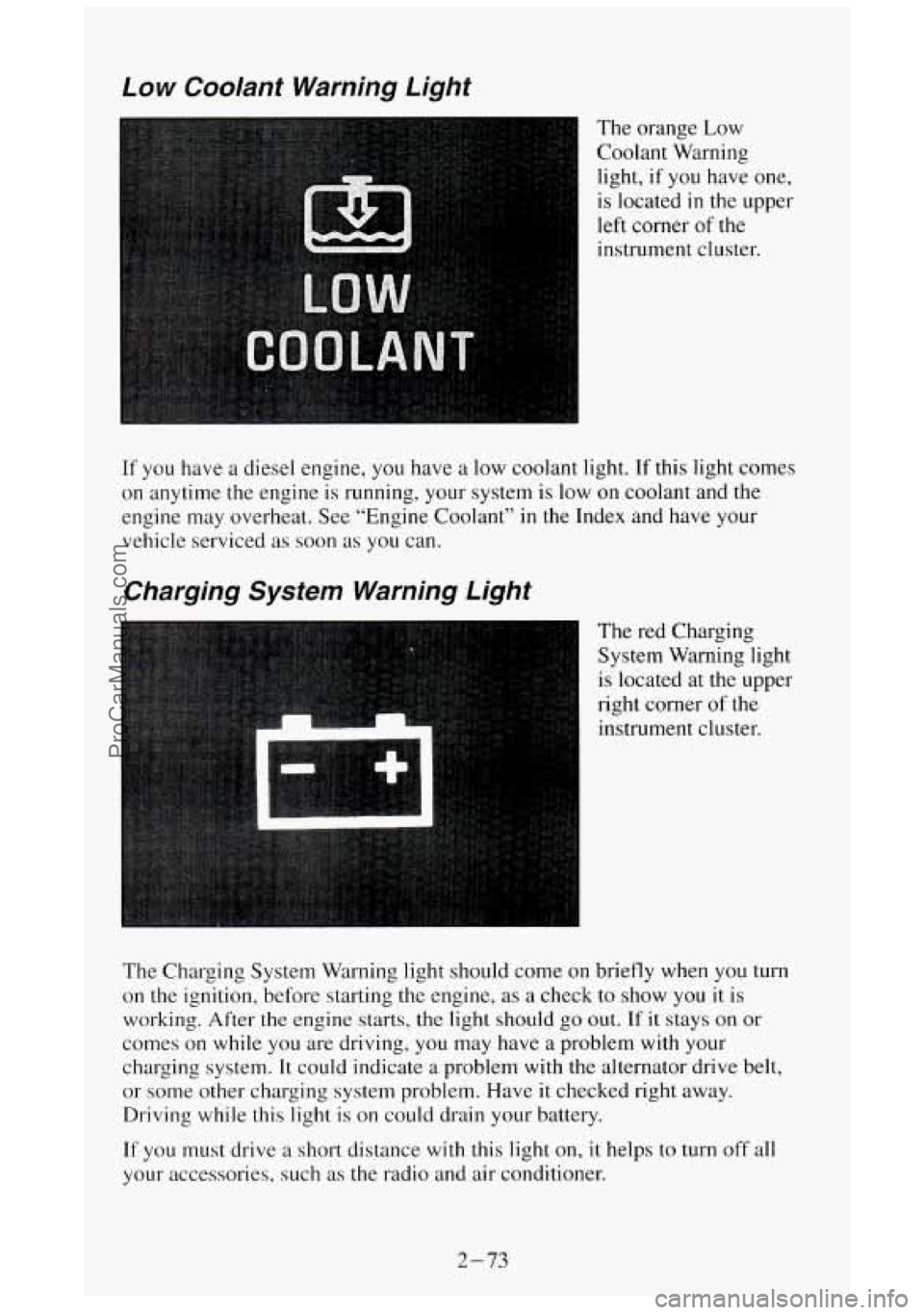
Low Coolant Warning Light
The orange Low
Coolant Warning
light, if you have one,
is located
in the upper
left corner of the
instrument cluster.
If you have
on anytime
engine may a
diesel engine, you have a low coolant light. If this light comes
the engine is running, your system
is low on coolant and the
overheat. See “Engine Coolant”
in the Index and have your
vehicle serviced as soon as you can.
Charging System Warning Light
The red Charging
System Warning light
I is located at the upper
right corner
of the
instrument cluster.
The Charging System Warning light should come on briefly when
you turn
on the ignition, before starting the engine, as a check to show you it is
working. After the engine starts, the light should go
out. If it stays on or
comes on while you are driving, you may have a problem with your
charging system.
It could indicate a problem with the alternator drive belt,
or some other charging system problem.
Have it checked right away.
Driving while this light is on could drain your battery.
If you must drive a short distance with this light on, it helps to turn off all
your accessories, such as the radio and air conditioner.
2-73
ProCarManuals.com