ECU GMC SIERRA 1997 Owner's Manual
[x] Cancel search | Manufacturer: GMC, Model Year: 1997, Model line: SIERRA, Model: GMC SIERRA 1997Pages: 436, PDF Size: 23.38 MB
Page 66 of 436
I
CAUTION: (Continu
Be sure to turn
off the air bag before using a
rear-facing child restraint in the right front
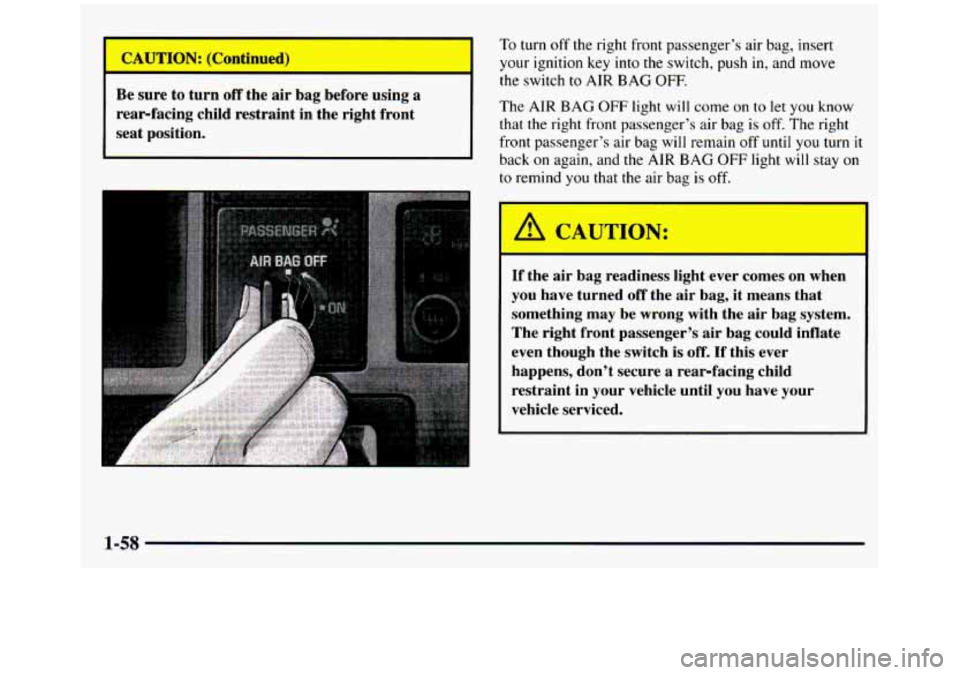
seat position. To turn
off the right
front passenger’s air bag, insert
your ignition key
into the switch, push in, and move
the switch to AIR BAG OFF.
The AIR BAG OFF light will come on to let you know
that the right front passenger’s air bag is off. The right
front passenger’s air bag will remain
off until you turn it
back on again, and
the AIR BAG OFF light will stay on
to remind you that the air bag is off.
A CAUTdN:
If the air bag readiness light ever comes on when
you have turned
off the air bag, it means that
something may be wrong with the air bag system.
The right front passenger’s air bag could inflate
even though the switch
is off. If this ever
happens, don’t secure
a rear-facing child
restraint in your vehicle until you have your
vehicle serviced.
I
1-58
ProCarManuals.com
Page 67 of 436
You’ll be using the lap-shoulder belt. See the earlier part
about the top strap
if the child restraint has one.
1. If your vehicle has air bags and you are using a
rear-facing child restraint in this seat, make sure
the
air bag is turned off. If your child restraint is
forward-facing, always
move the seat as far back as
it will go before securing it in this seat. (See “Seats”
in the Index.)
2. Put the restraint on the seat. Follow the instructions
for the child restraint.
3. Secure the child in the child restraint as the
instructions
say.
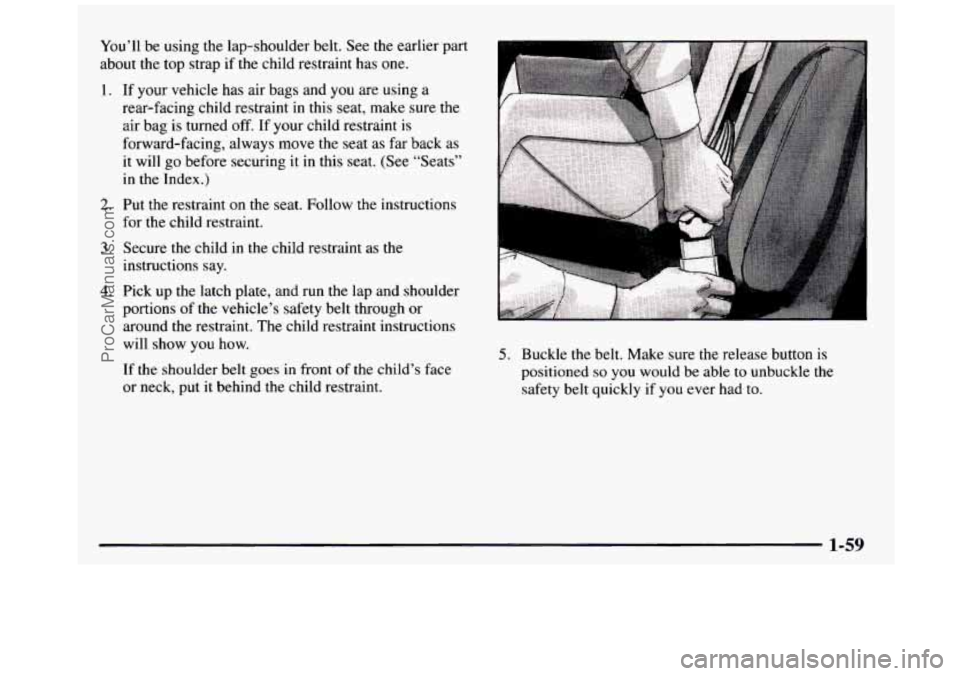
4. Pick up the latch plate, and run the lap and shoulder
portions of the vehicle’s safety belt through or
around
the restraint. The child restraint instructions
will show you how.
If the shoulder belt goes in front of the child’s face
or neck, put it behind the child restraint.
5. Buckle the belt. Make sure the release button is
positioned
so you would be able to unbuckle the
safety belt quickly if you ever had to.
1-59
ProCarManuals.com
Page 68 of 436
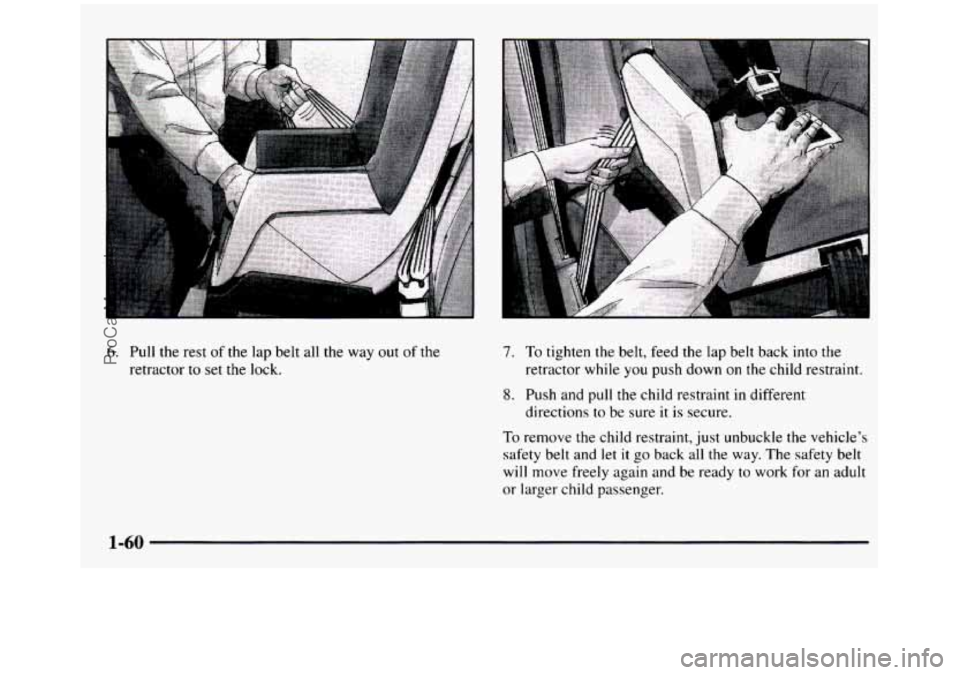
6. Pull the rest of the lap belt all the way out of the
retractor to set the lock.
7. To tighten the belt, feed the lap belt back into the
8. Push and pull the child restraint in different
retractor while
you push down
on the child restraint.
directions to be sure
it is secure.
To remove the child restraint, just unbuckle the vehicle’s
safety belt and let it go back all the way. The safety belt
will move freely again and be ready to work for an adult
or larger child passenger.
1-60
ProCarManuals.com
Page 77 of 436
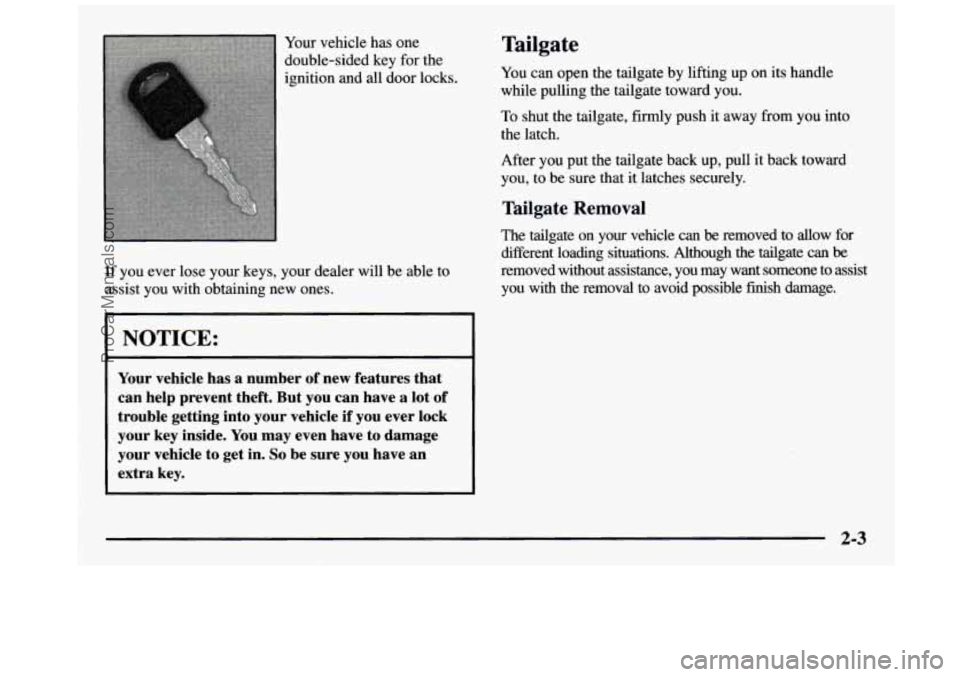
Your vehicle has one
double-sided key for the
ignition and all door locks.
If you ever lose your keys, your dealer will be able to
assist you with obtaining new ones.
I NOTICE:
Your vehicle has a number of new features that
can help prevent theft. But you can have a lot of
trouble getting into your vehicle if you ever lock
your key inside.
You may even have to damage
your vehicle to get in.
So be sure you have an
extra key.
Tailgate
You can open the tailgate by lifting up on its handle
while pulling the tailgate toward you.
TO shut the tailgate, firmly push it away from you into
the latch.
After you put the tailgate back up, pull it back toward
you, to be sure that it latches securely.
Tailgate Removal
The tailgate on your vehicle can be removed to allow for
different loading situations. Although the tailgate can
be
removed without assistance, you may want someone to assist
you with the removal to avoid possible finish damage.
2-3
ProCarManuals.com
Page 78 of 436
4 I
I
I
I
I
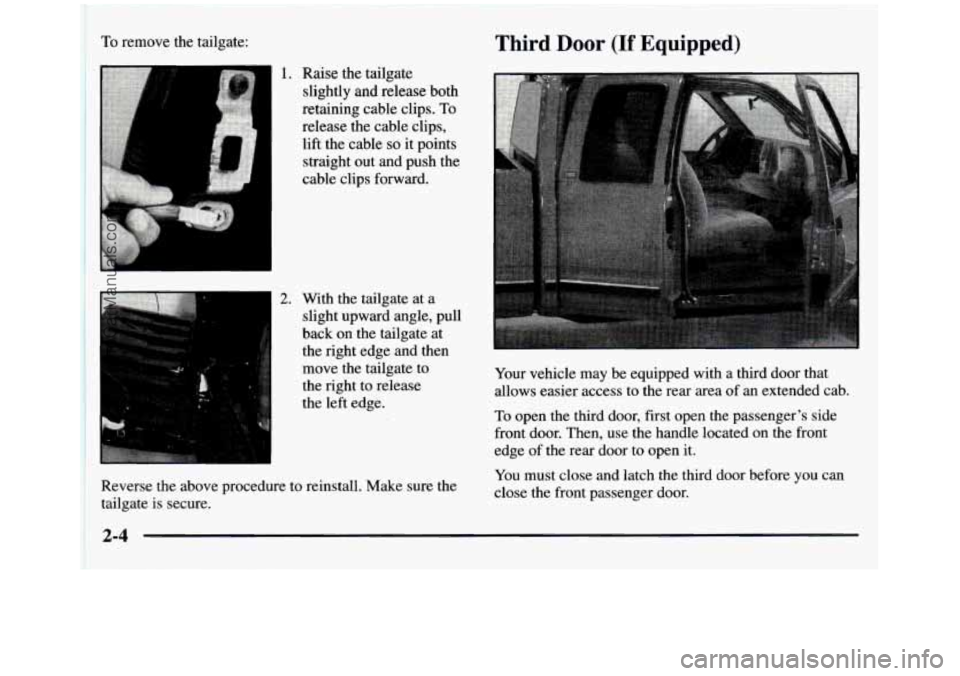
To remove the tailgate:
Raise the tailgate
slightly and release both
retaining cable clips.
To
release the cable clips,
lift the cable
so it points
straight out and push the
cable clips forward.
With the tailgate at a
slight upward angle, pull
back on the tailgate at
the right edge and then move the tailgate to
the right to release
the left edge.
Third Door (If Equipped)
Reverse the above procedure to reinstall. Make sure the
tailgate is secure. Your
vehicle may be equipped with a third door that
allows easier access to the rear area of an extended cab.
To open the third door, first open the passenger's side
front door. Then, use the handle located on the front
edge of the rear door to open it. You must close and latch the third door before you can
close the front passenger door.
2-4
ProCarManuals.com
Page 80 of 436
Power Door Locks (If Equipped)
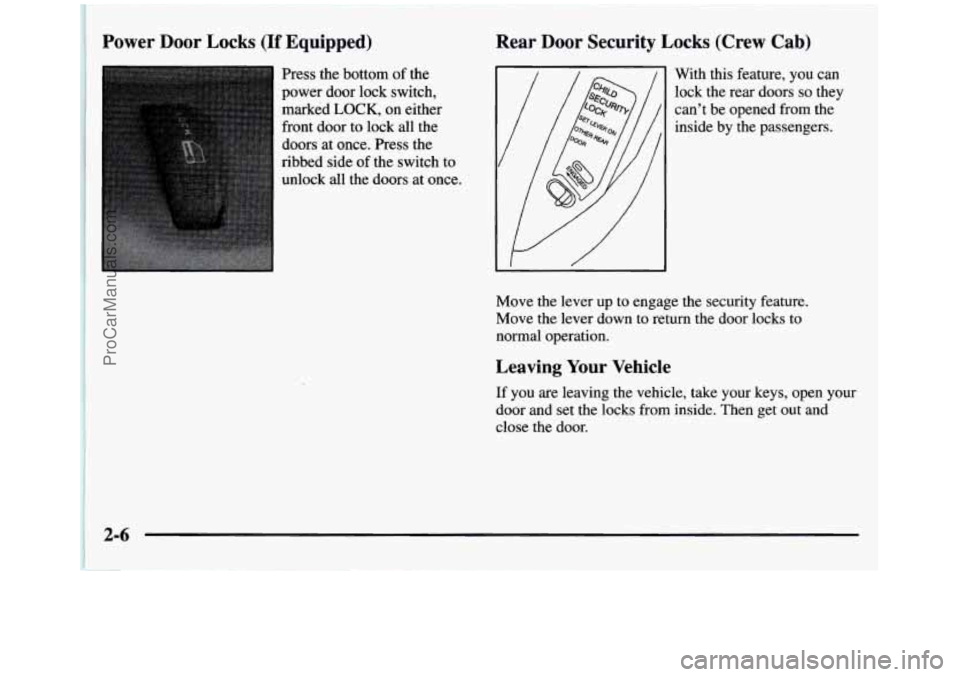
Press the bottom of the
power door lock switch,
marked
LOCK, on either
front door to lock all the
doors at once. Press the
ribbed side of the switch to
unlock all the doors at once.
Zear Door Security Locks (Crew Cab)
With this feature, you can
lock the rear doors
so they
can’t be opened from the
inside by the passengers.
Move the lever up
to engage the security feature.
Move the lever down
to return the door locks to
normal operation.
Leaving Your Vehicle
If you are leaving the vehicle, take your keys, open your
door and set the locks from inside. Then get out and
close the door.
2-6
ProCarManuals.com
Page 83 of 436
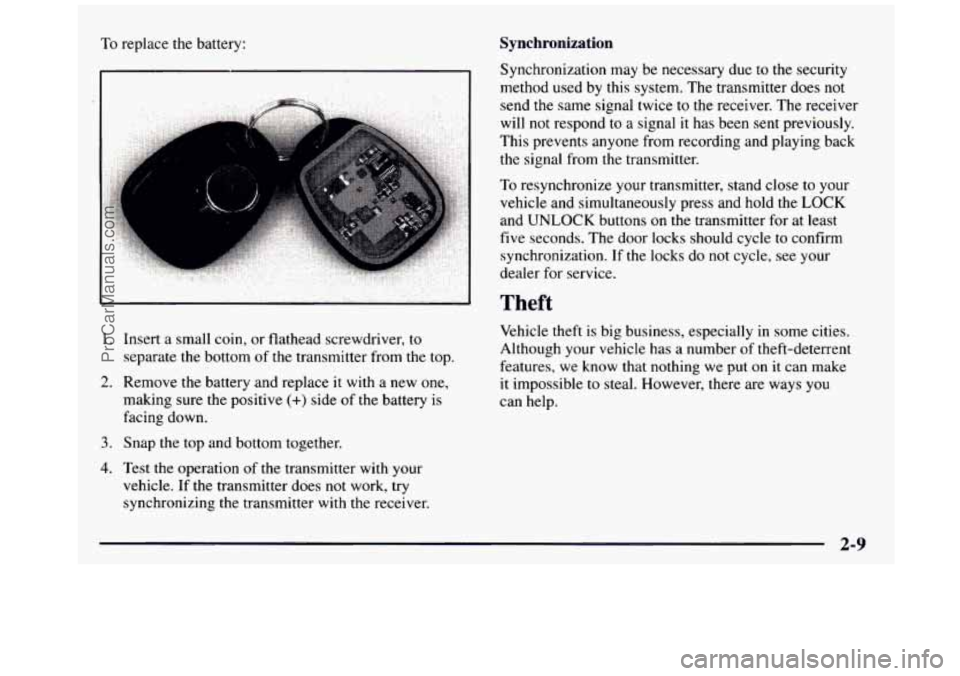
To replace the battery: Synchronization
1. Insert a small coin, or flathead screwdriver, to
separate the bottom of the transmitter from
the top.
making sure the positive
(+) side of the battery is
facing down.
2. Remove the battery and replace it with a new one,
3. Snap the top and bottom together.
4. Test the operation of the transmitter with your
vehicle.
If the transmitter does not work, try
synchronizing the transmitter
with the receiver. Synchronization
may be necessary due to the security
method used
by this system. The transmitter does not
send the same signal twice to the receiver. The receiver
will not respond to a signal it has been sent previously.
This prevents anyone from recording and playing back
the signal from the transmitter.
To resynchronize your transmitter, stand close to your
vehicle and simultaneously press and hold the
LOCK
and UNLOCK buttons on the transmitter for at least
five seconds. The door locks should cycle to confirm
synchronization.
If the locks do not cycle, see your
dealer for service.
Theft
Vehicle theft is big business, especially in some cities.
Although your vehicle has a number of theft-deterrent
features, we know that nothing we put on it can make
it impossible to steal. However, there are ways you
can help.
ProCarManuals.com
Page 142 of 436
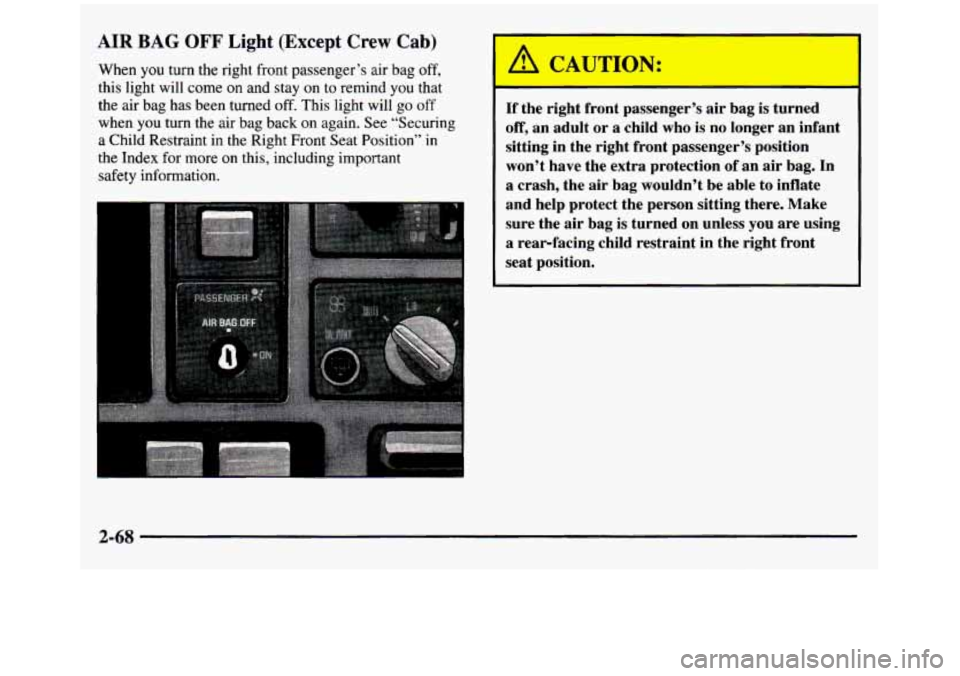
AIR BAG OFF Light (Except Crew Cab)
When you turn the right front passenger’s air bag off,
this light will come on and stay on to remind you that
the air bag has been turned off. This light will go off
when
you turn the air bag back on again. See “Securing
a Child Restraint in the Right Front Seat Position” in
the Index for more
on this, including important
safety information.
I A CAUTION:
If the right front passenger’s air bag is turned
off, an adult or a child who is no longer an infant
sitting in the right front passenger’s position
won’t have the extra protection
of an air bag. In
a crash, the air bag wouldn’t be able to inflate
and help protect the person sitting there. Make sure the air bag is turned on unless
you are using
a rear-facing child restraint in the right front
seat position.
2-68
ProCarManuals.com
Page 143 of 436
/I CAUTION: I
If the air bag readiness light ever comes on when
you have turned
off the air bag, it means that
something may be wrong with the air bag system.
The right front passenger’s
air bag could inflate
even though the switch is
off. If this ever
happens, don’t secure a rearfacing child
restraint in your vehicle until you have your
vehicle serviced.
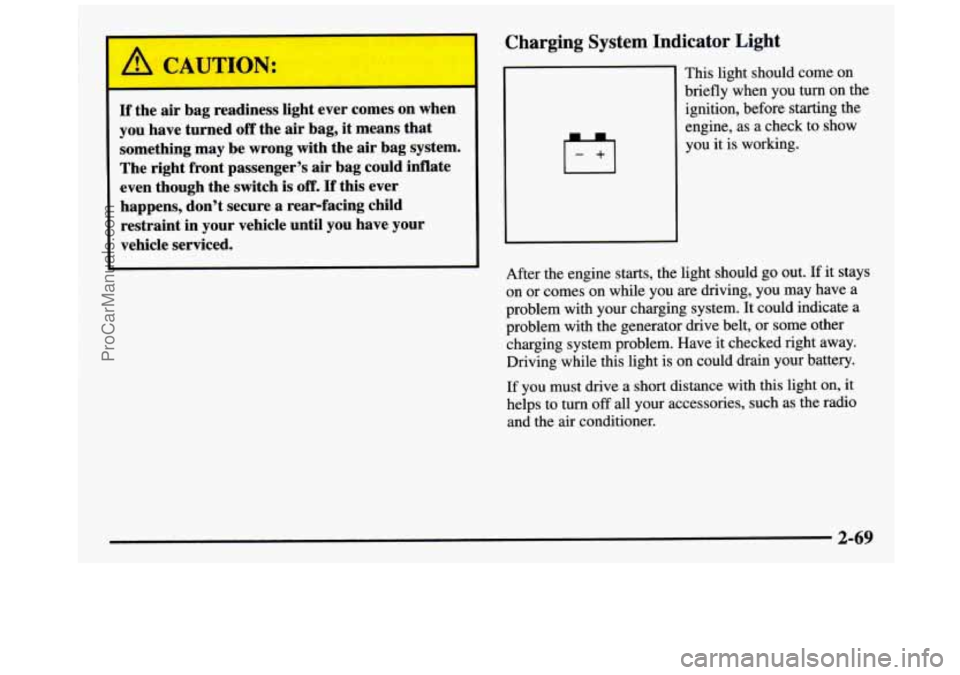
Charging System Indicator Light
This light should come on
briefly when you
turn on the
ignition, before starting the
engine, as a check to show
you it is working.
After the engine starts, the light should go out.
If it stays
on or comes on while you are driving, you may have a
problem with your charging system. It could indicate a
problem with the generator drive belt, or some other
charging system problem. Have it checked right away.
Driving while this light is on could drain your battery.
If you must drive a
short distance with this light on, it
helps to turn
off all your accessories, such as the radio
and the air conditioner.
2-69
ProCarManuals.com
Page 172 of 436
Playing a Compact Disc in the Single Remote Disc
Player
(If Equipped)
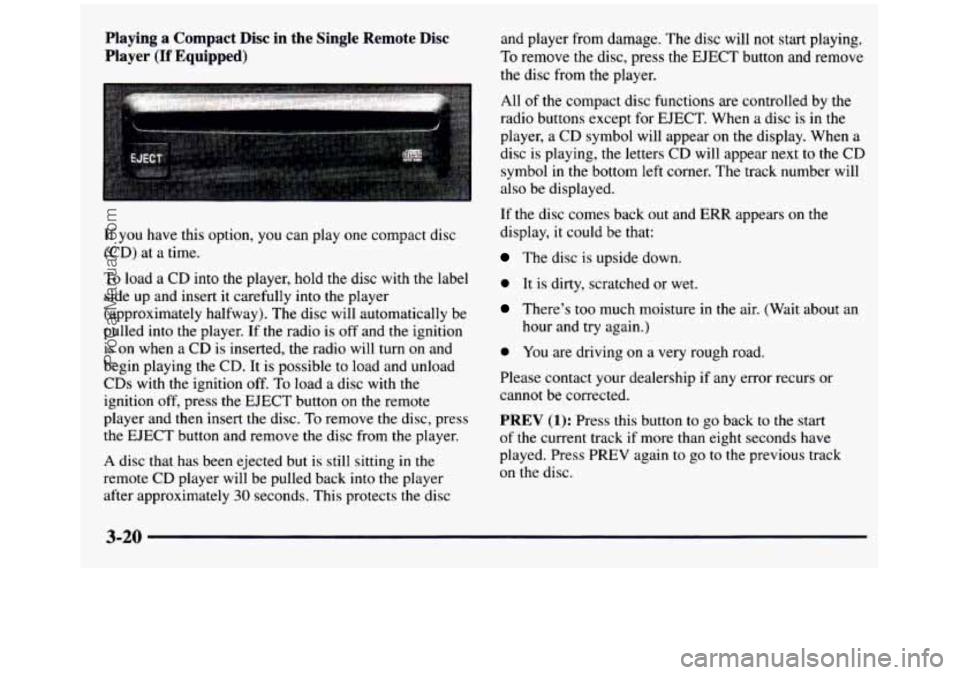
If you have this option, you can play one compact disc
(CD) at a time.
To load a CD into the player, hold the disc with the label
side up and insert it carefully into the player
(approximately halfway). The disc will automatically be
pulled into the player.
If the radio is off and the ignition
is on when a CD is inserted, the radio will turn on and
begin playing the CD. It is possible to load and unload
CDs with the ignition
off. To load a disc with the
ignition
off, press the EJECT button on the remote
player and then insert the disc.
To remove the disc, press
the EJECT button and remove the disc from the player.
A disc that has been ejected but is still sitting in the
remote CD player will be pulled back into the player
after approximately
30 seconds. This protects the disc and player from damage. The
disc will not start playing.
To remove the disc, press the EJECT button and remove
the disc from the player.
All
of the compact disc functions are controlled by the
radio buttons except for EJECT. When a disc
is in the
player, a CD symbol will appear
on the display. When a
disc
is playing, the letters CD will appear next to the CD
symbol in the bottom left corner. The track number will
also be displayed.
If the disc comes back
out and ERR appears on the
display, it could be that:
The disc is upside down.
0 It is dirty, scratched or wet.
There’s too much moisture in the air. (Wait about an
hour and try again.)
0 You are driving on a very rough road.
Please contact your dealership if any error recurs or
cannot be corrected.
PREV (1): Press this button to go back to the start
of the current track if more than eight seconds have
played. Press PREV again
to go to the previous track
on the disc.
ProCarManuals.com