reset GMC SIERRA 1997 Owners Manual
[x] Cancel search | Manufacturer: GMC, Model Year: 1997, Model line: SIERRA, Model: GMC SIERRA 1997Pages: 436, PDF Size: 23.38 MB
Page 113 of 436
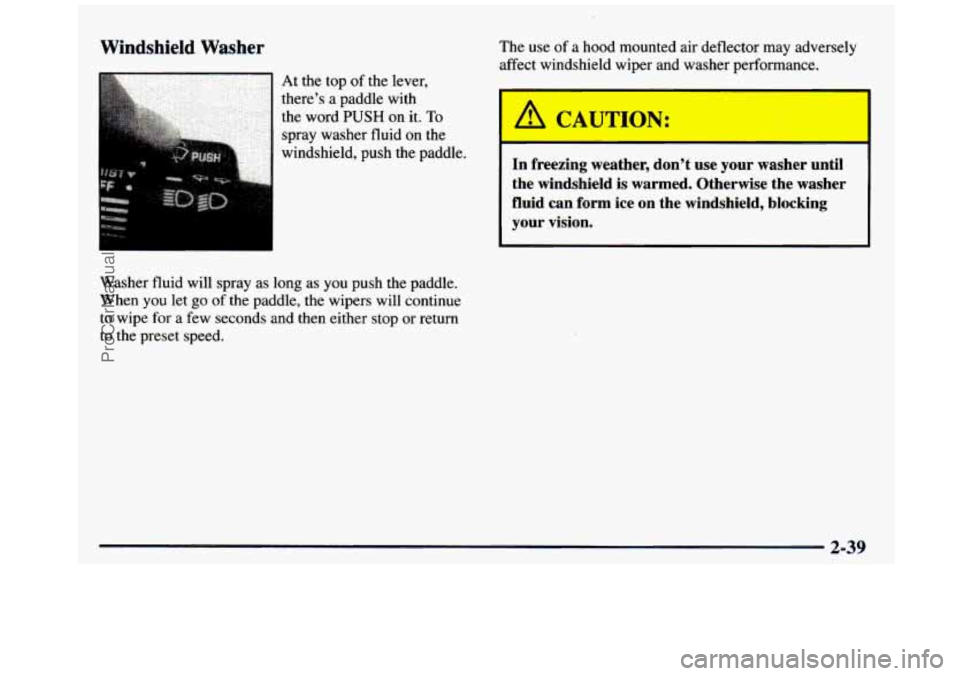
Windshield Washer
Washer fluid will spray as long as you push the paddle.
When you let go of the paddle, the wipers will continue
to wipe for a few seconds and then either stop or return
to the preset speed. The
use of a hood mounted air deflector may adversely
affect windshield wiper and washer performance.
h CMJT,JN: I
In freezing weather, don’t use your washer until
the windshield is warmed. Otherwise the washer
fluid can form ice on the windshield, blocking
your vision.
ProCarManuals.com
Page 115 of 436
Setting Cruise Control Resuming a Set Speed
If you leave your cruise control switch on when
you9re not using cruise, you might hit a button
and
go into cruise when you don’t want to. You
could be startled and even lose control. Keep
the cruise control switch
OFF until you want
to use it.
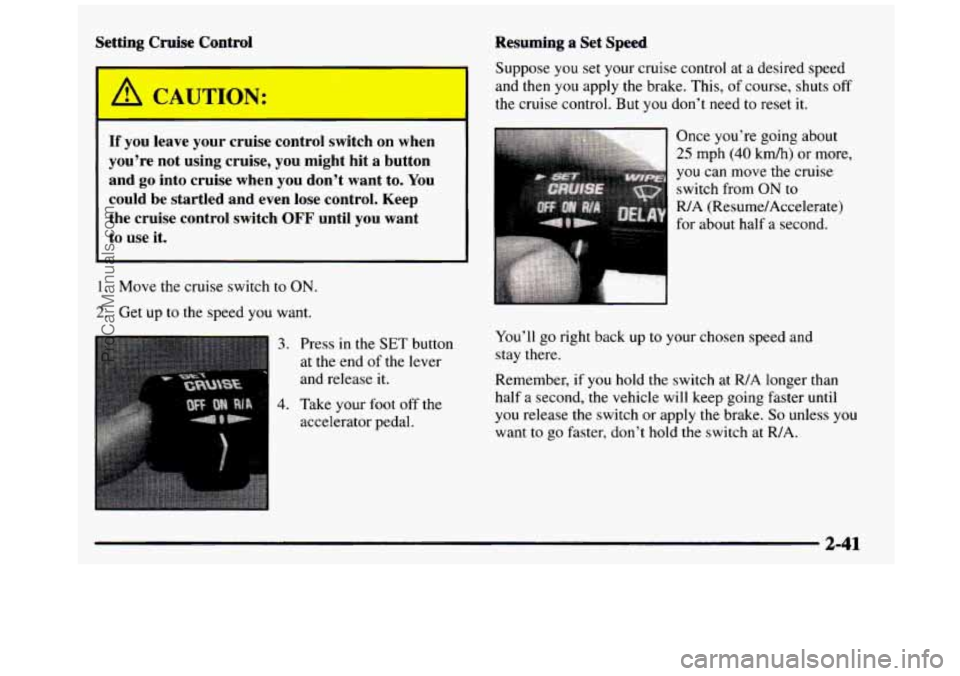
1. Move the cruise switch to ON.
2. Get up to the speed you want.
3. Press in the SET button
at the end
of the lever
and release
it.
4. Take your foot off the
accelerator pedal. Suppose
you set your cruise control at a desired speed
and then you apply the brake. This,
of course, shuts off
the cruise control.
But you don’t need to reset it.
Once you’re going about
25 mph (40 kdh) or more,
you can move the cruise
switch from
ON to
RIA (Resume/Accelerate)
for about half a secQp4,
You’ll
go right back up to your chosen speed and
stay there.
Remember, if you hold the switch at R/A longer than
half a second, the vehicle will keep going faster
until
you release the switch or apply the brake. So unless you
want to
go faster, don’t hold the switch at WA.
ProCarManuals.com
Page 139 of 436
Speedometer and Odometer
Your speedometer lets you see your speed in both miles
per hour (mph) and kilometers per hour (km/h). Your
odometer shows how far your vehicle has been driven,
in either miles (used in the United States) or kilometers
(used
in Canada).
TamperResistant Odometer
Your odometer is tamper-resistant. The odometer will
show silver lines between the numbers
if someone tries
to turn
it back.
You may wonder what happens if your vehicle needs a
new odometer installed. If the new odometer can be set
to the mileage total of the old odometer, then
it must be.
But
if it can’t, then it’s set at zero, and a label must be
put
on the driver’s door to show the old mileage reading
when the new odometer was installed.
Wip Odometer
The trip odometer can tell you how far your vehicle has
been driven since
you last set the trip odometer to zero.
To reset the trip odometer, fully press the reset button
located near the trip odometer readout. If the reset
button is not fully pressed, the trip odometer may not go
all the way back to zero. If it doesn’t, you may have to
press the reset button again to reset the readout to zero.
Tachometer
Your tachometer displays the engine speed in
revolutions per minute
(rpm).
I NOTICE:
On vehicles with a manual transmission, if you
operate the engine with the tachometer in the
red
area, your engine or other parts could be damaged.
Damage
to your engine or vehicle caused by
operating the engine in the red area isn’t covered
by your vehicle warranty. Don’t operate the
engine with the tachometer in the red area.
2-65
ProCarManuals.com
Page 161 of 436
In addition to the four stations already set, up to
three more stations may be preset
on each band by
pressing two adjoining buttons at the same time. Just:
1. Tune in the desired station.
2. Press SET. (SET will appear on the display.)
3. Press two adjoining buttons at the same time, within
five seconds. Whenever
you press the same two
buttons, the station you set will return.
4. Repeat the steps for each pair of pushbuttons.
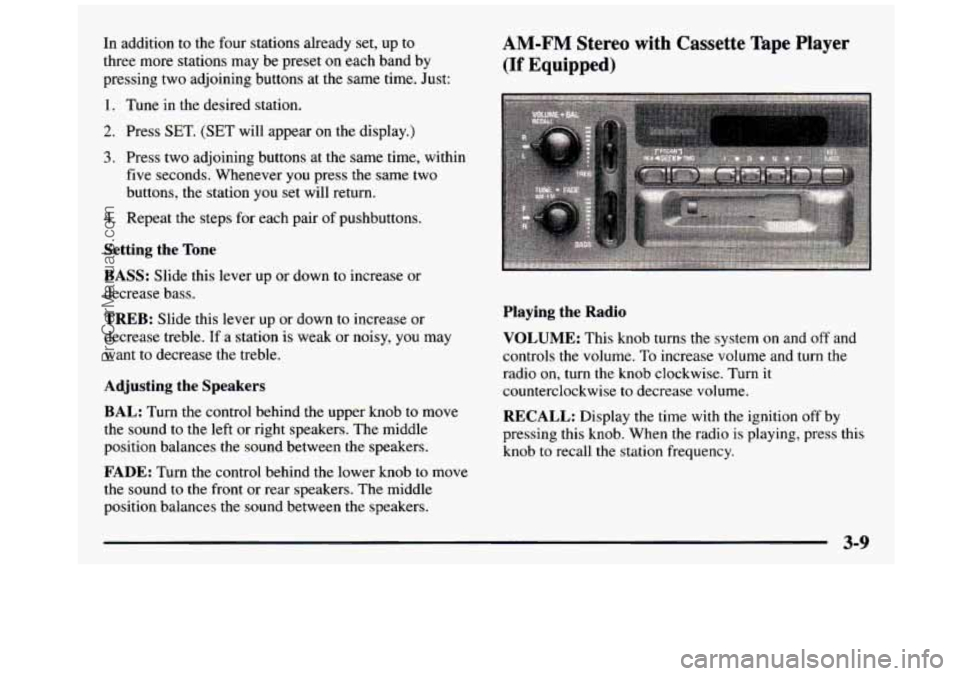
Setting the Tone
BASS:
Slide this lever up or down to increase or
decrease bass.
TREB: Slide this lever up or down to increase or
decrease treble.
If a station is weak or noisy, you may
want to decrease the treble.
Adjusting the Speakers
BAL:
Turn the control behind the upper knob to move
the sound to the left or right speakers. The middle
position balances the sound between the speakers.
FADE: Turn the control behind the lower knob to move
the sound to
the front or rear speakers. The middle
position balances the sound between the speakers.
AM-FM Stereo with Cassette Tape Player
(If Equipped)
Playing the Radio
VOLUME:
This knob turns the system on and off and
controls the volume.
To increase volume and turn the
radio on, turn the knob clockwise.
Turn it
counterclockwise to decrease volume.
RECALL: Display the time with the ignition off by
pressing this knob. When the radio is playing, press this
knob to recall the station frequency.
3-9
ProCarManuals.com
Page 162 of 436
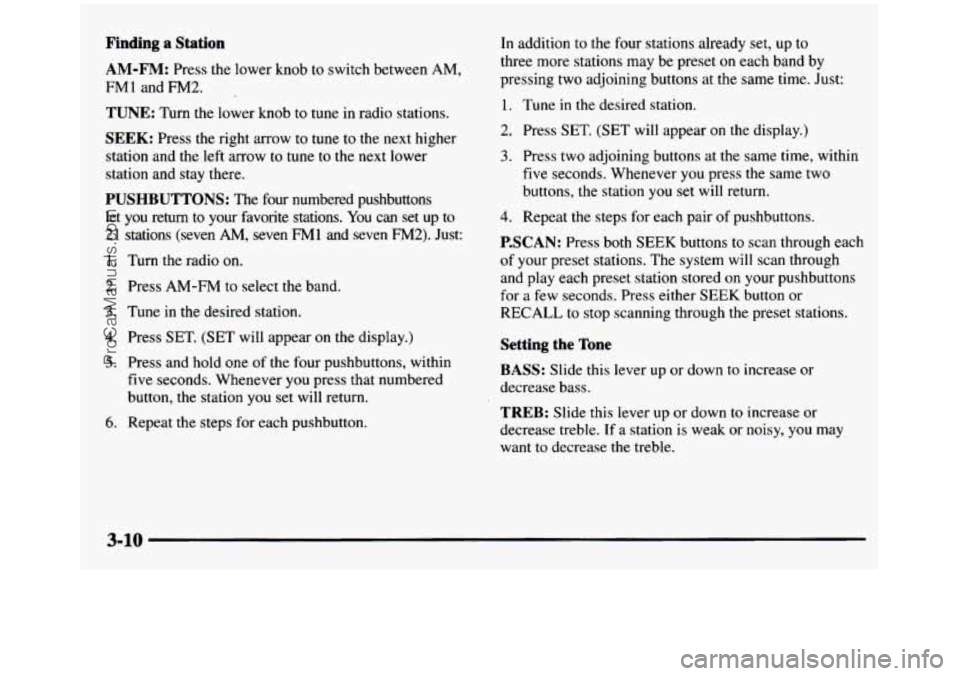
Finding a Station
AM-FM: Press the lower knob to switch between AM,
FM1 and FM2.
TUNE: Turn the lower knob to tune in radio stations.
SEEK: Press the right arrow to tune to the next higher
station and the left arrow to
tune to the next lower
station and
stay there.
PUSHBUTTONS: The four numbered pushbuttons
let you return
to your favorite stations. You can set up to
21 stations (seven
AM, seven FMl and seven FM2). Just:
1. Turn the radio on.
2. Press AM-FM to select the band.
3. Tune in the desired station.
4. Press SET. (SET will appear on the display.)
5. Press and hold one of the four pushbuttons, within
five seconds. Whenever you press that numbered
button, the station you set will return.
6. Repeat the steps for each pushbutton.
In addition to the four stations already set, up to
three more stations may be preset
on each band by
pressing
two adjoining buttons at the same time. Just:
1. Tune in the desired station.
2. Press SET. (SET will appear on the display.)
3. Press two adjoining buttons at the same time, within
five seconds. Whenever you press the same two
buttons,
the station you set will return.
4. Repeat the steps for each pair of pushbuttons.
P.SCAN: Press both SEEK buttons to scan through each
of your preset stations. The system will scan through
and play each preset station stored
on your pushbuttons
for
a few seconds. Press either SEEK button or
RECALL to stop scanning through the preset stations.
Setting the Tone
BASS: Slide this lever up or down to increase or
decrease bass.
TREB: Slide this lever up or down to increase or
decrease treble. If
a station is weak or noisy, you may
want to decrease the treble.
3-10
ProCarManuals.com
Page 163 of 436
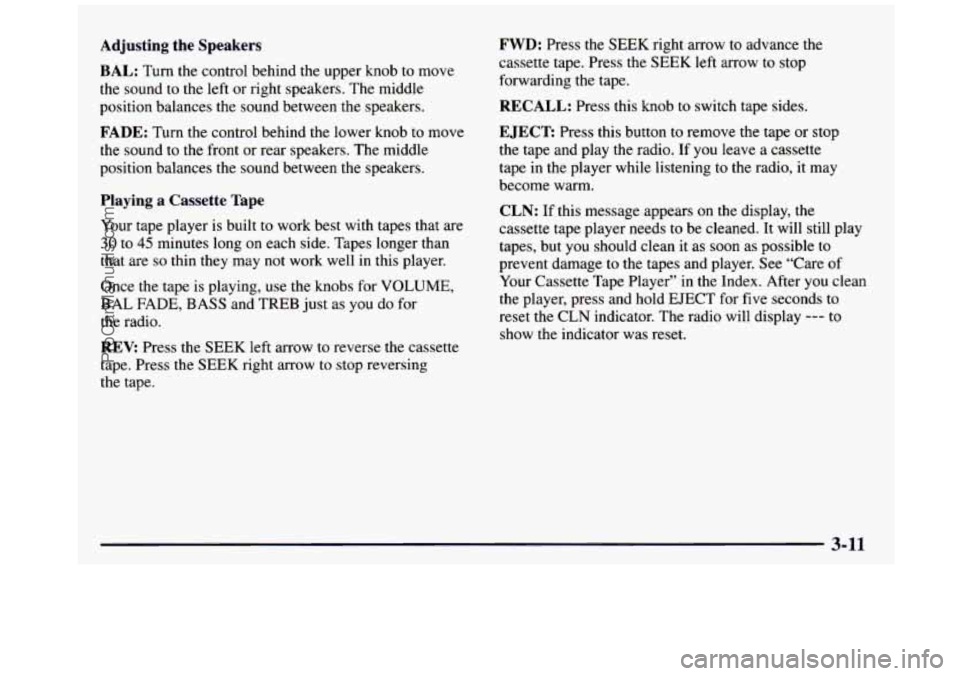
Adjusting the Speakers
BAL:
Turn the control behind the upper knob to move
the sound to the left or right speakers. The middle
position balances the sound between the speakers.
FADE: Turn the control behind the lower knob to move
the sound to
the front or rear speakers. The middle
position balances the sound between the speakers.
Playing a Cassette Tape
Your tape player is built to work best with tapes that are
30 to 45 minutes long on each side. Tapes longer than
that are
so thin they may not work well in this player.
Once the tape is playing, use the knobs for
VOLUME,
BAL FADE, BASS and TREB just as you do for
the radio.
REV Press the SEEK left arrow to reverse the cassette
tape. Press the
SEEK right arrow to stop reversing
the tape.
FWD: Press the SEEK right arrow to advance the
cassette tape. Press the
SEEK left arrow to stop
forwarding
the tape.
RECALL: Press this knob to switch tape sides.
EJECT Press this button to remove the tape or stop
the tape and play the radio. If you leave a cassette
tape
in the player while listening to the radio, it may
become warm.
CLN: If this message appears on the display, the
cassette tape player needs to be cleaned.
It will still play
tapes, but you should clean it as soon as possible to
prevent damage to the tapes and player. See “Care of
Your Cassette Tape Player” in the Index. After you clean
the player, press and hold EJECT for five seconds to
reset the
CLN indicator. The radio will display --- to
show the indicator was reset.
3-11
-_
ProCarManuals.com
Page 165 of 436
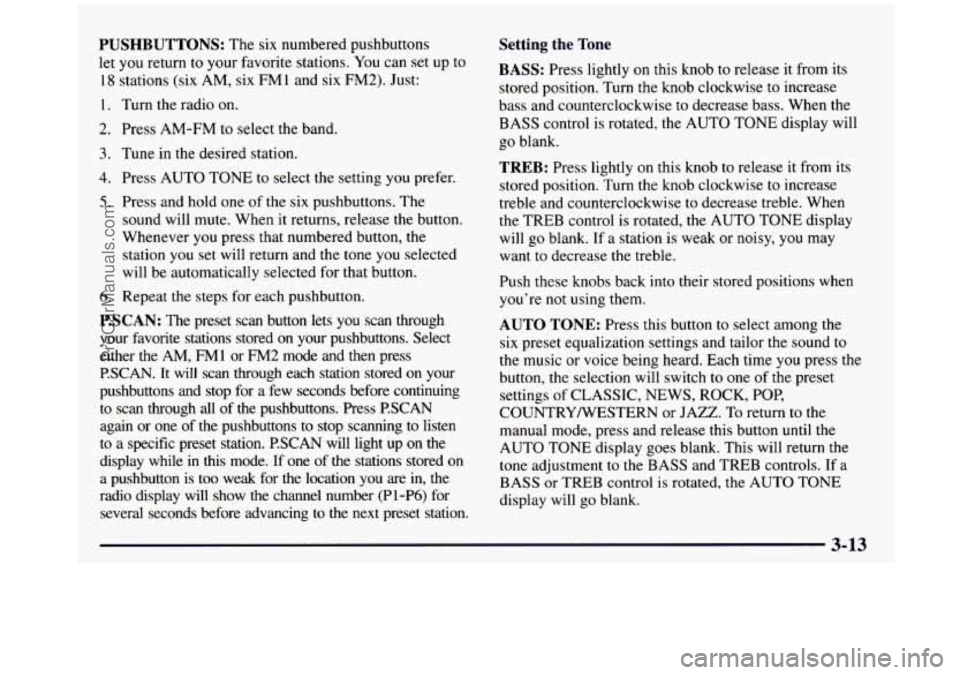
PUSHBUTTONS: The six numbered pushbuttons
let you return to your favorite stations. You can set
up to
18 stations (six AM, six FMl and six FM2). Just:
1. Turn the radio on.
2. Press AM-FM to select the band.
3. Tune in the desked station.
4. Press AUTO TONE to select the setting you prefer.
5. Press and hold one of the six pushbuttons. The
sound will mute. When it returns, release the button.
Whenever you press that numbered button, the
station you set will return and the tone you selected
will be automatically selected for that button.
6. Repeat the steps for each pushbutton.
P.SCAN: The preset scan button lets you scan through
your favorite stations stored
on your pushbuttons. Select
either the
AM, FM1 or FM2 mode and then press
P.SCAN. It will scan through each station stored on your
pushbuttons and stop for a few seconds before continuing
to scan through all of the pushbuttons. Press P.SCAN
again or one of the pushbuttons to stop scanning to listen
to a specific preset station.
RSCAN will light up on the
display while in this mode. If one of the stations stored on \
a pushbutton is too weak for the location you are
in, the
radio display will show the channel number (Pl-P6) for
several seconds before advancing to the next preset station.
Setting the Tone
BASS: Press lightly on this knob to release it from its
stored position. Turn the knob clockwise to increase
bass and counterclockwise to decrease bass. When the
BASS control is rotated, the AUTO TONE display will
go blank.
TREB: Press lightly on this knob to release it from its
stored position. Turn the knob clockwise to increase
treble and counterclockwise to decrease treble. When
the TREB control is rotated, the AUTO TONE display
will go blank.
If a station is weak or noisy, you may
want to decrease the treble.
Push these knobs back into their stored positions when
you're not using them.
AUTO TONE: Press this button to select among the
six preset equalization settings and tailor the sound to
the music
or voice being heard. Each time you press the
button, the selection will switch to one of the preset
settings
of CLASSIC, NEWS, ROCK, POP,
COUNTRYNESTERN or JAZZ.
To return to the
manual mode, press and release this button until the
AUTO TONE display goes blank. This will return the
tone adjustment to
the BASS and TREB controls. If a
BASS or TREB control is rotated, the AUTO
TONE
display will go blank.
ProCarManuals.com
Page 167 of 436
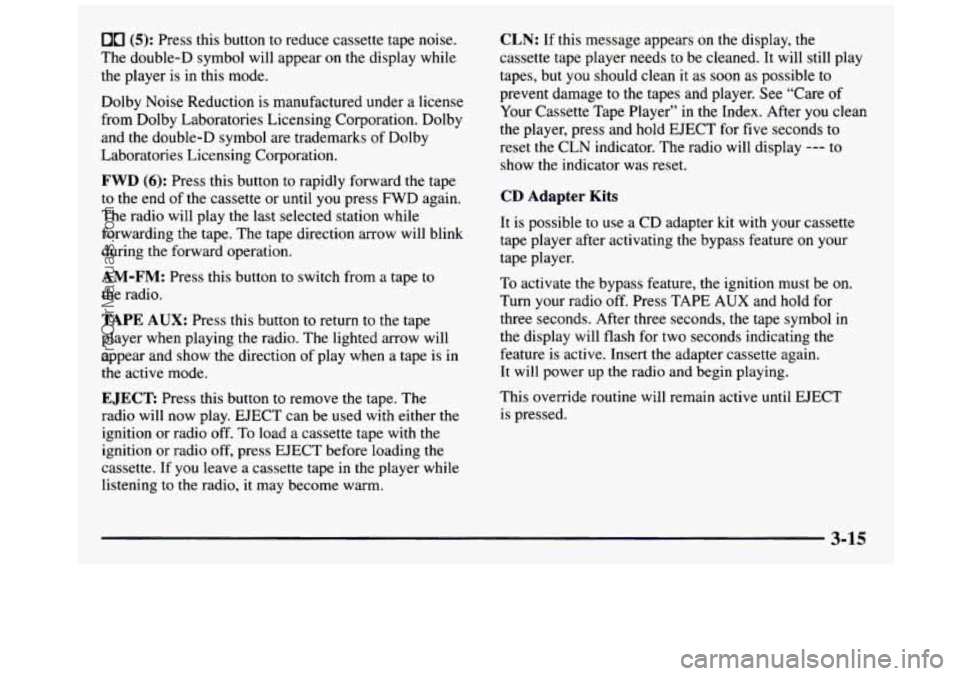
00 (5): Press this button to reduce cassette tape noise.
The double-D symbol will appear on the display while
the player is in this mode.
Dolby Noise Reduction
is manufactured under a license
from Dolby Laboratories Licensing Corporation. Dolby
and the double-D symbol are trademarks of Dolby
Laboratories Licensing Corporation.
FWD (6): Press this button to rapidly forward the tape
to the end
of the cassette or until you press FWD again.
The radio will play the last selected station while
forwarding the tape. The tape direction arrow will blink
during the forward operation.
AM-FM: Press this button to switch from a tape to
the radio.
TAPE AUX: Press this button to return to the tape
player when playing the radio. The lighted arrow will
appear and show the direction of play when a tape is in
the active mode.
EJECT Press this button to remove the tape. The
radio will now play. EJECT can be used with either the
ignition or radio off. To load a cassette tape with the
ignition or radio off, press EJECT before loading the
cassette. If you leave a cassette tape in the player while
listening to the radio, it may become warm.
CLN: If this message appears on the display, the
cassette tape player needs to be cleaned. It will still play
tapes, but you should clean it as soon as possible to
prevent damage
to the tapes and player. See “Care of
Your Cassette Tape Player” in the Index. After you clean
the player, press and hold EJECT for five seconds to
reset the CLN indicator. The radio will display
--- to
show the indicator was reset.
CD Adapter Kits
It is possible to use a CD adapter kit with your cassette
tape player after activating the bypass feature on your
tape player.
To activate the bypass feature, the ignition must be on.
Turn your radio off. Press TAPE
AUX and hold for
three seconds. After three seconds, the tape symbol in
the display will flash for two seconds indicating the
feature is active. Insert the adapter cassette again.
It will power up the radio and begin playing.
This override routine
will remain active until EJECT
is pressed.
3-15
ProCarManuals.com
Page 169 of 436
PUSHBUTTONS: The six numbered pushbuttons
let you return to your favorite stations.
You can set up to
18 stations (six AM, six
FM 1 and six FM2). Just:
1. Turn the radio on.
2. Press AM-FM to select the band.
3. Tune in the desired station.
4. Press AUTO TONE to select the setting you prefer.
5. Press and hold one of the six pushbuttons. The sound
will mute. When it returns, release the button.
Whenever you press that numbered button, the
station you set will return and the tone you selected
will be automatically selected for that button.
6. Repeat the steps for each pushbutton.
P.SCAN: The preset scan button lets you scan through
your favorite stations stored on your pushbuttons. Select
either the
AM, FMl or FM2 mode and then press
RSCAN.
It will scan through each station stored on your
pushbuttons and stop for a few seconds before continuing
to scan through all of the pushbuttons. Press P.SCAN
again
or one of the pushbuttons to stop scanning to listen
to a specific stored station.
P.SCAN will light up on the
display while in this mode. If one of the stations stored on \
a pushbutton is too weak for the location you are
in, the
radio display will show the channel number
(P 1-P6) for
several seconds before advancing to the next preset station.
Setting the Tone
BASS: Press lightly on this knob to release it from its
stored position. Turn the knob clockwise to increase
bass and counterclockwise to decrease bass. When the
BASS control is rotated, the AUTO TONE display will
go blank.
TREB: Press lightly on this knob to release it from its
stored position. Turn the knob clockwise to increase
treble and counterclockwise to decrease treble. When
the TREB control is rotated, the AUTO TONE display
will go blank. If a station is weak or noisy, you may
want to decrease the treble.
Push these knobs back into their stored positions when
you’re not using them.
AUTO TONE: Press this button to select among the
six preset equalization settings and tailor the sound to
the music or voice being heard. Each time you press the
button, the selection will switch to one of the preset
settings of CLASSIC, NEWS, ROCK, POP,
COUNTRYNESTERN or JAZZ.
To return to the
manual mode, press and release
this button until the
AUTO TONE display goes blank. This will return the
tone adjustment to the BASS and TREB controls. If a
BASS or TREB control
is rotated, the AUTO TONE
display will go blank.
3-17
ProCarManuals.com
Page 177 of 436
Care of Your Cassette Tape Player
A tape player that is not cleaned regularly can cause
reduced sound quality, ruined cassettes or a damaged
mechanism. Cassette tapes should be stored in their
cases away from contaminants, direct sunlight and
extreme heat. If they aren’t,
they may not operate
properly or may cause failure of the tape player.
Your tape player should be cleaned regularly after every
50 hours of use. Your radio may display CLN to indicate
that you have used your tape player for
50 hours without
resetting the tape clean timer. If this message appears
on the display, your cassette tape player needs to be
cleaned. It will still play tapes, but
you should clean it as
soon as possible to prevent damage to your tapes and
player. If you notice a reduction in sound quality, try a
known good cassette to see if
it is the tape or the tape
player
at fault. If this other cassette has no improvement
in sound quality, clean the tape player. Cleaning
may be done with a scrubbing action,
non-abrasive cleaning cassette with pads which scrub
the tape head as the hubs
of the cleaner cassette turn. It
is normal for the cassette to eject while cleaning because
your unit is equipped with a cut tape feature. To
temporarily override this feature for vehicles with
Automatic Tone Control (for one insertion), turn on the
ignition then turn the radio off and press and hold TAPE
AUX until the tape symbol flashes on the display, then
insert the cassette again. For vehicles without Automatic
Tone Control, press both
SEEK arrows within five
seconds of inserting the cassette with the ignition and
radio
off. Insert the cassette at least three times to ensure
thorough cleaning.
A scrubbing action cleaning cassette
is available through your
GM dealership.
You may also choose a non-scrubbing action, wet-type
cleaner which uses a cassette with a fabric belt to clean
the tape head. This type of cleaning cassette will not
eject.
It may not clean as thoroughly as the scrubbing
type cleaner.
3-25
ProCarManuals.com