seat memory GMC SIERRA 2010 User Guide
[x] Cancel search | Manufacturer: GMC, Model Year: 2010, Model line: SIERRA, Model: GMC SIERRA 2010Pages: 630, PDF Size: 4.65 MB
Page 279 of 630

Remember, you must reset the OIL LIFE display
yourself after each oil change. It will not reset itself.
Also, be careful not to reset the OIL LIFE display
accidentally at any time other than when the oil has just
been changed. It cannot be reset accurately until the
next oil change. To reset the engine oil life system,
seeEngine Oil Life System on page 6‑20.
Relearn Tire Positions
Your vehicle may have this display. To access this
display, the vehicle must be in P (Park). If your vehicle
has the Tire Pressure Monitor System (TPMS), after
rotating the tires or after replacing a tire or sensor, the
system must re-learn the tire positions. To re-learn the
tire positions, see Tire Pressure Monitor System
on
page 6‑75. See Tire Inspection and Rotationon
page 6‑80and DIC Warnings and Messageson
page 4‑65for more information.
Relearn Remote Key
To access this display, the vehicle must be in P (Park).
This display allows you to match Remote Keyless Entry
(RKE) transmitters to your vehicle. This procedure will
erase all previously learned transmitters. Therefore,
they must be relearned as additional transmitters. To match an RKE transmitter to your vehicle:
1. Press the trip odometer reset stem until RELEARN REMOTE KEY displays.
2. Press and hold the trip odometer reset stem for three seconds.
The message REMOTE KEY LEARNING ACTIVE
will display.
3. Press and hold the lock and unlock buttons on the first transmitter at the same time for about
15 seconds.
On vehicles with memory recall seats, the first
transmitter learned will match driver 1 and the
second will match driver 2.
A chime will sound indicating that the transmitter
is matched.
4. To match additional transmitters at this time, repeat Step 3.
Each vehicle can have a maximum of eight
transmitters matched to it.
5. To exit the programming mode, you must cycle the key to LOCK/OFF.
4-61
Page 299 of 630
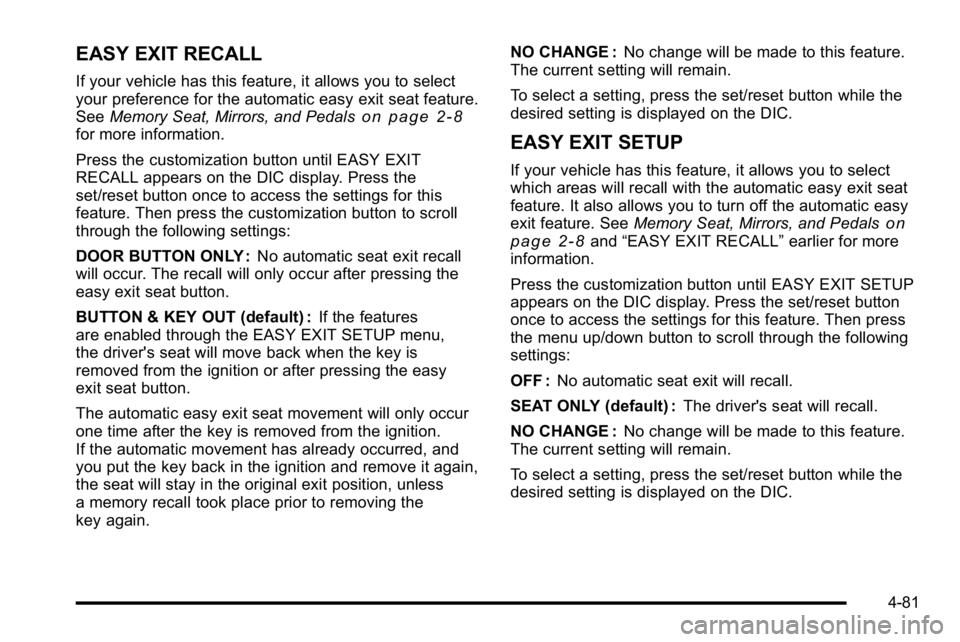
EASY EXIT RECALL
If your vehicle has this feature, it allows you to select
your preference for the automatic easy exit seat feature.
SeeMemory Seat, Mirrors, and Pedals
on page 2‑8for more information.
Press the customization button until EASY EXIT
RECALL appears on the DIC display. Press the
set/reset button once to access the settings for this
feature. Then press the customization button to scroll
through the following settings:
DOOR BUTTON ONLY : No automatic seat exit recall
will occur. The recall will only occur after pressing the
easy exit seat button.
BUTTON & KEY OUT (default) : If the features
are enabled through the EASY EXIT SETUP menu,
the driver's seat will move back when the key is
removed from the ignition or after pressing the easy
exit seat button.
The automatic easy exit seat movement will only occur
one time after the key is removed from the ignition.
If the automatic movement has already occurred, and
you put the key back in the ignition and remove it again,
the seat will stay in the original exit position, unless
a memory recall took place prior to removing the
key again. NO CHANGE :
No change will be made to this feature.
The current setting will remain.
To select a setting, press the set/reset button while the
desired setting is displayed on the DIC.EASY EXIT SETUP
If your vehicle has this feature, it allows you to select
which areas will recall with the automatic easy exit seat
feature. It also allows you to turn off the automatic easy
exit feature. See Memory Seat, Mirrors, and Pedals
on
page 2‑8and “EASY EXIT RECALL” earlier for more
information.
Press the customization button until EASY EXIT SETUP
appears on the DIC display. Press the set/reset button
once to access the settings for this feature. Then press
the menu up/down button to scroll through the following
settings:
OFF : No automatic seat exit will recall.
SEAT ONLY (default) : The driver's seat will recall.
NO CHANGE : No change will be made to this feature.
The current setting will remain.
To select a setting, press the set/reset button while the
desired setting is displayed on the DIC.
4-81
Page 300 of 630
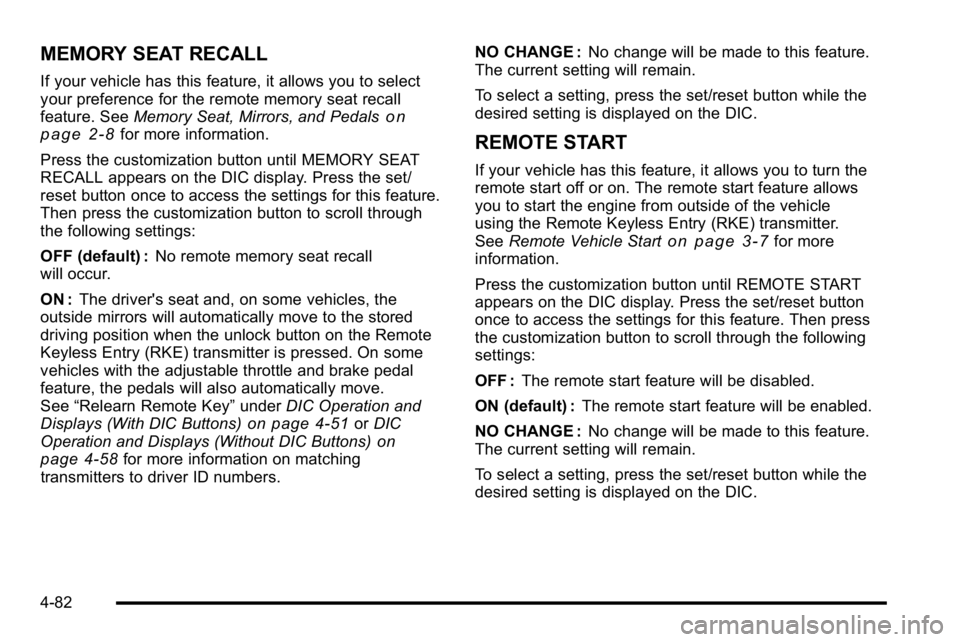
MEMORY SEAT RECALL
If your vehicle has this feature, it allows you to select
your preference for the remote memory seat recall
feature. SeeMemory Seat, Mirrors, and Pedals
on
page 2‑8for more information.
Press the customization button until MEMORY SEAT
RECALL appears on the DIC display. Press the set/
reset button once to access the settings for this feature.
Then press the customization button to scroll through
the following settings:
OFF (default) : No remote memory seat recall
will occur.
ON : The driver's seat and, on some vehicles, the
outside mirrors will automatically move to the stored
driving position when the unlock button on the Remote
Keyless Entry (RKE) transmitter is pressed. On some
vehicles with the adjustable throttle and brake pedal
feature, the pedals will also automatically move.
See “Relearn Remote Key” underDIC Operation and
Displays (With DIC Buttons)
on page 4‑51or DIC
Operation and Displays (Without DIC Buttons)on
page 4‑58for more information on matching
transmitters to driver ID numbers. NO CHANGE :
No change will be made to this feature.
The current setting will remain.
To select a setting, press the set/reset button while the
desired setting is displayed on the DIC.
REMOTE START
If your vehicle has this feature, it allows you to turn the
remote start off or on. The remote start feature allows
you to start the engine from outside of the vehicle
using the Remote Keyless Entry (RKE) transmitter.
See Remote Vehicle Start
on page 3‑7for more
information.
Press the customization button until REMOTE START
appears on the DIC display. Press the set/reset button
once to access the settings for this feature. Then press
the customization button to scroll through the following
settings:
OFF : The remote start feature will be disabled.
ON (default) : The remote start feature will be enabled.
NO CHANGE : No change will be made to this feature.
The current setting will remain.
To select a setting, press the set/reset button while the
desired setting is displayed on the DIC.
4-82
Page 624 of 630

M
Maintenance ScheduleMaintenance Record . . . . . . . . . . . . . . . . . . . . . . . . . . . . . 7-17
Maintenance Replacement Parts . . . . . . . . . . . . . . . . . 7-15
Owner Checks and Services . . . . . . . . . . . . . . . . . . . . . . 7-11
Recommended Fluids and Lubricants . . . . . . . . . . . . 7-12
Scheduled Maintenance . . . . . . . . . . . . . . . . . . . . . . . . . . . 7-3
Malfunction Indicator Lamp . . . . . . . . . . . . . . . . . . . . . . . . 4-42
Manual Lumbar Controls . . . . . . . . . . . . . . . . . . . . . . . . . . . . .2-6
Manual Seats . . . . . . . . . . . . . . . . . . . . . . . . . . . . . . . . . . . . . . . .2-4
Manual Windows . . . . . . . . . . . . . . . . . . . . . . . . . . . . . . . . . . 3-15
Memory Seat, Mirrors, and Pedals . . . . . . . . . . . . . . . . . . .2-8
Message DIC Warnings and Messages . . . . . . . . . . . . . . . . . . . . . 4-65
Mirrors Automatic Dimming Rearview . . . . . . . . . . . . . . . . . . . . . 3-56
Manual Rearview . . . . . . . . . . . . . . . . . . . . . . . . . . . . . . . . . 3-56
Outside Convex Mirror . . . . . . . . . . . . . . . . . . . . . . . . . . . . 3-59
Outside Heated Mirrors . . . . . . . . . . . . . . . . . . . . . . . . . . . 3-59
Outside Manual Mirrors . . . . . . . . . . . . . . . . . . . . . . . . . . . 3-56
Outside Power Foldaway Mirrors . . . . . . . . . . . . . . . . . 3-58
Outside Power Mirrors . . . . . . . . . . . . . . . . . . . . . . . . . . . . 3-57
Outside Towing Mirrors . . . . . . . . . . . . . . . . . . . . . . . . . . . 3-57
Park Tilt . . . . . . . . . . . . . . . . . . . . . . . . . . . . . . . . . . . . . . . . . . 3-59
MP3 . . . . . . . . . . . . . . . . . . . . . . . . . . . . . . . . . . . . . . . 4-107, 4-114
N
Navigation System, Privacy . . . . . . . . . . . . . . . . . . . . . . . . 8-19
Navigation/Radio System, see Navigation
Manual . . . . . . . . . . . . . . . . . . . . . . . . . . . . . . . . . . . . . . . . . . 4-123
New Vehicle Break-In . . . . . . . . . . . . . . . . . . . . . . . . . . . . . . 3-21
Noise Control System, Tampering . . . . . . . . . . . . . . . . . 6-53
O
Odometer . . . . . . . . . . . . . . . . . . . . . . . . . . . . . . . . . . . . . . . . . . 4-31 Trip . . . . . . . . . . . . . . . . . . . . . . . . . . . . . . . . . . . . . . . . . . . . . . . 4-31
Off-Road . . . . . . . . . . . . . . . . . . . . . . . . . . . . . . . . . . . . . . . . . . 5-11 Driving . . . . . . . . . . . . . . . . . . . . . . . . . . . . . . . . . . . . . . . . . . . . 5-11
Recovery . . . . . . . . . . . . . . . . . . . . . . . . . . . . . . . . . . . . . . . . . 5-10
Oil Engine . . . . . . . . . . . . . . . . . . . . . . . . . . . . . . . . . . . . . . . . . . . . 6-18
Engine Oil Life System . . . . . . . . . . . . . . . . . . . . . . . . . . . 6-20
Pressure Gage . . . . . . . . . . . . . . . . . . . . . . . . . . . . . . . . . . . 4-46
Pressure Light . . . . . . . . . . . . . . . . . . . . . . . . . . . . . . . . . . . . 4-47
Older Children, Restraints . . . . . . . . . . . . . . . . . . . . . . . . . 2-39
Online Owner Center . . . . . . . . . . . . . . . . . . . . . . . . . . . . . . . .8-5
OnStar, Privacy . . . . . . . . . . . . . . . . . . . . . . . . . . . . . . . . . . . . 8-19
OnStar
®System . . . . . . . . . . . . . . . . . . . . . . . . . . . . . . . . . . . 1-34
Operation, Universal Home Remote System . . . . . . . 3-69
Outlet Adjustment . . . . . . . . . . . . . . . . . . . . . . . . . . . . . . . . . 4-29
Outlets
Accessory Power . . . . . . . . . . . . . . . . . . . . . . . . . . . . . . . . . 4-17
i - 10
Page 627 of 630

S
Safety BeltsCare of . . . . . . . . . . . . . . . . . . . . . . . . . . . . . . . . . . . . . . . . . . 6-112
Extender . . . . . . . . . . . . . . . . . . . . . . . . . . . . . . . . . . . . . . . . . . 2-38
How to Wear Safety Belts Properly . . . . . . . . . . . . . . . 2-21
Lap Belt . . . . . . . . . . . . . . . . . . . . . . . . . . . . . . . . . . . . . . . . . . 2-37
Lap-Shoulder Belt . . . . . . . . . . . . . . . . . . . . . . . . . . . . . . . . 2-30
Reminders . . . . . . . . . . . . . . . . . . . . . . . . . . . . . . . . . . . . . . . . 4-32
Safety Belts Are for Everyone . . . . . . . . . . . . . . . . . . . . 2-16
Use During Pregnancy . . . . . . . . . . . . . . . . . . . . . . . . . . . . 2-37
Safety Defects Reporting
Canadian Government . . . . . . . . . . . . . . . . . . . . . . . . . . . . 8-16
General Motors . . . . . . . . . . . . . . . . . . . . . . . . . . . . . . . . . . . 8-16
U.S. Government . . . . . . . . . . . . . . . . . . . . . . . . . . . . . . . . . 8-15
Safety Warnings and Symbols . . . . . . . . . . . . . . . . . . . . . . . . iv
Scheduled Maintenance . . . . . . . . . . . . . . . . . . . . . . . . . . . . .7-3
Scheduling Appointments . . . . . . . . . . . . . . . . . . . . . . . . . . 8-10
Seatback Latches . . . . . . . . . . . . . . . . . . . . . . . . . . . . . . . . . 2-13
Seats Center Seat . . . . . . . . . . . . . . . . . . . . . . . . . . . . . . . . . . . . . . 2-13
Head Restraints . . . . . . . . . . . . . . . . . . . . . . . . . . . . . . . . . . . 2-3
Heated Seats . . . . . . . . . . . . . . . . . . . . . . . . . . . . . . . . . . . . . . 2-8
Manual Lumbar . . . . . . . . . . . . . . . . . . . . . . . . . . . . . . . . . . . . 2-6
Memory, Mirrors and Pedals . . . . . . . . . . . . . . . . . . . . . . . 2-8
Power Lumbar . . . . . . . . . . . . . . . . . . . . . . . . . . . . . . . . . . . . . 2-7 Seats (cont.)
Power Seats . . . . . . . . . . . . . . . . . . . . . . . . . . . . . . . . . . . . . . . 2-5
Rear Seat Operation . . . . . . . . . . . . . . . . . . . . . . . . 2-14, 2-15
Reclining Seatbacks . . . . . . . . . . . . . . . . . . . . . . . . . . . . . . 2-10
Secondary Latch System . . . . . . . . . . . . . . . . . . . . . . . . . 6-103
Securing a Child Restraint Center Front Seat Position . . . . . . . . . . . . . . . . . . . . . . . 2-61
Rear Seat Position . . . . . . . . . . . . . . . . . . . . . . . . . . . . . . . 2-58
Right Front Seat Position . . . . . . . . . . . . . 2-62, 2-66, 2-70
Security Light . . . . . . . . . . . . . . . . . . . . . . . . . . . . . . . . . . . . . . . . . . . . . . 4-48
Service . . . . . . . . . . . . . . . . . . . . . . . . . . . . . . . . . . . . . . . . . . . . . .6-4 Accessories and Modifications . . . . . . . . . . . . . . . . . . . . . 6-4
Adding Equipment to the Outside of the Vehicle . . . 6-6
Doing Your Own Work . . . . . . . . . . . . . . . . . . . . . . . . . . . . . 6-5
Engine Soon Lamp . . . . . . . . . . . . . . . . . . . . . . . . . . . . . . . 4-42
Parts Identification Label . . . . . . . . . . . . . . . . . . . . . . . . 6-117
Publications Ordering Information . . . . . . . . . . . . . . . . . 8-16
Scheduling Appointments . . . . . . . . . . . . . . . . . . . . . . . . . 8-10
Servicing Your Airbag-Equipped Vehicle . . . . . . . . . . . 2-91
Setting the Clock . . . . . . . . . . . . . . . . . . . . . . . . . . . . . . . . . . 4-84
Sheet Metal Damage . . . . . . . . . . . . . . . . . . . . . . . . . . . . . 6-116
Shifting Out of Park . . . . . . . . . . . . . . . . . . . . . . . . . . . . . . . . . . . . . . . 3-53
Shifting Into Park . . . . . . . . . . . . . . . . . . . . . . . . . . . . . . . . . . 3-51
Signals, Turn and Lane-Change . . . . . . . . . . . . . . . . . . . . .4-4
Sliding Rear Window, Power . . . . . . . . . . . . . . . . . . . . . . . 3-16
Snow Plow . . . . . . . . . . . . . . . . . . . . . . . . . . . . . . . . . . . . . . . . 5-36
i - 13