ignition GMC SIERRA 2013 Owners Manual
[x] Cancel search | Manufacturer: GMC, Model Year: 2013, Model line: SIERRA, Model: GMC SIERRA 2013Pages: 534, PDF Size: 6.47 MB
Page 316 of 534
Black plate (50,1)GMC Sierra Owner Manual - 2013 - crc - 8/14/12
9-50 Driving and Operating
7. If the engine is running, makesure that the transfer case is in
N (Neutral) by shifting the
transmission to R (Reverse) for
one second, then shift the
transmission to D (Drive) for
one second.
8. Turn the ignition to ACC/ ACCESSORY, which will turn the
engine off.
9. Place the transmission shift lever in P (Park).
10. Release the parking brake prior to moving the vehicle.
11. Turn the ignition to LOCK/OFF.
Shifting Out of Neutral
To shift out of N (Neutral) do the
following:
1. Set the parking brake and apply the regular brake pedal.
2. Turn the ignition to ON/RUN with the engine off, and shift the
transmission to N (Neutral). 3. Turn the transfer case dial to
Two-Wheel Drive High,
Four-Wheel Drive High,
or AUTO.
After the transfer case has
shifted out of N (Neutral), the
N (Neutral) light will go out.
4. Release the parking brake prior to moving the vehicle.
Notice: Shifting the transmission
into gear before the requested
mode indicator light has stopped
flashing could damage the
transfer case. To help avoid
damaging the vehicle, always wait
for the mode indicator lights to
stop flashing before shifting the
transmission into gear.
5. Start the engine and shift the transmission to the desired
position.Brakes
Antilock Brake
System (ABS)
This vehicle has the Antilock Brake
System (ABS), an advanced
electronic braking system that helps
prevent a braking skid.
When the engine is started and the
vehicle begins to drive away, ABS
checks itself. A momentary motor or
clicking noise might be heard while
this test is going on, and it might
even be noticed that the brake
pedal moves a little. This is normal.
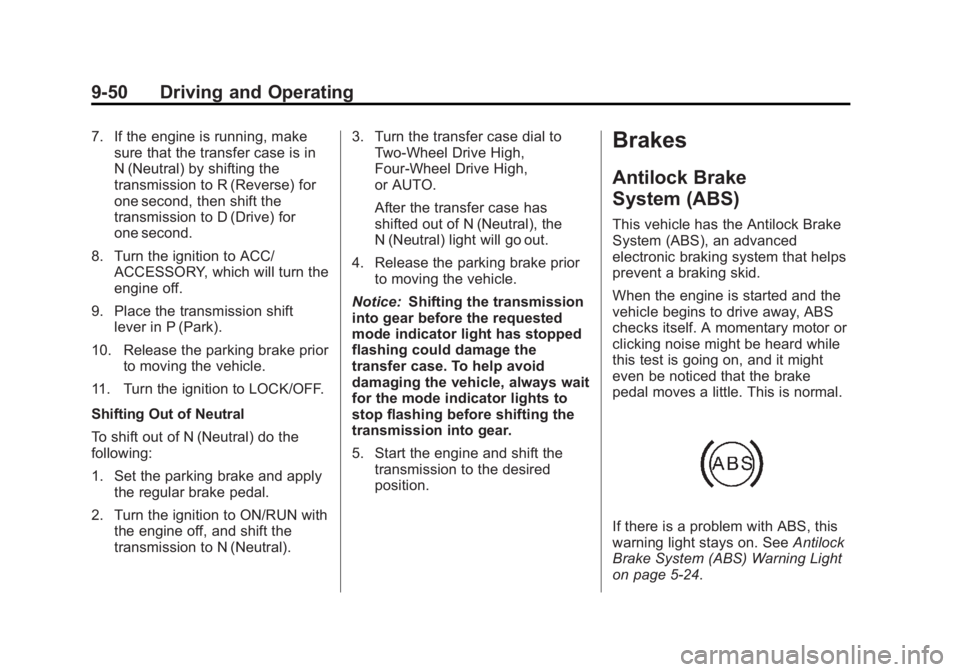
If there is a problem with ABS, this
warning light stays on. See Antilock
Brake System (ABS) Warning Light
on page 5‑24.
Page 317 of 534
Black plate (51,1)GMC Sierra Owner Manual - 2013 - crc - 8/14/12
Driving and Operating 9-51
If driving safely on a wet road and it
becomes necessary to slam on the
brakes and continue braking to
avoid a sudden obstacle, a
computer senses that the wheels
are slowing down. If one of the
wheels is about to stop rolling, the
computer will separately work the
brakes at each wheel.
ABS can change the brake pressure
to each wheel, as required, faster
than any driver could. This can help
the driver steer around the obstacle
while braking hard.
As the brakes are applied, the
computer keeps receiving updates
on wheel speed and controls
braking pressure accordingly.
Remember: ABS does not change
the time needed to get a foot up to
the brake pedal or always decrease
stopping distance. If you get too
close to the vehicle in front of you,there will not be enough time to
apply the brakes if that vehicle
suddenly slows or stops. Always
leave enough room up ahead to
stop, even with ABS.
Using ABS
Do not pump the brakes. Just hold
the brake pedal down firmly and let
ABS work. You might hear the ABS
pump or motor operating and feel
the brake pedal pulsate, but this is
normal.
Braking in Emergencies
ABS allows the driver to steer and
brake at the same time. In many
emergencies, steering can help
more than even the very best
braking.
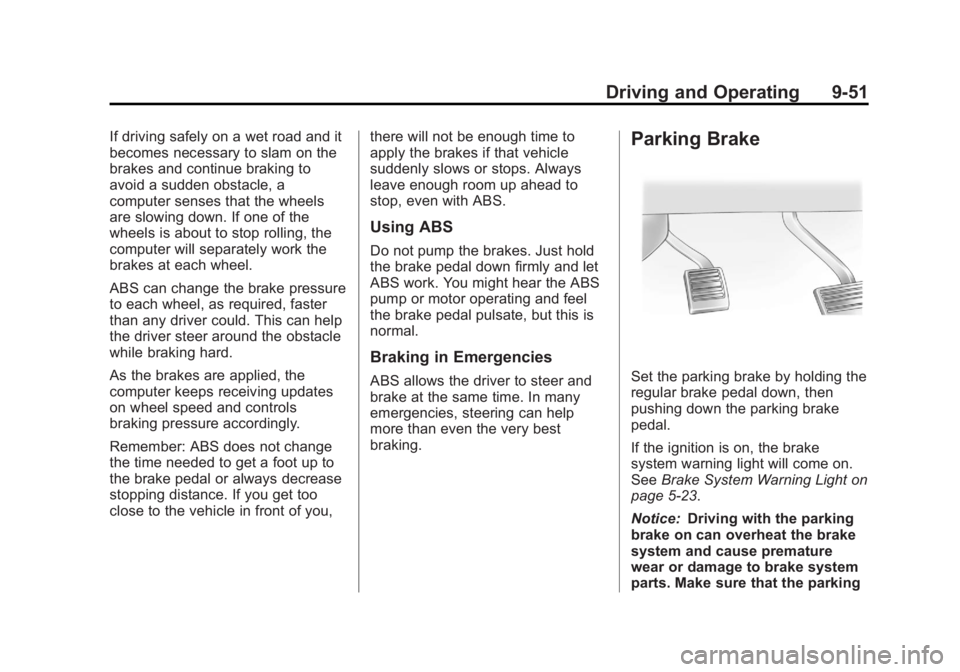
Parking Brake
Set the parking brake by holding the
regular brake pedal down, then
pushing down the parking brake
pedal.
If the ignition is on, the brake
system warning light will come on.
See
Brake System Warning Light on
page 5‑23.
Notice: Driving with the parking
brake on can overheat the brake
system and cause premature
wear or damage to brake system
parts. Make sure that the parking
Page 324 of 534
Black plate (58,1)GMC Sierra Owner Manual - 2013 - crc - 8/14/12
9-58 Driving and Operating
Using Cruise Control on Hills
How well the cruise control works
on hills depends on the vehicle
speed, the load, and the steepness
of the hills. When going up steep
hills, pressing the accelerator pedal
may be necessary to maintain
vehicle speed.
While going downhill:
.Vehicles with a four speed
automatic transmission may
need to have the brakes applied
or the transmission shifted to a
lower gear to maintain driver
selected speed.
.Vehicles with a six speed
automatic transmission and a
gasoline engine have Cruise
Grade Braking to help maintain
driver selected speed.Cruise Grade Braking is enabled
when the vehicle is started and
Cruise Control is active. It is not
enabled in Range Selection
Mode. It assists in maintaining
driver selected speed when
driving on downhill grades by
using the engine and
transmission to slow the vehicle.
To disable and enable Cruise
Grade Braking for the current
ignition key cycle, press and
hold the Tow/Haul button for
three seconds. A DIC message
displays. See
Transmission
Messages on page 5‑44..Vehicles with a diesel engine
have Cruise Grade Braking
enabled when Tow/Haul Mode is
on, the exhaust brake is on,
or both are on.
For other forms of Grade Braking,
see Automatic Transmission on
page 9‑32 andTow/Haul Mode on
page 9‑37. Ending Cruise Control
There are three ways to end cruise
control:
.To disengage cruise control;
step lightly on the brake pedal.
.Press[on the steering wheel.
.To turn off the cruise control,
press
Ion the steering wheel.
Erasing Speed Memory
The cruise control set speed is
erased from memory by pressing
Ior if the ignition is turned off.
Page 361 of 534
Black plate (95,1)GMC Sierra Owner Manual - 2013 - crc - 8/14/12
Driving and Operating 9-95
Integrated Trailer Brake
Control System
The vehicle may have an Integrated
Trailer Brake Control (ITBC) system
for electric trailer brakes.
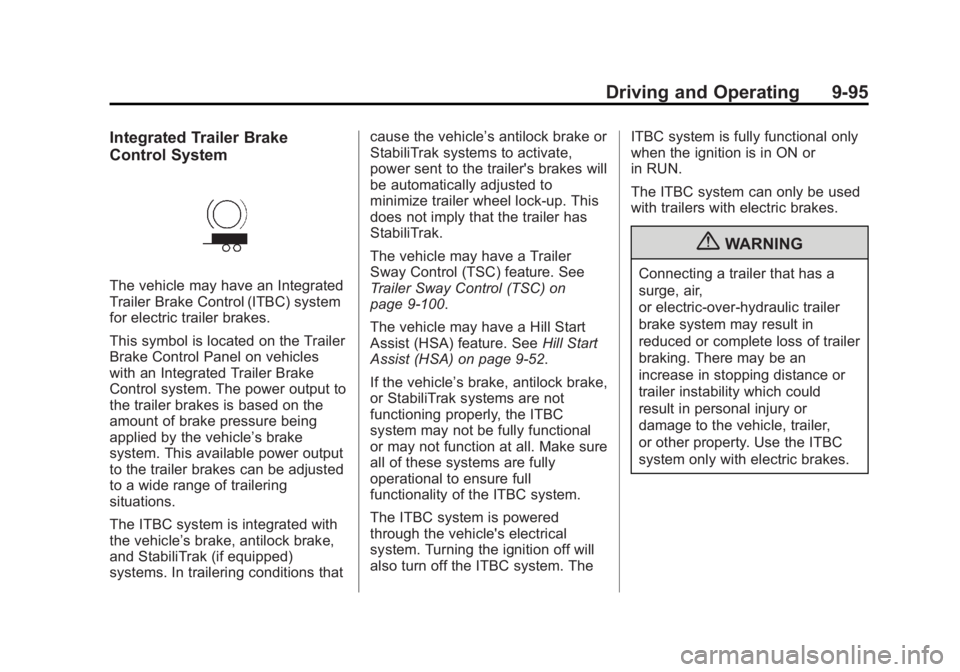
This symbol is located on the Trailer
Brake Control Panel on vehicles
with an Integrated Trailer Brake
Control system. The power output to
the trailer brakes is based on the
amount of brake pressure being
applied by the vehicle’s brake
system. This available power output
to the trailer brakes can be adjusted
to a wide range of trailering
situations.
The ITBC system is integrated with
the vehicle’s brake, antilock brake,
and StabiliTrak (if equipped)
systems. In trailering conditions that cause the vehicle’s antilock brake or
StabiliTrak systems to activate,
power sent to the trailer's brakes will
be automatically adjusted to
minimize trailer wheel lock-up. This
does not imply that the trailer has
StabiliTrak.
The vehicle may have a Trailer
Sway Control (TSC) feature. See
Trailer Sway Control (TSC) on
page 9‑100.
The vehicle may have a Hill Start
Assist (HSA) feature. See
Hill Start
Assist (HSA) on page 9‑52.
If the vehicle’s brake, antilock brake,
or StabiliTrak systems are not
functioning properly, the ITBC
system may not be fully functional
or may not function at all. Make sure
all of these systems are fully
operational to ensure full
functionality of the ITBC system.
The ITBC system is powered
through the vehicle's electrical
system. Turning the ignition off will
also turn off the ITBC system. The ITBC system is fully functional only
when the ignition is in ON or
in RUN.
The ITBC system can only be used
with trailers with electric brakes.
{WARNING
Connecting a trailer that has a
surge, air,
or electric-over-hydraulic trailer
brake system may result in
reduced or complete loss of trailer
braking. There may be an
increase in stopping distance or
trailer instability which could
result in personal injury or
damage to the vehicle, trailer,
or other property. Use the ITBC
system only with electric brakes.
Page 365 of 534
Black plate (99,1)GMC Sierra Owner Manual - 2013 - crc - 8/14/12
Driving and Operating 9-99
7. Re-adjust Trailer Gain any timevehicle loading, trailer loading or
road surface conditions change
or if trailer wheel lock-up is
noticed at any time while towing.
Other ITBC-Related DIC Messages
In addition to displaying TRAILER
GAIN and TRAILER OUTPUT
through the DIC, trailer connection
and ITBC system status are
displayed on the DIC.
TRAILER CONNECTED: This
message will be briefly displayed
when a trailer with electric brakes is
first connected to the vehicle. This
message will automatically turn off
in about 10 seconds. The driver can
also acknowledge this message
before it automatically turns off. CHECK TRAILER WIRING: This
message will be displayed if:
1. The ITBC system first
determines connection to a
trailer with electric brakes and
then the trailer harness becomes
disconnected from the vehicle.
If the disconnect occurs while
the vehicle is stationary, this
message will automatically turn
off in about 30 seconds. This
message will also turn off if the
driver acknowledges this
message or if the trailer harness
is re-connected.
If the disconnect occurs while
the vehicle is moving, this
message will continue until the
ignition is turned off. This
message will also turn off if the
driver acknowledges this
message or if the trailer harness
is re-connected. 2. There is an electrical fault in the
wiring to the electric trailer
brakes. This message will
continue as long as there is an
electrical fault in the trailer
wiring. This message will also
turn off if the driver
acknowledges this message.
To determine if the electrical fault is
on the vehicle side or trailer side of
the trailer wiring harness
connection, do the following:
1. Disconnect the trailer wiring harness from the vehicle.
2. Turn the ignition off.
3. Wait 10 seconds, then turn the ignition back to RUN.
4. If the CHECK TRAILER WIRING message re-appears, the
electrical fault is on the
vehicle side.
Page 366 of 534
Black plate (100,1)GMC Sierra Owner Manual - 2013 - crc - 8/14/12
9-100 Driving and Operating
If the CHECK TRAILER WIRING
message only re-appears when
connecting the trailer wiring
harness to the vehicle, the
electrical fault is on the
trailer side.
SERVICE TRAILER BRAKE
SYSTEM: This message will be
displayed when there is a problem
with the ITBC system. If this
message persists over multiple
ignition cycles, there is a problem
with the ITBC system. Take the
vehicle to an authorized GM dealer
to have the ITBC system diagnosed
and repaired.
If either the CHECK TRAILER
WIRING or SERVICE TRAILER
BRAKE SYSTEM message is
displayed while driving the vehicle, power is no longer available to the
trailer brakes. When traffic
conditions allow, carefully pull the
vehicle over to the side of the road
and turn the ignition off. Check the
wiring connection to the trailer and
turn the ignition back on. If either of
these messages continues, either
the vehicle or trailer needs service.
An authorized GM dealer may be
able to diagnose and repair
problems with the trailer. However,
any diagnosis and repair of the
trailer is not covered under the
vehicle warranty. Please contact
your trailer dealer for assistance
with trailer repairs and trailer
warranty information.Trailer Sway
Control (TSC)
Non-hybrid vehicles with StabiliTrak
have a Trailer Sway Control (TSC)
feature. If the vehicle is towing a
trailer and the system detects that
the trailer is swaying, the vehicle
brakes are applied without the driver
pressing the brake pedal. If the
vehicle is equipped with the
Integrated Trailer Brake Control
(ITBC) system, StabiliTrak may also
apply the trailer brakes. The TCS/
StabiliTrak warning light will flash on
the instrument panel cluster to notify
the driver to reduce speed. If the
trailer continues to sway, StabiliTrak
will reduce engine torque to help
slow the vehicle. See
StabiliTrak
®
System on page 9‑53 for more
information.
Adding non‐dealer accessories can
affect the vehicle performance. See
Accessories and Modifications on
page 10‑3 for more information.
Page 371 of 534
Black plate (1,1)GMC Sierra Owner Manual - 2013 - crc - 8/14/12
Vehicle Care 10-1
Vehicle Care
General Information
General Information . . . . . . . . . . 10-2
California Proposition65 Warning . . . . . . . . . . . . . . . . . 10-2
California Perchlorate Materials Requirements . . . . 10-3
Accessories and Modifications . . . . . . . . . . . . . . . 10-3
Vehicle Checks
Doing Your OwnService Work . . . . . . . . . . . . . . . 10-3
Hood . . . . . . . . . . . . . . . . . . . . . . . . 10-4
Engine Compartment Overview . . . . . . . . . . . . . . . . . . . 10-5
Engine Oil . . . . . . . . . . . . . . . . . . . 10-6
Engine Oil Life System . . . . . . 10-9
Automatic Transmission Fluid (4-Speed
Transmission) . . . . . . . . . . . . . 10-10
Automatic Transmission Fluid (6-Speed
Transmission) . . . . . . . . . . . . . 10-12
Engine Air Cleaner/Filter . . . . 10-15
Cooling System . . . . . . . . . . . . 10-16
Engine Coolant . . . . . . . . . . . . . 10-17 Engine Overheating . . . . . . . . 10-20
Overheated Engine
Protection
Operating Mode . . . . . . . . . . . 10-22
Engine Fan . . . . . . . . . . . . . . . . . 10-22
Power Steering Fluid . . . . . . . 10-23
Washer Fluid . . . . . . . . . . . . . . . 10-23
Brakes . . . . . . . . . . . . . . . . . . . . . 10-24
Brake Fluid . . . . . . . . . . . . . . . . . 10-25
Battery . . . . . . . . . . . . . . . . . . . . . 10-27
Four-Wheel Drive . . . . . . . . . . . 10-28
Front Axle . . . . . . . . . . . . . . . . . . 10-29
Rear Axle . . . . . . . . . . . . . . . . . . 10-30
Noise Control System . . . . . . 10-31
Starter Switch Check . . . . . . . 10-32
Automatic Transmission Shift
Lock Control Function
Check . . . . . . . . . . . . . . . . . . . . . 10-32
Ignition Transmission Lock Check . . . . . . . . . . . . . . . . . . . . . 10-32
Park Brake and P (Park) Mechanism Check . . . . . . . . 10-33
Wiper Blade Replacement . . . . . . . . . . . . . . 10-33
Glass Replacement . . . . . . . . 10-34
Headlamp Aiming
Headlamp Aiming . . . . . . . . . . 10-34
Bulb Replacement
Bulb Replacement . . . . . . . . . . 10-34
Halogen Bulbs . . . . . . . . . . . . . . 10-34
Headlamps, Front Turn Signal, Sidemarker, and
Parking Lamps . . . . . . . . . . . . 10-35
Pick-Up Box Identification and Fender Marker
Lamps . . . . . . . . . . . . . . . . . . . . 10-35
Taillamps (Chassis Cab Models) . . . . . . . . . . . . . . . . . . . 10-36
Taillamps, Turn Signal, Stoplamps, and Back-Up
Lamps . . . . . . . . . . . . . . . . . . . . 10-36
Center High-Mounted Stoplamp (CHMSL) and
Cargo Lamp . . . . . . . . . . . . . . 10-37
License Plate Lamp . . . . . . . . 10-37
Replacement Bulbs . . . . . . . . . 10-38
Electrical System
Electrical System Overload . . . . . . . . . . . . . . . . . . 10-38
Fuses and Circuit Breakers . . . . . . . . . . . . . . . . . . 10-39
Engine Compartment Fuse Block . . . . . . . . . . . . . . . . . . . . . 10-39
Instrument Panel Fuse Block . . . . . . . . . . . . . . . . . . . . . 10-43
Page 380 of 534
Black plate (10,1)GMC Sierra Owner Manual - 2013 - crc - 8/14/12
10-10 Vehicle Care
On all vehicles, the Engine Oil Life
System can be reset as follows:
1. Turn the ignition to ON/RUN withthe engine off.
2. Fully press the accelerator pedal slowly three times within
five seconds.
3. Display the OIL LIFE REMAINING on the DIC. If the
display shows 100%, the system
is reset. See Driver Information
Center (DIC) on page 5‑28.
If the vehicle has a CHANGE
ENGINE OIL SOON message and it
comes back on when the vehicle is
started and/or the OIL LIFE
REMAINING is near 0%, the engine
oil life system has not been reset.
Repeat the procedure.Automatic Transmission
Fluid (4-Speed
Transmission)
When to Check and Change
Automatic Transmission Fluid
A good time to check the automatic
transmission fluid level is when the
engine oil is changed.
Change the fluid and filter at the
intervals listed in Maintenance
Schedule on page 11‑3 and be sure
to use the transmission fluid listed in
Recommended Fluids and
Lubricants on page 11‑12.
How to Check Automatic
Transmission Fluid
Because this operation can be a
little difficult, it may be best to have
this done at the dealer service
department.
If not taken to the dealer, be sure to
follow all the instructions here or a
false reading on the dipstick could
result. Notice:
Too much or too little
fluid can damage the
transmission. Too much can
mean that some of the fluid could
come out and fall on hot engine
parts or exhaust system parts,
starting a fire. Too little fluid
could cause the transmission to
overheat. Be sure to get an
accurate reading if checking the
transmission fluid.
Wait at least 30 minutes before
checking the transmission fluid level
if you have been driving:
.When outside temperatures are
above 32°C (90°F).
.At high speed for quite a while.
.In heavy traffic —especially in
hot weather.
.While pulling a trailer.
To get the right reading, the fluid
should be at normal operating
temperature, which is 82°C to 93°C
(180°F to 200°F).
Page 394 of 534
Black plate (24,1)GMC Sierra Owner Manual - 2013 - crc - 8/14/12
10-24 Vehicle Care
Adding Washer Fluid
The vehicle has a low washer fluid
message on the DIC that comes on
when the washer fluid is low. The
message is displayed for
15 seconds at the start of each
ignition cycle. When the WASHER
FLUID LOW ADD FLUID message
displays, washer fluid will need to
be added to the windshield washer
fluid reservoir.
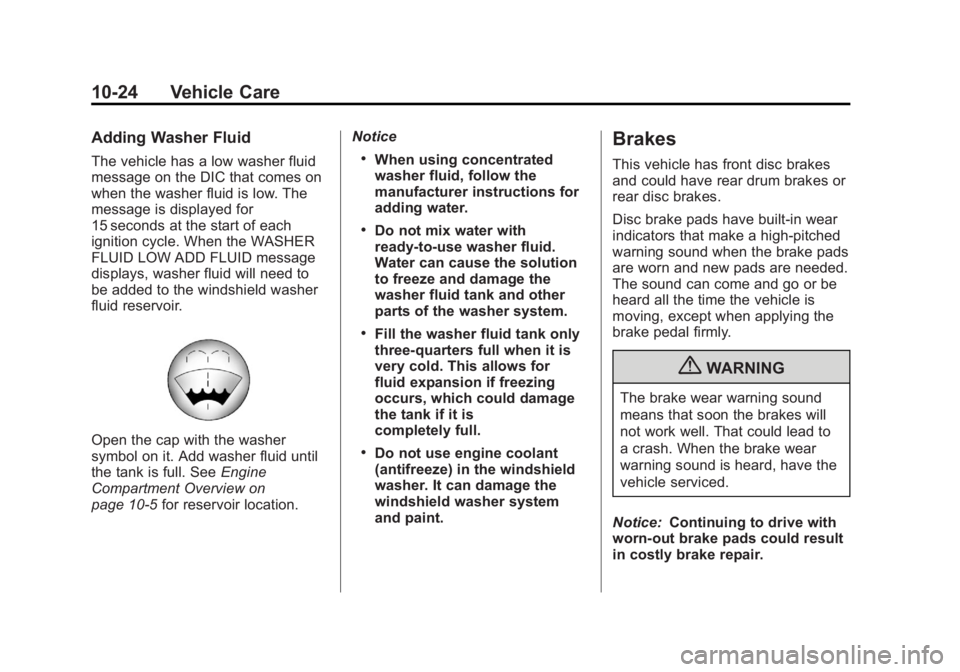
Open the cap with the washer
symbol on it. Add washer fluid until
the tank is full. SeeEngine
Compartment Overview on
page 10‑5 for reservoir location. Notice
.When using concentrated
washer fluid, follow the
manufacturer instructions for
adding water.
.Do not mix water with
ready-to-use washer fluid.
Water can cause the solution
to freeze and damage the
washer fluid tank and other
parts of the washer system.
.Fill the washer fluid tank only
three-quarters full when it is
very cold. This allows for
fluid expansion if freezing
occurs, which could damage
the tank if it is
completely full.
.Do not use engine coolant
(antifreeze) in the windshield
washer. It can damage the
windshield washer system
and paint.
Brakes
This vehicle has front disc brakes
and could have rear drum brakes or
rear disc brakes.
Disc brake pads have built-in wear
indicators that make a high-pitched
warning sound when the brake pads
are worn and new pads are needed.
The sound can come and go or be
heard all the time the vehicle is
moving, except when applying the
brake pedal firmly.
{WARNING
The brake wear warning sound
means that soon the brakes will
not work well. That could lead to
a crash. When the brake wear
warning sound is heard, have the
vehicle serviced.
Notice: Continuing to drive with
worn-out brake pads could result
in costly brake repair.
Page 402 of 534
Black plate (32,1)GMC Sierra Owner Manual - 2013 - crc - 8/14/12
10-32 Vehicle Care
.Removal of the fan shroud, if the
vehicle has one.
Air Intake:
.Removal of the air cleaner
silencer.
.Modification of the air cleaner.
Exhaust:
.Removal of the muffler and/or
resonator.
.Removal of the exhaust pipes
and exhaust pipe clamps.
Starter Switch Check
{WARNING
When you are doing this
inspection, the vehicle could
move suddenly. If the vehicle
moves, you or others could be
injured.
1. Before starting this check, be sure there is enough room
around the vehicle. 2. Firmly apply both the parking
brake and the regular brake.
See Parking Brake on
page 9‑51.
Do not use the accelerator
pedal, and be ready to turn off
the engine immediately if it
starts.
3. Try to start the engine in each gear. The vehicle should start
only in P (Park) or N (Neutral).
If the vehicle starts in any other
position, contact your dealer for
service.
Automatic Transmission
Shift Lock Control
Function Check
{WARNING
When you are doing this
inspection, the vehicle could
move suddenly. If the vehicle
moves, you or others could be
injured. 1. Before starting this check, be
sure there is enough room
around the vehicle. It should be
parked on a level surface.
2. Firmly apply the parking brake. See Parking Brake on
page 9‑51.
Be ready to apply the regular
brake immediately if the vehicle
begins to move.
3. With the engine off, turn the ignition on, but do not start the
engine. Without applying the
regular brake, try to move the
shift lever out of P (Park) with
normal effort. If the shift lever
moves out of P (Park), contact
your dealer for service.
Ignition Transmission
Lock Check
While parked, and with the parking
brake set, try to turn the ignition to
LOCK/OFF in each shift lever
position.