trailer GMC SIERRA 2019 User Guide
[x] Cancel search | Manufacturer: GMC, Model Year: 2019, Model line: SIERRA, Model: GMC SIERRA 2019Pages: 477, PDF Size: 8.7 MB
Page 221 of 477
GMC Sierra/Sierra Denali Owner Manual (GMNA-Localizing-U.S./Canada/
Mexico-1500-11698638) - 2019 - CRC - 5/14/19
220 Driving and Operating
Starting and
Operating
New Vehicle Break-In
Caution
The vehicle does not need an
elaborate break-in. But it will
perform better in the long run if
you follow these guidelines:. Keep the vehicle speed at
88 km/h (55 mph) or less for
the first 805 km (500 mi).
. Do not drive at any one
constant speed, fast or slow,
for the first 805 km (500 mi).
Do not make full-throttle
starts. Avoid downshifting to
brake or slow the vehicle.
(Continued)
Caution (Continued)
.Avoid making hard stops for
the first 322 km (200 mi) or
so. During this time the new
brake linings are not yet
broken in. Hard stops with
new linings can mean
premature wear and earlier
replacement. Follow this
breaking-in guideline every
time you get new brake
linings.
. Do not tow a trailer during
break-in. See Trailer Towing
0 286 for the trailer towing
capabilities of the vehicle
and more information.
Following break-in, engine speed
and load can be gradually
increased.
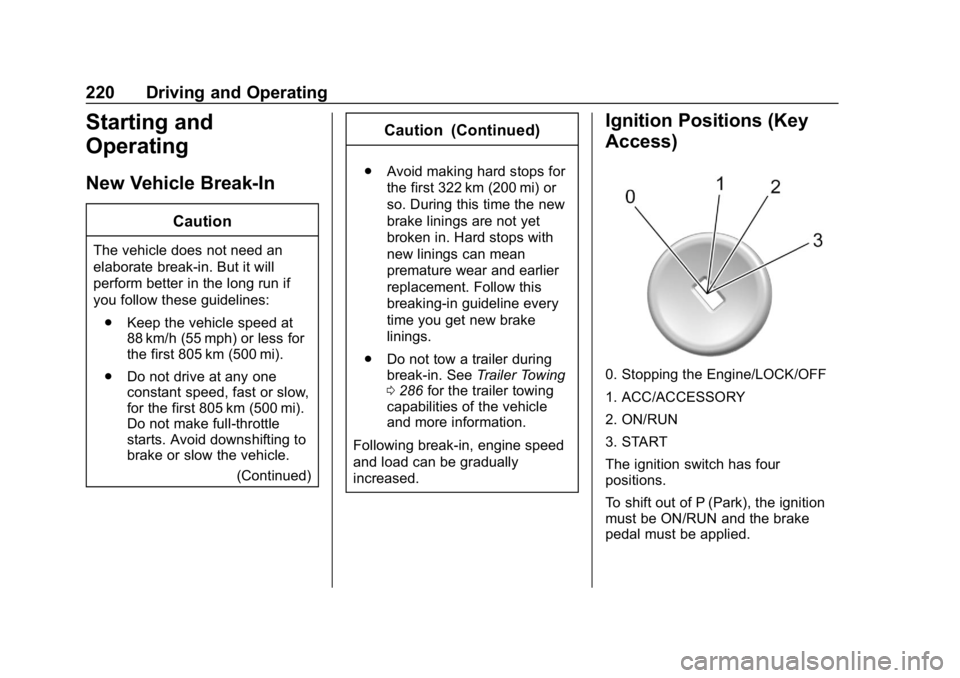
Ignition Positions (Key
Access)
0. Stopping the Engine/LOCK/OFF
1. ACC/ACCESSORY
2. ON/RUN
3. START
The ignition switch has four
positions.
To shift out of P (Park), the ignition
must be ON/RUN and the brake
pedal must be applied.
Page 230 of 477
GMC Sierra/Sierra Denali Owner Manual (GMNA-Localizing-U.S./Canada/
Mexico-1500-11698638) - 2019 - CRC - 5/14/19
Driving and Operating 229
Shifting Into Park
{Warning
It can be dangerous to get out of
the vehicle if the shift lever is not
fully in P (Park) with the parking
brake firmly set. The vehicle can
roll. If you have left the engine
running, the vehicle can move
suddenly. You or others could be
injured. To be sure the vehicle will
not move, even when you are on
fairly level ground, use the steps
that follow. With four-wheel drive,
if the transfer case is in
N (Neutral), the vehicle will be
free to roll, even if the shift lever
is in P (Park). Be sure the transfer
case is in a drive gear. If towing a
trailer, seeDriving Characteristics
and Towing Tips 0281. 1. Hold the brake pedal down,
then set the parking brake. See
Electric Parking Brake 0245.
2. Move the shift lever into the P (Park) position by pulling the
shift lever toward you and
moving it up as far as it will go.
3. Be sure the transfer case (if equipped) is in a drive
gear –not in N (Neutral).
4. Turn the ignition off. For Key Access, push the ignition key
in, towards the steering column
and then turn the ignition off.
5. For Key Access, remove the key and take it with you. If you
can leave the vehicle with the
ignition key in your hand, the
vehicle is in P (Park).
For Keyless Access, take the
Remote Keyless Entry (RKE)
transmitter with you.
Leaving the Vehicle with the
Engine Running
{Warning
It can be dangerous to leave the
vehicle with the engine running.
The vehicle could move suddenly
if the shift lever is not fully in
P (Park) with the parking brake
firmly set.
If you have four-wheel drive and
the transfer case is in N (Neutral),
the vehicle will be free to roll,
even if the shift lever is in
P (Park). So be sure the transfer
case is in a drive gear –not in
N (Neutral).
And, if you leave the vehicle with
the engine running, it could
overheat and even catch fire. You
or others could be injured. Do not
leave the vehicle with the engine
running unless you have to.
Page 233 of 477
GMC Sierra/Sierra Denali Owner Manual (GMNA-Localizing-U.S./Canada/
Mexico-1500-11698638) - 2019 - CRC - 5/14/19
232 Driving and Operating
Engine Exhaust
{Warning
Engine exhaust contains carbon
monoxide (CO), which cannot be
seen or smelled. Exposure to CO
can cause unconsciousness and
even death.
Exhaust may enter the vehicle if:. The vehicle idles in areas
with poor ventilation
(parking garages, tunnels,
deep snow that may block
underbody airflow or tail
pipes).
. The exhaust smells or
sounds strange or different.
. The exhaust system leaks
due to corrosion or damage.
. The vehicle exhaust system
has been modified,
damaged, or improperly
repaired.
(Continued)
Warning (Continued)
.There are holes or openings
in the vehicle body from
damage or aftermarket
modifications that are not
completely sealed.
If unusual fumes are detected or
if it is suspected that exhaust is
coming into the vehicle: . Drive it only with the
windows completely down.
. Have the vehicle repaired
immediately.
Never park the vehicle with the
engine running in an enclosed
area such as a garage or a
building that has no fresh air
ventilation.
Running the Vehicle
While Parked
It is better not to park with the
engine running.
If the vehicle is left with the engine
running, follow the proper steps to
be sure the vehicle will not move.
See Shifting Into Park 0229 and
Engine Exhaust 0232.
If parking on a hill and pulling a
trailer, see Driving Characteristics
and Towing Tips 0281.
Page 235 of 477
GMC Sierra/Sierra Denali Owner Manual (GMNA-Localizing-U.S./Canada/
Mexico-1500-11698638) - 2019 - CRC - 5/14/19
234 Driving and Operating
To rock the vehicle back and forth to
get out of snow, ice, or sand without
damaging the transmission, seeIf
the Vehicle Is Stuck 0211.
N : In this position, the engine does
not connect with the wheels. To
restart the engine when the vehicle
is already moving, use
N (Neutral) only.
Also, use N (Neutral) when the
vehicle is being towed.
{Warning
Shifting into a drive gear while the
engine is running at high speed is
dangerous. Unless your foot is
firmly on the brake pedal, the
vehicle could move very rapidly.
You could lose control and hit
people or objects. Do not shift
into a drive gear while the engine
is running at high speed.
Caution
Shifting out of P (Park) or
N (Neutral) with the engine
running at high speed may
damage the transmission. The
repairs would not be covered by
the vehicle warranty. Be sure the
engine is not running at high
speed when shifting the vehicle.
Caution
A transmission hot message may
display if the automatic
transmission fluid is too hot.
Driving under this condition can
damage the vehicle. Stop and idle
the engine to cool the automatic
transmission fluid. This message
clears when the transmission fluid
has cooled sufficiently. D :
This position is for normal
driving. It provides the best fuel
economy. If more power is needed
for passing, press the accelerator
pedal down.
. When going less than about
55 km/h (35 mph), push the
accelerator pedal about
halfway down.
. When going about 55 km/h
(35 mph) or more, push the
accelerator all the way down.
By doing this, the vehicle shifts
down to the next gear and has
more power.
Use D (Drive) and Tow/Haul Mode
when towing a trailer, carrying a
heavy load, driving on steep hills,
or driving off-road. Shift the
transmission to a lower gear if the
transmission shifts too often.
Downshifting the transmission in
slippery road conditions could result
in skidding. See “Skidding”under
Loss of Control 0203.
Page 236 of 477
GMC Sierra/Sierra Denali Owner Manual (GMNA-Localizing-U.S./Canada/
Mexico-1500-11698638) - 2019 - CRC - 5/14/19
Driving and Operating 235
The vehicle has a shift stabilization
feature that adjusts the transmission
shifting to the current driving
conditions in order to reduce rapid
upshifts and downshifts. This shift
stabilization feature is designed to
determine, before making an
upshift, if the engine is able to
maintain vehicle speed by analyzing
things such as vehicle speed,
throttle position, and vehicle load.
If the shift stabilization feature
determines that a current vehicle
speed cannot be maintained, the
transmission does not upshift and
instead holds the current gear.
In some cases, this could appear to
be a delayed shift, however the
transmission is operating normally.
The transmission uses adaptive
shift controls. The adaptive shift
control process continually
compares key shift parameters to
pre-programmed ideal shifts stored
in the transmission’s computer. The
transmission constantly makes
adjustments to improve vehicle
performance according to how the
vehicle is being used, such as with
a heavy load or when thetemperature changes. During this
adaptive shift control process,
shifting might feel different as the
transmission determines the best
settings.
When temperatures are very cold,
the transmission's gear shifting
could be delayed providing more
stable shifts until the engine warms
up. Shifts could be more noticeable
with a cold transmission. This
difference in shifting is normal.
If equipped with the 2.7L L4 engine,
engine speeds may be increased
while driving at highway speeds
while the engine is still warming up.
L :
This position allows selection of
a range of gears appropriate for
current driving conditions.
If equipped, see “Range Selection
Mode” underManual Mode 0235.
Caution
Spinning the tires or holding the
vehicle in one place on a hill
using only the accelerator pedal
(Continued)
Caution (Continued)
may damage the transmission.
The repair will not be covered by
the vehicle warranty. If the vehicle
is stuck, do not spin the tires.
When stopping on a hill, use the
brakes to hold the vehicle in
place.
Manual Mode
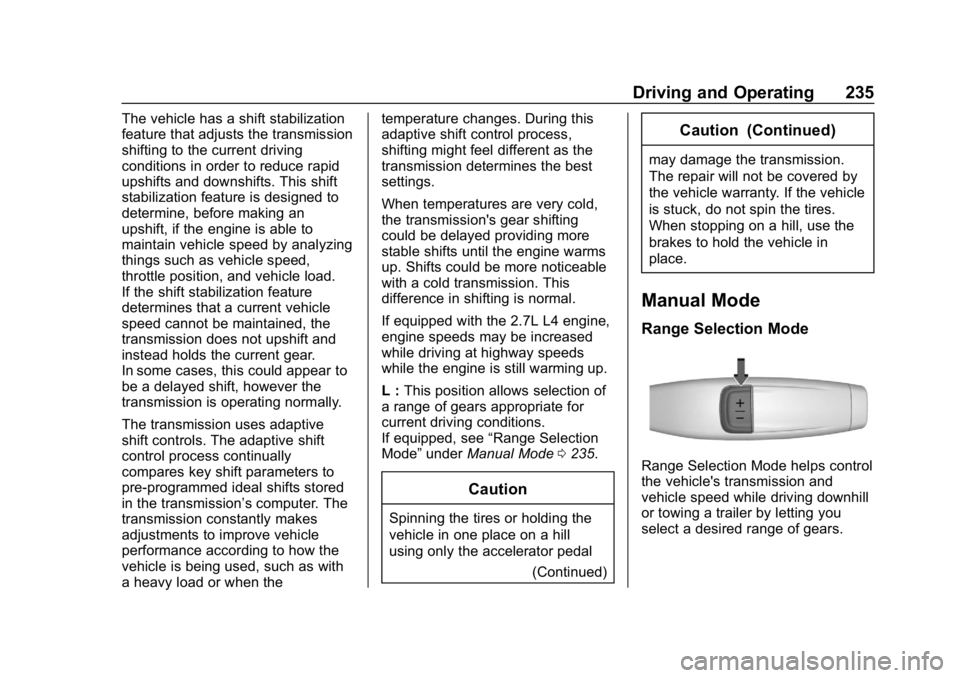
Range Selection Mode
Range Selection Mode helps control
the vehicle's transmission and
vehicle speed while driving downhill
or towing a trailer by letting you
select a desired range of gears.
Page 249 of 477
GMC Sierra/Sierra Denali Owner Manual (GMNA-Localizing-U.S./Canada/
Mexico-1500-11698638) - 2019 - CRC - 5/14/19
248 Driving and Operating
driver in keeping the vehicle on the
intended path. Trailer Sway Control
(TSC) is also on automatically when
the vehicle is started. SeeTrailer
Sway Control (TSC) 0299.
If cruise control is being used and
traction control or StabiliTrak/ESC
begins to limit wheel spin, cruise
control will disengage. Cruise
control may be turned back on when
road conditions allow.
Both systems come on
automatically when the vehicle is
started and begins to move. The
systems may be heard or felt while
they are operating or while
performing diagnostic checks. This
is normal and does not mean there
is a problem with the vehicle.
It is recommended to leave both
systems on for normal driving
conditions, but it may be necessary
to turn TCS off if the vehicle gets
stuck in sand, mud, ice, or snow.
See If the Vehicle Is Stuck 0211
and “Turning the Systems Off and
On” later in this section. When the transfer case (if equipped)
is in Four-Wheel Drive Low, the
stability system is automatically
disabled,
gcomes on, and the
appropriate message will appear on
the Driver Information Center (DIC).
Both traction control and StabiliTrak/
ESC are automatically disabled in
this condition.
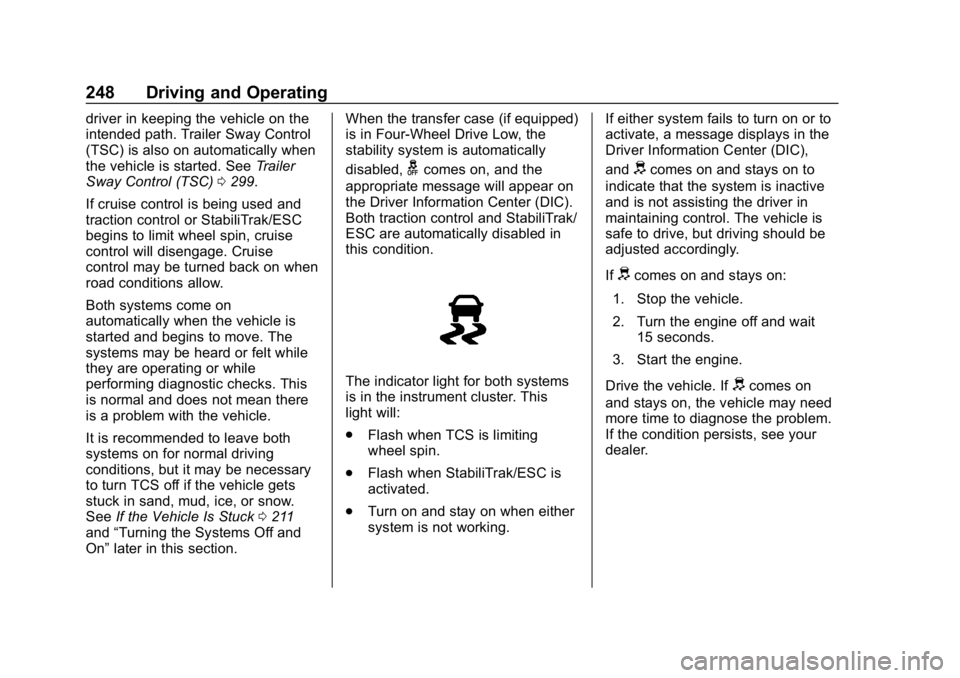
The indicator light for both systems
is in the instrument cluster. This
light will:
. Flash when TCS is limiting
wheel spin.
. Flash when StabiliTrak/ESC is
activated.
. Turn on and stay on when either
system is not working. If either system fails to turn on or to
activate, a message displays in the
Driver Information Center (DIC),
and
dcomes on and stays on to
indicate that the system is inactive
and is not assisting the driver in
maintaining control. The vehicle is
safe to drive, but driving should be
adjusted accordingly.
If
dcomes on and stays on:
1. Stop the vehicle.
2. Turn the engine off and wait 15 seconds.
3. Start the engine.
Drive the vehicle. If
dcomes on
and stays on, the vehicle may need
more time to diagnose the problem.
If the condition persists, see your
dealer.
Page 250 of 477
GMC Sierra/Sierra Denali Owner Manual (GMNA-Localizing-U.S./Canada/
Mexico-1500-11698638) - 2019 - CRC - 5/14/19
Driving and Operating 249
Turning the Systems Off
and On
The button for TCS and StabiliTrak/
ESC is on the center stack.
Caution
Do not repeatedly brake or
accelerate heavily when TCS is
off. The vehicle driveline could be
damaged.
To turn off only TCS, press and
release
g. The traction off lighti
displays in the instrument cluster.
The appropriate message will
display in the DIC. To turn TCS on
again, press and release
g. The
traction off light
idisplayed in the
instrument cluster will turn off. If TCS is limiting wheel spin when
g
is pressed, the system will not turn
off until the wheels stop spinning.
To turn off both TCS and StabiliTrak/
ESC, press and hold
guntil the
traction off light
iand the
StabiliTrak/ESC OFF light
gcome
on and stay on in the instrument
cluster, then release. The
appropriate message will display in
the DIC.
To turn TCS and StabiliTrak/ESC on
again, press and release
g. The
traction off light
iand the
StabiliTrak/ESC OFF light
gin the
instrument cluster turn off.
StabiliTrak/ESC will automatically
turn on if the vehicle exceeds
56 km/h (35 mph). Traction control
will remain off.
The vehicle has a Trailer Sway
Control (TSC) feature and a Hill
Start Assist (HSA) feature. See
Trailer Sway Control (TSC) 0299 or
Hill Start Assist (HSA) 0247. Adding accessories can affect the
vehicle performance. See
Accessories and Modifications
0
318.
Hill Descent
Control (HDC)
If equipped, Hill Descent Control
(HDC) sets and maintains vehicle
speed while driving down steep
grades in a forward or reverse gear.
The HDC switch is on the center
stack, below the climate controls.
Press
5to enable or disable HDC.
Vehicle speed must be below
50 km/h (31 mph).
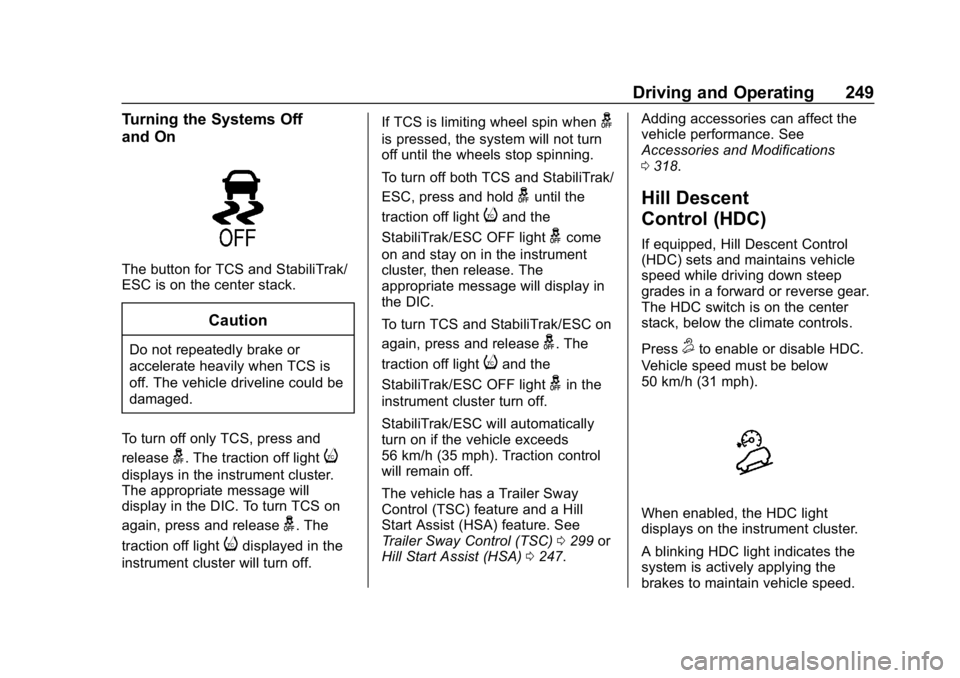
When enabled, the HDC light
displays on the instrument cluster.
A blinking HDC light indicates the
system is actively applying the
brakes to maintain vehicle speed.
Page 253 of 477
GMC Sierra/Sierra Denali Owner Manual (GMNA-Localizing-U.S./Canada/
Mexico-1500-11698638) - 2019 - CRC - 5/14/19
252 Driving and Operating
Off-Road Mode
Use to improve driving at moderate
speeds, on grass, gravel, dirt,
unpaved roads, or snow-covered
roads that have not been groomed
or plowed.
The accelerator pedal will be more
sensitive to provide finer control of
the torque at the wheels. Electronic
Stability Control (ESC), the Antilock
Brake System (ABS), and the
Traction Control System (TCS) will
change for optimal off-road
performance. Use this mode for
public off-road recreational driving.
SeeOff-Road Driving 0203.
When selected, the Off-Road Mode
indicator light displays in the
instrument cluster.
Tow/Haul Mode
This feature assists when pulling a
heavy trailer or a large or heavy
load. See Tow/Haul Mode 0238.
Tow/Haul Mode is designed to be
most effective when the vehicle and
trailer combined weight is at least
75% of the vehicle’s Gross Combined Weight Rating (GCWR).
See
“Weight of the Trailer” under
Trailer Towing 0286.
Tow/Haul Mode is most useful when
pulling a heavy trailer or a large or
heavy load under the following
conditions:
. Through rolling terrain
. In stop-and-go traffic
. In busy parking lots where
improved low speed control of
the vehicle is desired
Operating the vehicle in Tow/Haul
Mode when lightly loaded or with no
trailer at all will not cause damage.
However, there is no benefit to
selecting Tow/Haul Mode when the
vehicle is unloaded. Such a
selection when unloaded may result
in unpleasant engine and
transmission driving characteristics
and reduced fuel economy.
When selected, the Tow/Haul Mode
light will display in the instrument
cluster. If the vehicle is turned off with Tow/
Haul Mode active, Tow/Haul Mode
will remain active after the vehicle
has been turned on if the vehicle
was turned off for less than four
hours. Otherwise, the vehicle will
start up in Tour Mode.
Terrain Mode
Use for finer control during low
speed, off-road driving. When using
this mode it will mimic the
characteristics of four-wheel-drive
low without the torque capabilities.
Use when:
.
Traveling on very rough roads at
very low speeds, such as a
two-track or heavily rutted road.
. Traveling slowly in grassy fields.
. Pulling a boat out of the water
on a trailer.
. Using the vehicle for public
off-road recreational driving. See
Off-Road Driving 0203 and
Hill and Mountain Roads 0209.
Page 254 of 477
GMC Sierra/Sierra Denali Owner Manual (GMNA-Localizing-U.S./Canada/
Mexico-1500-11698638) - 2019 - CRC - 5/14/19
Driving and Operating 253
When in Terrain Mode, the vehicle
will shift automatically but may hold
a lower gear longer to maximize
engine torque. The steering will
change to provide more precise
control. A unique pedal map,
transmission shift pattern, and rpm
control are utilized to give better
control at lower speeds and over
rough terrain. When the vehicle
comes to a stop, Vehicle Hold is
engaged. TCS will be optimized for
maximum torque transfer across
axles, and Active Braking During Lift
Throttle will be engaged.Active Braking During Lift Throttle:
.
Automatically applies light
braking, similar to heavy engine
braking of four-wheel-drive low.
. In D (Drive), the vehicle will
apply light braking until the
vehicle is at idle speeds. In
Manual L1 and Manual L2,
moderate braking may stop the
vehicle.
. Trailer braking is reduced.
Page 263 of 477
GMC Sierra/Sierra Denali Owner Manual (GMNA-Localizing-U.S./Canada/
Mexico-1500-11698638) - 2019 - CRC - 5/14/19
262 Driving and Operating
Front/Rear Junction View :
Displays a front or rear cross traffic
view that shows objects directly to
the left and right of the front or back
of the vehicle. Touch Junction View
on the infotainment display when a
camera view is active. Touching the
button multiple times will toggle
between front and rear camera
views.
Front/Rear Overhead View :
Displays a front or rear overhead
view of the vehicle. Touching the
button will toggle between the two
views.
Front/Rear Bowl View :Displays a
view of the vehicle from either the
front or the back of the vehicle.
Touch Bowl View on the
infotainment display when a camera
view is active. Touching the button
multiple times will toggle between
forward and rearward views. Park
Assist and RCTA overlays are not
available when Bowl view is active.
Side Forward/Rearward View :
Displays a view that shows objects
next to the front or rear sides of the
vehicle. Touch Side Forward/ Rearward View on the infotainment
display when a camera view is
active. Touching the button multiple
times will toggle between forward
and rearward views. Park Assist
and RCTA overlays are not
available when Side Forward/
Rearward view is active.
Hitch View :
Assists while
connecting to a trailer. Displays a
zoomed-in view of the hitch to help
align the vehicle’s hitch ball with the
trailer coupler. Shifting into P (Park)
while in this view will automatically
engage the Electronic Parking
Brake (EPB).
Guidance Lines : Displays
available guidelines, including
standard and Hitch Guidance. When
enabled, the guidelines will display
when the vehicle is shifted into
R (Reverse).
Top Down View : Displays an
image of the area surrounding the
vehicle, along with the rear camera
view in the infotainment display. The
rear camera view will be replaced
by the front camera view after
shifting from R (Reverse) to a forward gear or when the vehicle is
moving forward slower than 12 km/h
(8 mph). This view can only be
enabled in Front/Rear Standard
View by touching the Top Down
View button when the CAMERA
view is active.
Hitch Guidance
This feature displays a single,
centered guideline on the camera
display to assist with aligning a
vehicle’s hitch ball with a trailer
coupler. Select the trailer guidance
line button, then align the trailer
guidance line over the trailer
coupler. Continuously steer the
vehicle to keep the guidance line
centered on the coupler when
backing. RVC Park Assist overlays
will not display when the trailer
guidance line is active. Hitch
Guidance is only available in
Standard View.
To check the trailer when in a
forward gear above 12 km/h
(8 mph), touch CAMERA on the
infotainment display to view the rear